
The Software Development Cycle 9 2 1 Defining
- Slides: 18
The Software Development Cycle 9. 2. 1 Defining and understanding the problem
Defining the problem l Defining the problem involves: – identifying the problem – determining the feasibility of the solution
Identifying the problem l Identifying the problem involves examining: – the needs of users – the objectives of the solution – the boundaries within which the solution will operate
Feasibility l Feasibility is about whether it is actually possible to implement a proposed solution. It involves consideration of the following: – Is the problem worth solving? – Is the problem able to be solved? FOR MORE INFO. . . Read the textbook: Chapter 3: Defining and understanding the problem.
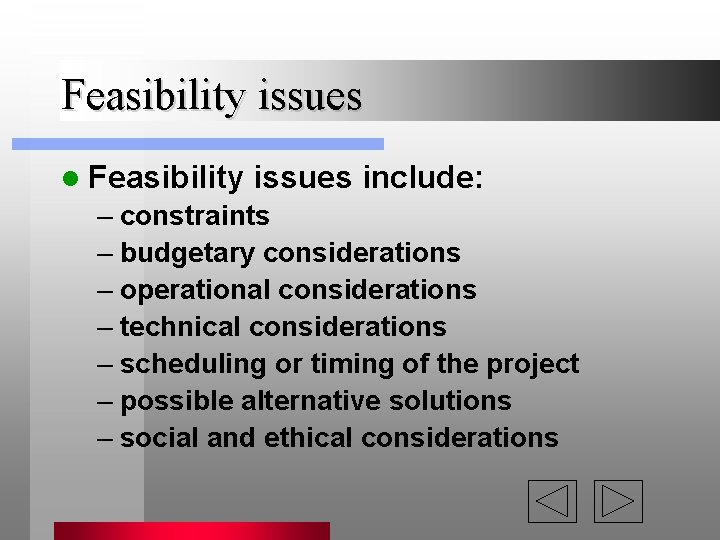
Feasibility issues l Feasibility issues include: – constraints – budgetary considerations – operational considerations – technical considerations – scheduling or timing of the project – possible alternative solutions – social and ethical considerations
Design specifications l Design specifications detail the requirements of the problem solution.
The developer’s perspective of the problem The developer needs to thoroughly understand all aspects of the problem. l The developer looks at the problem in terms of: l – data types – variables – processes FOR MORE INFO. . . Read the textbook: Chapter 3: Defining and understanding the problem.
The importance of the user in defining l Any problem has to be solved in accordan – users are the source of knowledge about the – users manage the software and its interface lo
The user’s perspective of the problem l The user is only concerned with the ability of the solution to fully meet his or her needs. l The user wants the problem solved and has little interest in how the solution was achieved.
Modelling l. A model is a design to imitate a ‘realworld’ situation. l Modelling a solution uses diagrams to represent a proposed system. l There a wide range of such diagrams, each suitable for a different purpose or modelling a different perspective.
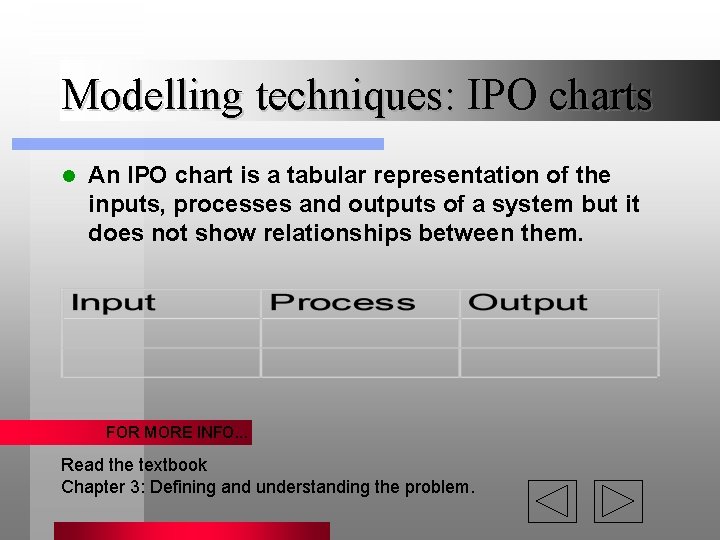
Modelling techniques: IPO charts l An IPO chart is a tabular representation of the inputs, processes and outputs of a system but it does not show relationships between them. FOR MORE INFO. . . Read the textbook Chapter 3: Defining and understanding the problem.
Modelling techniques: Storyboards l A storyboard provides a step-by-step representation of the relationship between screens in a program. It can be designed in different ways: – Linear (sequential) – Non-linear – Hierarchical – Combinations FOR MORE INFO. . . Read the textbook: Chapter 3: Defining and understanding the problem.
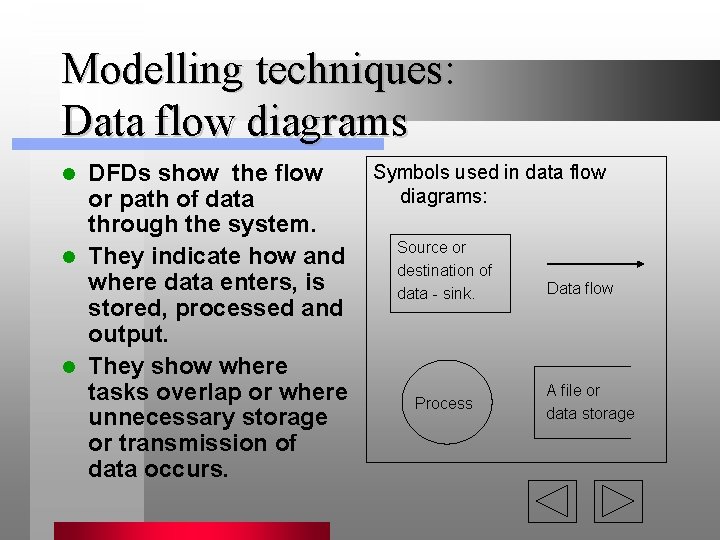
Modelling techniques: Data flow diagrams DFDs show the flow or path of data through the system. l They indicate how and where data enters, is stored, processed and output. l They show where tasks overlap or where unnecessary storage or transmission of data occurs. l Symbols used in data flow diagrams: Source or destination of data - sink. Process Data flow A file or data storage
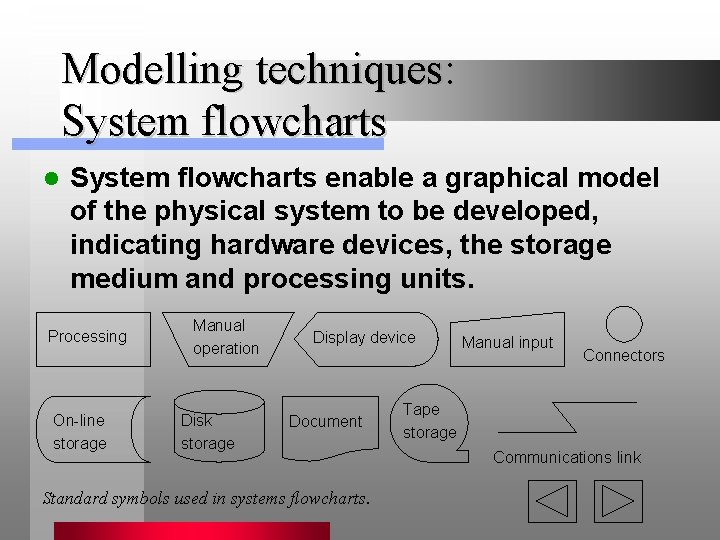
Modelling techniques: System flowcharts l System flowcharts enable a graphical model of the physical system to be developed, indicating hardware devices, the storage medium and processing units. Processing On-line storage Manual operation Disk storage Display device Document Standard symbols used in systems flowcharts. Manual input Connectors Tape storage Communications link
Screen designs The screen is the interface between the computer and the user. l Screen design sheets will: l – contain an area for the actual screen design – specify the links between that screen and other screens – contain a heading area that provides the details of the program, programmers, date of design and any other important aspects of the screen design
Limited prototypes Prototypes are working models of a system. l They are usually designed rapidly using one or more CASE tools, often without regard to data validation or verification. l Prototypes aim to determine how a system works, especially in the area of the human interface where interactivity is involved. l They are useful for gathering feedback from clients when the project specifications are unclear. l
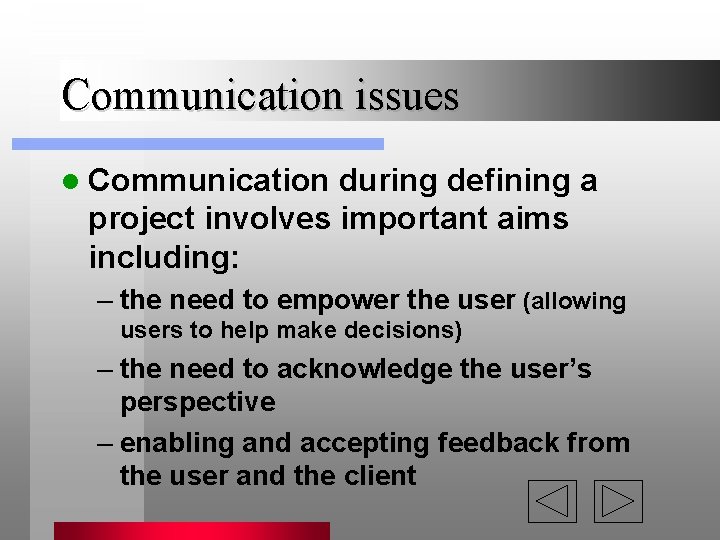
Communication issues l Communication during defining a project involves important aims including: – the need to empower the user (allowing users to help make decisions) – the need to acknowledge the user’s perspective – enabling and accepting feedback from the user and the client
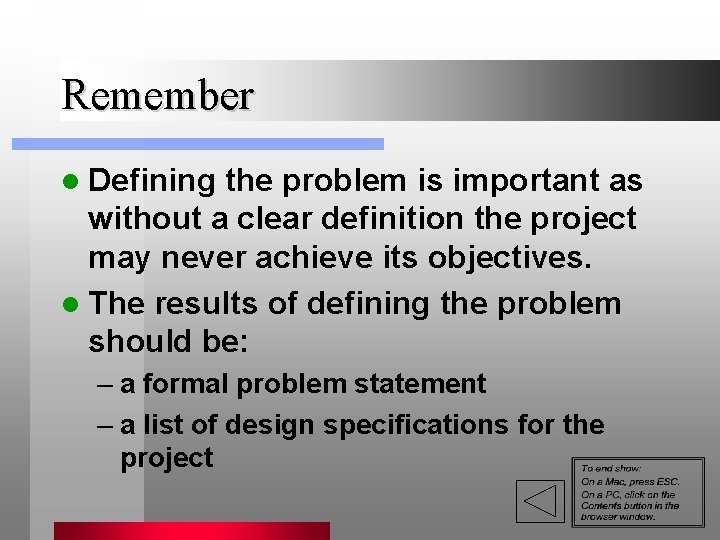
Remember l Defining the problem is important as without a clear definition the project may never achieve its objectives. l The results of defining the problem should be: – a formal problem statement – a list of design specifications for the project