
The Sim Swap Process Content s Contents What

- Slides: 12
The Sim Swap Process Content s
Contents What is a Sim Swap? Things to note about Sim Swap? Can I use SIM Swap to replace my lost/stolen/broken SIM? Performing a Sim Swap step-by-step
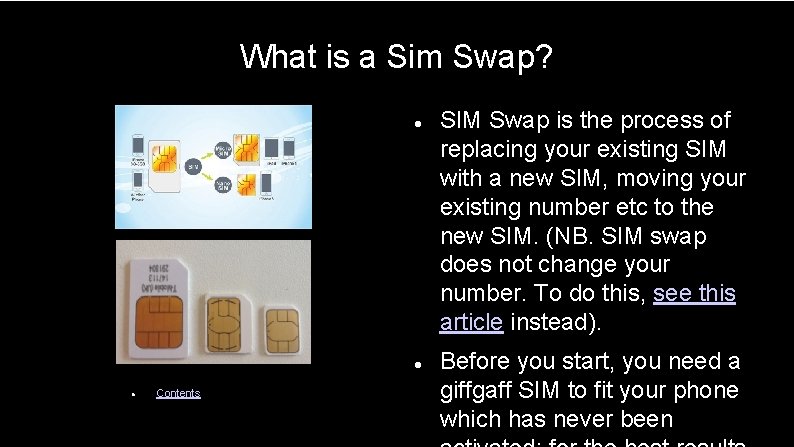
What is a Sim Swap? Contents SIM Swap is the process of replacing your existing SIM with a new SIM, moving your existing number etc to the new SIM. (NB. SIM swap does not change your number. To do this, see this article instead). Before you start, you need a giffgaff SIM to fit your phone which has never been
Things to note about Sim Swap? You can only do a SIM Swap between 4: 30 am and 9: 30 pm. Once started, SIM Swap is non-reversible (your old SIM will be rendered useless). SIM swap does not change your mobile number SIMs used in SIM swaps do not qualify for, and will not generate, any bonuses or payback points even when originally linked to an affiliate account Contents
Can I use SIM Swap to replace my lost/stolen/broken SIM? When you lose your SIM card, you'll want to find the quickest solution to have your number back and SIM Swap looks like the best road. It is advisable only if you meet the two following conditions: 1) You don't need to bar your phone 2) You already have an unactivated giffgaff SIM handy If. Contents you don't match these two conditions, you should order a replacement SIM through the Lost & Stolen procedure. As soon
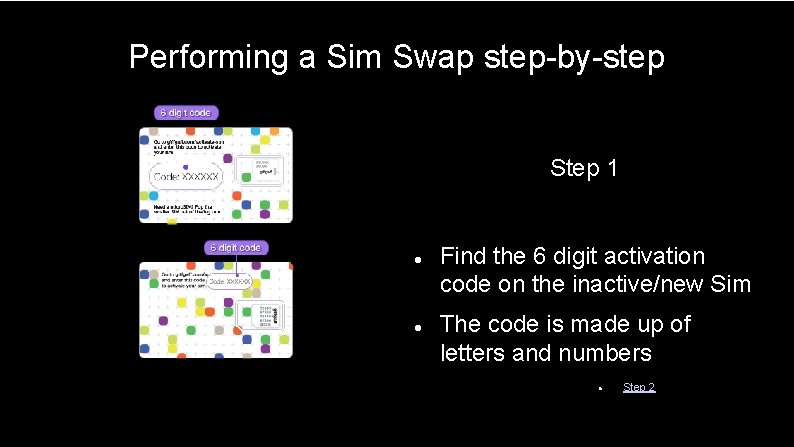
Performing a Sim Swap step-by-step Step 1 Find the 6 digit activation code on the inactive/new Sim The code is made up of letters and numbers Step 2
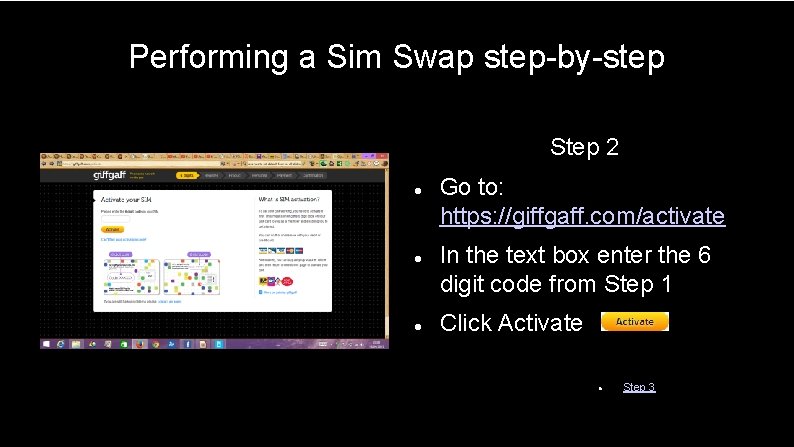
Performing a Sim Swap step-by-step Step 2 Go to: https: //giffgaff. com/activate In the text box enter the 6 digit code from Step 1 Click Activate Step 3
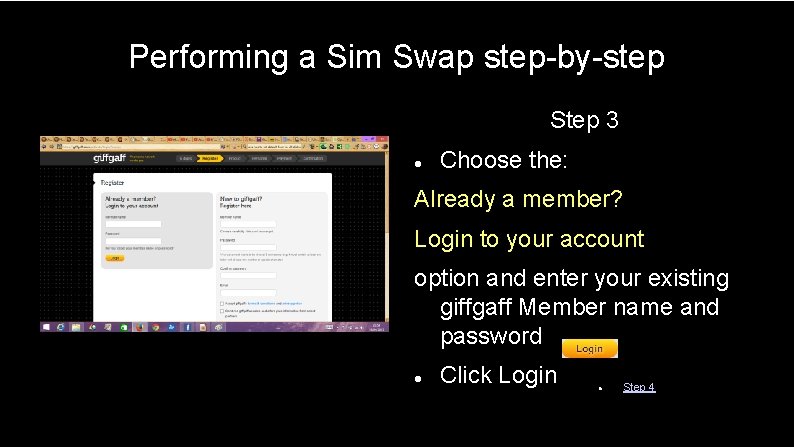
Performing a Sim Swap step-by-step Step 3 Choose the: Already a member? Login to your account option and enter your existing giffgaff Member name and password Click Login Step 4
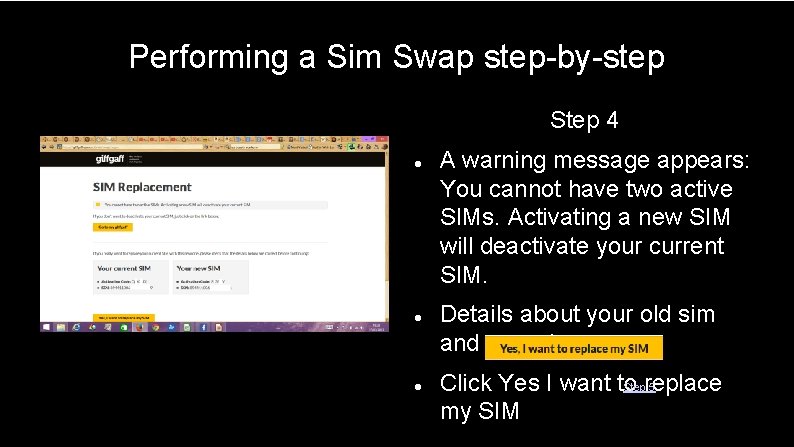
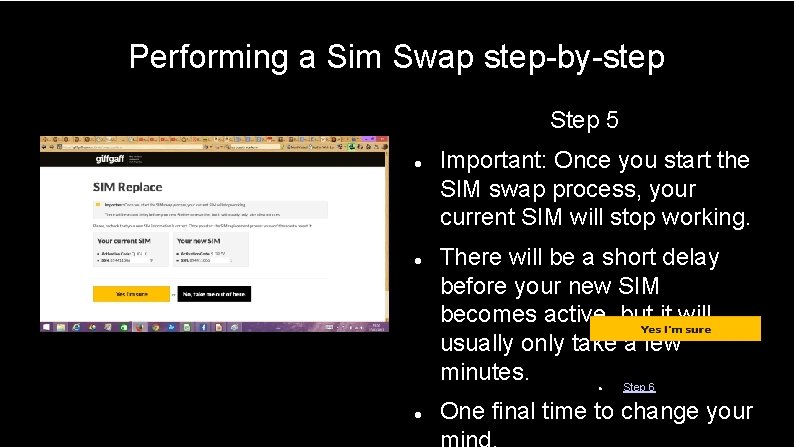
Performing a Sim Swap step-by-step Step 4 A warning message appears: You cannot have two active SIMs. Activating a new SIM will deactivate your current SIM. Details about your old sim and new sim appear Click Yes I want to Stepreplace 5 my SIM
Performing a Sim Swap step-by-step Step 5 Important: Once you start the SIM swap process, your current SIM will stop working. There will be a short delay before your new SIM becomes active, but it will usually only take a few minutes. Step 6 One final time to change your
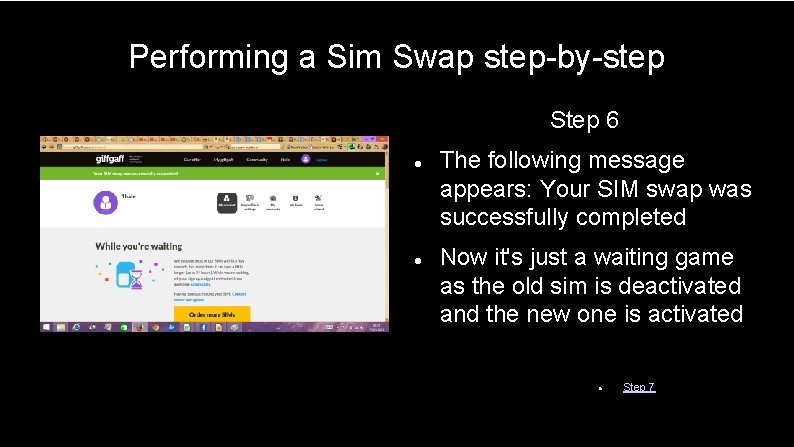
Performing a Sim Swap step-by-step Step 6 The following message appears: Your SIM swap was successfully completed Now it's just a waiting game as the old sim is deactivated and the new one is activated Step 7
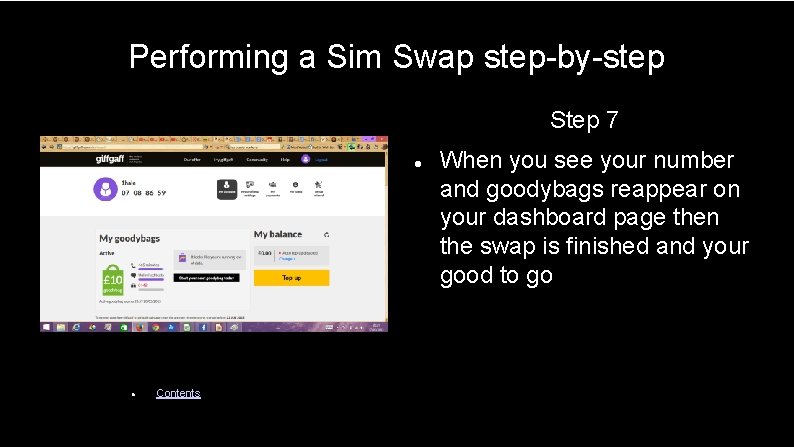
Performing a Sim Swap step-by-step Step 7 Contents When you see your number and goodybags reappear on your dashboard page then the swap is finished and your good to go