
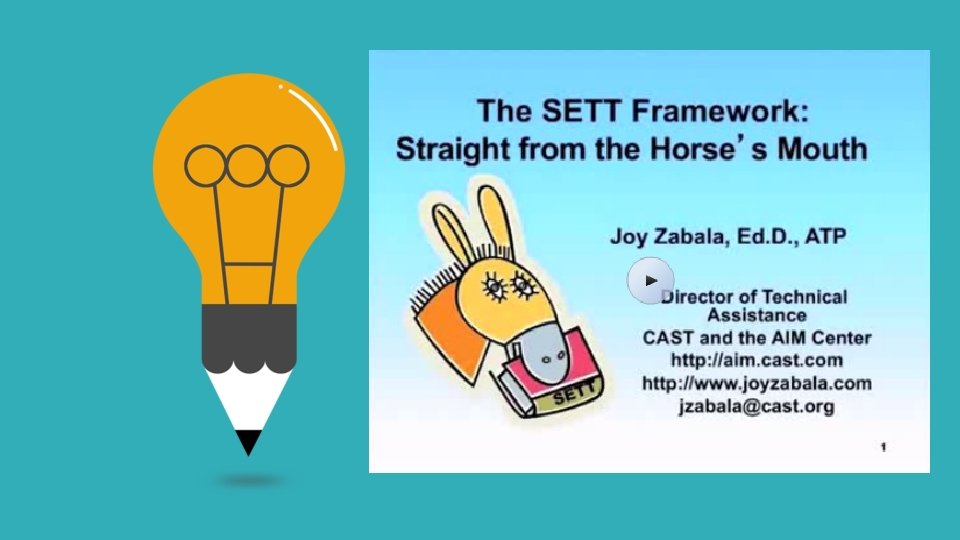
The SETT Framework AT and the IEP Process


- Slides: 13
The SETT Framework AT and the IEP Process
Today’s Agenda q Observation 2 Experience Discussion q Reading & Review q UDL Lesson Plan – SETT and AT q Extra Credit Opportunity q Tying it all Together Station Choices q Reminders for Next Week
Observation 2 Experience Discussion Learning Environment UDL Principles Technology Integration
Reading + Review • Read: • Wati Guide Chapter 1: http: //www. wati. org/content/suppor ts/free/pdf/Ch 1 -ATAssessment. pdf • Ready, SETT, Go! Getting Started with the SETT Framework Article (see Weebly) • In small groups, use the G. O. Menu to represent key information from the readings.
UDL Exchange http: //udlexchange. cast. org/home and UDL Lesson Plan Template Assistive Technology – Student with low & high incidence disability and SETT Framework
Extra Credit Opportunity: SPED 413 Exemplars
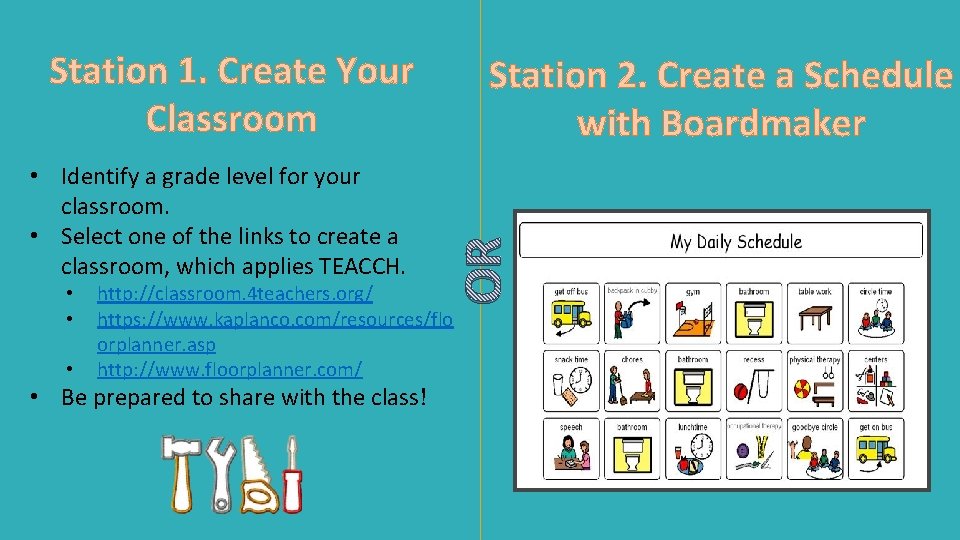
Station 1. Create Your Classroom • • • OR • Identify a grade level for your classroom. • Select one of the links to create a classroom, which applies TEACCH. Station 2. Create a Schedule with Boardmaker http: //classroom. 4 teachers. org/ https: //www. kaplanco. com/resources/flo orplanner. asp http: //www. floorplanner. com/ • Be prepared to share with the class!
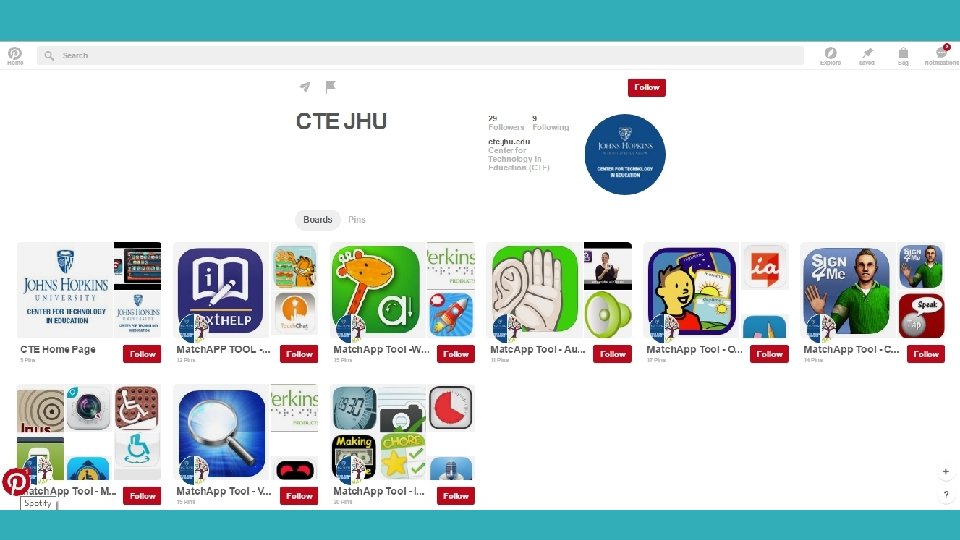
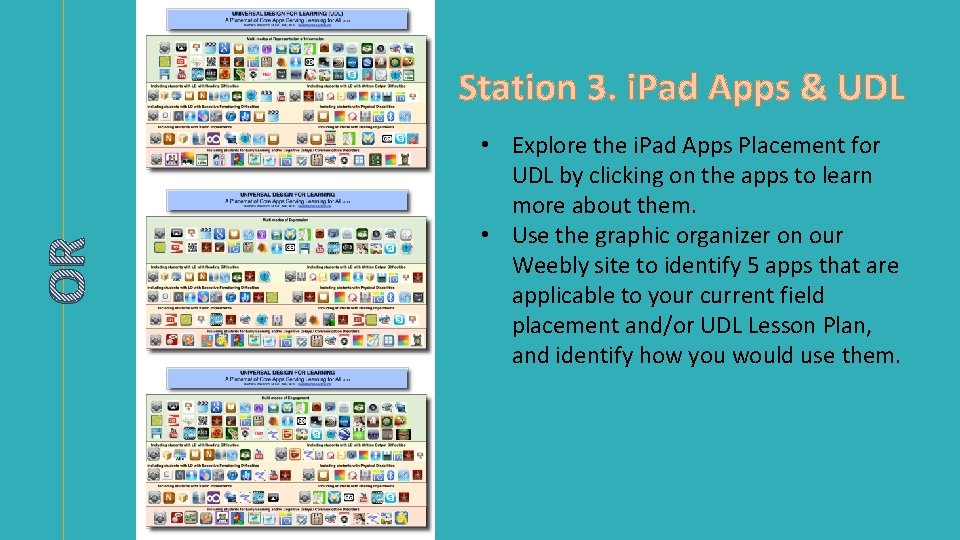
OR Station 3. i. Pad Apps & UDL • Explore the i. Pad Apps Placement for UDL by clicking on the apps to learn more about them. • Use the graphic organizer on our Weebly site to identify 5 apps that are applicable to your current field placement and/or UDL Lesson Plan, and identify how you would use them.
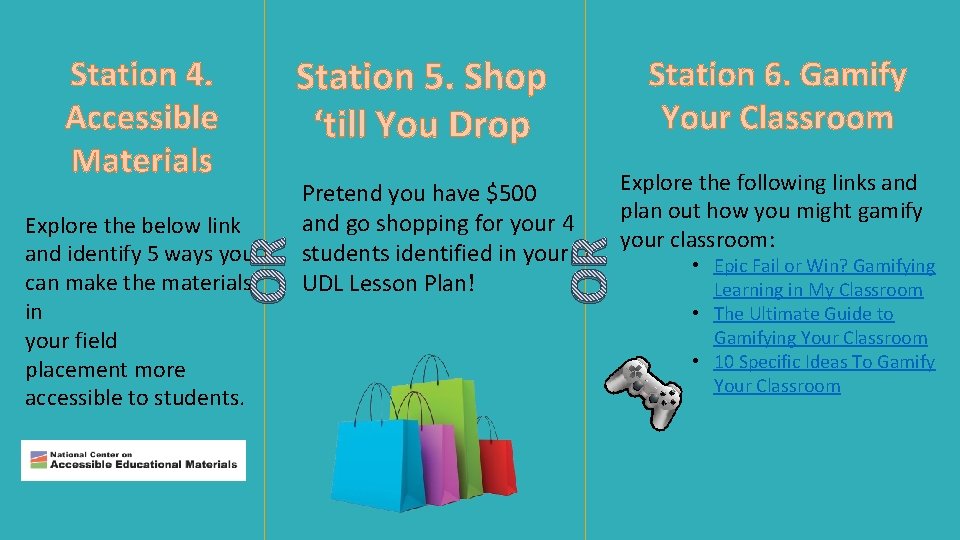
Station 5. Shop ‘till You Drop OR Explore the below link and identify 5 ways you can make the materials in your field placement more accessible to students. Station 6. Gamify Your Classroom Pretend you have $500 and go shopping for your 4 students identified in your UDL Lesson Plan! Explore the following links and plan out how you might gamify your classroom: OR Station 4. Accessible Materials • Epic Fail or Win? Gamifying Learning in My Classroom • The Ultimate Guide to Gamifying Your Classroom • 10 Specific Ideas To Gamify Your Classroom
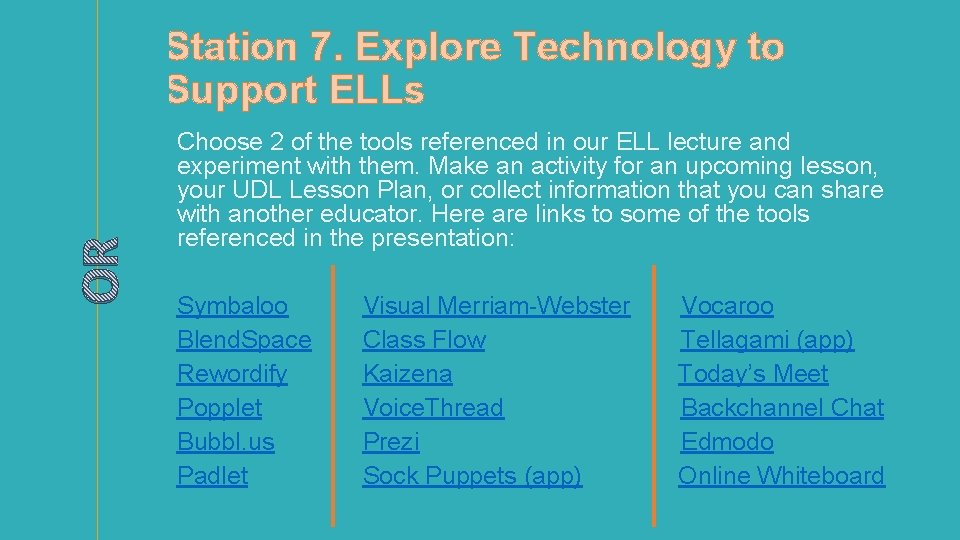
OR Station 7. Explore Technology to Support ELLs Choose 2 of the tools referenced in our ELL lecture and experiment with them. Make an activity for an upcoming lesson, your UDL Lesson Plan, or collect information that you can share with another educator. Here are links to some of the tools referenced in the presentation: Symbaloo Blend. Space Rewordify Popplet Bubbl. us Padlet Visual Merriam-Webster Class Flow Kaizena Voice. Thread Prezi Sock Puppets (app) Vocaroo Tellagami (app) Today’s Meet Backchannel Chat Edmodo Online Whiteboard
Next Week • Readings: • AT Chapters 2 & 3 • Deadlines: • 5/1 -5/2 Round 2 - FINAL UDL Lesson Plan! • Miscellaneous: