
The Ruby Programming Language COMP 205 Week 7
The Ruby Programming Language COMP 205 - Week 7 Dr. Chunbo Chu Courtesy: Matthew Hearn
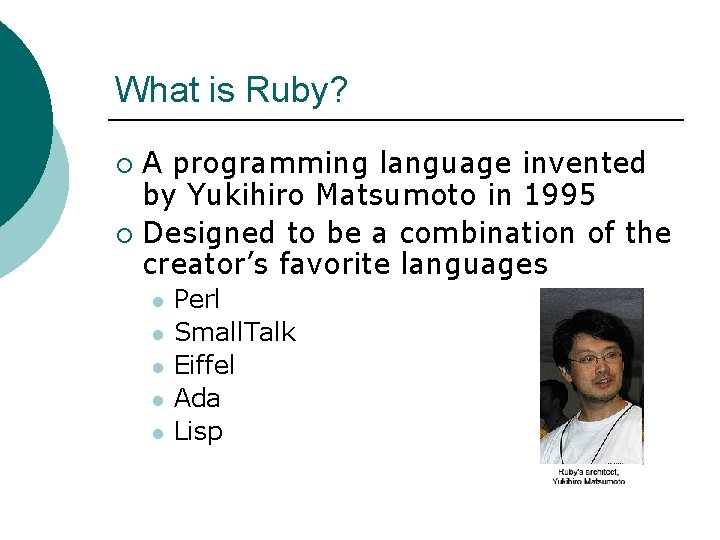
What is Ruby? A programming language invented by Yukihiro Matsumoto in 1995 ¡ Designed to be a combination of the creator’s favorite languages ¡ l l l Perl Small. Talk Eiffel Ada Lisp
Why Use Ruby? ¡ According to its creators Ruby… l l l Is flexible Has simple syntax Is easy to read Is free ¡ Runs on Windows, Mac OS X, UNIX, Linux, and numerous other operating systems ¡
Overview of Ruby’s Features Interpreted langauge ¡ Object Oriented ¡ l Everything is an object All types have methods and instance variables ¡ Single inheritance of classes ¡
Overview of Ruby’s Features Parts of the language can be redefined and programmers can add to it ¡ Blocks of code can be passed as parameters to methods ¡ Variables can be created at any time and don’t need declarations ¡
Ruby on Windows ¡ The one-click installer from rubylang. org l l the Ruby language itself dozens of popular extensions and packages a syntax-highlighting editor and execution environment a Windows help file that contains the full text of the book, Programming Ruby: The Pragmatic Programmer's Guide.
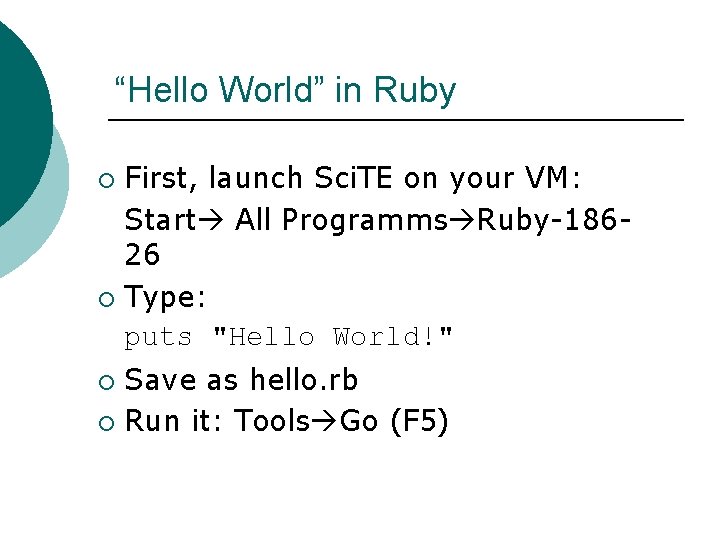
“Hello World” in Ruby First, launch Sci. TE on your VM: Start All Programms Ruby-18626 ¡ Type: puts "Hello World!" ¡ Save as hello. rb ¡ Run it: Tools Go (F 5) ¡
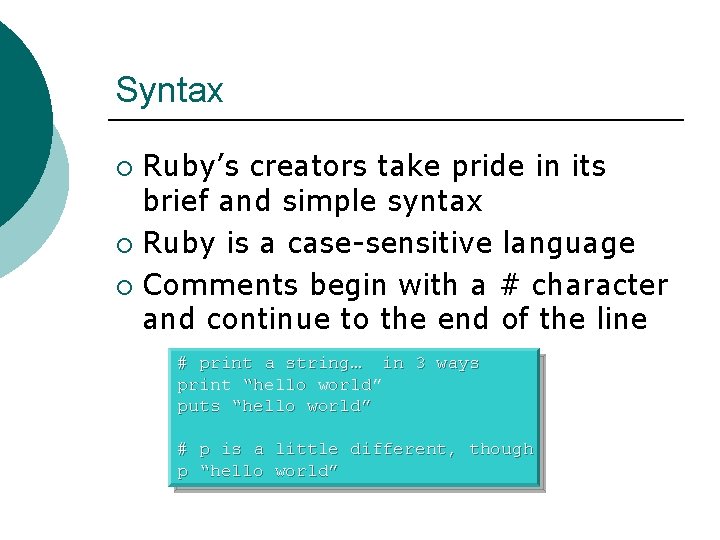
Syntax Ruby’s creators take pride in its brief and simple syntax ¡ Ruby is a case-sensitive language ¡ Comments begin with a # character and continue to the end of the line ¡ # print a string… in 3 ways print “hello world” puts “hello world” # p is a little different, though p “hello world”
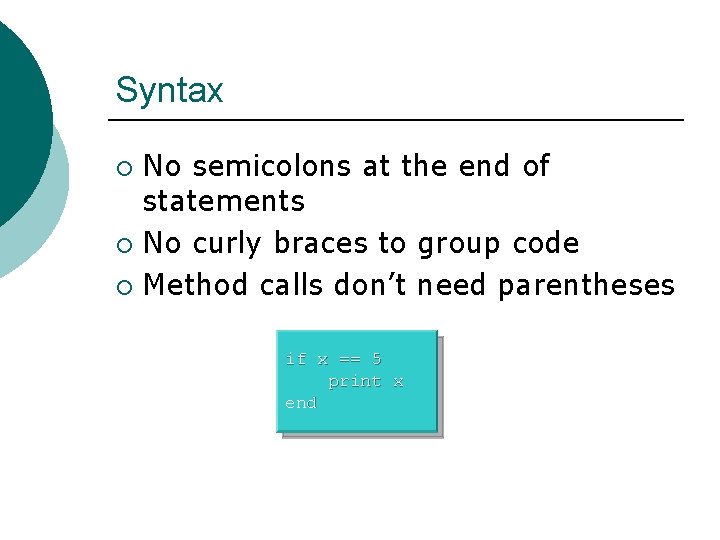
Syntax No semicolons at the end of statements ¡ No curly braces to group code ¡ Method calls don’t need parentheses ¡ if x == 5 print x end
Basic syntax rules ¡ ¡ 11/1/2020 Local variables, method parameters, and method names should all start with a lowercase letter or _ Global variables are prefixed with a $ sign Class names, module names, and constants should start with an uppercase letter Class instance variables begin with an @ sign 15 -441 Ruby Recitation 10
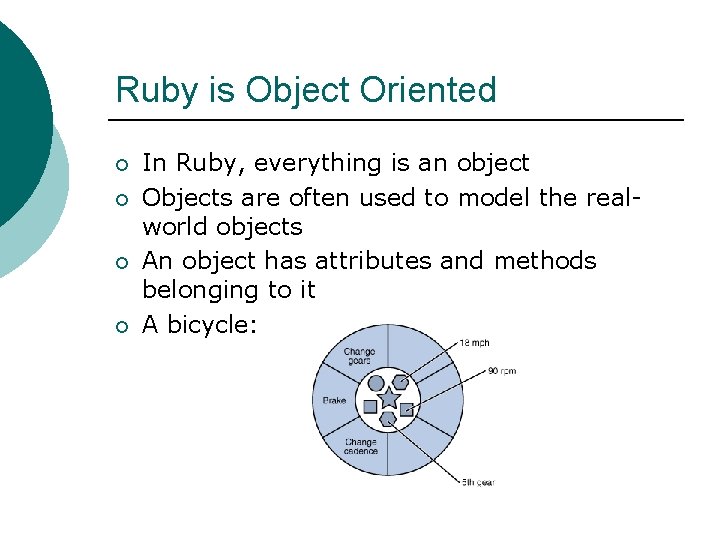
Ruby is Object Oriented ¡ ¡ In Ruby, everything is an object Objects are often used to model the realworld objects An object has attributes and methods belonging to it A bicycle:
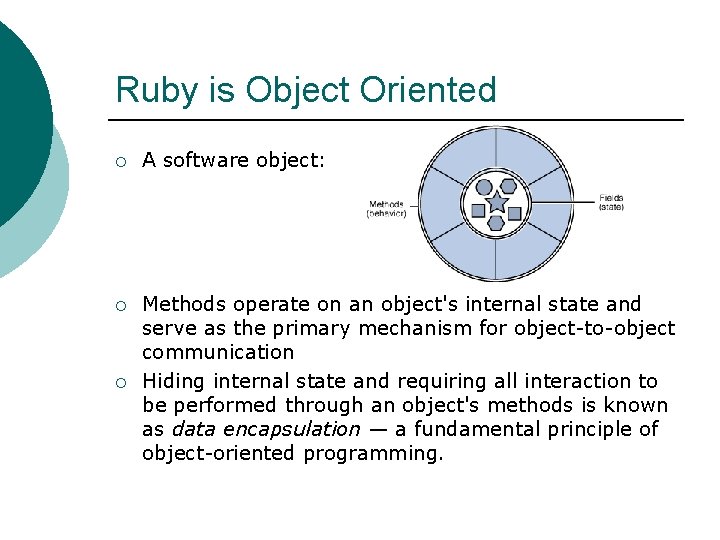
Ruby is Object Oriented ¡ A software object: ¡ Methods operate on an object's internal state and serve as the primary mechanism for object-to-object communication Hiding internal state and requiring all interaction to be performed through an object's methods is known as data encapsulation — a fundamental principle of object-oriented programming. ¡
Why OOP? ¡ ¡ Modularity: The source code for an object can be written and maintained independently of the source code for other objects. Information-hiding: By interacting only with an object's methods, the details of its internal implementation remain hidden from the outside world. Code re-use: If an object already exists, you can use that object in your program. Pluggability and debugging ease: If a particular object turns out to be problematic, you can simply remove it from your application and plug in a different object as its replacement.
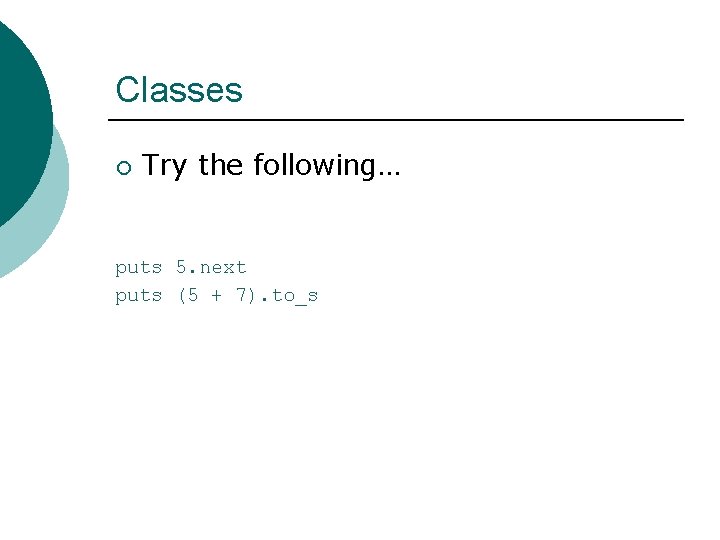
Classes ¡ Try the following… puts 5. next puts (5 + 7). to_s

Classes ¡ ¡ Ruby has classes to represent objects Classes have the following format class Class. Name # attributes # methods end ¡ Methods are defined in classes like this def do_stuff # stuff end
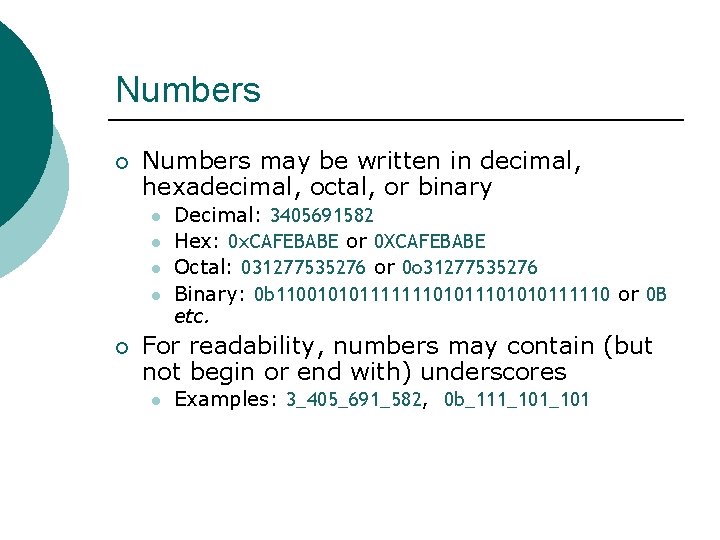
Numbers ¡ Numbers may be written in decimal, hexadecimal, octal, or binary l l ¡ Decimal: 3405691582 Hex: 0 x. CAFEBABE or 0 XCAFEBABE Octal: 031277535276 or 0 o 31277535276 Binary: 0 b 11001010111111101010111110 or 0 B etc. For readability, numbers may contain (but not begin or end with) underscores l Examples: 3_405_691_582, 0 b_111_101
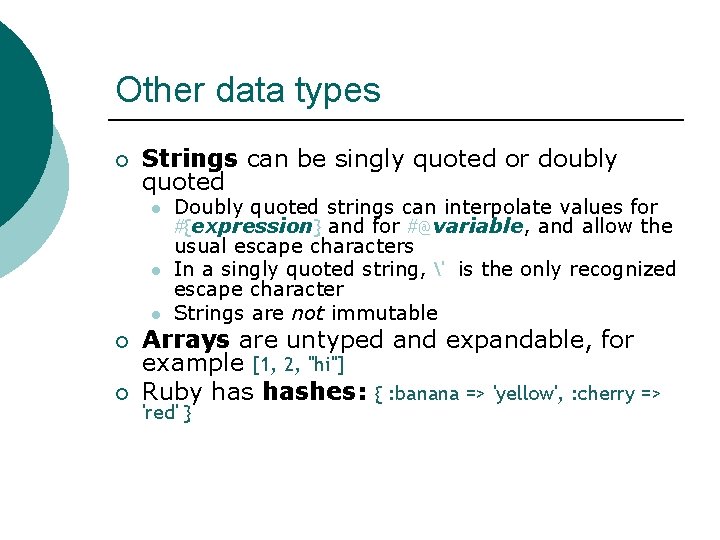
Other data types ¡ Strings can be singly quoted or doubly quoted l l l ¡ ¡ Doubly quoted strings can interpolate values for #{expression} and for #@variable, and allow the usual escape characters In a singly quoted string, ' is the only recognized escape character Strings are not immutable Arrays are untyped and expandable, for example [1, 2, "hi"] Ruby hashes: { : banana => 'yellow', : cherry => 'red' }
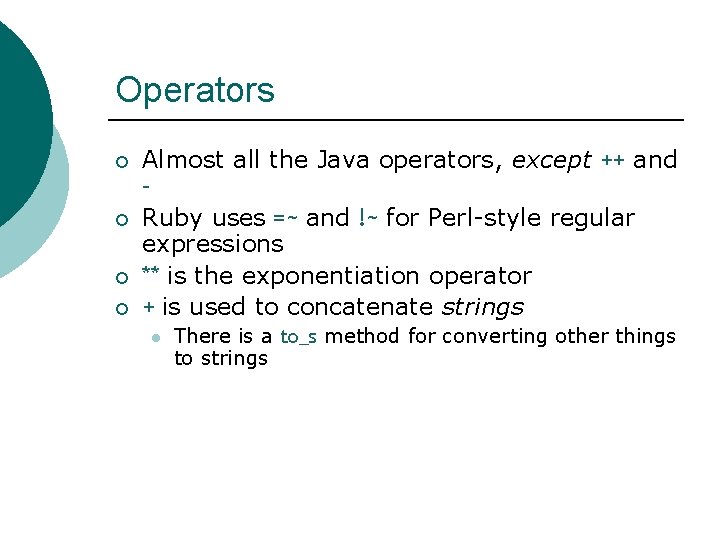
Operators ¡ ¡ Almost all the Java operators, except ++ and – Ruby uses =~ and !~ for Perl-style regular expressions ** is the exponentiation operator + is used to concatenate strings l There is a to_s method for converting other things to strings
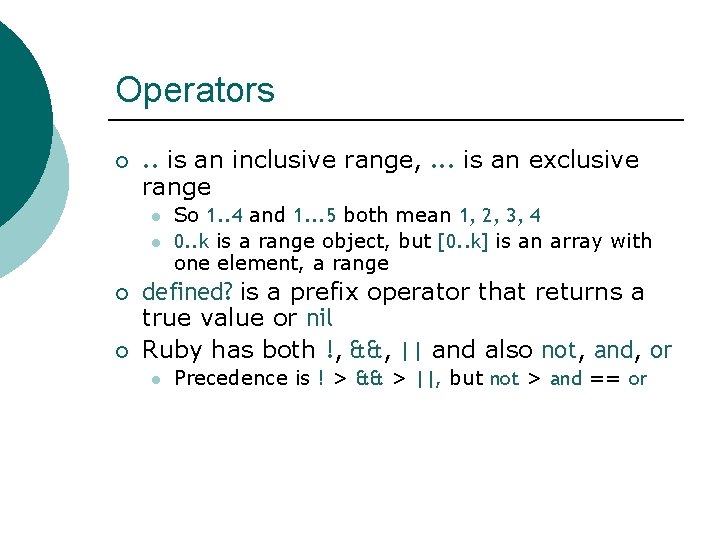
Operators ¡ . . is an inclusive range, . . . is an exclusive range l l ¡ ¡ So 1. . 4 and 1. . . 5 both mean 1, 2, 3, 4 0. . k is a range object, but [0. . k] is an array with one element, a range defined? is a prefix operator that returns a true value or nil Ruby has both !, &&, || and also not, and, or l Precedence is ! > && > ||, but not > and == or
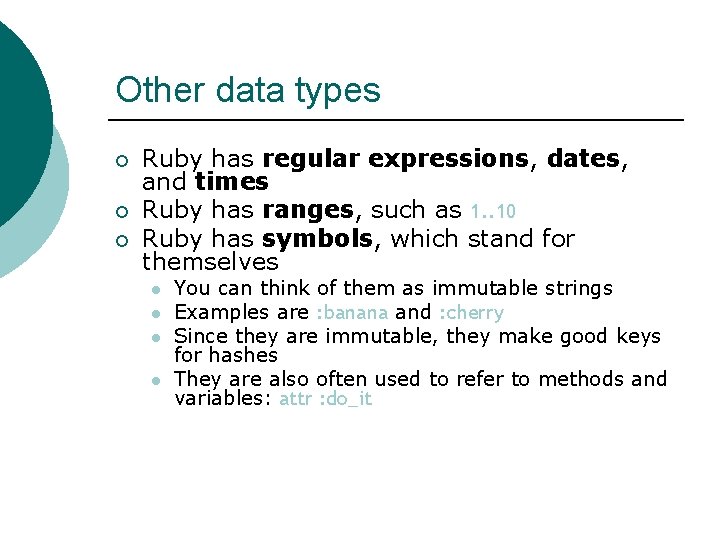
Other data types ¡ ¡ ¡ Ruby has regular expressions, dates, and times Ruby has ranges, such as 1. . 10 Ruby has symbols, which stand for themselves l l You can think of them as immutable strings Examples are : banana and : cherry Since they are immutable, they make good keys for hashes They are also often used to refer to methods and variables: attr : do_it
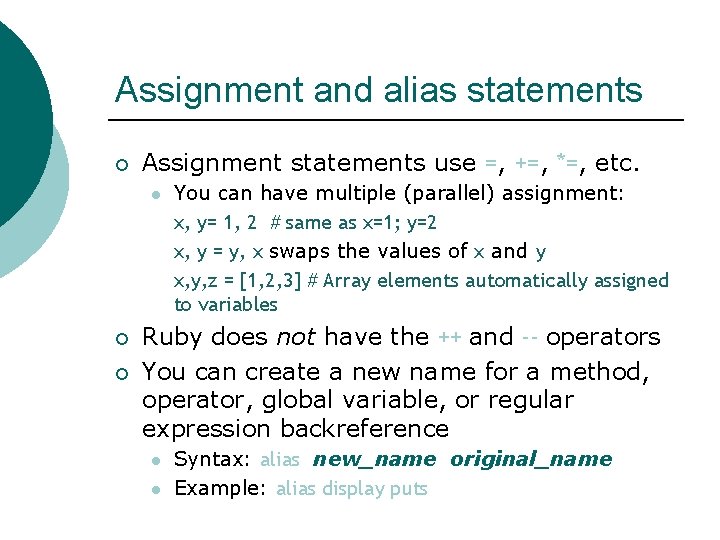
Assignment and alias statements ¡ Assignment statements use =, +=, *=, etc. l ¡ ¡ You can have multiple (parallel) assignment: x, y= 1, 2 # same as x=1; y=2 x, y = y, x swaps the values of x and y x, y, z = [1, 2, 3] # Array elements automatically assigned to variables Ruby does not have the ++ and -- operators You can create a new name for a method, operator, global variable, or regular expression backreference l l Syntax: alias new_name original_name Example: alias display puts
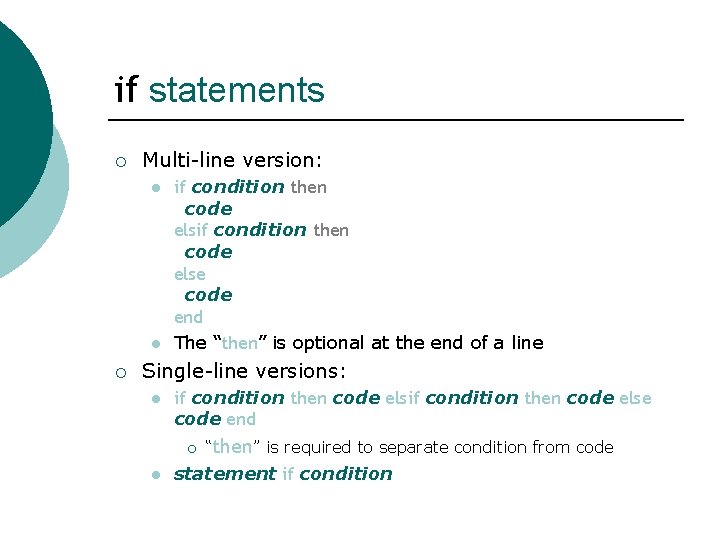
if statements ¡ Multi-line version: l l ¡ if condition then code else code end The “then” is optional at the end of a line Single-line versions: l if condition then code else code end ¡ l “then” is required to separate condition from code statement if condition
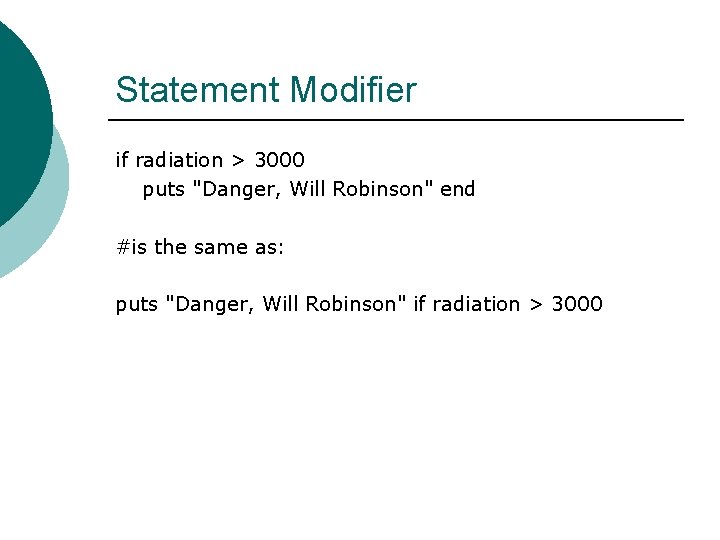
Statement Modifier if radiation > 3000 puts "Danger, Will Robinson" end #is the same as: puts "Danger, Will Robinson" if radiation > 3000
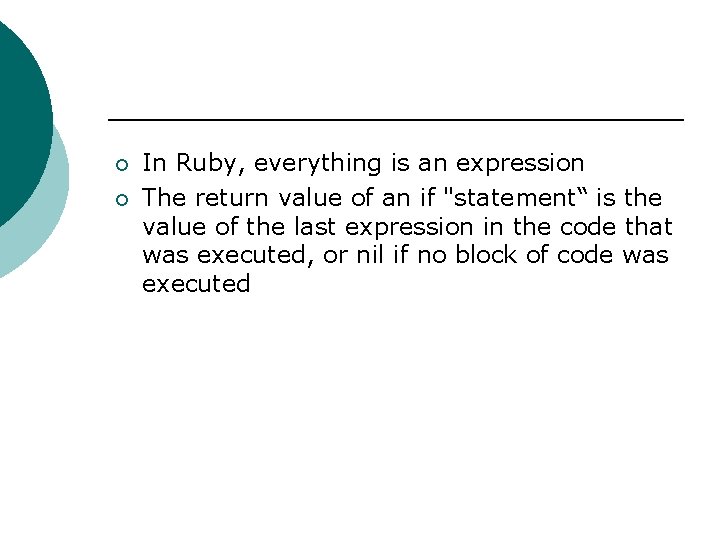
¡ ¡ In Ruby, everything is an expression The return value of an if "statement“ is the value of the last expression in the code that was executed, or nil if no block of code was executed
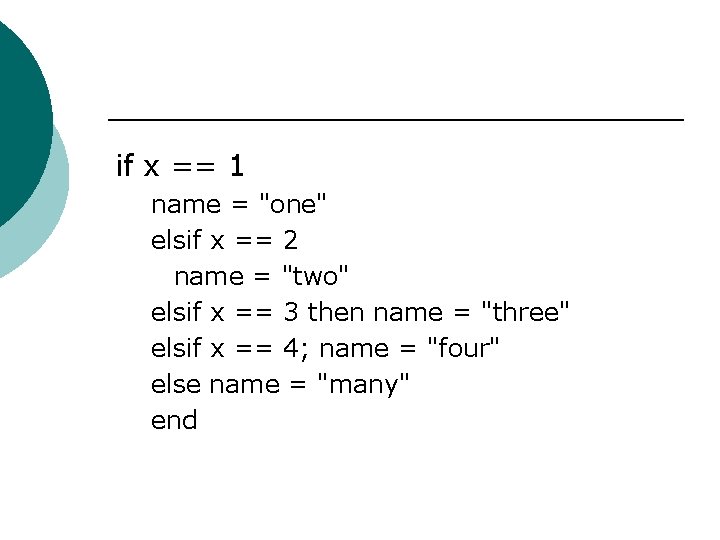
if x == 1 name = "one" elsif x == 2 name = "two" elsif x == 3 then name = "three" elsif x == 4; name = "four" else name = "many" end
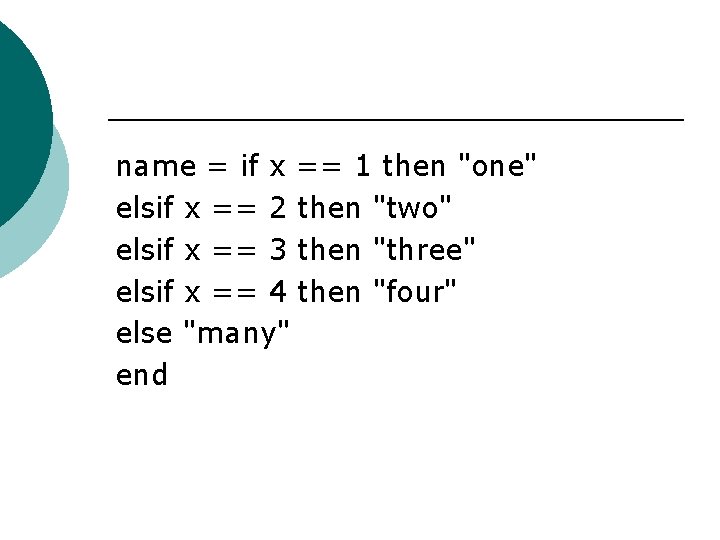
name = if x == 1 then "one" elsif x == 2 then "two" elsif x == 3 then "three" elsif x == 4 then "four" else "many" end
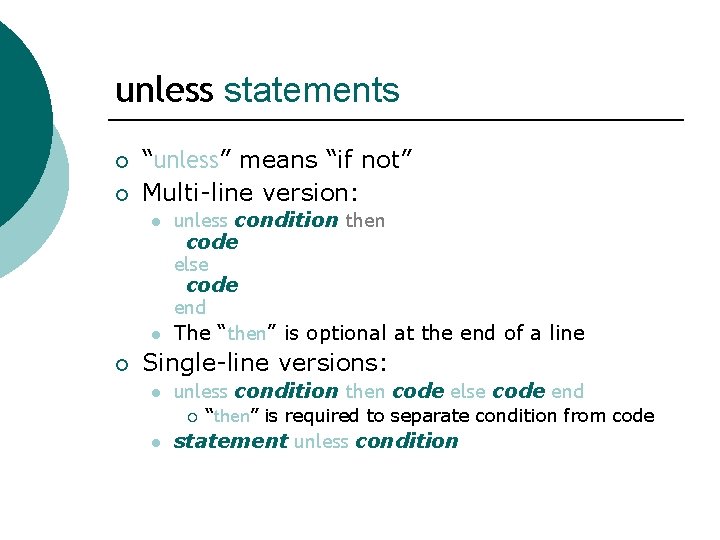
unless statements ¡ ¡ “unless” means “if not” Multi-line version: l l ¡ unless condition then code else code end The “then” is optional at the end of a line Single-line versions: l unless condition then code else code end ¡ l “then” is required to separate condition from code statement unless condition
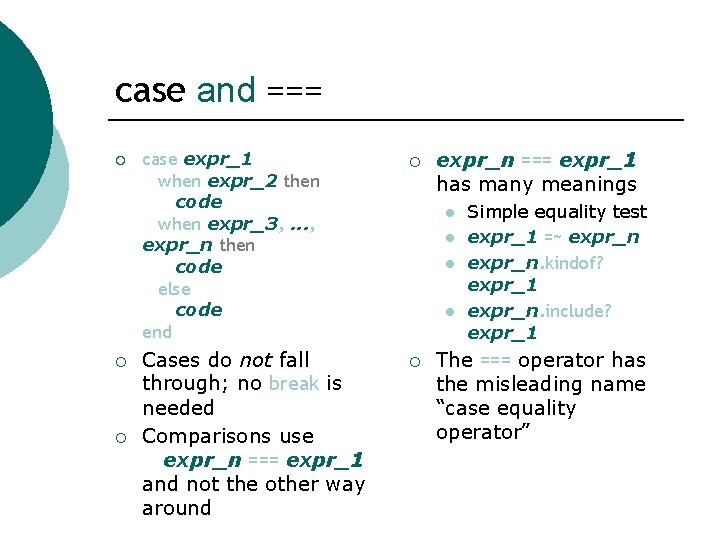
case and === ¡ ¡ ¡ case expr_1 when expr_2 then code when expr_3, . . . , expr_n then code else code end ¡ Cases do not fall through; no break is needed Comparisons use expr_n === expr_1 and not the other way around ¡ expr_n === expr_1 has many meanings l l Simple equality test expr_1 =~ expr_n. kindof? expr_1 expr_n. include? expr_1 The === operator has the misleading name “case equality operator”
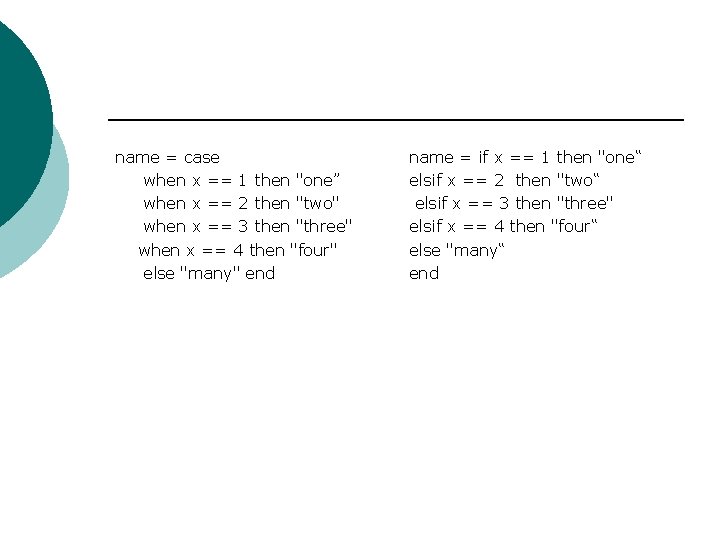
name = case when x == 1 then "one” when x == 2 then "two" when x == 3 then "three" when x == 4 then "four" else "many" end name = if x == 1 then "one“ elsif x == 2 then "two“ elsif x == 3 then "three" elsif x == 4 then "four“ else "many“ end
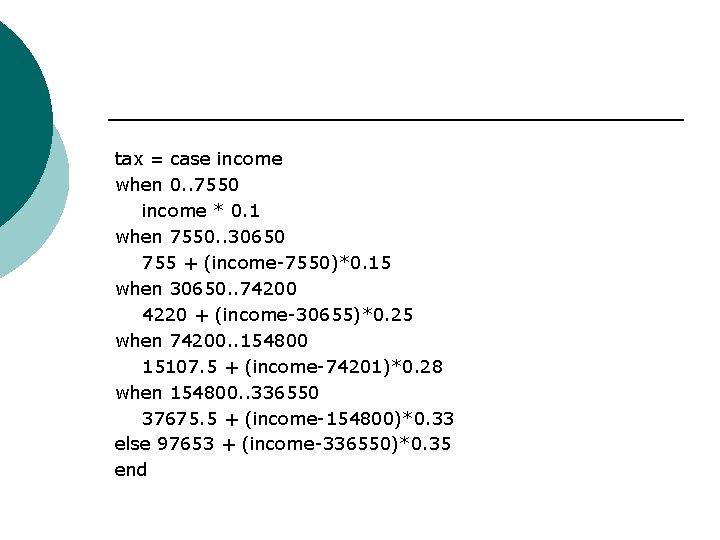
tax = case income when 0. . 7550 income * 0. 1 when 7550. . 30650 755 + (income-7550)*0. 15 when 30650. . 74200 4220 + (income-30655)*0. 25 when 74200. . 154800 15107. 5 + (income-74201)*0. 28 when 154800. . 336550 37675. 5 + (income-154800)*0. 33 else 97653 + (income-336550)*0. 35 end
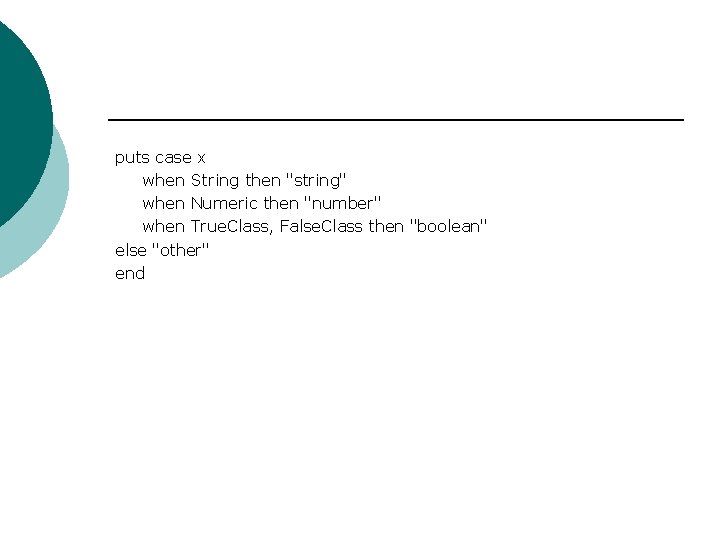
puts case x when String then "string" when Numeric then "number" when True. Class, False. Class then "boolean" else "other" end
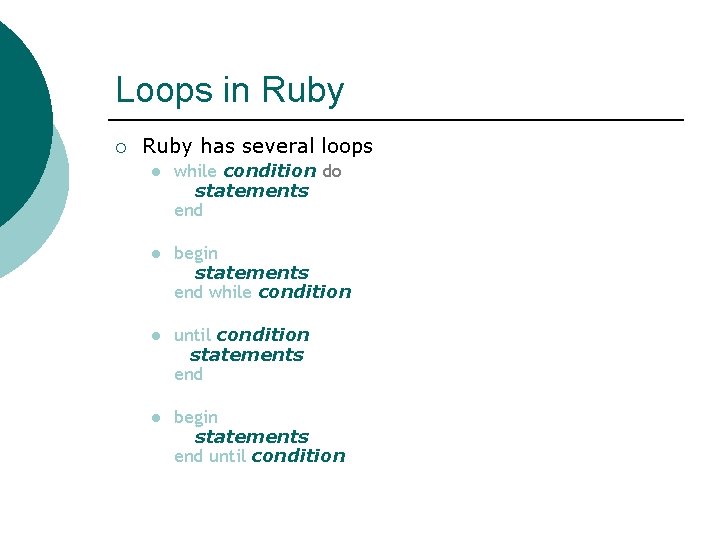
Loops in Ruby ¡ Ruby has several loops l while condition do statements end l begin statements end while condition l until condition statements end l begin statements end until condition
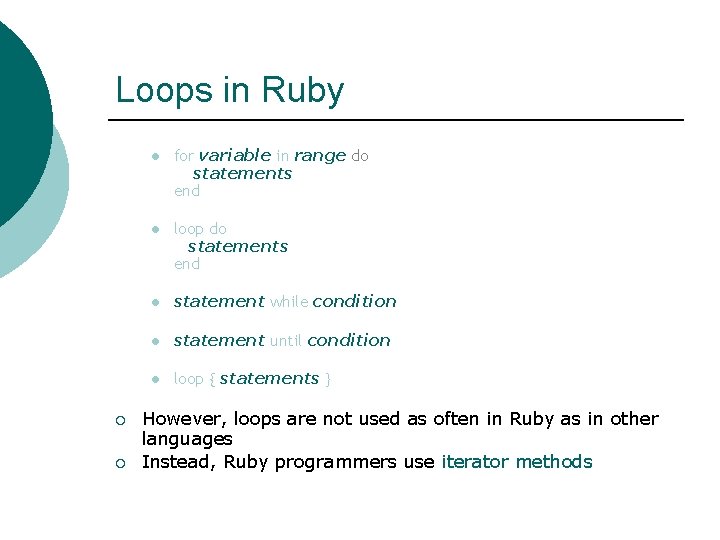
Loops in Ruby ¡ ¡ l for variable in range do statements end l loop do statements end l statement while condition l statement until condition l loop { statements } However, loops are not used as often in Ruby as in other languages Instead, Ruby programmers use iterator methods
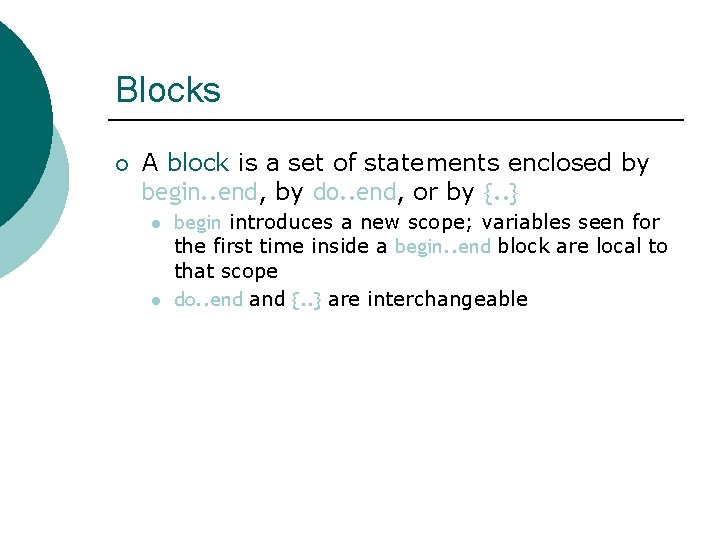
Blocks ¡ A block is a set of statements enclosed by begin. . end, by do. . end, or by {. . } l l begin introduces a new scope; variables seen for the first time inside a begin. . end block are local to that scope do. . end and {. . } are interchangeable
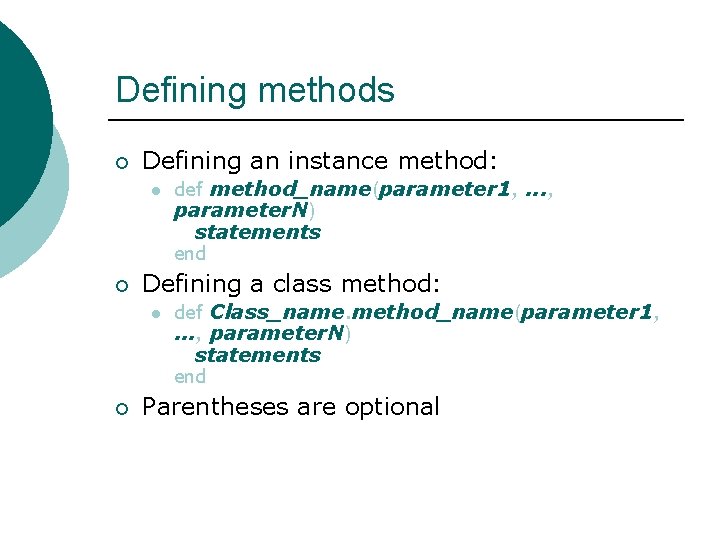
Defining methods ¡ Defining an instance method: l ¡ Defining a class method: l ¡ def method_name(parameter 1, . . . , parameter. N) statements end def Class_name. method_name(parameter 1, . . . , parameter. N) statements end Parentheses are optional
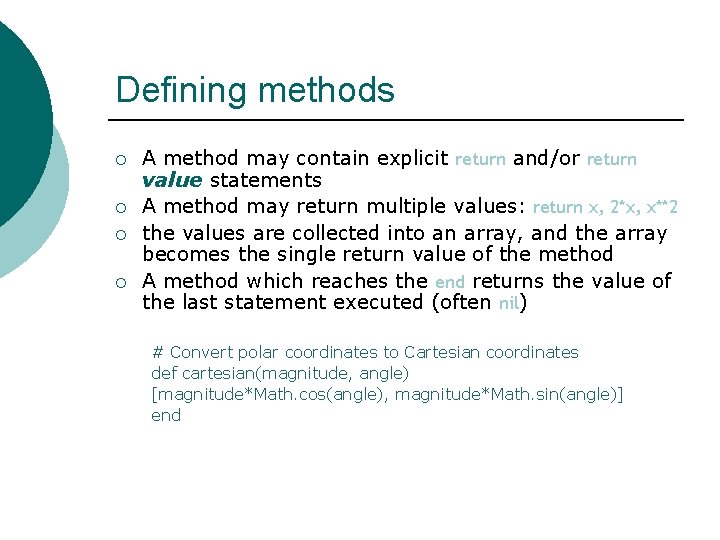
Defining methods ¡ ¡ A method may contain explicit return and/or return value statements A method may return multiple values: return x, 2*x, x**2 the values are collected into an array, and the array becomes the single return value of the method A method which reaches the end returns the value of the last statement executed (often nil) # Convert polar coordinates to Cartesian coordinates def cartesian(magnitude, angle) [magnitude*Math. cos(angle), magnitude*Math. sin(angle)] end
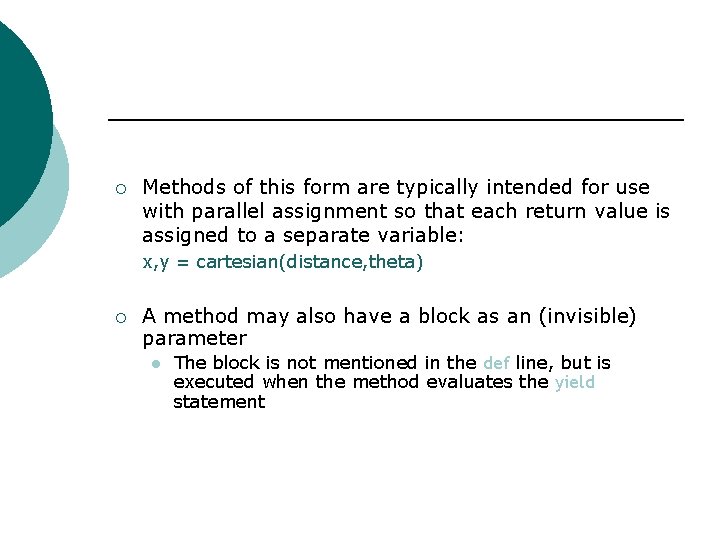
¡ Methods of this form are typically intended for use with parallel assignment so that each return value is assigned to a separate variable: x, y = cartesian(distance, theta) ¡ A method may also have a block as an (invisible) parameter l The block is not mentioned in the def line, but is executed when the method evaluates the yield statement
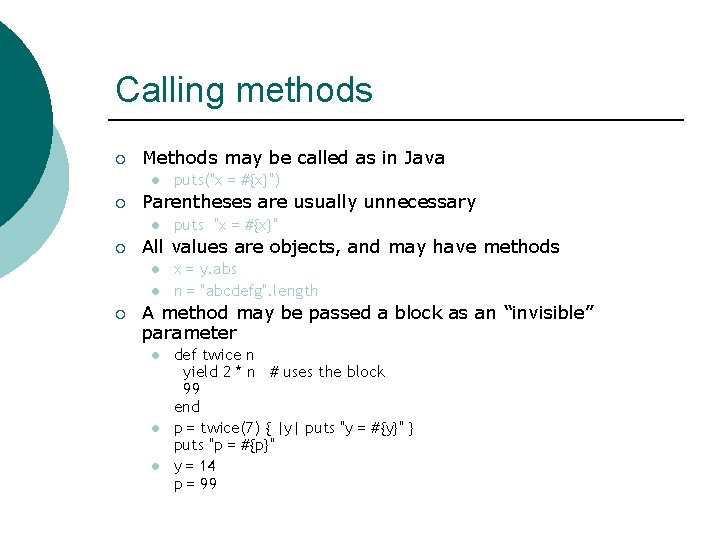
Calling methods ¡ Methods may be called as in Java l ¡ Parentheses are usually unnecessary l ¡ puts "x = #{x}" All values are objects, and may have methods l l ¡ puts("x = #{x}") x = y. abs n = "abcdefg". length A method may be passed a block as an “invisible” parameter l l l def twice n yield 2 * n # uses the block 99 end p = twice(7) { |y| puts "y = #{y}" } puts "p = #{p}" y = 14 p = 99
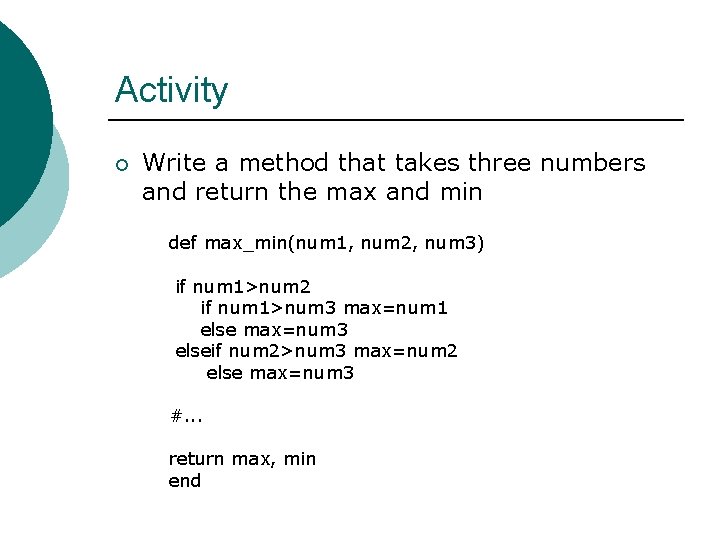
Activity ¡ Write a method that takes three numbers and return the max and min def max_min(num 1, num 2, num 3) if num 1>num 2 if num 1>num 3 max=num 1 else max=num 3 elseif num 2>num 3 max=num 2 else max=num 3 #. . . return max, min end
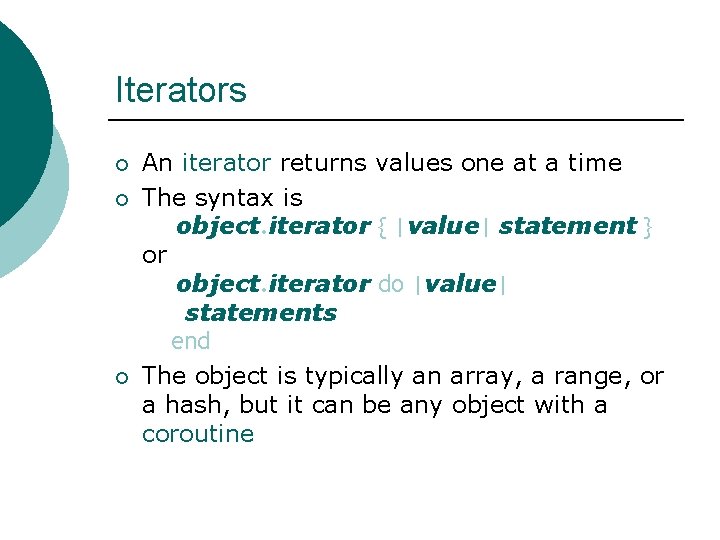
Iterators ¡ ¡ ¡ An iterator returns values one at a time The syntax is object. iterator { |value| statement } or object. iterator do |value| statements end The object is typically an array, a range, or a hash, but it can be any object with a coroutine
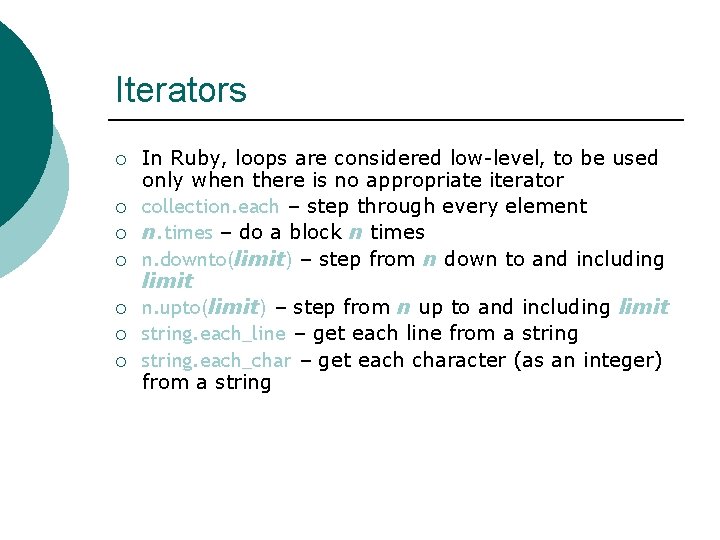
Iterators ¡ ¡ ¡ ¡ In Ruby, loops are considered low-level, to be used only when there is no appropriate iterator collection. each – step through every element n. times – do a block n times n. downto(limit) – step from n down to and including limit n. upto(limit) – step from n up to and including limit string. each_line – get each line from a string. each_char – get each character (as an integer) from a string
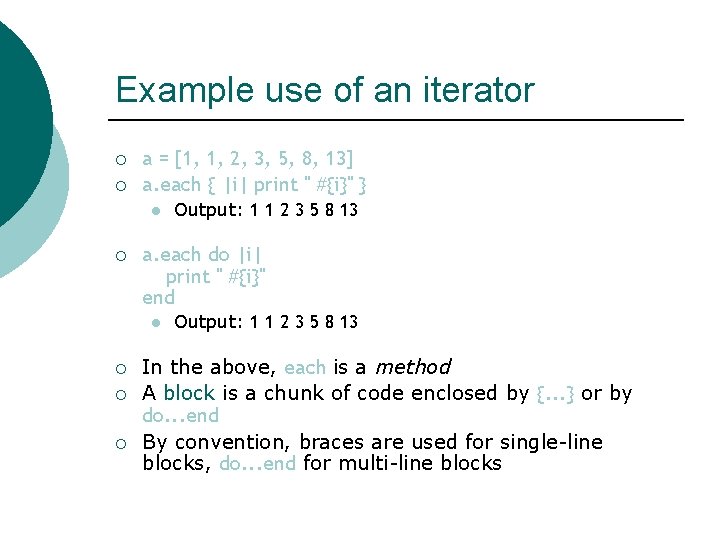
Example use of an iterator ¡ ¡ a = [1, 1, 2, 3, 5, 8, 13] a. each { |i| print " #{i}" } l ¡ a. each do |i| print " #{i}" end l ¡ ¡ ¡ Output: 1 1 2 3 5 8 13 In the above, each is a method A block is a chunk of code enclosed by {. . . } or by do. . . end By convention, braces are used for single-line blocks, do. . . end for multi-line blocks
![Activity you have the array: names = [ "daniel", “john", “alex", “eric" ] Use](http://slidetodoc.com/presentation_image/36464538e016e87b3cd54254d749d41e/image-43.jpg "Activity you have the array: names = [ \"daniel\", “john\", “alex\", “eric\" ] Use")
Activity you have the array: names = [ "daniel", “john", “alex", “eric" ] Use String#capitalize to print these names capitalized. Then use String#upcase. .
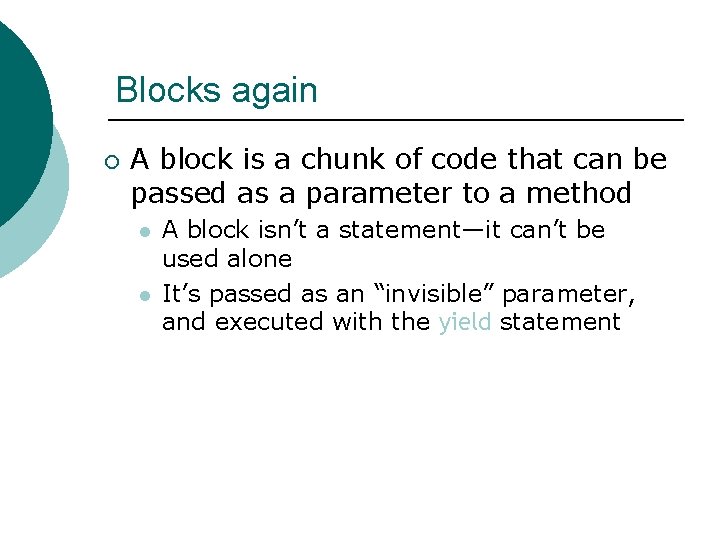
Blocks again ¡ A block is a chunk of code that can be passed as a parameter to a method l l A block isn’t a statement—it can’t be used alone It’s passed as an “invisible” parameter, and executed with the yield statement
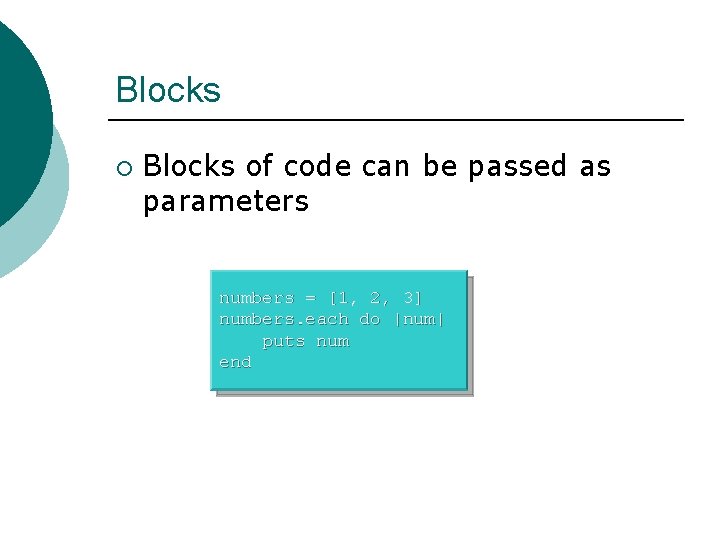
Blocks ¡ Blocks of code can be passed as parameters numbers = [1, 2, 3] numbers. each do |num| puts num end
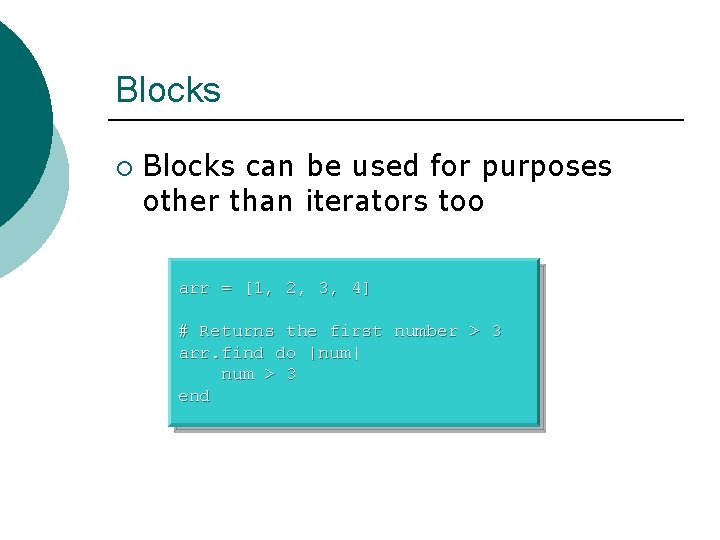
Blocks ¡ Blocks can be used for purposes other than iterators too arr = [1, 2, 3, 4] # Returns the first number > 3 arr. find do |num| num > 3 end
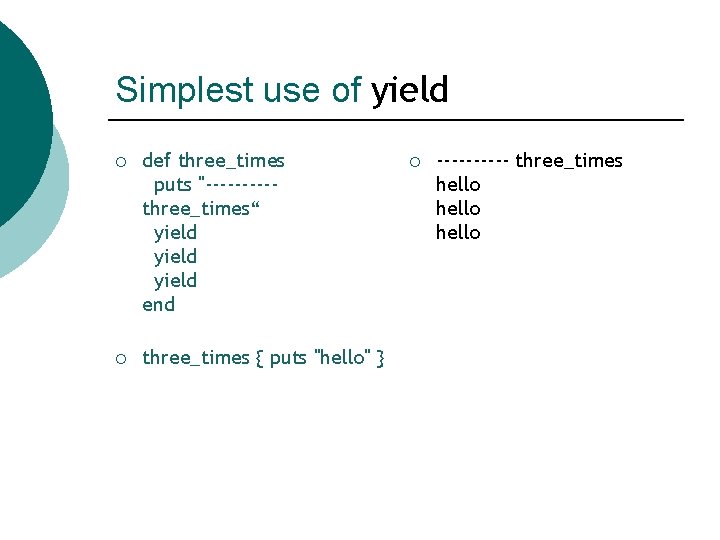
Simplest use of yield ¡ def three_times puts "-----three_times“ yield end ¡ three_times { puts "hello" } ¡ ----- three_times hello
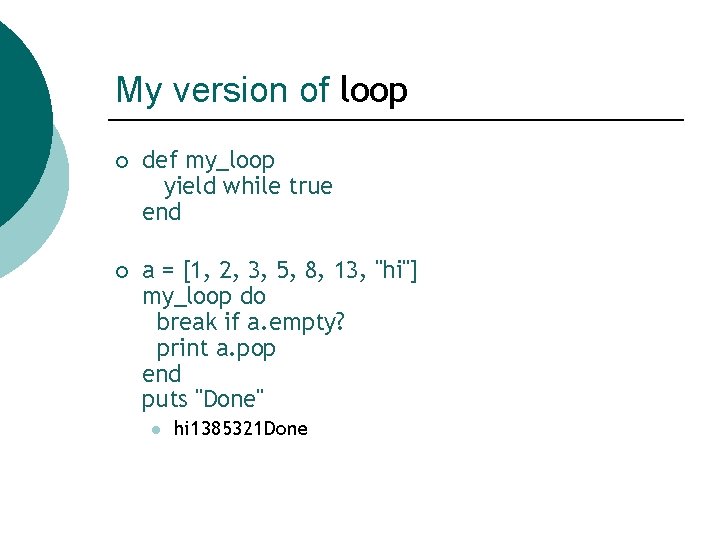
My version of loop ¡ def my_loop yield while true end ¡ a = [1, 2, 3, 5, 8, 13, "hi"] my_loop do break if a. empty? print a. pop end puts "Done" l hi 1385321 Done
Activity Write a method to calculate the first N Fibonacci numbers: 1, 1, 2, 3, 5, 8, …, and output these numbers. ¡ Next, move the output of the method. ¡
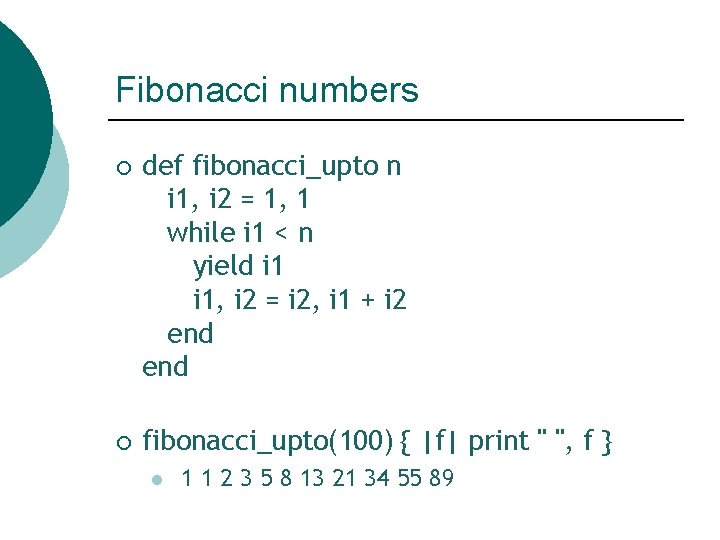
Fibonacci numbers ¡ def fibonacci_upto n i 1, i 2 = 1, 1 while i 1 < n yield i 1, i 2 = i 2, i 1 + i 2 end ¡ fibonacci_upto(100) { |f| print " ", f } l 1 1 2 3 5 8 13 21 34 55 89
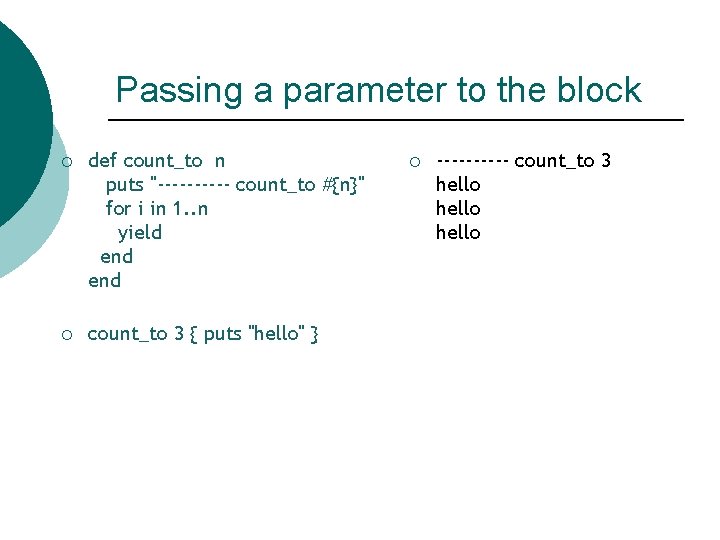
Passing a parameter to the block ¡ def count_to n puts "----- count_to #{n}" for i in 1. . n yield end ¡ count_to 3 { puts "hello" } ¡ ----- count_to 3 hello
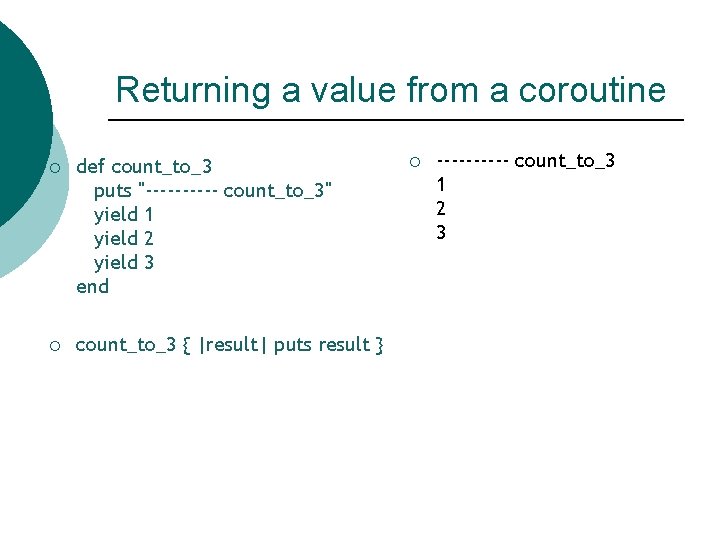
Returning a value from a coroutine ¡ ¡ def count_to_3 puts "----- count_to_3" yield 1 yield 2 yield 3 end count_to_3 { |result| puts result } ¡ ----- count_to_3 1 2 3
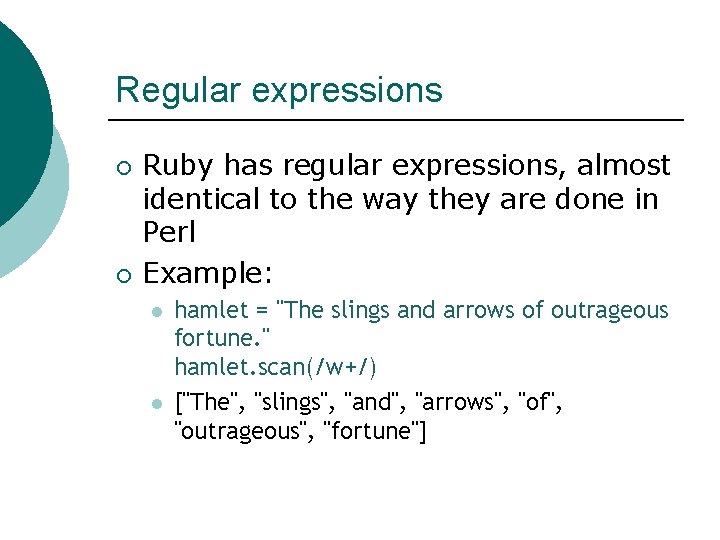
Regular expressions ¡ ¡ Ruby has regular expressions, almost identical to the way they are done in Perl Example: l l hamlet = "The slings and arrows of outrageous fortune. " hamlet. scan(/w+/) ["The", "slings", "and", "arrows", "of", "outrageous", "fortune"]
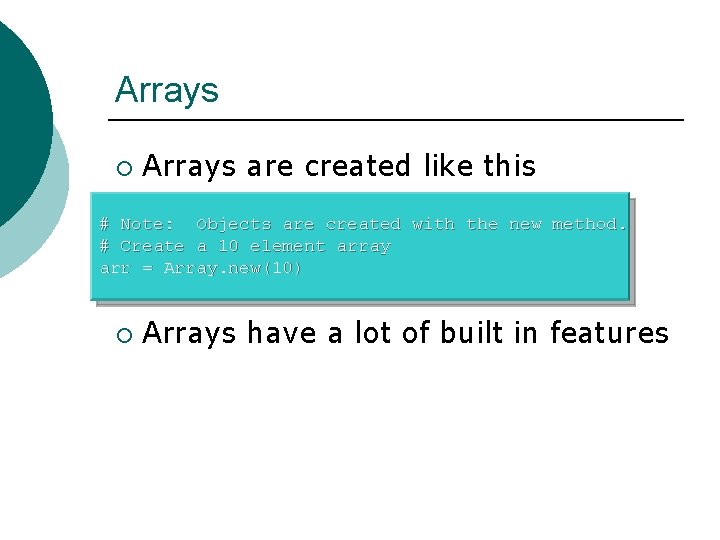
Arrays ¡ Arrays are created like this # Note: Objects are created with the new method. # Create a 10 element array arr = Array. new(10) ¡ Arrays have a lot of built in features
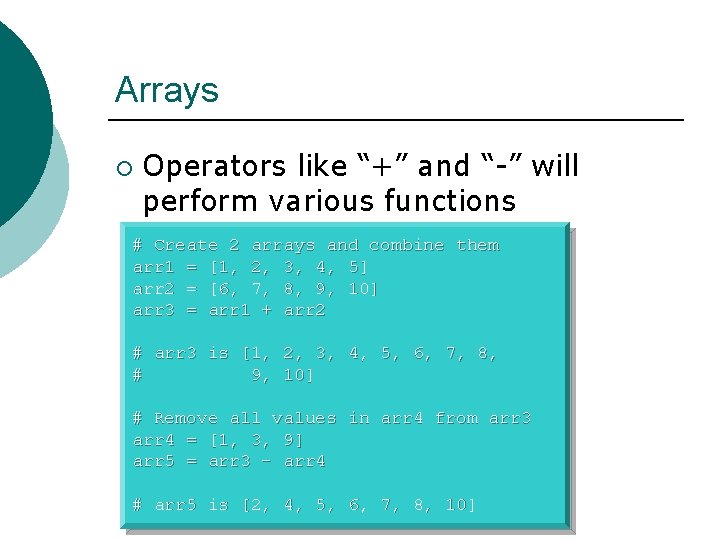
Arrays ¡ Operators like “+” and “-” will perform various functions # Create 2 arrays and combine them arr 1 = [1, 2, 3, 4, 5] arr 2 = [6, 7, 8, 9, 10] arr 3 = arr 1 + arr 2 # arr 3 is [1, 2, 3, 4, 5, 6, 7, 8, # 9, 10] # Remove all values in arr 4 from arr 3 arr 4 = [1, 3, 9] arr 5 = arr 3 – arr 4 # arr 5 is [2, 4, 5, 6, 7, 8, 10]
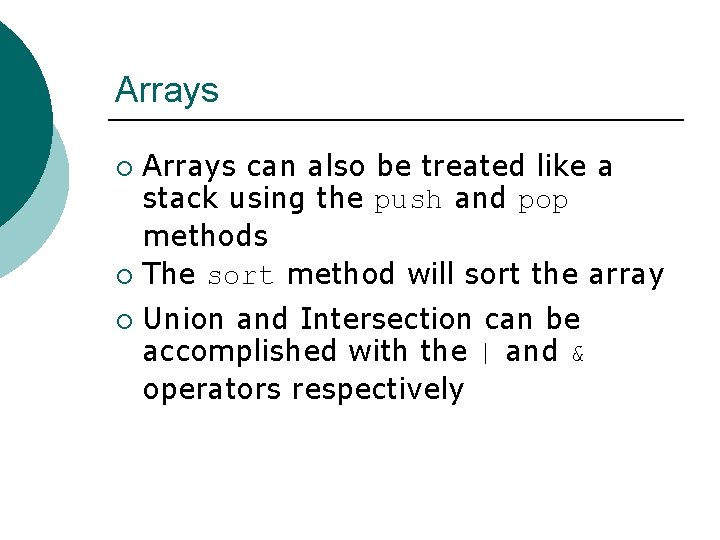
Arrays can also be treated like a stack using the push and pop methods ¡ The sort method will sort the array ¡ ¡ Union and Intersection can be accomplished with the | and & operators respectively
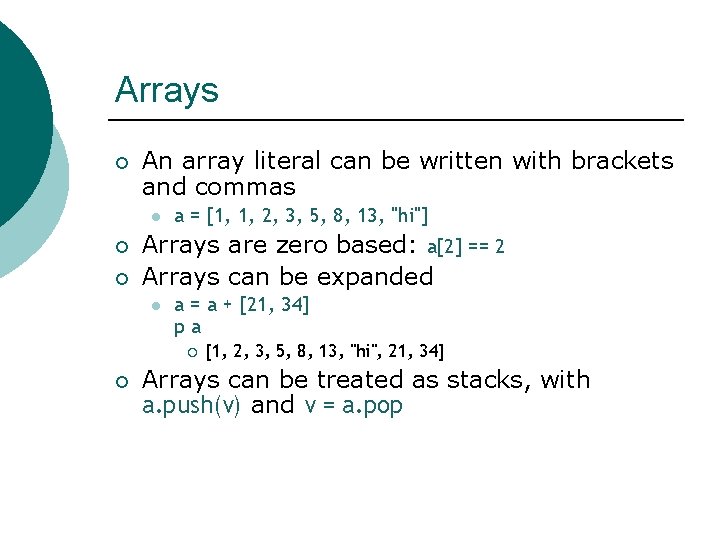
Arrays ¡ An array literal can be written with brackets and commas l ¡ ¡ a = [1, 1, 2, 3, 5, 8, 13, "hi"] Arrays are zero based: a[2] == 2 Arrays can be expanded l a = a + [21, 34] pa ¡ ¡ [1, 2, 3, 5, 8, 13, "hi", 21, 34] Arrays can be treated as stacks, with a. push(v) and v = a. pop
Arrays ¡ ¡ The join(string) method creates a string of the elements of the array, with the given string between each pair of elements You can take slices of arrays, sort them, find unique elements, perform set operations, transpose 2 -dimensional arrays, etc. l Before you write methods to manipulate arrays, you should look to see whether the method you want has already been written
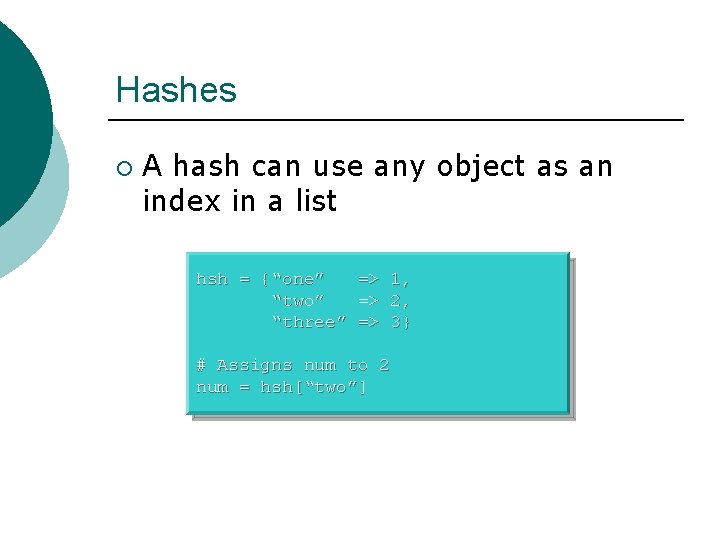
Hashes ¡ A hash can use any object as an index in a list hsh = {“one” => 1, “two” => 2, “three” => 3} # Assigns num to 2 num = hsh[“two”]
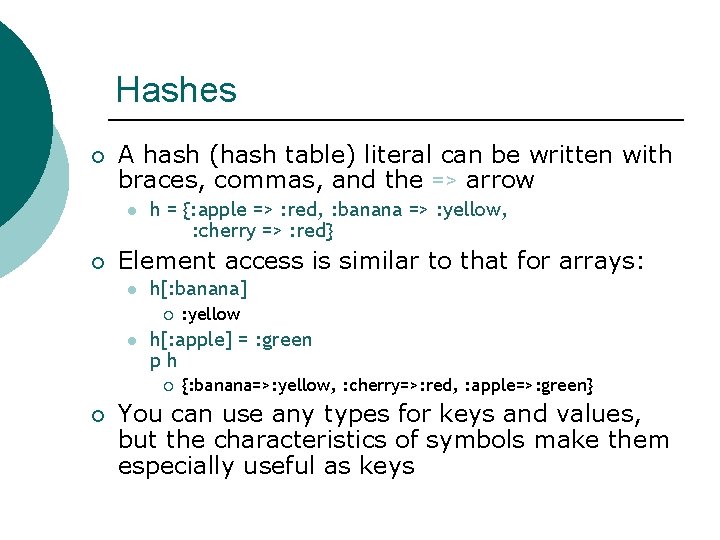
Hashes ¡ A hash (hash table) literal can be written with braces, commas, and the => arrow l ¡ h = {: apple => : red, : banana => : yellow, : cherry => : red} Element access is similar to that for arrays: l h[: banana] ¡ l h[: apple] = : green ph ¡ ¡ : yellow {: banana=>: yellow, : cherry=>: red, : apple=>: green} You can use any types for keys and values, but the characteristics of symbols make them especially useful as keys
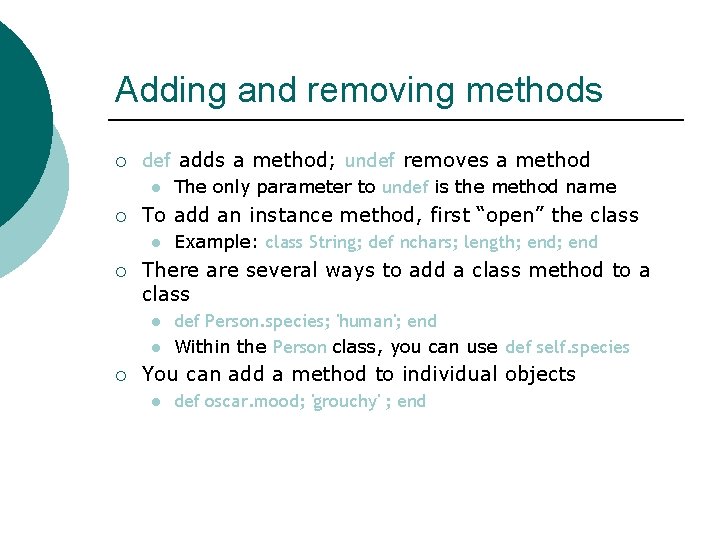
Adding and removing methods ¡ def adds a method; undef removes a method l ¡ To add an instance method, first “open” the class l ¡ Example: class String; def nchars; length; end There are several ways to add a class method to a class l l ¡ The only parameter to undef is the method name def Person. species; 'human'; end Within the Person class, you can use def self. species You can add a method to individual objects l def oscar. mood; 'grouchy' ; end
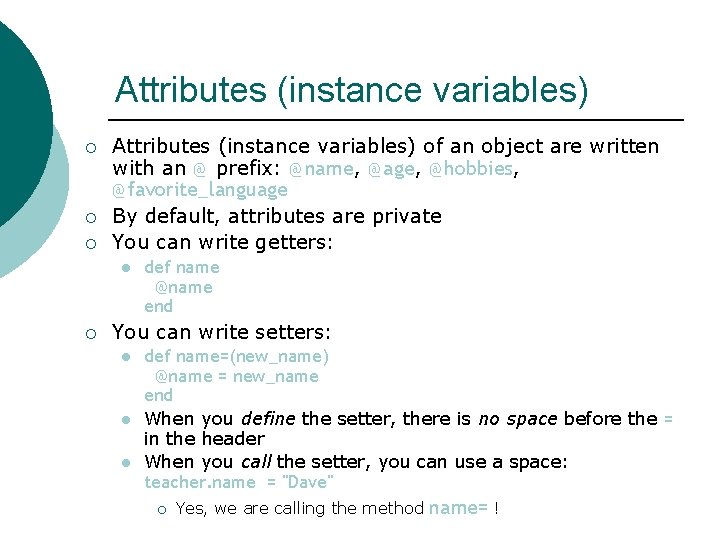
Attributes (instance variables) ¡ ¡ ¡ Attributes (instance variables) of an object are written with an @ prefix: @name, @age, @hobbies, @favorite_language By default, attributes are private You can write getters: l ¡ def name @name end You can write setters: l l l def name=(new_name) @name = new_name end When you define the setter, there is no space before the = in the header When you call the setter, you can use a space: teacher. name = "Dave" ¡ Yes, we are calling the method name= !
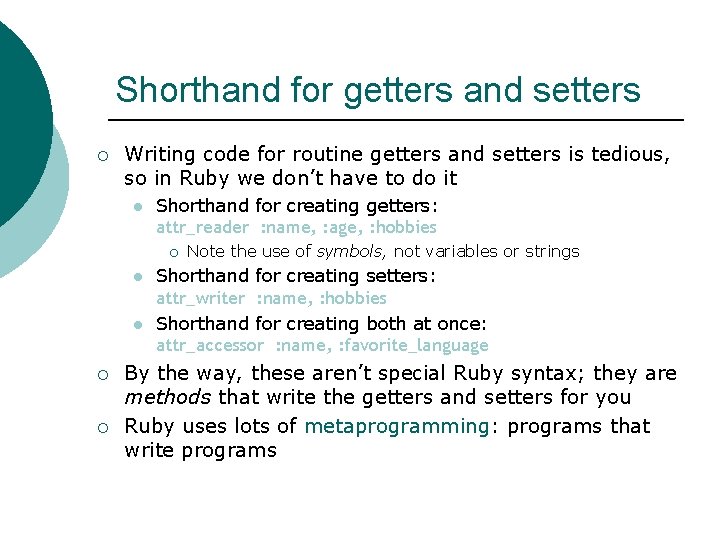
Shorthand for getters and setters ¡ Writing code for routine getters and setters is tedious, so in Ruby we don’t have to do it l Shorthand for creating getters: attr_reader : name, : age, : hobbies ¡ l l ¡ ¡ Note the use of symbols, not variables or strings Shorthand for creating setters: attr_writer : name, : hobbies Shorthand for creating both at once: attr_accessor : name, : favorite_language By the way, these aren’t special Ruby syntax; they are methods that write the getters and setters for you Ruby uses lots of metaprogramming: programs that write programs
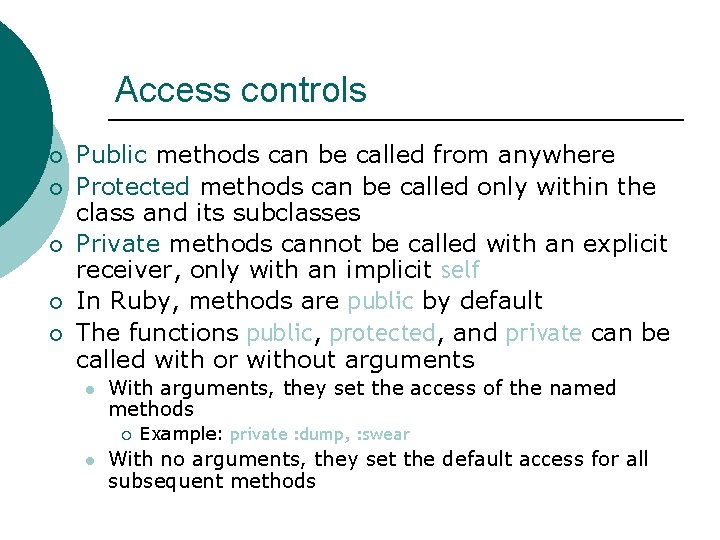
Access controls ¡ ¡ ¡ Public methods can be called from anywhere Protected methods can be called only within the class and its subclasses Private methods cannot be called with an explicit receiver, only with an implicit self In Ruby, methods are public by default The functions public, protected, and private can be called with or without arguments l With arguments, they set the access of the named methods ¡ l Example: private : dump, : swear With no arguments, they set the default access for all subsequent methods
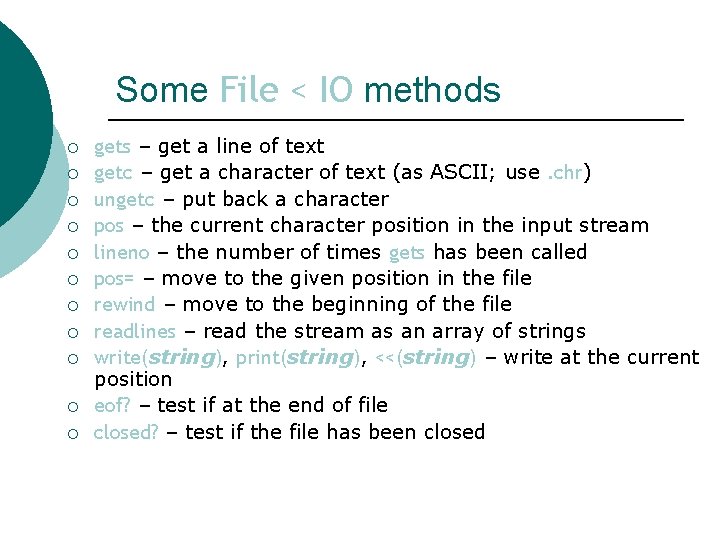
Some File < IO methods ¡ ¡ ¡ gets – get a line of text getc – get a character of text (as ASCII; use. chr) ungetc – put back a character pos – the current character position in the input stream lineno – the number of times gets has been called pos= – move to the given position in the file rewind – move to the beginning of the file readlines – read the stream as an array of strings write(string), print(string), <<(string) – write at the current position eof? – test if at the end of file closed? – test if the file has been closed
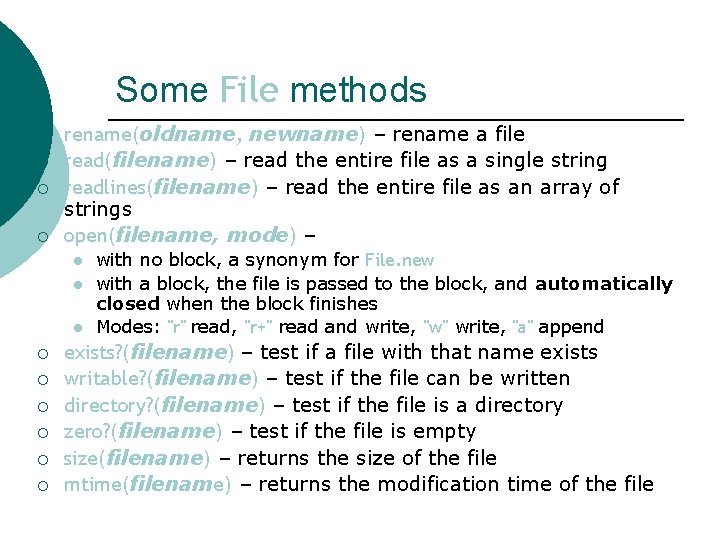
Some File methods ¡ ¡ rename(oldname, newname) – rename a file read(filename) – read the entire file as a single string readlines(filename) – read the entire file as an array of strings open(filename, mode) – l l l ¡ ¡ ¡ with no block, a synonym for File. new with a block, the file is passed to the block, and automatically closed when the block finishes Modes: "r" read, "r+" read and write, "w" write, "a" append exists? (filename) – test if a file with that name exists writable? (filename) – test if the file can be written directory? (filename) – test if the file is a directory zero? (filename) – test if the file is empty size(filename) – returns the size of the file mtime(filename) – returns the modification time of the file
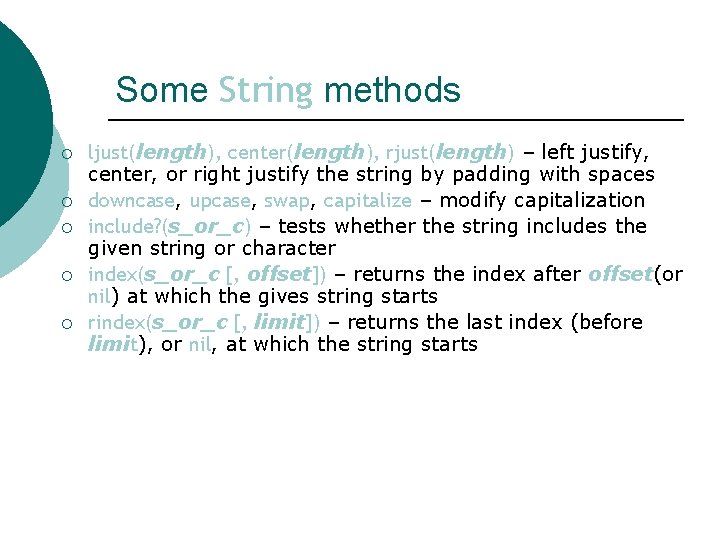
Some String methods ¡ ¡ ¡ ljust(length), center(length), rjust(length) – left justify, center, or right justify the string by padding with spaces downcase, upcase, swap, capitalize – modify capitalization include? (s_or_c) – tests whether the string includes the given string or character index(s_or_c [, offset]) – returns the index after offset(or nil) at which the gives string starts rindex(s_or_c [, limit]) – returns the last index (before limit), or nil, at which the string starts
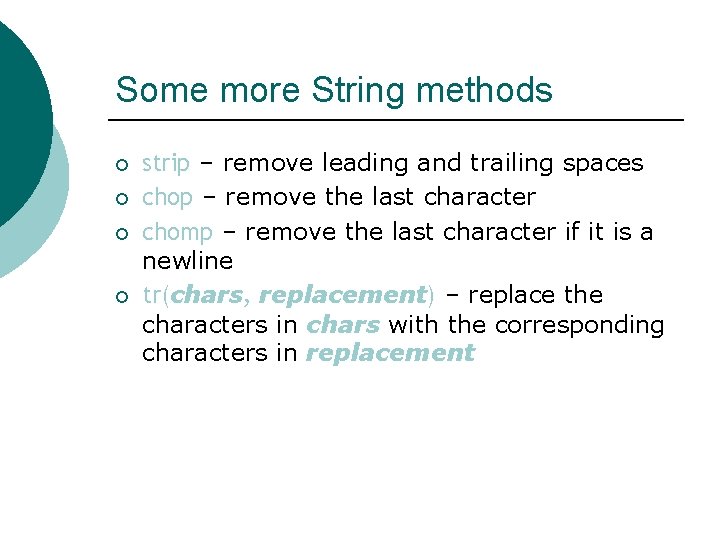
Some more String methods ¡ ¡ strip – remove leading and trailing spaces chop – remove the last character chomp – remove the last character if it is a newline tr(chars, replacement) – replace the characters in chars with the corresponding characters in replacement
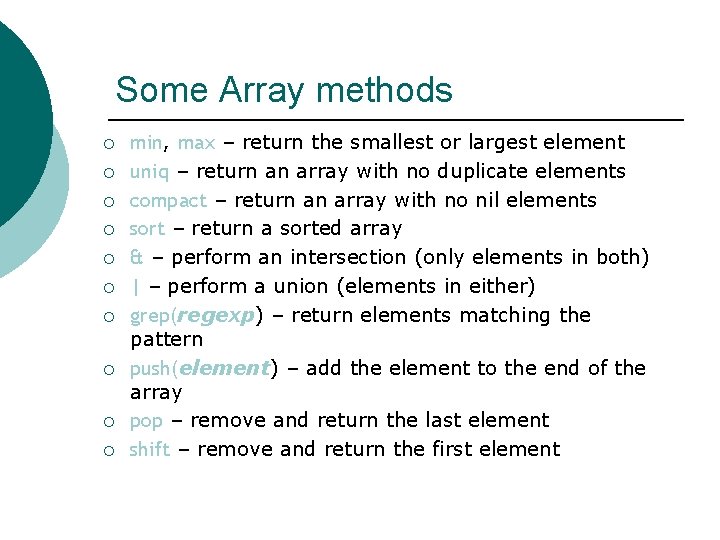
Some Array methods ¡ ¡ ¡ ¡ ¡ min, max – return the smallest or largest element uniq – return an array with no duplicate elements compact – return an array with no nil elements sort – return a sorted array & – perform an intersection (only elements in both) | – perform a union (elements in either) grep(regexp) – return elements matching the pattern push(element) – add the element to the end of the array pop – remove and return the last element shift – remove and return the first element
Activity ¡ Get 5 numbers from the user and display the numbers in ascending order.
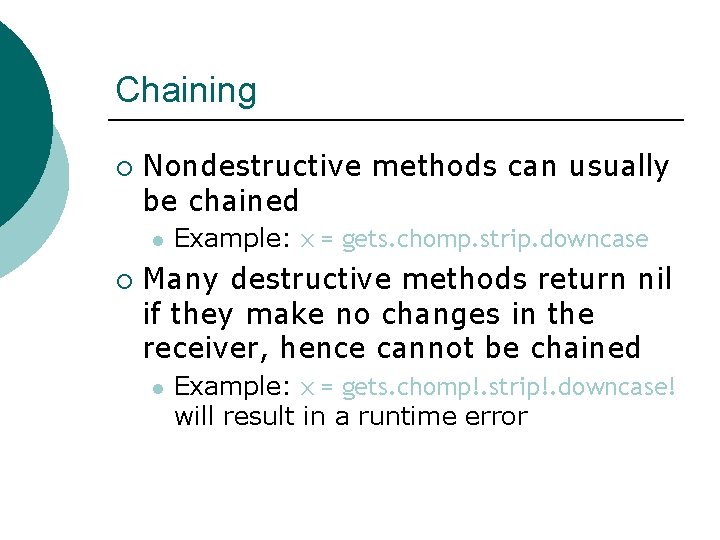
Chaining ¡ Nondestructive methods can usually be chained l ¡ Example: x = gets. chomp. strip. downcase Many destructive methods return nil if they make no changes in the receiver, hence cannot be chained l Example: x = gets. chomp!. strip!. downcase! will result in a runtime error
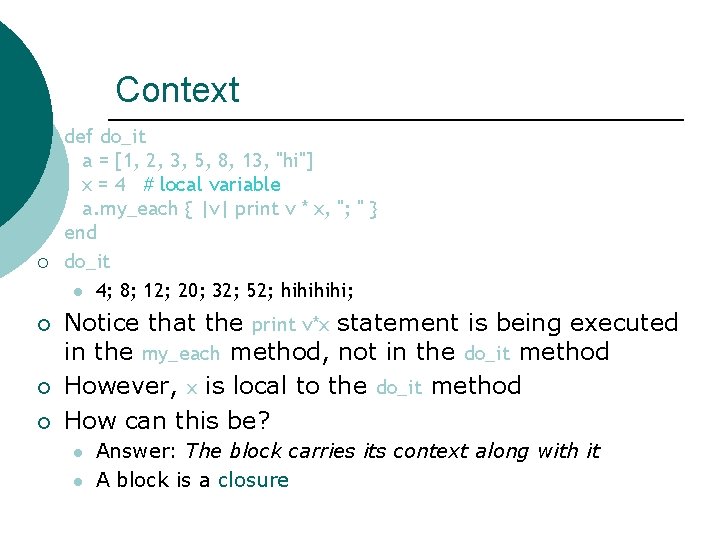
Context ¡ ¡ ¡ def do_it a = [1, 2, 3, 5, 8, 13, "hi"] x = 4 # local variable a. my_each { |v| print v * x, "; " } end do_it l 4; 8; 12; 20; 32; 52; hihi; Notice that the print v*x statement is being executed in the my_each method, not in the do_it method However, x is local to the do_it method How can this be? l l Answer: The block carries its context along with it A block is a closure
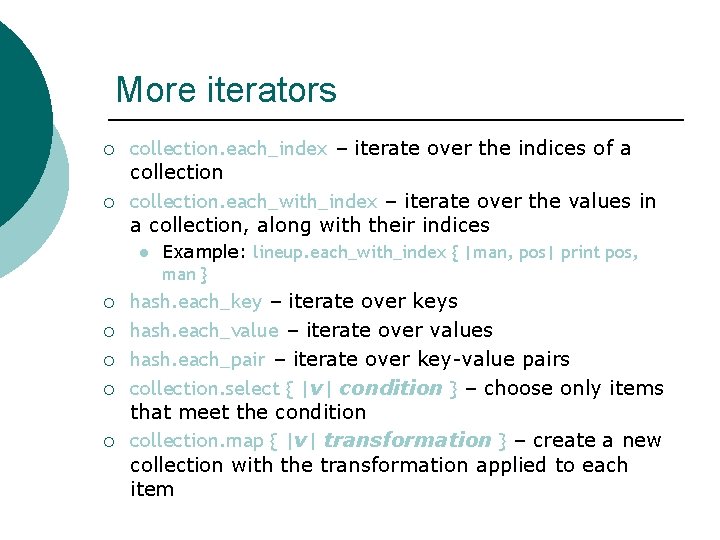
More iterators ¡ ¡ collection. each_index – iterate over the indices of a collection. each_with_index – iterate over the values in a collection, along with their indices l ¡ ¡ ¡ Example: lineup. each_with_index { |man, pos| print pos, man } hash. each_key – iterate over keys hash. each_value – iterate over values hash. each_pair – iterate over key-value pairs collection. select { |v| condition } – choose only items that meet the condition collection. map { |v| transformation } – create a new collection with the transformation applied to each item
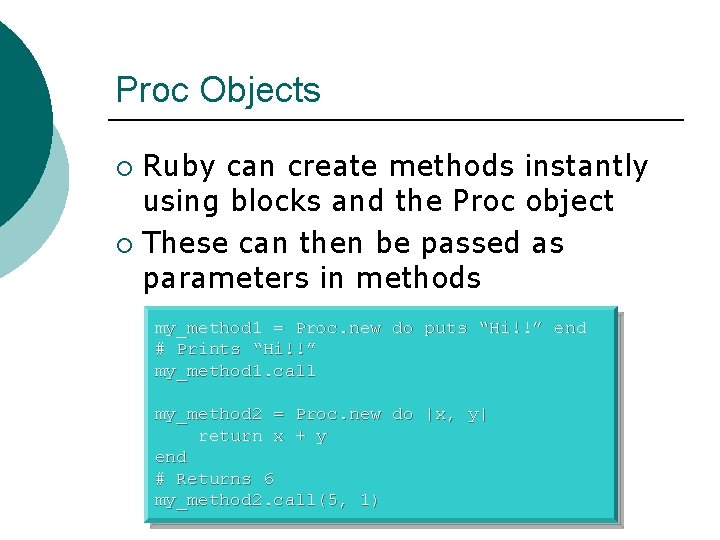
Proc Objects Ruby can create methods instantly using blocks and the Proc object ¡ These can then be passed as parameters in methods ¡ my_method 1 = Proc. new do puts “Hi!!” end # Prints “Hi!!” my_method 1. call my_method 2 = Proc. new do |x, y| return x + y end # Returns 6 my_method 2. call(5, 1)
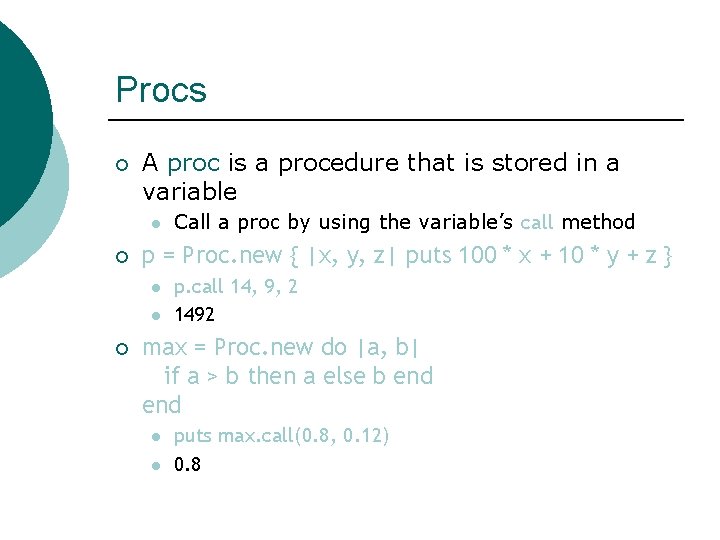
Procs ¡ A proc is a procedure that is stored in a variable l ¡ p = Proc. new { |x, y, z| puts 100 * x + 10 * y + z } l l ¡ Call a proc by using the variable’s call method p. call 14, 9, 2 1492 max = Proc. new do |a, b| if a > b then a else b end l l puts max. call(0. 8, 0. 12) 0. 8
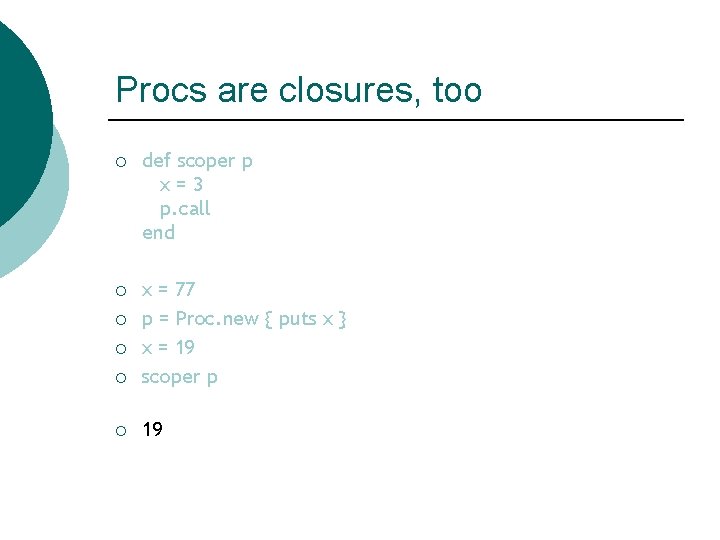
Procs are closures, too ¡ def scoper p x=3 p. call end ¡ ¡ x = 77 p = Proc. new { puts x } x = 19 scoper p ¡ 19 ¡ ¡

Procs as parameters ¡ ¡ A block passed as a parameter to a function becomes a Proc The formal parameter must be last, and is prefixed with an ampersand l l l def foo &b b. call end foo { puts "Hi!" } Hi!
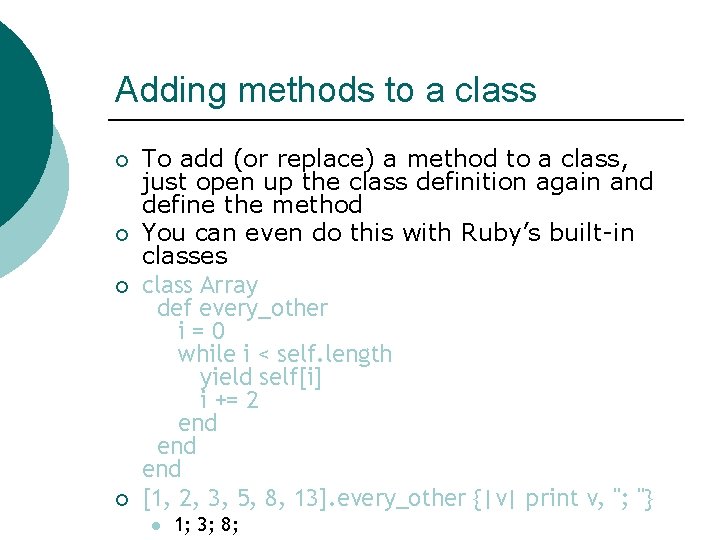
Adding methods to a class ¡ ¡ To add (or replace) a method to a class, just open up the class definition again and define the method You can even do this with Ruby’s built-in classes class Array def every_other i=0 while i < self. length yield self[i] i += 2 end end [1, 2, 3, 5, 8, 13]. every_other {|v| print v, "; "} l 1; 3; 8;
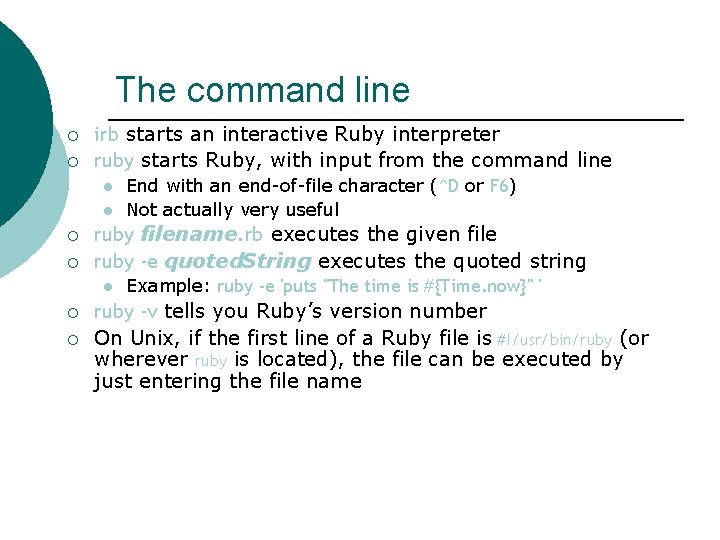
The command line ¡ ¡ irb starts an interactive Ruby interpreter ruby starts Ruby, with input from the command line l l ¡ ¡ ruby filename. rb executes the given file ruby -e quoted. String executes the quoted string l ¡ ¡ End with an end-of-file character (^D or F 6) Not actually very useful Example: ruby -e 'puts "The time is #{Time. now}" ' ruby -v tells you Ruby’s version number On Unix, if the first line of a Ruby file is #!/usr/bin/ruby (or wherever ruby is located), the file can be executed by just entering the file name
Looking ahead ¡ ¡ ¡ Ruby on Rails (or just Rails) is the “killer app” that catapulted Ruby to prominence Web applications are extremely complex serverside programs that communicate with the user’s browser using HTML, XML, and CSS, do session management, and handle a server-side database Rails uses metaprogramming to write your web application for you l l It’s hard to convey just how much work this saves The downside? You still have to understand the programs that it writes
Tutorials ¡ There are many Ruby tutorials on the web--here are some of special interest l http: //www. tutorialspoint. com/ruby/ ¡ l http: //www. math. umd. edu/~dcarrera/ruby/0. 3/ ¡ l Pretty complete http: //www. infoq. com/minibooks/ruby ¡ l Short enough to read through http: //www. troubleshooters. com/codecorn/ruby/basictutorial. htm ¡ l Very similar in style to the w 3 schools tutorials A favorite free online book http: //poignantguide. net/ruby/ ¡ For something just a “little bit different” : )
Conclusion Ruby is a versatile language ¡ The fact that everything is an object makes using it more predictable ¡ Blocks of code are very useful and greatly expand the language ¡ Any questions…? ¡
How to run Ruby on Linux ¡ Create a file l ¡ At the command line l ¡ ruby my_file. rb Or place this at the top of the file and make the file executable l ¡ <file name>. rb #!/usr/bin/ruby That’s it!!
- Slides: 83