
The Role of Scanners Digital Files in Instruction

- Slides: 12
The Role of Scanners & Digital Files in Instruction By: Beverly Fenimore v v v v Scanner Technology Types of scanners Scanner software What is a digitized image Possible Educational uses Examples References
Scanner Technology v A scanner captures and digitizes visual images. v The most common type of scanner is a flatbed scanner. v v v A scan head consisting of large number of photosensitive elements moves in small steps across the scanning surface. The light reflected or transmitted through the image is picked up by the sensors and digitized into numeric values. Numeric values are captured by the scanner software and stored in a file “digital image”.
Types of Scanners v v Flatbed Scanners- resemble copy machines Sheetfed Scanners-These units are like a fax machine, than a copier. Slide Scanners-Unit has very high resolution and good for scanning slides. Drum Scanners-found in color prepress companies. Expensive in comparison to flatbed scanners.
Scanner Software v v v Scanning process is controlled by scanner software. Software controls the workflow in terms of productivity and quality of the scan Software controls: Color, sharpening, automated dust/scratch removal, negative to positive image selection and scan quality control (lower speed for higher quality, vice versa).
Digitized Image v v v Numeric encoding generated by a scanner is known as a digital image. Scanner captures and saves an image as TIFF (Tagged Information format file). Web browsers can display GIF, JPEG and PNG format files. These are compressed formats.
Educational setting Scanners used to transfer images, such as family photos, into a document of text. v Scanned images can be modified or edited to resize or to create special effect like blurring. v Scanned images can be save on a disk and use in power-point, and on websites. v
Educational setting con’t v v Scanners help fulfill nine of the goals of technology identified by the National School Board Association. These goals are considered the toughest goals to evaluate concerning technology and student achievement.
Goals con’t v These goals provide educational institutions with a technology that facilitates learning, encourages meaningful interaction, invites creativity, and provides the students with real world experiences
Conclusion v Scanners help provide educational institutions with a technology that facilitates learning, encourages meaningful interaction, invites creativity, and allows students to interact more meaningfully with assignments.
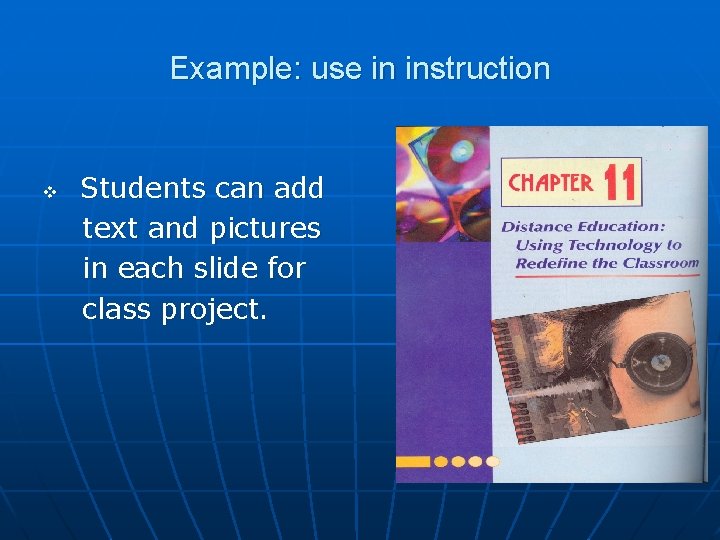
Example: use in instruction v Students can add text and pictures in each slide for class project.
Examples con’t Scan photographs relevant to topic v Scan drawings for use in presentations and Web sites. v Scan children hands to measure growth. v Scan images into power-point slides. v Scan images and text and save in HTML for use in web sites. v
References v v v v v Heinich, R, . Micael, M, . James, R, . Smaklino, S. (2002). Instructional Media and Technologies for Learning Scanners & creating digital files http: //www. tasi. ac. uk/advice/creating/scanners. html#sc 10 Productivity without Boundaries http: //www. scansoft. com/omnipage/ National School Board Association http: //www. nsba. org/site/page_micro. asp? TRACKID=&CID =63&DID=195 Scanners Lesson Plans examples: http: //www. lessonplanspage. com/CIScience. Bark. Scan. Digital Camera. Idea 58. htm http: //www. lessonplans. com. au/scanpics. htm The End