
The Revit MEP API Jeremy Tammik Principal Developer



- Slides: 58
The Revit MEP API Jeremy Tammik Principal Developer Consultant © 2012 Autodesk
About the Presenter Jeremy Tammik Principal Developer Consultant Developer Technical Services EMEA, Autodesk SARL Jeremy is a member of the AEC workgroup of the Autodesk Developer Network ADN team, providing developer support, training, conference presentations, and blogging on the Revit API. He joined Autodesk in 1988 as the technology evangelist responsible for European developer support to lecture, consult, and support Auto. CAD application developers in Europe, the U. S. , Australia, and Africa. He was a co-founder of ADGE, the Auto. CAD Developer Group Europe, and a prolific author on Auto. CAD application development. He left Autodesk in 1994 to work as an HVAC application developer, and then rejoined the company in 2005. Jeremy graduated in mathematics and physics in Germany, worked as a teacher and translator, then as a C++ programmer on early GUI and multitasking projects. He is fluent in six European languages, vegetarian, has four kids, plays the flute, likes reading, travelling, theatre improvisation, yoga, carpentry, loves mountains, oceans, sports, dancing, and especially climbing. © 2012 Autodesk
Class Summary § § § Overview of the Revit MEP API enhancements in Revit 2013 Working programmatically with Revit MEP models Overview of available Revit MEP API samples Prerequisites: we assume prior knowledge of How to program in. NET § The basics of the generic Revit API § Revit MEP product usage § © 2012 Autodesk
Learning Objectives At the end of this class, you will be able to: § Understand use the Revit MEP 2013 API enhancements § Analyze, create, manage and modify electrical, HVAC and plumbing models, systems, and components programmatically § Understand reuse functionality provided by the standard Revit MEP SDK and custom ADN samples § © 2012 Autodesk
Agenda § § § § Introduction Analysis Hierarchical systems and connectors Electrical HVAC and plumbing The Revit MEP 2013 API Sample applications Learning more © 2012 Autodesk
Introduction © 2012 Autodesk
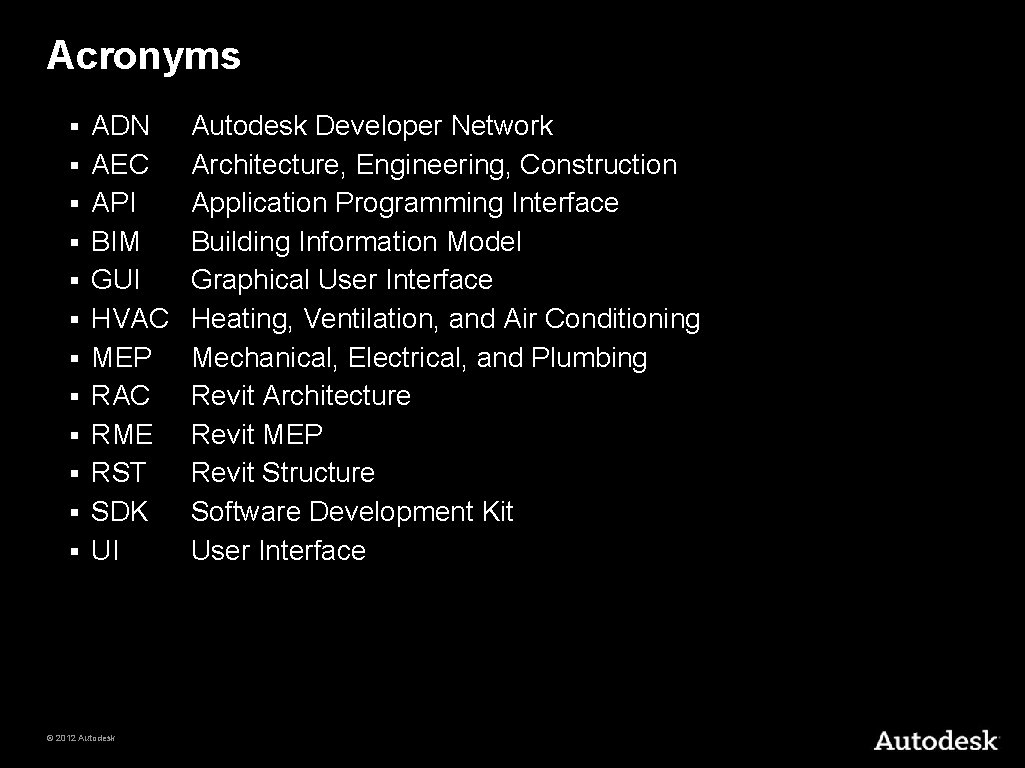
Acronyms § § § ADN AEC API BIM GUI HVAC MEP RAC RME RST SDK UI © 2012 Autodesk Developer Network Architecture, Engineering, Construction Application Programming Interface Building Information Model Graphical User Interface Heating, Ventilation, and Air Conditioning Mechanical, Electrical, and Plumbing Revit Architecture Revit MEP Revit Structure Software Development Kit User Interface
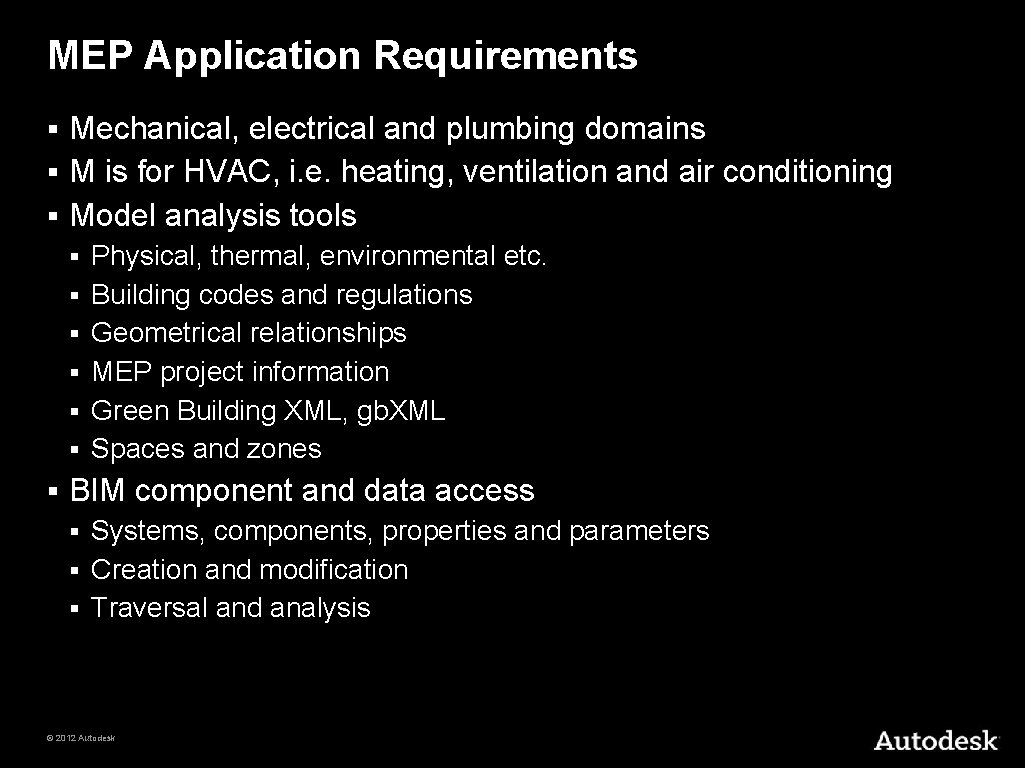
MEP Application Requirements Mechanical, electrical and plumbing domains § M is for HVAC, i. e. heating, ventilation and air conditioning § Model analysis tools § § § § Physical, thermal, environmental etc. Building codes and regulations Geometrical relationships MEP project information Green Building XML, gb. XML Spaces and zones BIM component and data access Systems, components, properties and parameters § Creation and modification § Traversal and analysis § © 2012 Autodesk
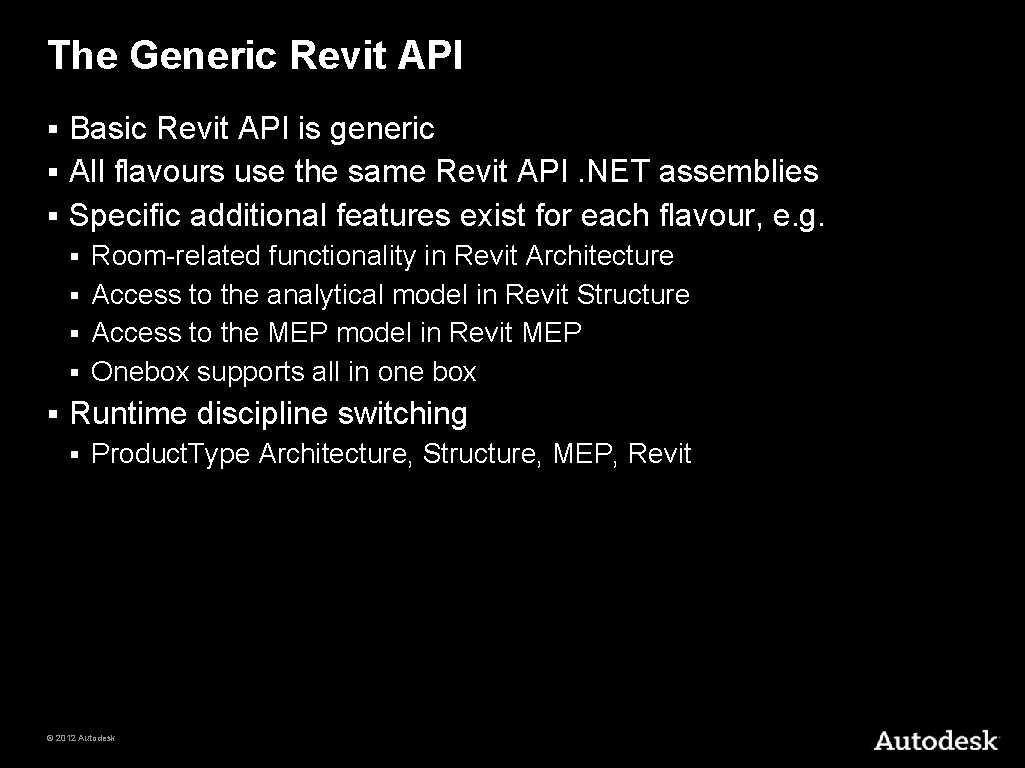
The Generic Revit API Basic Revit API is generic § All flavours use the same Revit API. NET assemblies § Specific additional features exist for each flavour, e. g. § Room-related functionality in Revit Architecture § Access to the analytical model in Revit Structure § Access to the MEP model in Revit MEP § Onebox supports all in one box § § Runtime discipline switching § Product. Type Architecture, Structure, MEP, Revit © 2012 Autodesk
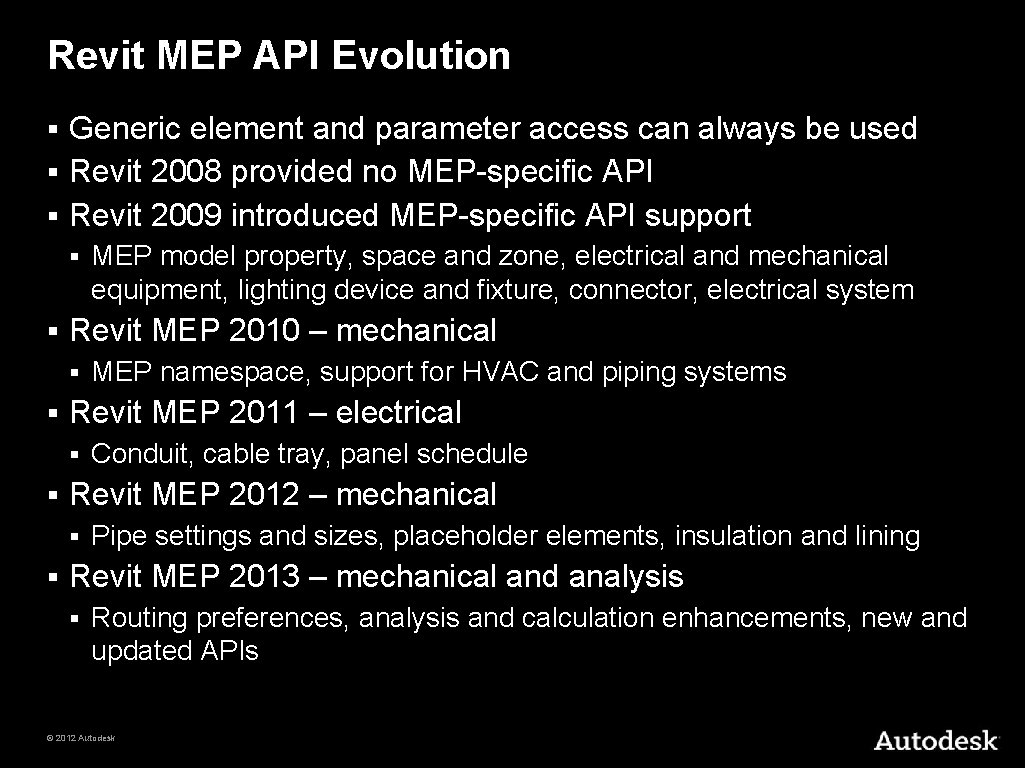
Revit MEP API Evolution Generic element and parameter access can always be used § Revit 2008 provided no MEP-specific API § Revit 2009 introduced MEP-specific API support § § § Revit MEP 2010 – mechanical § § Conduit, cable tray, panel schedule Revit MEP 2012 – mechanical § § MEP namespace, support for HVAC and piping systems Revit MEP 2011 – electrical § § MEP model property, space and zone, electrical and mechanical equipment, lighting device and fixture, connector, electrical system Pipe settings and sizes, placeholder elements, insulation and lining Revit MEP 2013 – mechanical and analysis § Routing preferences, analysis and calculation enhancements, new and updated APIs © 2012 Autodesk
Analysis © 2012 Autodesk
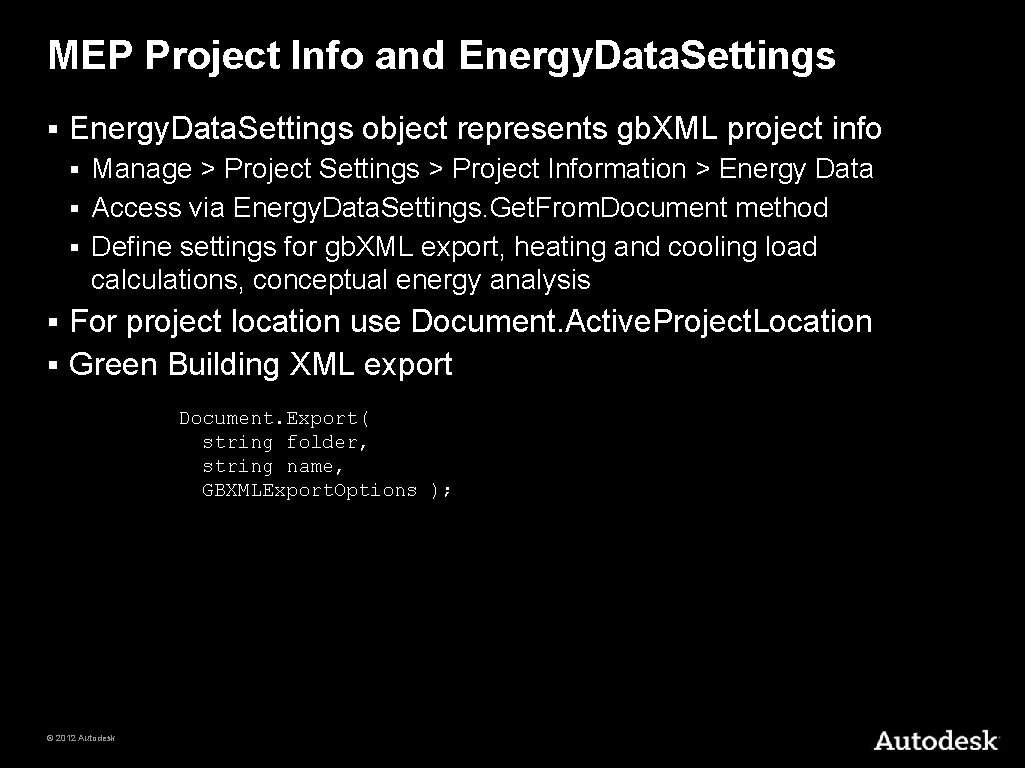
MEP Project Info and Energy. Data. Settings § Energy. Data. Settings object represents gb. XML project info Manage > Project Settings > Project Information > Energy Data § Access via Energy. Data. Settings. Get. From. Document method § Define settings for gb. XML export, heating and cooling load calculations, conceptual energy analysis § For project location use Document. Active. Project. Location § Green Building XML export § Document. Export( string folder, string name, GBXMLExport. Options ); © 2012 Autodesk
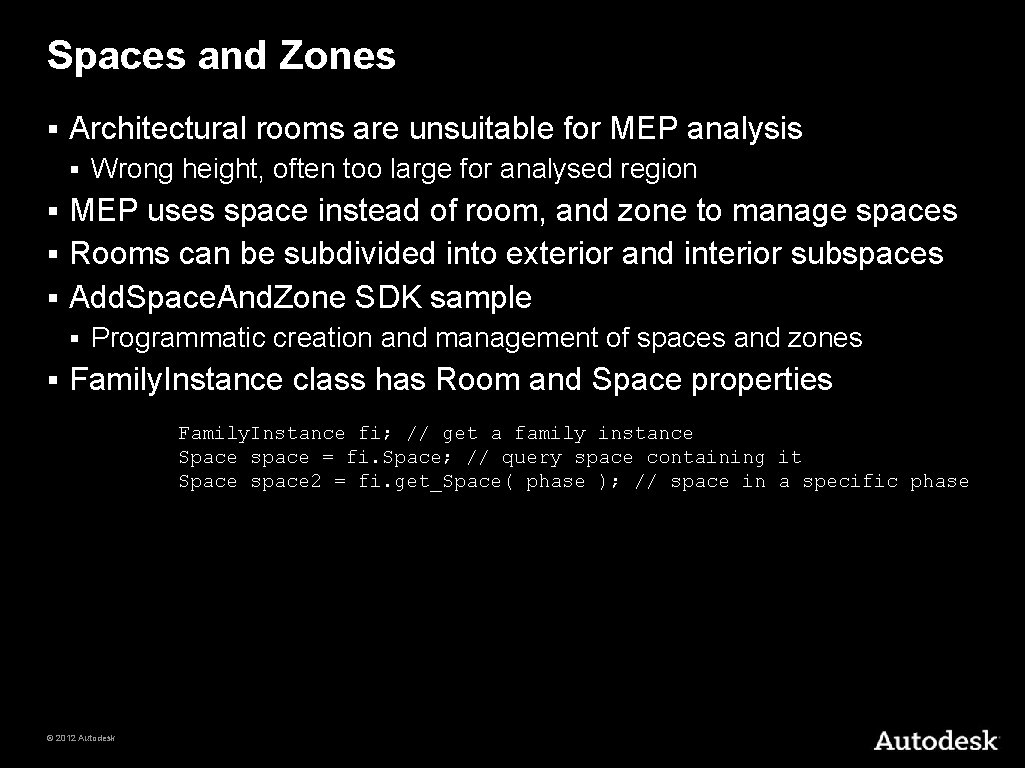
Spaces and Zones § Architectural rooms are unsuitable for MEP analysis § Wrong height, often too large for analysed region MEP uses space instead of room, and zone to manage spaces § Rooms can be subdivided into exterior and interior subspaces § Add. Space. And. Zone SDK sample § § § Programmatic creation and management of spaces and zones Family. Instance class has Room and Space properties Family. Instance fi; // get a family instance Space space = fi. Space; // query space containing it Space space 2 = fi. get_Space( phase ); // space in a specific phase © 2012 Autodesk
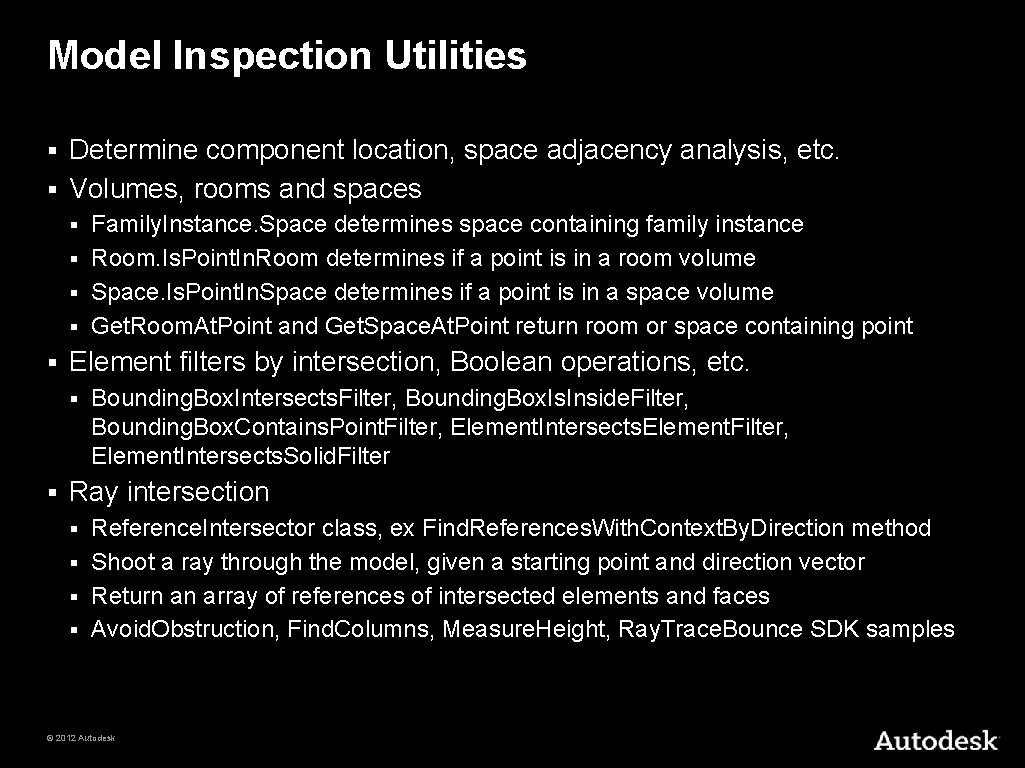
Model Inspection Utilities Determine component location, space adjacency analysis, etc. § Volumes, rooms and spaces § Family. Instance. Space determines space containing family instance § Room. Is. Point. In. Room determines if a point is in a room volume § Space. Is. Point. In. Space determines if a point is in a space volume § Get. Room. At. Point and Get. Space. At. Point return room or space containing point § § Element filters by intersection, Boolean operations, etc. § § Bounding. Box. Intersects. Filter, Bounding. Box. Is. Inside. Filter, Bounding. Box. Contains. Point. Filter, Element. Intersects. Element. Filter, Element. Intersects. Solid. Filter Ray intersection Reference. Intersector class, ex Find. References. With. Context. By. Direction method § Shoot a ray through the model, given a starting point and direction vector § Return an array of references of intersected elements and faces § Avoid. Obstruction, Find. Columns, Measure. Height, Ray. Trace. Bounce SDK samples § © 2012 Autodesk
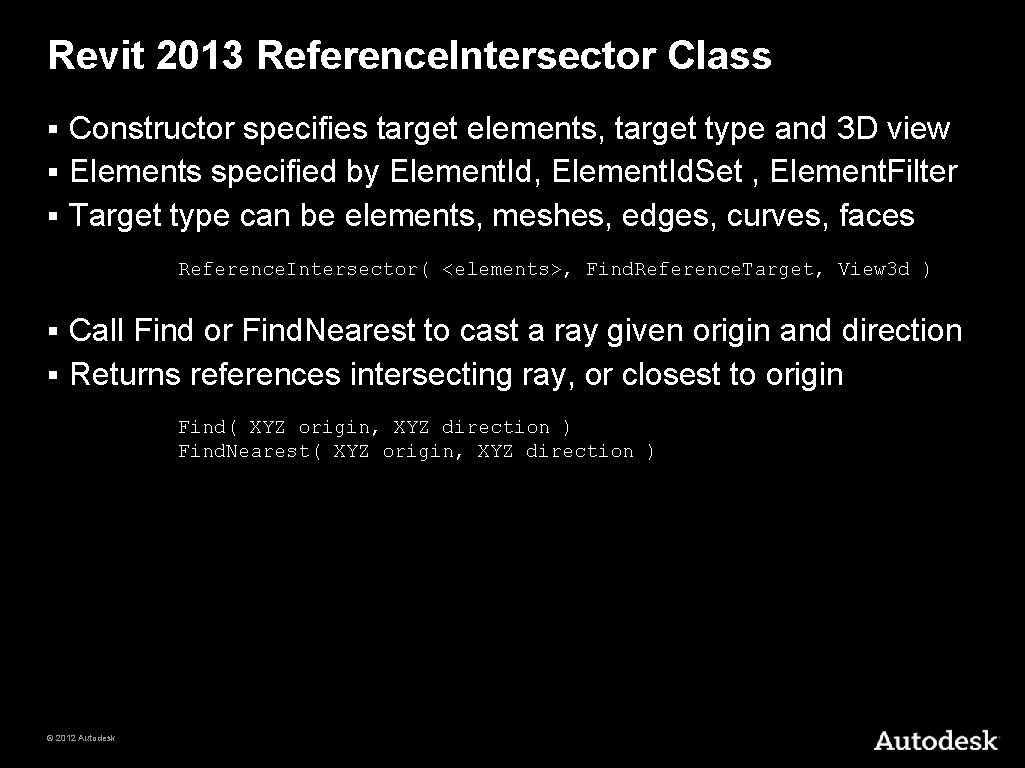
Revit 2013 Reference. Intersector Class Constructor specifies target elements, target type and 3 D view § Elements specified by Element. Id, Element. Id. Set , Element. Filter § Target type can be elements, meshes, edges, curves, faces § Reference. Intersector( <elements>, Find. Reference. Target, View 3 d ) Call Find or Find. Nearest to cast a ray given origin and direction § Returns references intersecting ray, or closest to origin § Find( XYZ origin, XYZ direction ) Find. Nearest( XYZ origin, XYZ direction ) © 2012 Autodesk
Conceptual Energy Analysis API Energy analysis on conceptual design models § New overload of Document. Export method taking Mass. GBXMLExport. Options argument § Create a gb. XML file containing energy analysis elements generated from conceptual mass family instances § © 2012 Autodesk
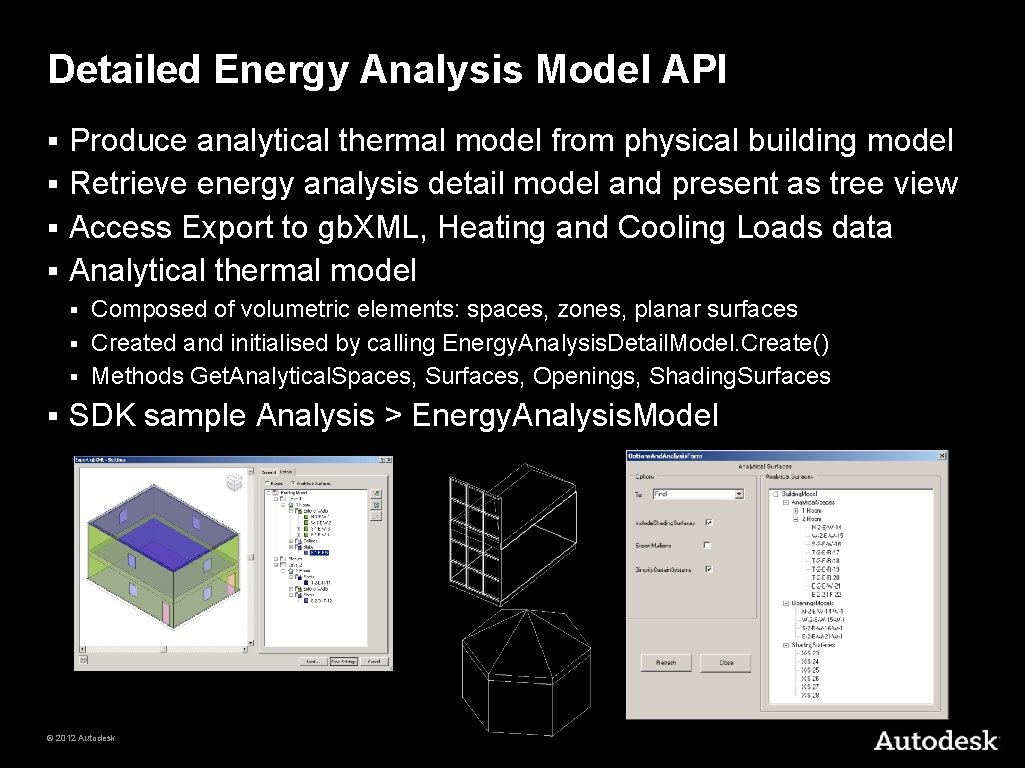
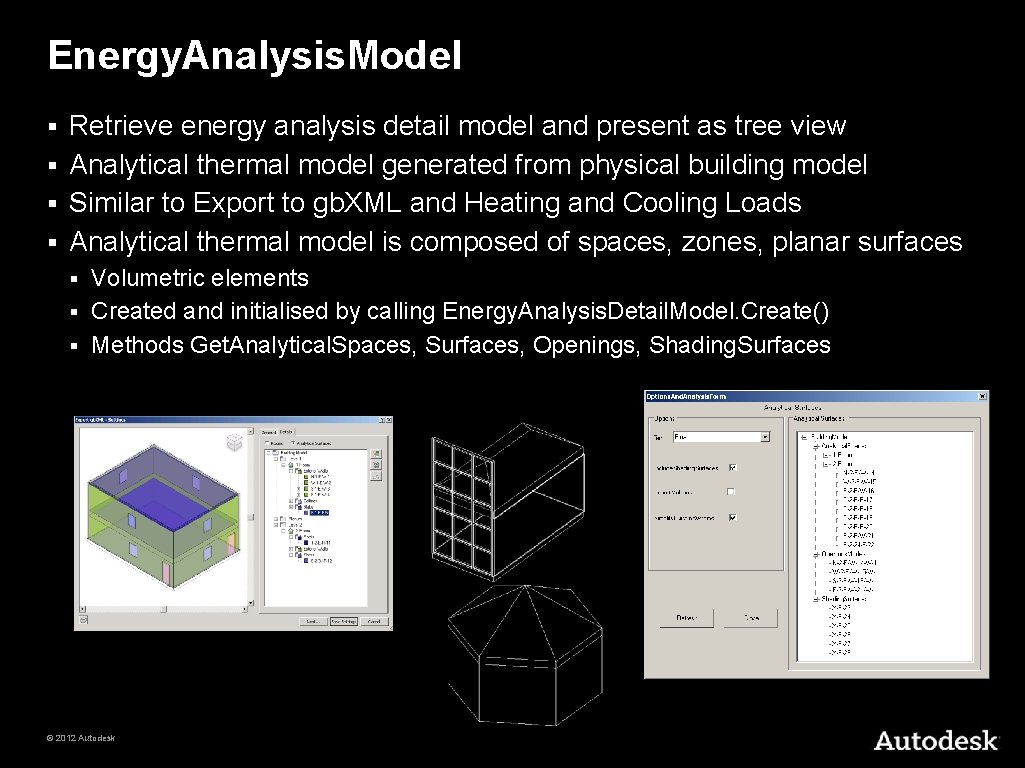
Detailed Energy Analysis Model API Produce analytical thermal model from physical building model § Retrieve energy analysis detail model and present as tree view § Access Export to gb. XML, Heating and Cooling Loads data § Analytical thermal model § Composed of volumetric elements: spaces, zones, planar surfaces § Created and initialised by calling Energy. Analysis. Detail. Model. Create() § Methods Get. Analytical. Spaces, Surfaces, Openings, Shading. Surfaces § § SDK sample Analysis > Energy. Analysis. Model © 2012 Autodesk
Hierarchical Systems and Connectors © 2012 Autodesk
Hierarchical System Structure and MEP Model MEP systems consist of hierarchically connected components § Many components are represented using family instances § Connectors can link neighbouring components and transfer info § Top level node is MEP system § § § Represented by MEPSystem class, with derived classes Electrical. System, Mechanical. System, Piping. System Family instance provides MEPModel property MEPModel has Connector. Manager and Electrical. Systems properties § Derived classes include Electrical. Equipment, Lighting. Device, Lighting. Fixture, Mechanical. Equipment, Mechanical. Fitting § © 2012 Autodesk
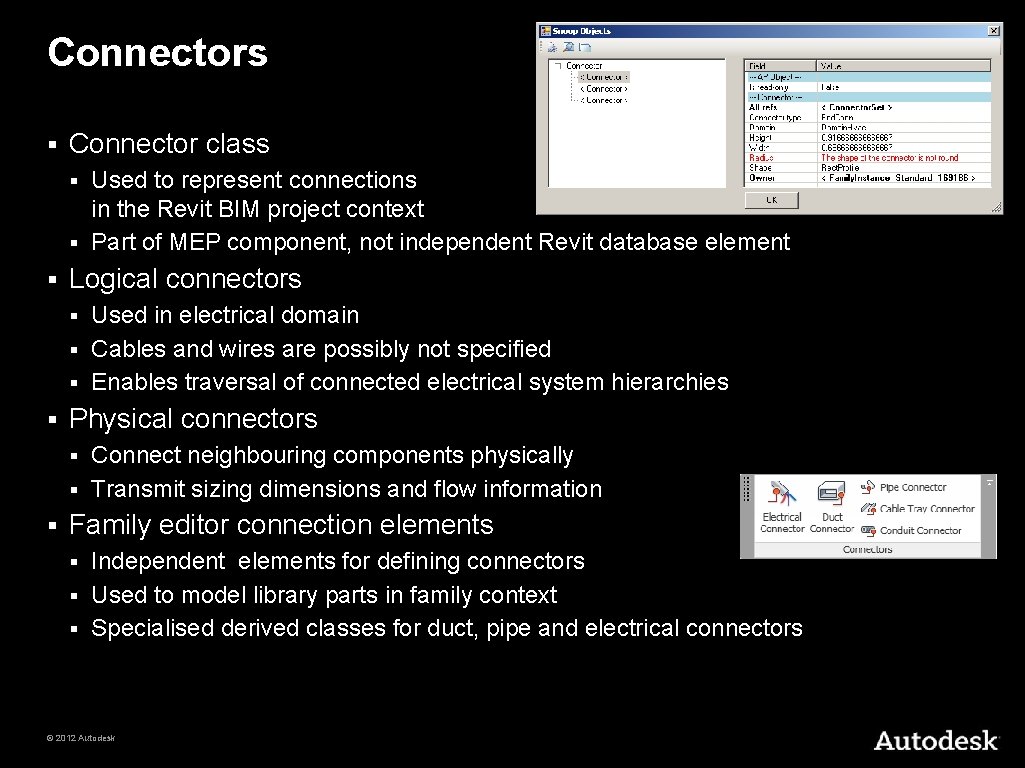
Connectors § Connector class Used to represent connections in the Revit BIM project context § Part of MEP component, not independent Revit database element § § Logical connectors Used in electrical domain § Cables and wires are possibly not specified § Enables traversal of connected electrical system hierarchies § § Physical connectors Connect neighbouring components physically § Transmit sizing dimensions and flow information § § Family editor connection elements Independent elements for defining connectors § Used to model library parts in family context § Specialised derived classes for duct, pipe and electrical connectors § © 2012 Autodesk
Electrical © 2012 Autodesk
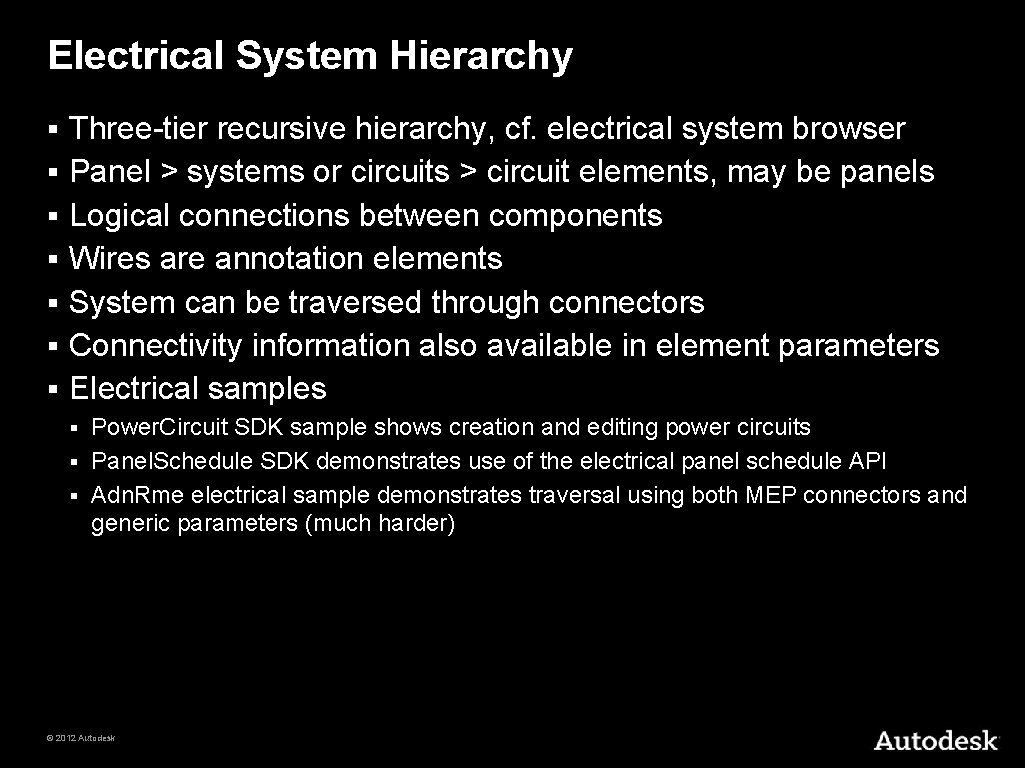
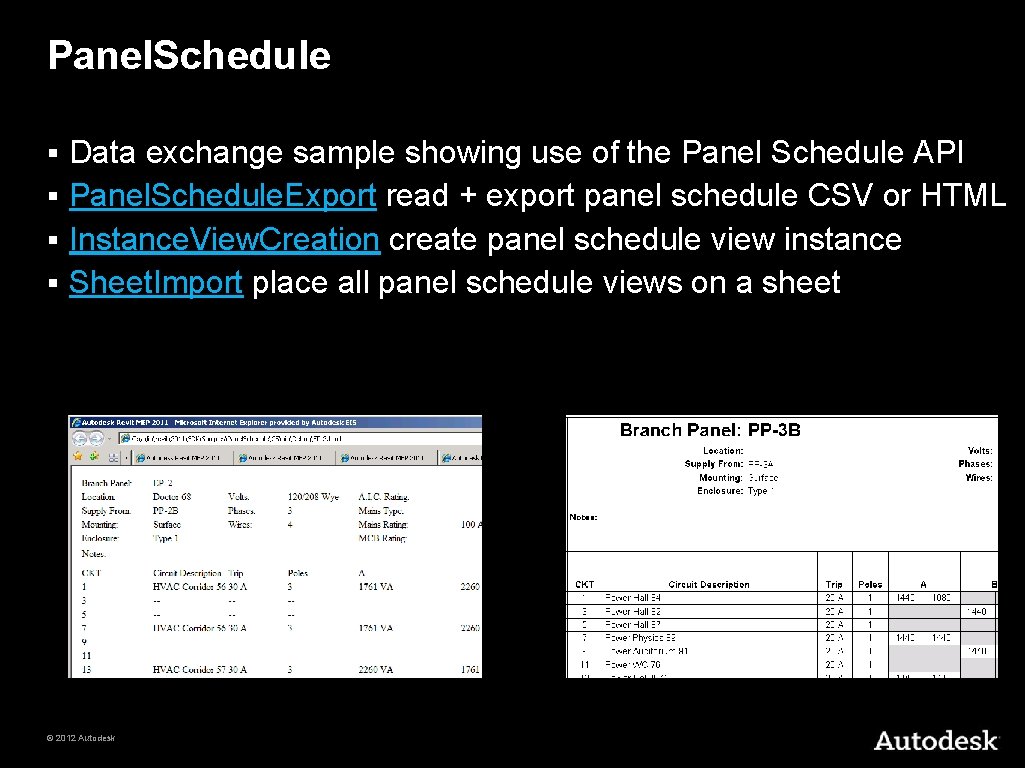
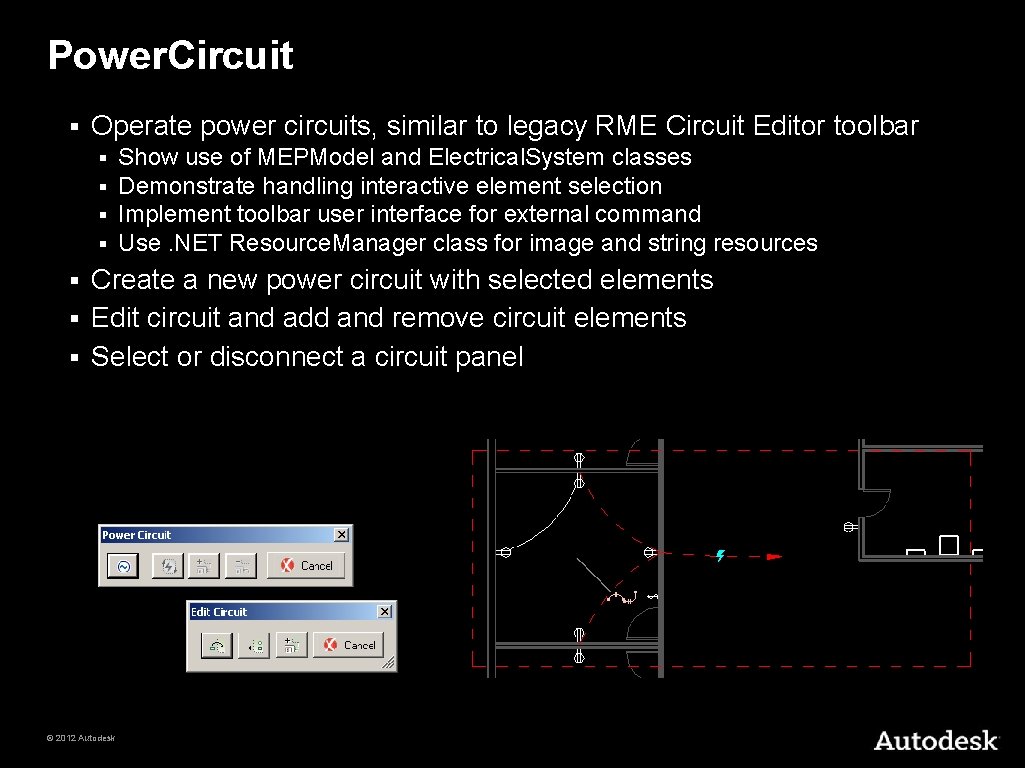
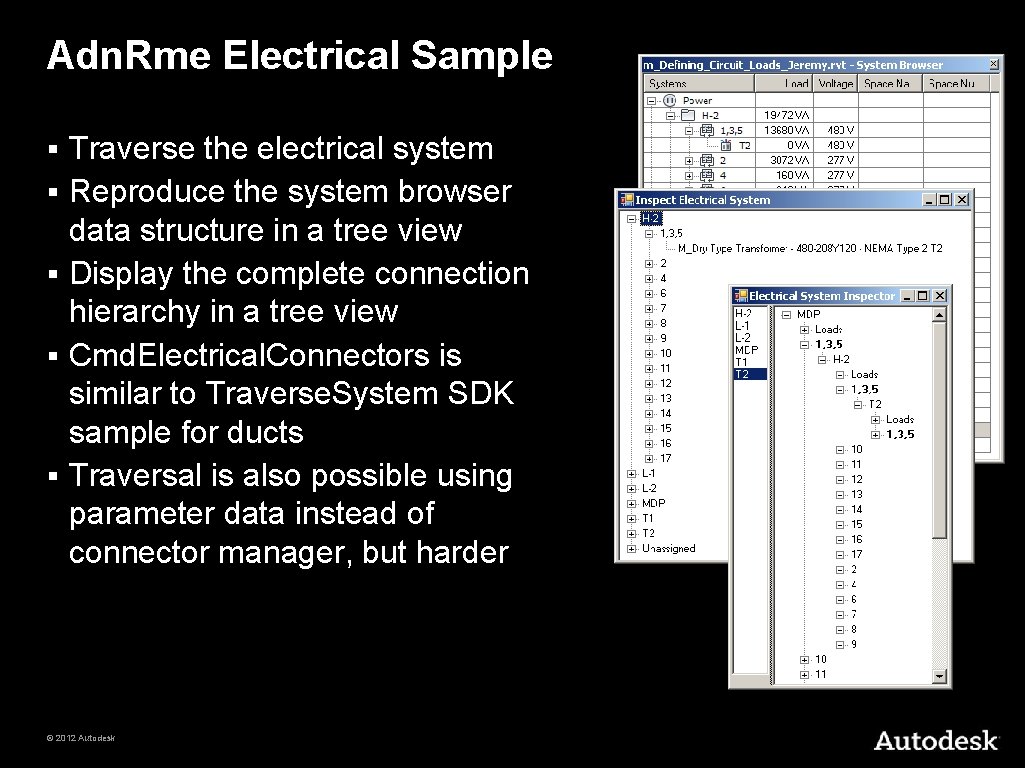
Electrical System Hierarchy § § § § Three-tier recursive hierarchy, cf. electrical system browser Panel > systems or circuits > circuit elements, may be panels Logical connections between components Wires are annotation elements System can be traversed through connectors Connectivity information also available in element parameters Electrical samples Power. Circuit SDK sample shows creation and editing power circuits § Panel. Schedule SDK demonstrates use of the electrical panel schedule API § Adn. Rme electrical sample demonstrates traversal using both MEP connectors and generic parameters (much harder) § © 2012 Autodesk
HVAC and Plumbing © 2012 Autodesk
HVAC and Piping Hierarchy Systems manage the top level system properties § Ducts and pipes define the main flow elements § Fittings implement bends and branches in the system § Connectors hook up the ducts, pipes and fittings § © 2012 Autodesk
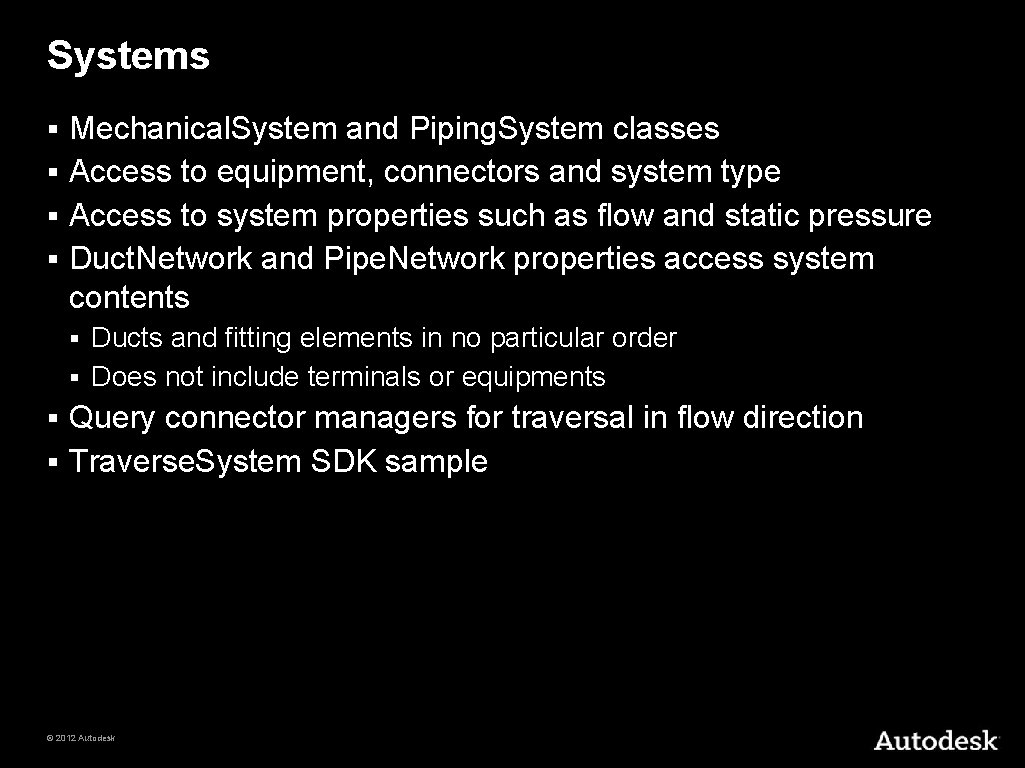
Systems Mechanical. System and Piping. System classes § Access to equipment, connectors and system type § Access to system properties such as flow and static pressure § Duct. Network and Pipe. Network properties access system contents § Ducts and fitting elements in no particular order § Does not include terminals or equipments § Query connector managers for traversal in flow direction § Traverse. System SDK sample § © 2012 Autodesk
Duct and Pipes § Represented by Duct, Flex. Duct, Pipe and Flex. Pipe classes § Derived from MEPCurve Provide read access to duct properties, types, and geometry § Change duct or pipe type § Move duct or pipe § § § Use Move method rather than Location Layout duct or pipe § Driven by two points, point and connector, or two connectors © 2012 Autodesk
Fittings Represented by standard RFA family instances § Created using dedicated creation doc New*Fitting methods § Elbow, Tee, Cross, Takeoff, Transition, and Union § Access fitting properties, shape and dimensions through the Family. Instance. MEPModel property § © 2012 Autodesk
Connectors § Read duct, pipe, and fitting connector properties § § Flow, Coefficient, Demand Access physical connector properties § Origin, Angle, Height, Width, Radius Read and write assigned connector properties § The fitting connectors define the properties § § Flow, Flow Configuration, Coefficients, Loss Method Change connector size and location § Connect and disconnect § © 2012 Autodesk
Element Creation Methods on Autodesk. Revit. Creation. Document § Create New Systems § § § Create New Elements § § New. Mechanical. System, New. Piping. System New. Duct, New. Flex. Duct, New. Pipe, New. Flex. Pipe Create New Fittings § New. . . Fitting for Cross, Elbow, Take. Off, Tee. Fitting, Transition, Union New classes Conduit, Cable. Tray provide static Create methods § Connector elements § Created in the family context using methods on Family. Item. Factory § Accessed through the Document. Family. Create property § New. Duct. Connector, New. Pipe. Connector, New. Electrical. Connector § © 2012 Autodesk
The Revit MEP 2013 API and the past few releases as well. . . © 2012 Autodesk
Revit MEP 2011 API Enhancements § New classes for cable tray and conduit § § Panel schedules § § Pipe to conduit converter sample API access and Panel. Schedule SDK sample Other Enhancements § § § Energy. Data. Settings Validation in Electrical. System Properties Wire. Material. Type, Insulation. Type, Temperature. Rating. Type Duct. Connector, Pipe. Connector, Electrical. Connector Demand Factor and Load Classifications © 2012 Autodesk
Revit MEP 2012 API Enhancements § § § Pipe settings and sizes Placeholder ducts and pipes Duct and pipe insulation and lining Small Enhancements and Changes MEP related APIs Detailed Energy Analysis § Conceptual Energy Analysis § © 2012 Autodesk
Revit MEP 2013 Product Features § § § Routing preferences MEP centrelines MEP properties Calculation functionality Enhanced analysis and simulation functionality © 2012 Autodesk
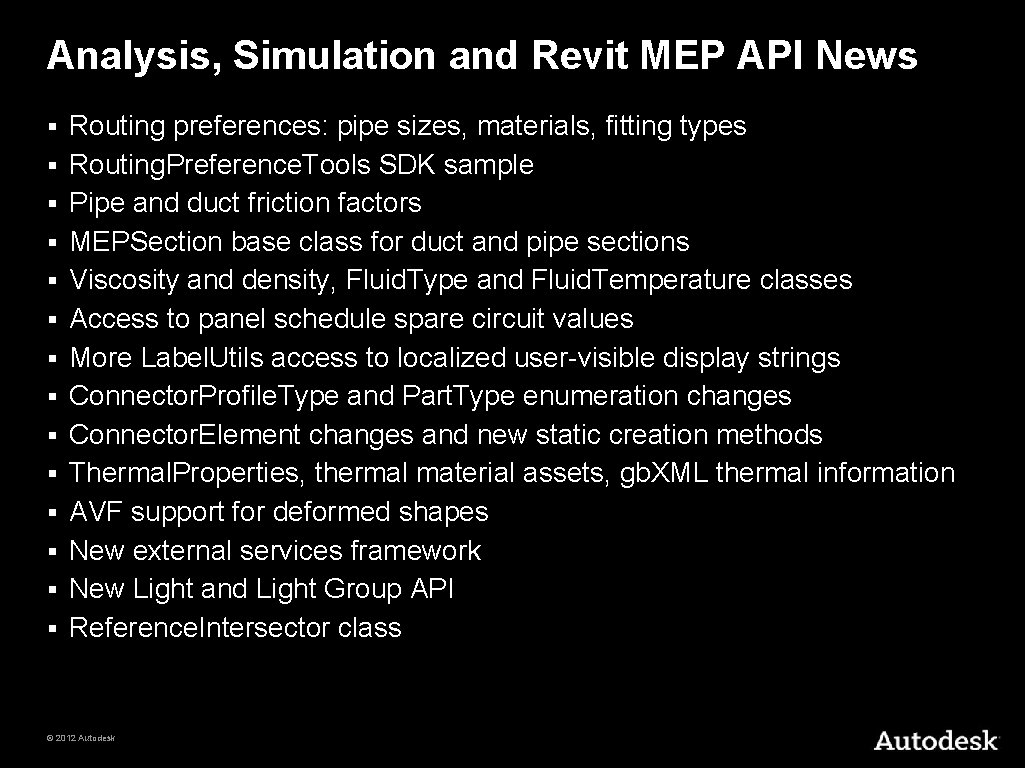
Revit MEP 2013 API Enhancements § Routing preferences § § Analysis enhancements § § § Routing. Preference. Tools SDK sample MEPSection class Viscosity and density Spare circuit values Display strings Thermal properties, material assets, and gb. XML export External Services framework Wrap external service functionality, enable encapsulation, replacement § Basis for future MEP calculations and structural code checking § In place and fully functional, but not yet used, so no examples § © 2012 Autodesk
Analysis, Simulation and Revit MEP API News § § § § Routing preferences: pipe sizes, materials, fitting types Routing. Preference. Tools SDK sample Pipe and duct friction factors MEPSection base class for duct and pipe sections Viscosity and density, Fluid. Type and Fluid. Temperature classes Access to panel schedule spare circuit values More Label. Utils access to localized user-visible display strings Connector. Profile. Type and Part. Type enumeration changes Connector. Element changes and new static creation methods Thermal. Properties, thermal material assets, gb. XML thermal information AVF support for deformed shapes New external services framework New Light and Light Group API Reference. Intersector class © 2012 Autodesk
Sample Applications © 2012 Autodesk
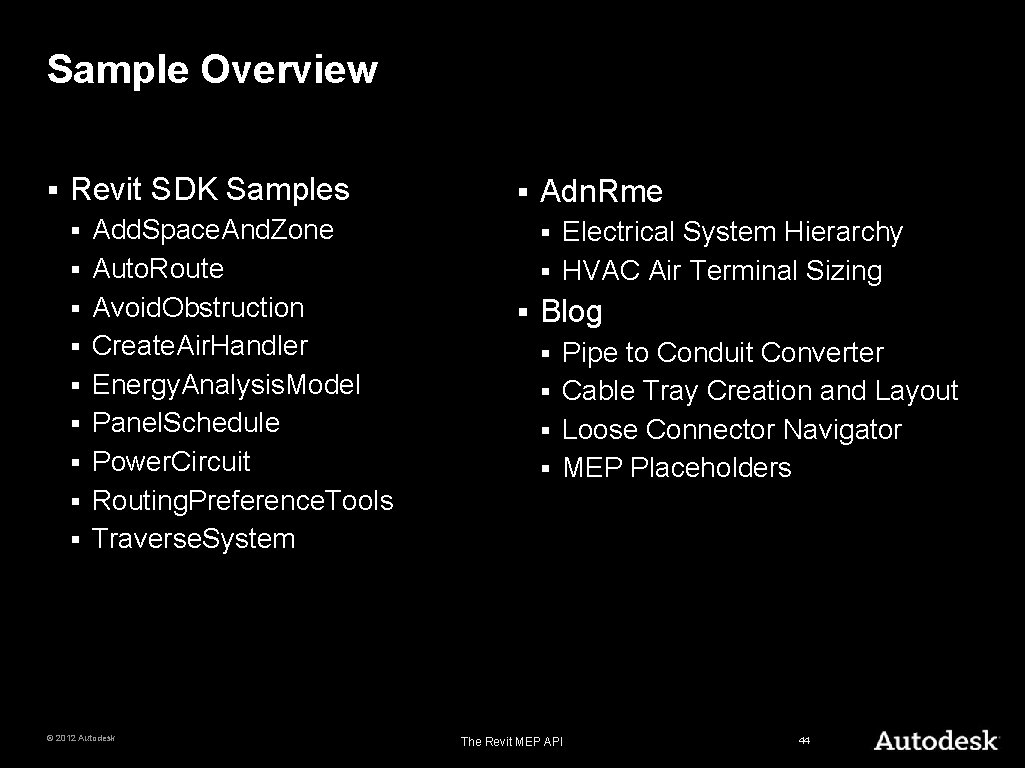
Sample Overview § Revit SDK Samples § § § § § Add. Space. And. Zone Auto. Route Avoid. Obstruction Create. Air. Handler Energy. Analysis. Model Panel. Schedule Power. Circuit Routing. Preference. Tools Traverse. System © 2012 Autodesk § Adn. Rme Electrical System Hierarchy § HVAC Air Terminal Sizing § § Blog Pipe to Conduit Converter § Cable Tray Creation and Layout § Loose Connector Navigator § MEP Placeholders § The Revit MEP API 44
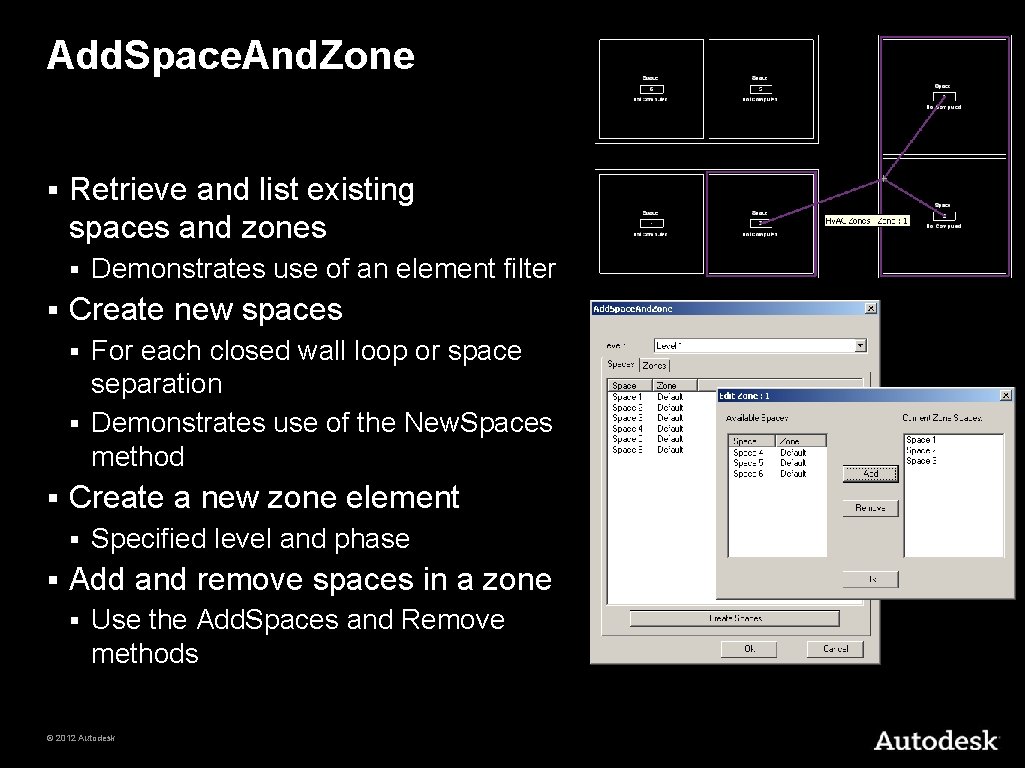
Add. Space. And. Zone § Retrieve and list existing spaces and zones § § Demonstrates use of an element filter Create new spaces For each closed wall loop or space separation § Demonstrates use of the New. Spaces method § § Create a new zone element § § Specified level and phase Add and remove spaces in a zone § Use the Add. Spaces and Remove methods © 2012 Autodesk
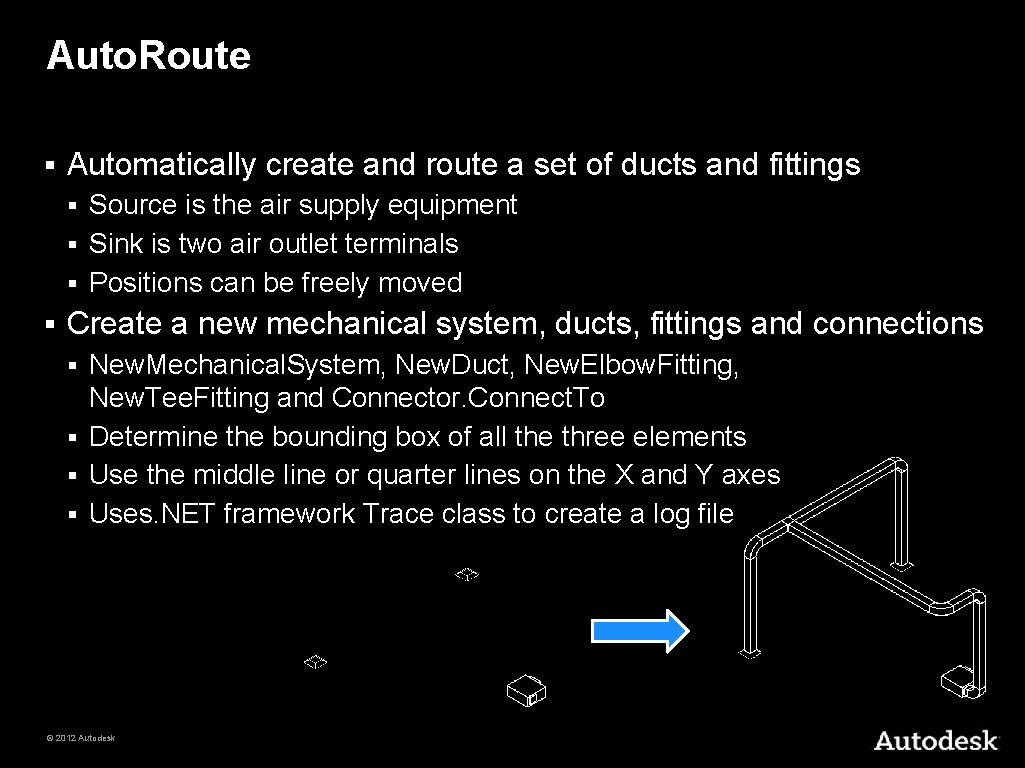
Auto. Route § Automatically create and route a set of ducts and fittings Source is the air supply equipment § Sink is two air outlet terminals § Positions can be freely moved § § Create a new mechanical system, ducts, fittings and connections New. Mechanical. System, New. Duct, New. Elbow. Fitting, New. Tee. Fitting and Connector. Connect. To § Determine the bounding box of all the three elements § Use the middle line or quarter lines on the X and Y axes § Uses. NET framework Trace class to create a log file § © 2012 Autodesk
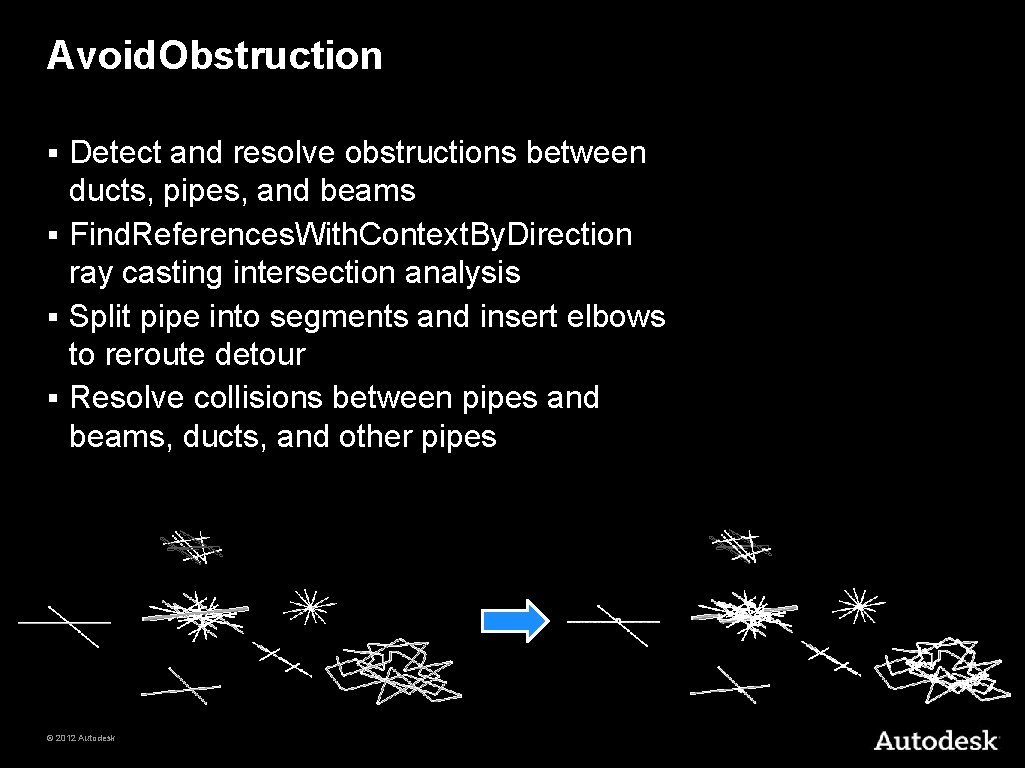
Avoid. Obstruction Detect and resolve obstructions between ducts, pipes, and beams § Find. References. With. Context. By. Direction ray casting intersection analysis § Split pipe into segments and insert elbows to reroute detour § Resolve collisions between pipes and beams, ducts, and other pipes § © 2012 Autodesk
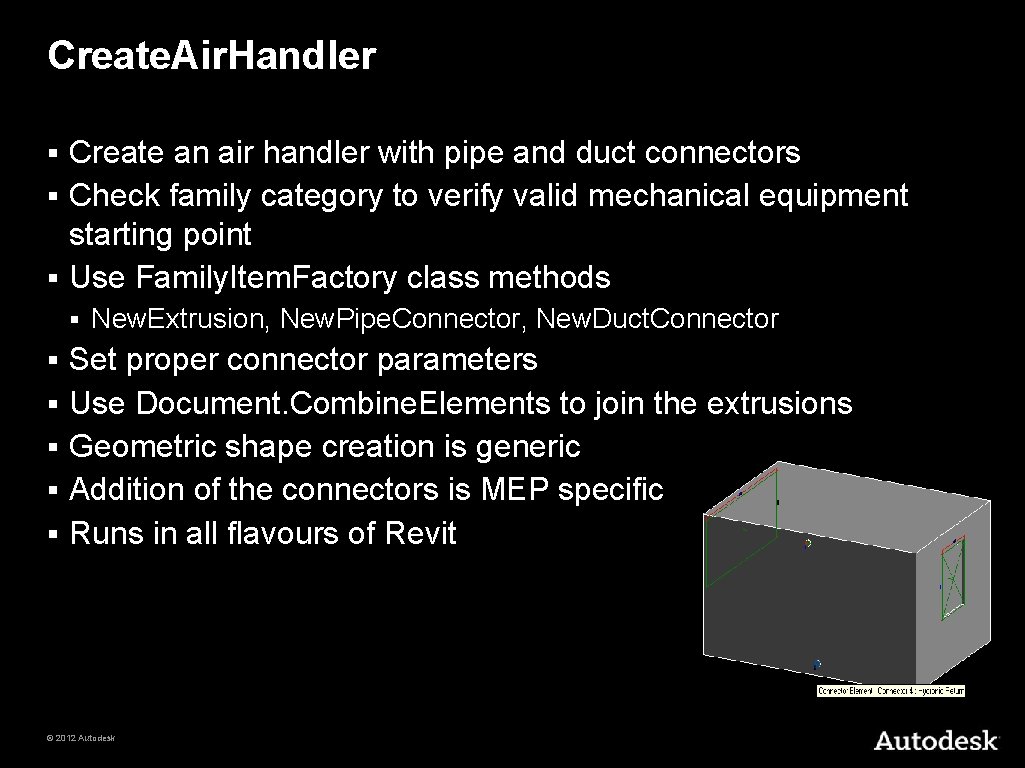
Create. Air. Handler Create an air handler with pipe and duct connectors § Check family category to verify valid mechanical equipment starting point § Use Family. Item. Factory class methods § § § § New. Extrusion, New. Pipe. Connector, New. Duct. Connector Set proper connector parameters Use Document. Combine. Elements to join the extrusions Geometric shape creation is generic Addition of the connectors is MEP specific Runs in all flavours of Revit © 2012 Autodesk
Energy. Analysis. Model Retrieve energy analysis detail model and present as tree view § Analytical thermal model generated from physical building model § Similar to Export to gb. XML and Heating and Cooling Loads § Analytical thermal model is composed of spaces, zones, planar surfaces § Volumetric elements § Created and initialised by calling Energy. Analysis. Detail. Model. Create() § Methods Get. Analytical. Spaces, Surfaces, Openings, Shading. Surfaces § © 2012 Autodesk
Panel. Schedule Data exchange sample showing use of the Panel Schedule API § Panel. Schedule. Export read + export panel schedule CSV or HTML § Instance. View. Creation create panel schedule view instance § Sheet. Import place all panel schedule views on a sheet § © 2012 Autodesk
Power. Circuit § Operate power circuits, similar to legacy RME Circuit Editor toolbar § § Show use of MEPModel and Electrical. System classes Demonstrate handling interactive element selection Implement toolbar user interface for external command Use. NET Resource. Manager class for image and string resources Create a new power circuit with selected elements § Edit circuit and add and remove circuit elements § Select or disconnect a circuit panel § © 2012 Autodesk
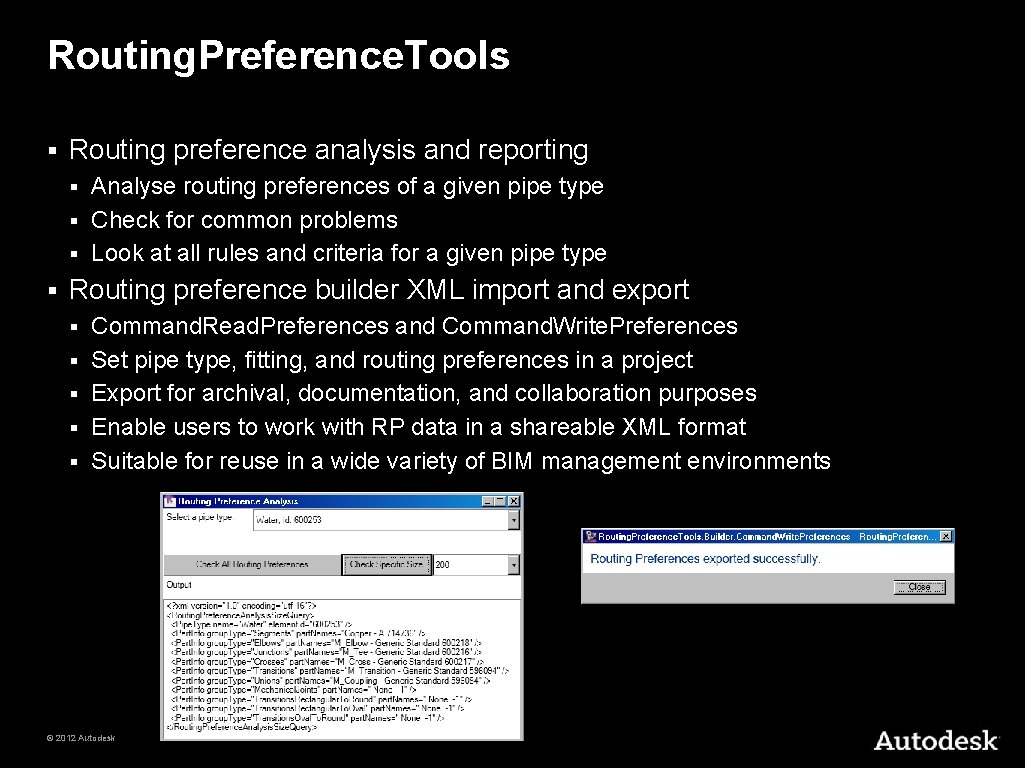
Routing. Preference. Tools § Routing preference analysis and reporting Analyse routing preferences of a given pipe type § Check for common problems § Look at all rules and criteria for a given pipe type § § Routing preference builder XML import and export § § § Command. Read. Preferences and Command. Write. Preferences Set pipe type, fitting, and routing preferences in a project Export for archival, documentation, and collaboration purposes Enable users to work with RP data in a shareable XML format Suitable for reuse in a wide variety of BIM management environments © 2012 Autodesk
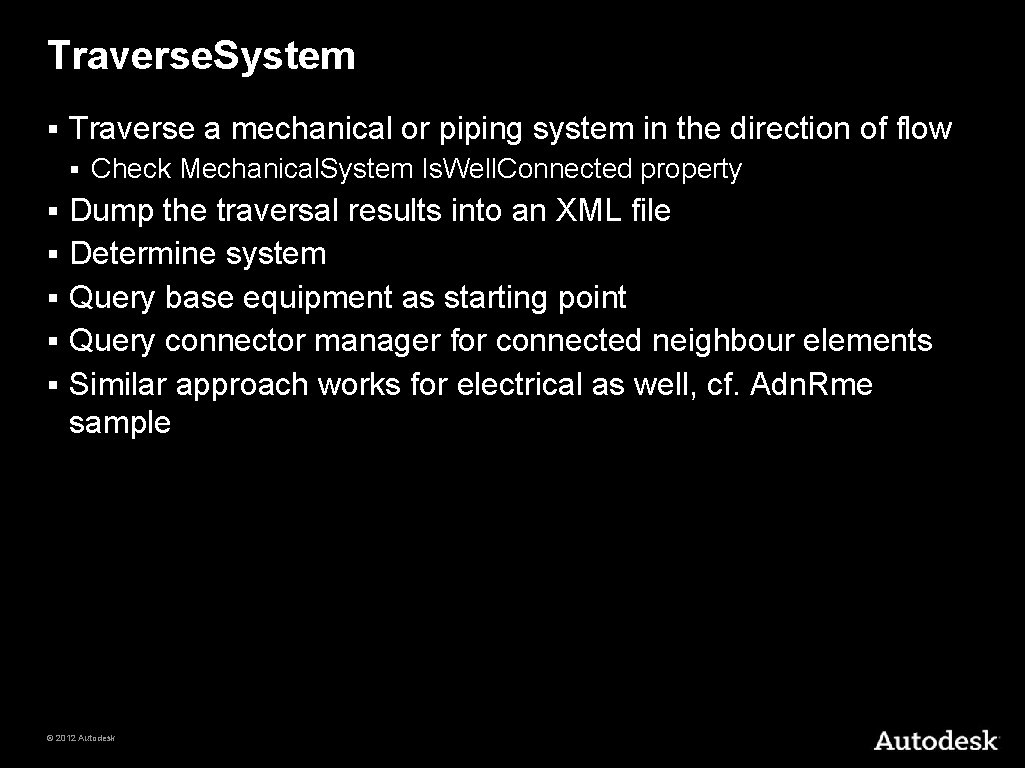
Traverse. System § Traverse a mechanical or piping system in the direction of flow § § § Check Mechanical. System Is. Well. Connected property Dump the traversal results into an XML file Determine system Query base equipment as starting point Query connector manager for connected neighbour elements Similar approach works for electrical as well, cf. Adn. Rme sample © 2012 Autodesk
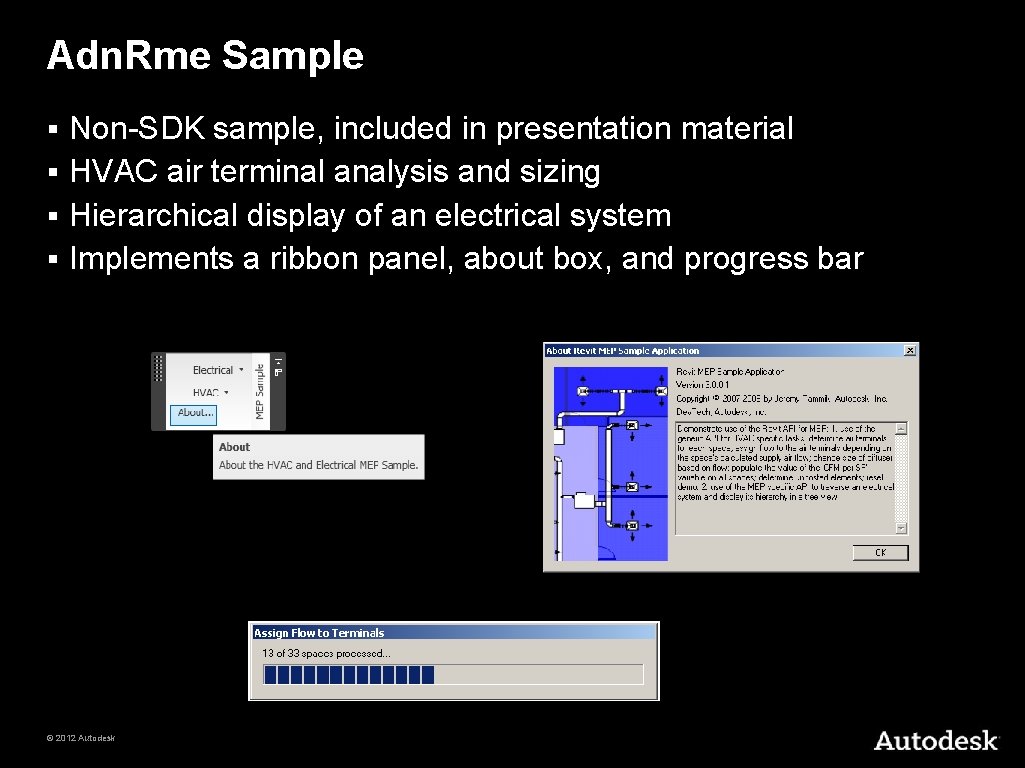
Adn. Rme Sample Non-SDK sample, included in presentation material § HVAC air terminal analysis and sizing § Hierarchical display of an electrical system § Implements a ribbon panel, about box, and progress bar § © 2012 Autodesk
Adn. Rme Electrical Sample § § § Traverse the electrical system Reproduce the system browser data structure in a tree view Display the complete connection hierarchy in a tree view Cmd. Electrical. Connectors is similar to Traverse. System SDK sample for ducts Traversal is also possible using parameter data instead of connector manager, but harder © 2012 Autodesk
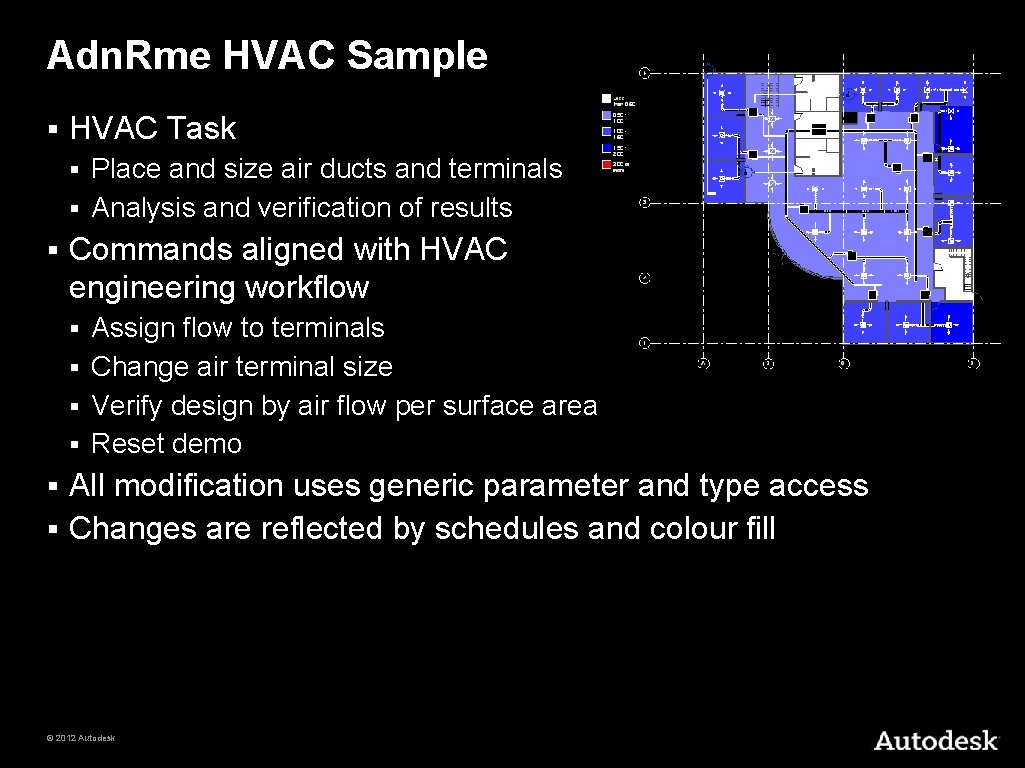
Adn. Rme HVAC Sample § HVAC Task Place and size air ducts and terminals § Analysis and verification of results § § Commands aligned with HVAC engineering workflow Assign flow to terminals § Change air terminal size § Verify design by air flow per surface area § Reset demo § All modification uses generic parameter and type access § Changes are reflected by schedules and colour fill § © 2012 Autodesk
Pipe to Conduit Converter Two hundred lines of code § My First Revit 2011 Add-in § Illustrates all major Revit 2011 API renovations § § § Revit API assembly split Namespace reorganisation Command registration manifest External command Execute method and attributes Transaction mode Regeneration option Task dialogues for user messages Interactive filtered element selection Redesigned element filtering New element creation paradigm Access to pipe and conduit sizes © 2012 Autodesk
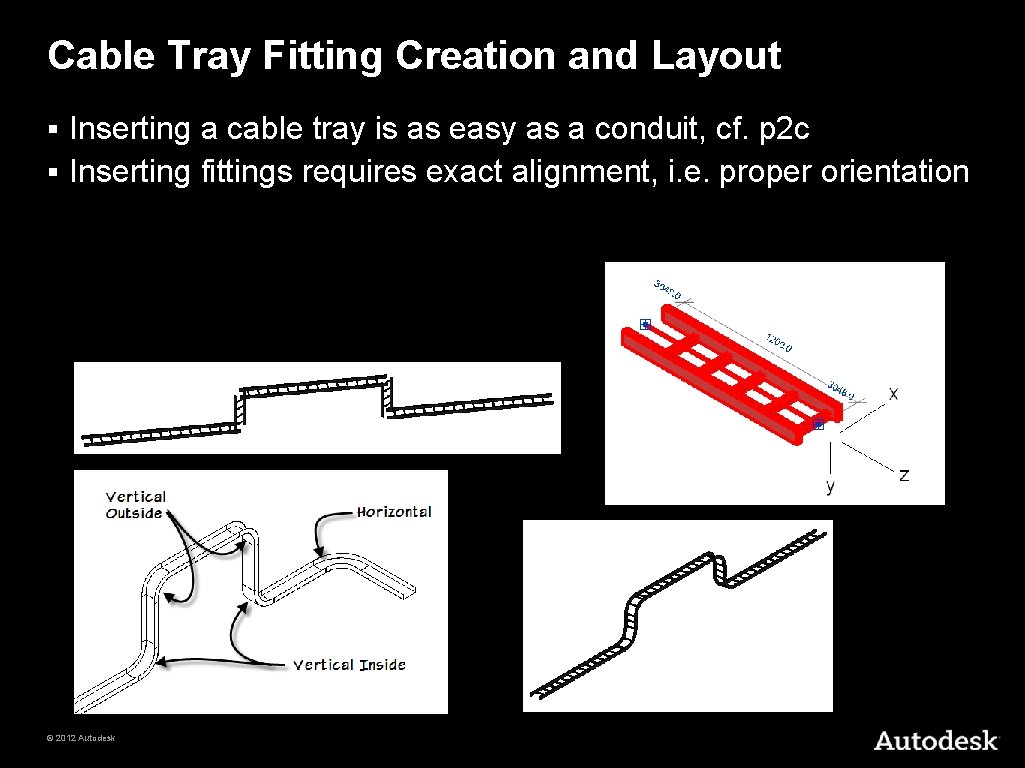
Cable Tray Fitting Creation and Layout Inserting a cable tray is as easy as a conduit, cf. p 2 c § Inserting fittings requires exact alignment, i. e. proper orientation § © 2012 Autodesk
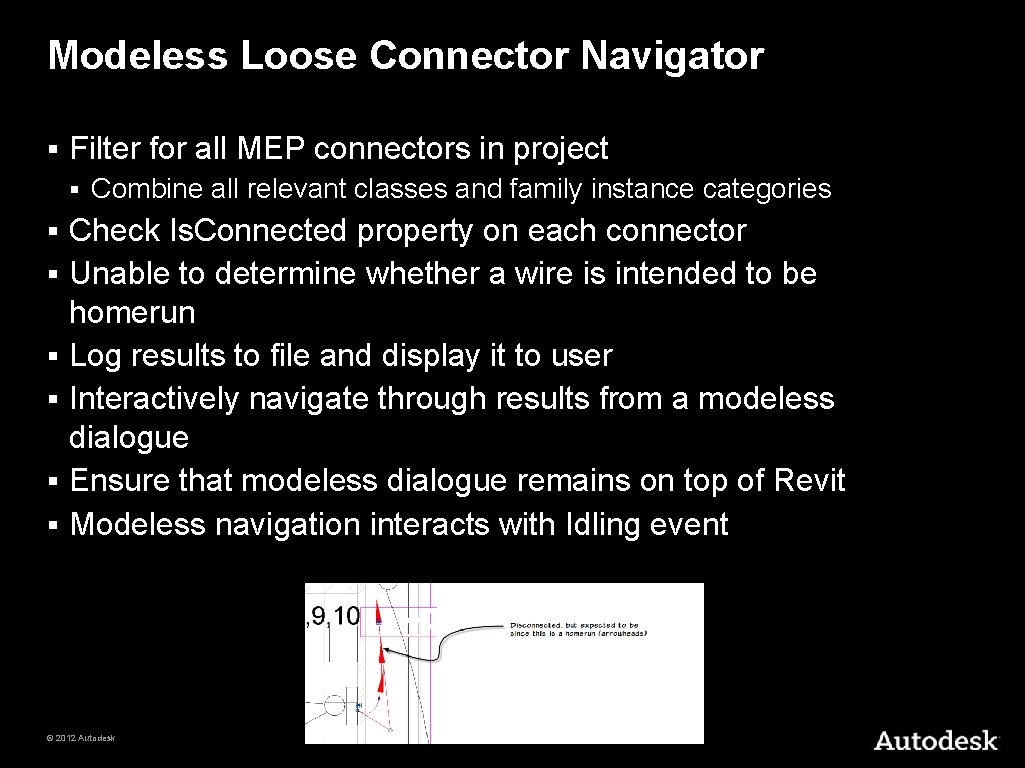
Modeless Loose Connector Navigator § Filter for all MEP connectors in project § § § § Combine all relevant classes and family instance categories Check Is. Connected property on each connector Unable to determine whether a wire is intended to be homerun Log results to file and display it to user Interactively navigate through results from a modeless dialogue Ensure that modeless dialogue remains on top of Revit Modeless navigation interacts with Idling event © 2012 Autodesk
MEP Placeholder Sample § Placeholder ducts and pipes § § Duct and pipe insulation and lining § § Create. Placeholders and Convert. Placeholders commands Insulate. Ductwork command Read and write access to MEP pipe settings and sizes § Get. Pipe. Settings command © 2012 Autodesk
Summary and Further Reading © 2012 Autodesk
Class Summary Overview of the Revit MEP API § MEP API enhancements in Revit 2013 § Working programmatically with Revit MEP models § Overview of available Revit MEP API samples § © 2012 Autodesk
Materials § Blog posts § § http: //thebuildingcoder. typepad. com/mep Autodesk University 2011 hand-out and sample code CP 4453_tammik_rme_api. pdf § CP 4453_tammik_rme_api. zip § § § © 2012 Autodesk MEP placeholder sample – Mep. Placeholders. zip HVAC and electrical MEP sample code – Adn. Rme. zip Modeless loose connector navigator – loose_connectors_11. zip Cable tray sample – Cable. Tray. zip
Learning More § Revit Developer Center: Dev. TV introduction, SDK, Samples, API Help § § Developer Guide and Online Help § § http: //www. autodesk. com/developrevit http: //www. autodesk. com/revitapi-wikihelp Public ADN Revit and Revit MEP API Webcasts, Trainings and Archives http: //www. adskconsulting. com/adn/cs/api_course_sched. php > Revit API § http: //www. adskconsulting. com/adn/cs/api_course_webcast_archive. php > Revit API § § Discussion Group § § API Training Classes § § http: //discussion. autodesk. com > Revit Architecture > Revit API http: //www. autodesk. com/apitraining ADN AEC Dev. Blog and The Building Coder Revit API Blog http: //adndevblog. typepad. com/AEC § http: //thebuildingcoder. typepad. com § § ADN, The Autodesk Developer Network § § Dev. Help Online for ADN members § § http: //www. autodesk. com/joinadn http: //adn. autodesk. com Learning Autodesk Revit MEP 2012 video training § http: //cad-notes. com/2011/12/learning-autodesk-revit-mep-2012 -training-video-is-available © 2012 Autodesk
Autodesk, Auto. CAD, Civil 3 D, DWG, Green Building Studio, Navisworks, and Revit are registered trademarks or trademarks of Autodesk, Inc. , and/or its subsidiaries and/or affiliates in the USA and/or other countries. All other brand names, product names, or trademarks belong to their respective holders. Autodesk reserves the right to alter product and services offerings, and specifications and pricing at any time without notice, and is not responsible for typographical or graphical errors that may appear in this document. © 2012 Autodesk, Inc. All rights reserved. © 2012 Autodesk