
The Registry Mario Tayah and Jim Fawcett CSE
- Slides: 19
The Registry Mario Tayah and Jim Fawcett CSE 775 – Distributed Objects Spring 2007
Definition n The registry is a database file or presentation that is used by all windows operating systems that followed Win 95. The registry is used by the Windows OS to store hardware and software configuration information, user preferences and setup information. The correct registry is essential for correct windows performance and functioning, this is why the registry is usually attacked by viruses and other malicious software.
Registry vs. File System n The registry is analogous to a file system. File system: • Folders • Files Registry: • Keys have inside them either other keys or name/value pairs which correspond to object name and content.
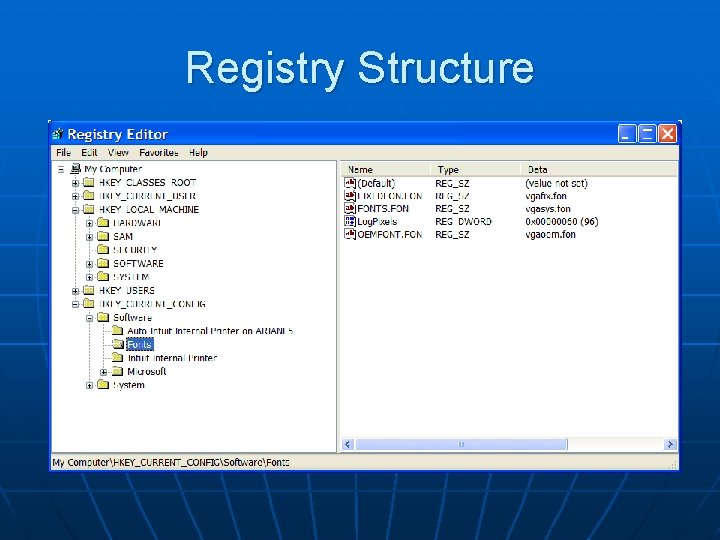
Registry Structure
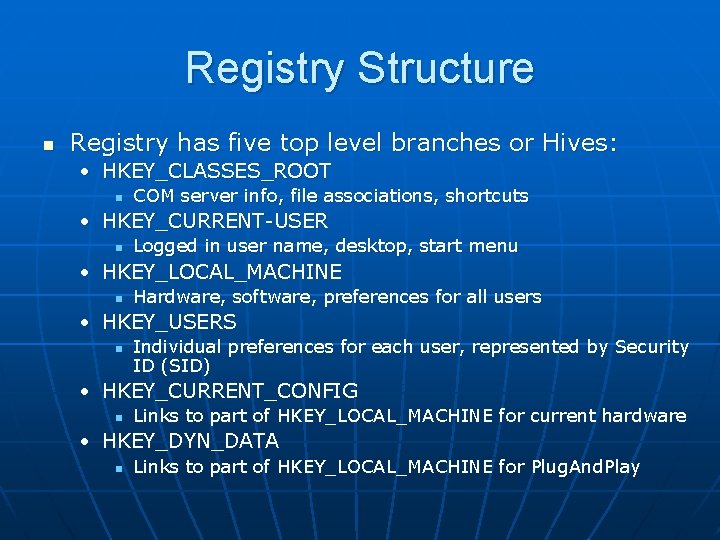
Registry Structure n Registry has five top level branches or Hives: • HKEY_CLASSES_ROOT n COM server info, file associations, shortcuts • HKEY_CURRENT-USER n Logged in user name, desktop, start menu • HKEY_LOCAL_MACHINE n Hardware, software, preferences for all users • HKEY_USERS n Individual preferences for each user, represented by Security ID (SID) • HKEY_CURRENT_CONFIG n Links to part of HKEY_LOCAL_MACHINE for current hardware • HKEY_DYN_DATA n Links to part of HKEY_LOCAL_MACHINE for Plug. And. Play
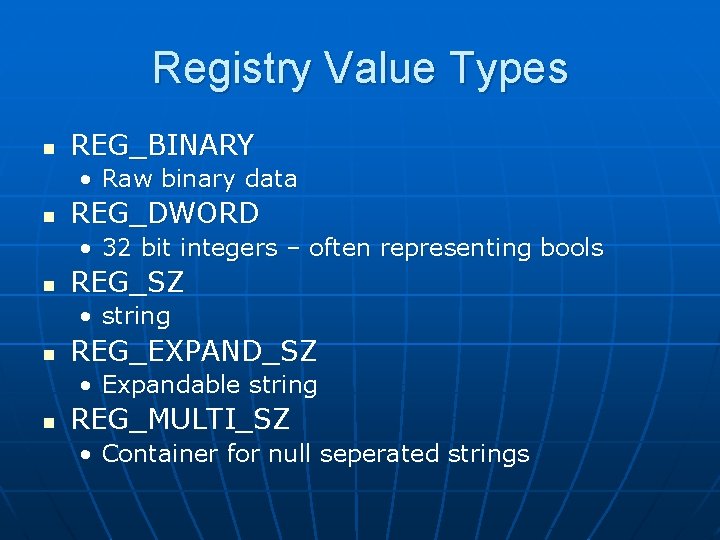
Registry Value Types n REG_BINARY • Raw binary data n REG_DWORD • 32 bit integers – often representing bools n REG_SZ • string n REG_EXPAND_SZ • Expandable string n REG_MULTI_SZ • Container for null seperated strings
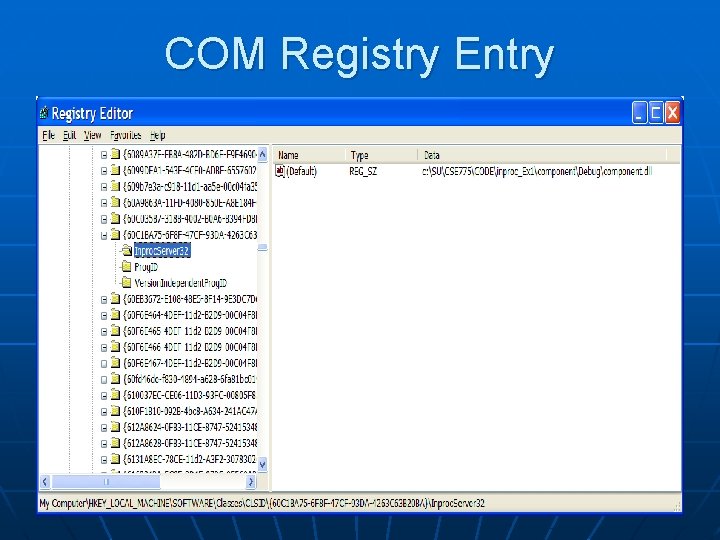
COM Registry Entry
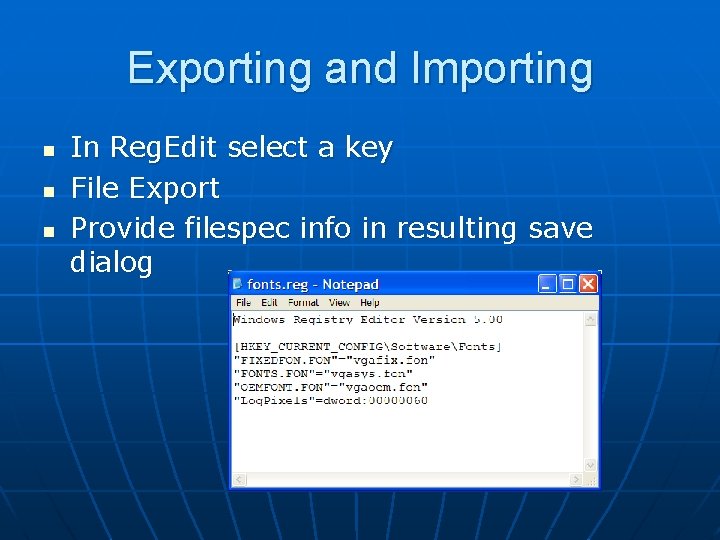
Exporting and Importing n n n In Reg. Edit select a key File Export Provide filespec info in resulting save dialog
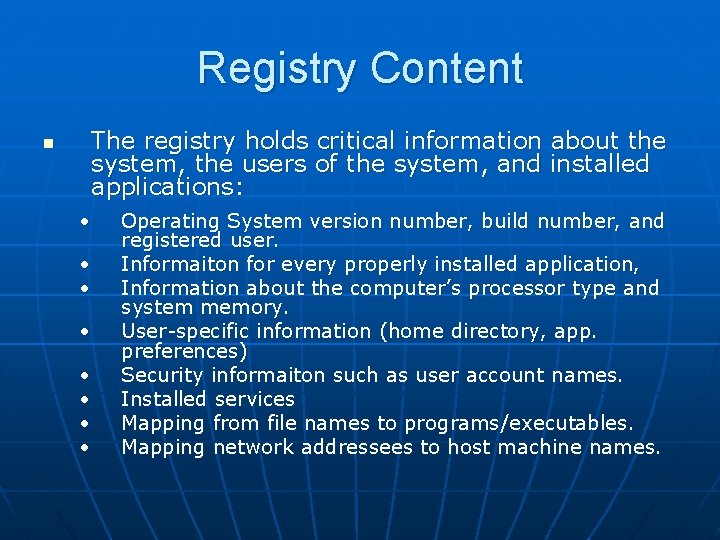
Registry Content n The registry holds critical information about the system, the users of the system, and installed applications: • • Operating System version number, build number, and registered user. Informaiton for every properly installed application, Information about the computer’s processor type and system memory. User-specific information (home directory, app. preferences) Security informaiton such as user account names. Installed services Mapping from file names to programs/executables. Mapping network addressees to host machine names.
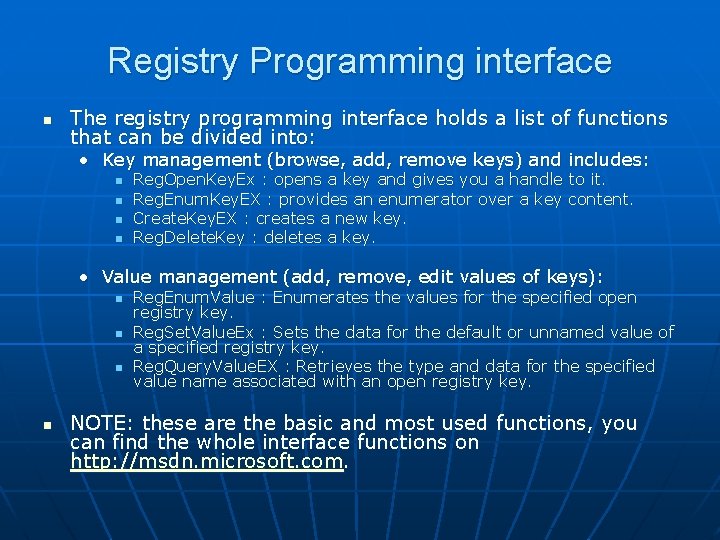
Registry Programming interface n The registry programming interface holds a list of functions that can be divided into: • Key management (browse, add, remove keys) and includes: n n Reg. Open. Key. Ex : opens a key and gives you a handle to it. Reg. Enum. Key. EX : provides an enumerator over a key content. Create. Key. EX : creates a new key. Reg. Delete. Key : deletes a key. • Value management (add, remove, edit values of keys): n n Reg. Enum. Value : Enumerates the values for the specified open registry key. Reg. Set. Value. Ex : Sets the data for the default or unnamed value of a specified registry key. Reg. Query. Value. EX : Retrieves the type and data for the specified value name associated with an open registry key. NOTE: these are the basic and most used functions, you can find the whole interface functions on http: //msdn. microsoft. com.
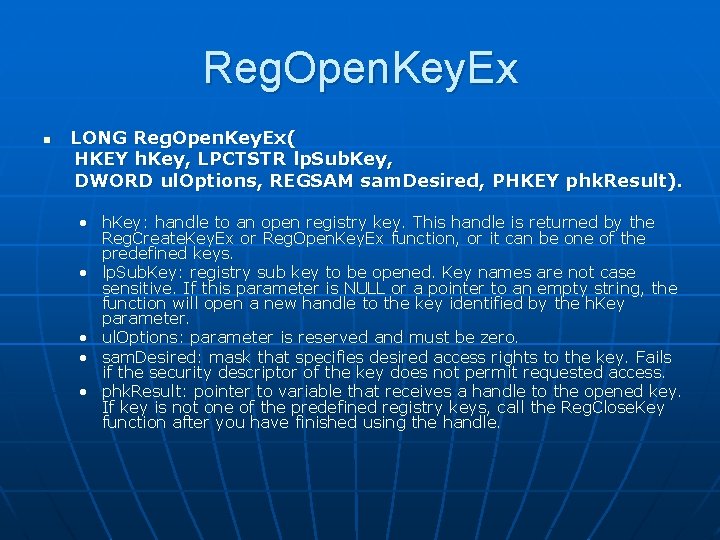
Reg. Open. Key. Ex n LONG Reg. Open. Key. Ex( HKEY h. Key, LPCTSTR lp. Sub. Key, DWORD ul. Options, REGSAM sam. Desired, PHKEY phk. Result). • h. Key: handle to an open registry key. This handle is returned by the Reg. Create. Key. Ex or Reg. Open. Key. Ex function, or it can be one of the predefined keys. • lp. Sub. Key: registry sub key to be opened. Key names are not case sensitive. If this parameter is NULL or a pointer to an empty string, the function will open a new handle to the key identified by the h. Key parameter. • ul. Options: parameter is reserved and must be zero. • sam. Desired: mask that specifies desired access rights to the key. Fails if the security descriptor of the key does not permit requested access. • phk. Result: pointer to variable that receives a handle to the opened key. If key is not one of the predefined registry keys, call the Reg. Close. Key function after you have finished using the handle.
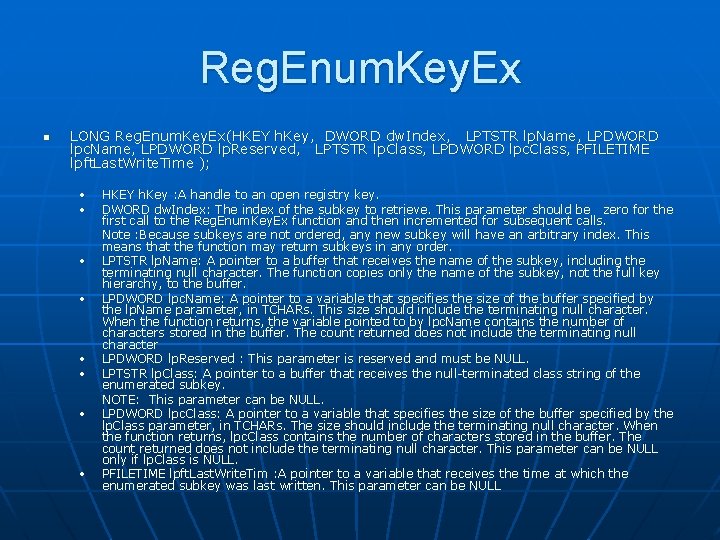
Reg. Enum. Key. Ex n LONG Reg. Enum. Key. Ex(HKEY h. Key, DWORD dw. Index, LPTSTR lp. Name, LPDWORD lpc. Name, LPDWORD lp. Reserved, LPTSTR lp. Class, LPDWORD lpc. Class, PFILETIME lpft. Last. Write. Time ); • • HKEY h. Key : A handle to an open registry key. DWORD dw. Index: The index of the subkey to retrieve. This parameter should be zero for the first call to the Reg. Enum. Key. Ex function and then incremented for subsequent calls. Note : Because subkeys are not ordered, any new subkey will have an arbitrary index. This means that the function may return subkeys in any order. LPTSTR lp. Name: A pointer to a buffer that receives the name of the subkey, including the terminating null character. The function copies only the name of the subkey, not the full key hierarchy, to the buffer. LPDWORD lpc. Name: A pointer to a variable that specifies the size of the buffer specified by the lp. Name parameter, in TCHARs. This size should include the terminating null character. When the function returns, the variable pointed to by lpc. Name contains the number of characters stored in the buffer. The count returned does not include the terminating null character LPDWORD lp. Reserved : This parameter is reserved and must be NULL. LPTSTR lp. Class: A pointer to a buffer that receives the null-terminated class string of the enumerated subkey. NOTE: This parameter can be NULL. LPDWORD lpc. Class: A pointer to a variable that specifies the size of the buffer specified by the lp. Class parameter, in TCHARs. The size should include the terminating null character. When the function returns, lpc. Class contains the number of characters stored in the buffer. The count returned does not include the terminating null character. This parameter can be NULL only if lp. Class is NULL. PFILETIME lpft. Last. Write. Tim : A pointer to a variable that receives the time at which the enumerated subkey was last written. This parameter can be NULL
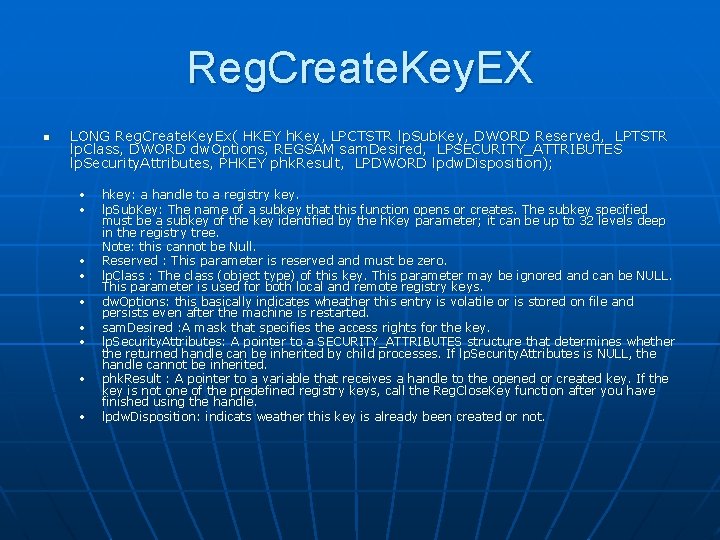
Reg. Create. Key. EX n LONG Reg. Create. Key. Ex( HKEY h. Key, LPCTSTR lp. Sub. Key, DWORD Reserved, LPTSTR lp. Class, DWORD dw. Options, REGSAM sam. Desired, LPSECURITY_ATTRIBUTES lp. Security. Attributes, PHKEY phk. Result, LPDWORD lpdw. Disposition); • • • hkey: a handle to a registry key. lp. Sub. Key: The name of a subkey that this function opens or creates. The subkey specified must be a subkey of the key identified by the h. Key parameter; it can be up to 32 levels deep in the registry tree. Note: this cannot be Null. Reserved : This parameter is reserved and must be zero. lp. Class : The class (object type) of this key. This parameter may be ignored and can be NULL. This parameter is used for both local and remote registry keys. dw. Options: this basically indicates wheather this entry is volatile or is stored on file and persists even after the machine is restarted. sam. Desired : A mask that specifies the access rights for the key. lp. Security. Attributes: A pointer to a SECURITY_ATTRIBUTES structure that determines whether the returned handle can be inherited by child processes. If lp. Security. Attributes is NULL, the handle cannot be inherited. phk. Result : A pointer to a variable that receives a handle to the opened or created key. If the key is not one of the predefined registry keys, call the Reg. Close. Key function after you have finished using the handle. lpdw. Disposition: indicats weather this key is already been created or not.
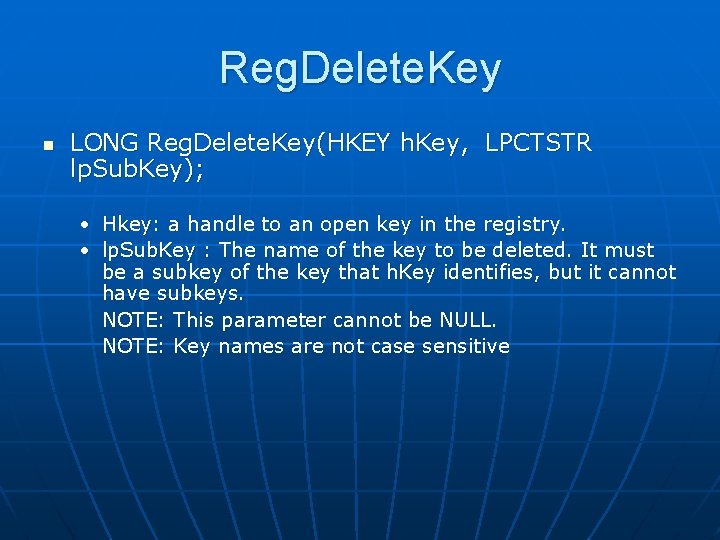
Reg. Delete. Key n LONG Reg. Delete. Key(HKEY h. Key, LPCTSTR lp. Sub. Key); • Hkey: a handle to an open key in the registry. • lp. Sub. Key : The name of the key to be deleted. It must be a subkey of the key that h. Key identifies, but it cannot have subkeys. NOTE: This parameter cannot be NULL. NOTE: Key names are not case sensitive
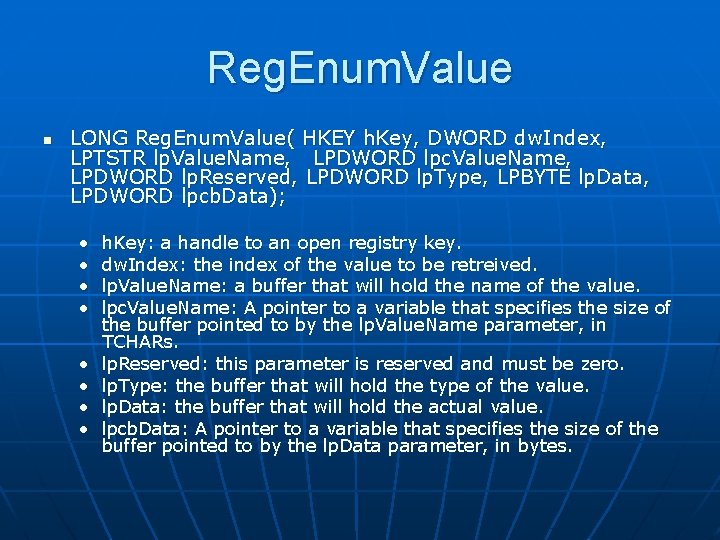
Reg. Enum. Value n LONG Reg. Enum. Value( HKEY h. Key, DWORD dw. Index, LPTSTR lp. Value. Name, LPDWORD lpc. Value. Name, LPDWORD lp. Reserved, LPDWORD lp. Type, LPBYTE lp. Data, LPDWORD lpcb. Data); • • h. Key: a handle to an open registry key. dw. Index: the index of the value to be retreived. lp. Value. Name: a buffer that will hold the name of the value. lpc. Value. Name: A pointer to a variable that specifies the size of the buffer pointed to by the lp. Value. Name parameter, in TCHARs. lp. Reserved: this parameter is reserved and must be zero. lp. Type: the buffer that will hold the type of the value. lp. Data: the buffer that will hold the actual value. lpcb. Data: A pointer to a variable that specifies the size of the buffer pointed to by the lp. Data parameter, in bytes.
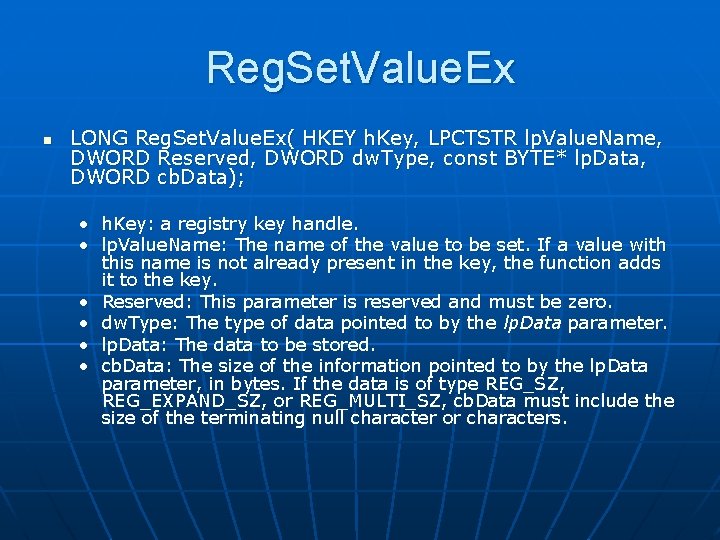
Reg. Set. Value. Ex n LONG Reg. Set. Value. Ex( HKEY h. Key, LPCTSTR lp. Value. Name, DWORD Reserved, DWORD dw. Type, const BYTE* lp. Data, DWORD cb. Data); • h. Key: a registry key handle. • lp. Value. Name: The name of the value to be set. If a value with this name is not already present in the key, the function adds it to the key. • Reserved: This parameter is reserved and must be zero. • dw. Type: The type of data pointed to by the lp. Data parameter. • lp. Data: The data to be stored. • cb. Data: The size of the information pointed to by the lp. Data parameter, in bytes. If the data is of type REG_SZ, REG_EXPAND_SZ, or REG_MULTI_SZ, cb. Data must include the size of the terminating null character or characters.
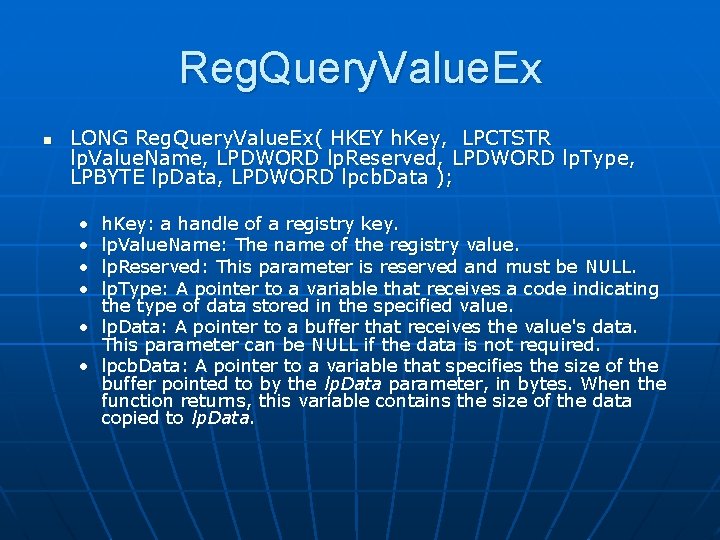
Reg. Query. Value. Ex n LONG Reg. Query. Value. Ex( HKEY h. Key, LPCTSTR lp. Value. Name, LPDWORD lp. Reserved, LPDWORD lp. Type, LPBYTE lp. Data, LPDWORD lpcb. Data ); • • h. Key: a handle of a registry key. lp. Value. Name: The name of the registry value. lp. Reserved: This parameter is reserved and must be NULL. lp. Type: A pointer to a variable that receives a code indicating the type of data stored in the specified value. • lp. Data: A pointer to a buffer that receives the value's data. This parameter can be NULL if the data is not required. • lpcb. Data: A pointer to a variable that specifies the size of the buffer pointed to by the lp. Data parameter, in bytes. When the function returns, this variable contains the size of the data copied to lp. Data.
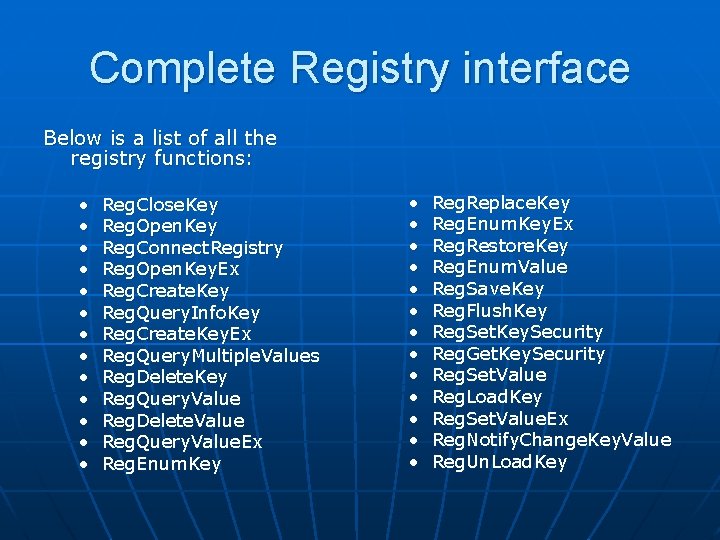
Complete Registry interface Below is a list of all the registry functions: • • • • Reg. Close. Key Reg. Open. Key Reg. Connect. Registry Reg. Open. Key. Ex Reg. Create. Key Reg. Query. Info. Key Reg. Create. Key. Ex Reg. Query. Multiple. Values Reg. Delete. Key Reg. Query. Value Reg. Delete. Value Reg. Query. Value. Ex Reg. Enum. Key • • • • Reg. Replace. Key Reg. Enum. Key. Ex Reg. Restore. Key Reg. Enum. Value Reg. Save. Key Reg. Flush. Key Reg. Set. Key. Security Reg. Get. Key. Security Reg. Set. Value Reg. Load. Key Reg. Set. Value. Ex Reg. Notify. Change. Key. Value Reg. Un. Load. Key
References n n n Windows System Programming, Third Edition, Johnson M. Hart, Addison-Wesley, 2005 MSDN http: //docs. rinet. ru/NTServak