
THE PRINCIPLES OF GRAPHIC DESIGN Check Your Documents
- Slides: 8
THE PRINCIPLES OF GRAPHIC DESIGN Check Your Documents for Balance, Alignment, and Other Principles of Design
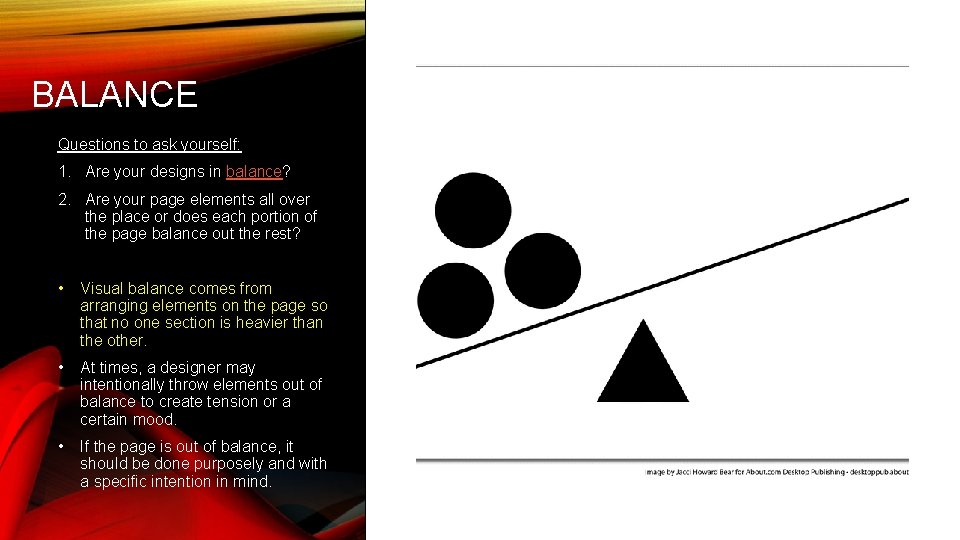
BALANCE Questions to ask yourself: 1. Are your designs in balance? 2. Are your page elements all over the place or does each portion of the page balance out the rest? • Visual balance comes from arranging elements on the page so that no one section is heavier than the other. • At times, a designer may intentionally throw elements out of balance to create tension or a certain mood. • If the page is out of balance, it should be done purposely and with a specific intention in mind.
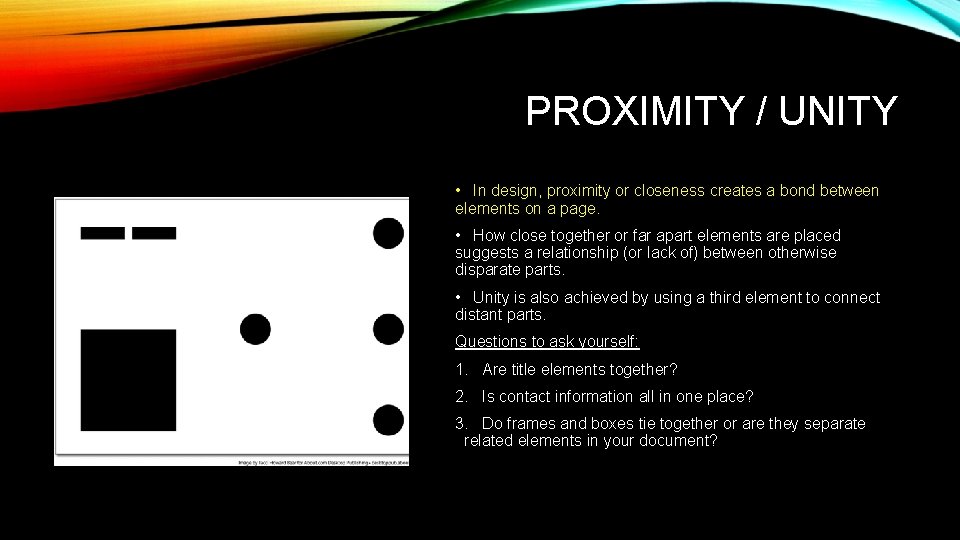
PROXIMITY / UNITY • In design, proximity or closeness creates a bond between elements on a page. • How close together or far apart elements are placed suggests a relationship (or lack of) between otherwise disparate parts. • Unity is also achieved by using a third element to connect distant parts. Questions to ask yourself: 1. Are title elements together? 2. Is contact information all in one place? 3. Do frames and boxes tie together or are they separate related elements in your document?
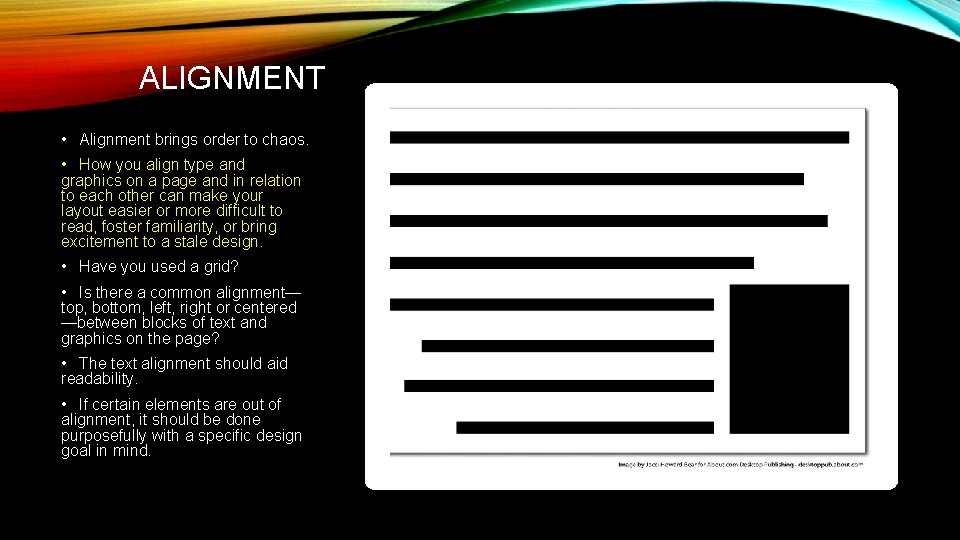
ALIGNMENT • Alignment brings order to chaos. • How you align type and graphics on a page and in relation to each other can make your layout easier or more difficult to read, foster familiarity, or bring excitement to a stale design. • Have you used a grid? • Is there a common alignment— top, bottom, left, right or centered —between blocks of text and graphics on the page? • The text alignment should aid readability. • If certain elements are out of alignment, it should be done purposefully with a specific design goal in mind.
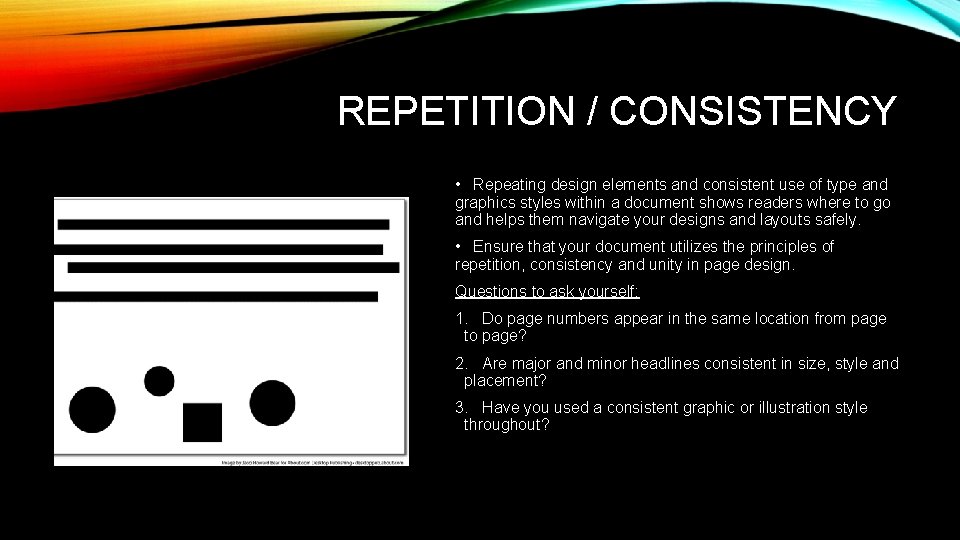
REPETITION / CONSISTENCY • Repeating design elements and consistent use of type and graphics styles within a document shows readers where to go and helps them navigate your designs and layouts safely. • Ensure that your document utilizes the principles of repetition, consistency and unity in page design. Questions to ask yourself: 1. Do page numbers appear in the same location from page to page? 2. Are major and minor headlines consistent in size, style and placement? 3. Have you used a consistent graphic or illustration style throughout?
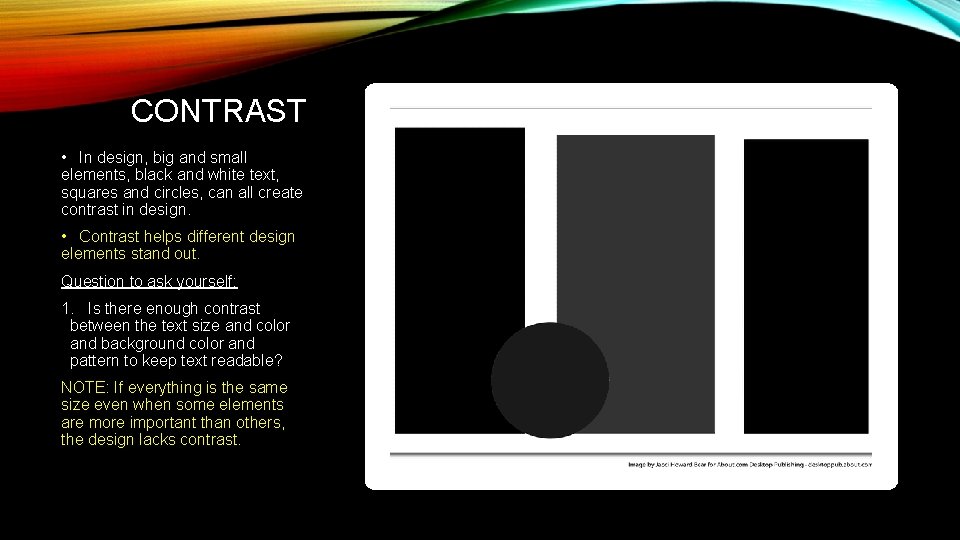
CONTRAST • In design, big and small elements, black and white text, squares and circles, can all create contrast in design. • Contrast helps different design elements stand out. Question to ask yourself: 1. Is there enough contrast between the text size and color and background color and pattern to keep text readable? NOTE: If everything is the same size even when some elements are more important than others, the design lacks contrast.
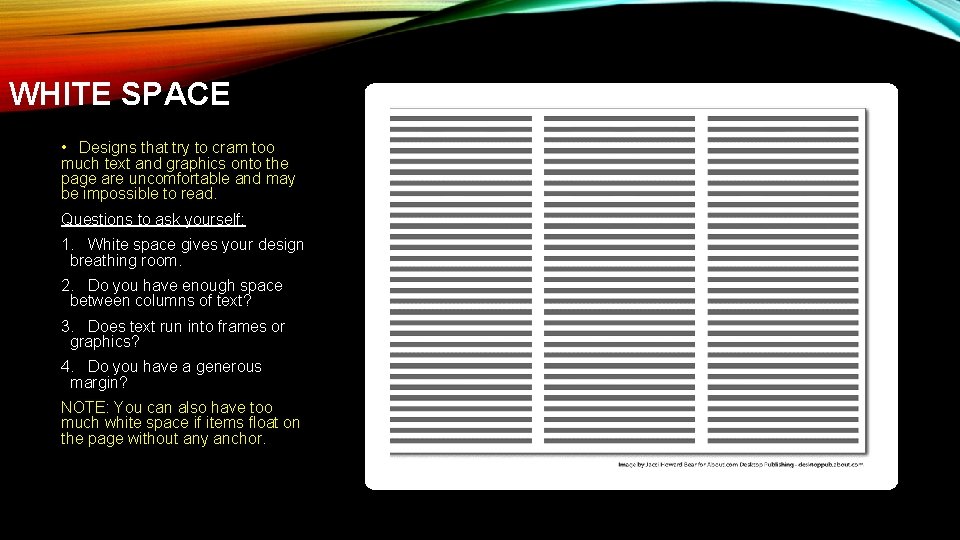
WHITE SPACE • Designs that try to cram too much text and graphics onto the page are uncomfortable and may be impossible to read. Questions to ask yourself: 1. White space gives your design breathing room. 2. Do you have enough space between columns of text? 3. Does text run into frames or graphics? 4. Do you have a generous margin? NOTE: You can also have too much white space if items float on the page without any anchor.
WORKS CITED Bear, Jacci Howard. February 23, 2018. “The principles of Graphic Design. Lifewire. https: //www. lifewire. com/principles-ofgraphic-design-1077541