
The Power of Doc Gen Presented by Some
The Power of Doc. Gen Presented by
Some Key Definitions While this slide deck focuses on the pros of docgen software, there are several definitions that are useful to understand: • • • Document generation (docgen) is the automatic creation of documents according to templates, from a connected datasource. Templates connected to data create personalized output for each recipient. Business Intelligence applications are used to collect, analyze, and present a business’s operational data to predict the future of a company. Reporting is the presentation of data in tables and charts so that the end-user can use the information to make decisions. This is a subset of docgen. Reporting tools extract and present data. Ad-hoc reporting is a one-time report made that addresses a particular business objective. Dashboards organize data into panels on a single screen, condensing important data into easily digestible information. Docgen is great for producing batches of reports that need to be sent out to hundreds of customers or employees, all with the same template.

Do You Need Doc. Gen? If you’ve got data, then you need docgen. Here are the most common problems companies face with outdated methods of generating documents: • Layout and design restrictions • Not scalable • Limited datasource connections • Limited output formats • Expensive to maintain • Inability to automate / no standardization • Time-consuming maintenance & updates • Requires costly development resources • Human error • Unable to handle internationalization

Doc. Gen’s Easy Solutions The benefits of implementing a modern document generation solution include: • Easy-to-use tools make design a breeze. • Perfect for datasets both big and small. • Connect to multiple datasources at once. • Output to DOCX, PDF, HTML, and more. • Reduce required resources and save. • Automate and schedule reports. • Design templates quickly and efficiently. • Any employee can learn the software. • Use data straight from the source instead of manually entering it. • Connects to Microsoft’s already phenomenal internationalization capabilities.

The Optimal Approach to Doc. Gen STEP 1 Design your smart docs: • • • Use familiar Microsoft Office design tools. Connect to most major datasources: SQL, XML, JSON, and more! Use conditional logic to customize your content. STEP 2 Engines process your data: • • • Integrate into your existing application or customize with a stand-alone engine. Output from your Microsoft Office template. Easily generate reports from multiple datasources! STEP 3 Generate your output: • • Output your document to a variety of formats: DOCX, XLSX, PPTX, PDF, & HTML. Schedule future reports with Manager.

Case Study: Axe Group, an Australian insurance solutions provider, sells an STP system for new business automation. Their old system for creating templates was not ideal: • • • Creating new docs took multiple days. Project cycles took years to complete. “Fiddly” design tools. Required intensive IT support. No streamlined process. Expensive. However, Axe Group noted these benefits when they started using docgen: • • Creating new docs now takes only hours. Project cycles shortened to a couple weeks. Flexible and easy-to-use design tools. Embeddable engine and versatile outputs. Prospect demos can now be done in 10 minutes on-site. Can set up initial templates and enable clients to make any tweaks. Saved money, saved time, and made new happy customers. Read the full Case Study here.
Case Study: Code. Objects is a cloud-based Saa. S solution for insurance process management. They must meet strict regulations and generate hundreds of lengthy documents for customers. The problems they faced included: • • Creating one template took 3 weeks. Customer deployment took 1 month on average. Customers had trouble learning the app. Original documents were not in the same format as the output. Lots of time used for scripting dynamic fields. Too many development resources needed. Expensive and complicated process. However, Code. Objects noted these benefits when they started using docgen: • • Creating a template now takes 2 -3 days. Customer deployment now takes 5 -10 days. Customers can now learn the app 70% faster on average. Many output formats compatible with original documents. Time needed to configure form generation reduced by 80%. Programmers can now focus on app development. Docgen is much more affordable. Read the full Case Study here.
Case Study: Le. Blanc’s Food Stores Le. Blanc's Food Stores is a grocery chain that faced several challenges with generating and storing its hiring paperwork: • • • Creating hiring documentation took 1 -2 days per employee. Hiring cycle took 2 -3 days. Relied on couriers to deliver time-sensitive information, delaying paperwork for a week. Data had to be manually input. Inefficient system. Expensive to purchase new software. However, Le. Blanc’s noted these benefits when they started using docgen: • • • Hiring documentation now takes only 2 -3 hours per employee—cut by 1/4 th! Hiring cycle is now just 1 day. Need for couriers eliminated. Saved 200 hours per year once the need for manual inputs were eliminated. Documents are automatically time-stamped and barcodes allow for a more efficient system. New software was inexpensive and keeps costs low. Read the full Case Study here.
Case Study: South Sound 911 is a law enforcement organization that serves over 800, 000 citizens. They needed a system to support their 30 TB database and its users, and faced these challenges: • • • Reports took hours to days to edit. High volume of reports to generate. 3 rd party tool had little flexibility, and had poor customer support. Overhauling the whole system would be extremely expensive. Users needed extensive training. Complicated design needs. However, South Sound 911 noted these benefits when they started using docgen: • • • Creating and editing reports now only takes a few minutes. 1, 600 reports generated per day! Responsive support and flexible installation. Kept existing software, but saved money by integrating docgen. Easy-to-use tools in Microsoft Word. Reports can have watermarks and special police records footers added. Read the full Case Study here.
FAQs • How can you use docgen? • Easily—create templates in Office to display data pulled from a datasource. • What kind of infrastructure do you need? • Microsoft Office for designing templates. • Most embedded engines simply run as part of your existing application with no additional infrastructure required. • Some engines, like Windward’s RESTful engine, do require a separate Windows server running IIS. • How will docgen integrate into your existing system? • Integration depends on what kind of app you have and what solutions you choose. • Some solutions, like Windward’s, simply requires less than 14 lines of code to merge data with the templates.
Reviews When evaluating a docgen solution for your company, it is important to take customer reviews into consideration. These sites are a great source of information about docgen software. Do business around the globe? Creating docs that your international customers and employees can understand should be of utmost importance. These sites post reviews from all over the world, which can help greatly with determining a potential solution’s Internationalization capabilities. G 2 Crowd IT Central Station Trust Radius Capterra Alternative. To Check out our Product Comparisons page to compare different companies’ docgen solutions. Please note that Capterra’s order of reviews is based on payment, not star rating.
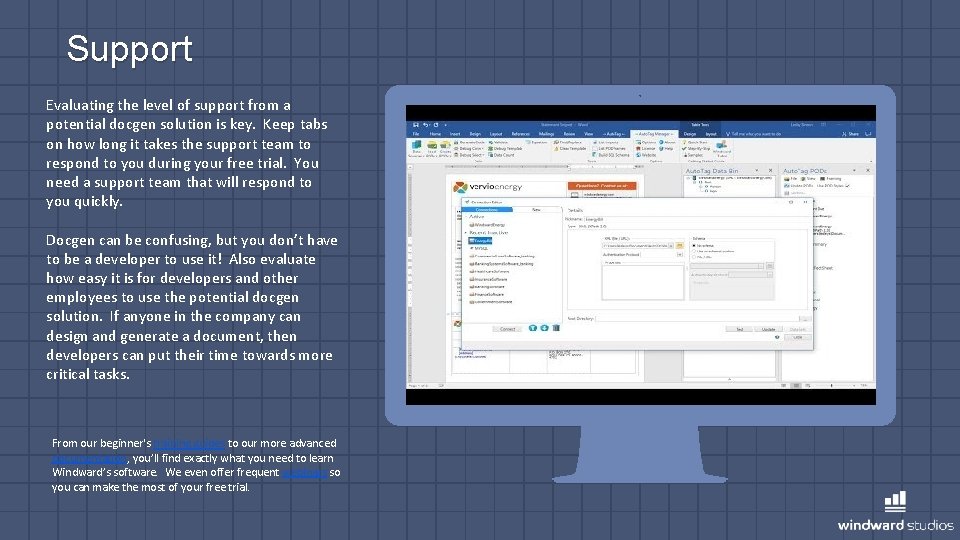
Support Evaluating the level of support from a potential docgen solution is key. Keep tabs on how long it takes the support team to respond to you during your free trial. You need a support team that will respond to you quickly. Docgen can be confusing, but you don’t have to be a developer to use it! Also evaluate how easy it is for developers and other employees to use the potential docgen solution. If anyone in the company can design and generate a document, then developers can put their time towards more critical tasks. From our beginner's training guides to our more advanced documentation, you’ll find exactly what you need to learn Windward’s software. We even offer frequent webinars so you can make the most of your free trial.
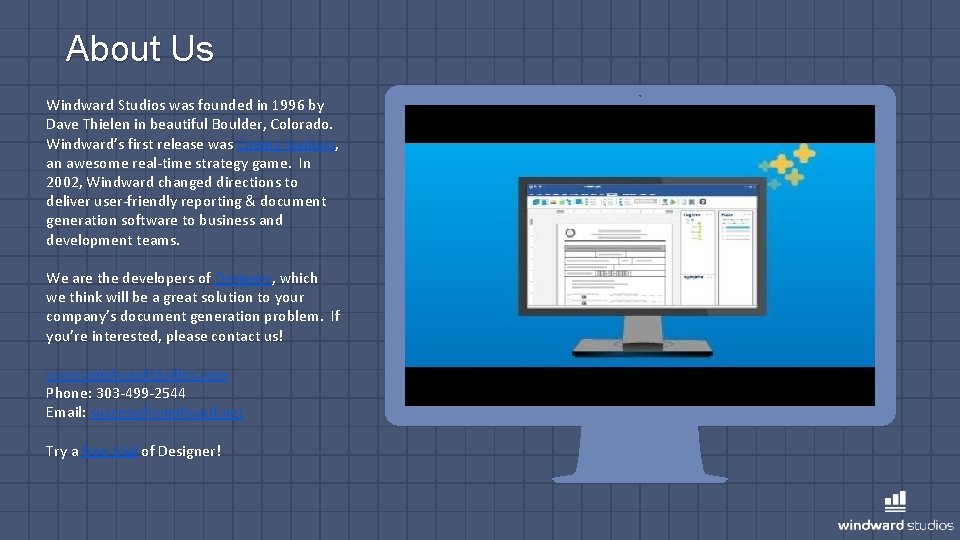
About Us Windward Studios was founded in 1996 by Dave Thielen in beautiful Boulder, Colorado. Windward’s first release was Enemy Nations, an awesome real-time strategy game. In 2002, Windward changed directions to deliver user-friendly reporting & document generation software to business and development teams. We are the developers of Designer, which we think will be a great solution to your company’s document generation problem. If you’re interested, please contact us! www. windwardstudios. com Phone: 303 -499 -2544 Email: success@windward. net Try a free trial of Designer!
- Slides: 13