
The Office of Information Technology TwoFactor Authentication What
- Slides: 80
The Office of Information Technology Two-Factor Authentication
What is two-factor authentication? Why are we implementing two-factor? What is affected? What tool is used and how does it work? The Office of Information Technology
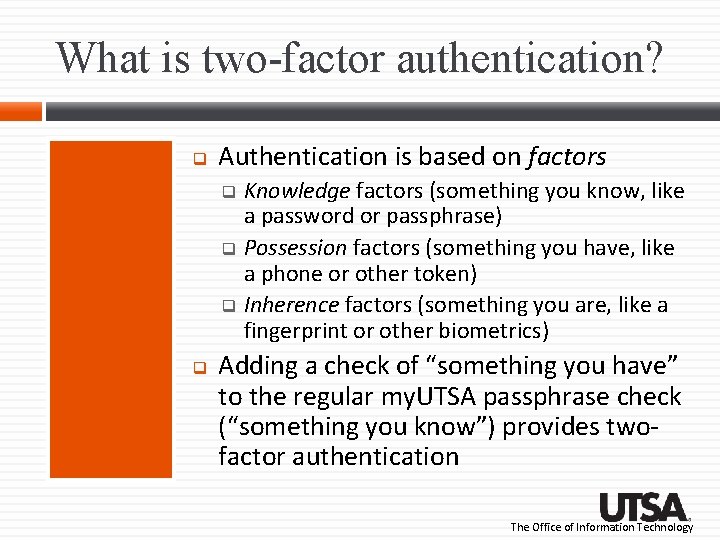
What is two-factor authentication? Authentication is based on factors Knowledge factors (something you know, like a password or passphrase) Possession factors (something you have, like a phone or other token) Inherence factors (something you are, like a fingerprint or other biometrics) Adding a check of “something you have” to the regular my. UTSA passphrase check (“something you know”) provides twofactor authentication The Office of Information Technology
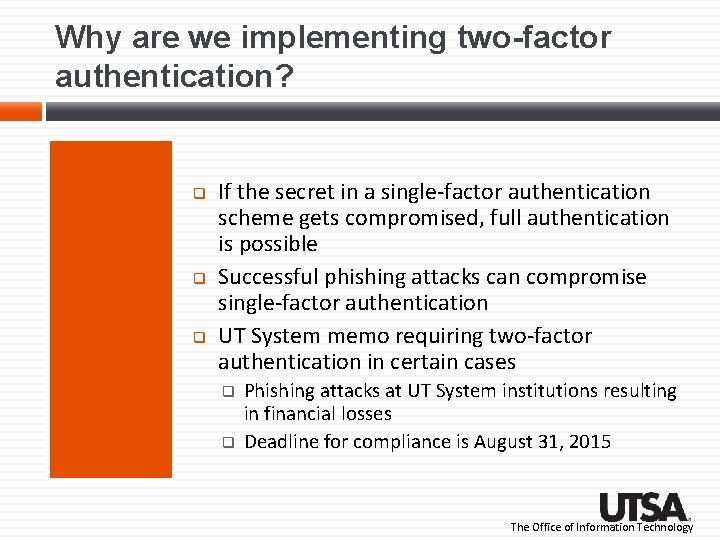
Why are we implementing two-factor authentication? If the secret in a single-factor authentication scheme gets compromised, full authentication is possible Successful phishing attacks can compromise single-factor authentication UT System memo requiring two-factor authentication in certain cases Phishing attacks at UT System institutions resulting in financial losses Deadline for compliance is August 31, 2015 The Office of Information Technology
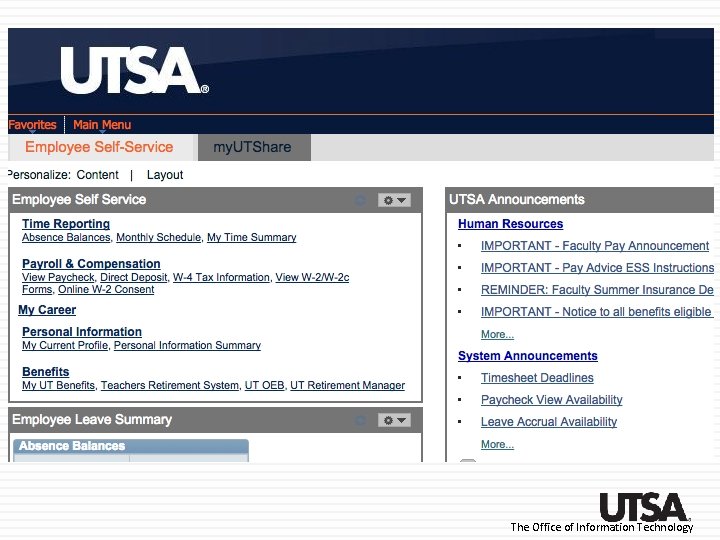
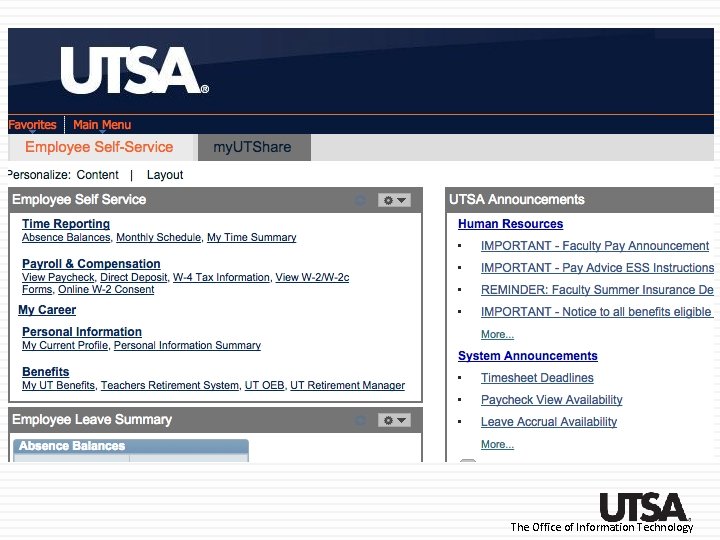
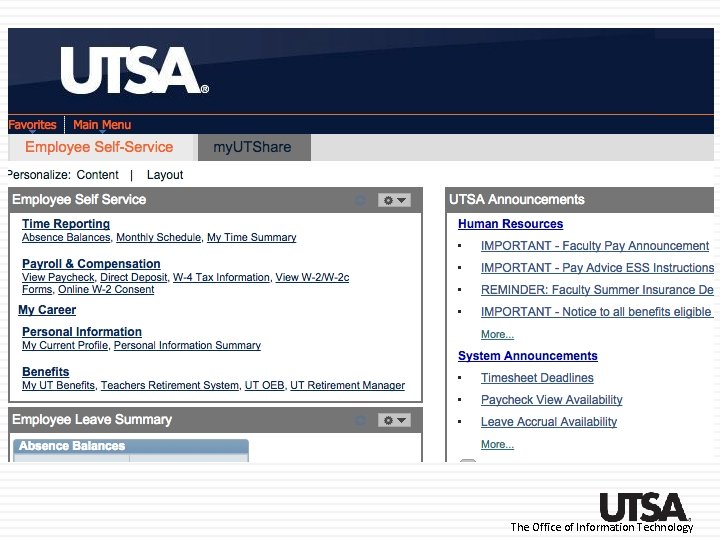
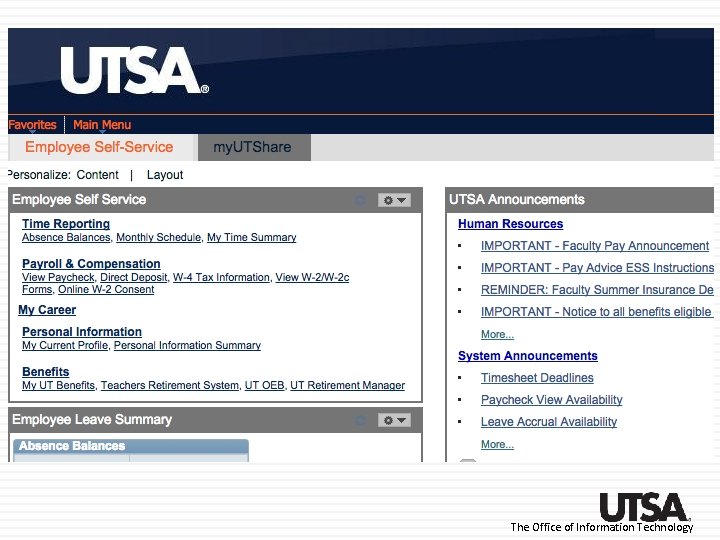
What services will be affected by two-factor authentication? Connecting to the UTSA network via VPN or terminal services such Citrix – July 1 Server admin or other individual working from a remote location accessing a server containing confidential university data must use VPN Connecting to UTShare to view or modify employee banking or financial information – August 1 Faculty services tab in ASAP – November 2015 The Office of Information Technology
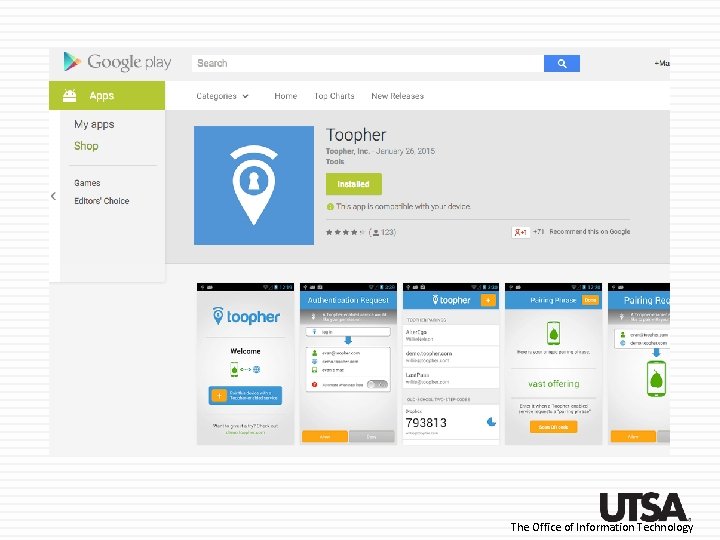
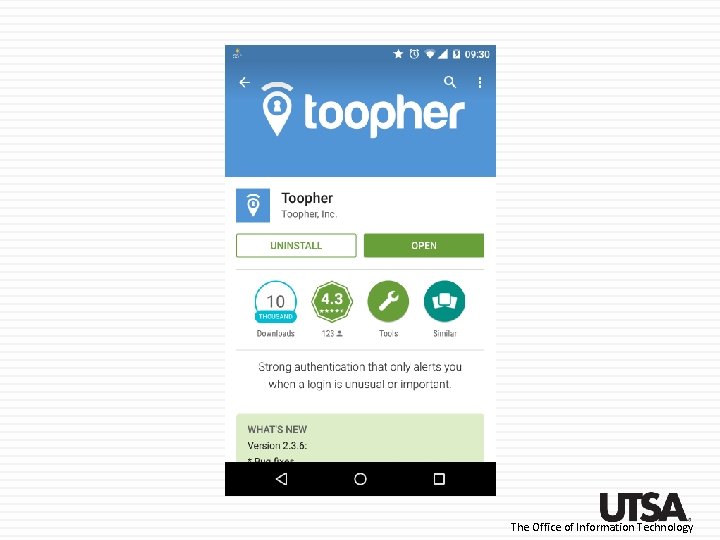
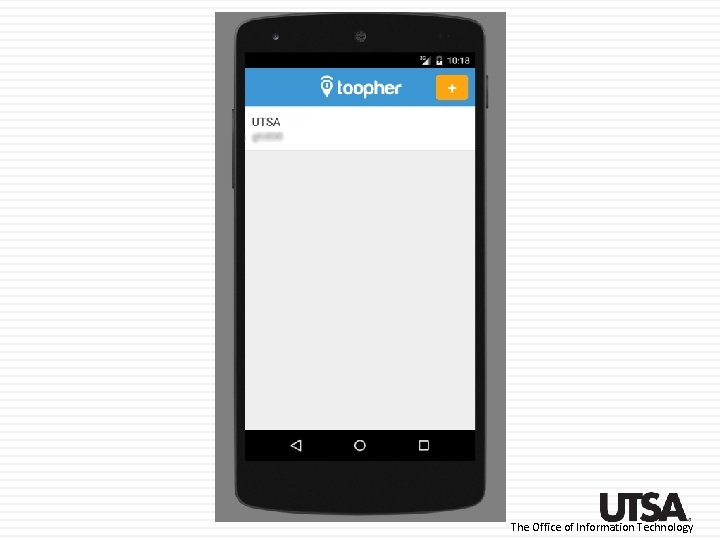
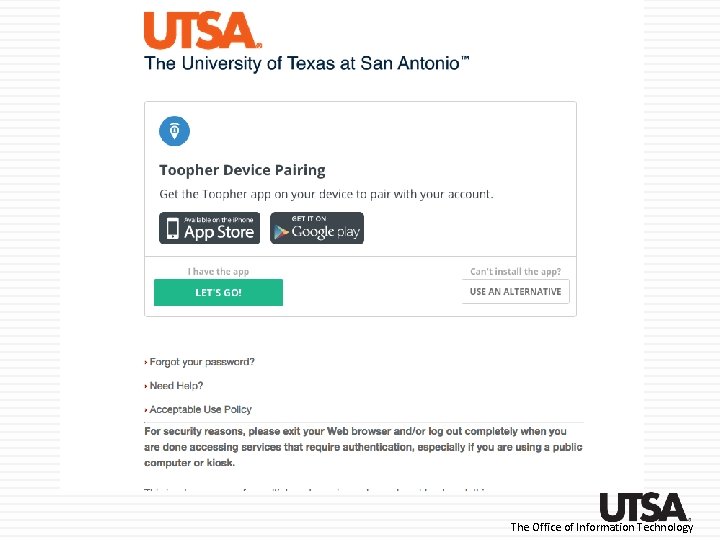
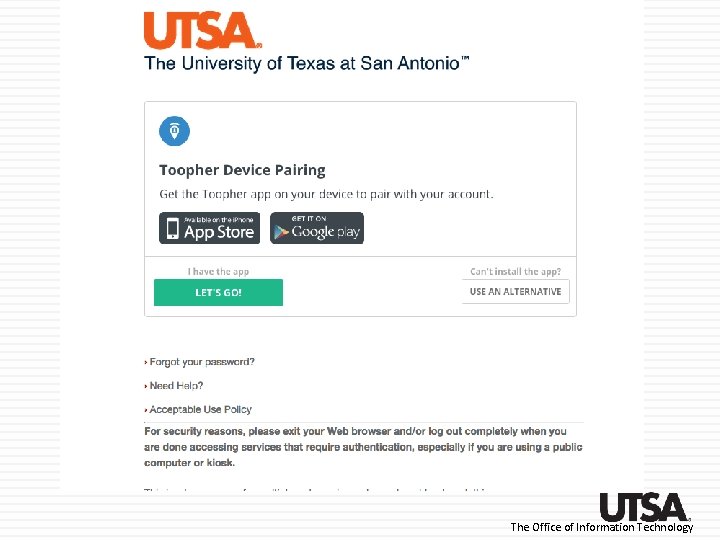
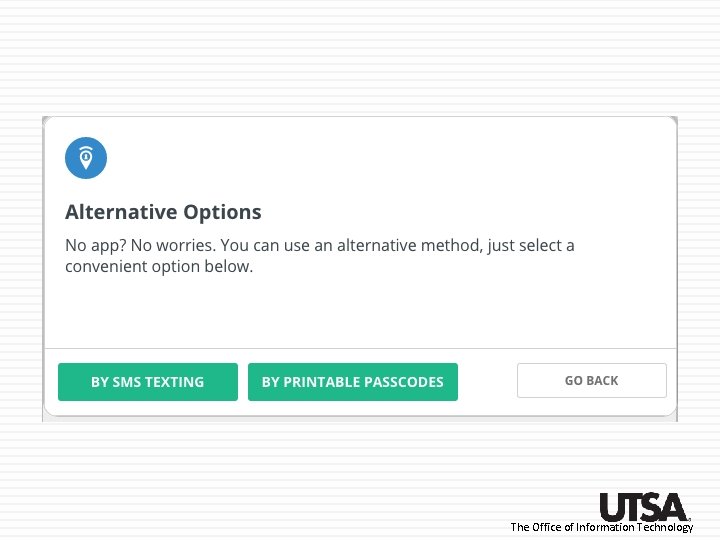
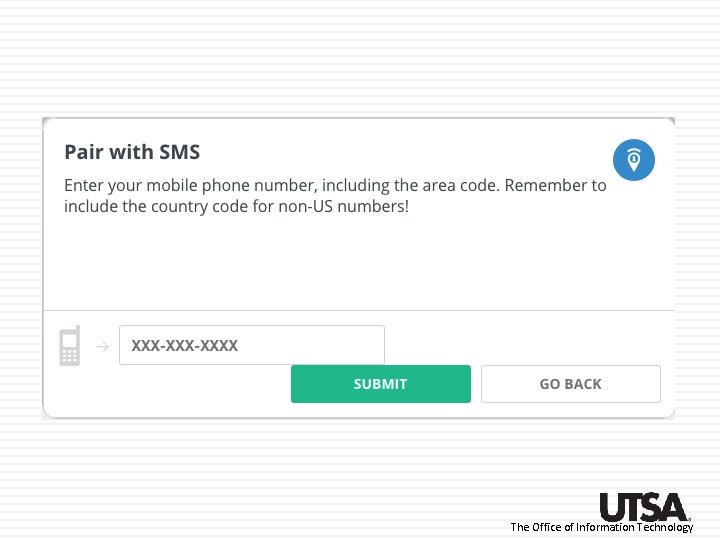
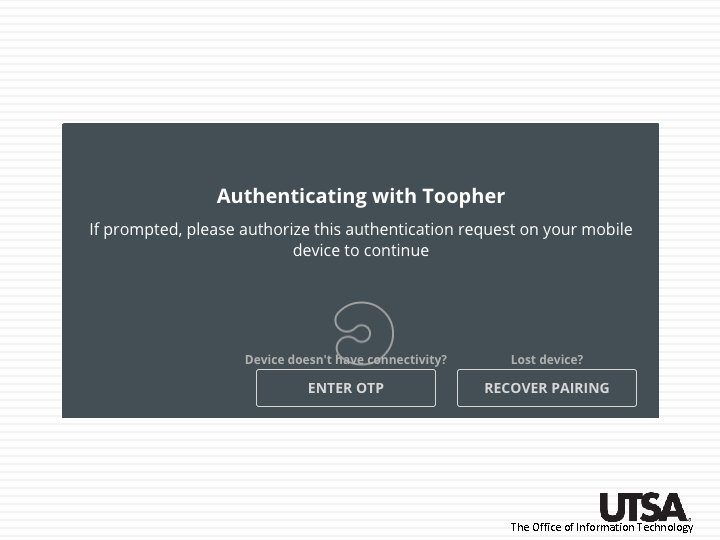
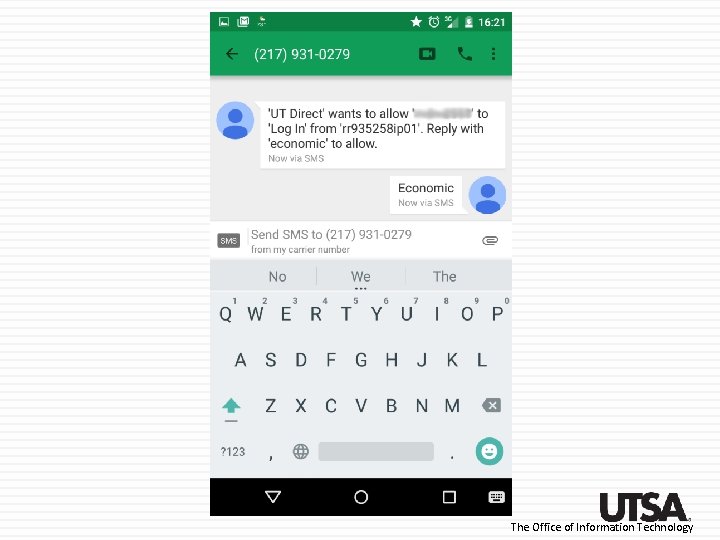
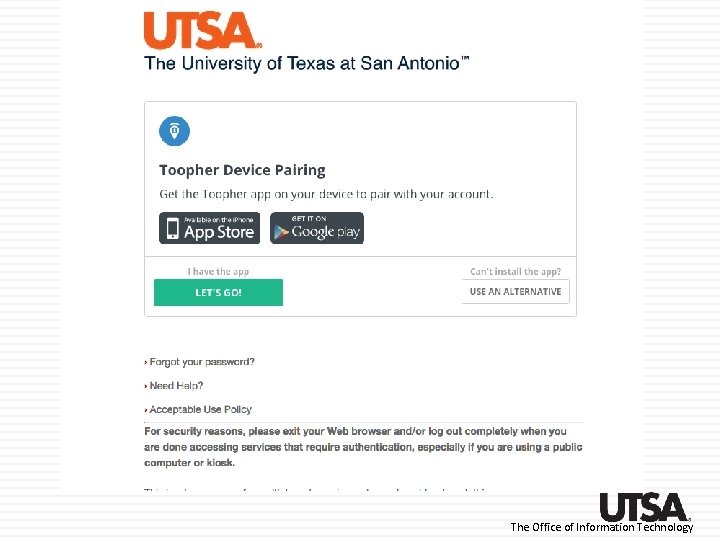
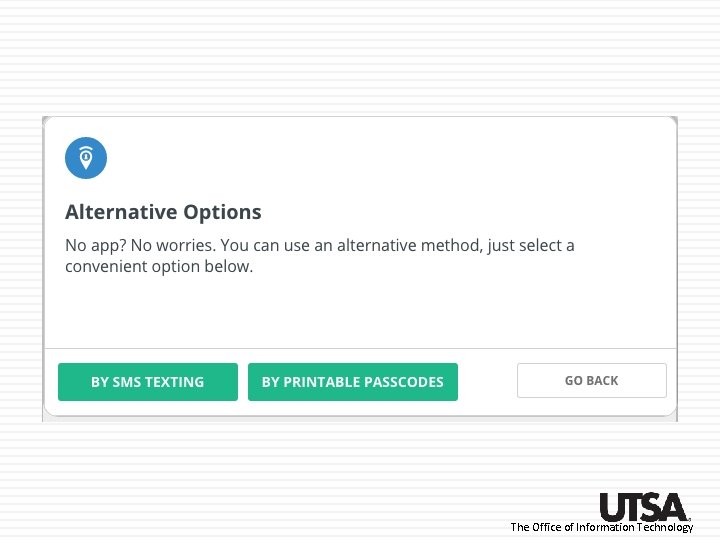
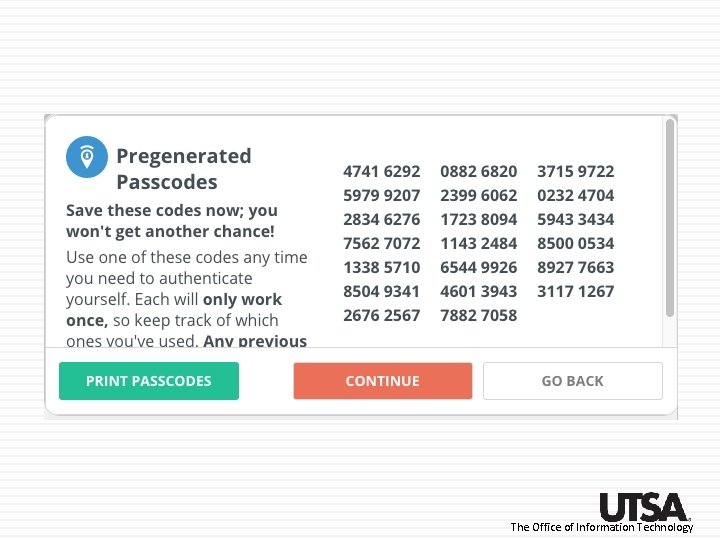
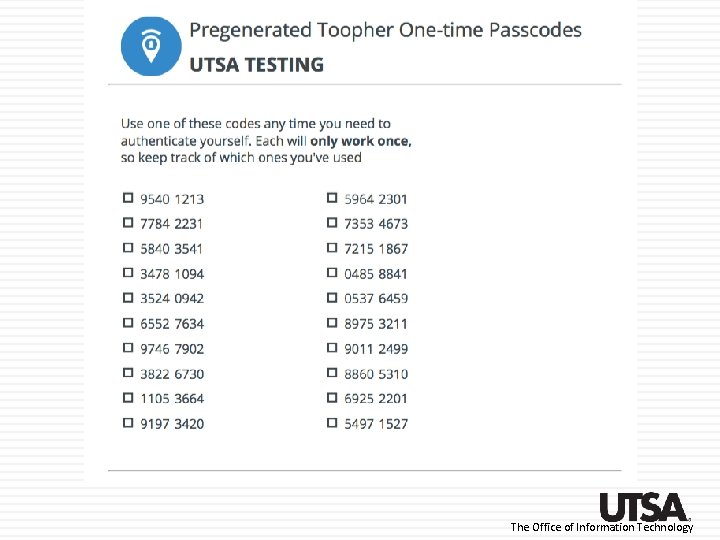
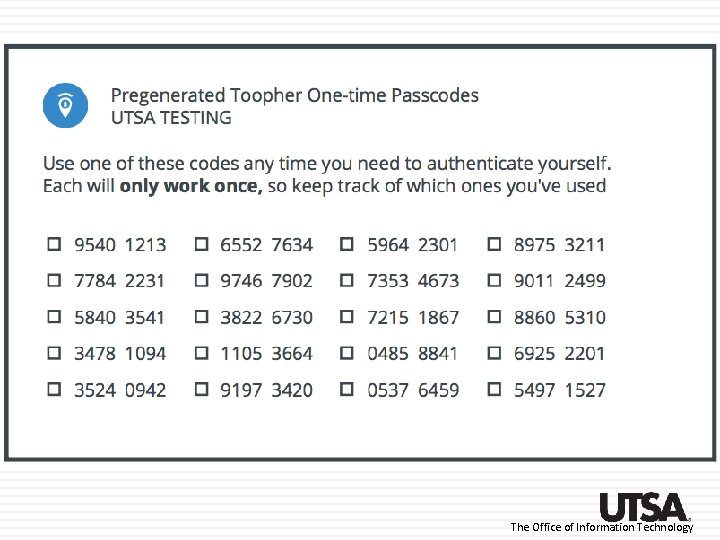
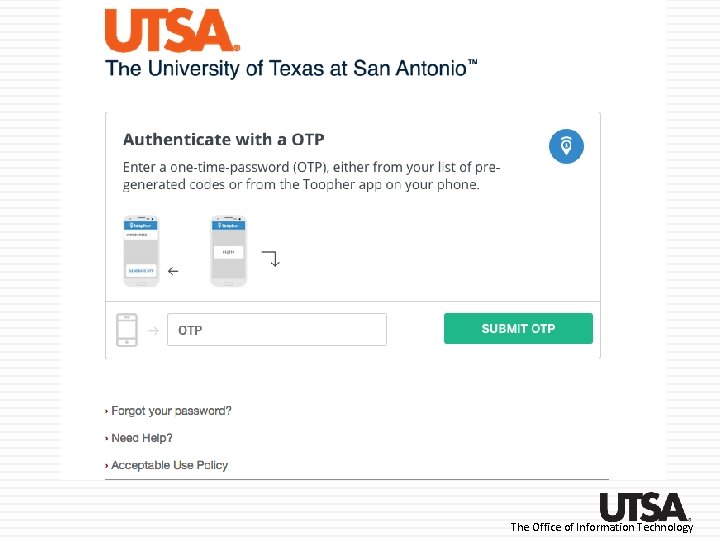
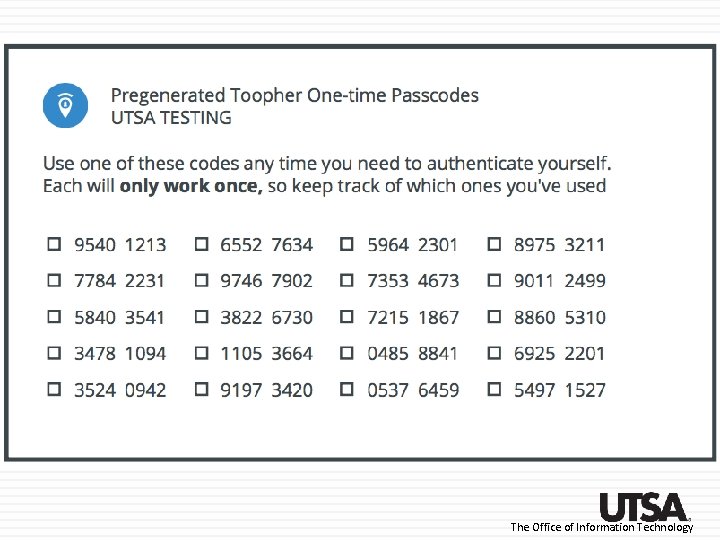
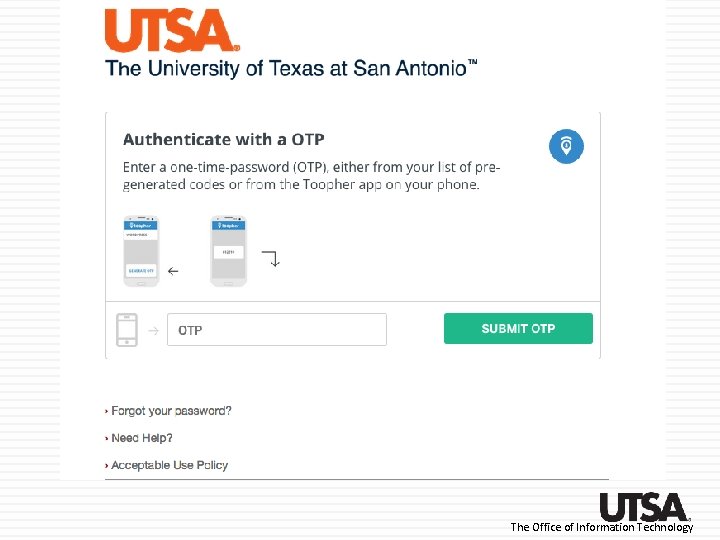
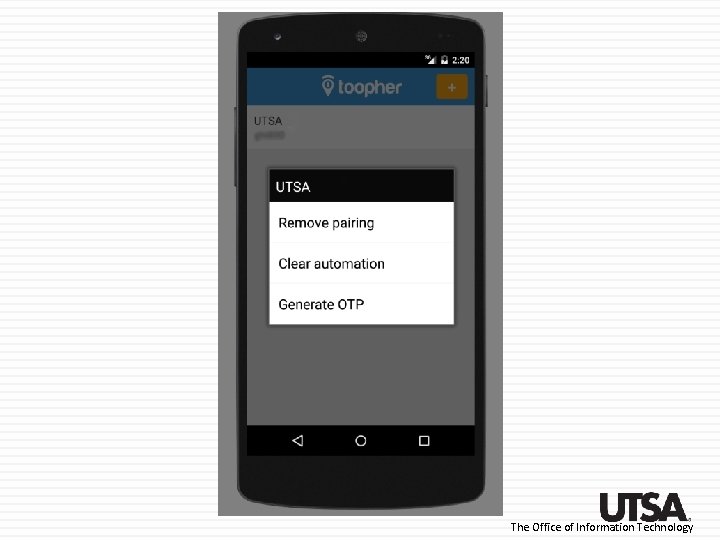
What tool is used and how does it work? We will use mobile devices to provide two-factor authentication using a tool called Toopher works with both i. Phones and Android phones, and provides SMS (text messaging) or one-time password options for users without a smartphone The Office of Information Technology
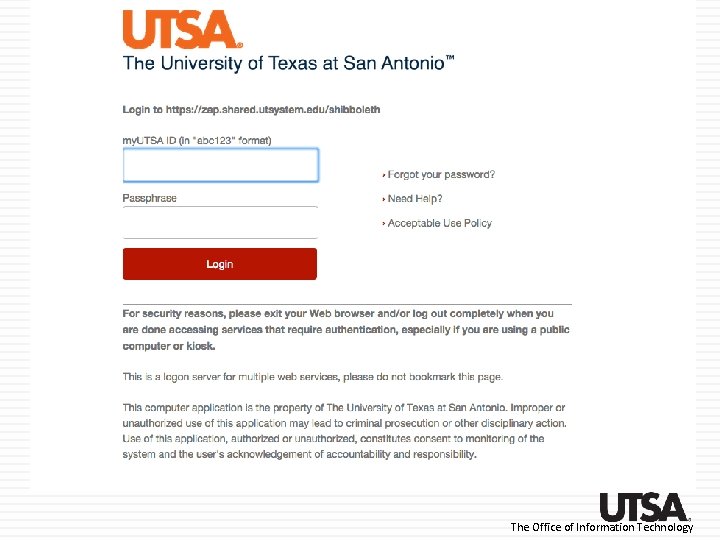
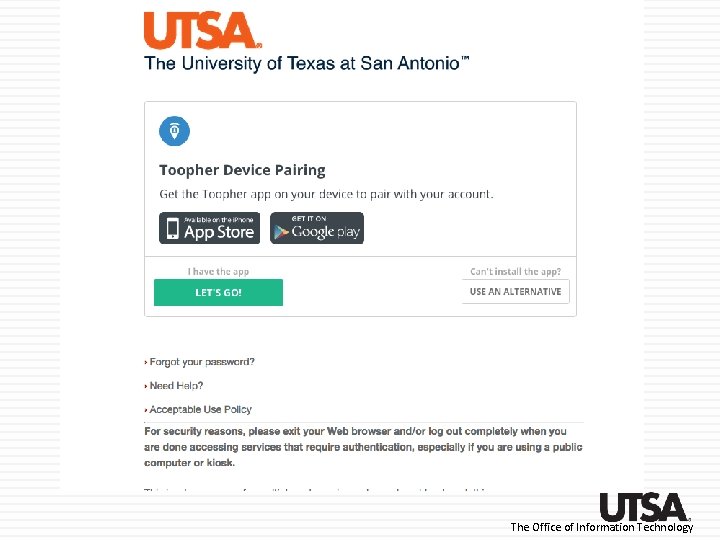
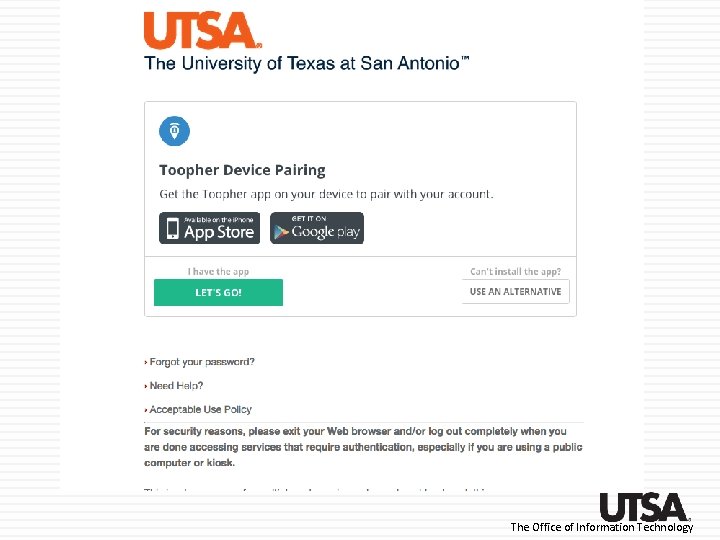
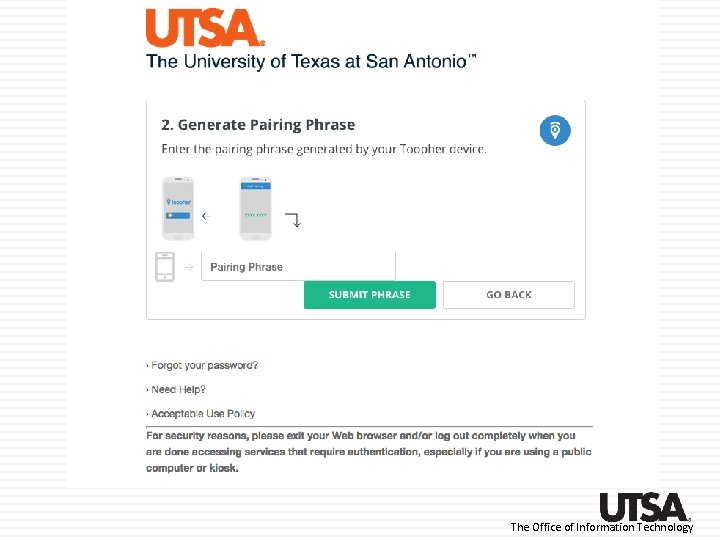
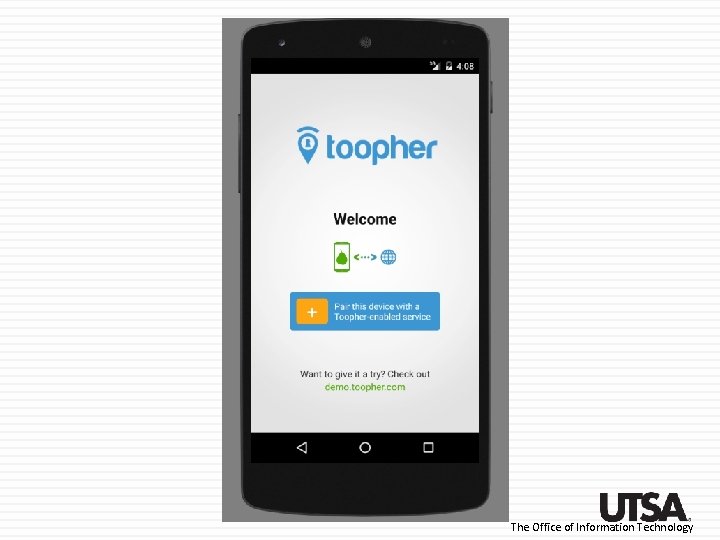
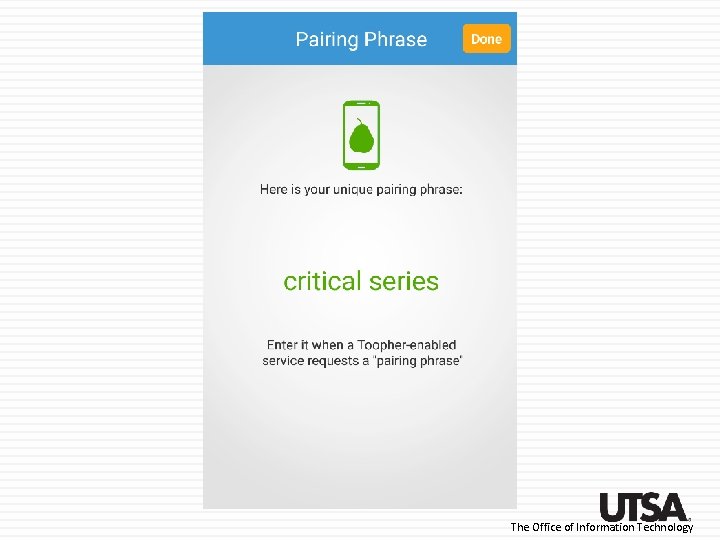
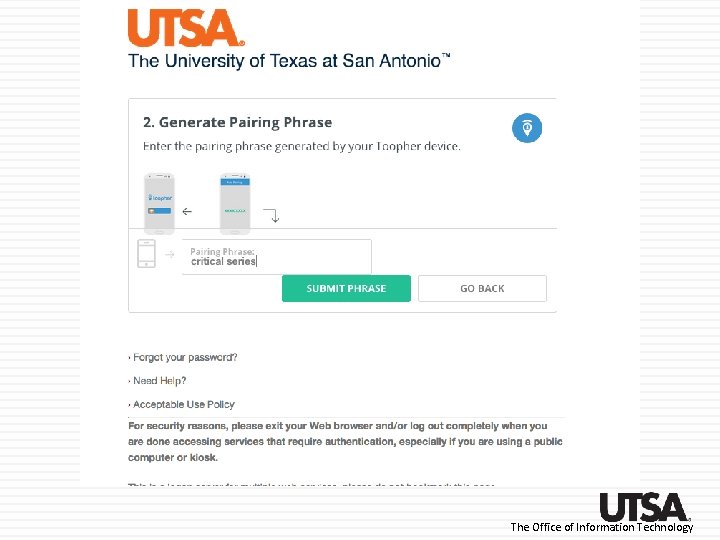
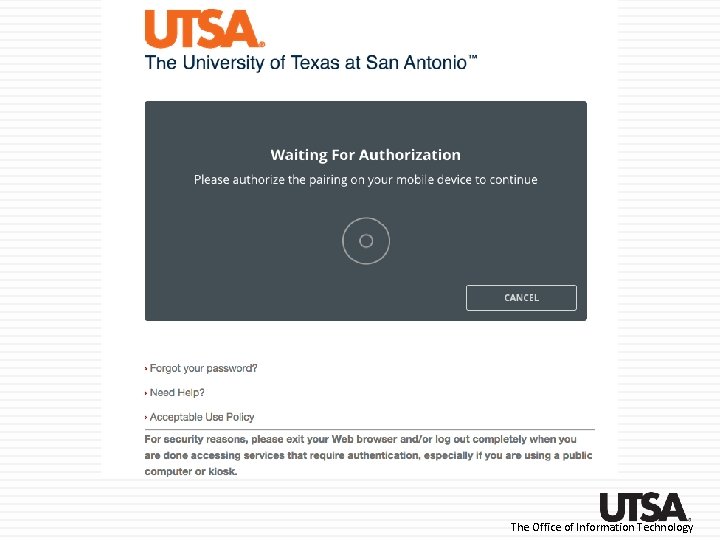
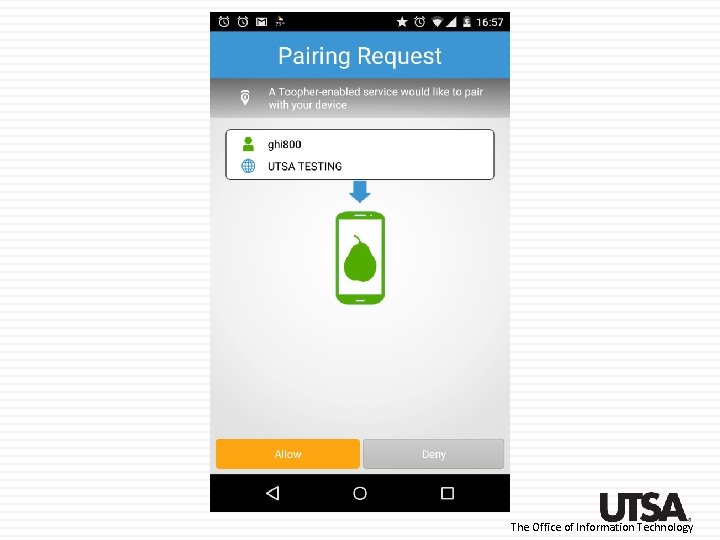
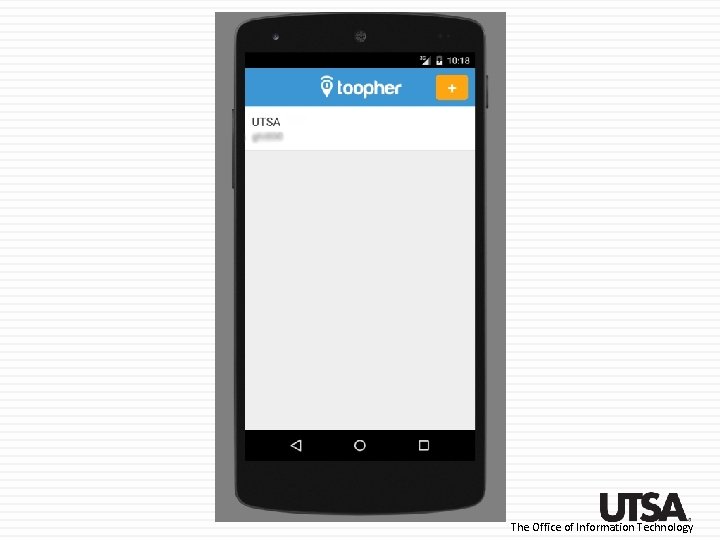
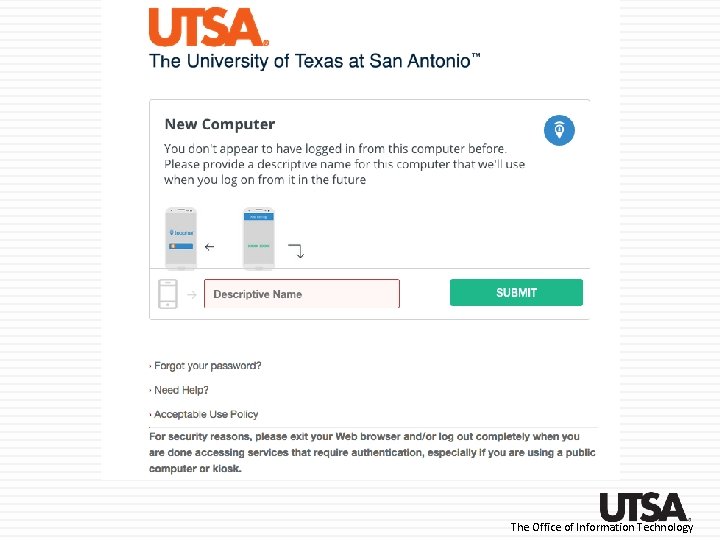
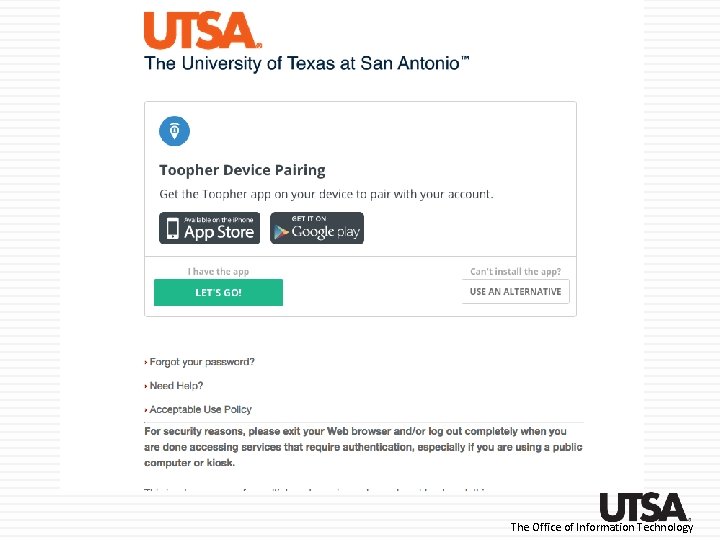
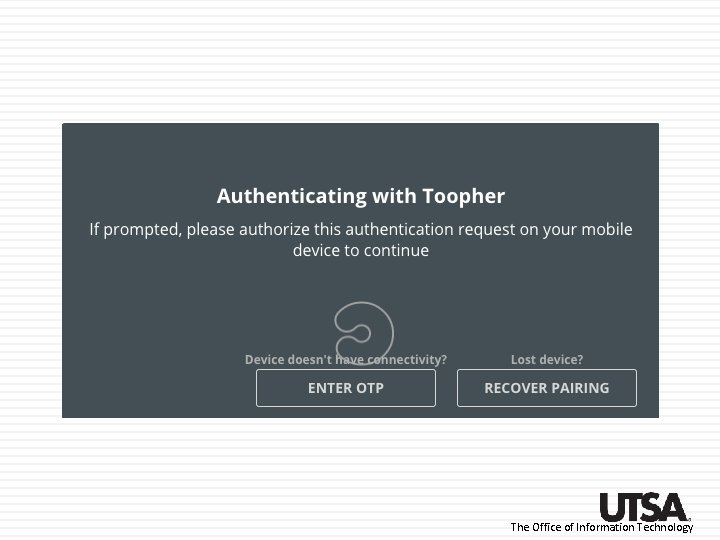
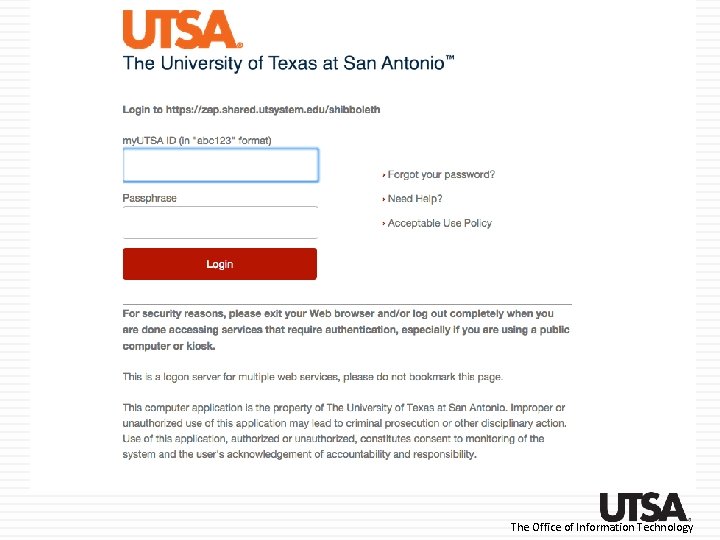
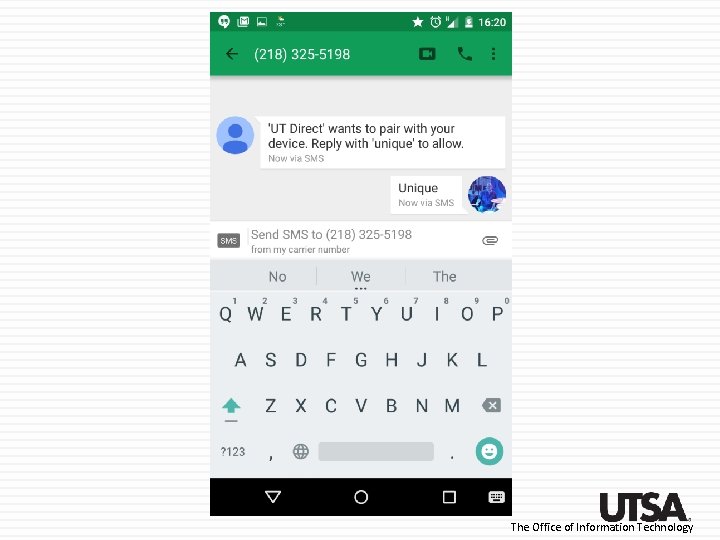
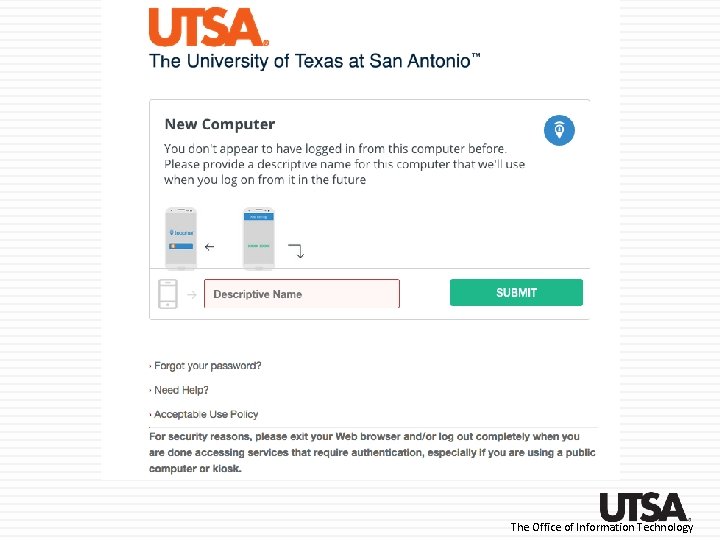
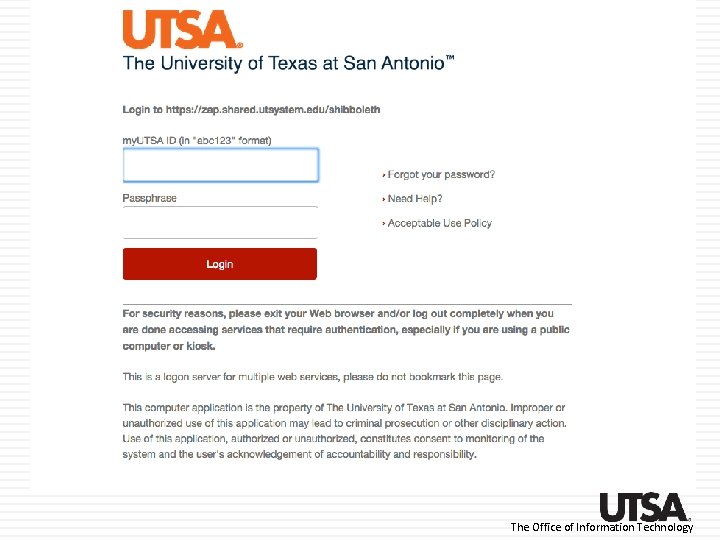
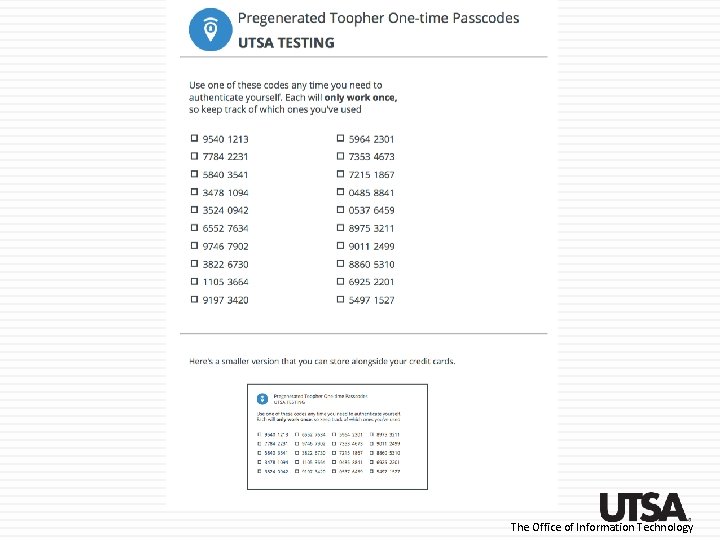
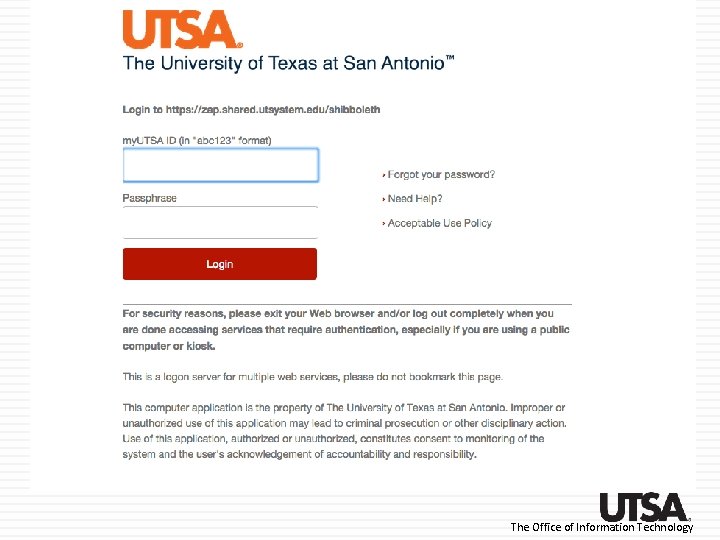
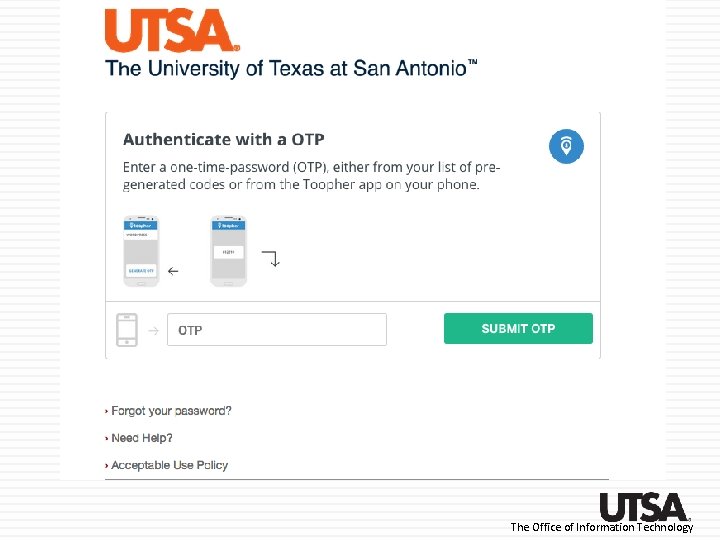
How does it work? • • • The first time a user accesses a Toopherprotected application, they are asked to pair their my. UTSA account with Toopher Pairing is a simple one-time task that only takes a few seconds Once paired, the user’s smartphone, SMS number, or OTP sheet is now their token to provide the second factor The Office of Information Technology
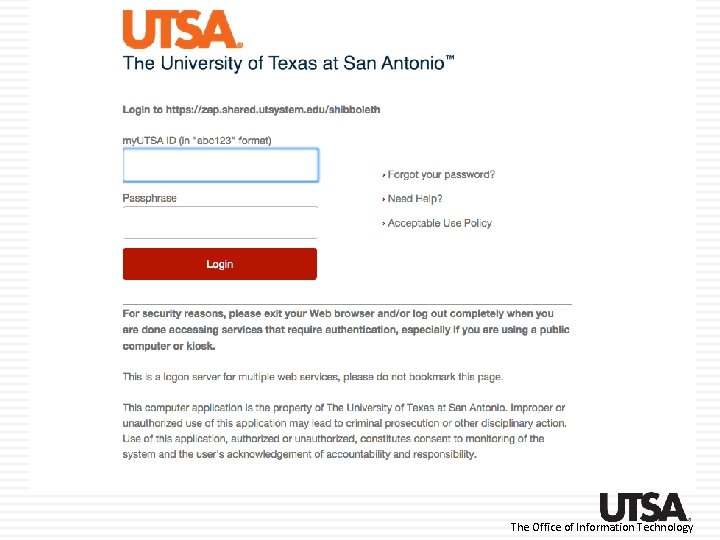
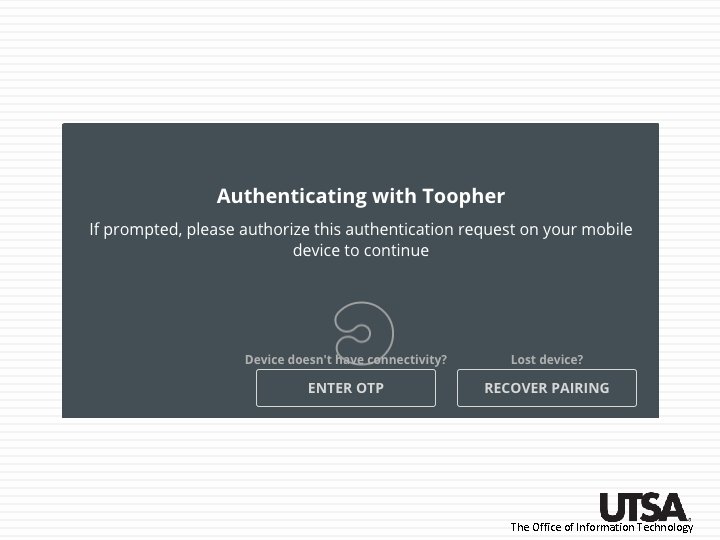
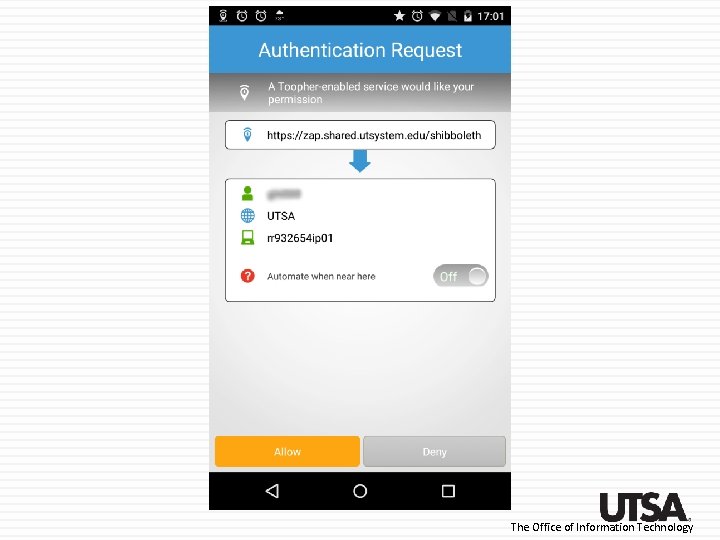
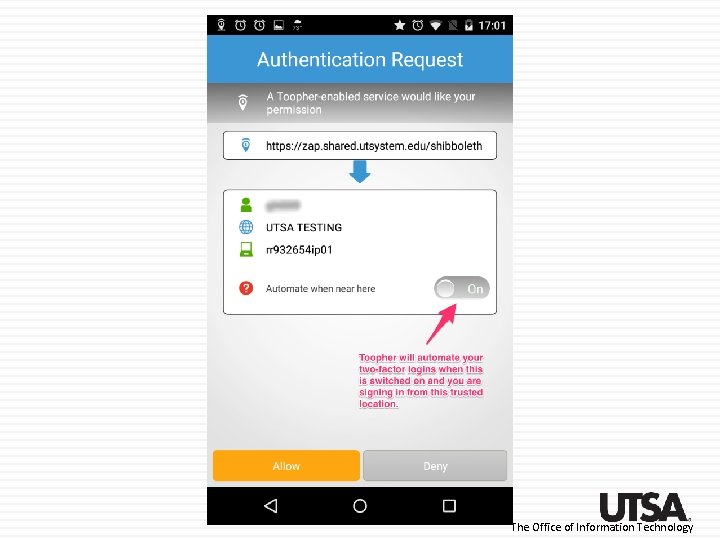
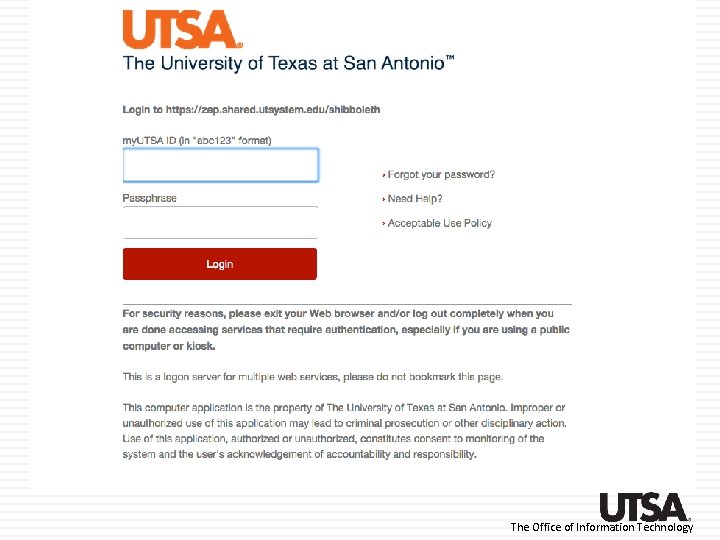
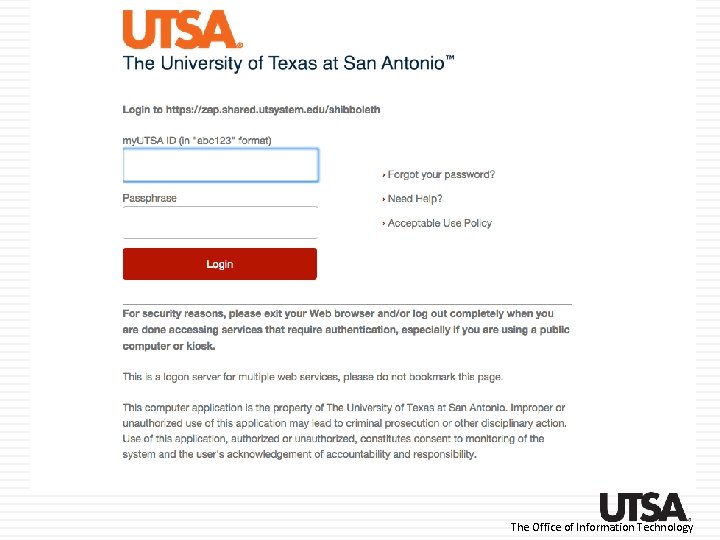
How does it work? Once their my. UTSA account is paired with Toopher, users will be challenged to use their token (smartphone, SMS text, OTP) when they login to any Toopher-protected applications The Office of Information Technology
Toopher Walkthrough The Office of Information Technology
Pairing with the Toopher app The Office of Information Technology
The Office of Information Technology
The Office of Information Technology
The Office of Information Technology
The Office of Information Technology
The Office of Information Technology
The Office of Information Technology
The Office of Information Technology
The Office of Information Technology
The Office of Information Technology
The Office of Information Technology
The Office of Information Technology
The Office of Information Technology
Authenticating using the app The Office of Information Technology
The Office of Information Technology
The Office of Information Technology
The Office of Information Technology
The Office of Information Technology
The Office of Information Technology
The Office of Information Technology
Un-pairing with the app The Office of Information Technology
The Office of Information Technology
The Office of Information Technology
The Office of Information Technology
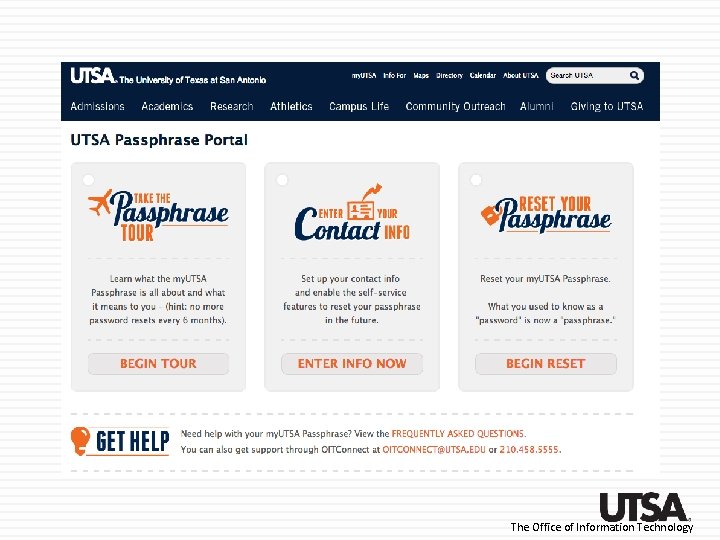
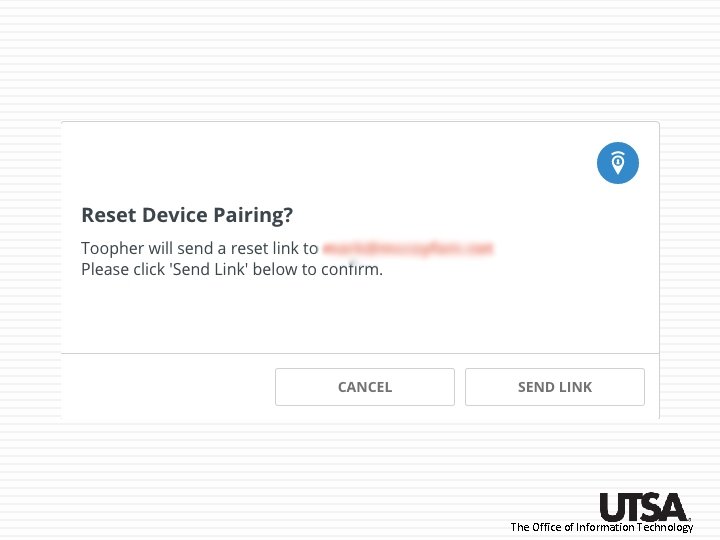
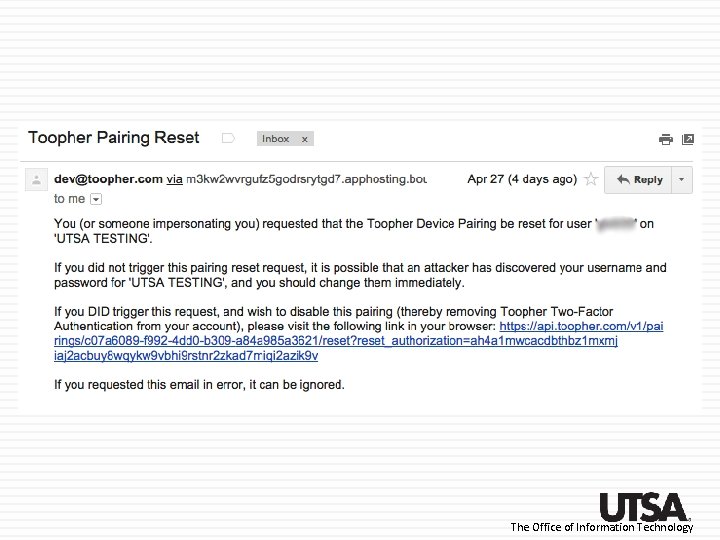
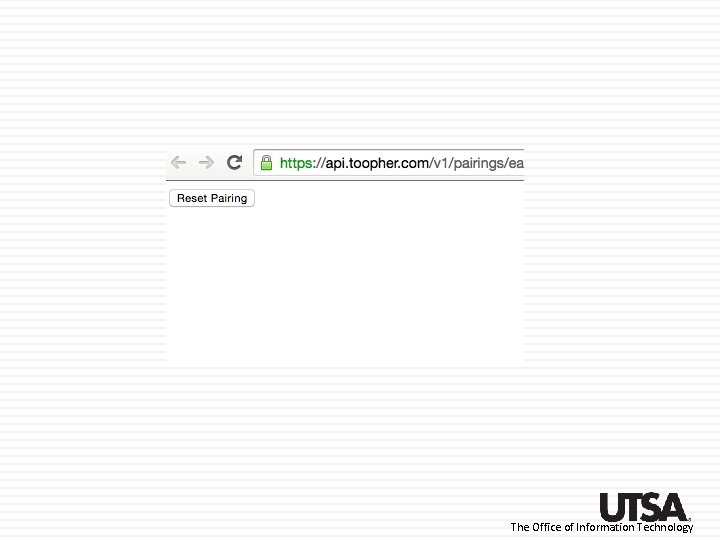
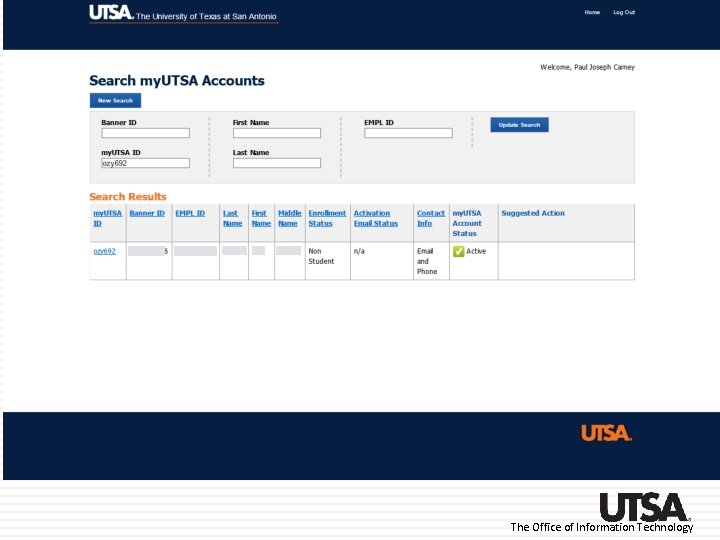
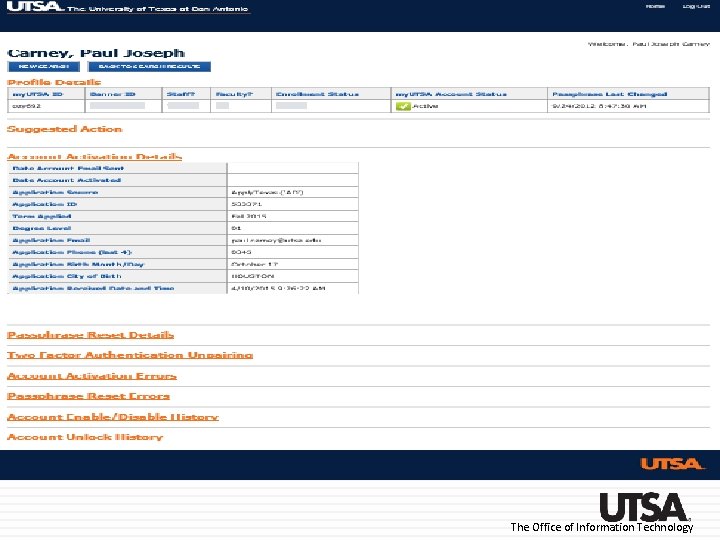
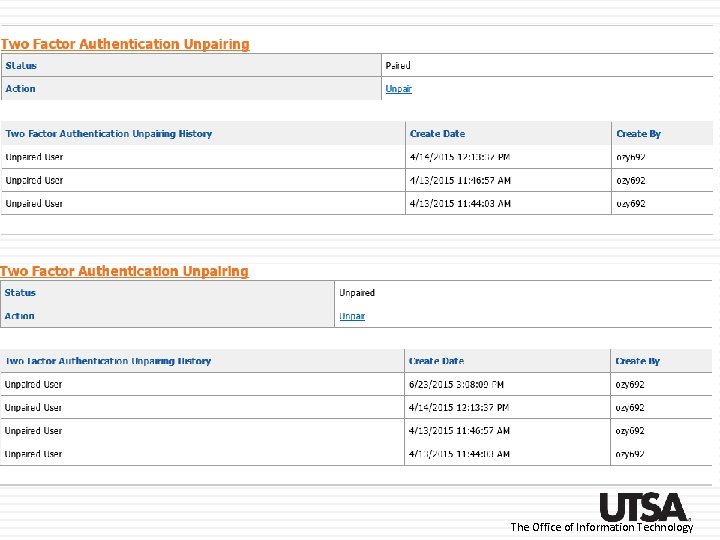
Unpairing using self-service The Office of Information Technology
The Office of Information Technology
The Office of Information Technology
The Office of Information Technology
The Office of Information Technology
The Office of Information Technology
The Office of Information Technology
The Office of Information Technology
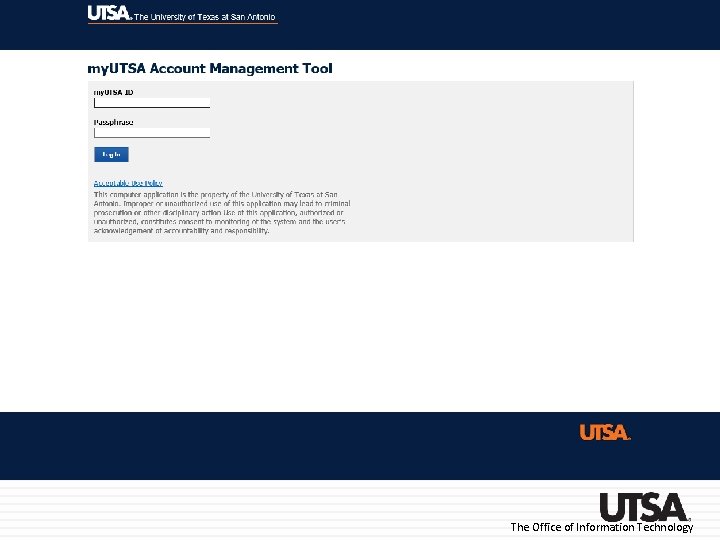
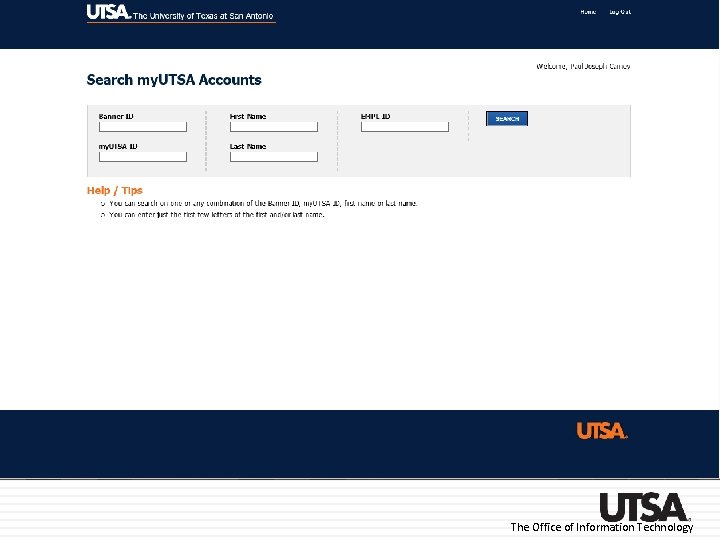
Un-pairing using accountclaim. utsa. edu The Office of Information Technology
The Office of Information Technology
The Office of Information Technology
The Office of Information Technology
The Office of Information Technology
The Office of Information Technology
Pairing using SMS (text messaging) The Office of Information Technology
The Office of Information Technology
The Office of Information Technology
The Office of Information Technology
The Office of Information Technology
The Office of Information Technology
Authenticating using SMS The Office of Information Technology
The Office of Information Technology
The Office of Information Technology
The Office of Information Technology
The Office of Information Technology
The Office of Information Technology
Pairing using One-Time Passwords The Office of Information Technology
The Office of Information Technology
The Office of Information Technology
The Office of Information Technology
The Office of Information Technology
The Office of Information Technology
The Office of Information Technology
The Office of Information Technology
Authenticating using OTP The Office of Information Technology
The Office of Information Technology
The Office of Information Technology
The Office of Information Technology
The Office of Information Technology
The Office of Information Technology
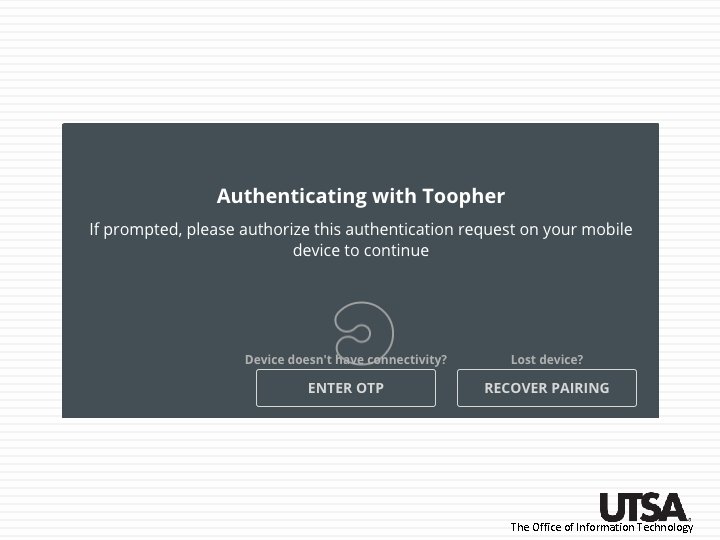
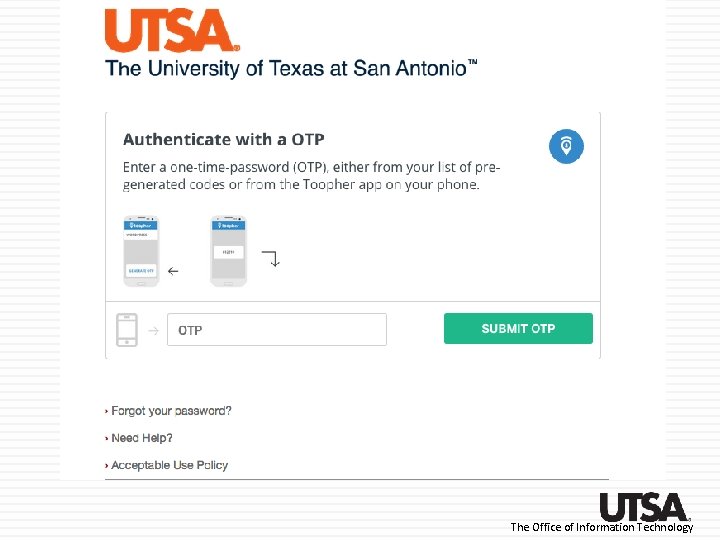
Using the OTP option from the app The Office of Information Technology
The Office of Information Technology
The Office of Information Technology
The Office of Information Technology
The Office of Information Technology
The Office of Information Technology
Questions? The Office of Information Technology