
The Nomadic Network Providing Secure Scalable and Manageable
The Nomadic Network Providing Secure, Scalable and Manageable Roaming, Remote and Wireless Data Services Josh Howlett & Nick Skelton Information Services, University of Bristol TNC 2003
Background ● ● 1999 -2000: new technologies – Ratification of wireless 802. 11 b standard – New broadband technologies (cable, x. DSL) – Increasing numbers of laptops (students & staff) 2001: we wanted to offer ● ● ● Wireless access on campus Wired access on campus VPN access from off campus
Background ● Summary of requirements – – – – Integrated (wireless, wired, VPN) Secure (AAA, encryption) Easy for users (many OSes to support) Easy for us to support (not many resources) Good service (does it do what the user wants)? Future proof (bluetooth, etc) Resilient and scaleable (fail-over, load-sharing, etc) Cheap, and preferably free.
Background ● ● ● Decision to develop our own solution Linux-based router called a “roamnode” RN( ) History – Development: started January 2001 – Pilot service: September 2001 ( ~100 users) – Supported service: September 2002 (now ~910
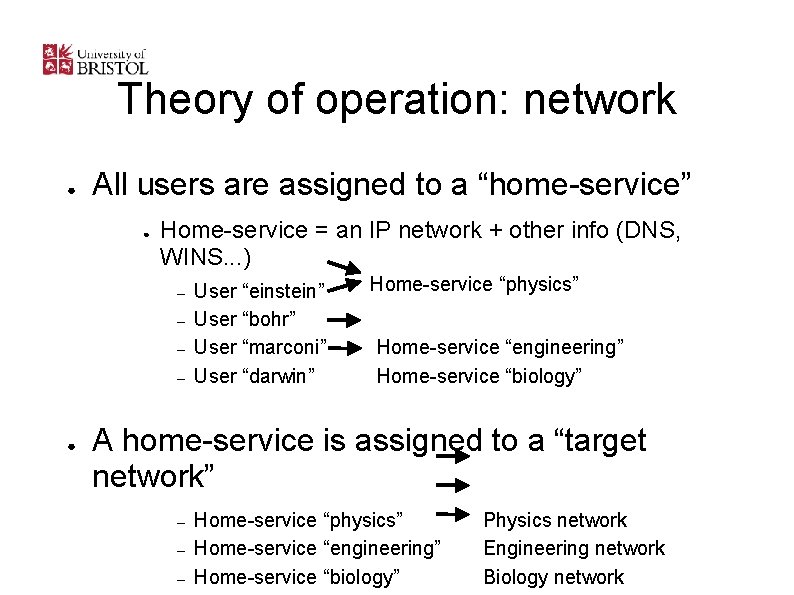
Theory of operation: network ● All users are assigned to a “home-service” ● Home-service = an IP network + other info (DNS, WINS. . . ) – – ● User “einstein” User “bohr” User “marconi” User “darwin” Home-service “physics” Home-service “engineering” Home-service “biology” A home-service is assigned to a “target network” – – – Home-service “physics” Home-service “engineering” Home-service “biology” Physics network Engineering network Biology network
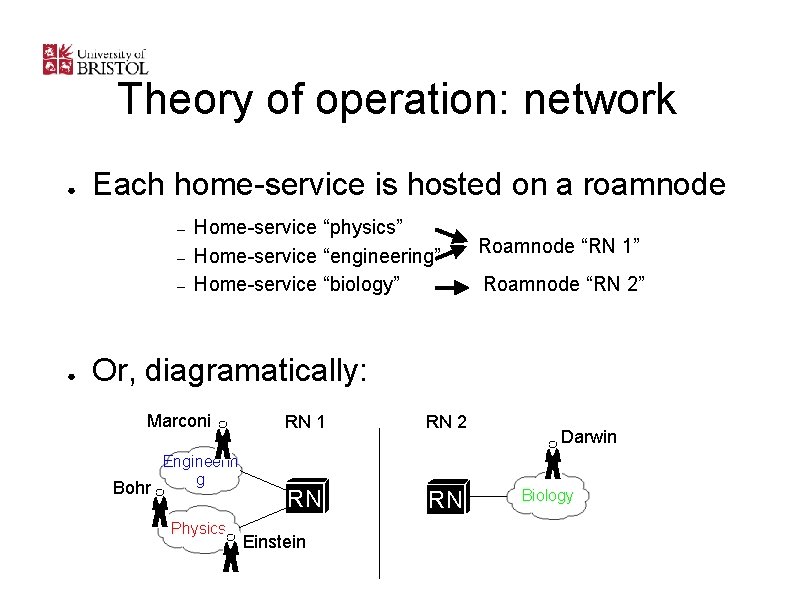
Theory of operation: network ● Each home-service is hosted on a roamnode – – – ● Home-service “physics” Home-service “engineering” Home-service “biology” Roamnode “RN 1” Roamnode “RN 2” Or, diagramatically: Marconi Bohr Engineerin g Physics RN 1 RN 2 RN RN Einstein Darwin Biology
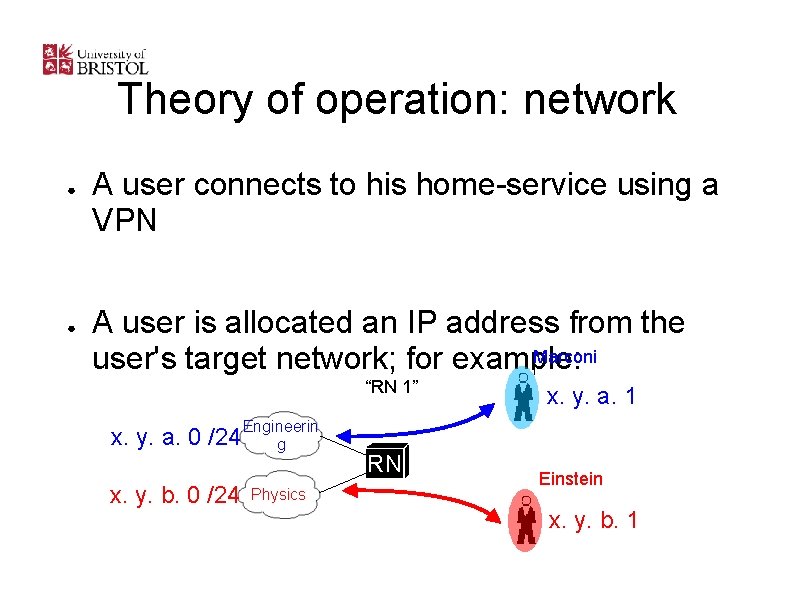
Theory of operation: network ● ● A user connects to his home-service using a VPN A user is allocated an IP address from the Marconi user's target network; for example: “RN 1” x. y. a. 0 /24 Engineerin g x. y. b. 0 /24 Physics RN x. y. a. 1 Einstein x. y. b. 1
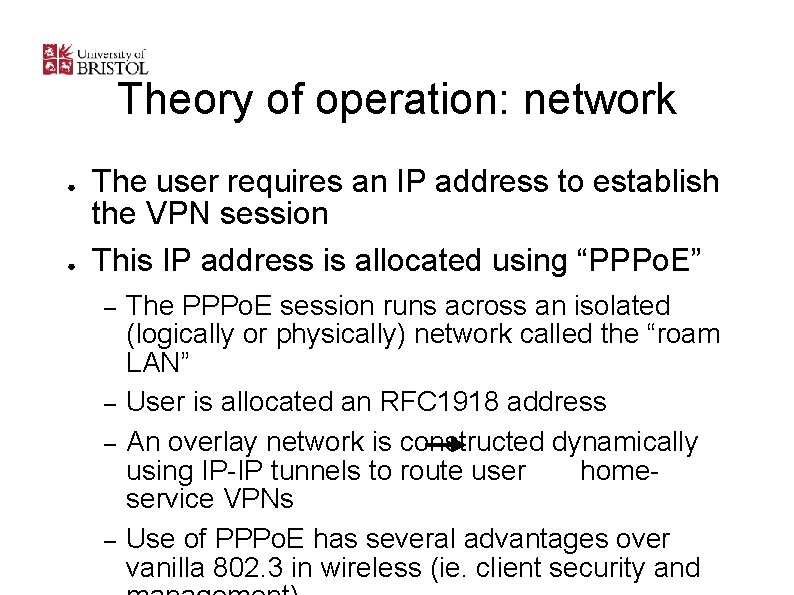
Theory of operation: network ● ● The user requires an IP address to establish the VPN session This IP address is allocated using “PPPo. E” – – The PPPo. E session runs across an isolated (logically or physically) network called the “roam LAN” User is allocated an RFC 1918 address An overlay network is constructed dynamically using IP-IP tunnels to route user homeservice VPNs Use of PPPo. E has several advantages over vanilla 802. 3 in wireless (ie. client security and
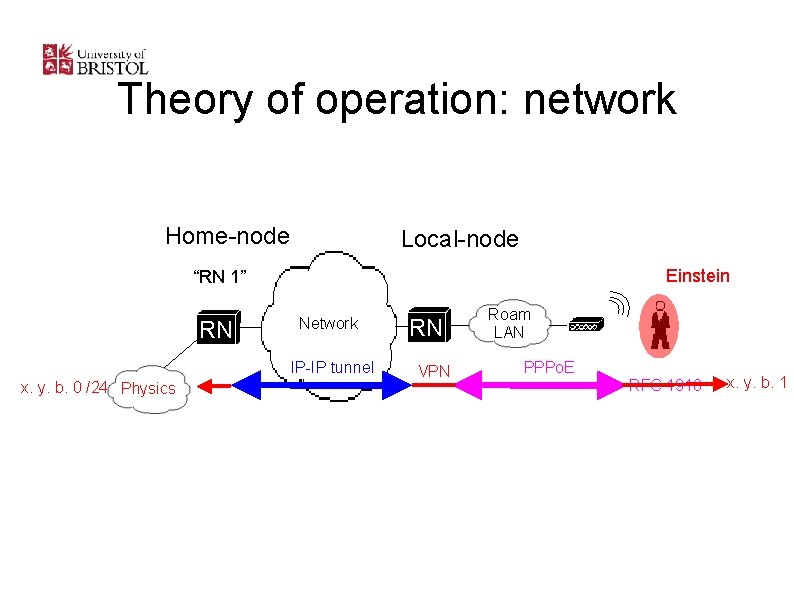
Theory of operation: network Home-node Local-node Einstein “RN 1” RN Network IP-IP tunnel x. y. b. 0 /24 Physics RN VPN Roam LAN PPPo. E RFC 1918 x. y. b. 1
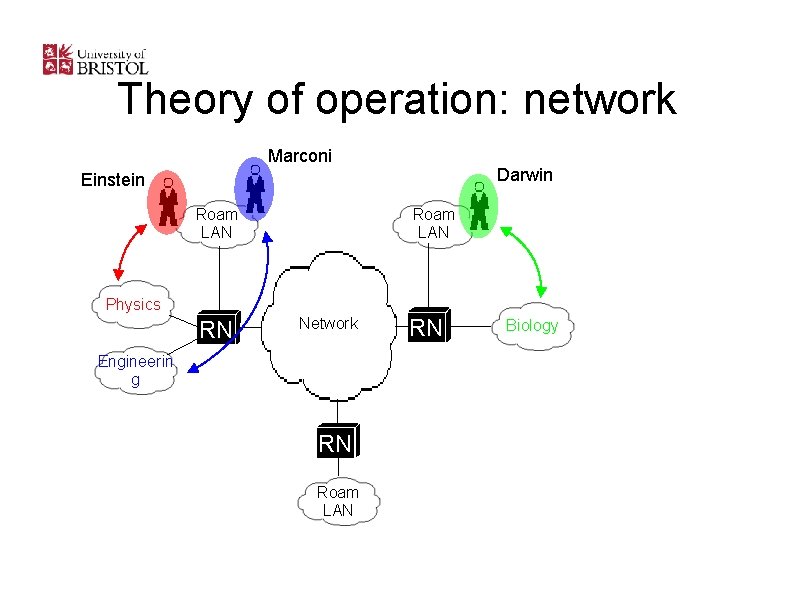
Theory of operation: network Marconi Darwin Einstein Roam LAN Physics RN Network Engineerin g RN Roam LAN RN Biology
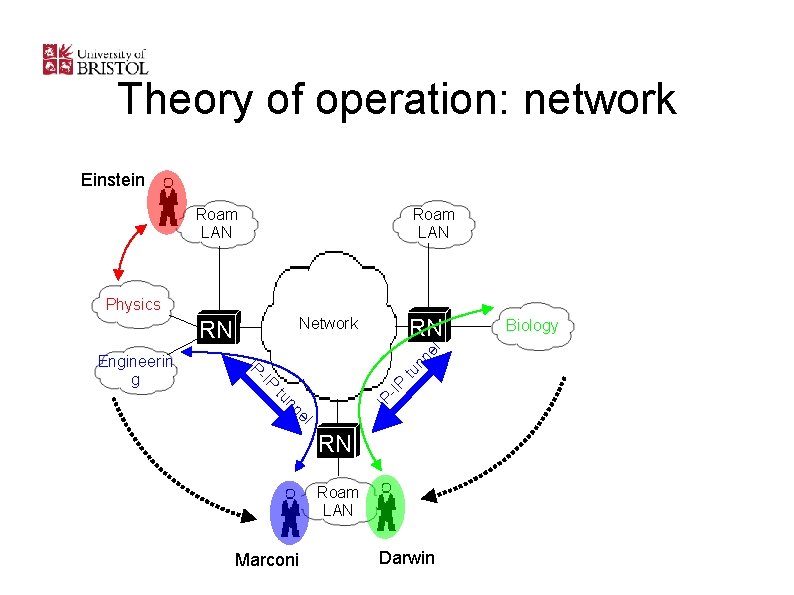
Theory of operation: network Einstein Roam LAN Physics el tu nn l e nn tu IP -IP IP Engineerin g RN Network RN RN Roam LAN Marconi Darwin Biology
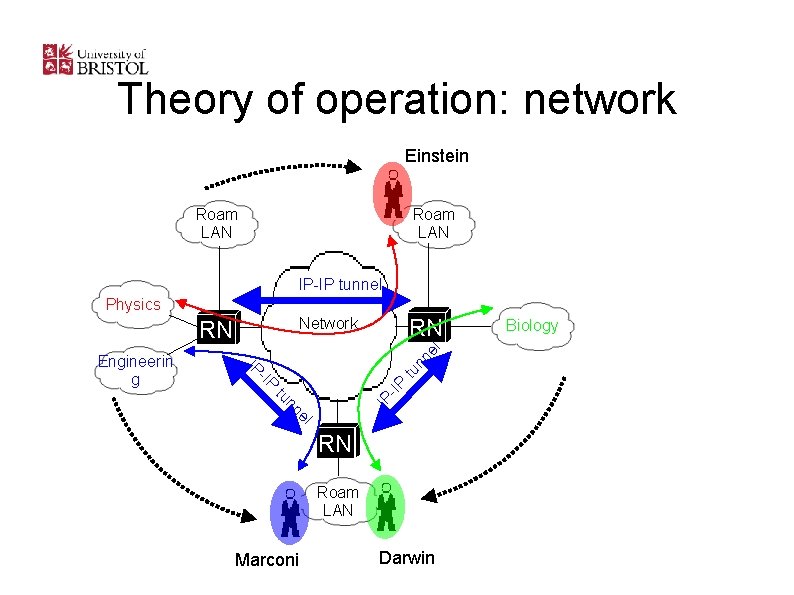
Theory of operation: network Einstein Roam LAN IP-IP tunnel Physics el tu nn l e nn tu IP -IP IP Engineerin g RN Network RN RN Roam LAN Marconi Darwin Biology
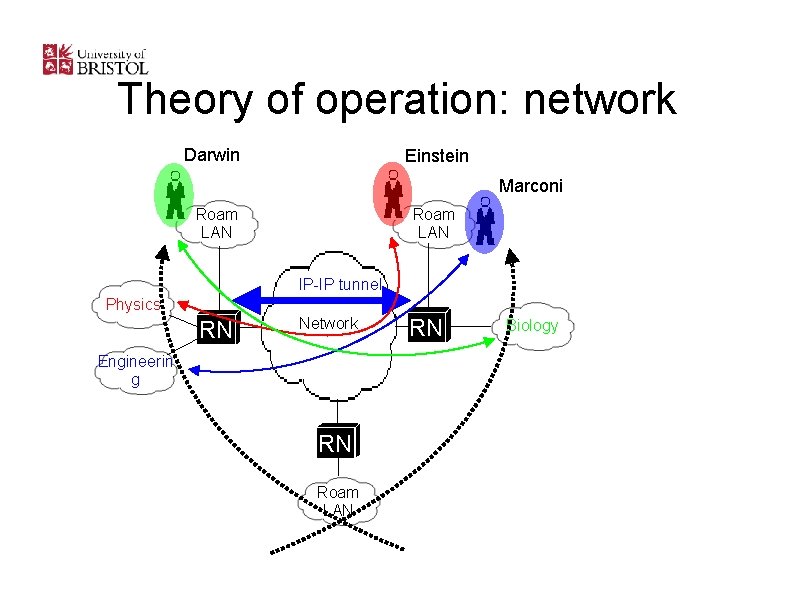
Theory of operation: network Darwin Einstein Marconi Roam LAN IP-IP tunnel Physics RN Network Engineerin g RN Roam LAN RN Biology
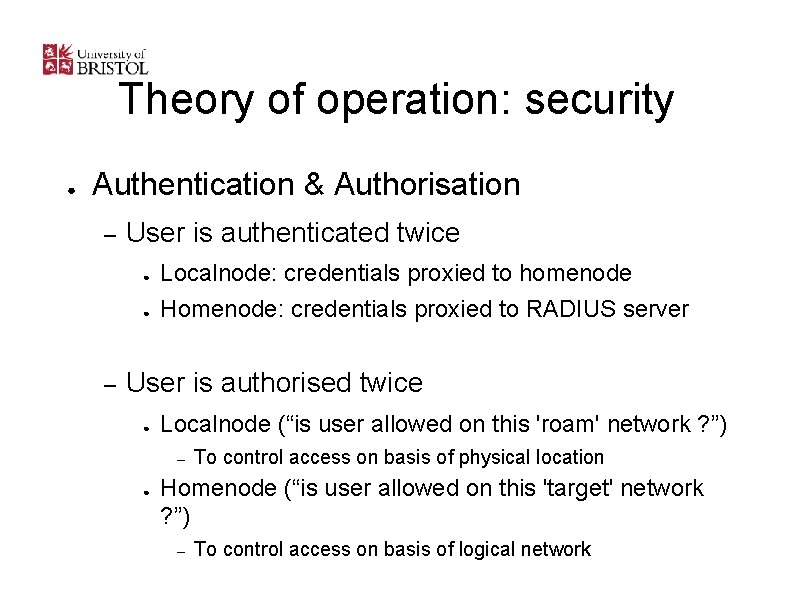
Theory of operation: security ● Authentication & Authorisation – User is authenticated twice ● ● – Localnode: credentials proxied to homenode Homenode: credentials proxied to RADIUS server User is authorised twice ● Localnode (“is user allowed on this 'roam' network ? ”) – ● To control access on basis of physical location Homenode (“is user allowed on this 'target' network ? ”) – To control access on basis of logical network
Theory of operation: security ● Encryption – MPPE at 40 or 128 bits – Encryption is performed by the VPN (PPTP) – Data encrypted from user to home-node
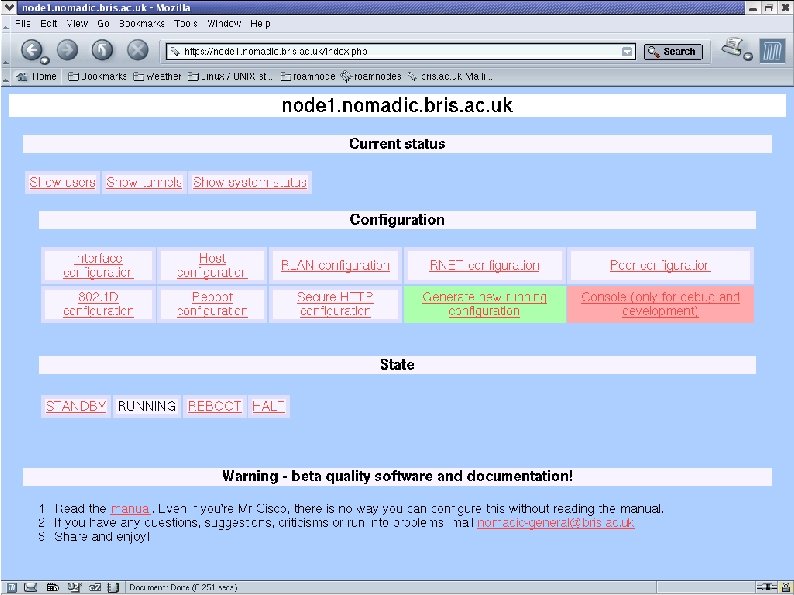
Implementation ● Roamnode – All open-source software – Runs on Intel hardware – Boots and runs from CD-ROM – 8 MB ISO image: download from website ● – Some people are interested in making an “embedded” box All management via secure web interface
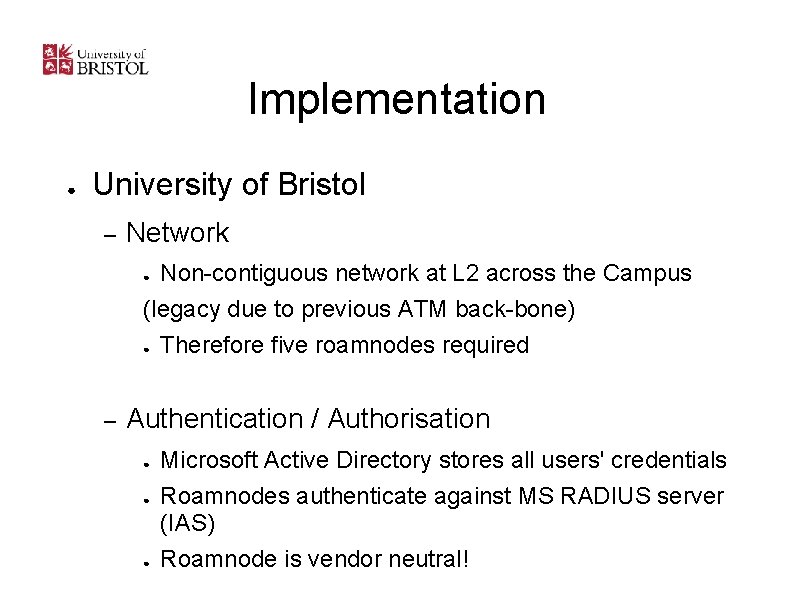
Implementation ● University of Bristol – Network Non-contiguous network at L 2 across the Campus (legacy due to previous ATM back-bone) ● Therefore five roamnodes required ● – Authentication / Authorisation ● ● ● Microsoft Active Directory stores all users' credentials Roamnodes authenticate against MS RADIUS server (IAS) Roamnode is vendor neutral!
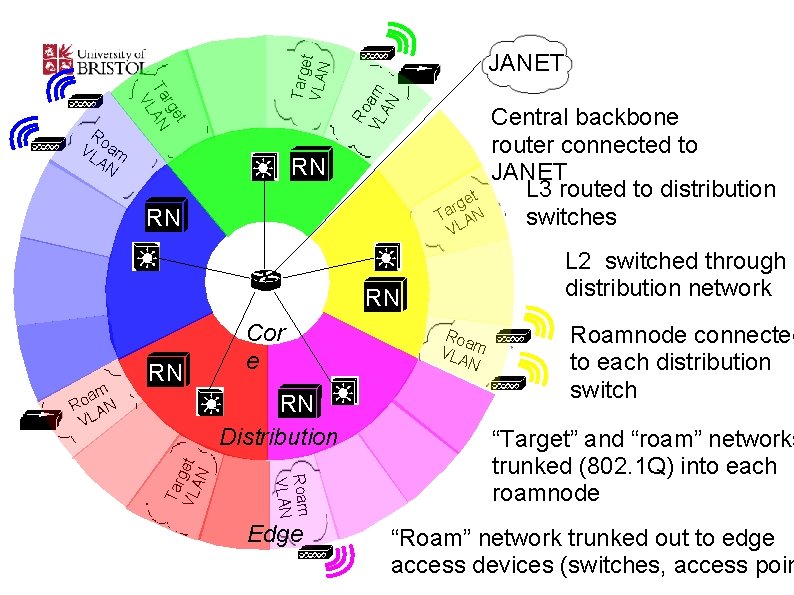
Ro VL am AN Targe t VLAN t rge Ta AN VL Ro VL am AN JANET RN RN Central backbone router connected to JANET L 3 routed to distribution t e g r Ta AN switches L V L 2 switched through distribution network RN RN Distribution Roam VLAN Tar VL get AN am o R AN VL RN Cor e Edge Roa VLA m N Roamnode connected to each distribution switch “Target” and “roam” networks trunked (802. 1 Q) into each roamnode “Roam” network trunked out to edge access devices (switches, access poin
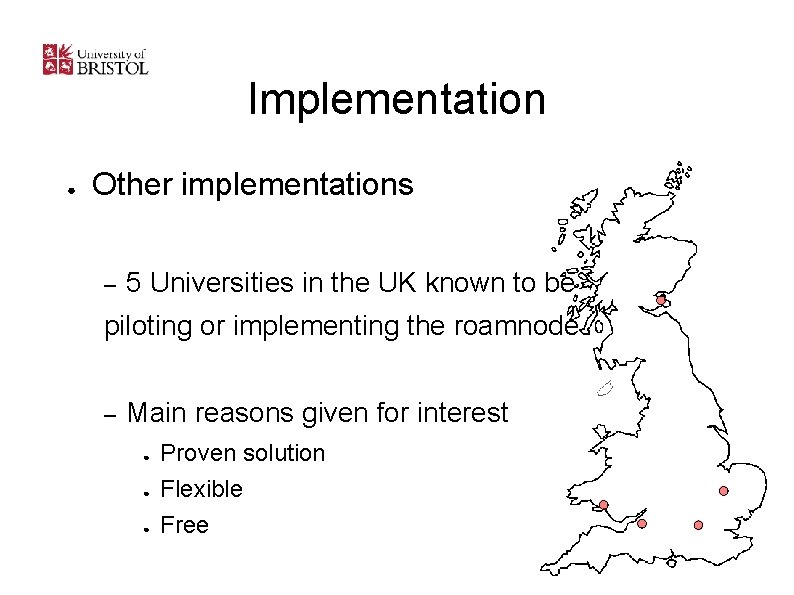
Implementation ● Other implementations – 5 Universities in the UK known to be piloting or implementing the roamnode – Main reasons given for interest ● ● ● Proven solution Flexible Free
Implementation ● University of Wales Swansea (implementing) – Outside of Bristol, the most advanced implementation – Main differences ● ● Contiguous network at L 2, therefore only 1 roamnode Multiple authentication databases (NT domain, Novell, etc)
Implementation ● Genome Campus, Cambridge (piloting) – Consists of three seperate institutions ● ● ● – Sanger Institute European Bioinformatics Institute Human Genome Project Resource Centre Researchers need to be able to roam between each institution, as well as shared facilities (libraries, canteens, etc)
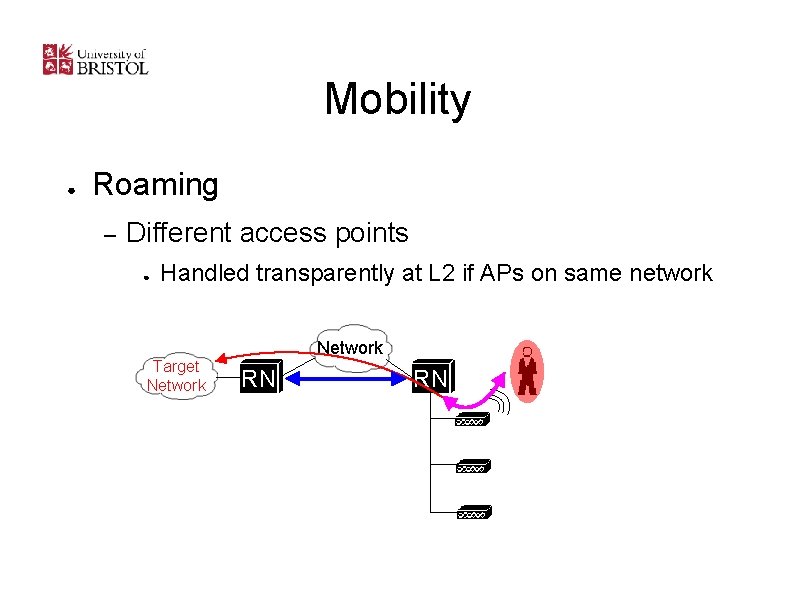
Mobility ● Roaming – Different access points ● Handled transparently at L 2 if APs on same network Target Network RN RN
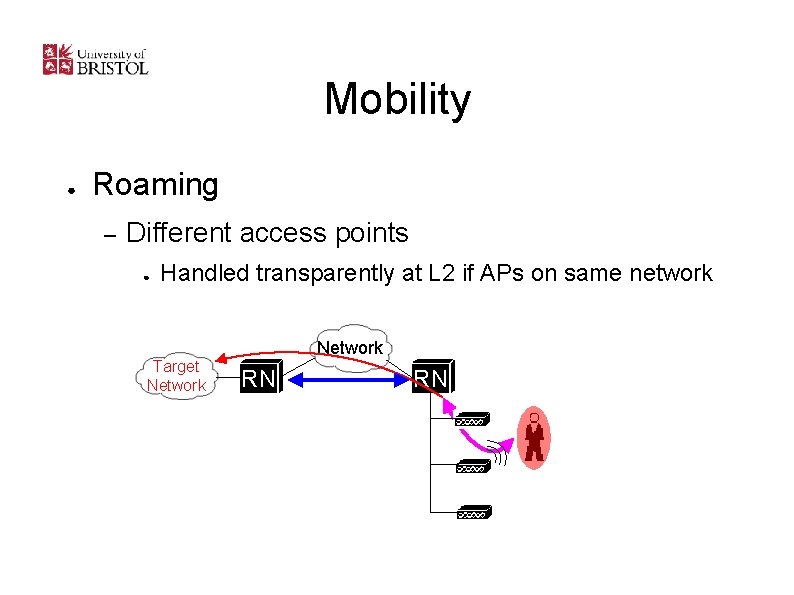
Mobility ● Roaming – Different access points ● Handled transparently at L 2 if APs on same network Target Network RN RN
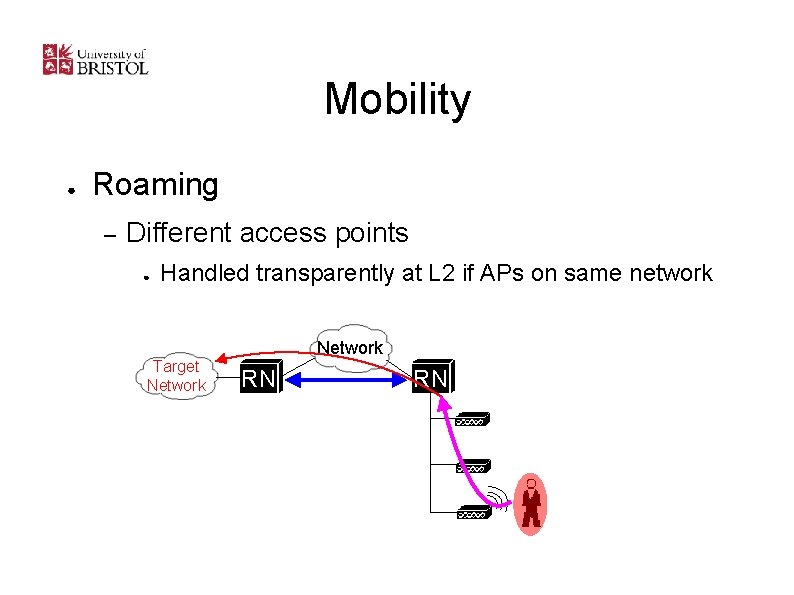
Mobility ● Roaming – Different access points ● Handled transparently at L 2 if APs on same network Target Network RN RN
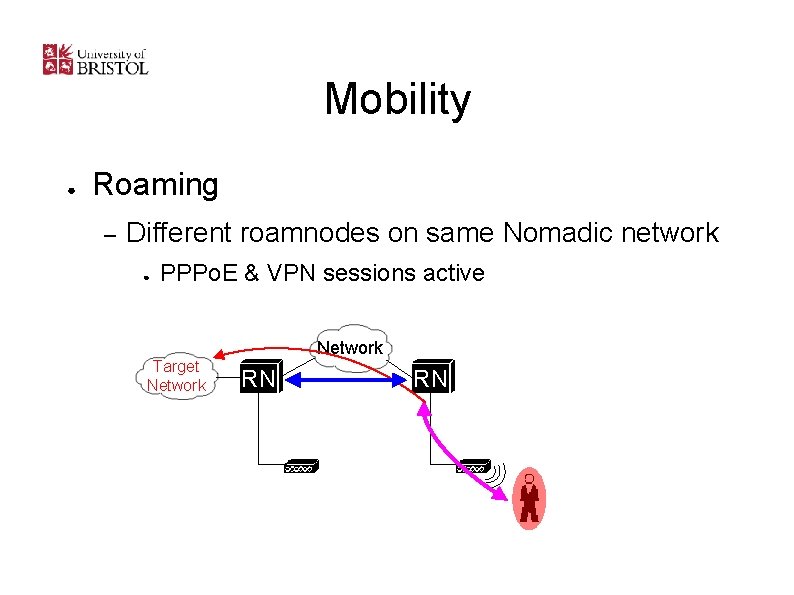
Mobility ● Roaming – Different roamnodes on same Nomadic network ● PPPo. E & VPN sessions active Target Network RN RN
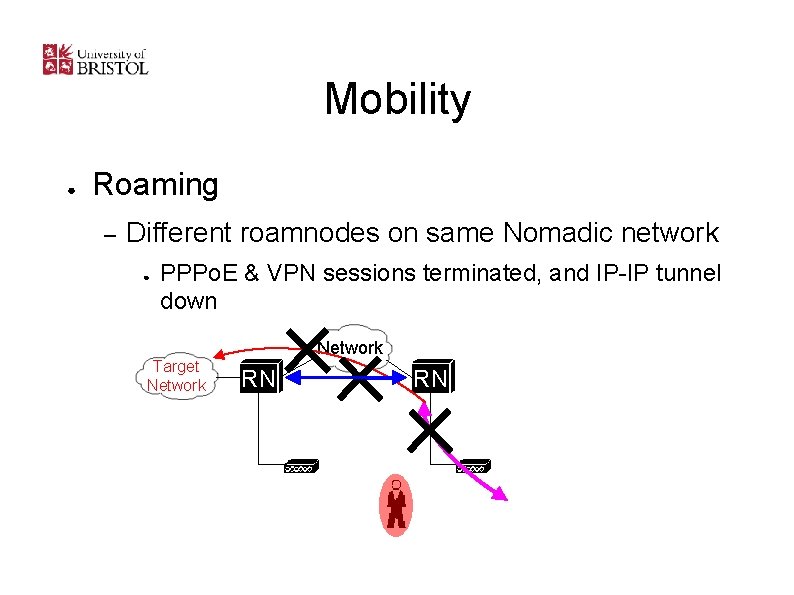
Mobility ● Roaming – Different roamnodes on same Nomadic network ● PPPo. E & VPN sessions terminated, and IP-IP tunnel down Target Network RN RN
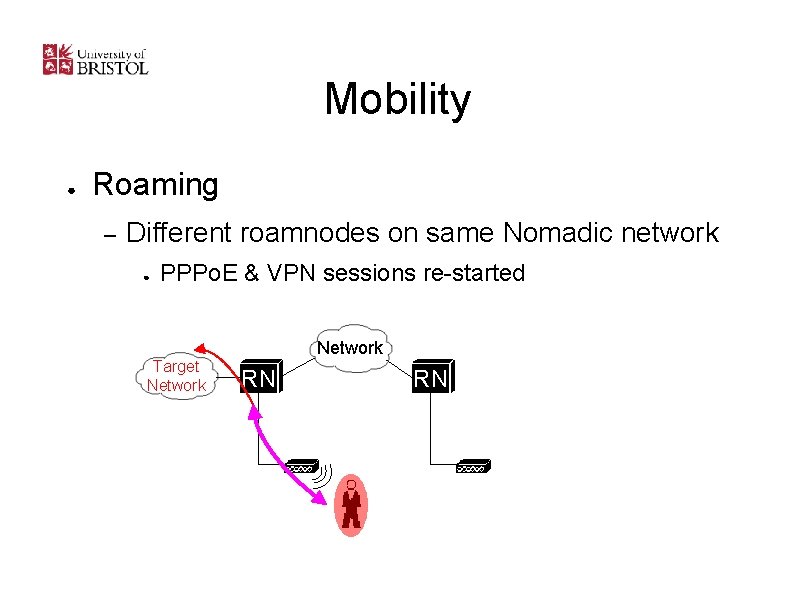
Mobility ● Roaming – Different roamnodes on same Nomadic network ● PPPo. E & VPN sessions re-started Target Network RN RN
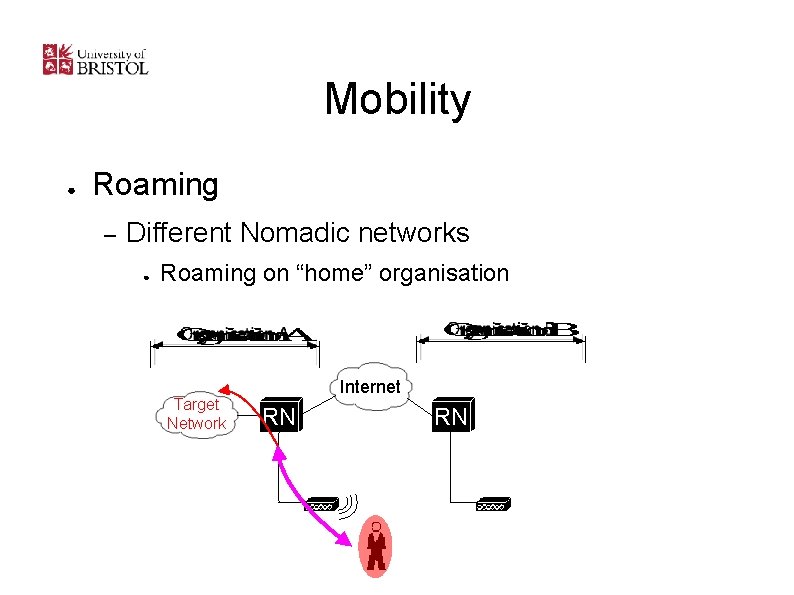
Mobility ● Roaming – Different Nomadic networks ● Roaming on “home” organisation Target Network Internet RN RN
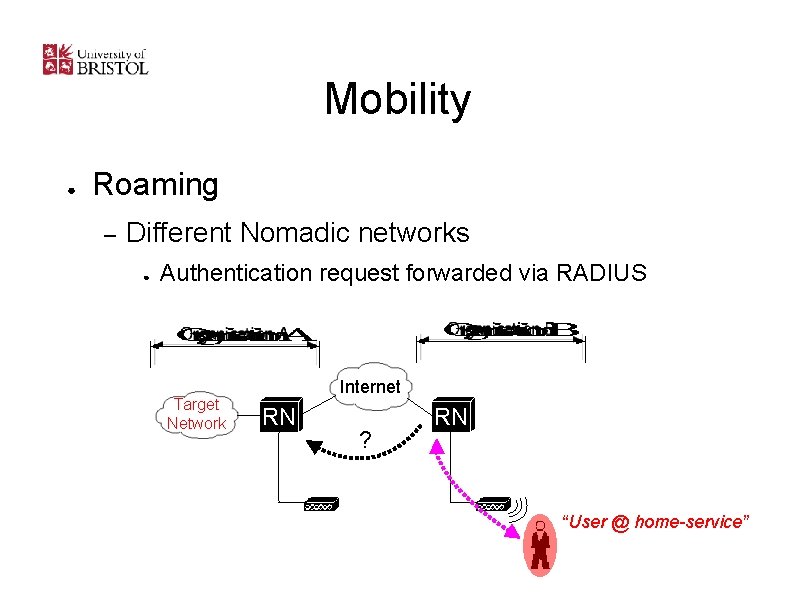
Mobility ● Roaming – Different Nomadic networks ● Authentication request forwarded via RADIUS Target Network Internet RN ? RN “User @ home-service”
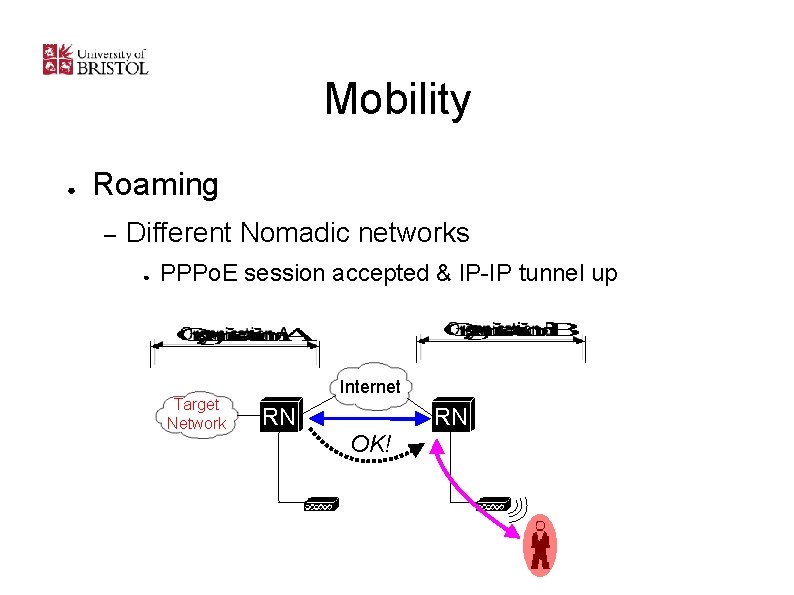
Mobility ● Roaming – Different Nomadic networks ● PPPo. E session accepted & IP-IP tunnel up Target Network Internet RN OK! RN
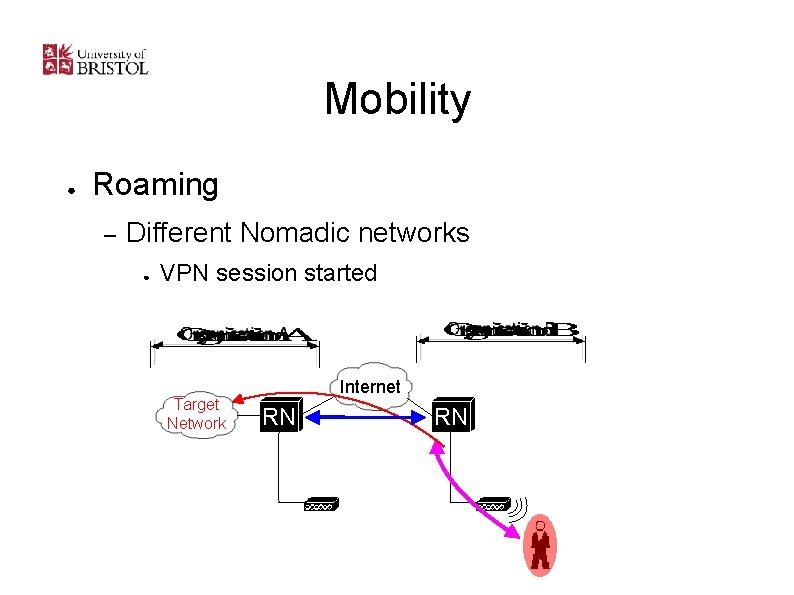
Mobility ● Roaming – Different Nomadic networks ● VPN session started Target Network Internet RN RN
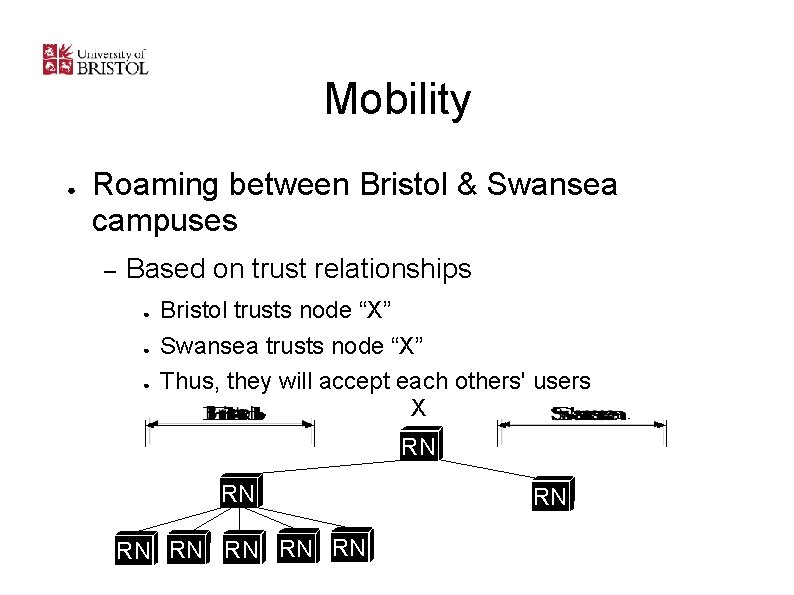
Mobility ● Roaming between Bristol & Swansea campuses – Based on trust relationships ● ● ● Bristol trusts node “X” Swansea trusts node “X” Thus, they will accept each others' users X RN RN
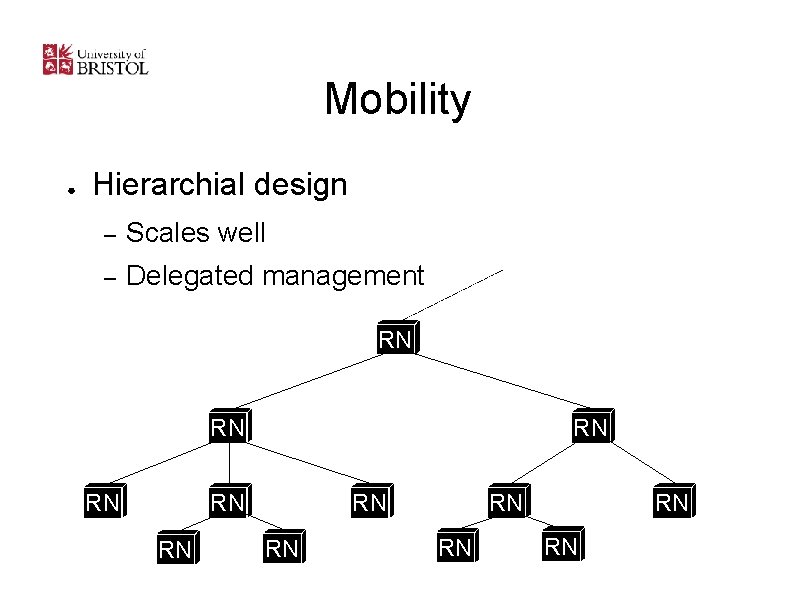
Mobility ● Hierarchial design – Scales well – Delegated management RN RN RN
Current development ● Roaming between institutions – – – Allows users to roam between networks that share a trust relationship Same user identity (username) and network identity (IP address) across different networks The only management task that must be centralised is IP space allocation for “roam LANs” IP space allocations can also be arbitrary No need for management of overlay network; created “on demand” (or “on-the-fly”) as users change location
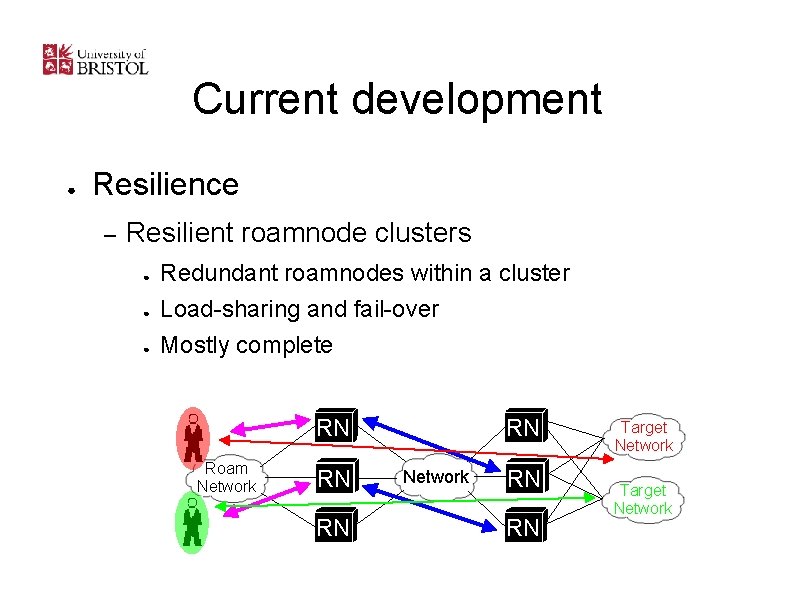
Current development ● Resilience – Resilient roamnode clusters ● ● ● Redundant roamnodes within a cluster Load-sharing and fail-over Mostly complete RN Roam Network RN RN RN Network RN RN Target Network
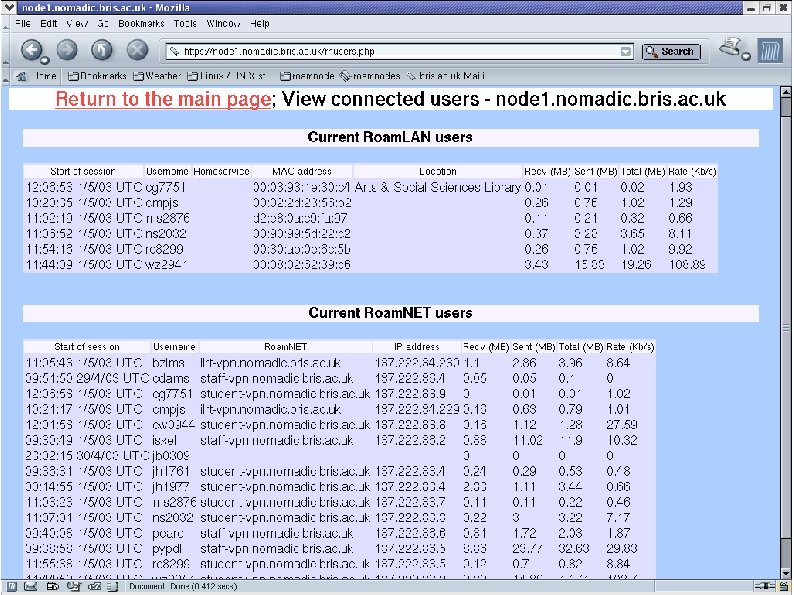
Current development ● Locating users – Where is a user connected? – Many potential applications: ● ● Provisioning: “where do we need more access points? ” Web: ie. http: //www. bristol. ac. uk/where-am-i – ● Re-directs web browser to “nearest” web-site (ie. Library catalogue, if user is in the library) Automatic selection of the nearest network printer – More than 30 public printers, some 20 kilometers apart
Future proof ? ● Any media that supports ethernet encapsulation – Copper / wireless ethernet; Bluetooth (BNEP); etc. ● VPN is currently PPTP but could support others ● Dynamic overlay network will move to IPv 6 – – – IPv 4 and/or IPv 6 VPN tunnels over IPv 6 and/or IPv 4 overlay network RFC 1918 is “untidy” IPv 6 provides more address space
Client-side Requirements ● Support a broad range of platforms – ● No licensing costs – ● Use built-in or free software Minimise support effort required – ● Win 95 – XP, Apple Mac OS 10. 2, Linux Self-registration, self-connection As easy to install as possible – Provide instructions, software
Network Stack ● Requirements in the client OS vary: – Remote off-campus service (VPN) ● – PPTP (Point to Point Tunnelling protocol) support Roaming on campus service (Wireless and wired) ● ● PPTP (Point to Point Tunnelling protocol) support PPPo. E (PPP over Ethernet) support
Software Required ● PPPo. E stack ● ● ● Built-in to latest OSes (Win. XP, Mac. OS 10. 2) Free third-party client (RASPPPo. E) for older Windows versions PPTP stack ● Built-in (but needs patches for older Windows versions)
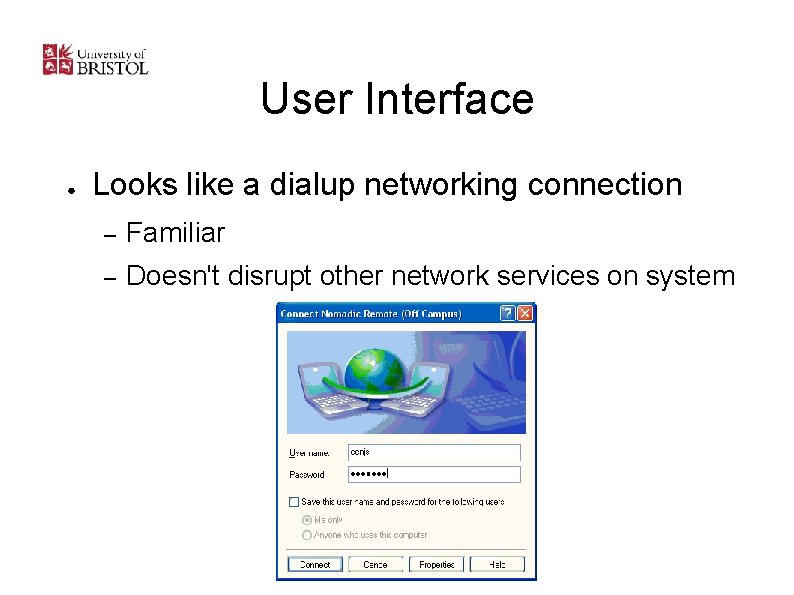
User Interface ● Looks like a dialup networking connection – Familiar – Doesn't disrupt other network services on system
Resources ● Web site ● Online registration form ● Step-by-step connection guide for each OS ● CD with software and OS patches ● Support from existing Res. Net team
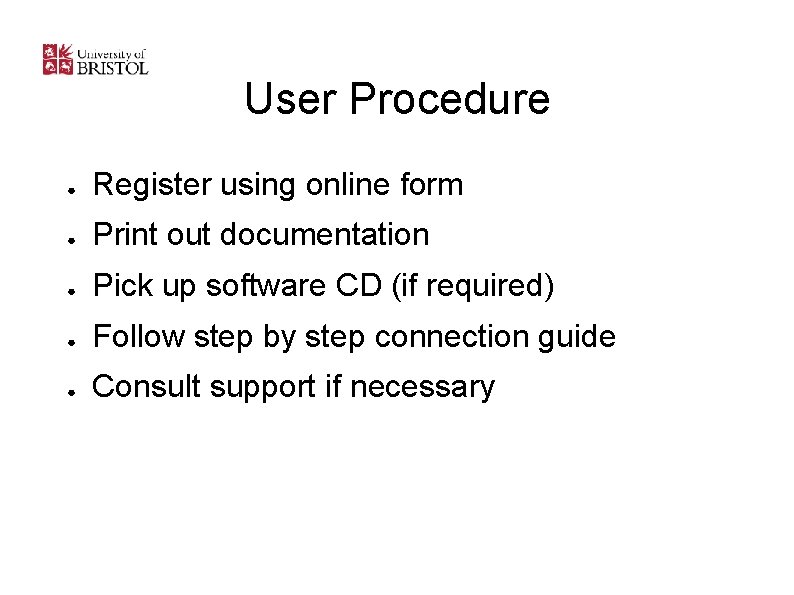
User Procedure ● Register using online form ● Print out documentation ● Pick up software CD (if required) ● Follow step by step connection guide ● Consult support if necessary
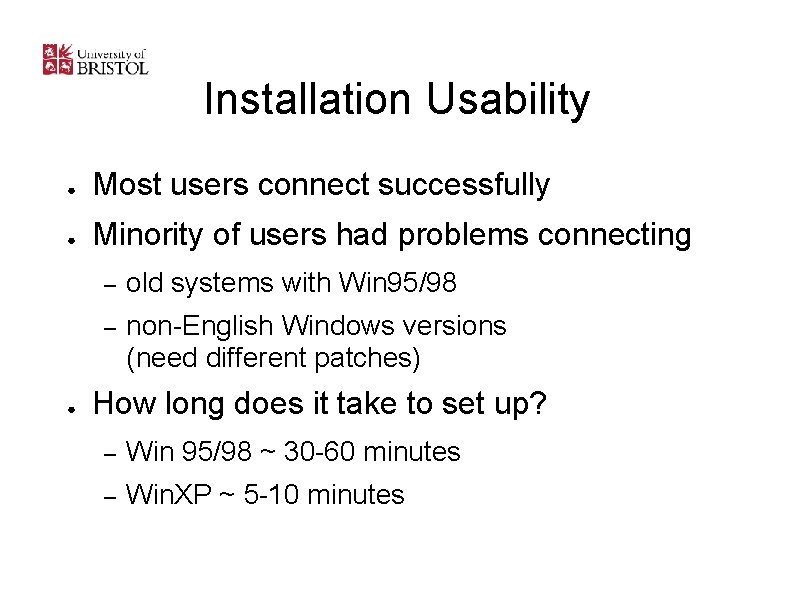
Installation Usability ● Most users connect successfully ● Minority of users had problems connecting ● – old systems with Win 95/98 – non-English Windows versions (need different patches) How long does it take to set up? – Win 95/98 ~ 30 -60 minutes – Win. XP ~ 5 -10 minutes
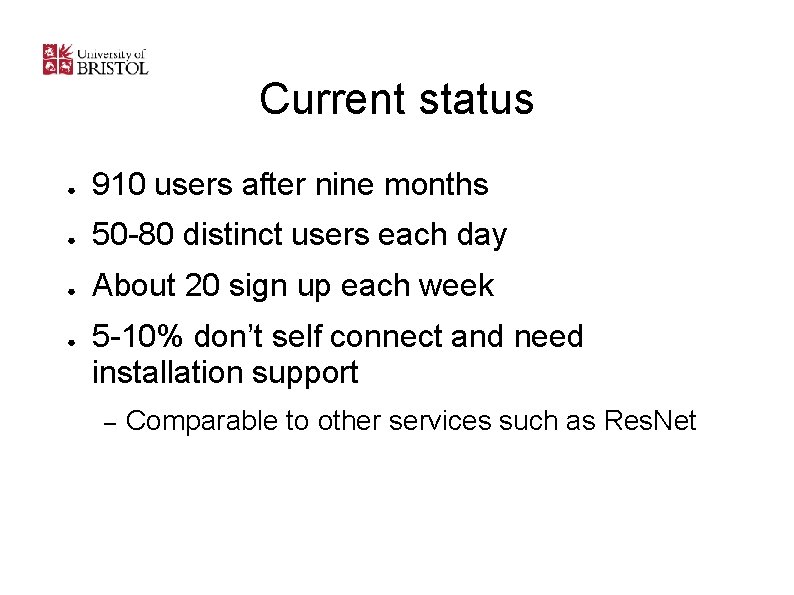
Current status ● 910 users after nine months ● 50 -80 distinct users each day ● About 20 sign up each week ● 5 -10% don’t self connect and need installation support – Comparable to other services such as Res. Net
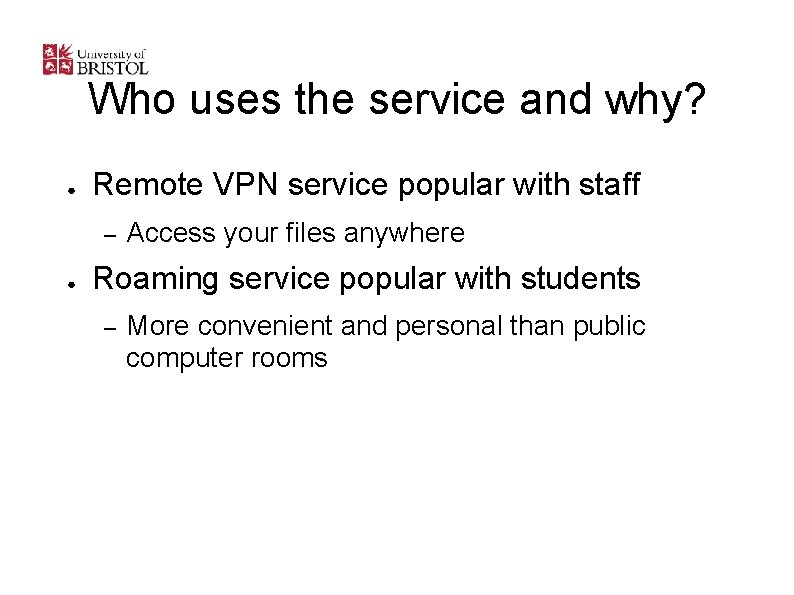
Who uses the service and why? ● Remote VPN service popular with staff – ● Access your files anywhere Roaming service popular with students – More convenient and personal than public computer rooms
Remote users and home working ● Too far to visit – Telephone and email support ● Large range of operating systems ● Users expect support for applications on top – – – Manage expectations Lower level of support for more diverse systems Provide good 'self-support' resources
Future client support ● ● Support new platforms – PDAs (Palm, Pocket. PC…) – No PPPo. E support on these platforms yet Short-term visitors – Quicker registration and configuration with existing service – Considering a complementary and restricted web only service
Summary ● ● Popular with users, fills definite needs Support requirements in line with other services ● Low cost ● Low management overheads ● Secure ● Scaleable
To find out more. . . ● ● Web: – Documentation & software (8 MB iso image) – Go to www. nomadic. bristol. ac. uk and click 'Roamnode software' Or email josh. howlett@bristol. ac. uk
- Slides: 52