
The Next Generation of Accessibility Tools ARC JAWS
The Next Generation of Accessibility Tools ARC & JAWS Inspect Derek Bove Solutions Engineer - dbove@paciellogroup. com
Agenda 1. Introduction to ARC 2. Walkthrough of ARC platform 3. Overview of JAWS Inspect 4. JAWS Inspect Demo 5. Closing Remarks
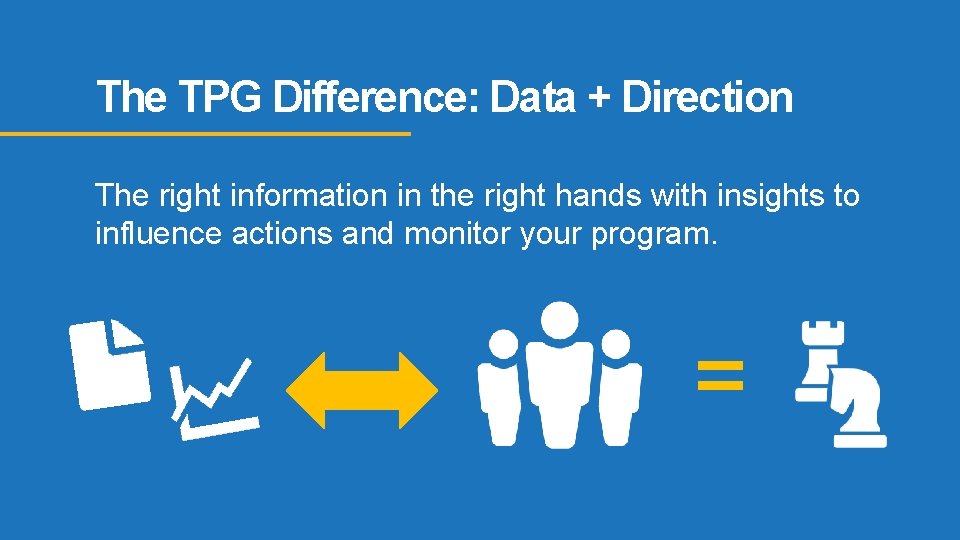
The TPG Difference: Data + Direction The right information in the right hands with insights to influence actions and monitor your program. =
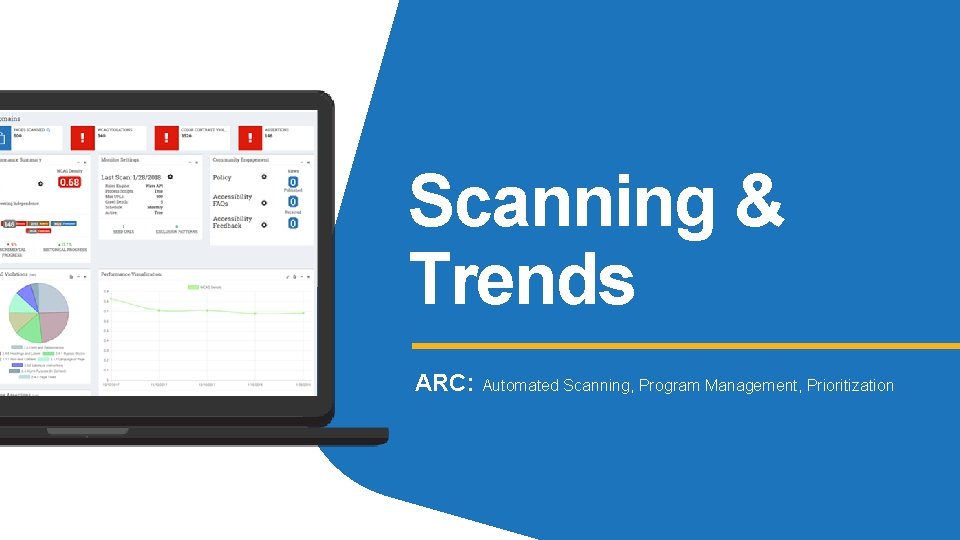
Scanning & Trends ARC: Automated Scanning, Program Management, Prioritization
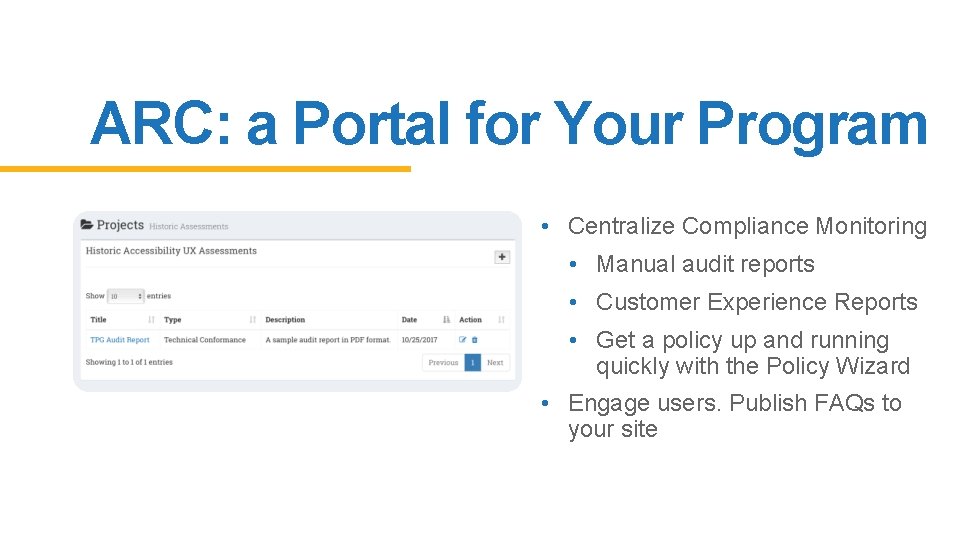
ARC: a Portal for Your Program • Centralize Compliance Monitoring • Manual audit reports • Customer Experience Reports • Get a policy up and running quickly with the Policy Wizard • Engage users. Publish FAQs to your site
ARC Benefits • Actionable insights through trends, defect prioritization and issue density analysis • The right data in the right hands. Never overloaded. • Compare results and trends across sites, domains and industry sectors • Centralizes diverse sets of data and resources, from to manual testing reports to Usability Reports.
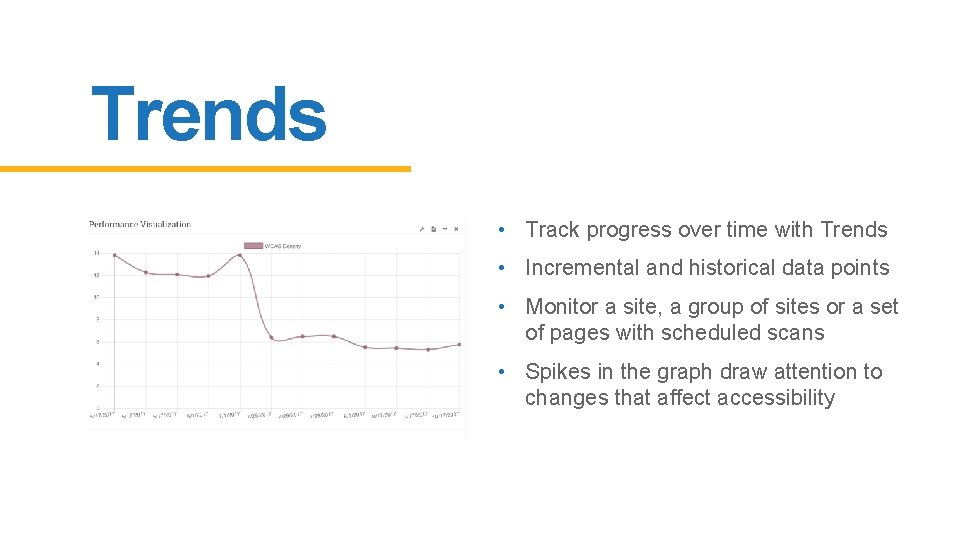
Trends • Track progress over time with Trends • Incremental and historical data points • Monitor a site, a group of sites or a set of pages with scheduled scans • Spikes in the graph draw attention to changes that affect accessibility
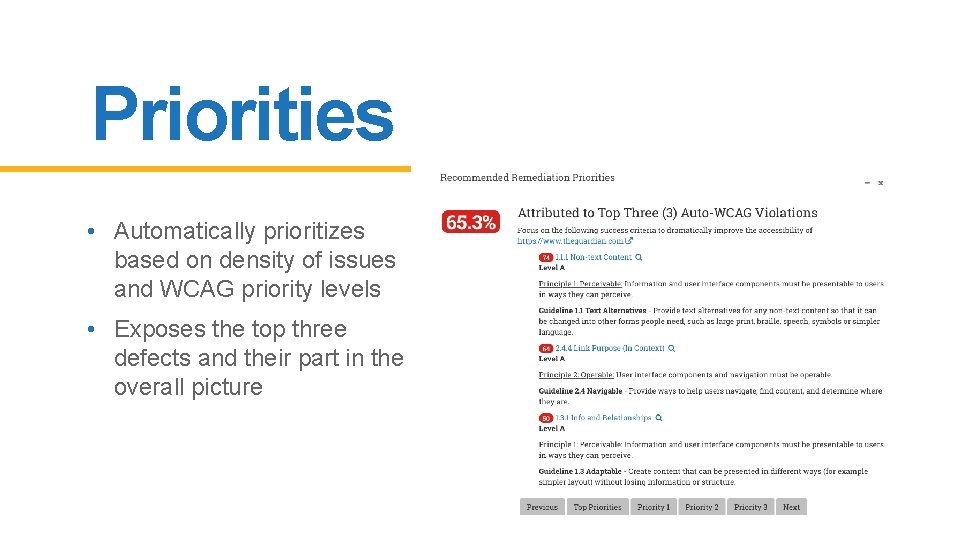
Priorities • Automatically prioritizes based on density of issues and WCAG priority levels • Exposes the top three defects and their part in the overall picture
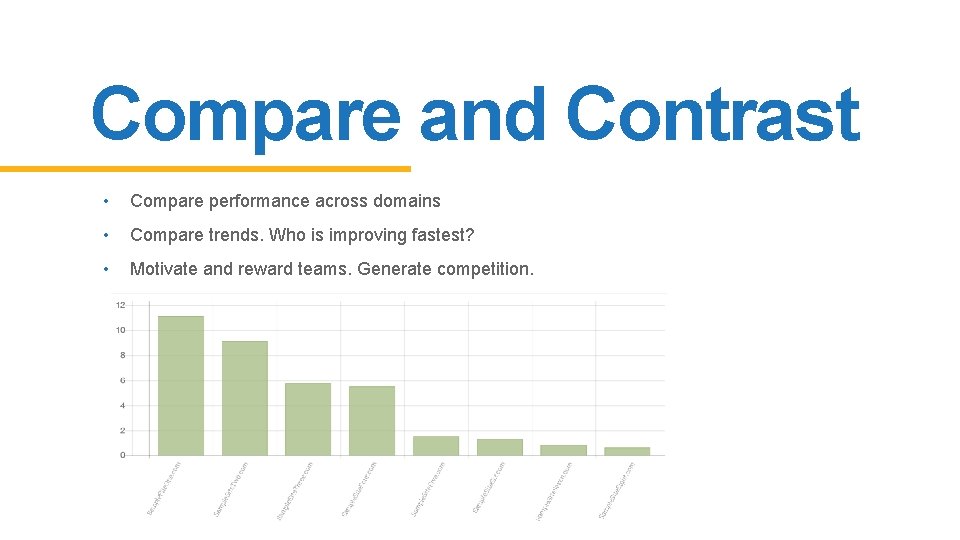
Compare and Contrast • Compare performance across domains • Compare trends. Who is improving fastest? • Motivate and reward teams. Generate competition.
ARC Demo!
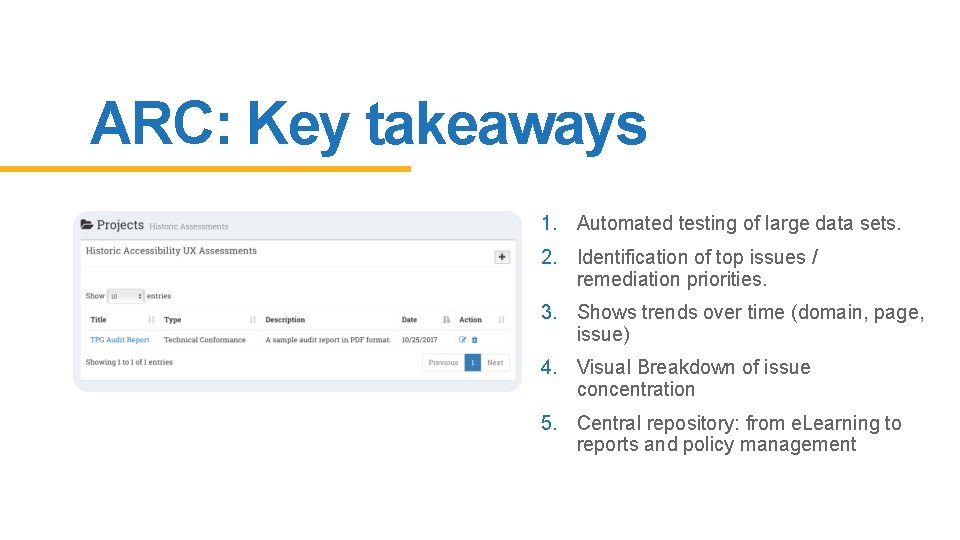
ARC: Key takeaways 1. Automated testing of large data sets. 2. Identification of top issues / remediation priorities. 3. Shows trends over time (domain, page, issue) 4. Visual Breakdown of issue concentration 5. Central repository: from e. Learning to reports and policy management
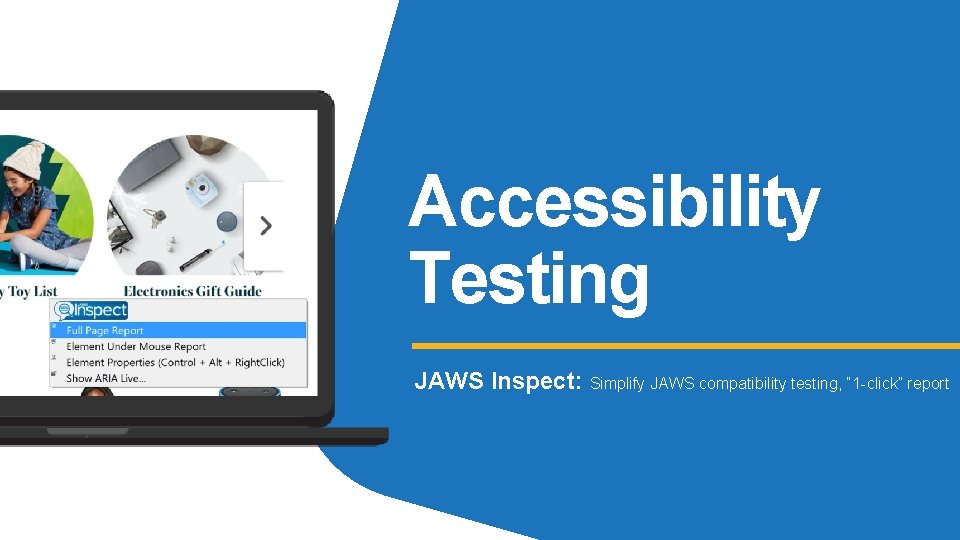
Accessibility Testing JAWS Inspect: Simplify JAWS compatibility testing, “ 1 -click” report
Assistive Technology Testing JAWS is rich in features for end users, not testers. • Have to learn to operate and configure. Many keyboard shortcuts. • File bugs with only voice output • Takes time to get consistent, reliable results • Difficult to multi-task with JAWS speech
What is JAWS Inspect? JAWS Inspect vastly simplifies accessibility and JAWS compatibility testing. Without the distraction of speech or the complex feature set of the end-user product, Inspect uses transcripts of JAWS output to quickly diagnose issues and share them easily across quality control and compliance systems.
Benefits • Simplifies JAWS use for testers • Text transcript of JAWS output for use in bug tracking and compliance programs • Real-time identification of issues • Rapid rollout with limited training required • Demonstrates impact of accessibility on users
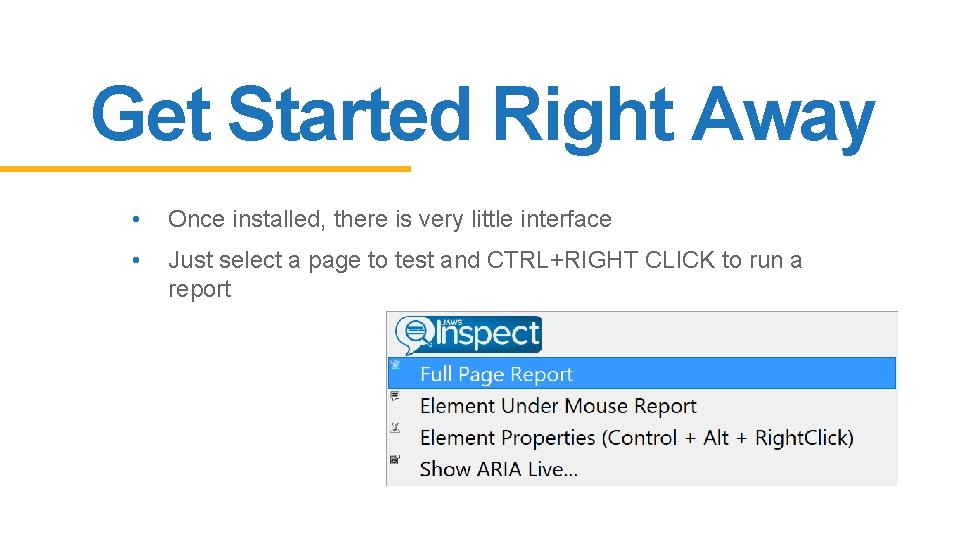
Get Started Right Away • Once installed, there is very little interface • Just select a page to test and CTRL+RIGHT CLICK to run a report
JAWS Inspect Demo!
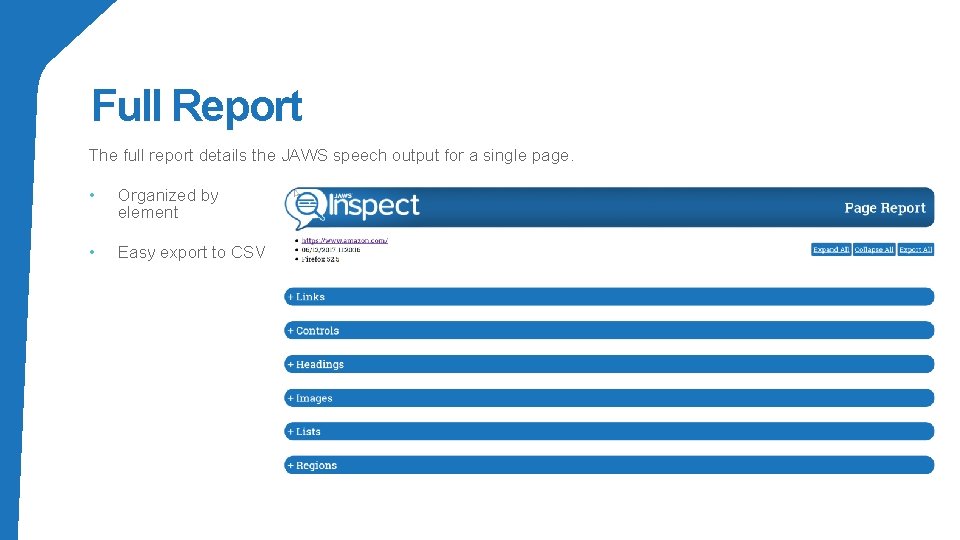
Full Report The full report details the JAWS speech output for a single page. • Organized by element • Easy export to CSV
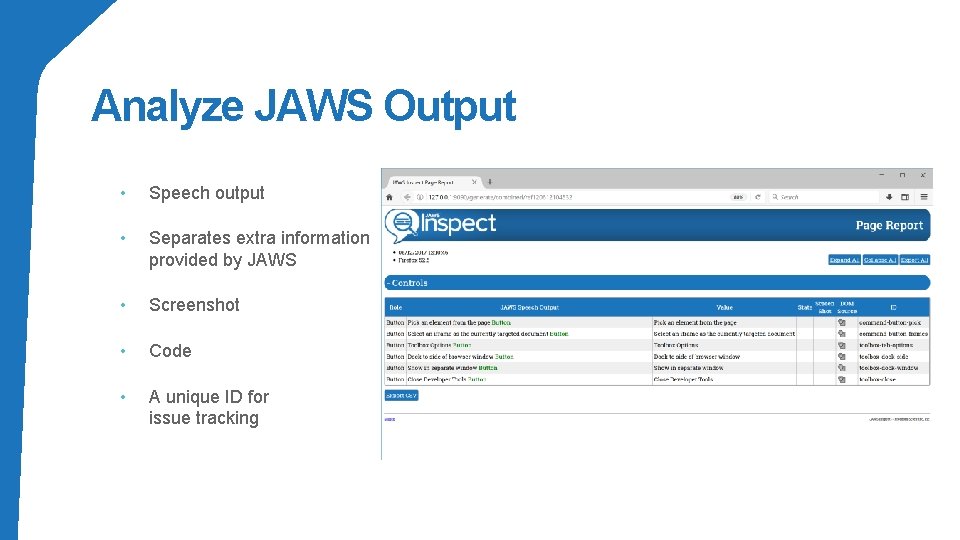
Analyze JAWS Output • Speech output • Separates extra information provided by JAWS • Screenshot • Code • A unique ID for issue tracking
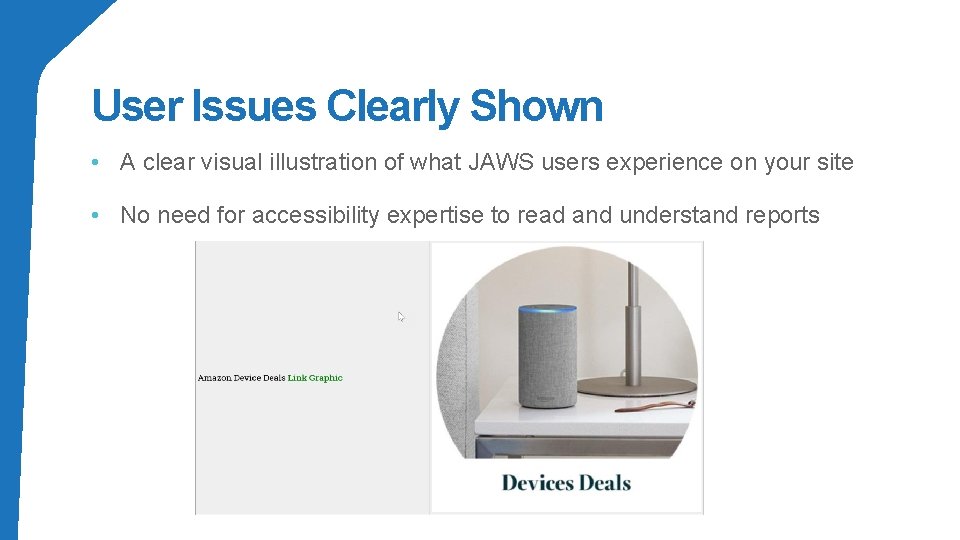
User Issues Clearly Shown • A clear visual illustration of what JAWS users experience on your site • No need for accessibility expertise to read and understand reports
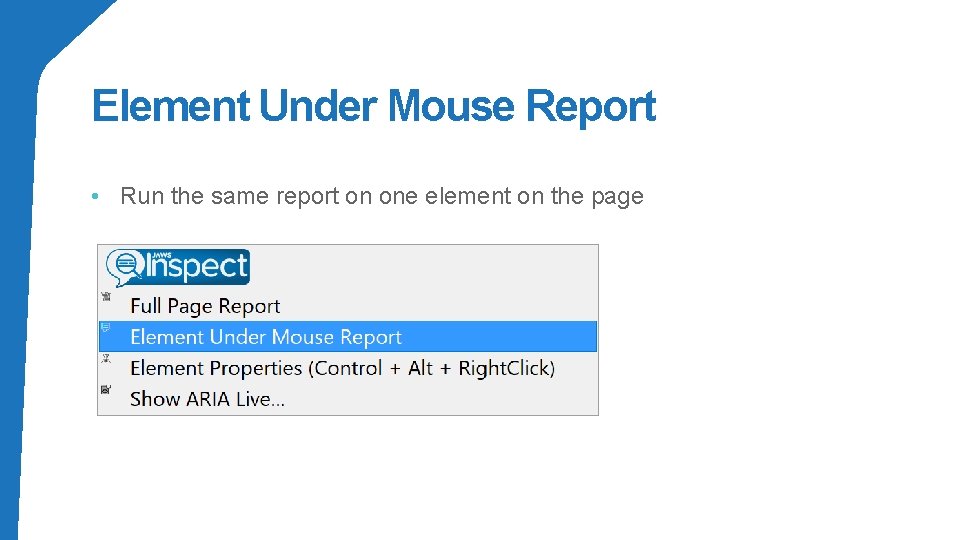
Element Under Mouse Report • Run the same report on one element on the page
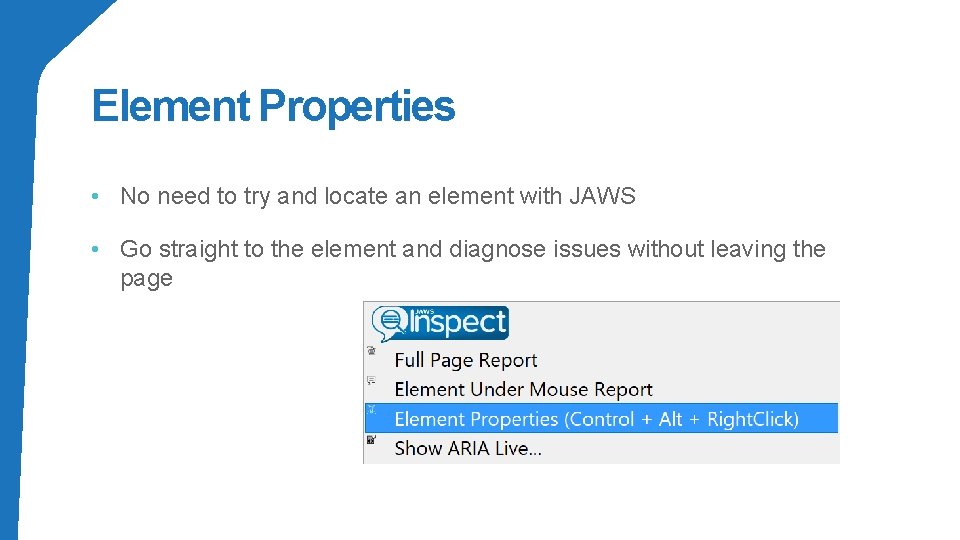
Element Properties • No need to try and locate an element with JAWS • Go straight to the element and diagnose issues without leaving the page
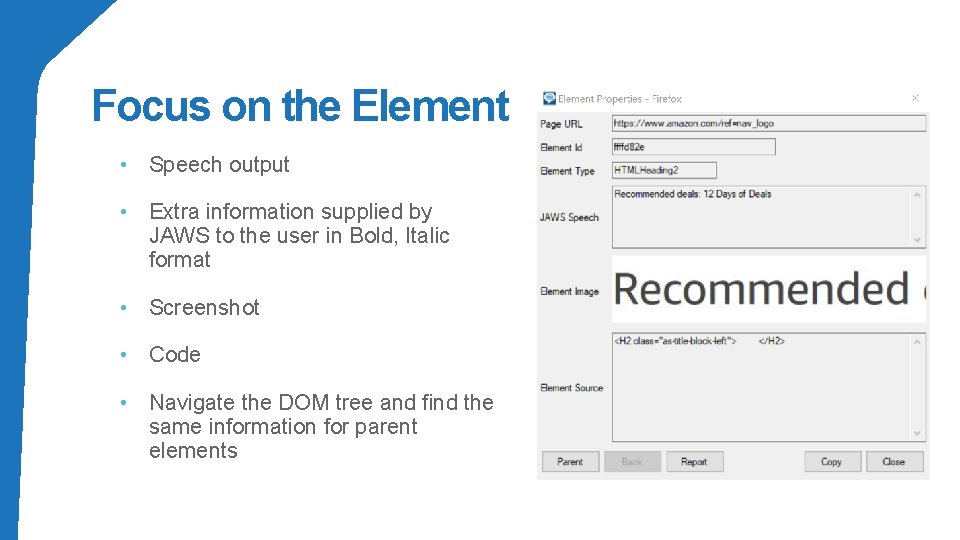
Focus on the Element • Speech output • Extra information supplied by JAWS to the user in Bold, Italic format • Screenshot • Code • Navigate the DOM tree and find the same information for parent elements
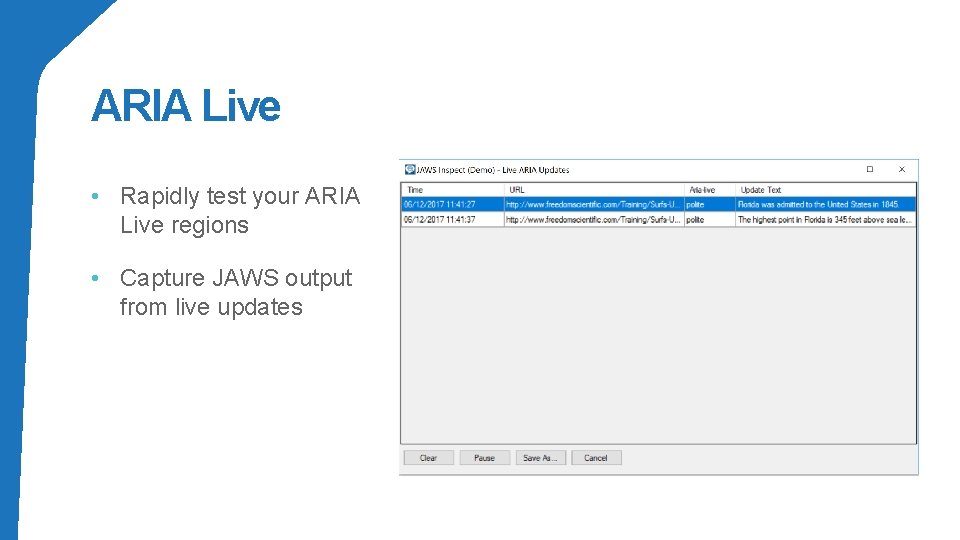
ARIA Live • Rapidly test your ARIA Live regions • Capture JAWS output from live updates
JAWS Inspect: Key takeaways 1. Streamline JAWS testing process to uncover accessibility issues 2. Rapid rollout with limited training required 3. Easily export data to CSV 4. Standalone application (does not require JAWS) 5. Subscription based license with quarterly updates
Thank You! Todd Waites twaites@paciellogroup. com Derek Bove dbove@paciellogroup. com
- Slides: 26