
The Next eLearning Revolution Customisable Learning Designs Professor
The Next e-Learning Revolution: Customisable Learning Designs Professor James Dalziel Director, Macquarie University E-learning Centre of Excellence (MELCOE) james@melcoe. mq. edu. au www. melcoe. mq. edu. au Presentation for BETT 2004, January 10 th, London, UK
Overview • Why do we need a revolution in e-learning? • Introducing Learning Design – Concepts and examples • Experiences of UK Teachers and Students – Kemnal Technical College • Conclusion
Why do we need a revolution? • BETT demonstrates rich and vibrant e-learning • E-learning content is being taken up by many schools • More and more schools (and Universities and FE colleges) are adopting learning platforms (VLEs, etc) What, if anything, is the problem?
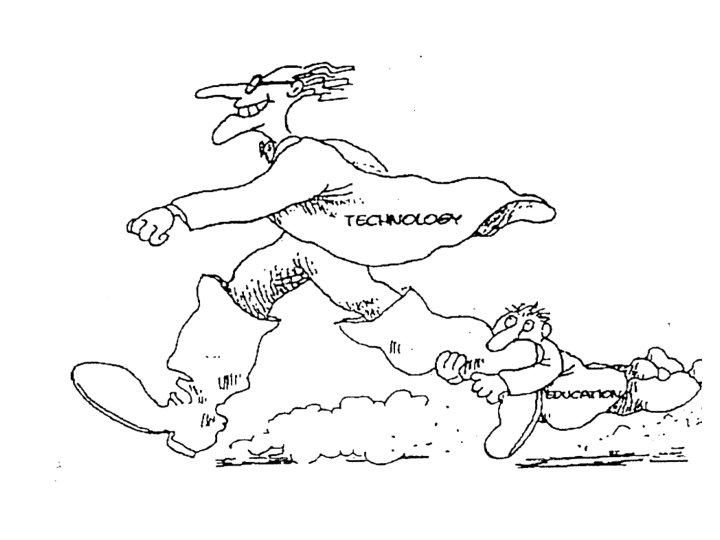
E-learning Content Today • Most assumes single learner, self-paced learning • Often little more than textbooks online? • Content-centric, transmission model of education – What is the implied pedagogy?
E-learning Content Today • Teachers can feel something fundamental is missing “This doesn’t feel like what I do everyday in my teaching” • Why doesn’t e-learning facilitate “Lesson Plans”? – That is, software that describes and manages sequences of collaborative learning activities (not just content) • We have but what about “best practice content” “best practice process”?
ICT ? Information and Communication Technologies
Introducing Learning Design • Learning Design is a name given to a new field of elearning technology based on “best practice process” • Learning Design = Sequence of Collaborative Learning Activities • Learning Designs can incorporate single learner content, but also collaborative tasks such as discussion, voting, small group debate, etc • Learning Designs can be stored, re-used, customised
Introducing Learning Design • Learning Design has various other names: – Pedagogic Design – Pedagogic Frameworks – Learning Trails – Learning Activity Sequences – “Powerpoint for educational activities” – Educational Modelling Language, – “Process VLE”, etc • Learning Design as Lesson Plans – But not just a description of the activities Learning Design software can help facilitate the activities
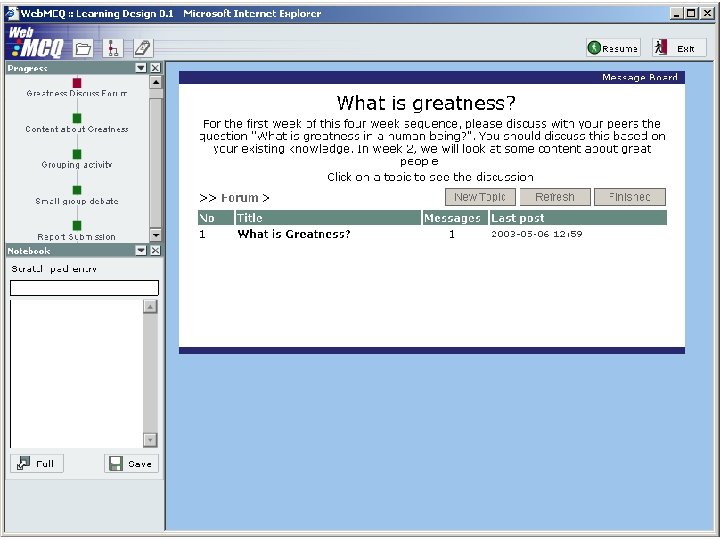
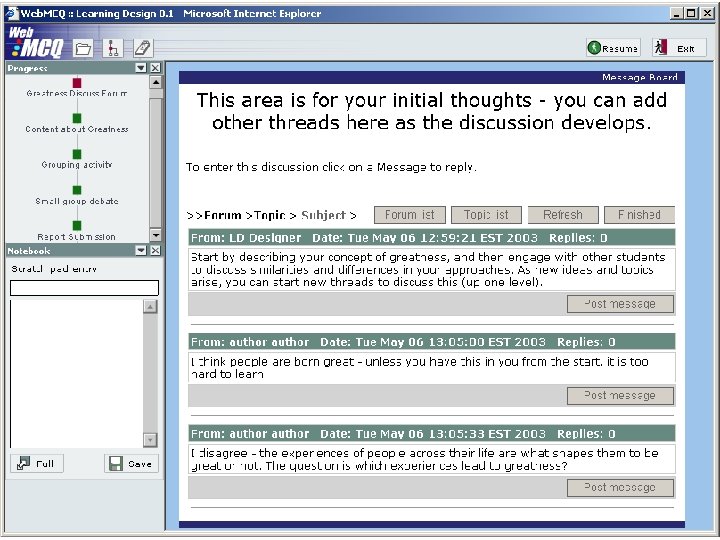
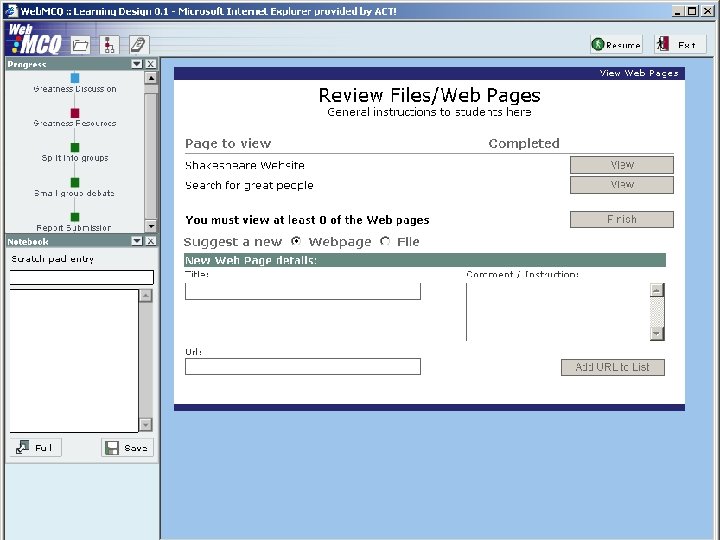
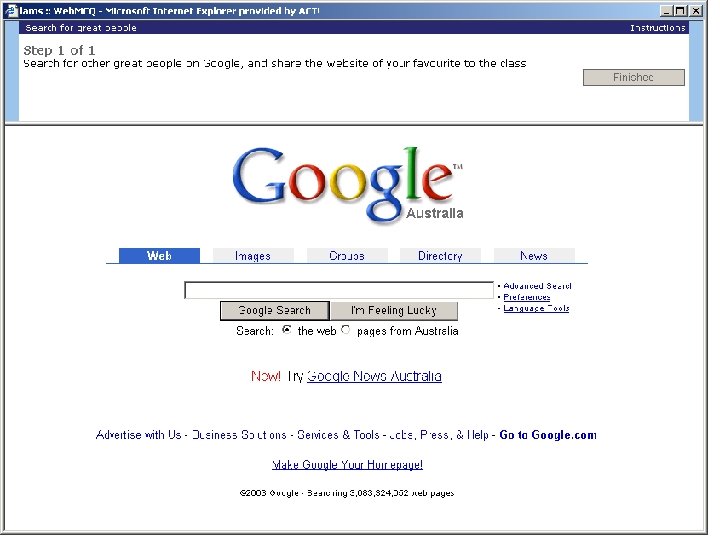
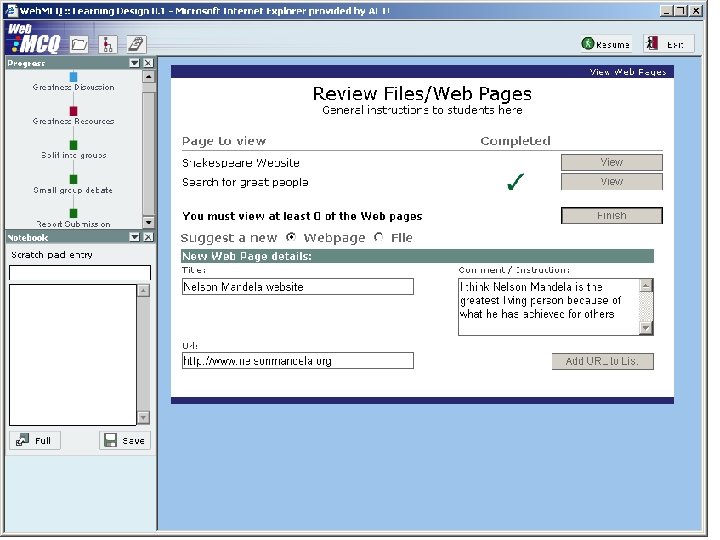
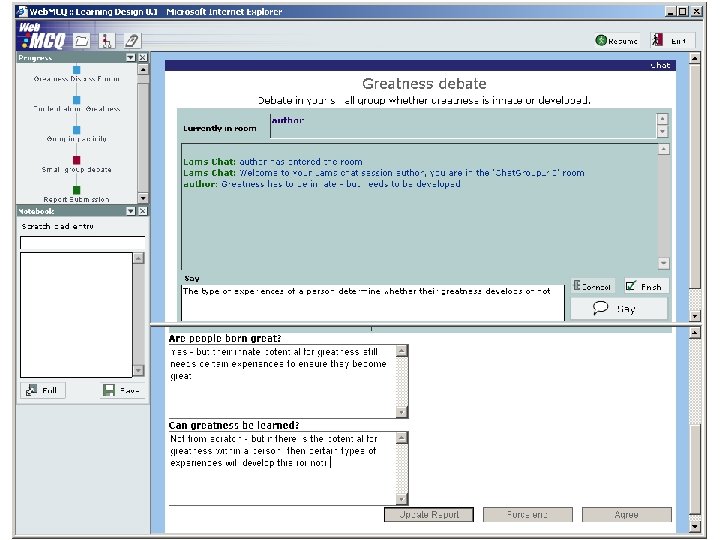
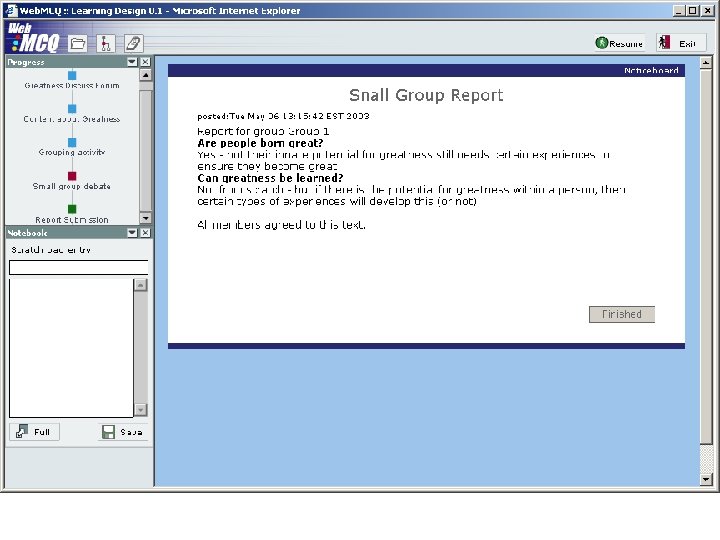
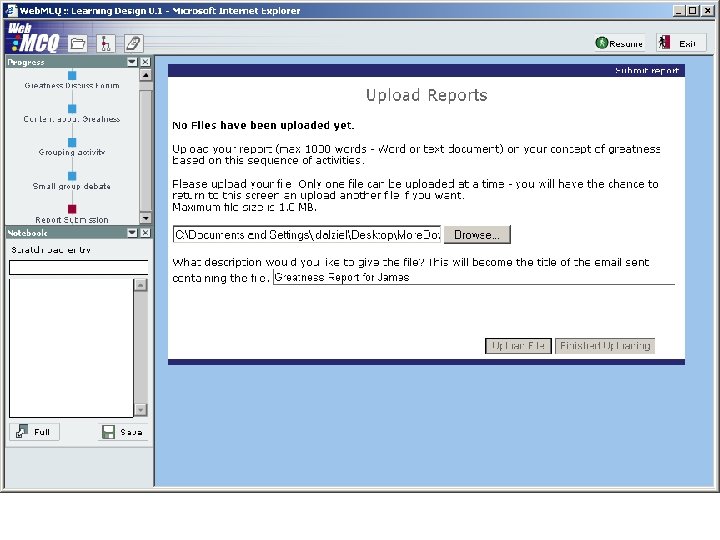
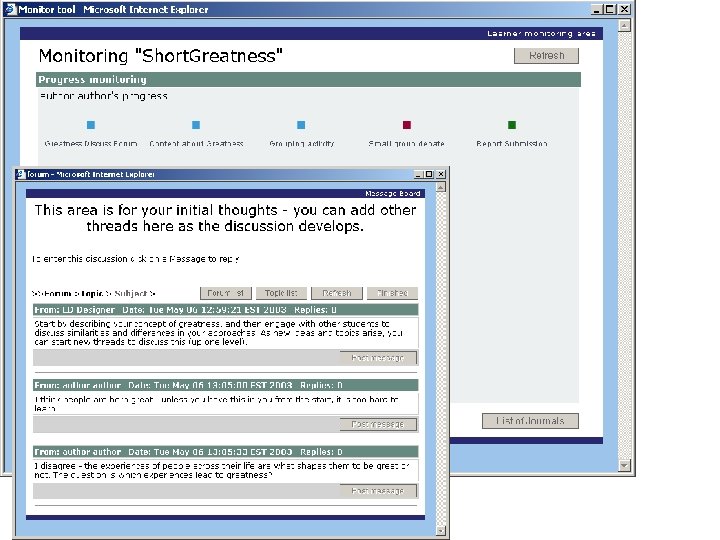
Introducing Learning Design • Short Example: What is Greatness? – Week 1: Discussion environment - initial thoughts – Week 2: Review of content and search for websites – Week 3: Small group debates with scribe reporting back to whole class – Week 4: Submit report for marking and comments • Example of Learning Design from the perspective of – Student – Teacher (during monitoring of a live sequence) – Teacher (authoring) • Based on “LAMS” - a Macquarie University R&D project

Learner Environment

Monitoring Environment

Authoring Environment
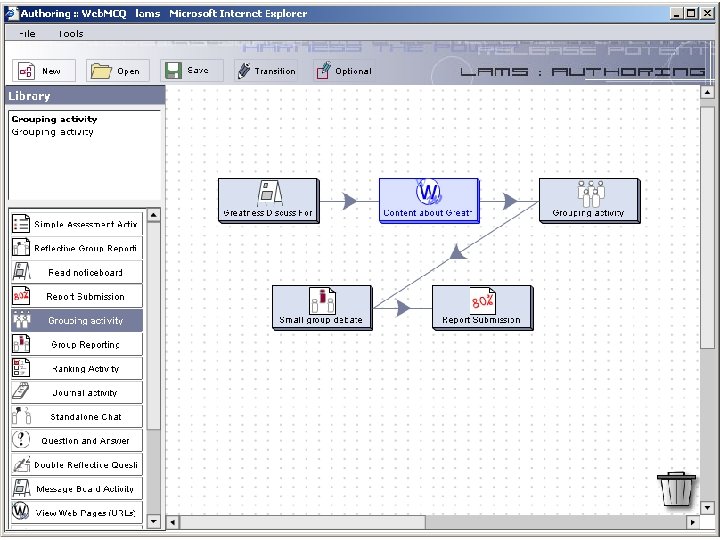
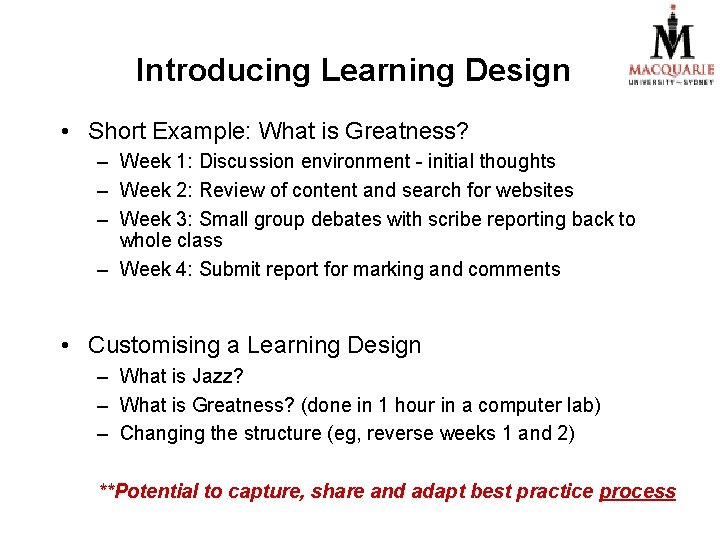
Introducing Learning Design • Short Example: What is Greatness? – Week 1: Discussion environment - initial thoughts – Week 2: Review of content and search for websites – Week 3: Small group debates with scribe reporting back to whole class – Week 4: Submit report for marking and comments • Customising a Learning Design – What is Jazz? – What is Greatness? (done in 1 hour in a computer lab) – Changing the structure (eg, reverse weeks 1 and 2) **Potential to capture, share and adapt best practice process
Kemnal Technology College Using LAMS at Kemnal Technology College 10 th January 2004 Michelle Draper
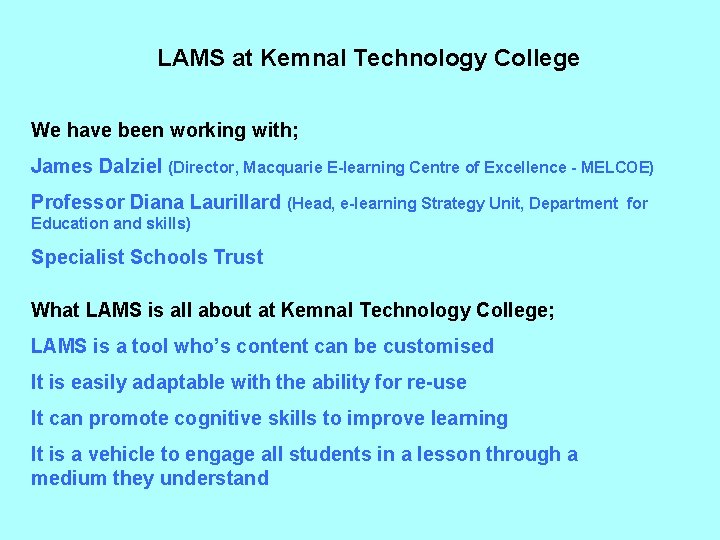
LAMS at Kemnal Technology College We have been working with; James Dalziel (Director, Macquarie E-learning Centre of Excellence - MELCOE) Professor Diana Laurillard (Head, e-learning Strategy Unit, Department Education and skills) Specialist Schools Trust What LAMS is all about at Kemnal Technology College; LAMS is a tool who’s content can be customised It is easily adaptable with the ability for re-use It can promote cognitive skills to improve learning It is a vehicle to engage all students in a lesson through a medium they understand for
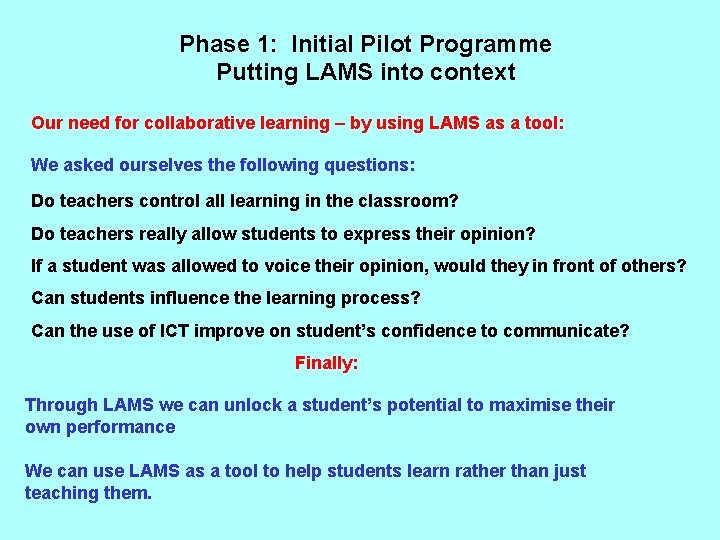
Phase 1: Initial Pilot Programme Putting LAMS into context Our need for collaborative learning – by using LAMS as a tool: We asked ourselves the following questions: Do teachers control all learning in the classroom? Do teachers really allow students to express their opinion? If a student was allowed to voice their opinion, would they in front of others? Can students influence the learning process? Can the use of ICT improve on student’s confidence to communicate? Finally: Through LAMS we can unlock a student’s potential to maximise their own performance We can use LAMS as a tool to help students learn rather than just teaching them.
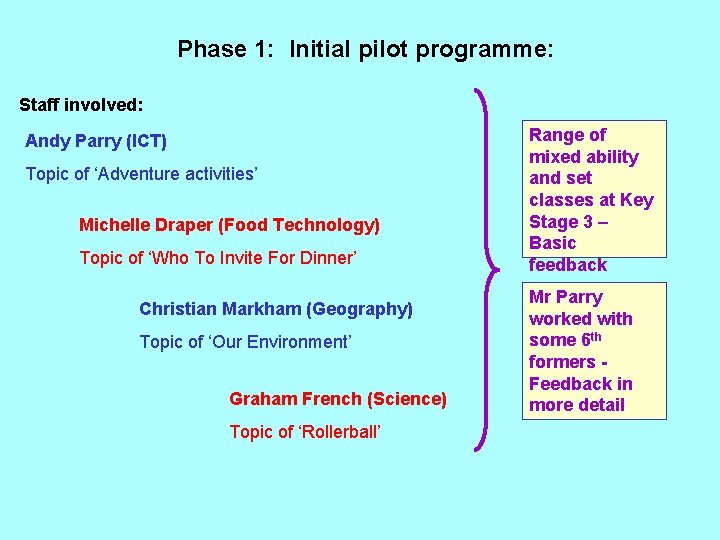
Phase 1: Initial pilot programme: Staff involved: Andy Parry (ICT) Topic of ‘Adventure activities’ Michelle Draper (Food Technology) Topic of ‘Who To Invite For Dinner’ Christian Markham (Geography) Topic of ‘Our Environment’ Graham French (Science) Topic of ‘Rollerball’ Range of mixed ability and set classes at Key Stage 3 – Basic feedback Mr Parry worked with some 6 th formers Feedback in more detail
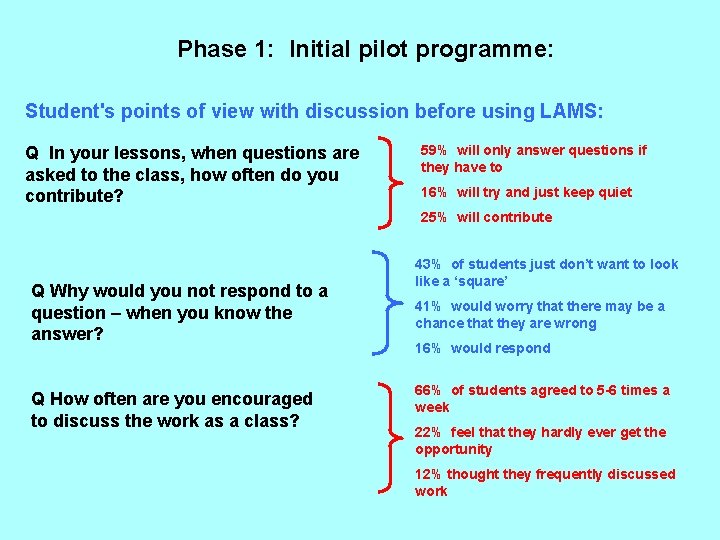
Phase 1: Initial pilot programme: Student's points of view with discussion before using LAMS: Q In your lessons, when questions are asked to the class, how often do you contribute? 59% will only answer questions if they have to 16% will try and just keep quiet 25% will contribute Q Why would you not respond to a question – when you know the answer? Q How often are you encouraged to discuss the work as a class? 43% of students just don’t want to look like a ‘square’ 41% would worry that there may be a chance that they are wrong 16% would respond 66% of students agreed to 5 -6 times a week 22% feel that they hardly ever get the opportunity 12% thought they frequently discussed work
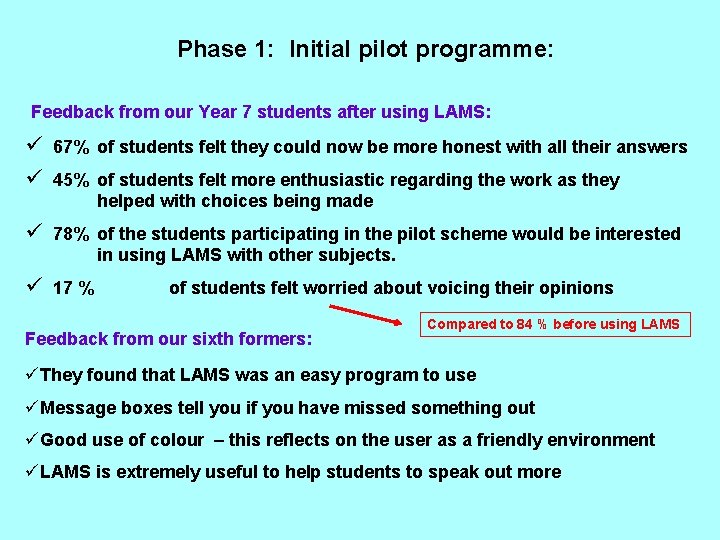
Phase 1: Initial pilot programme: Feedback from our Year 7 students after using LAMS: ü 67% of students felt they could now be more honest with all their answers ü 45% of students felt more enthusiastic regarding the work as they helped with choices being made ü 78% of the students participating in the pilot scheme would be interested in using LAMS with other subjects. ü 17 % of students felt worried about voicing their opinions Feedback from our sixth formers: Compared to 84 % before using LAMS üThey found that LAMS was an easy program to use üMessage boxes tell you if you have missed something out üGood use of colour – this reflects on the user as a friendly environment üLAMS is extremely useful to help students to speak out more
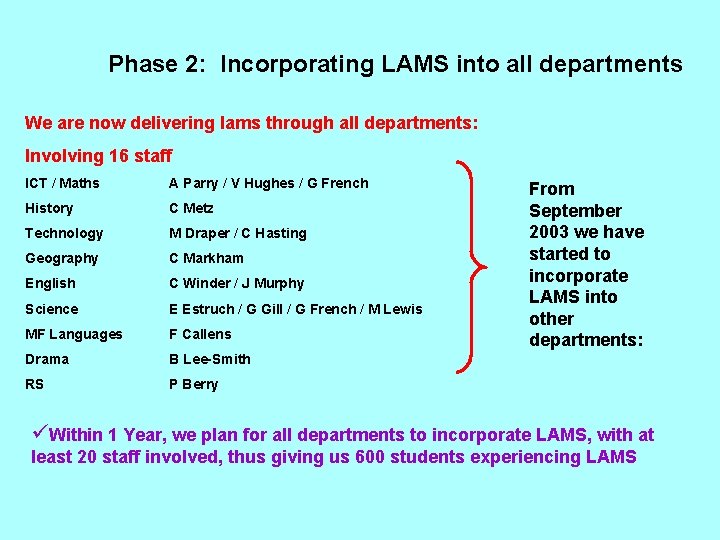
Phase 2: Incorporating LAMS into all departments We are now delivering lams through all departments: Involving 16 staff ICT / Maths A Parry / V Hughes / G French History C Metz Technology M Draper / C Hasting Geography C Markham English C Winder / J Murphy Science E Estruch / G Gill / G French / M Lewis MF Languages F Callens Drama B Lee-Smith RS P Berry From September 2003 we have started to incorporate LAMS into other departments: üWithin 1 Year, we plan for all departments to incorporate LAMS, with at least 20 staff involved, thus giving us 600 students experiencing LAMS
Potential advantages for incorporating LAMS at Kemnal Technology College üStudents can tap into their existing skills with a medium they already understand üLAMS is a mechanism to engage all students into the lesson üLAMS provides the vehicle for cognitive learning üLAMS enables independent learning by removing the traditional student and teacher relationship Ultimately: Using LAMS to potentially improve on our KS 3, KS 4, and KS 5 results
Conclusion • Learning Design as a new kind of Lesson Plan – Facilitation of sequences of collaborative learning activities – Learning Designs can be stored, re-used, and customised • A new category of “e-learning content” • The coming revolution of “best practice process” • UK teachers and students confirm the transformational impact of the Learning Design approach • For further information about LAMS, see: – www. lamsinternational. com – www. lamsfoundation. org – www. melcoe. mq. edu. au • Questions?
- Slides: 33