
THE NEW WORKPLACE READINESS SKILLS Needs Identified By
THE NEW WORKPLACE READINESS SKILLS Needs Identified By Virginia Employers. . . WRS Link WRS Resources
Helpful Hints for Teachers: It is recommended you download each Power. Point to your computer rather than just running them from this CD. In order for the hyperlinks to work properly, you will need to view the presentation as a slide show (Click Slide Show on your toolbar and select View Show).
Helpful Hints for Teachers: You will want to make sure you review the activities & resources given and choose which ones you would like to use before-hand. For some of the skills there are several resources to choose from that teach the same skills! You may not want to use all of the resources provided…or you may want to use some of them to peak interest before you talk about the individual skill…most activities could be done before, during, or after teaching each skill. Also, remember there are tons of resources available on each course’s Detailed Task/Competency Record link (e. g. Sample Detailed Task/Competency Record
Helpful Hints for Teachers: It is recommended you look at the “end of section quizzes” before teaching these skills to your students to makes sure you are including relevant examples as they are not always included on each Power. Point.
Helpful Hints for Teachers: On the Resource CD, you will find both the Exam. View file and a Word Document so you can access both. There is a separate quiz already set up for each of the main areas: Personal Qualities and People Skills, Professional Knowledge and Skills, and Technology Knowledge and Skills (see slide 4 for a breakdown of the main areas as well). As well as a file with all 54 questions (called Workplace Readiness Skills Quizzes Test Bank). You can import the Exam. View files if you would like to give your quizzes electronically through Blackboard, or you can print out the Word documents and do paper/pencil…whichever is easier for you! Note: In order to give an “online” quiz through Blackboard, you will need to make sure Exam. View Test Generator is installed on your computer. Please see your ITRT if you cannot find the program by clicking your Start button & choosing Programs.
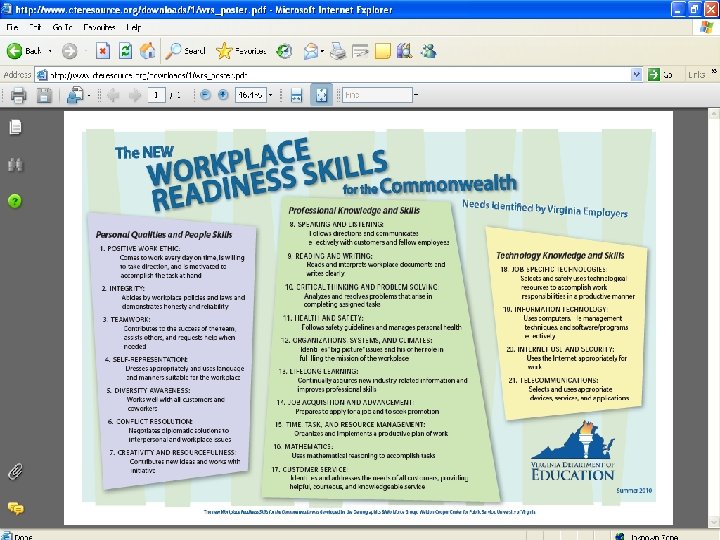
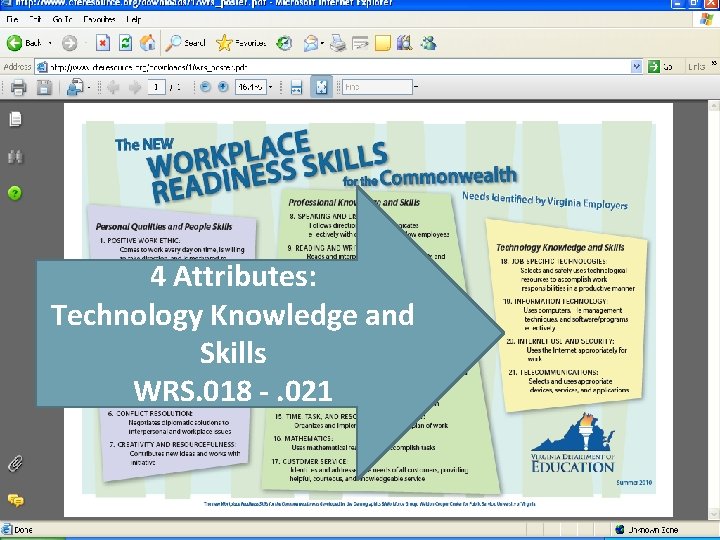
4 Attributes: Technology Knowledge and Skills WRS. 018 -. 021
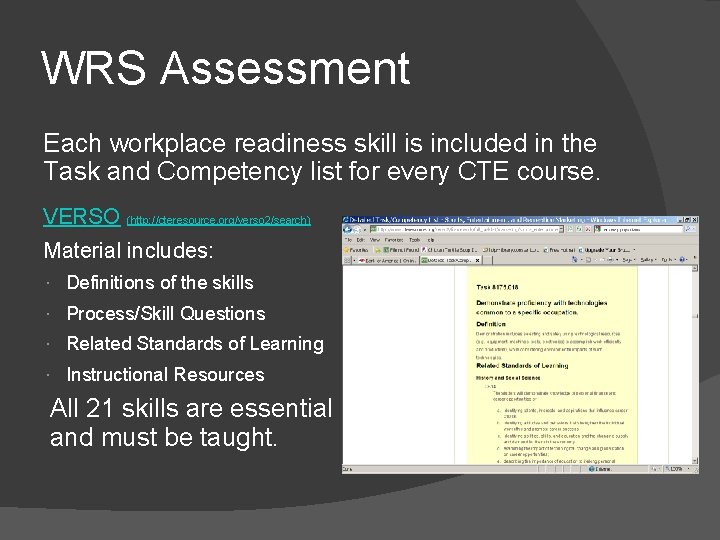
WRS Assessment Each workplace readiness skill is included in the Task and Competency list for every CTE course. VERSO (http: //cteresource. org/verso 2/search) Material includes: Definitions of the skills Process/Skill Questions Related Standards of Learning Instructional Resources All 21 skills are essential and must be taught.
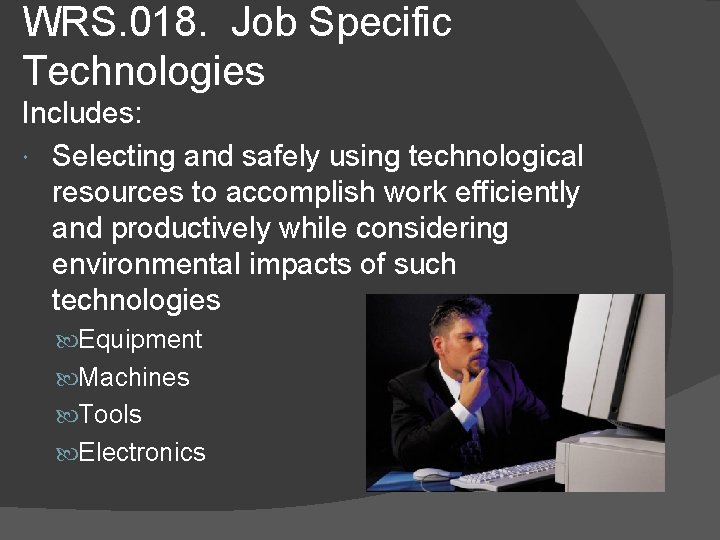
WRS. 018. Job Specific Technologies Includes: Selecting and safely using technological resources to accomplish work efficiently and productively while considering environmental impacts of such technologies Equipment Machines Tools Electronics
Job Specific Technologies Discussion Questions: What technologies would be suited to your course of study? What technological resources will you need to use in your job? What are some environmental impacts of these technologies?
Job Specific Technologies – Activities & Resources Visit VERSO and choose the one that is more suitable for your subject area. Choices include: Gizmag This blog links to cutting-edge technology articles in many different categories. Healthcare Technology Online This is a blog about emerging trends. Intel: The Journey Inside This multimedia site provides teaching materials, curriculum, and lessons that explain how computers, digital devices, and the Internet work. Marketech: Tools and Trends in Marketing Technology These are tips on marketing with new media. Popular Mechanics Science: Extreme Machines This is a list of articles on new machines from this popular magazine. Popular Mechanics Science: Robotics From deep sea to student projects, this is a list of robotics articles from this popular magazine. Power 101 Understanding power issues in the office and at home is critical to performing safe and uninterrupted workflow. Ten Trends for 2010: Piecing Together a Technology Strategy This article describes technology strategies that companies may use in a sluggish economy. What's Next: A-Z of the Technology Changing Agriculture This article lists the factors that are impacting agriculture. ZDNet: Emerging Tech This site represents just one sub-blogger within a large collection of resources focused on the consumer IT industry.
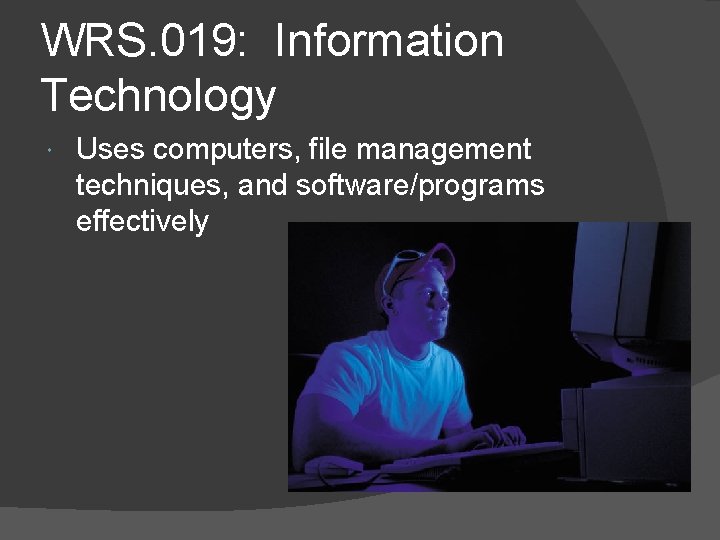
WRS. 019: Information Technology Uses computers, file management techniques, and software/programs effectively
Information Technology – Discussion Questions What basic level of computer literacy is required for the world of work? What goals do you have in terms of computer literacy? What resources are available to help you meet your goals?
Information Technology – Possible answers could be: Working with hardware, file-management techniques, and IT software/programs effectively and on various operating systems Working with equipment and software specific to occupation Seeking additional technology to improve work processes and products
Information Technology – Activities & Resources Student Activities from Microsoft is a great site for student activities using the Internet. “Calculating profits from selling virtual l lemonade” - Excel “Giants of the Century” – Access “Research the Olympics” – Power Point
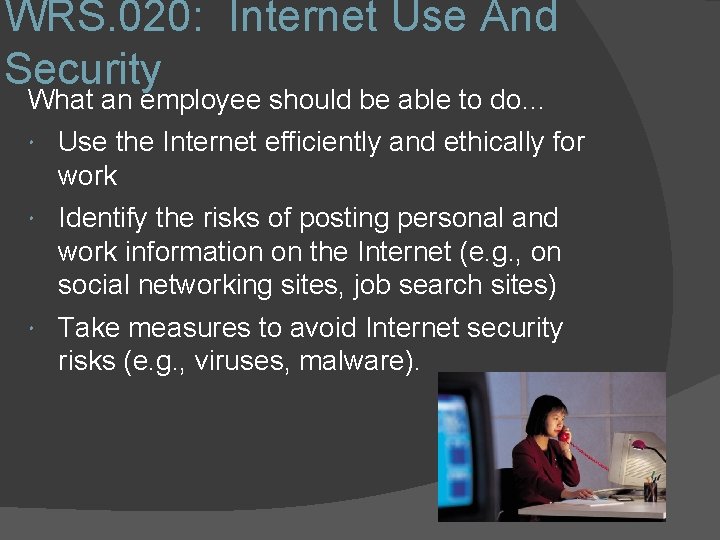
WRS. 020: Internet Use And Security What an employee should be able to do… Use the Internet efficiently and ethically for work Identify the risks of posting personal and work information on the Internet (e. g. , on social networking sites, job search sites) Take measures to avoid Internet security risks (e. g. , viruses, malware).
Internet Use And Security – Discussion Questions � Is the information provided through the use of technology more reliable and relevant than information obtained in other ways? Explain your answer. � What are some possible consequences of submitting personal information to Internet sites? � How can you protect your privacy and personal safety while using computer technology?
Internet Use And Security – Activities & Resources Student survey on pros and cons of sharing private information on social networking sites Students learn about current military initiatives to combat the threat of cyber warfare.
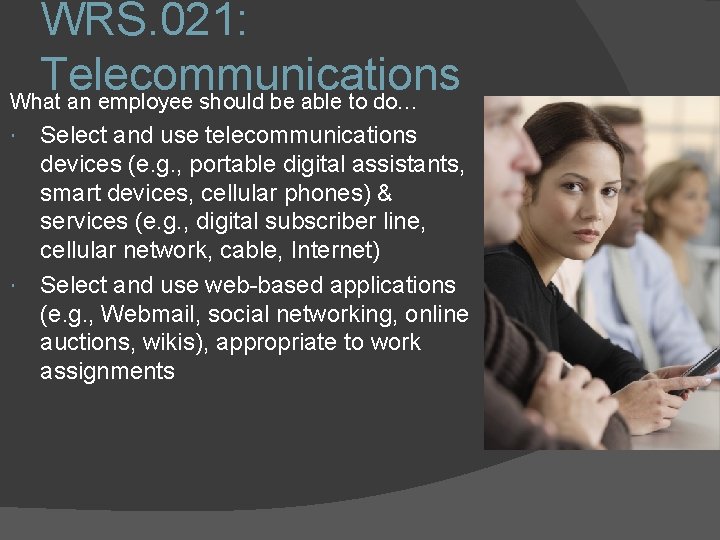
WRS. 021: Telecommunications What an employee should be able to do… Select and use telecommunications devices (e. g. , portable digital assistants, smart devices, cellular phones) & services (e. g. , digital subscriber line, cellular network, cable, Internet) Select and use web-based applications (e. g. , Webmail, social networking, online auctions, wikis), appropriate to work assignments
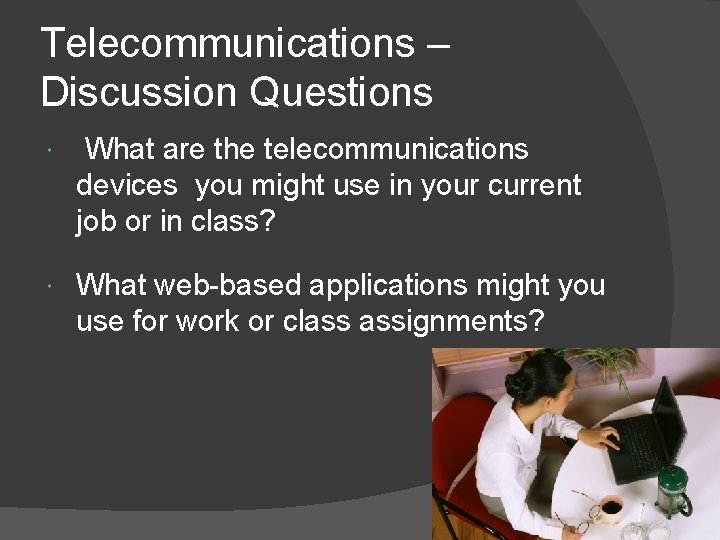
Telecommunications – Discussion Questions What are the telecommunications devices you might use in your current job or in class? What web-based applications might you use for work or class assignments?
Telecommunications – Activities & Resources “Are We There Yet? ” introduces a telecommunication skill of using GPS devices Give students special permission to use their cell phone in a scenario situation on this web site
- Slides: 21