
The New Learning Technologies Learning Delivery Systems What








- Slides: 26
The New Learning Technologies
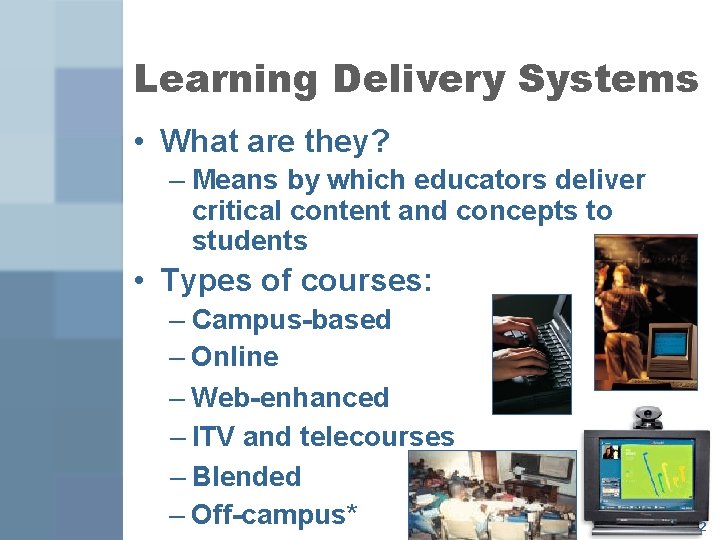
Learning Delivery Systems • What are they? – Means by which educators deliver critical content and concepts to students • Types of courses: – Campus-based – Online – Web-enhanced – ITV and telecourses – Blended – Off-campus* 2
Learning Delivery Systems • Aspects of learning delivery systems work well – in specific situations – with certain content and concepts – with particular types of students* 3
Supplemental Course Sites • Can be useful for integration with any of the learning delivery systems – develop simple content rich course sites – built around the learning outcomes for the course* 4
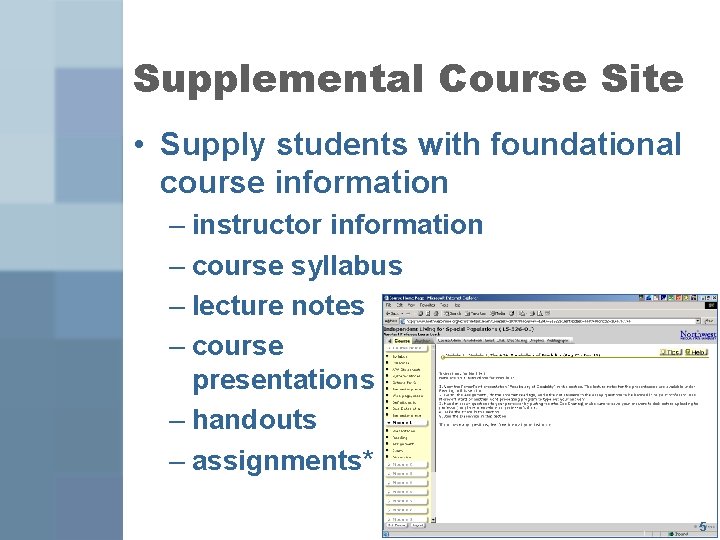
Supplemental Course Site • Supply students with foundational course information – instructor information – course syllabus – lecture notes – course presentations – handouts – assignments* 5
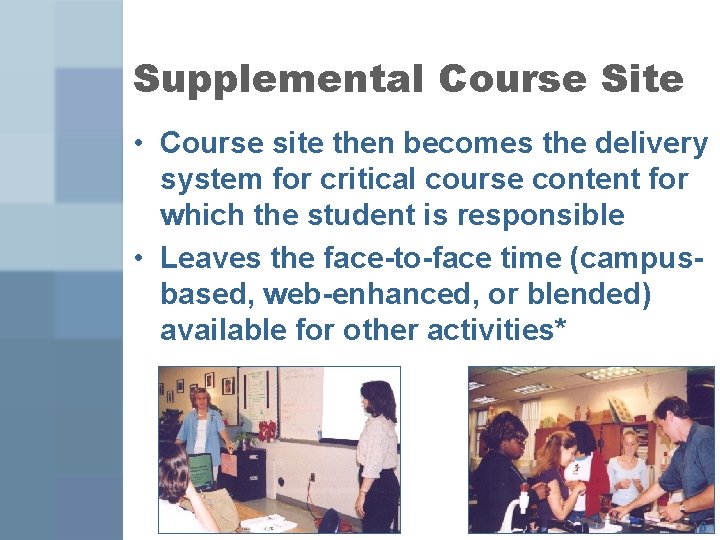
Supplemental Course Site • Course site then becomes the delivery system for critical course content for which the student is responsible • Leaves the face-to-face time (campusbased, web-enhanced, or blended) available for other activities* 6
Hybrid and Blended Programs • Another option is the flexibility to develop an entire program with a combination of learning delivery systems – Labeled as hybrid or blended programs – Foundation is the web site for each course, which houses the content for the courses – Additional mix of delivery systems may be incorporated into the courses and/or program* 7
Hybrid and Blended Example • Instructional television may be used to meet the needs of a group of geographically located students – When combined with a course web site, this can save • student travel and money • institutional time resources* 8
Learning Hub • An innovative option to the standard course web site • Serves as the basis for a myriad of learners co-enrolled in one course site • Results in a new student status – co-enrolled students • on-campus and online students enrolled in the same course site* 9
Learning Hubs • This type of course site is centered around one faculty member – Learning hub for • • online campus-based undergraduate students – Design provides a unique way by which an instructor can easily manage students and courses • reduces the amount of time spent developing and maintaining individual course sites* 10
Learning Hubs • Minimizes course site development • Supports sharing of resources • Promotes community of learners* 11
Learning Hubs – Instructors can develop assignments for each learning group • assignments can be associated with a particular group – Course tools can also be associated with a specific learning group or opened across various groups • • • threaded discussion chat e-mail document sharing drop box* 12
Wireless Classrooms: 2 Options • Wireless Classroom – Cost: $3, 000 and up for one access point • Mobile Cart Model – Cost: $20, 000 and up depending on number of computers plus access point • Can be moved from room to room • Setup – Location of power, floors surrounding room, etc. * 13
Wireless Classrooms • Training – Users will need to be trained on how to access • Pedagogical – Where no lab is present, wireless allows students easy access to the Internet for use in class on projects and discussions • Management – Scheduling of cart – Controlling student browsing and other non -academic uses* 14
Student Response Systems: Clickers • Cost – e. Instruction’s Classroom Performance System – Cost per student unit purchased at campus bookstore: $22. 85 new and $17. 15 used – Instructor system is free – Activation/ all courses per trimester Activation capped (becomes lifetime activation) Activation/ Lifetime (when made with first purchase) $13 $39 $35 15
Student Response Systems: Clickers • Setup – Faculty must register course and have students register their clickers for that course – Simple hardware setup for faculty – Students must sign in at beginning of class • Training – Faculty training needed to fully use software system* 16
Student Response Systems: Clickers • Pedagogical – Provides opportunity for student interaction with content – Provides feedback to instructor about student understanding • Management – Need to register courses each semester – Need for students to “remember” to bring clickers to class – Coping with dead batteries* 17
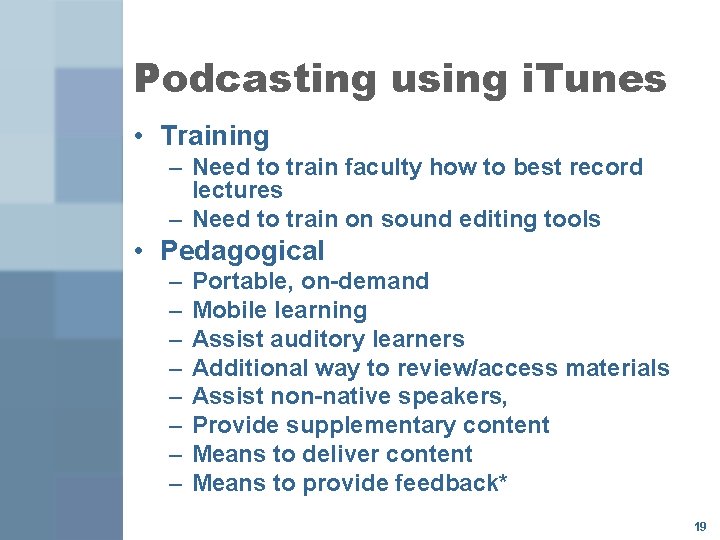
Podcasting using i. Tunes • Cost – Digital recorder to create MP 3 files • $100 --$1, 000 – Sound editing software • Sound Forge--$299 and up • Audacity—free • Setup – Creation of i. Tunes account or other web-accessible storage site – Recording of “live” classroom lectures* 18
Podcasting using i. Tunes • Training – Need to train faculty how to best record lectures – Need to train on sound editing tools • Pedagogical – – – – Portable, on-demand Mobile learning Assist auditory learners Additional way to review/access materials Assist non-native speakers, Provide supplementary content Means to deliver content Means to provide feedback* 19
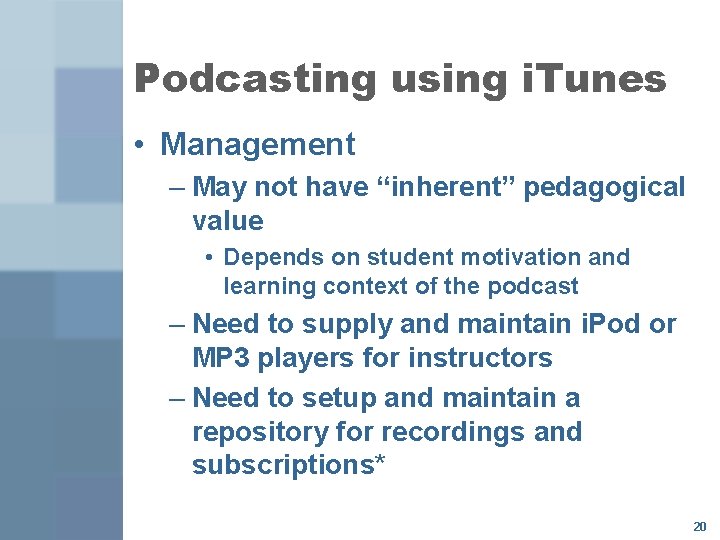
Podcasting using i. Tunes • Management – May not have “inherent” pedagogical value • Depends on student motivation and learning context of the podcast – Need to supply and maintain i. Pod or MP 3 players for instructors – Need to setup and maintain a repository for recordings and subscriptions* 20
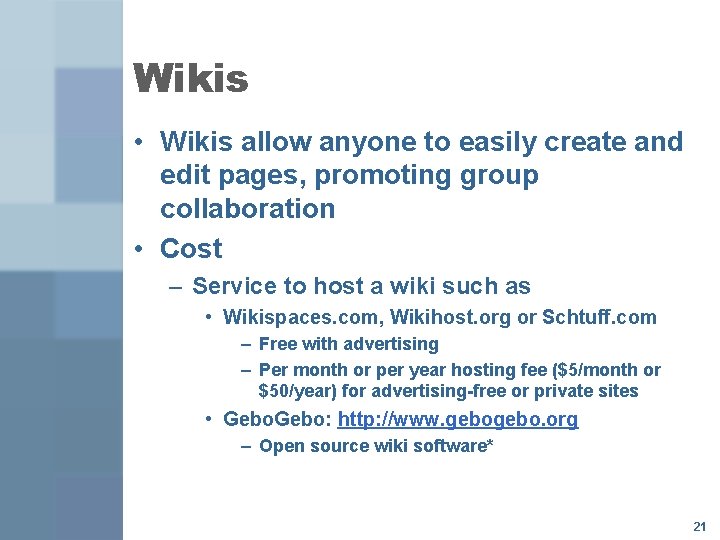
Wikis • Wikis allow anyone to easily create and edit pages, promoting group collaboration • Cost – Service to host a wiki such as • Wikispaces. com, Wikihost. org or Schtuff. com – Free with advertising – Per month or per year hosting fee ($5/month or $50/year) for advertising-free or private sites • Gebo: http: //www. gebo. org – Open source wiki software* 21
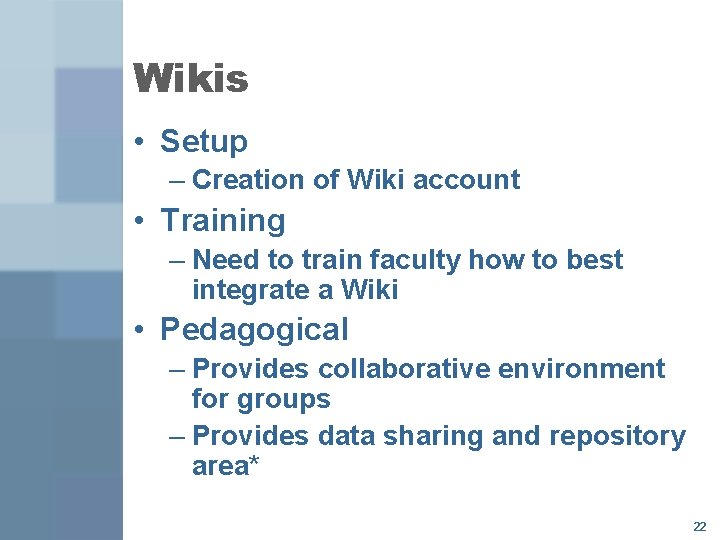
Wikis • Setup – Creation of Wiki account • Training – Need to train faculty how to best integrate a Wiki • Pedagogical – Provides collaborative environment for groups – Provides data sharing and repository area* 22
Wikis • Management – Need to maintain organized system – Maintain pertinence of content* 23
Mobile Computing • Includes notebooks, Tablet PCs, PDAs, and cell phones • Cost – Depends upon implementation model • Integrate into room and board fees • Purchasing programs through campus computing services and/or bookstore • Setup – Funding for program – Wireless access points* 24
Mobile Computing • Training – Need to train faculty on instructional options available • Pedagogical – Use web-enabled cell phones to log into course sites – Use web-enabled cell phones as student response tools – Have students respond to questions posted in the course site – Use Tablet PCs for collaborative learning during presentations – Use Tablet PCs for grading* 25
Mobile Computing • Management – Distribution and maintenance of equipment – Network load issues – Managing use* in the classroom 26