
The new face of MAPICS Creating Graph Cards
- Slides: 58
The new face of MAPICS Creating Graph Cards Graphical representation of XA Data Jim Boyer Jim. boyer@cistech. net The new face of MAPICS
Creating Graph Cards XA Power. Link jim. boyer@cistech. net The new face of MAPICS
Graph Types – Bar or horizontal bar – Line – Pie – Stacked bar – Stacked line – Stacked pie The new face of MAPICS
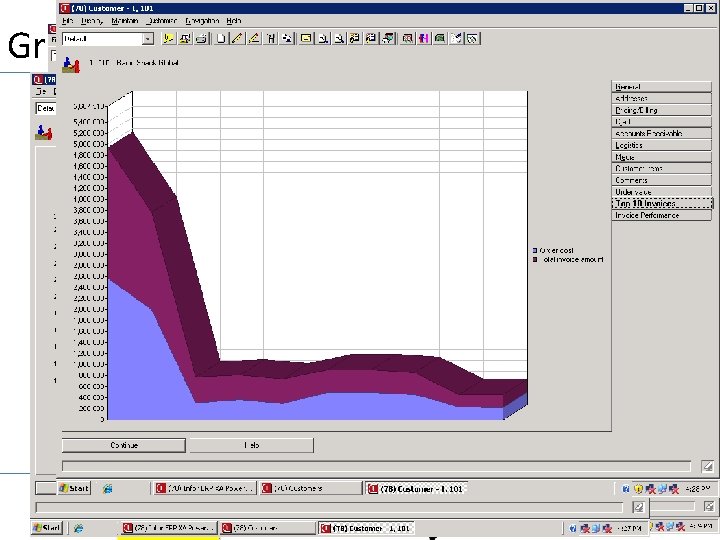
Graph Types The new face of MAPICS
Graph Data • A Graph Can Be Created For Any Numeric Data That Can Be Displayed Using A List Card In Power-link. • A Graph Can Be Created For Any Numeric Values On An Attribute Card The new face of MAPICS
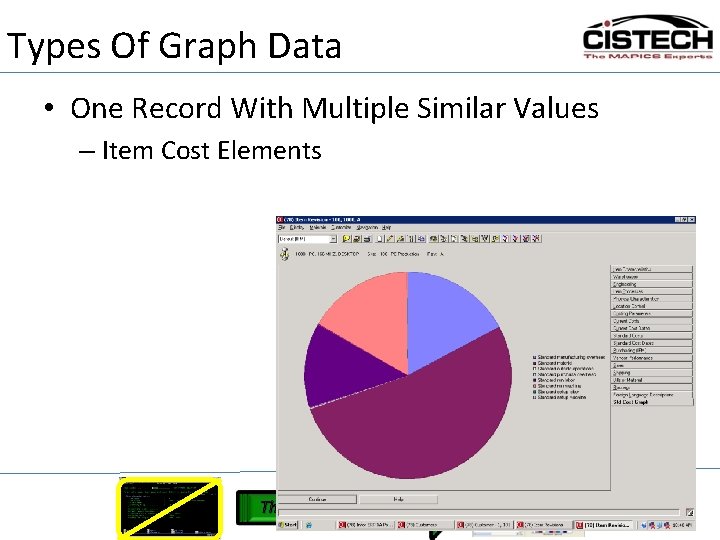
Types Of Graph Data • One Record With Multiple Similar Values – Item Cost Elements The new face of MAPICS
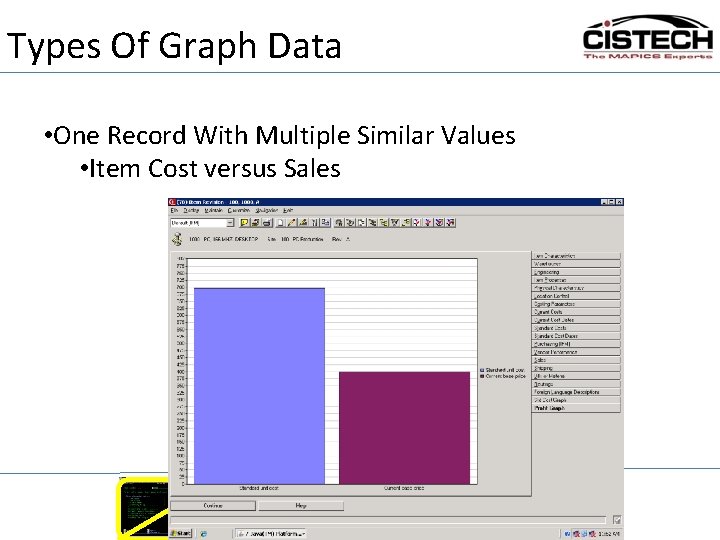
Types Of Graph Data • One Record With Multiple Similar Values • Item Cost versus Sales The new face of MAPICS
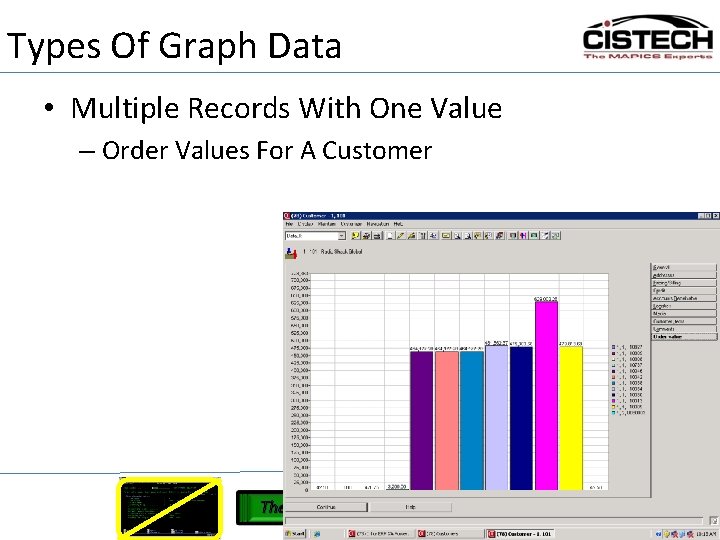
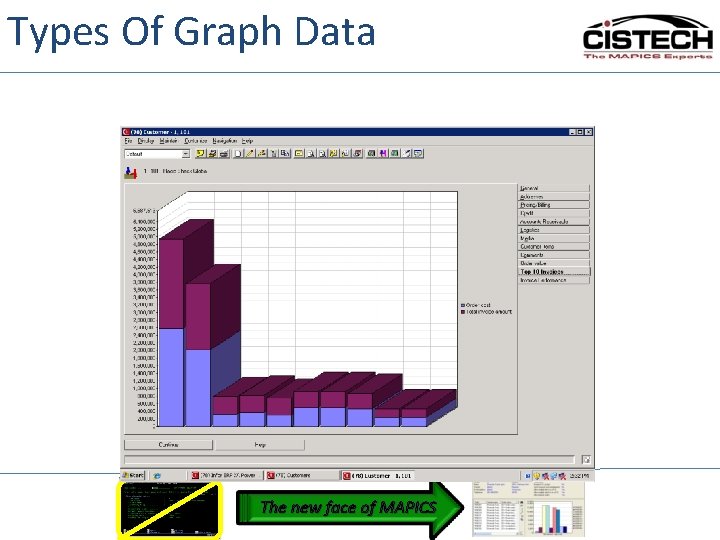
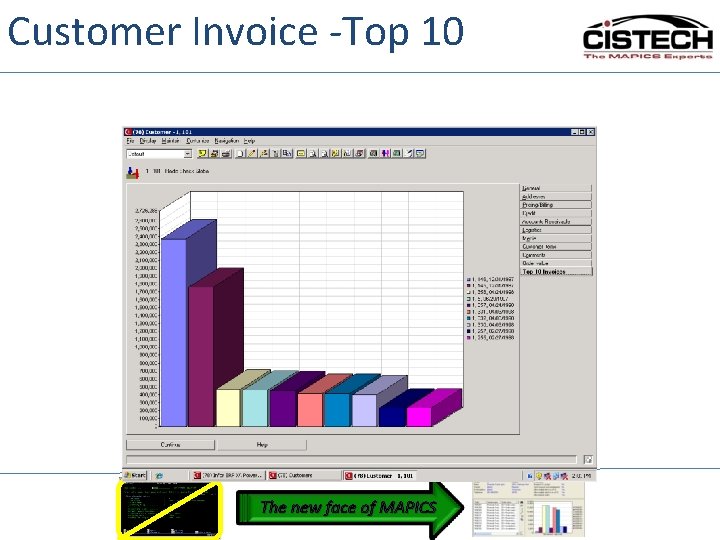
Types Of Graph Data • Multiple Records With One Value – Order Values For A Customer The new face of MAPICS
Types Of Graph Data The new face of MAPICS
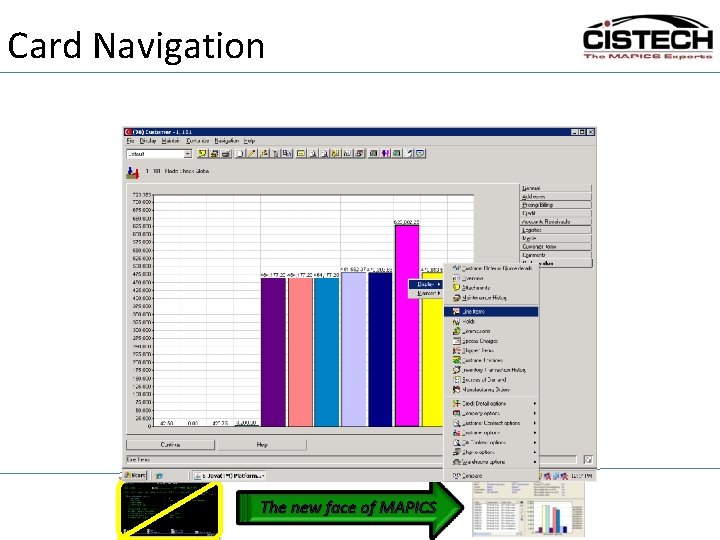
Card Navigation The new face of MAPICS
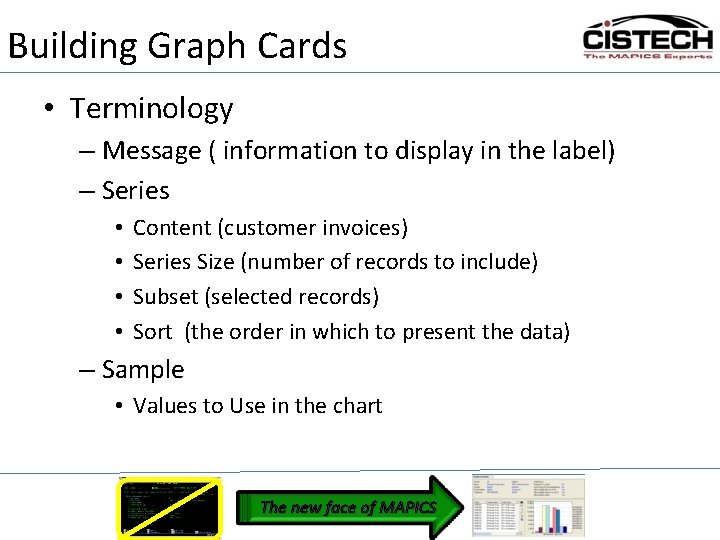
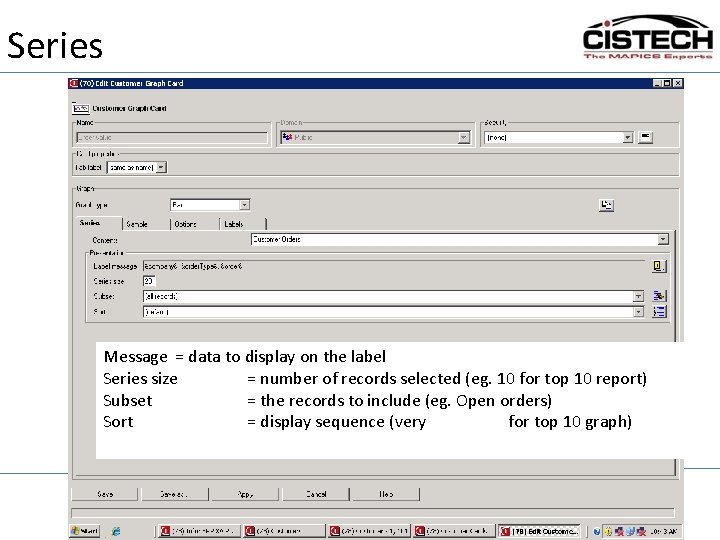
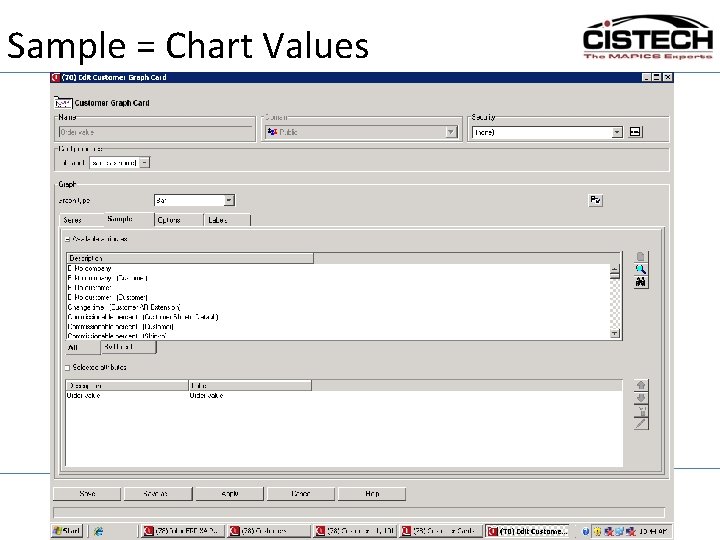
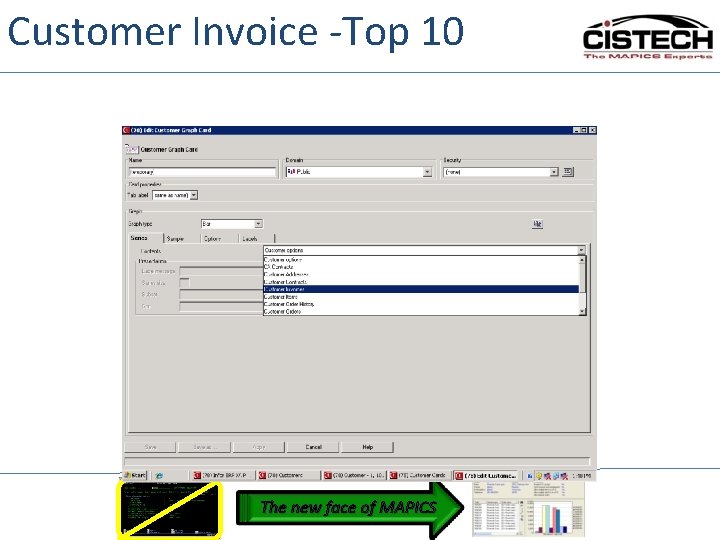
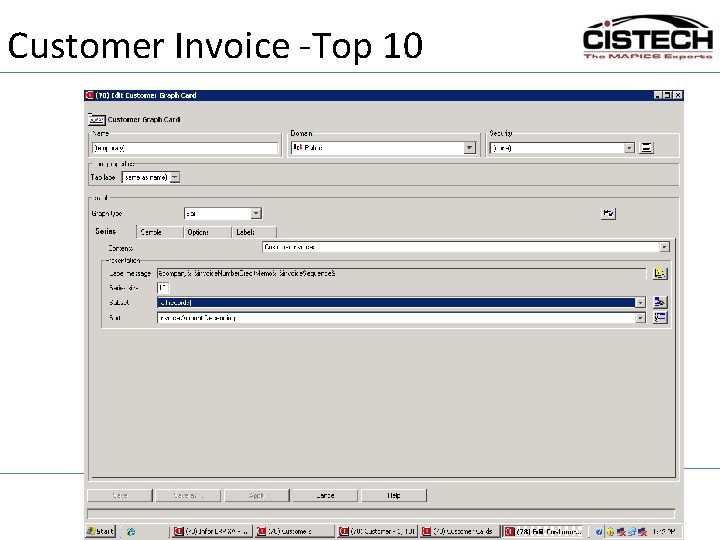
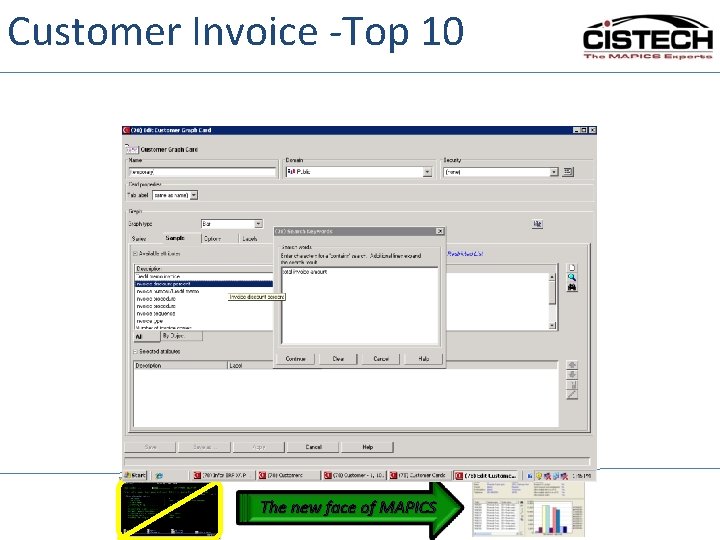
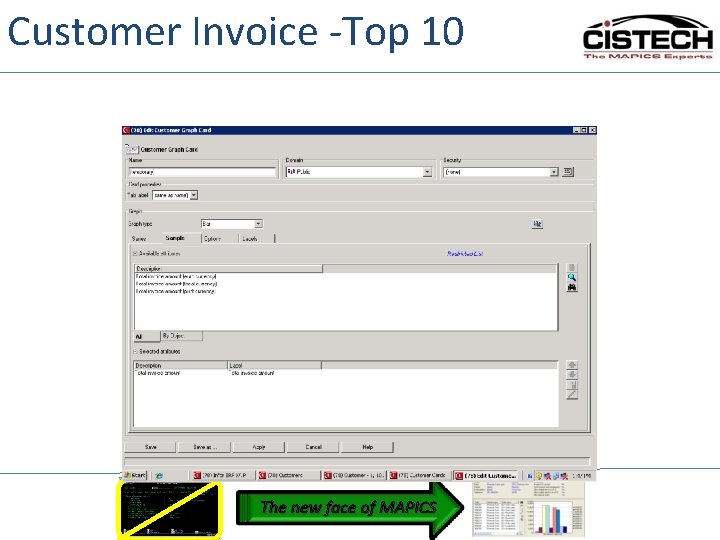
Building Graph Cards • Terminology – Message ( information to display in the label) – Series • • Content (customer invoices) Series Size (number of records to include) Subset (selected records) Sort (the order in which to present the data) – Sample • Values to Use in the chart The new face of MAPICS
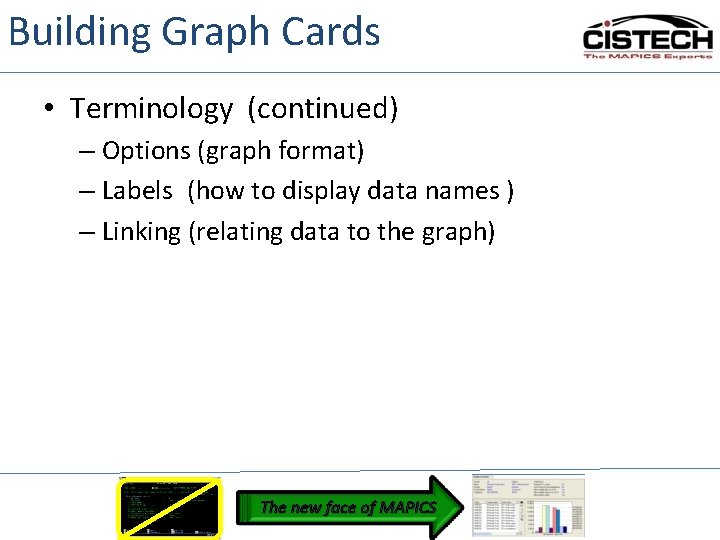
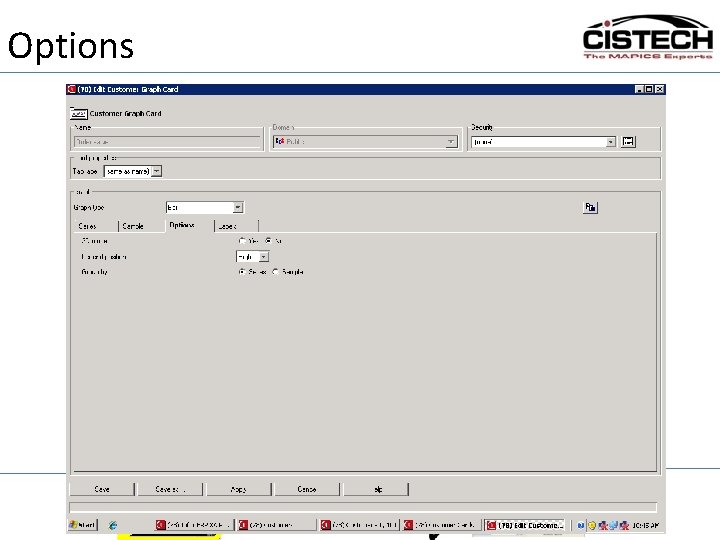
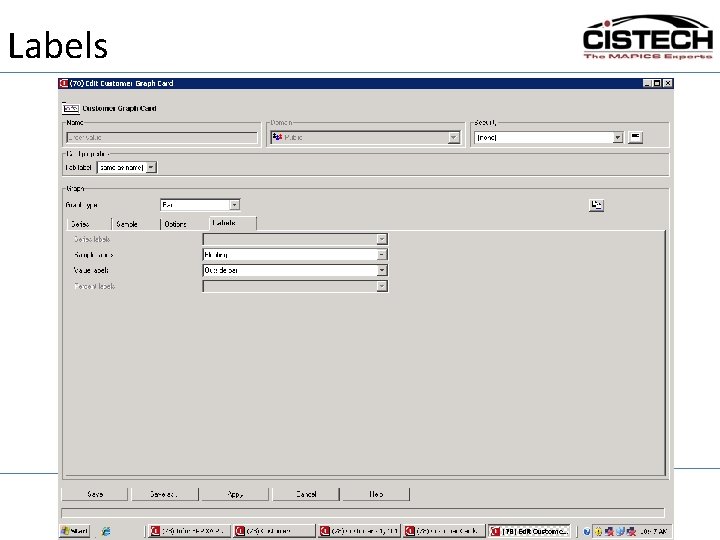
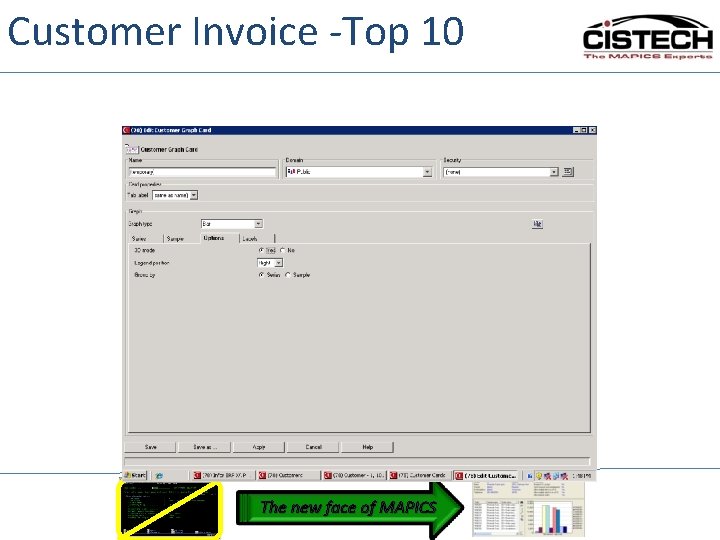
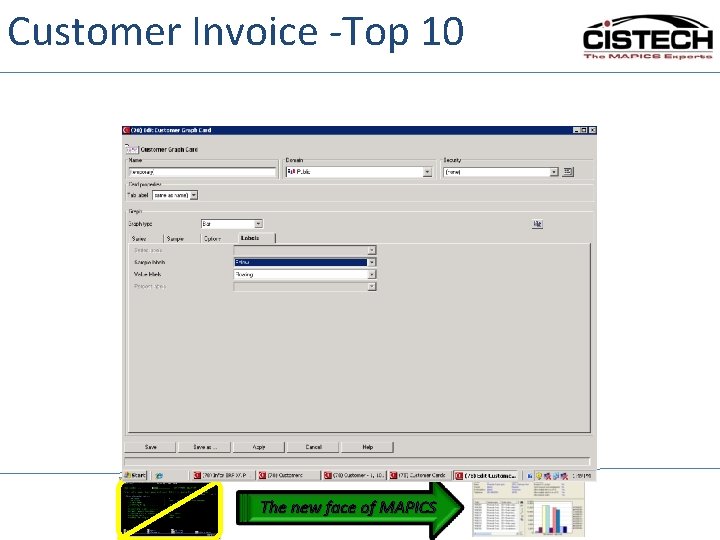
Building Graph Cards • Terminology (continued) – Options (graph format) – Labels (how to display data names ) – Linking (relating data to the graph) The new face of MAPICS
Series Message = data to display on the label Series size = number of records selected (eg. 10 for top 10 report) Subset = the records to include (eg. Open orders) Sort = display sequence (very important for top 10 graph) The new face of MAPICS
Sample = Chart Values The new face of MAPICS
Options The new face of MAPICS
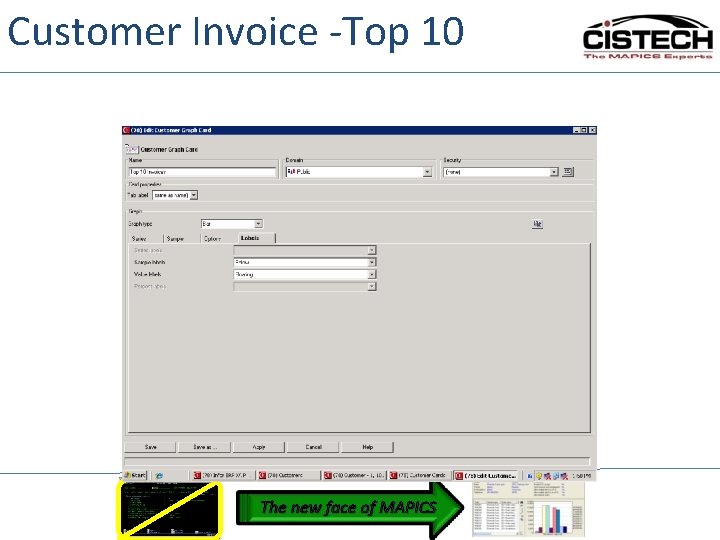
Labels The new face of MAPICS
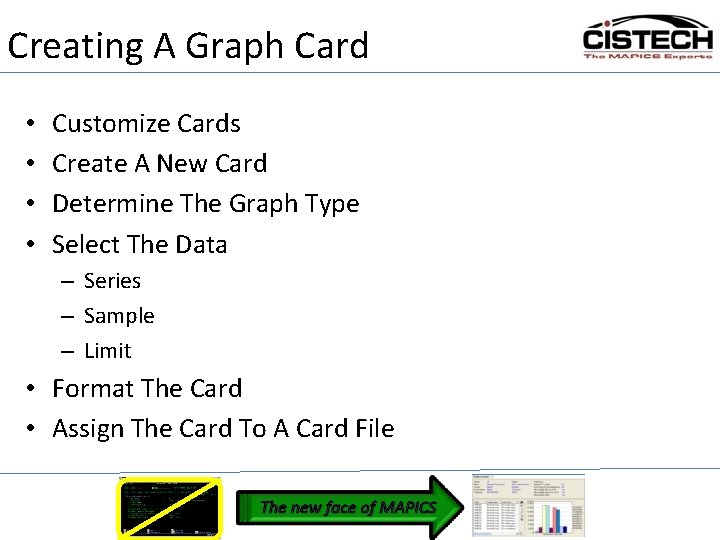
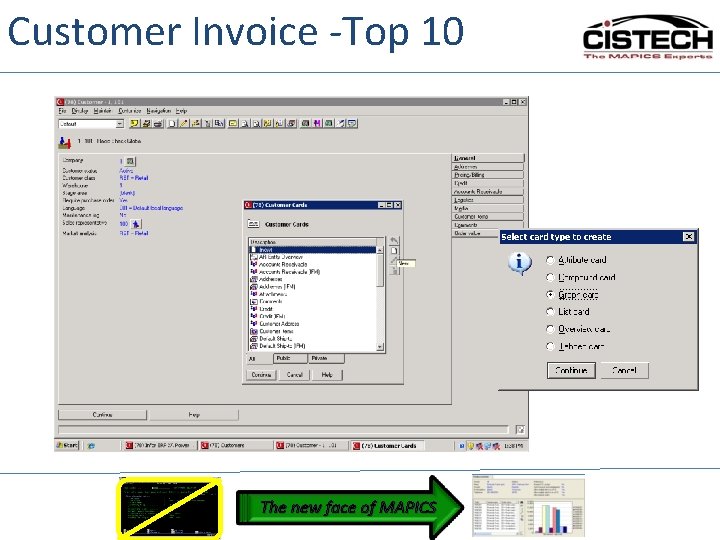
Creating A Graph Card • • Customize Cards Create A New Card Determine The Graph Type Select The Data – Series – Sample – Limit • Format The Card • Assign The Card To A Card File The new face of MAPICS
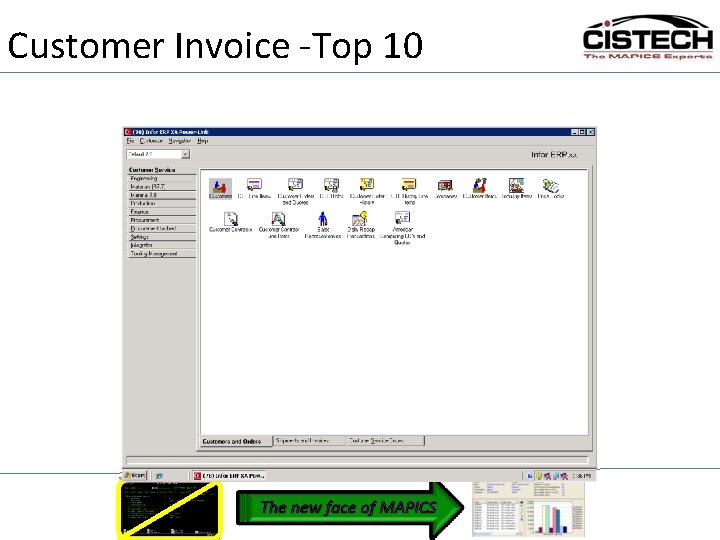
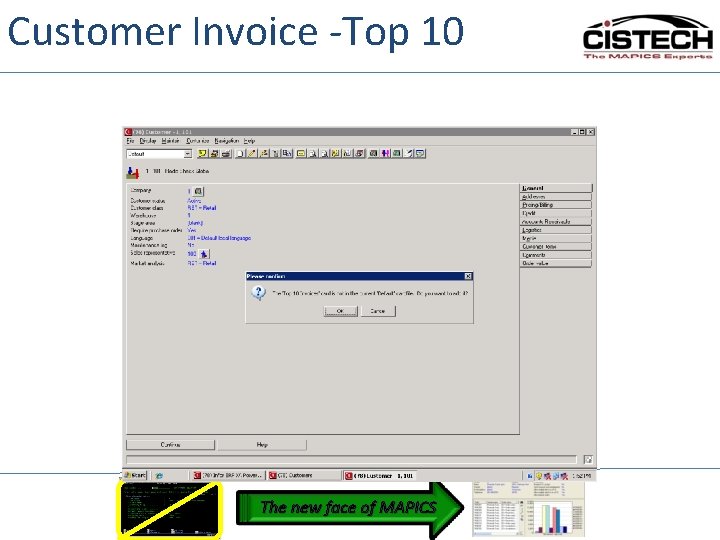
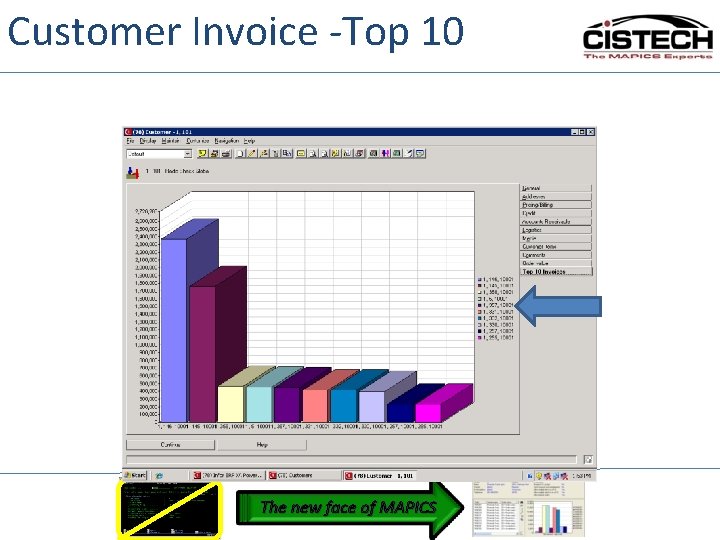
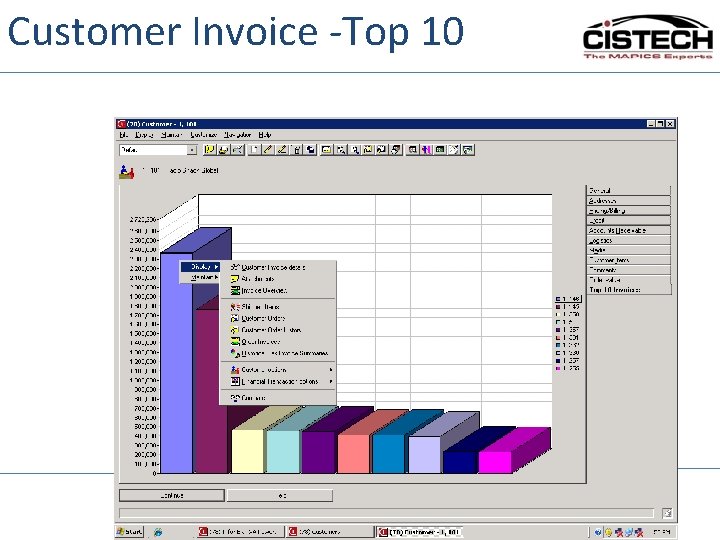
Customer Invoice -Top 10 The new face of MAPICS
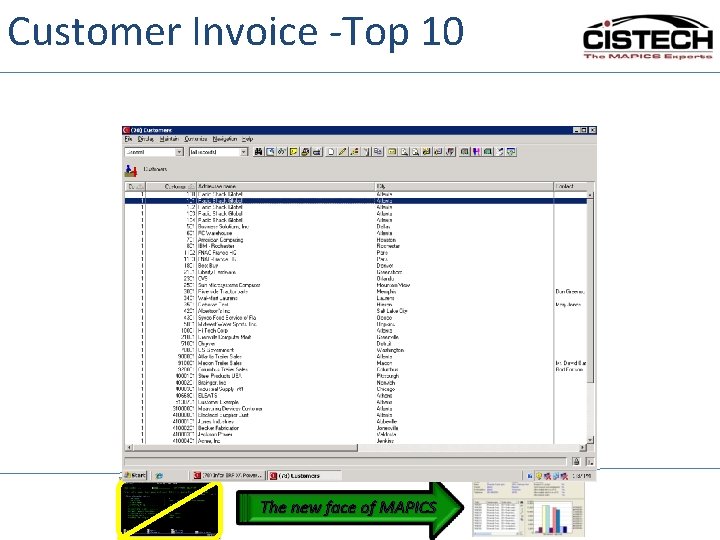
Customer Invoice -Top 10 The new face of MAPICS
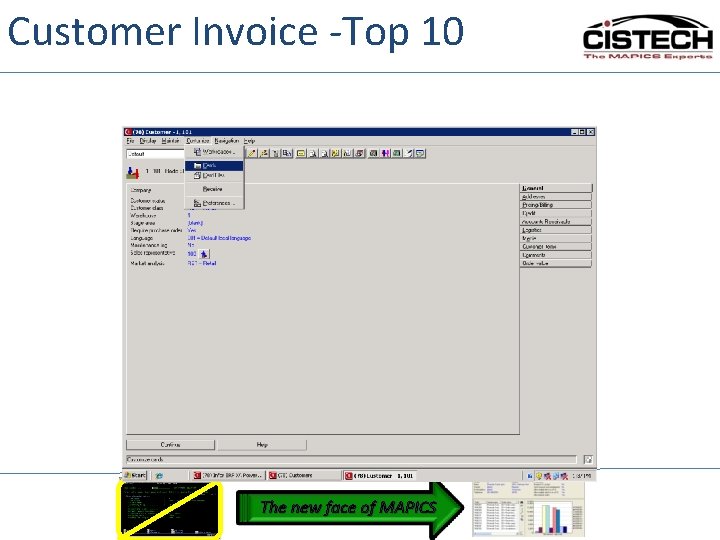
Customer Invoice -Top 10 The new face of MAPICS
Customer Invoice -Top 10 The new face of MAPICS
Customer Invoice -Top 10 The new face of MAPICS
Customer Invoice -Top 10 The new face of MAPICS
Customer Invoice -Top 10 The new face of MAPICS
Customer Invoice -Top 10 The new face of MAPICS
Customer Invoice -Top 10 The new face of MAPICS
Customer Invoice -Top 10 The new face of MAPICS
Customer Invoice -Top 10 The new face of MAPICS
Customer Invoice -Top 10 The new face of MAPICS
Customer Invoice -Top 10 The new face of MAPICS
Customer Invoice -Top 10 The new face of MAPICS
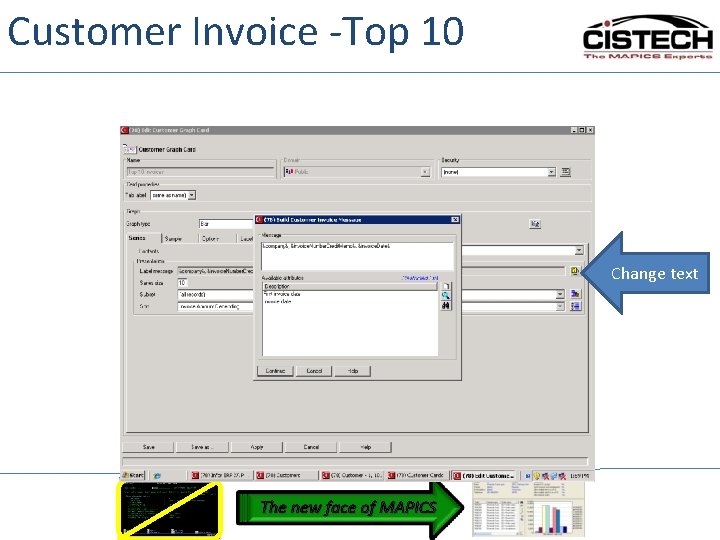
Customer Invoice -Top 10 Change text The new face of MAPICS
Customer Invoice -Top 10 The new face of MAPICS
1 Record Multiple Values Item Revision Profit The new face of MAPICS
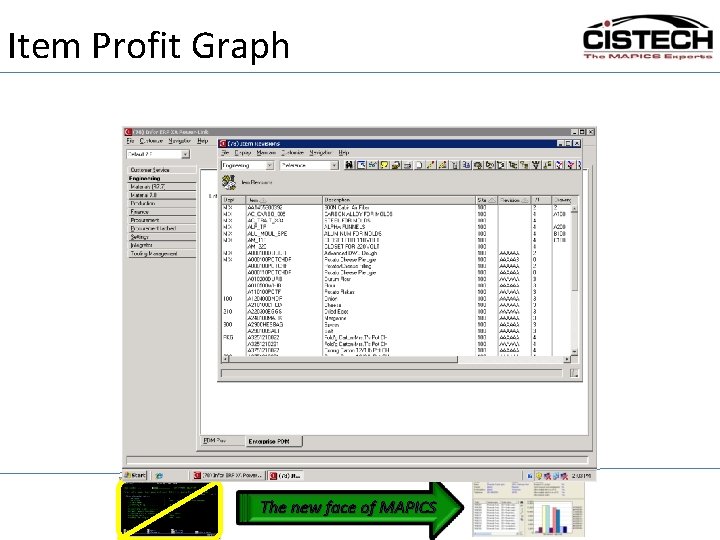
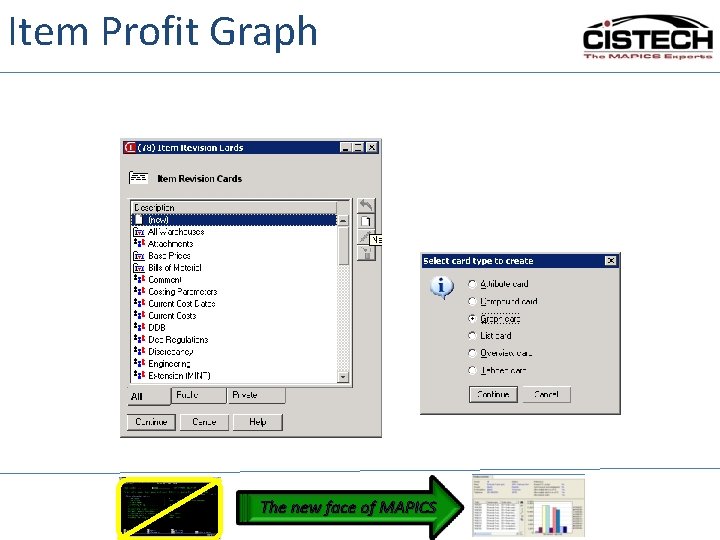
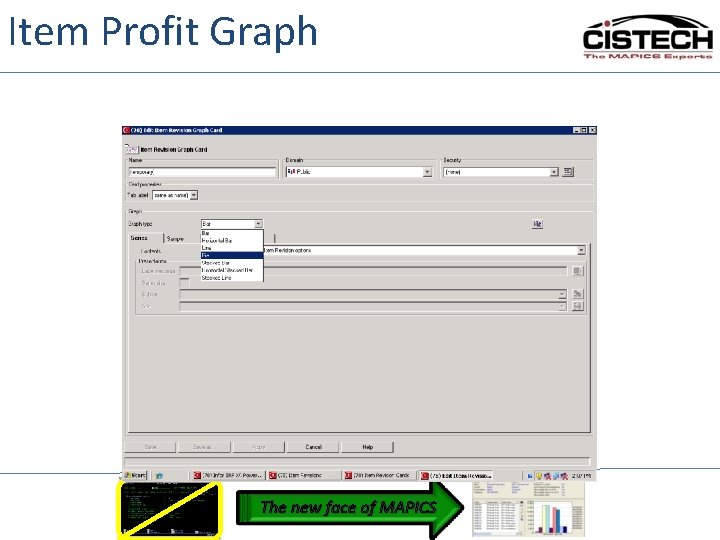
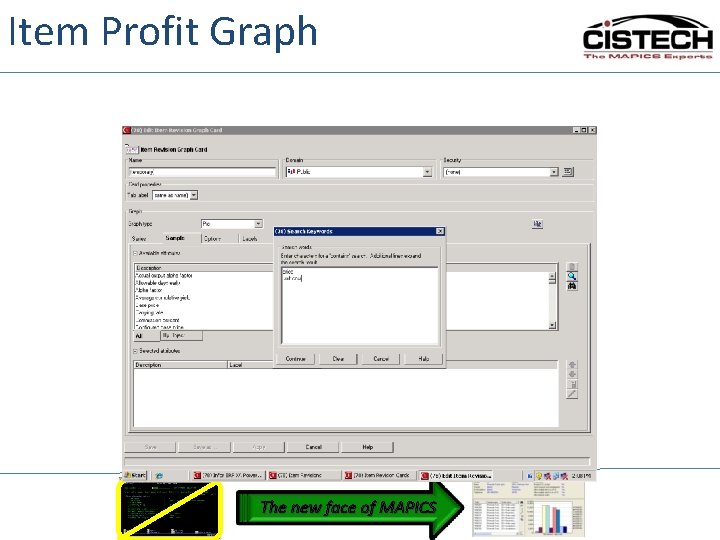
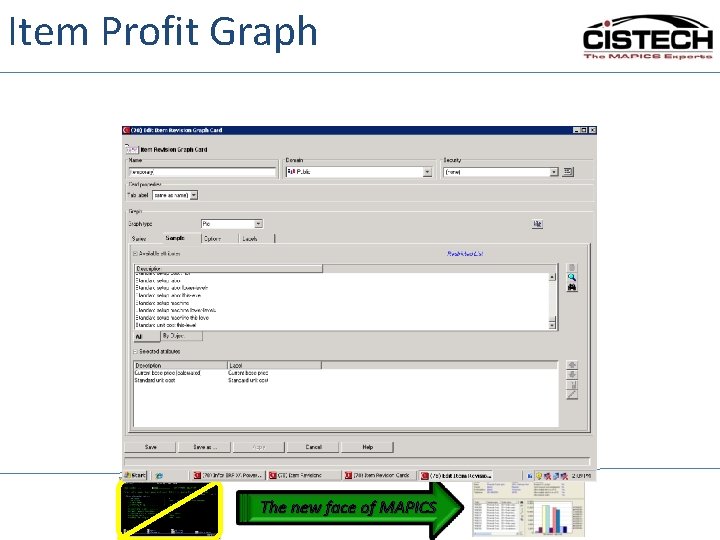
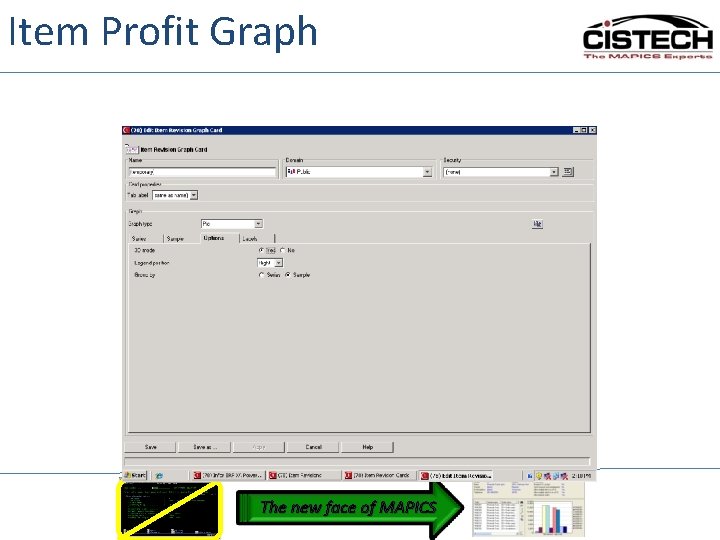
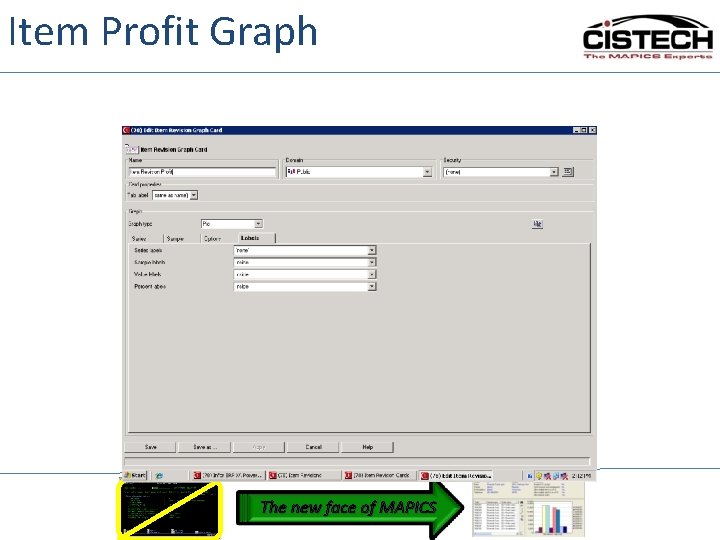
Item Profit Graph The new face of MAPICS
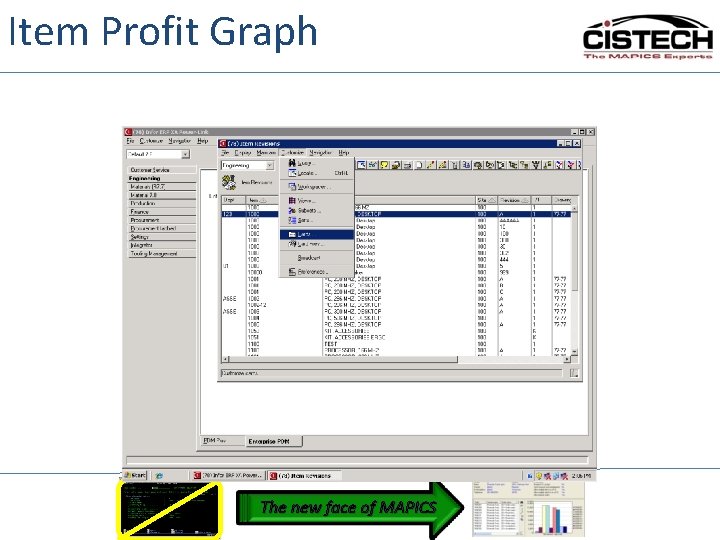
Item Profit Graph The new face of MAPICS
Item Profit Graph The new face of MAPICS
Item Profit Graph The new face of MAPICS
Item Profit Graph The new face of MAPICS
Item Profit Graph The new face of MAPICS
Item Profit Graph The new face of MAPICS
Item Profit Graph The new face of MAPICS
Item Profit Graph The new face of MAPICS
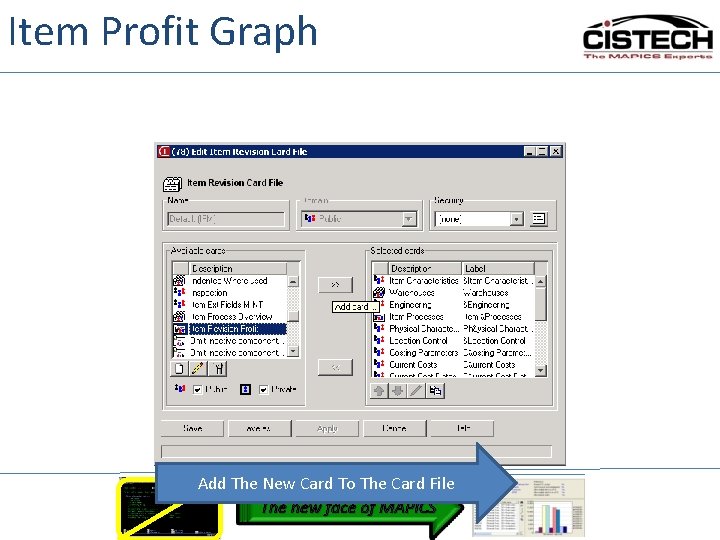
Item Profit Graph Add The New Card To The Card File The new face of MAPICS
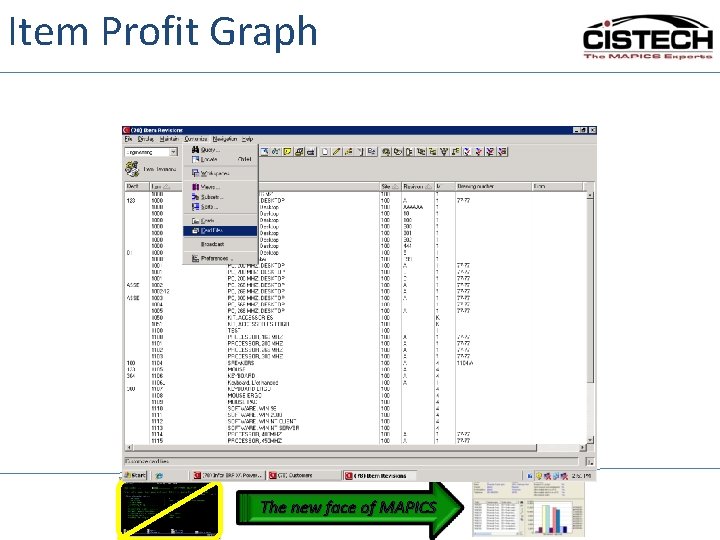
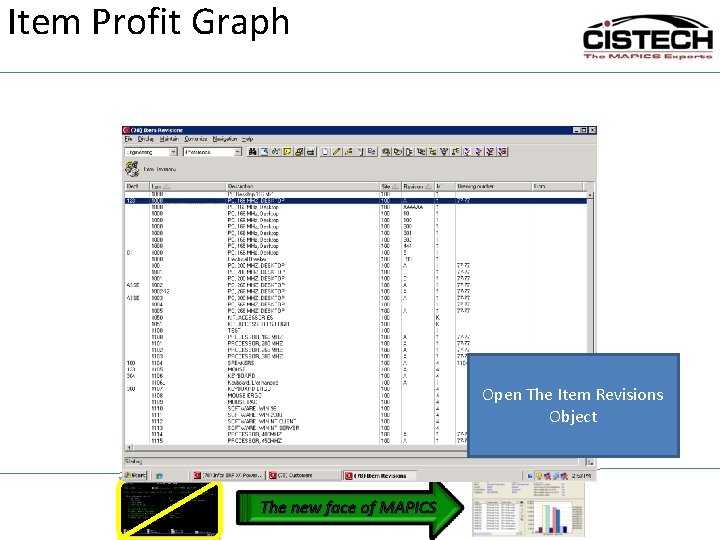
Item Profit Graph Open The Item Revisions Object The new face of MAPICS
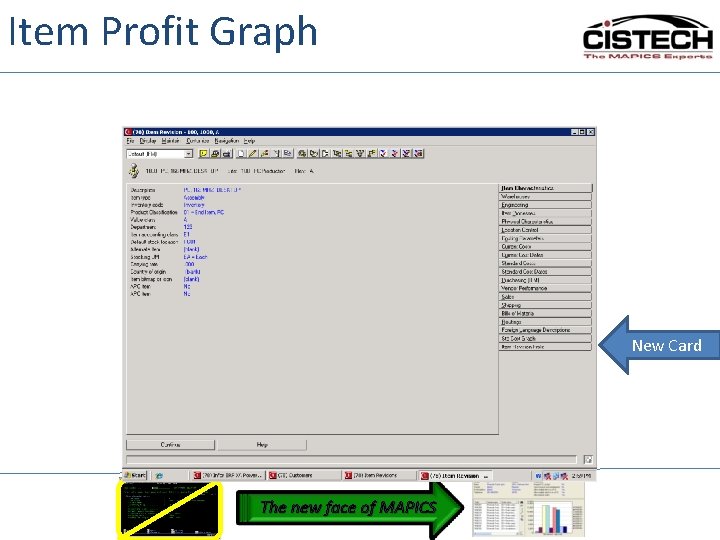
Item Profit Graph New Card The new face of MAPICS
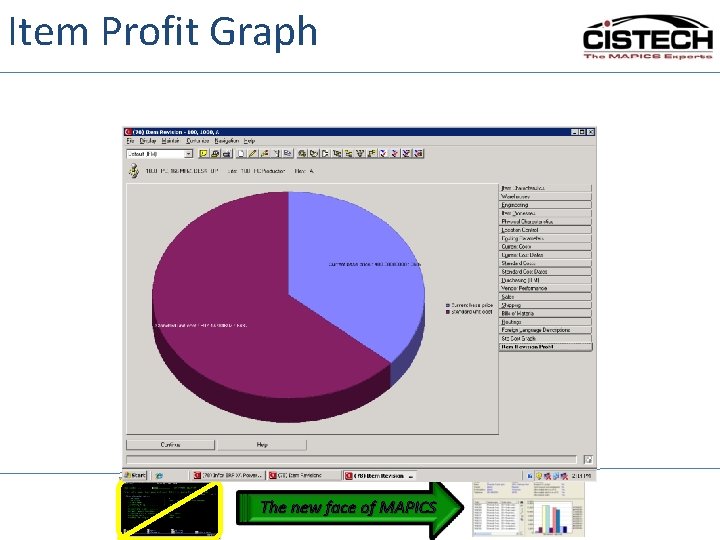
Item Profit Graph The new face of MAPICS
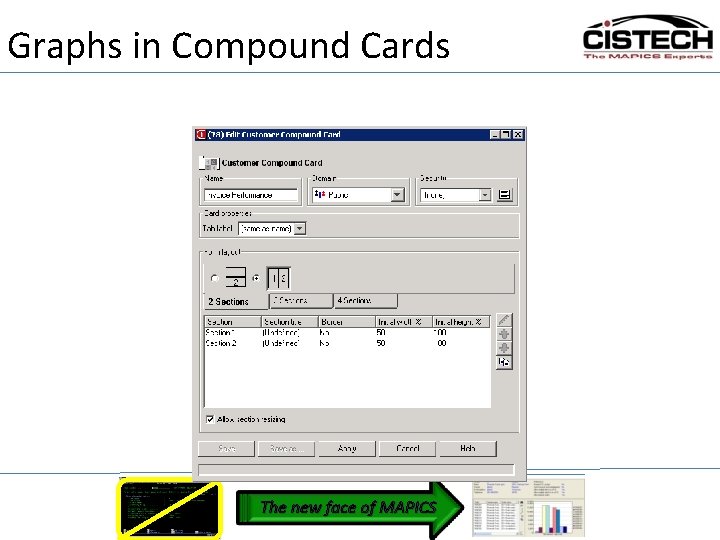
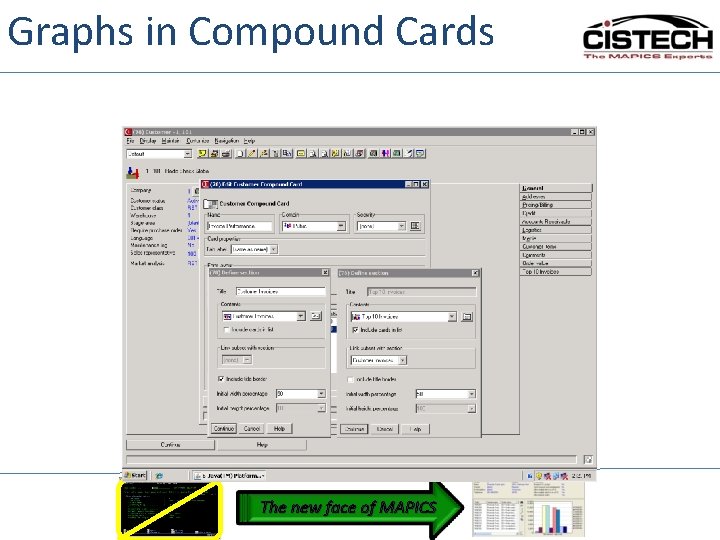
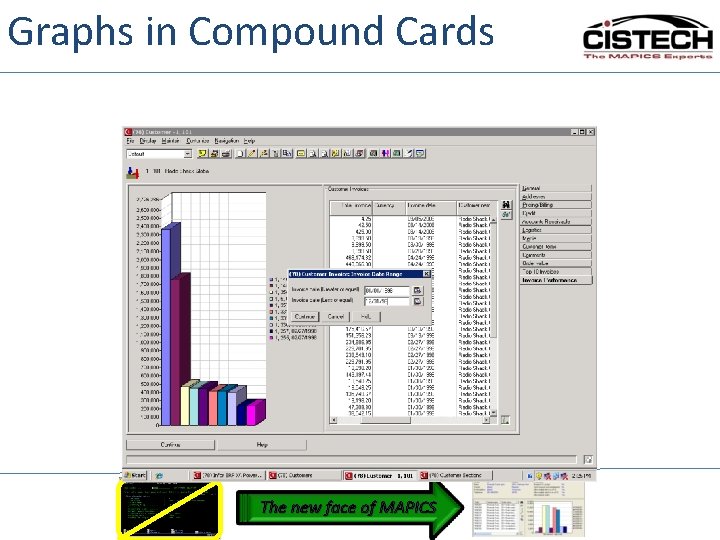
Graphs in Compound Cards Power. Link The new face of MAPICS
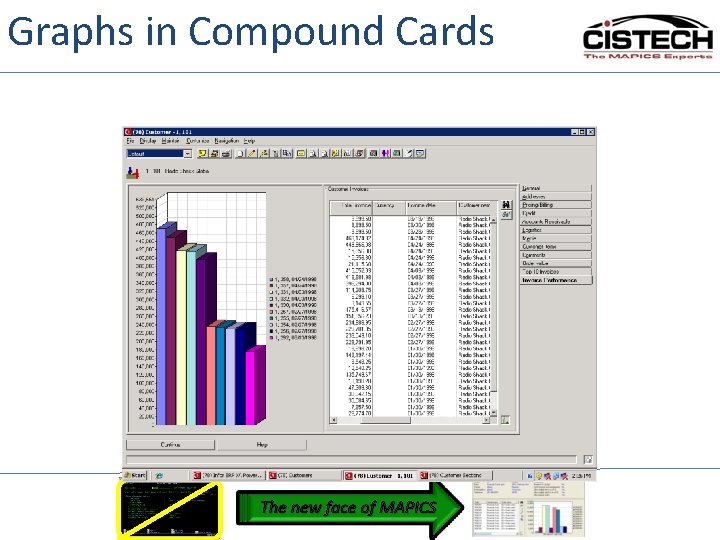
Graphs in Compound Cards The new face of MAPICS
Graphs in Compound Cards The new face of MAPICS
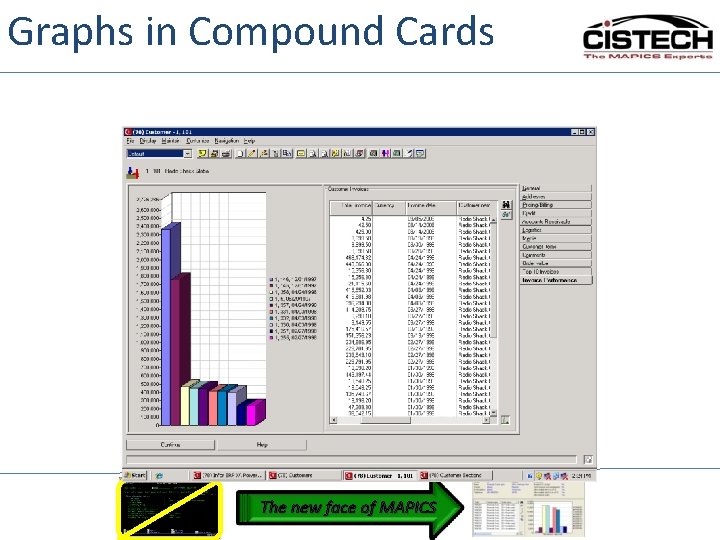
Graphs in Compound Cards The new face of MAPICS
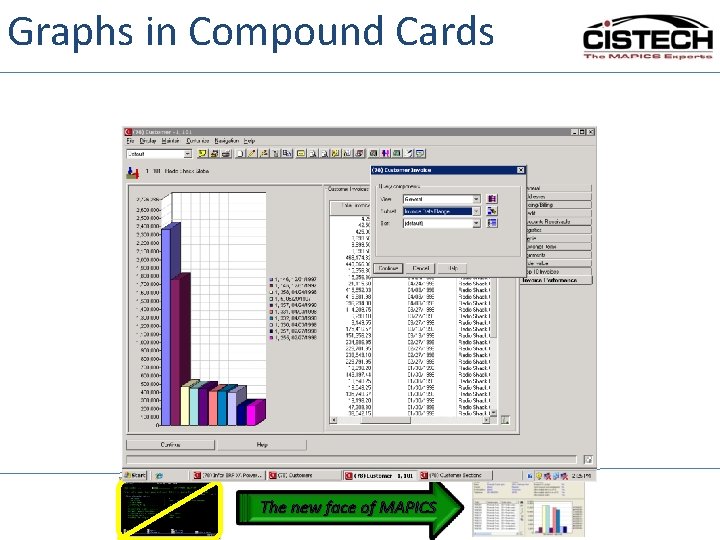
Graphs in Compound Cards The new face of MAPICS
Graphs in Compound Cards The new face of MAPICS
Graphs in Compound Cards The new face of MAPICS
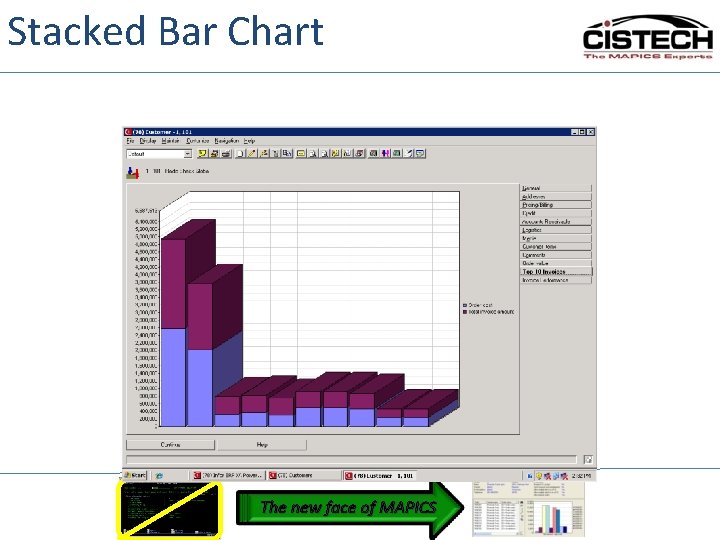
Stacked Bar Chart Data can now be displayed using stacked bar graphs. Bar graphs are great for comparison, such as showing planned and actual data side-by-side. Stacked bars go one better, by letting the bar itself represent multiple data elements. The new face of MAPICS
Stacked Bar Chart The new face of MAPICS
Power. Link Graphs • • • Series of data Top 10 Comparative Data Graph Types Linking List and Graphs Stacked Bar Graphs The new face of MAPICS
Graph Cards Questions The new face of MAPICS