
The New Development Environment and What it Means
- Slides: 17
The New Development Environment and What it Means for Your Company
Today’s Presenter Chad Williams COO 715. 802. 2319 cwilliams@innovia. com
Agenda What does this mean for my company? What do I need to learn? Where do I start? Lessons Learned
What do this mean for my company? What is changing? Objects are no longer modified directly Extensions and events are used to modify indirectly Development language change - C/AL -> AL Development environment change to Visual Studio Code C/AL development will go away (when? ? ? ) Already gone for BC Saa. S, option for On-prem only AL and Extensions will be the only option to modify Existing modifications rewritten to extensions Utilities to convert C/AL -> AL
What do I need to learn? Extension AL Language VS Code Business Central C/AL - NAV
Where do I start?
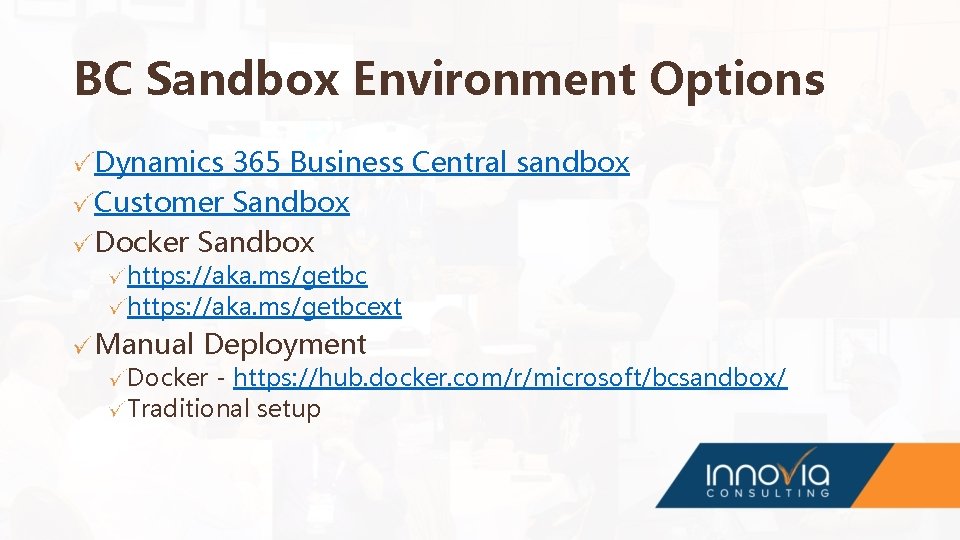
BC Sandbox Environment Options Dynamics 365 Business Central sandbox Customer Sandbox Docker Sandbox https: //aka. ms/getbcext Manual Deployment Docker - https: //hub. docker. com/r/microsoft/bcsandbox/ Traditional setup
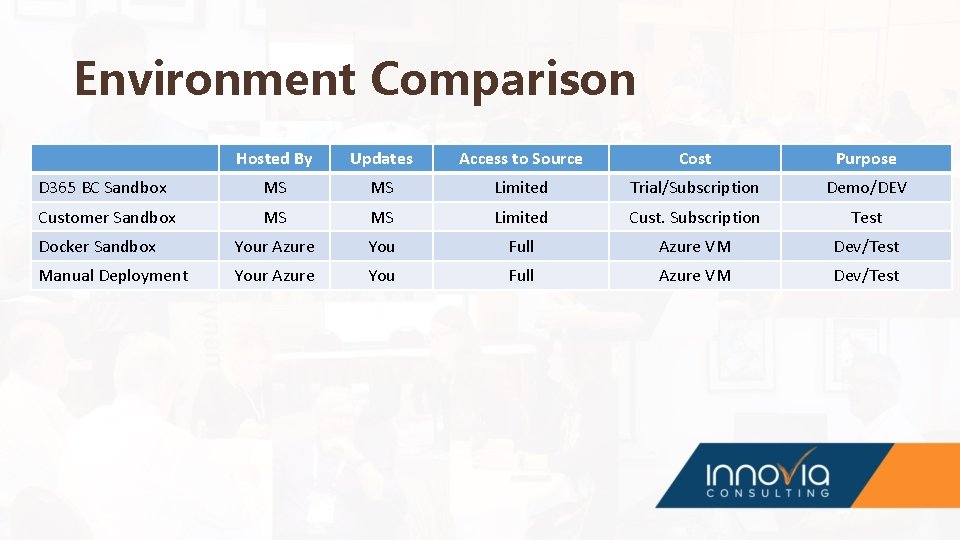
Environment Comparison Hosted By Updates Access to Source Cost Purpose D 365 BC Sandbox MS MS Limited Trial/Subscription Demo/DEV Customer Sandbox MS MS Limited Cust. Subscription Test Docker Sandbox Your Azure You Full Azure VM Dev/Test Manual Deployment Your Azure You Full Azure VM Dev/Test
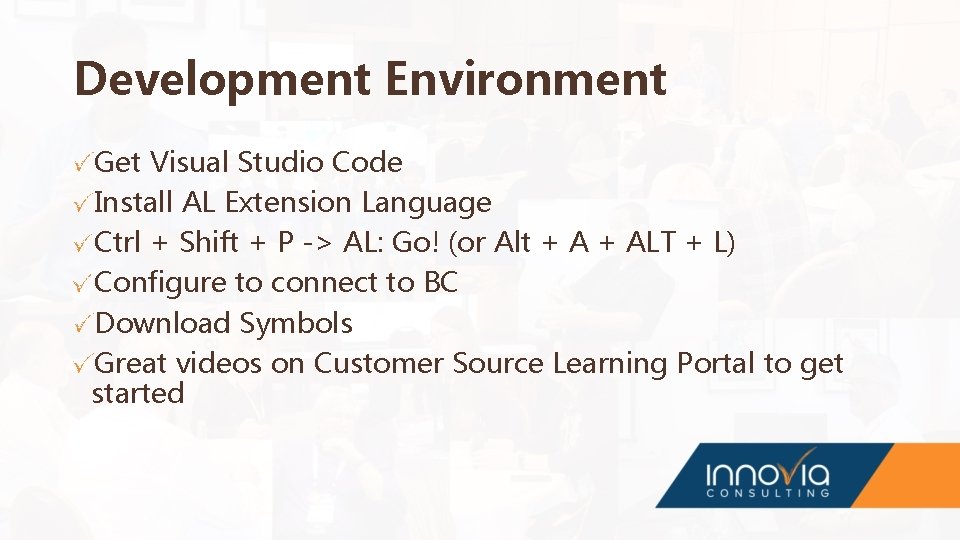
Development Environment Get Visual Studio Code Install AL Extension Language Ctrl + Shift + P -> AL: Go! (or Alt + ALT + L) Configure to connect to BC Download Symbols Great videos on Customer Source Learning Portal to get started
AL Language Syntax very similar to C/AL Many keywords are the same Everything defined in code Objects Properties Variables Easy to replicate Once you get into it, you won’t want to go back!
Extensions and Events Only way to modify D 365 BC Saa. S What is in an Extension? al files Symbols json files Dependent Extensions Misc. Event-based development
Demo
Lessons Learned al files Naming Object per file Object and field IDs Reports Permission Sets Advanced Application Areas
Lessons Learned Deployment Validation Versioning Testing Extensions – apples in one basket or multiple?
Any Questions?
Thanks for Joining Us Chad Williams COO cwilliams@Innovia. com
Thank You For Joining Us