
The Network File System Chapter 17 The Network
- Slides: 34
The Network File System Chapter 17 -The Network File System
Introduction The Network File System, commonly known as NFS, allows you to share filesystems among computers. n NFS is almost transparent to users and is “stateless, ” n meaning that no information is lost when the NFS server crashes. n Clients can simply wait until the server returns and then continue as if nothing happened. n Chapter 17 -The Network File System
Introduction n NFS was introduced by Sun Microsystems in 1985. It was originally implemented as a surrogate filesystem for diskless clients. n The protocol proved to be well designed and very useful as a general file-sharing solution. n All UNIX vendors provide a version of NFS n n many use code licensed from Sun Chapter 17 -The Network File System
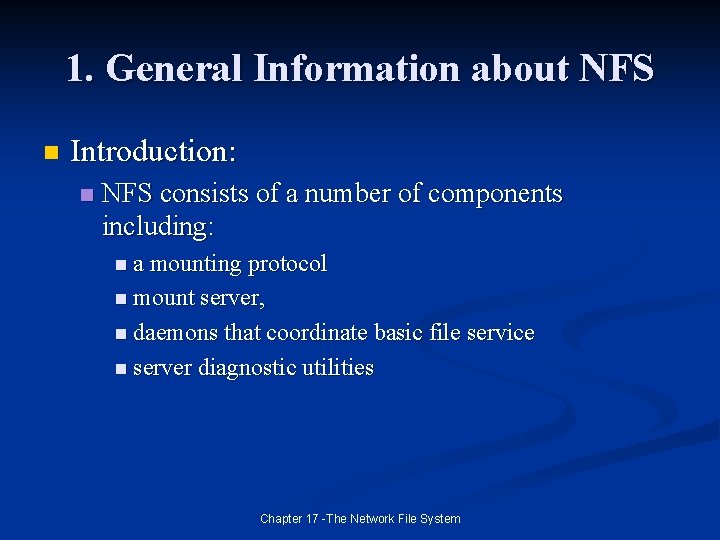
1. General Information about NFS n Introduction: n NFS consists of a number of components including: n a mounting protocol n mount server, n daemons that coordinate basic file service n server diagnostic utilities Chapter 17 -The Network File System
1. General Information about NFS n NFS Protocol Versions n The NFS protocol has been remarkably stable over time. n The original public release of NFS was version 2. n Version 3 came out in the early 1990 s (a collection of changes to increase performance and provide better support for large files. Chapter 17 -The Network File System
1. General Information about NFS n Choice of transport n NFS runs on top of Sun’s RPC (Remote Procedure call) protocol, which defines a system-independent way for processes to communicate over a network. n Therefore it is possible to use UDP or TCP n NFS and UDP do not do congestion control. (the original setup) n Most systems now allow you to use TCP as the transport for NFS instead of UDP Chapter 17 -The Network File System
1. General Information about NFS n Choice of transport (cont) n Table 17. 1 pg 490 Chapter 17 -The Network File System
1. General Information about NFS n File locking (as provided by flock and/or lock system calls) has been a sore point on UNIX systems for a long time. n On local filesystems it has been known to work less than perfectly. n In the context of NFS the ground is shakier still. n n Since the NFS servers are stateless they have no idea which machines (or processes) are using a given file, But this is needed for locking…. . so, what to do? Chapter 17 -The Network File System
1. General Information about NFS n File locking (cont. ) The traditional answer has been to implement file locking separately from NFS n Most systems provide two daemons, lockd and statd, that try to make a go of it. n Unfortunately, the task is difficult for a variety of subtle reasons and NFS file locking has generally tended to be flaky. n Chapter 17 -The Network File System
1. General Information about NFS n Disk quotas Access to remote disk quota information can be provided by a similar out-of-band server, rquotad. n An NFS server will enforce disk quotas, but servers cannot view their quota information unless rquotad is running on the remote server. n Chapter 17 -The Network File System
1. General Information about NFS n Global UIDs and GIDs UNIX identifies users and groups by number. n If machine X shares files with machine Y, then UID 644 had better refer to the same user on both systems or a serious security or privacy problem could result. n NFS servers need not allow remote users to log in. n Chapter 17 -The Network File System
1. General Information about NFS n Root access and the nobody account n While users should be given identical privileges wherever they go, it’s traditional to prevent root from running rampant on NFS-mounted filesystems. n By default, NFS servers intercept incoming requests made on behalf of UID o and change them to look as if they are coming from some other user. n Remember, root on an NFS client can su to whatever UID it desires, so user files are never really protected. Chapter 17 -The Network File System
1. General Information about NFS n Cookies and stateless mounting n A client must explicitly mount an NFS filesystem before using it. n However, because NFS is stateless, the server does not keep track of which clients have mounted each filesytem. n Instead the server gives a “cookie” upon a successful mount and that cookie identifies the mounted directory to the NFS server n Cookies persist across NFS server reboots (unless they went to single-user mode and then back up) Chapter 17 -The Network File System
1. General Information about NFS n Security and NFS n NFS provides a convenient way to access files on a network, and thus it has great potential to cause security problems n In may ways NFS is a poster child for everything that is or ever has been wrong with UNIX security. n The NFS protocol was originally designed with essentially no concern for security. n Authentication modules were later allowed (but not required) in the RPC protocol. n Sun’s public key and Kerberos Chapter 17 -The Network File System
1. General Information about NFS n Security and NFS (cont. ) n The greatest risk is presented by on-site machines that are legally allowed to mount a filesytem. n If anyone that you don’t fully trust (that means they are breathing still) has root access on a client host, don’t export any filesystems to that host. n If your site has a firewall, it is a good idea to block access to TCP and UDP ports 2049 (used by NFS) and 111 (used by Sun. RPC portmap daemon) Chapter 17 -The Network File System
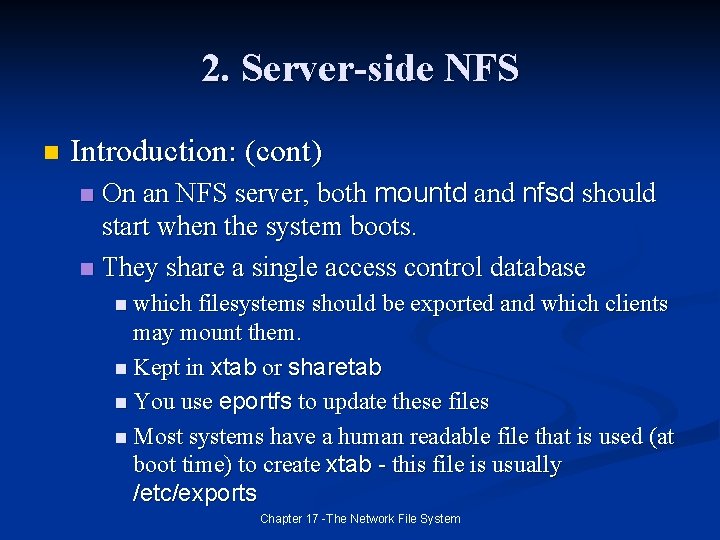
2. Server-side NFS n Introduction: n A server is usually said to “export” a directory when it makes the directory available for use by other machines. n Solaris uses the word “share” n The process used by clients to mount a filesystem (get the cookie) is completely separate from the process used to access files. n Separate protocols and separate daemons n mountd and nfsd sometimes called rpc. nfsd and rpc. mountd Chapter 17 -The Network File System
2. Server-side NFS n Introduction: (cont) On an NFS server, both mountd and nfsd should start when the system boots. n They share a single access control database n n which filesystems should be exported and which clients may mount them. n Kept in xtab or sharetab n You use eportfs to update these files n Most systems have a human readable file that is used (at boot time) to create xtab - this file is usually /etc/exports Chapter 17 -The Network File System
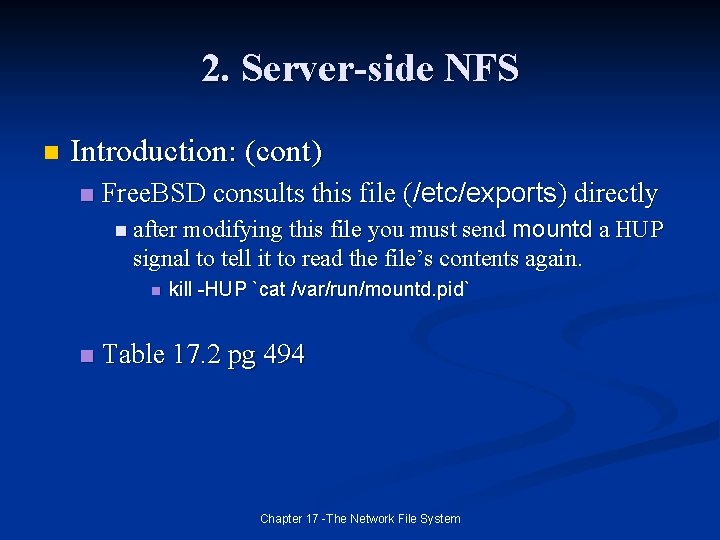
2. Server-side NFS n Introduction: (cont) n Free. BSD consults this file (/etc/exports) directly mountd a HUP signal to tell it to read the file’s contents again. n after modifying this file you must send n n kill -HUP `cat /var/run/mountd. pid` Table 17. 2 pg 494 Chapter 17 -The Network File System
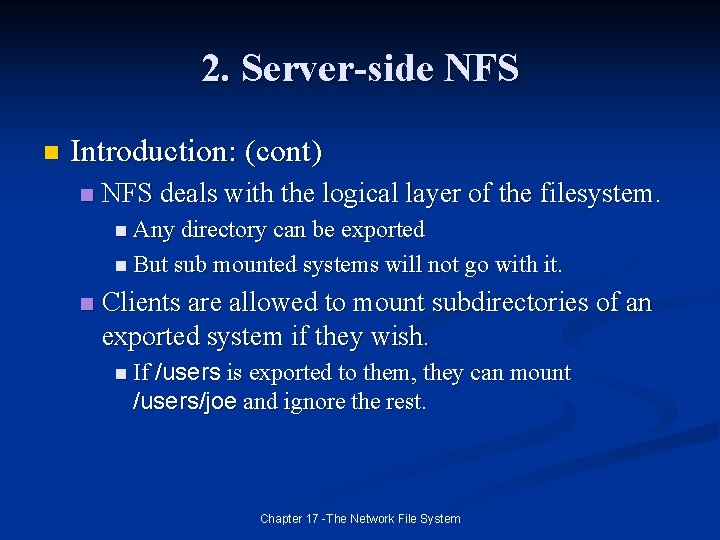
2. Server-side NFS n Introduction: (cont) n NFS deals with the logical layer of the filesystem. n Any directory can be exported n But sub mounted systems will not go with it. n Clients are allowed to mount subdirectories of an exported system if they wish. n If /users is exported to them, they can mount /users/joe and ignore the rest. Chapter 17 -The Network File System
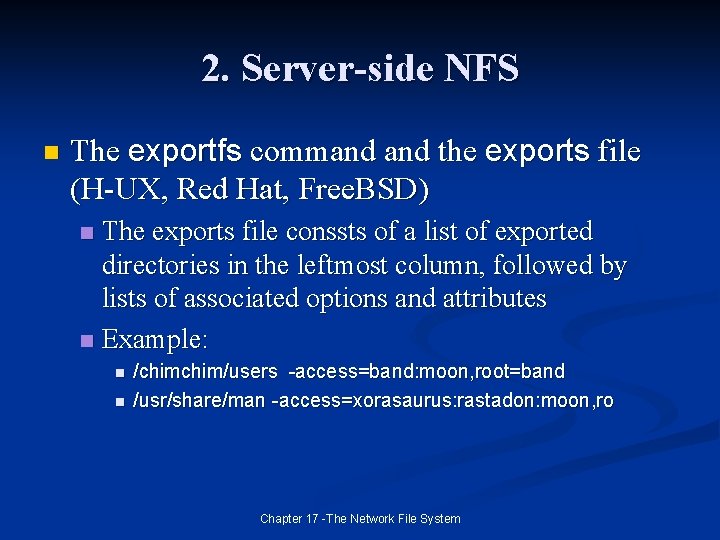
2. Server-side NFS n The exportfs command the exports file (H-UX, Red Hat, Free. BSD) The exports file conssts of a list of exported directories in the leftmost column, followed by lists of associated options and attributes n Example: n n n /chim/users -access=band: moon, root=band /usr/share/man -access=xorasaurus: rastadon: moon, ro Chapter 17 -The Network File System
2. Server-side NFS n The exportfs command the exports file (H-UX, Red Hat, Free. BSD) (cont) n Filesystems that are listed in the exports file without a specific set of hsots are usually mountable by all machines n n This is a sizeable security hole. Some NFS implementation limit lines in the exports file to 1, 024 characters. n That limit can come awfully fast, especially when you’re using fully qualified domain names Chapter 17 -The Network File System
2. Server-side NFS n nfsd: serve files Once a client’s mount request has been validated by mountd, it can request carious filesystem operations. n These requests are handled on the server side by nfsd, the NFS operations daemon. n Chapter 17 -The Network File System
2. Server-side NFS n nfsd: serve files n nfsd takes a numeric argument that specifies the number of copies of itself that it should fork. n Selecting the appropriate number is important and unfortunately something of a black art. n n Too high or too low and NFS performance suffers. There is no reason to run more than a few nfsd’s per spindle. n You can watch the load (goes up if too many) and UDP packets dropped (with netstat -s) for too few. Chapter 17 -The Network File System
3. Client-side NFS n Introduction mount understand the notation hostname: directory to mean the path directory interpreted by hostname n On most systems, the optional but highly recommended daemon biod (block I/O daemon, sometimes called nfsiod) provides performance enhancements. n Chapter 17 -The Network File System
3. Client-side NFS n biod and nfsiod: provide client-side caching n The provide read-ahead and write-behind filesystem block caching. n We suggest that you run it on NFS clients that provide it, but that is not strictly required. n The presence or absence does not affect administration. n This daemon can also have multiple copies running n On a garden variety machine 4 or 8 should be plenty. Chapter 17 -The Network File System
3. Client-side NFS n Mounting remote filesystems You can use the mount command to establish temporary network mounts. n You should list mounts that are part of a system’s permanent configuration in /etc/fstab so that they are automatically mounted at boot time. n n Or you can use an automounter like automount or amd n NFS partitions can be unmounted with the umount command Chapter 17 -The Network File System
3. Client-side NFS n Mounting remote filesystems (cont) n Table 17. 9 g 502 Chapter 17 -The Network File System
3. Client-side NFS n Secure port restrictions NFS clients are free to use any TCP or UDP port they like. n However, some servers may insist that the requests come from a privileged port (<1024) n In the world of PCs and desktop UNIX boxes, the use of a privileged port provides little actual security. n Chapter 17 -The Network File System
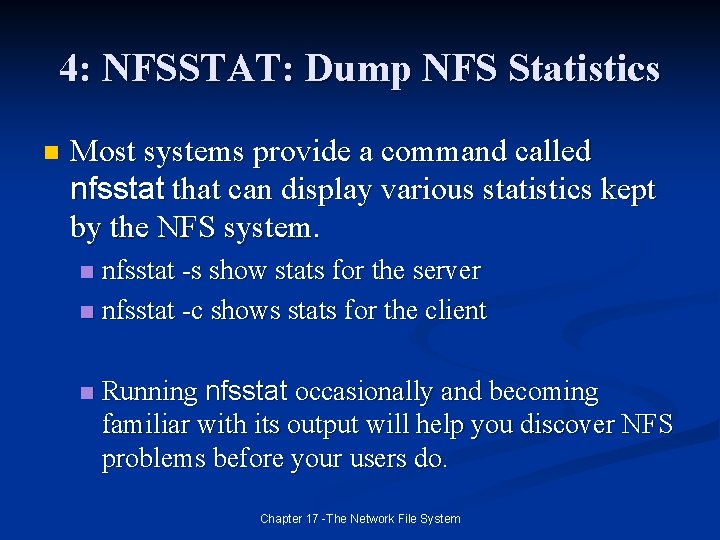
4: NFSSTAT: Dump NFS Statistics n Most systems provide a command called nfsstat that can display various statistics kept by the NFS system. nfsstat -s show stats for the server n nfsstat -c shows stats for the client n n Running nfsstat occasionally and becoming familiar with its output will help you discover NFS problems before your users do. Chapter 17 -The Network File System
5. Dedicated NFS File Servers Fast reliable file service is one of the most important elements of any production computing environment. n Dedicated FS file servers have been around for more than a decade. n n They offer a host of potential advantages over the homebrew approach. n Of the current offerings, Network Appliance makes some very good ones. n www. netapp. com Chapter 17 -The Network File System
6. Automatic Mounting filesystems one at a time by listing them in /etc/fstab or /etc/vfstab introduces a number of problems in large networks. n Automounters are very important for large networks of machines. n Sun has produced automount and there is another package called amd that is open source and very good. n n The next two sections of the text cover these programs. Chapter 17 -The Network File System
9. Recommended Reading Callaghan, Brent. NFS Illustrated. Addison. Wesley, 1999. n Pendy, Jan-Simon, and Nick Williams. “AMD: The 4. 4 BSD Automounter Reference Manual. ” 4. 4 BSD System Manager’s Manual, Usenix and O’Rielly. 1994. n Stern, Hal. Manageing NFS and NIS. Sebastopol: O’Rielly & Associates, 1992. n Chapter 17 -The Network File System
9. Recommended Reading n Table 17. 13 pg 512 Chapter 17 -The Network File System
Chapter 17 -The Network File System