
The Middle Years Development Instrument MDI Steps to















- Slides: 64
The Middle Years Development Instrument (MDI): Steps to Administration for Teachers and Principals 2017 -18
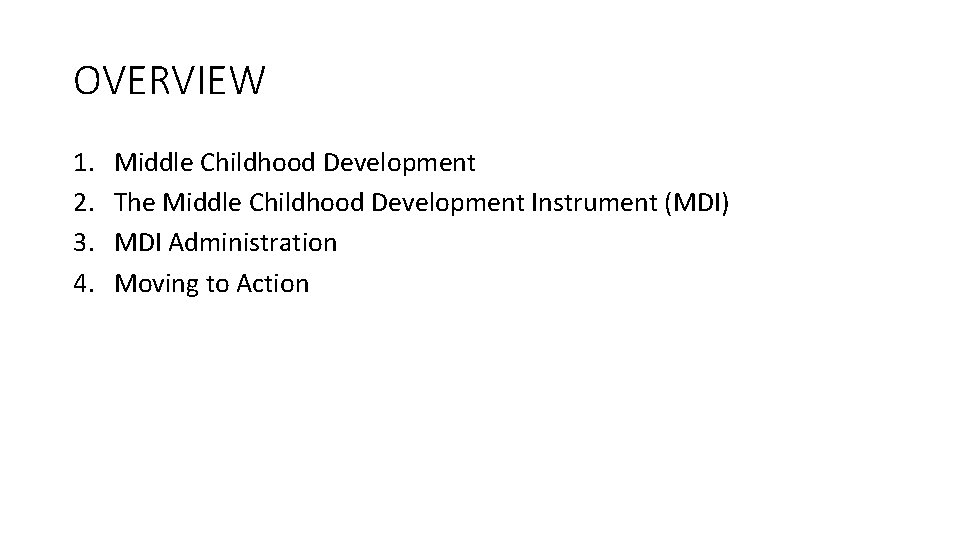
OVERVIEW 1. 2. 3. 4. Middle Childhood Development The Middle Childhood Development Instrument (MDI) MDI Administration Moving to Action
HELP’s Vision All children thriving in healthy societies
Birth Adolescence Early Childhood Middle Childhood TIMELINE OF DEVELOPMENT
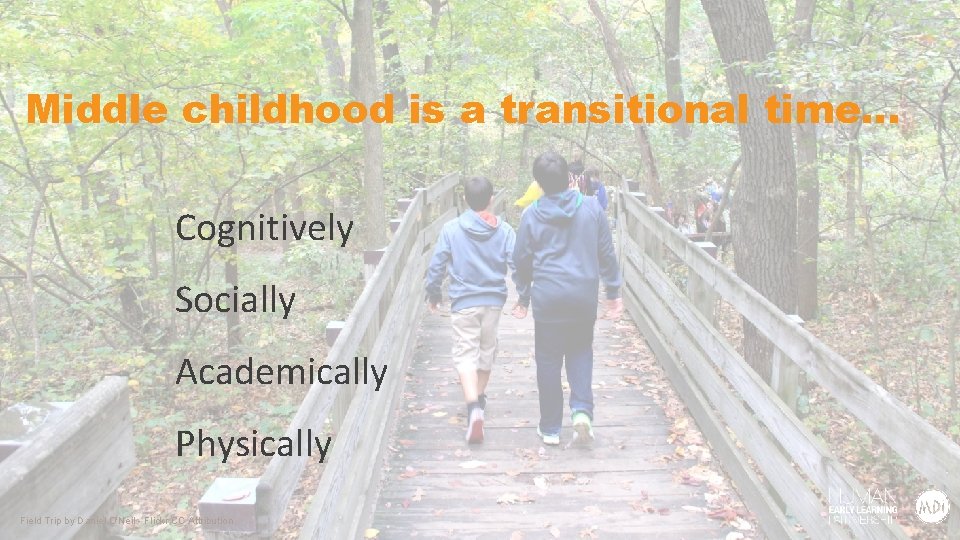
Middle childhood is a transitional time… Cognitively Socially Academically Physically Field Trip by Daniel O'Neil - Flickr CC Attribution
Dr. Kimberly Schonert-Reichl Director, HELP Professor, Faculty of Education at UBC
Social & Emotional Learning (SEL): A Growing Movement
Self-report questionnaire for Children in Grade 4 and Grade 7 Computer Lab 4 th Grade by Woodleywonderworks - Flickr CC Attribution
was developed … based on recent scientific research on children’s social, emotional learning and development, positive psychology, and resiliency (assets).
was developed … through a collaborative process, involving scientific experts, teachers, children and community members.
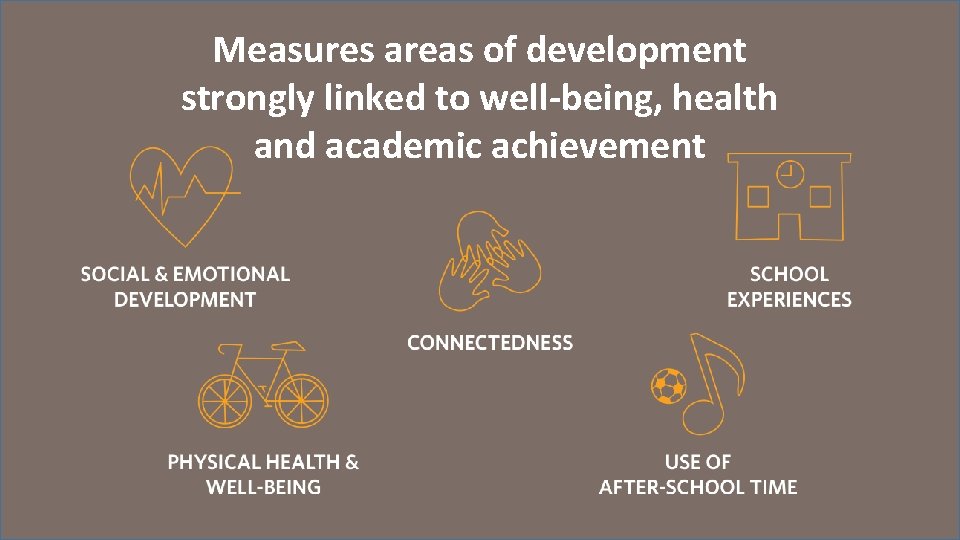
Measures areas of development strongly linked to well-being, health and academic achievement. Engineering Camp by Texas A&M University - Flickr CC Attribution
Used at a Population Level NOT used as an Individual Diagnostic Tool
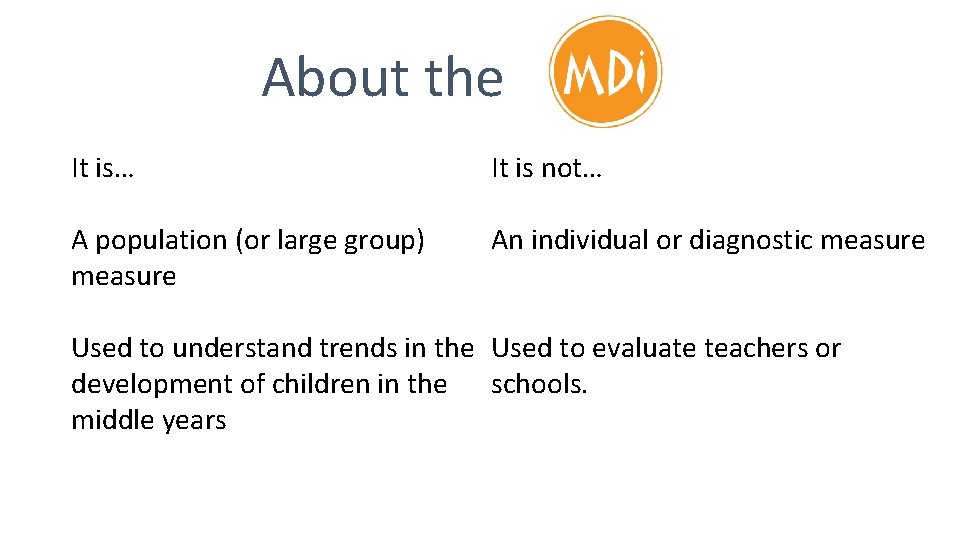
About the It is… It is not… A population (or large group) measure An individual or diagnostic measure Used to understand trends in the Used to evaluate teachers or development of children in the schools. middle years
Development of the Whole Child
Multiple Contexts
Children’s Voices
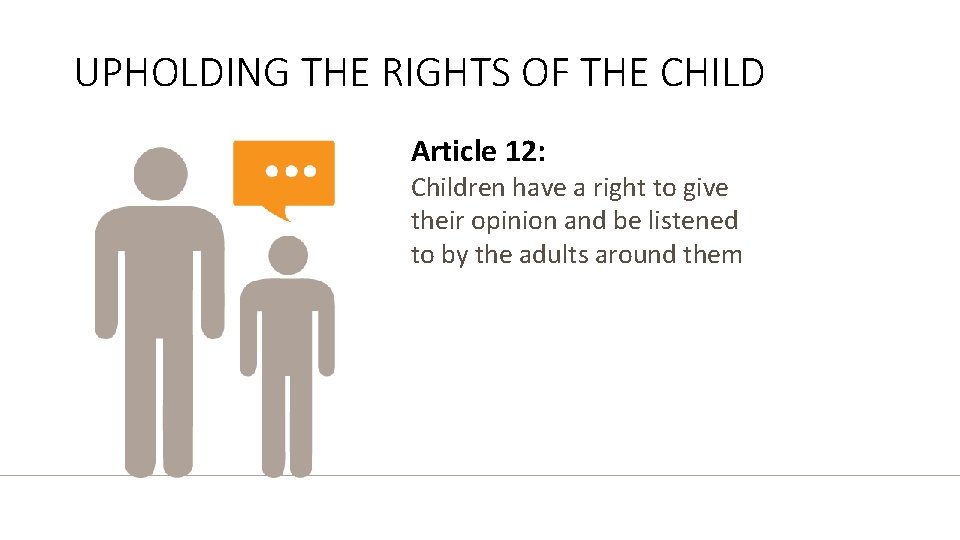
UPHOLDING THE RIGHTS OF THE CHILD Article 12: Children have a right to give their opinion and be listened to by the adults around them
Relationships are central
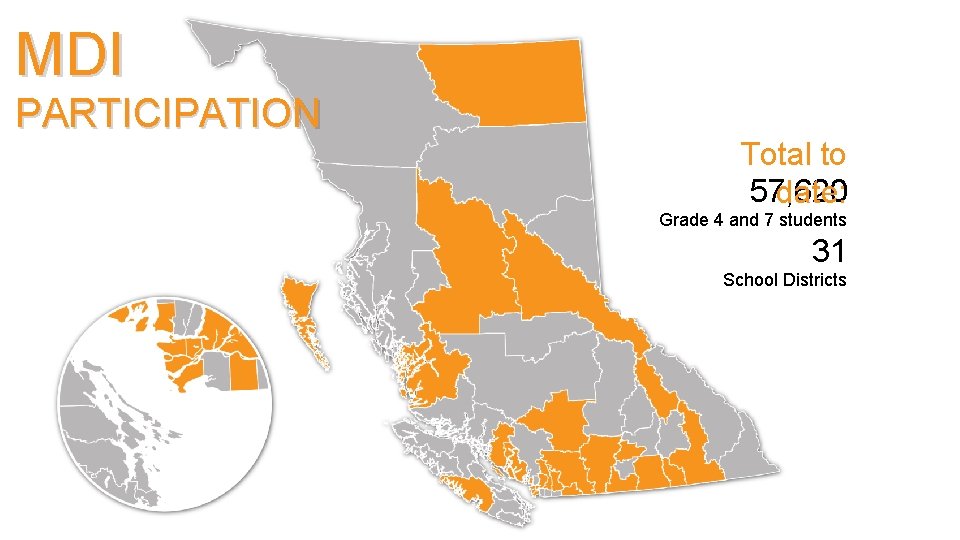
MDI PARTICIPATION Total to 57, 620 date: Grade 4 and 7 students 31 School Districts
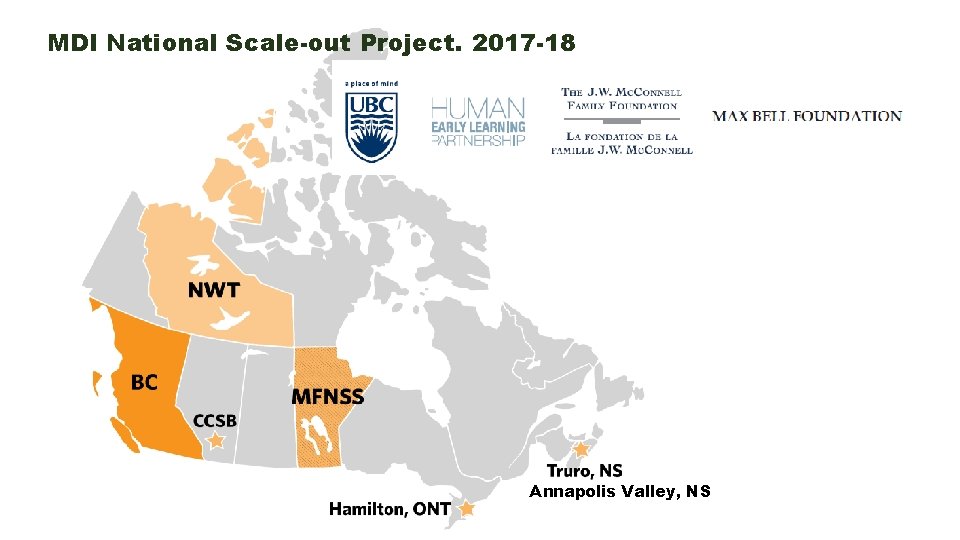
MDI National Scale-out Project. 2017 -18 Annapolis Valley, NS
Measures areas of development strongly linked to well-being, health and academic achievement
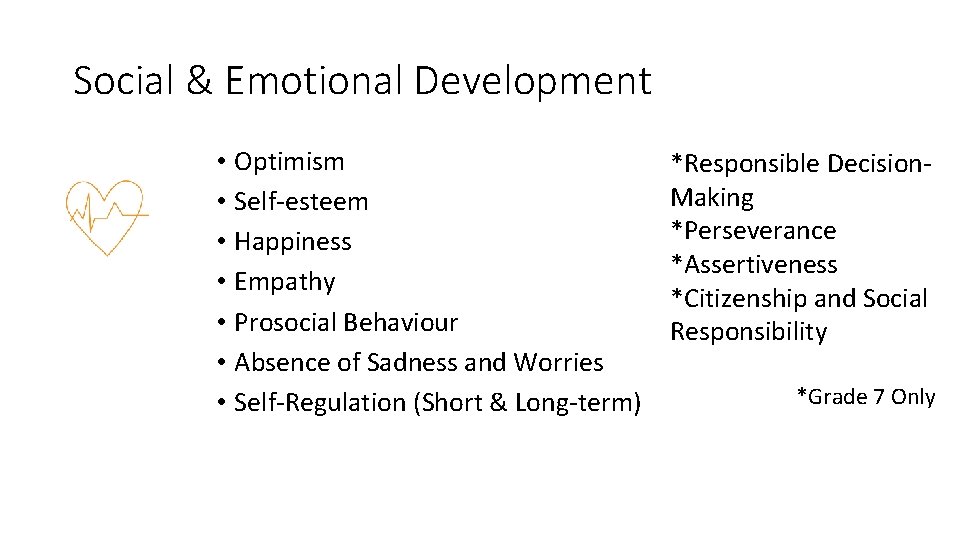
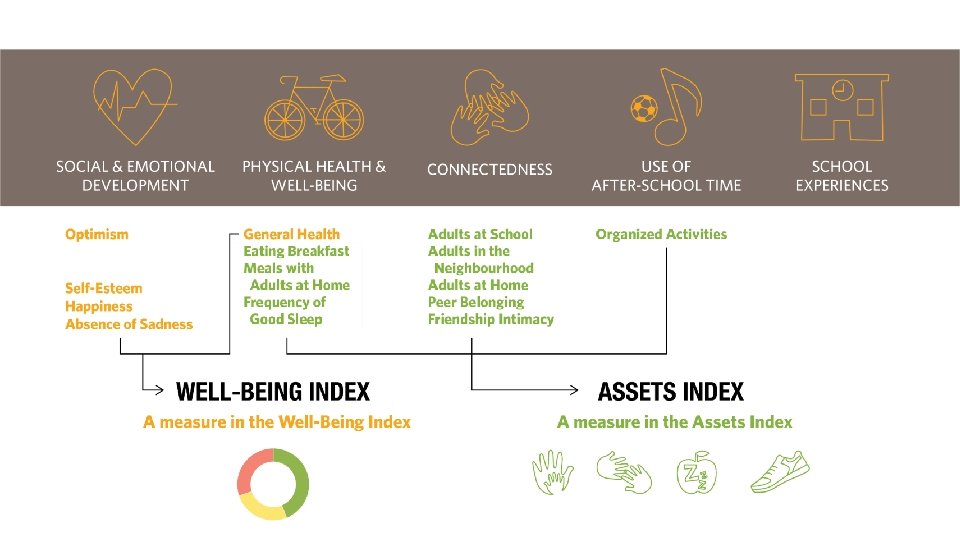
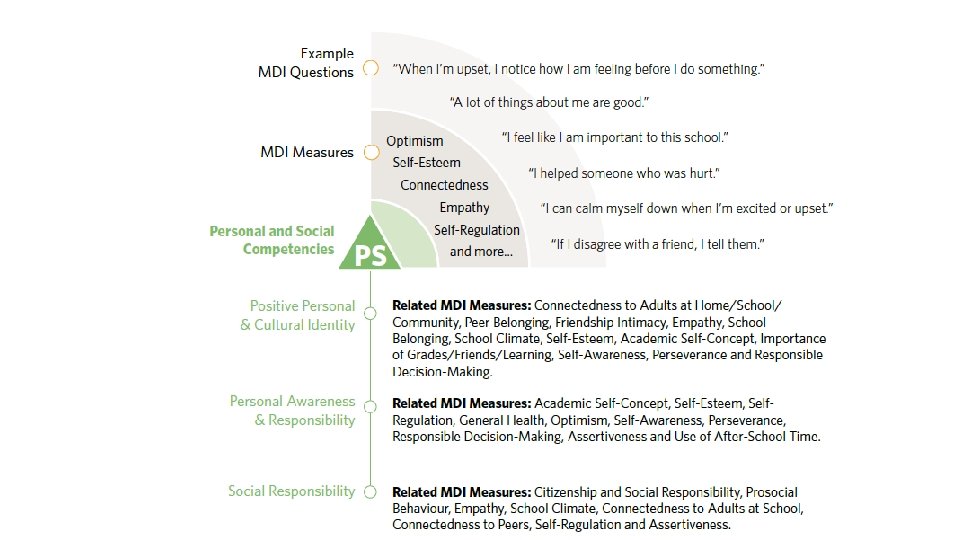
Social & Emotional Development • Optimism • Self-esteem • Happiness • Empathy • Prosocial Behaviour • Absence of Sadness and Worries • Self-Regulation (Short & Long-term) *Responsible Decision. Making *Perseverance *Assertiveness *Citizenship and Social Responsibility *Grade 7 Only
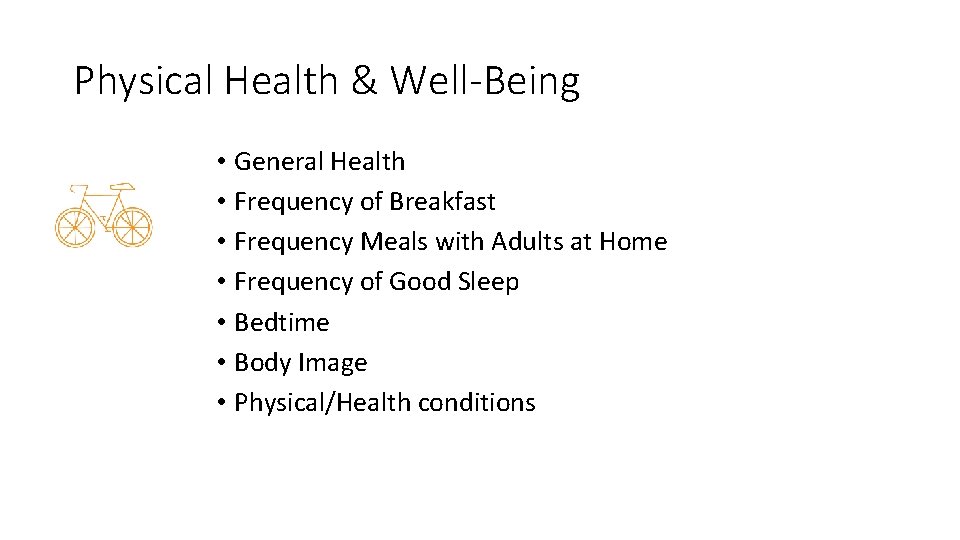
Physical Health & Well-Being • General Health • Frequency of Breakfast • Frequency Meals with Adults at Home • Frequency of Good Sleep • Bedtime • Body Image • Physical/Health conditions
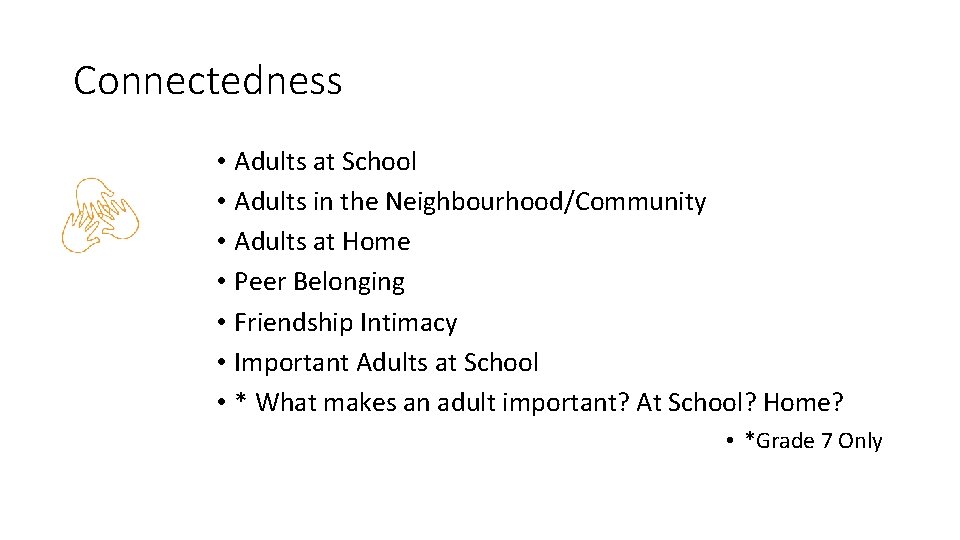
Connectedness • Adults at School • Adults in the Neighbourhood/Community • Adults at Home • Peer Belonging • Friendship Intimacy • Important Adults at School • * What makes an adult important? At School? Home? • *Grade 7 Only
Use of After-School Time • Organized Activities • Free Time Activities • People and Places • Wishes and Barriers • Safe spaces • Availability of programs
School Experiences • Academic Self-Concept • School Climate • School Belonging • Victimization and Bullying • Motivation • Future Goals
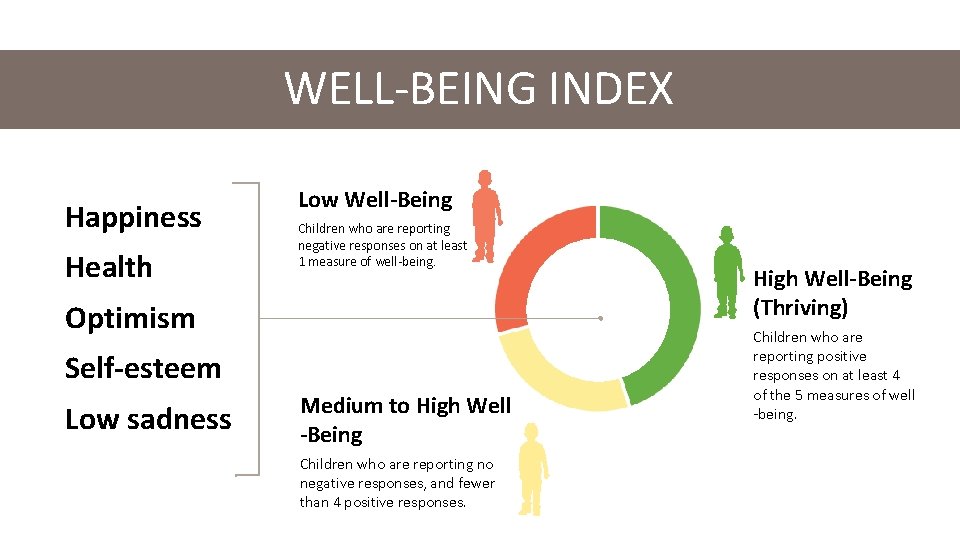
WELL-BEING INDEX Happiness Health Low Well-Being Children who are reporting negative responses on at least 1 measure of well-being. Optimism Self-esteem Low sadness Medium to High Well -Being Children who are reporting no negative responses, and fewer than 4 positive responses. High Well-Being (Thriving) Children who are reporting positive responses on at least 4 of the 5 measures of well -being.
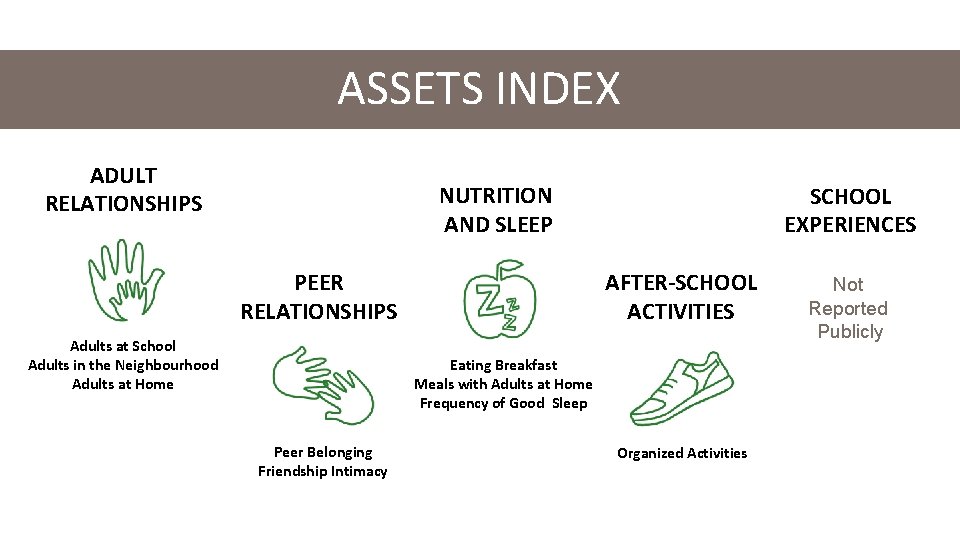
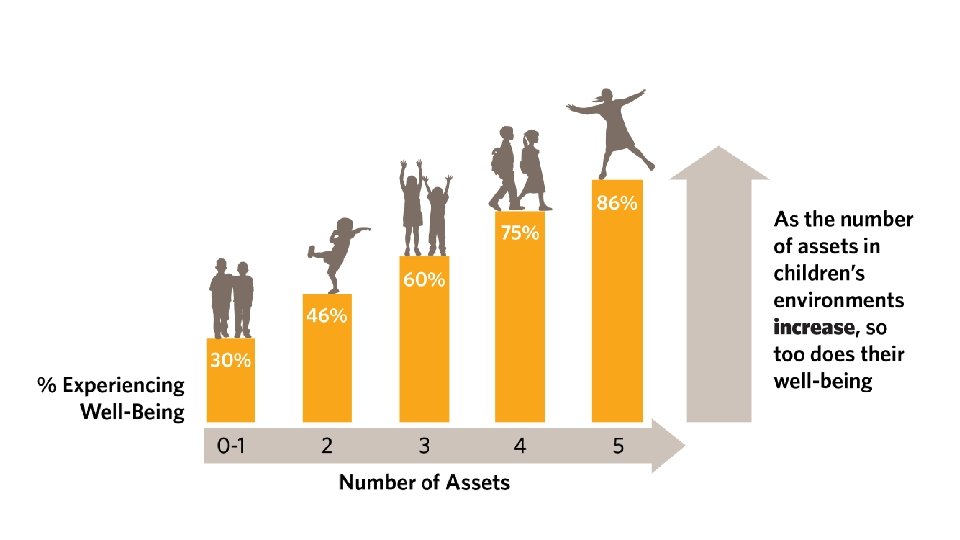
ASSETS INDEX ADULT RELATIONSHIPS NUTRITION AND SLEEP PEER RELATIONSHIPS Adults at School Adults in the Neighbourhood Adults at Home SCHOOL EXPERIENCES AFTER-SCHOOL ACTIVITIES Eating Breakfast Meals with Adults at Home Frequency of Good Sleep Peer Belonging Friendship Intimacy Organized Activities Not Reported Publicly
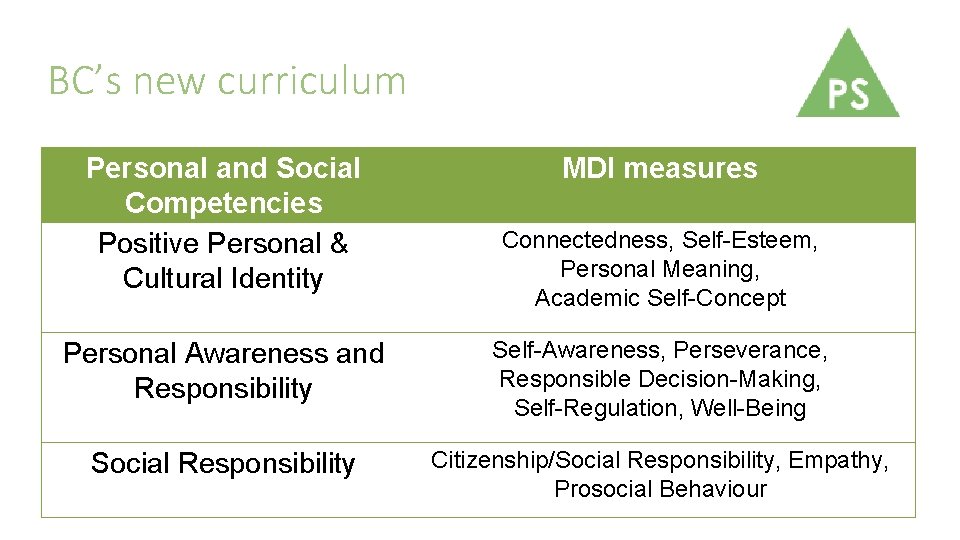
BC’s new curriculum Personal and Social Competencies Positive Personal & Cultural Identity MDI measures Connectedness, Self-Esteem, Personal Meaning, Academic Self-Concept Personal Awareness and Responsibility Self-Awareness, Perseverance, Responsible Decision-Making, Self-Regulation, Well-Being Social Responsibility Citizenship/Social Responsibility, Empathy, Prosocial Behaviour
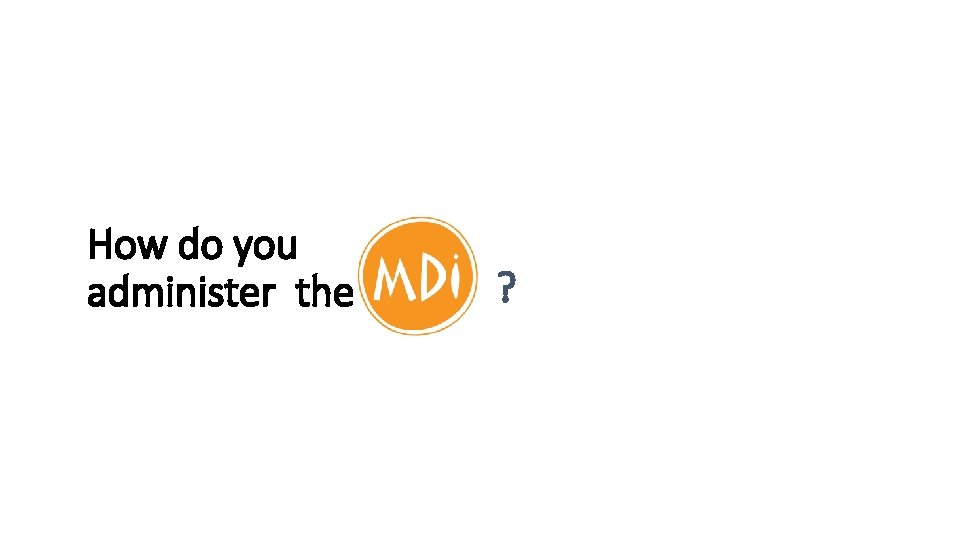
Who uses MDI Data Children Community Planners Funding Agencies Parents Children’s Organizations Policy Makers Educators Sports and Recreation Associations Health Agencies
How do you administer the ?
MDI SURVEY ADMINISTRATOR ROLE • Your role in understanding the data collection process and in guiding your students carefully through the survey completion process is critical. • We would like to take this time to say thank you for your interest and participation.
MDI SURVEY ADMINISTRATOR ROLE • • • Track student withdrawals/consent Print off student passwords “Unlock” the survey Administer the survey Follow up with student help requests
PRIVACY AND CONFIDENTIALITY • Behavioural Research Ethics Board (BREB) of UBC approved. • All information collected is kept confidential and used for research, planning and evaluation purposes only. • Parents are informed; participation is voluntary; consent is passive. • No child or teacher is ever identified in our reporting.
PARTICIPATION IS VOLUNTARY • Parent letters must be sent home 4 weeks prior to the survey date. • Parents/guardians can return a withdrawal form to the classroom teacher if they do not wish their child to participate. • Students may opt out at any time, even after they complete the survey.
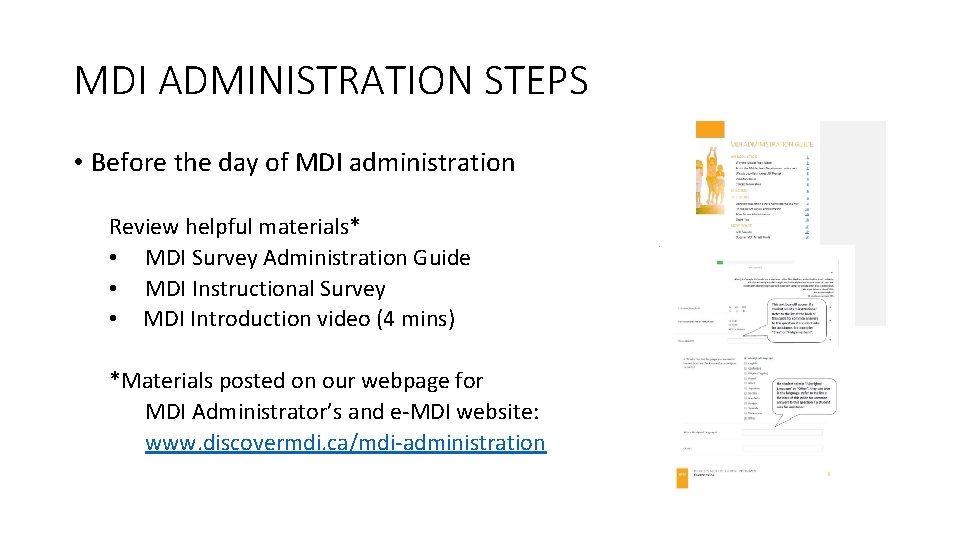
MDI ADMINISTRATION STEPS • Before the day of MDI administration Review helpful materials* • MDI Survey Administration Guide • MDI Instructional Survey • MDI Introduction video (4 mins) *Materials posted on our webpage for MDI Administrator’s and e-MDI website: www. discovermdi. ca/mdi-administration
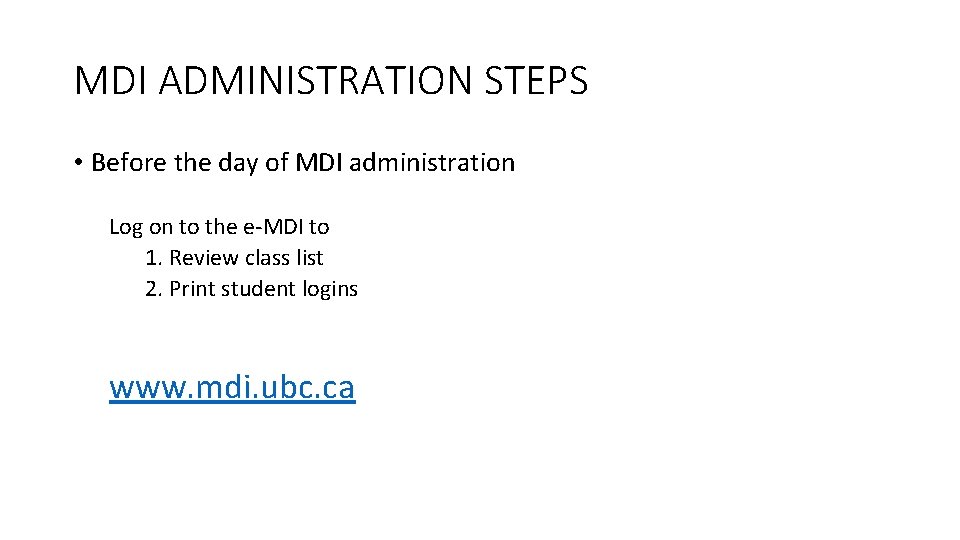
MDI ADMINISTRATION STEPS • Before the day of MDI administration Log on to the e-MDI to 1. Review class list 2. Print student logins www. mdi. ubc. ca
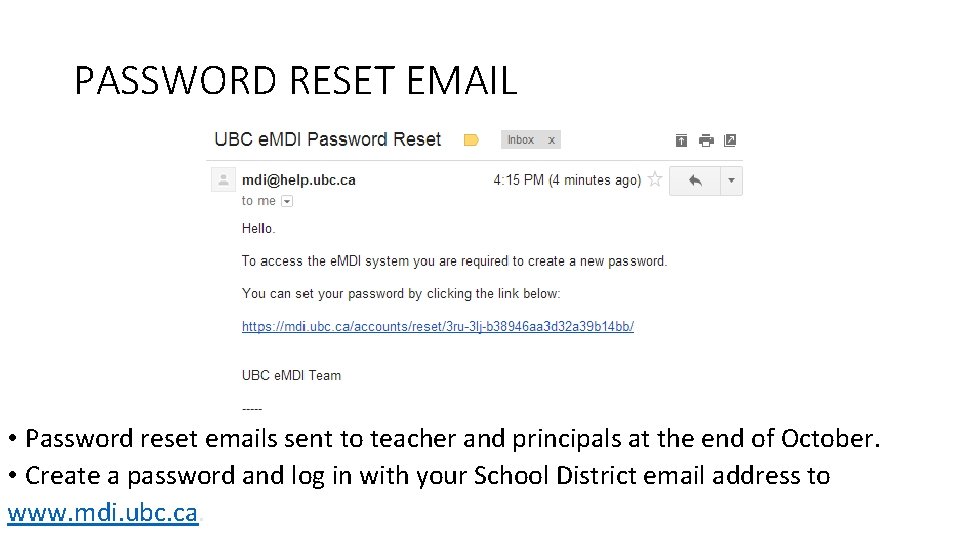
PASSWORD RESET EMAIL • Password reset emails sent to teacher and principals at the end of October. • Create a password and log in with your School District email address to www. mdi. ubc. ca.
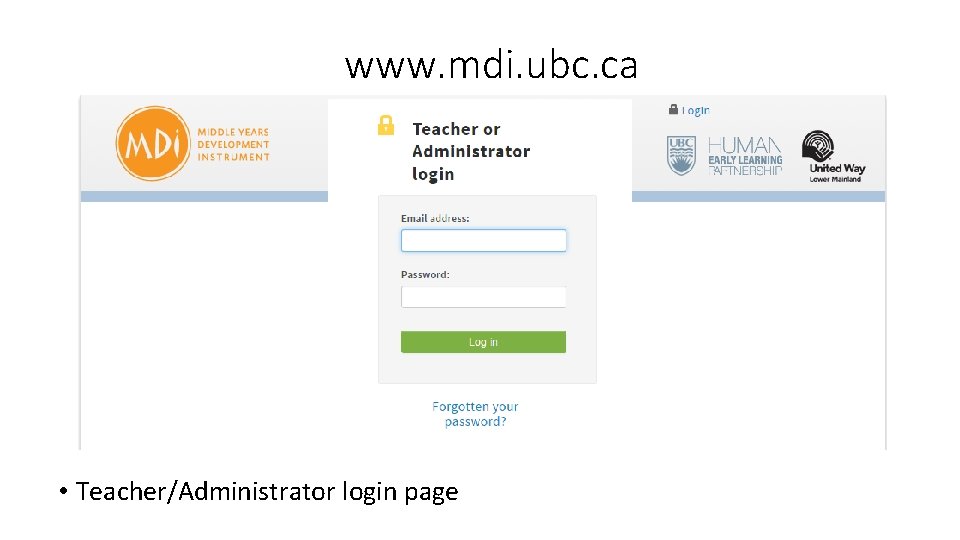
www. mdi. ubc. ca • Teacher/Administrator login page
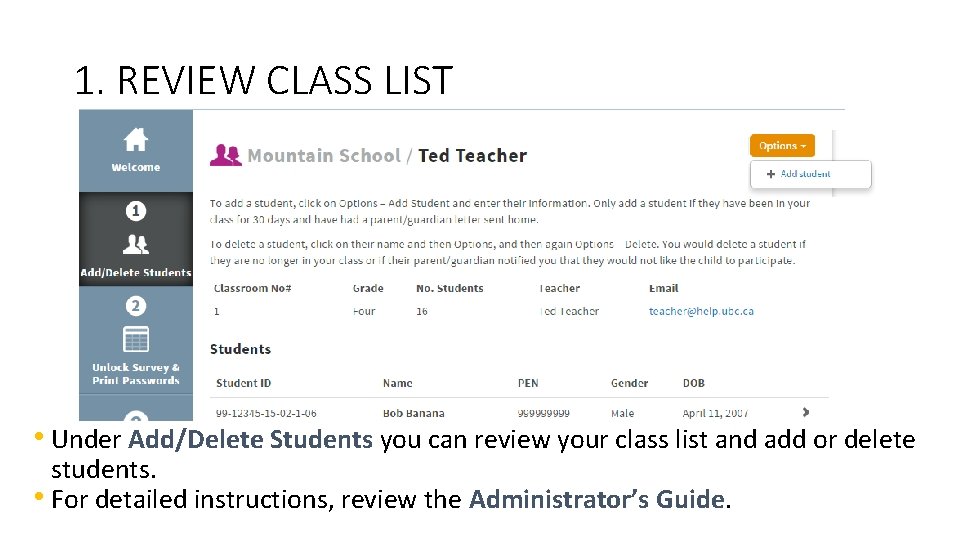
1. REVIEW CLASS LIST • Under Add/Delete Students you can review your class list and add or delete students. • For detailed instructions, review the Administrator’s Guide.
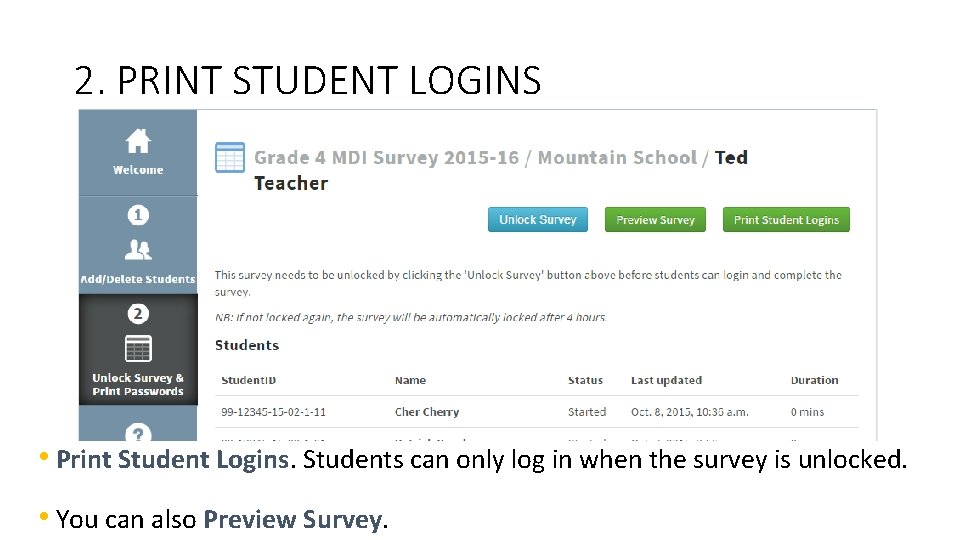
2. PRINT STUDENT LOGINS • Print Student Logins. Students can only log in when the survey is unlocked. • You can also Preview Survey.
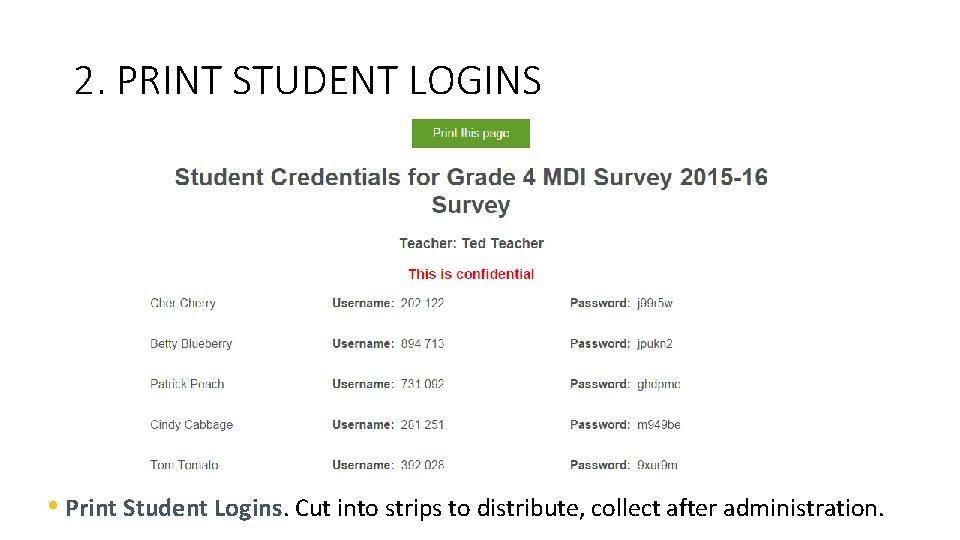
2. PRINT STUDENT LOGINS • Print Student Logins. Cut into strips to distribute, collect after administration.
3. INFORM SCHOOL COUNSELLOR Tavola Elementary Ribbon Cutting and Meet the Teacher by Jill Carlson - Flickr CC Attribution
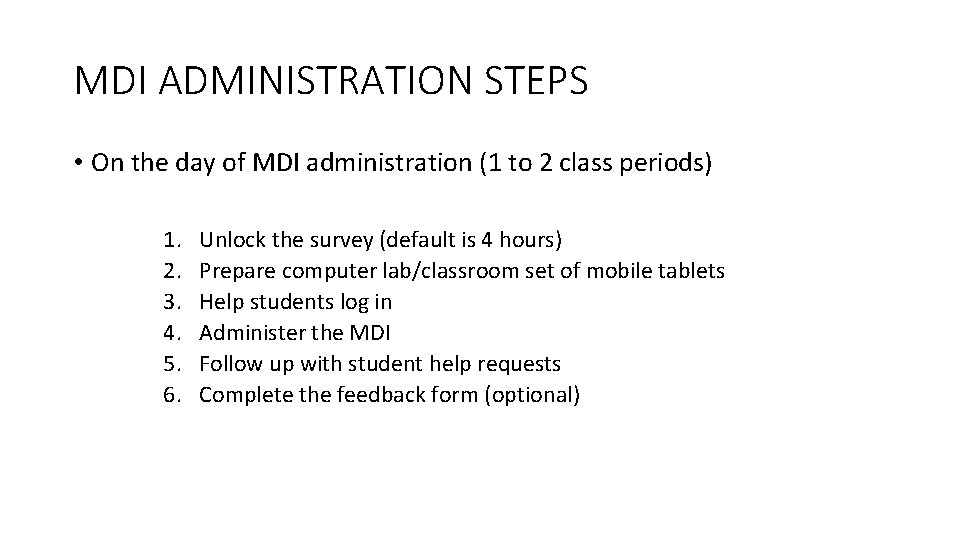
MDI ADMINISTRATION STEPS • On the day of MDI administration (1 to 2 class periods) 1. 2. 3. 4. 5. 6. Unlock the survey (default is 4 hours) Prepare computer lab/classroom set of mobile tablets Help students log in Administer the MDI Follow up with student help requests Complete the feedback form (optional)
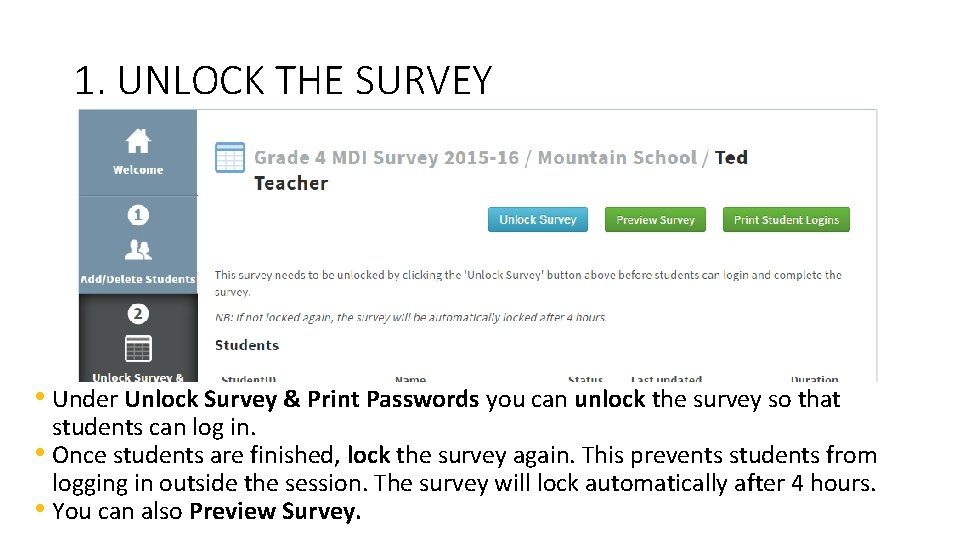
1. UNLOCK THE SURVEY • Under Unlock Survey & Print Passwords you can unlock the survey so that students can log in. • Once students are finished, lock the survey again. This prevents students from logging in outside the session. The survey will lock automatically after 4 hours. • You can also Preview Survey.
2. PREPARE CLASSROOM/COMPUTER LAB • Test conditions • Headphones (optional for voiceover) • Prepare work for students that are not participating
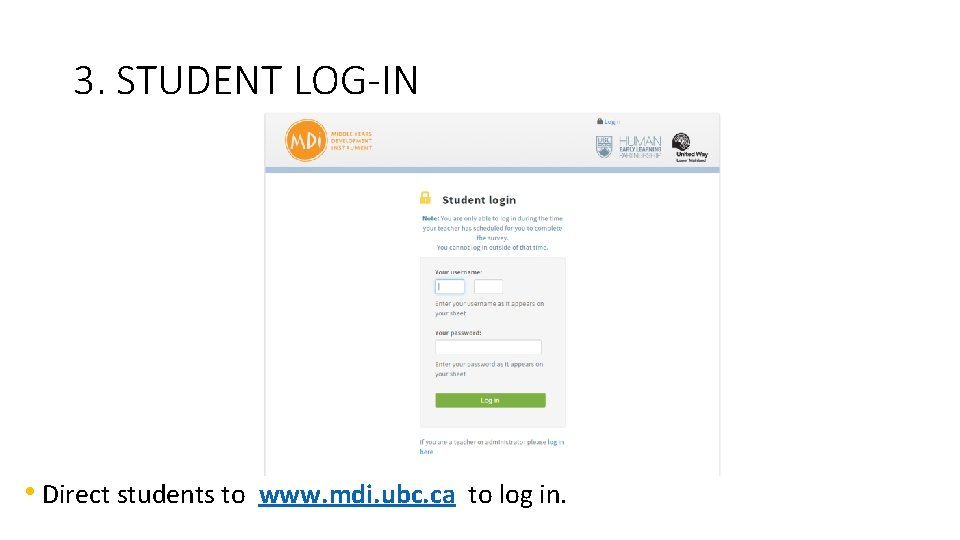
3. STUDENT LOG-IN • Direct students to www. mdi. ubc. ca to log in.
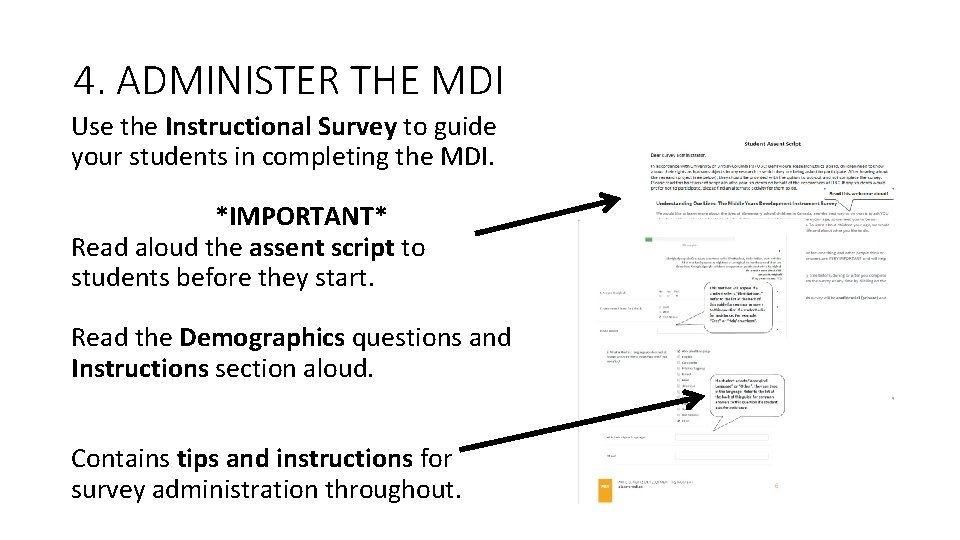
4. ADMINISTER THE MDI Use the Instructional Survey to guide your students in completing the MDI. *IMPORTANT* Read aloud the assent script to students before they start. Read the Demographics questions and Instructions section aloud. Contains tips and instructions for survey administration throughout.
WHILE ADMINISTERING THE SURVEY Remain neutral (e. g. refrain from making jokes or additional comments). If a student asks for clarification, re-read the question, directing it at the individual student: “What would you say to me if I said – QUESTION -? ” To protect student’s privacy, do not look at students responses and ensure that students do not look at others responses.
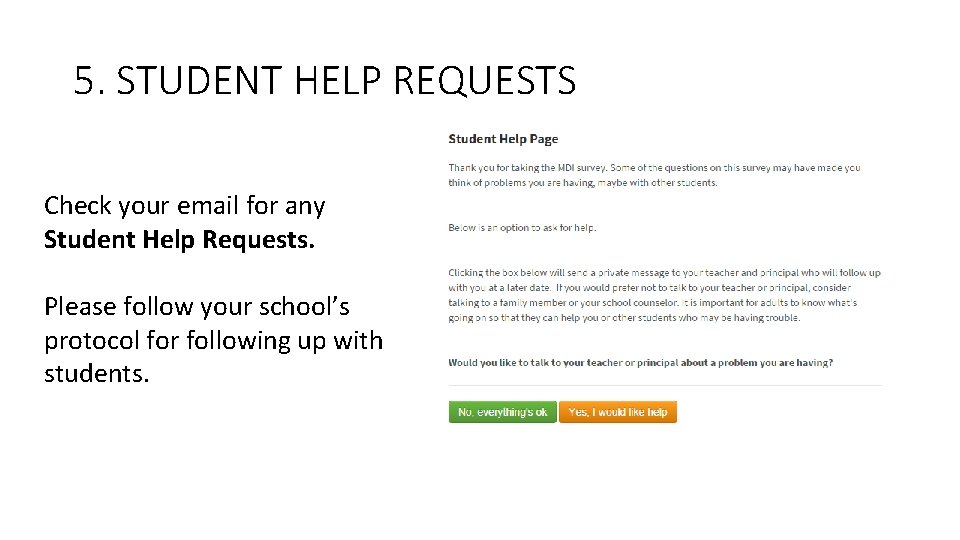
5. STUDENT HELP REQUESTS Check your email for any Student Help Requests. Please follow your school’s protocol for following up with students.
6. OPTIONAL FEEDBACK FORM We’d appreciate your feedback on your experience with the MDI https: //survey. ubc. ca/s/MDIteacherfeedback 2017/ Your feedback is anonymous and is used to improve MDI administration for teachers/administrators and students.
MOVING TO ACTION With MDI Results Skateboarding by snre - Flickr CC Attribution
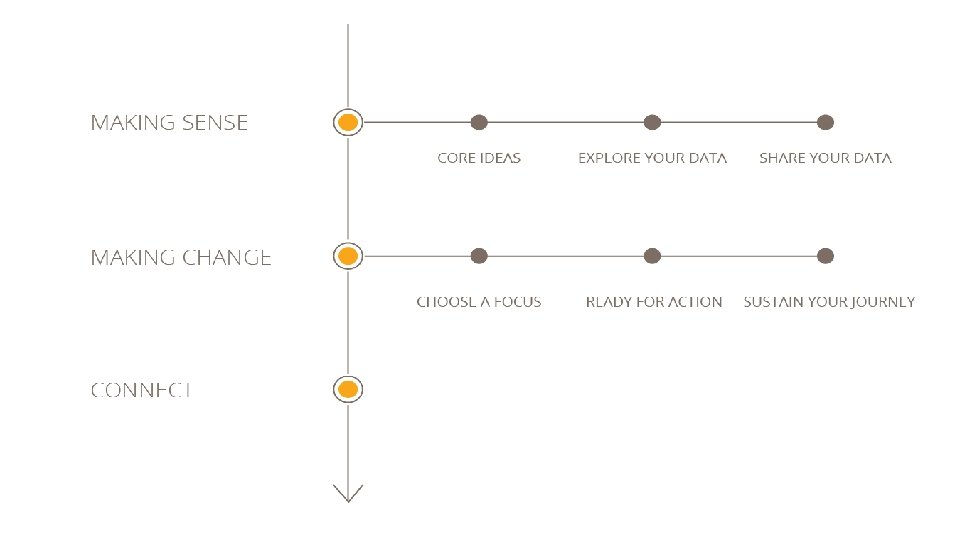
www. discovermdi. ca
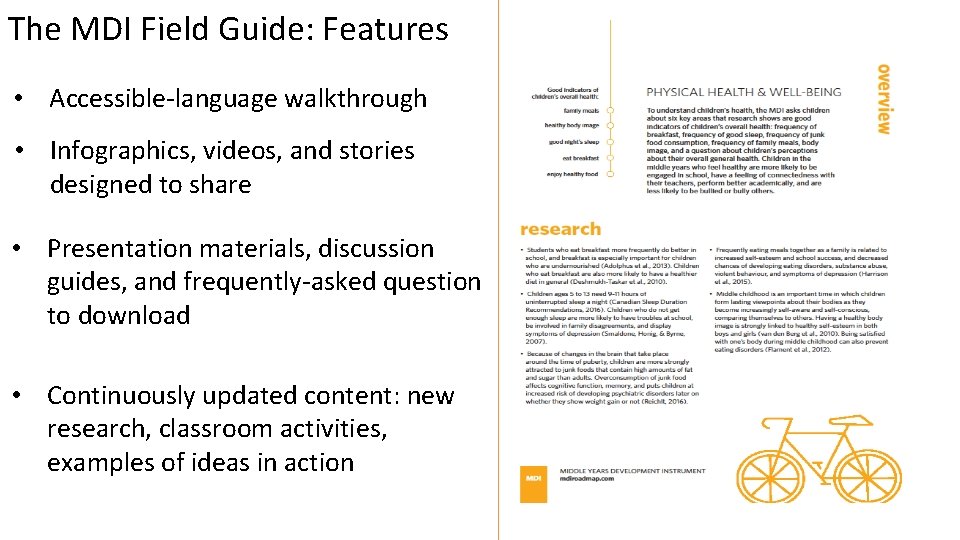
The MDI Field Guide: Features • Accessible-language walkthrough • Infographics, videos, and stories designed to share • Presentation materials, discussion guides, and frequently-asked questions to download • Continuously updated content: new research, classroom activities, examples of ideas in action
CONTACTS IN YOUR DISTRICT • School District Contact(s) • Community Middle Years Representative(s)
CONTACTS AT HELP MDI Implementation Team mdi@help. ubc. ca (604) 827 -5504 1 -888 -908 -4050
THANK YOU!