
THE MICROSOFT IDENTITY JIGSAW PUTTING THE PIECES TOGETHER




- Slides: 36
THE MICROSOFT IDENTITY JIGSAW PUTTING THE PIECES TOGETHER! Rory Braybrook Microsoft Identity Architect Microsoft MVP (Enterprise Mobility) @rbrayb https: //medium. com/the-new-control-plane
In the beginning …
DEFINING THE PROBLEM WORKING WITH IDENTITY IS TOO HARD But it appears so easy – a login screen with two textboxes How hard can that be? The iceberg scenario – users only see the 10 % “above the surface” Applications must use different identity technologies in different situations: Developers don’t understand security – take short cuts Reinventing the wheel Different applications use different naming standards for the same identity attribute Makes security reviews very complex Why not define one approach that applications can use in all of these cases? • Claims-based identity allows this
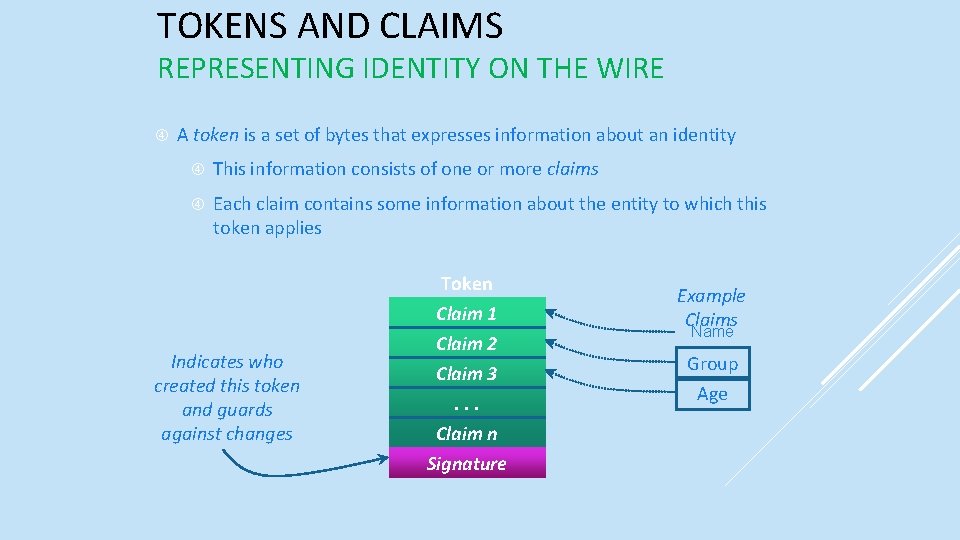
TOKENS AND CLAIMS REPRESENTING IDENTITY ON THE WIRE A token is a set of bytes that expresses information about an identity This information consists of one or more claims Each claim contains some information about the entity to which this token applies Indicates who created this token and guards against changes Token Claim 1 Claim 2 Claim 3. . . Claim n Signature Example Claims Name Group Age
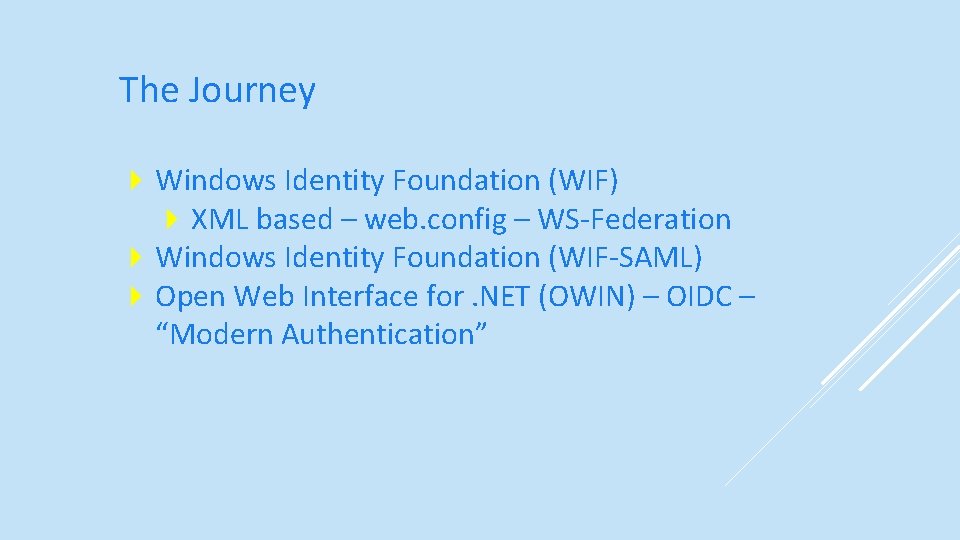
The Journey Windows Identity Foundation (WIF) XML based – web. config – WS-Federation Windows Identity Foundation (WIF-SAML) Open Web Interface for. NET (OWIN) – OIDC – “Modern Authentication”
The Microsoft Identity Platform
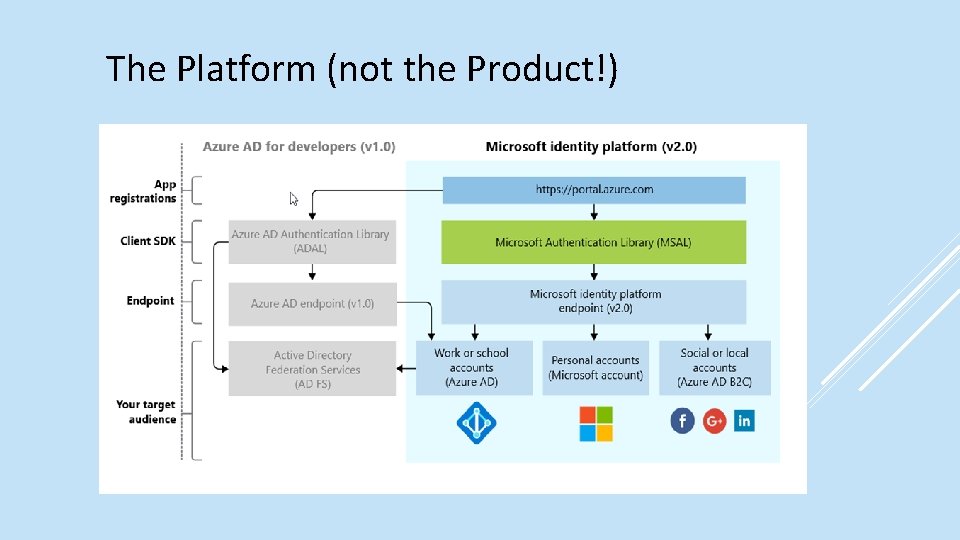
The Platform (not the Product!)
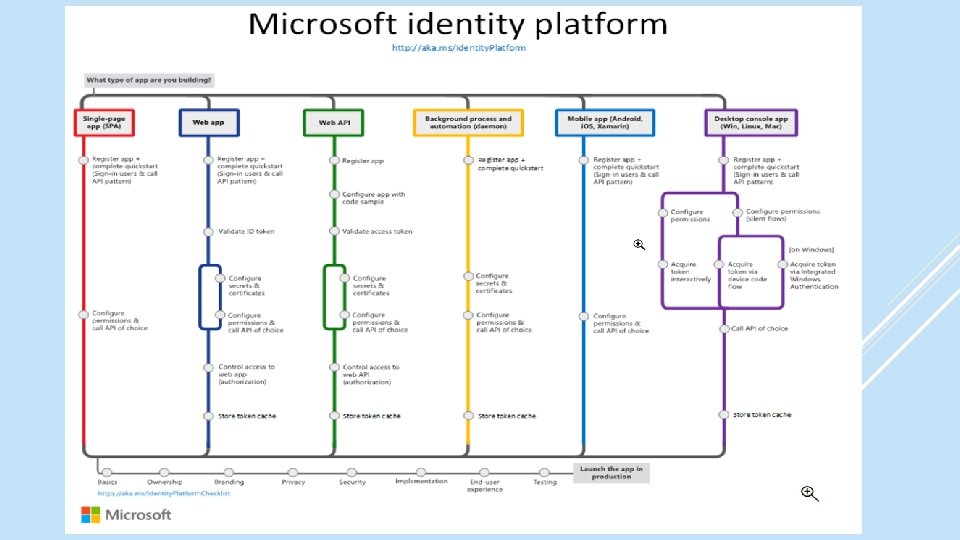
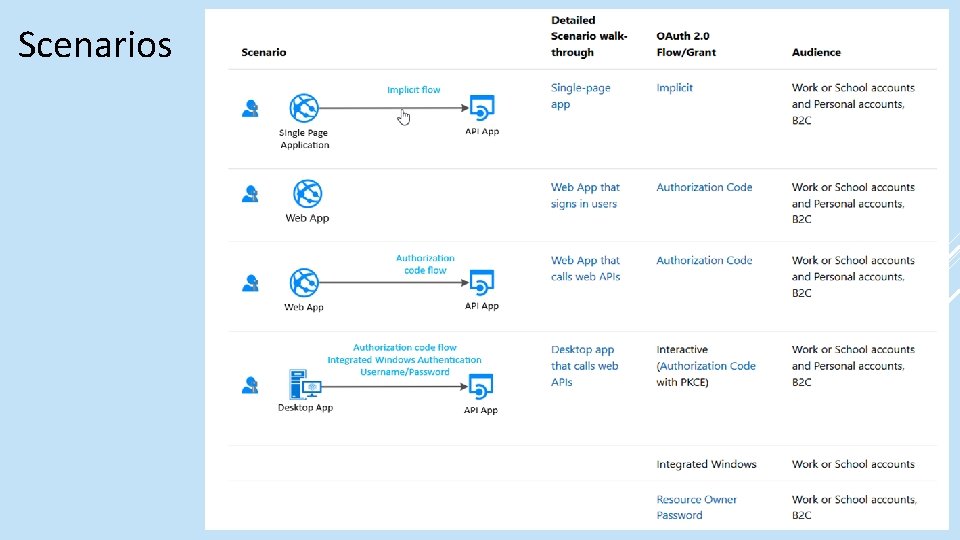
Scenarios
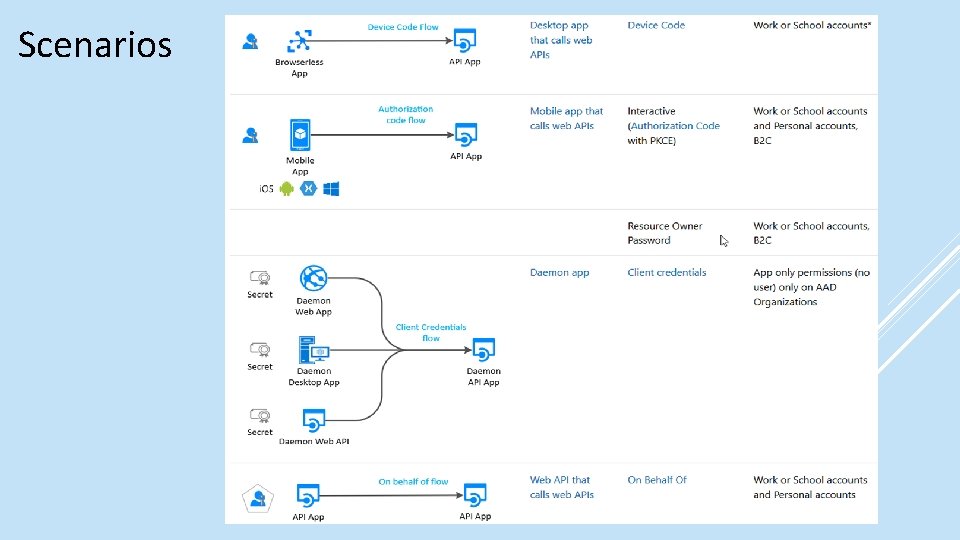
Scenarios
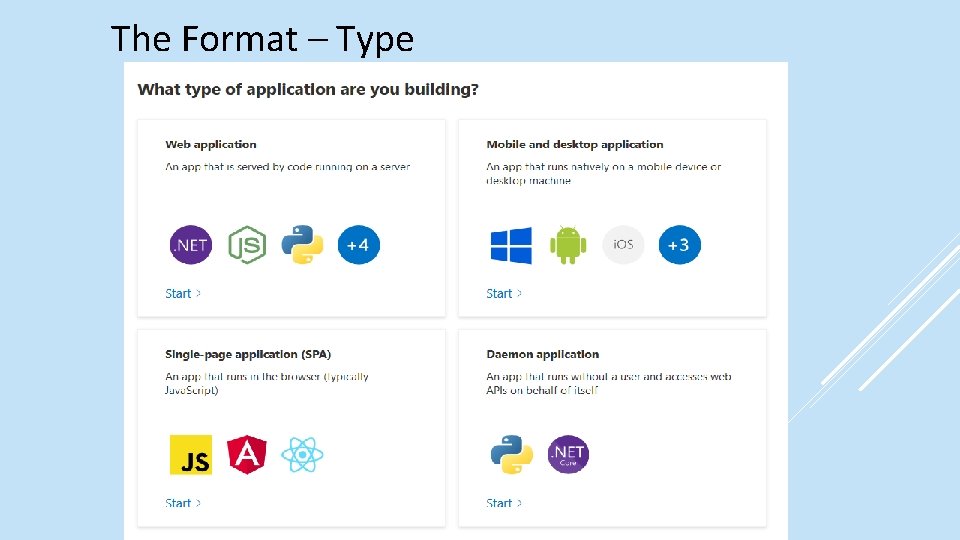
The Format – Type
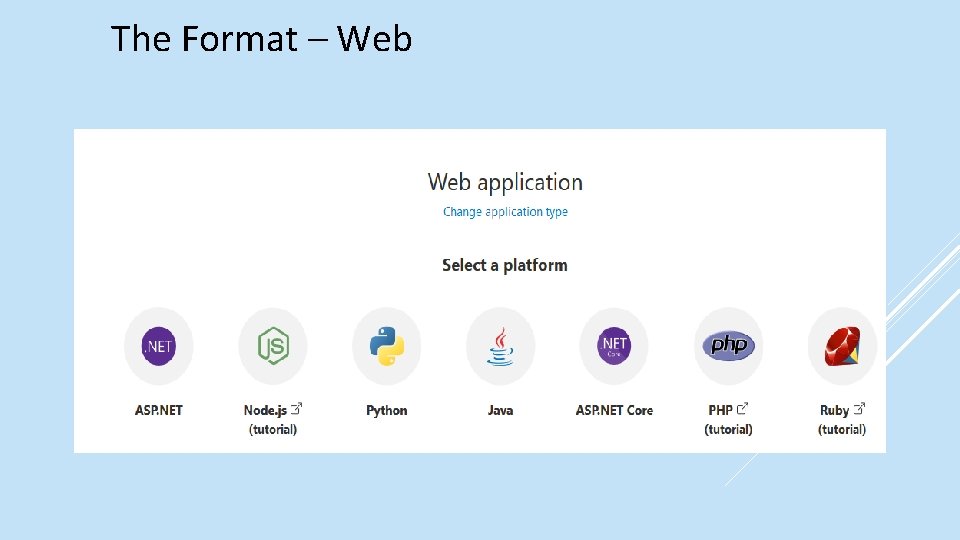
The Format – Web
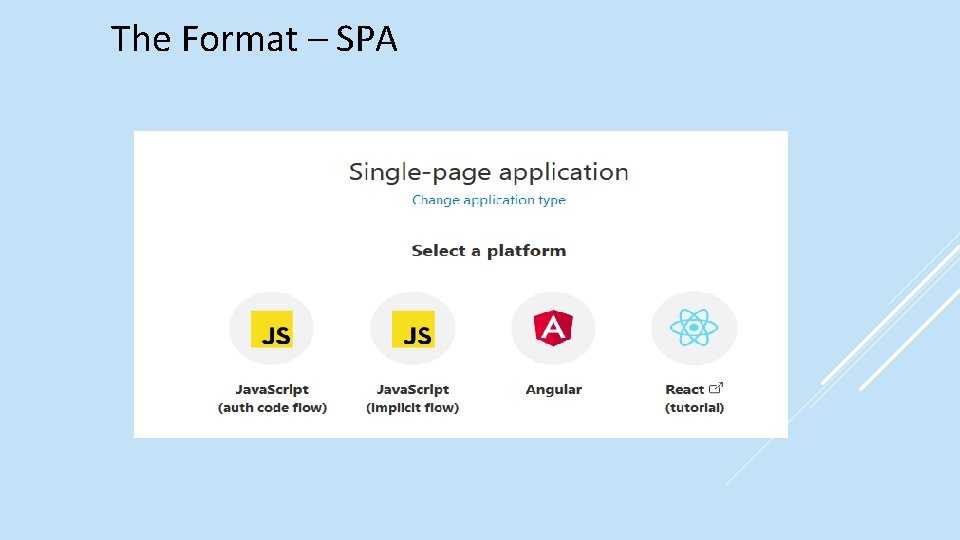
The Format – SPA
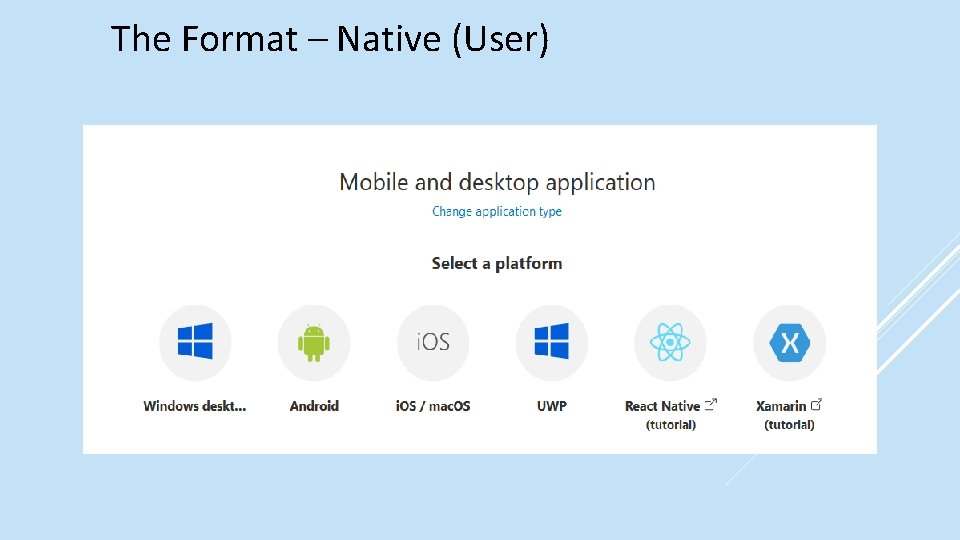
The Format – Native (User)
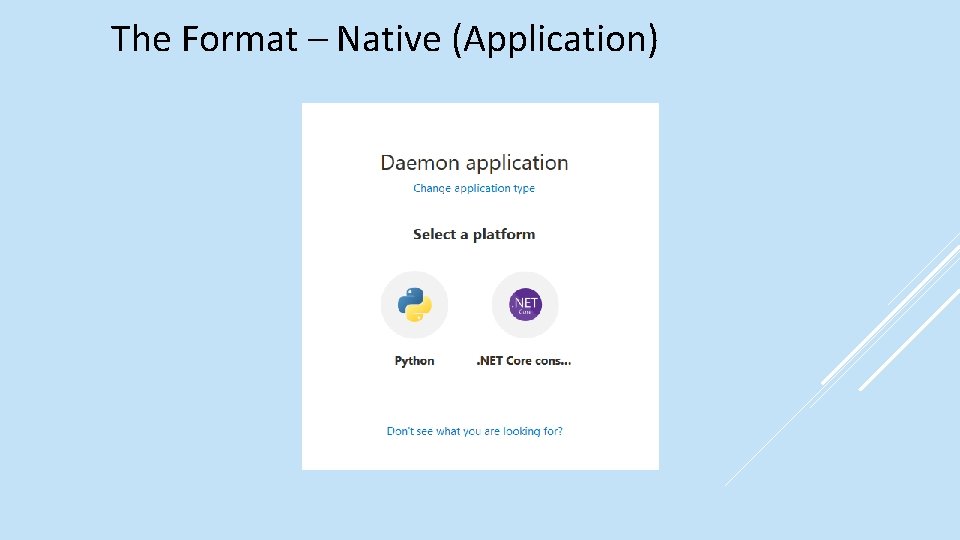
The Format – Native (Application)
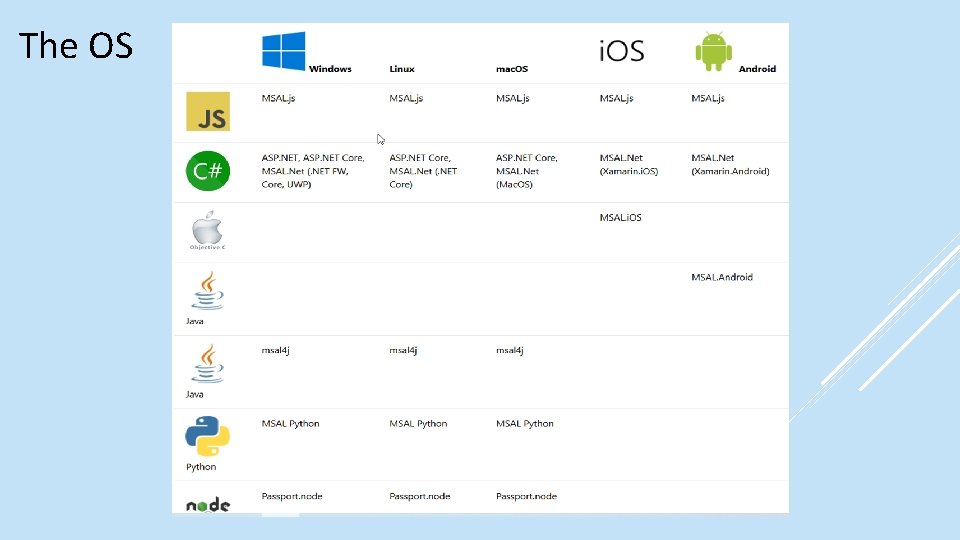
The OS
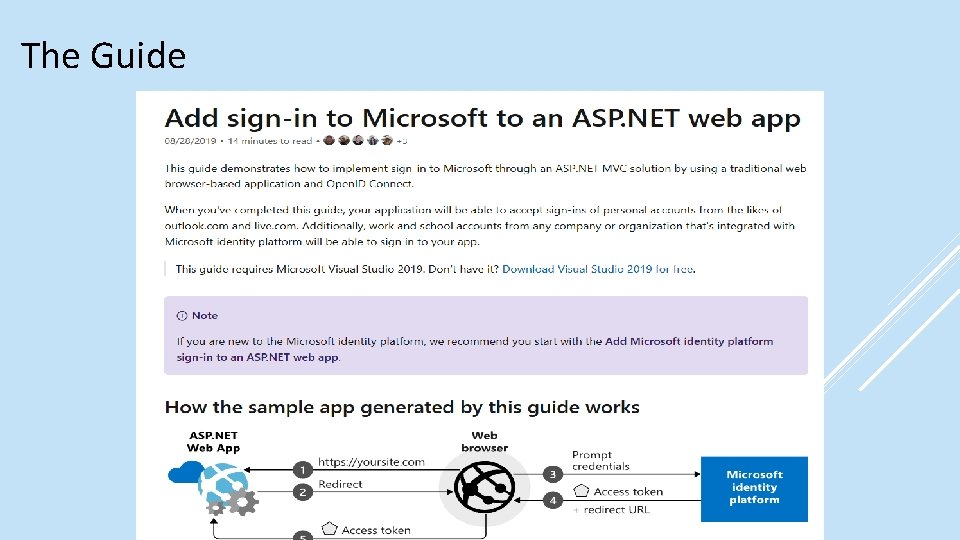
The Guide
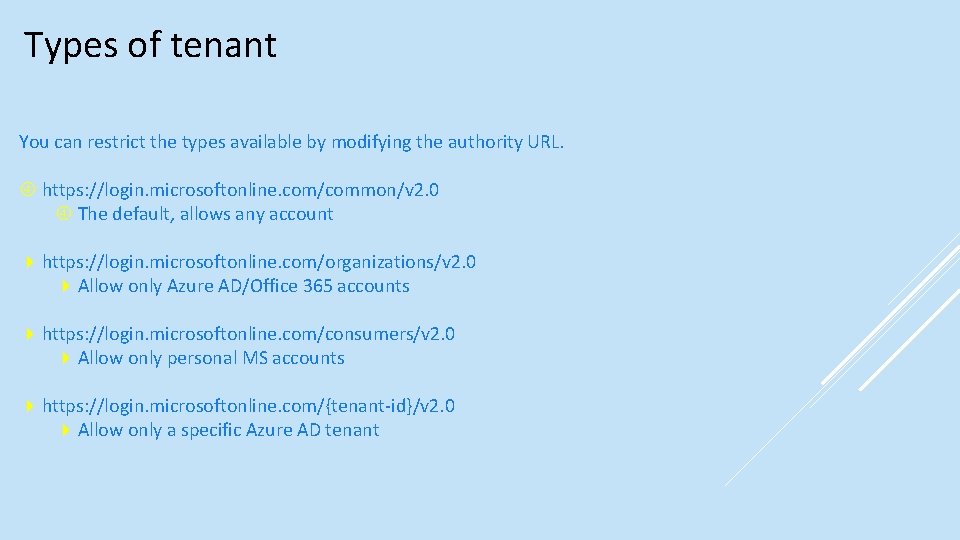
Types of tenant You can restrict the types available by modifying the authority URL. https: //login. microsoftonline. com/common/v 2. 0 The default, allows any account https: //login. microsoftonline. com/organizations/v 2. 0 Allow only Azure AD/Office 365 accounts https: //login. microsoftonline. com/consumers/v 2. 0 Allow only personal MS accounts https: //login. microsoftonline. com/{tenant-id}/v 2. 0 Allow only a specific Azure AD tenant
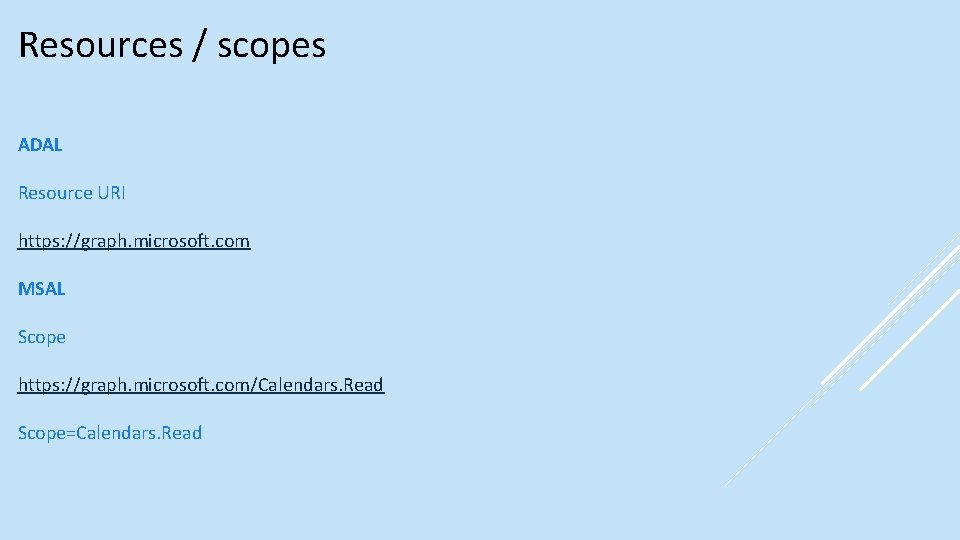
Resources / scopes ADAL Resource URI https: //graph. microsoft. com MSAL Scope https: //graph. microsoft. com/Calendars. Read Scope=Calendars. Read
The rest MSAL - ADFS MSAL connects to Azure AD, which is federated with AD FS MSAL connects directly to AD FS (Server 2019) (Azure Stack) Can use ADAL (Samples available) MSAL – Azure AD B 2 C JS . NET Samples available
The Demo The old way Connected Services. NET Core B 2 C New application registration Samples
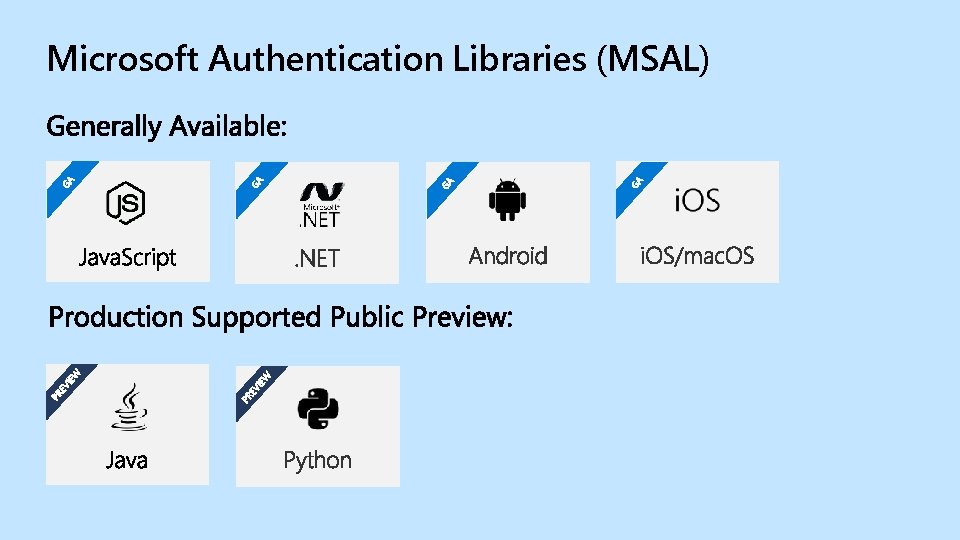
GGAA GA GA EV IEW PR PR EV IEW GA Microsoft Authentication Libraries (MSAL)
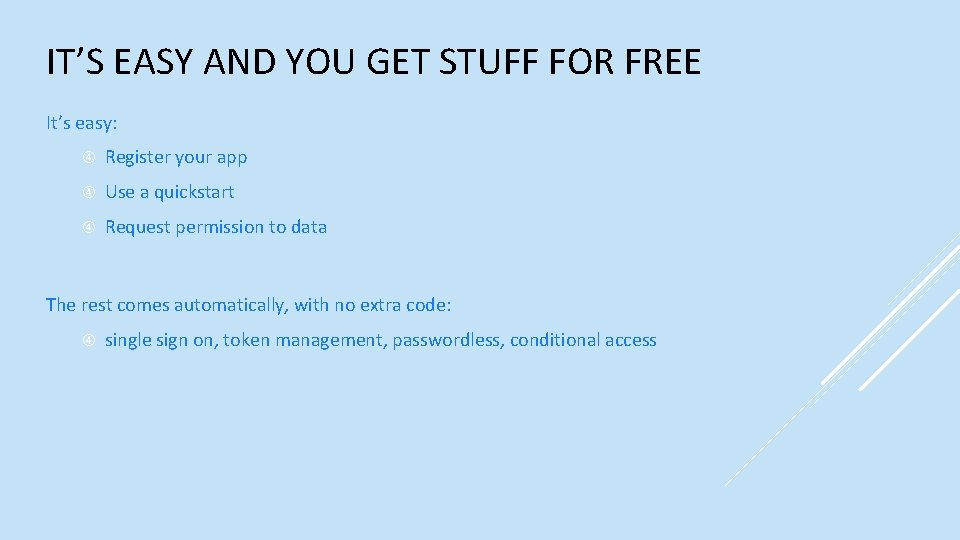
IT’S EASY AND YOU GET STUFF FOR FREE It’s easy: Register your app Use a quickstart Request permission to data The rest comes automatically, with no extra code: single sign on, token management, passwordless, conditional access
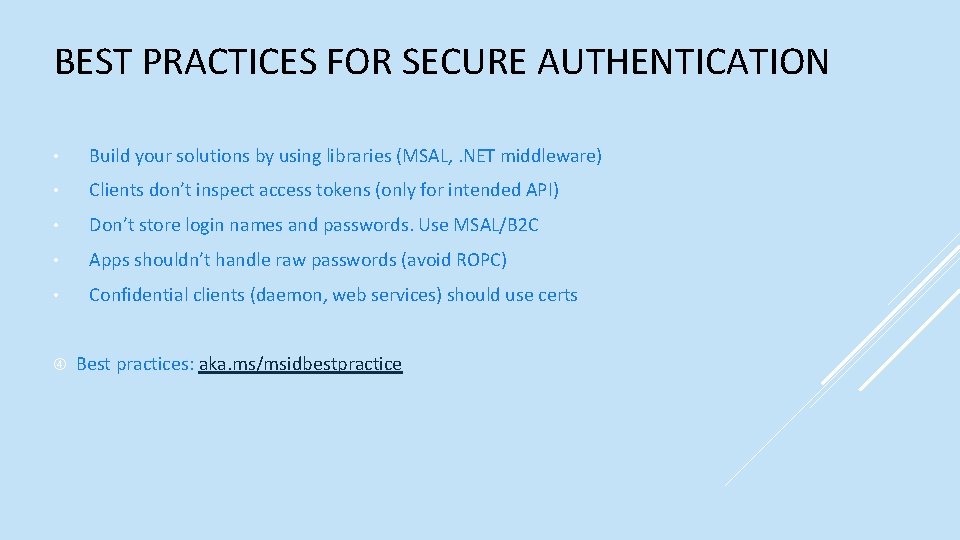
BEST PRACTICES FOR SECURE AUTHENTICATION • Build your solutions by using libraries (MSAL, . NET middleware) • Clients don’t inspect access tokens (only for intended API) • Don’t store login names and passwords. Use MSAL/B 2 C • Apps shouldn’t handle raw passwords (avoid ROPC) • Confidential clients (daemon, web services) should use certs Best practices: aka. ms/msidbestpractice
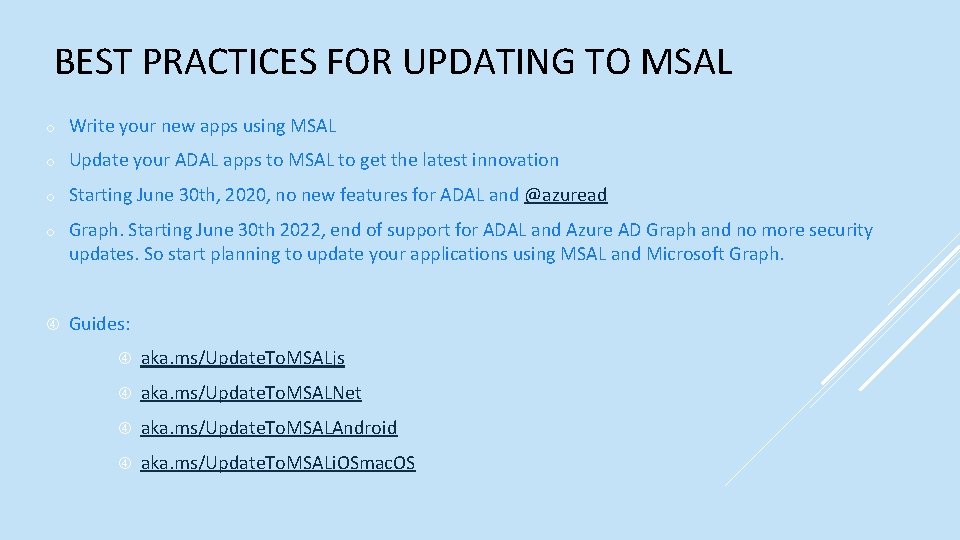
BEST PRACTICES FOR UPDATING TO MSAL o Write your new apps using MSAL o Update your ADAL apps to MSAL to get the latest innovation o Starting June 30 th, 2020, no new features for ADAL and @azuread o Graph. Starting June 30 th 2022, end of support for ADAL and Azure AD Graph and no more security updates. So start planning to update your applications using MSAL and Microsoft Graph. Guides: aka. ms/Update. To. MSALjs aka. ms/Update. To. MSALNet aka. ms/Update. To. MSALAndroid aka. ms/Update. To. MSALi. OSmac. OS
Microsoft. Identity. Web
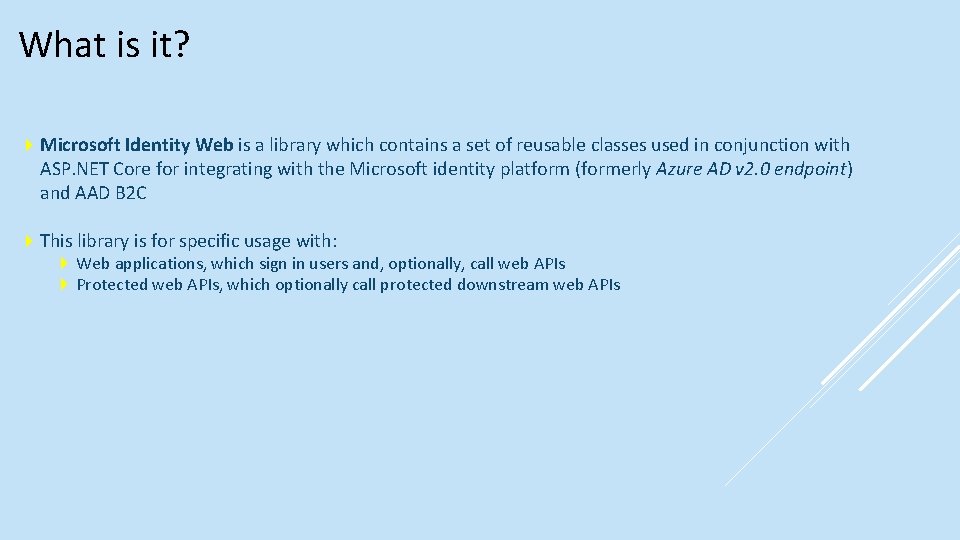
What is it? Microsoft Identity Web is a library which contains a set of reusable classes used in conjunction with ASP. NET Core for integrating with the Microsoft identity platform (formerly Azure AD v 2. 0 endpoint) and AAD B 2 C This library is for specific usage with: Web applications, which sign in users and, optionally, call web APIs Protected web APIs, which optionally call protected downstream web APIs
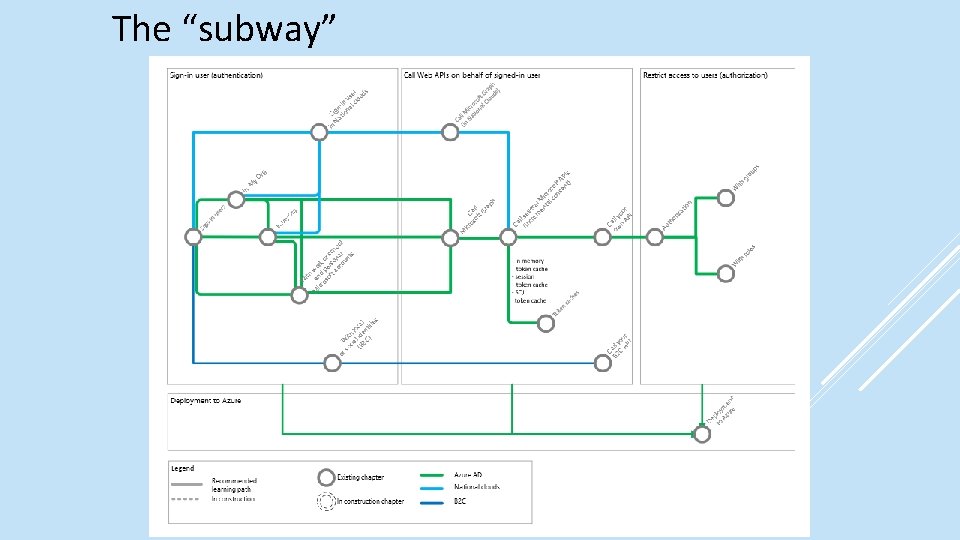
The “subway”
Microsoft Graph Toolkit
What is it? The Microsoft Graph Toolkit is a collection of reusable, framework-agnostic web components and helpers for accessing and working with Microsoft Graph. The components are fully functional right of out of the box, with built in providers that authenticate with and fetch data from Microsoft Graph Web components e. g. Login Person People Agenda Providers e. g. MSAL Share. Point Teams
Demo
References https: //docs. microsoft. com/en-us/azure/active-directory/develop/ https: //docs. microsoft. com/en-us/azure/activedirectory/develop/identity-platform-integration-checklist https: //www. youtube. com/watch? v=y_fg. JAat. Vhk&feature=youtu. be https: //medium. com/the-new-control-plane https: //aka. ms/msidplatform https: //developer. microsoft. com/en-us/identity https: //myignite. techcommunity. microsoft. com/sessions/81635
References https: //github. com/Azure. AD/microsoft-identity-web https: //github. com/Azure-Samples/active-directory-aspnetcore-webappopenidconnect-v 2#scope-of-this-tutorial https: //github. com/Azure-Samples/active-directory-aspnetcore-webappopenidconnect-v 2/tree/master/1 -Web. App-OIDC/1 -1 -My. Org https: //github. com/Azure-Samples/active-directory-aspnetcore-webappopenidconnect-v 2/tree/master/2 -Web. App-graph-user/2 -1 -Call-MSGraph https: //docs. microsoft. com/en-us/graph/toolkit/overview https: //mgt. dev/? path=/story/components-mgt-agenda--simple https: //docs. microsoft. com/en-us/azure/active-directory/develop/identityplatform-integration-checklist