
The Microsoft Dev Ops Vision Donovan Brown Session
The Microsoft Dev. Ops Vision Donovan Brown
Session Objectives And Takeaways Show Microsoft’s tools address Dev. Ops practices We will tour the products but not full E 2 E demos that is my other session
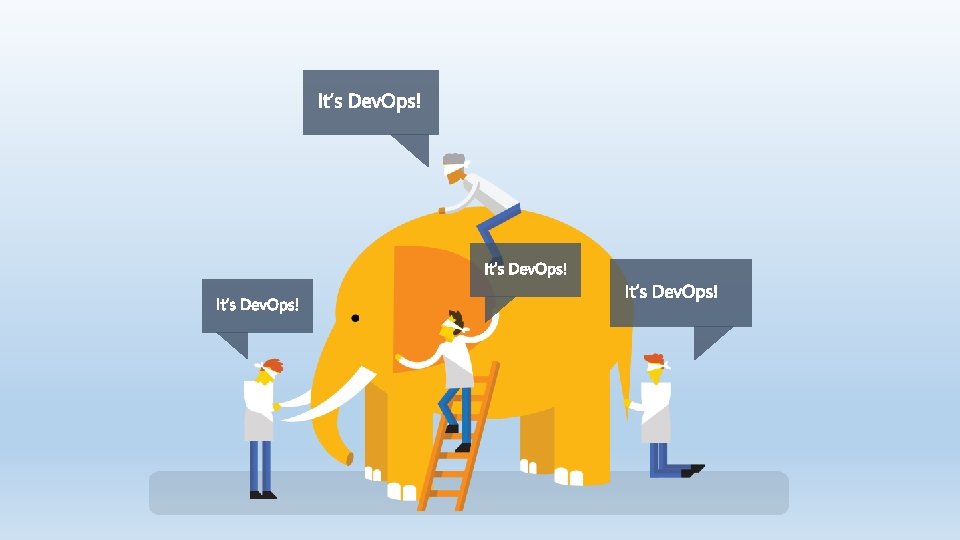
“Dev. Ops is the union of people, process, and products to enable continuous delivery of value to our end users. ” Donovan Brown http: //bit. ly/What. Is-Dev. Ops
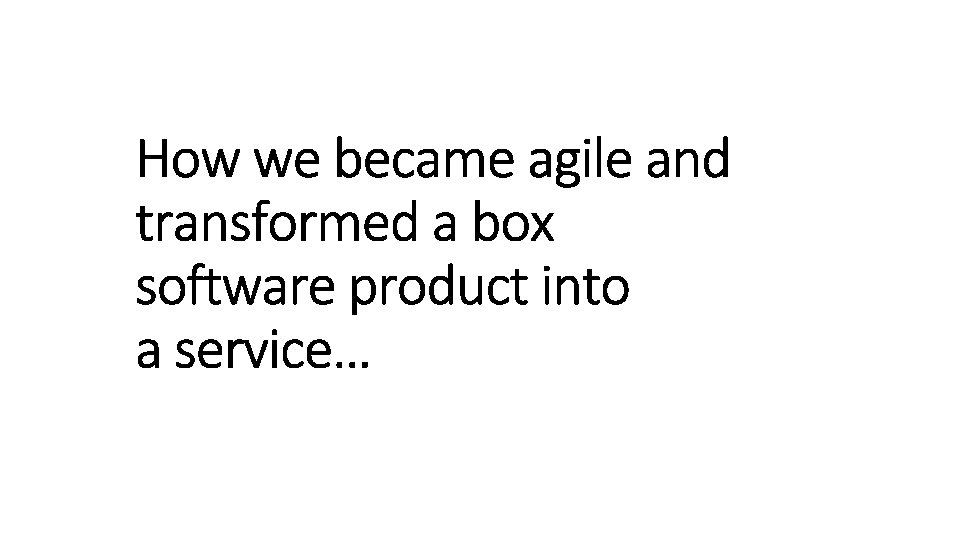
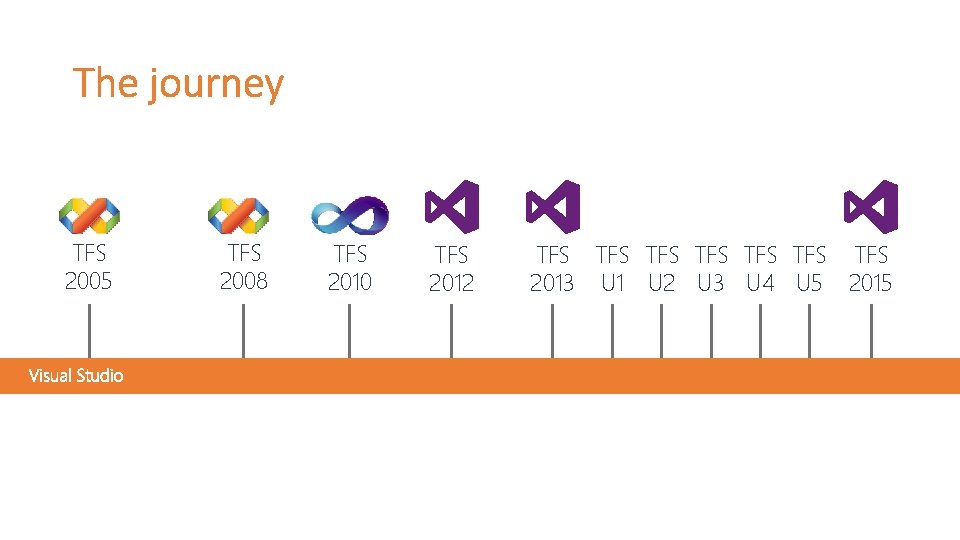
TFS 2005 TFS 2008 TFS 2010 TFS 2012 TFS TFS 2013 U 1 U 2 U 3 U 4 U 5 2015
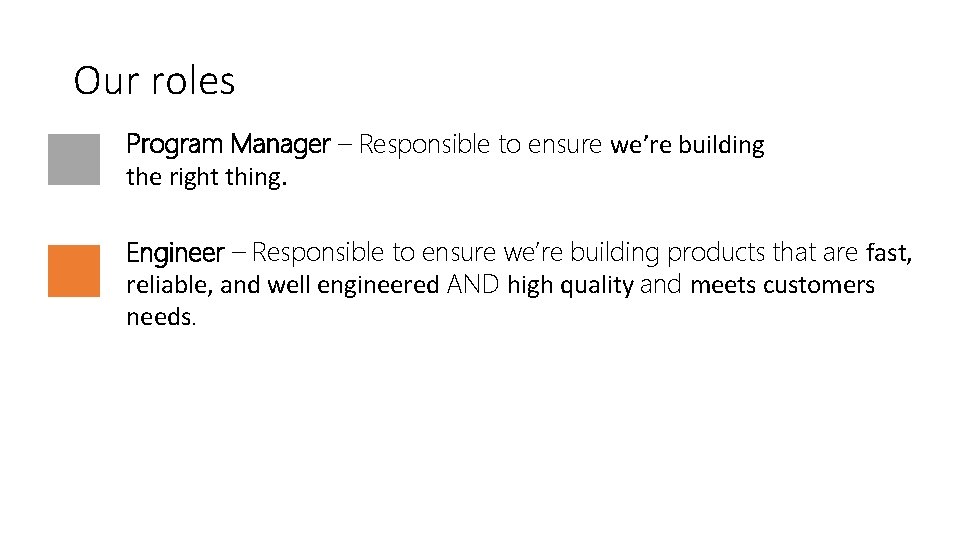
Our roles Program Manager – Responsible to ensure we’re building the right thing. Engineer – Responsible to ensure we’re building products that are fast, reliable, and well engineered AND high quality and meets customers needs.
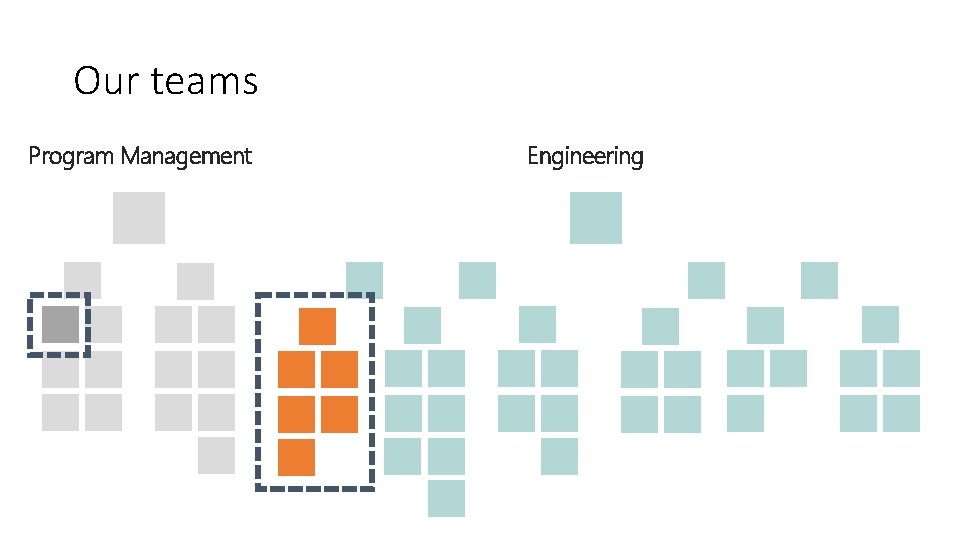
Our teams Program Management Engineering
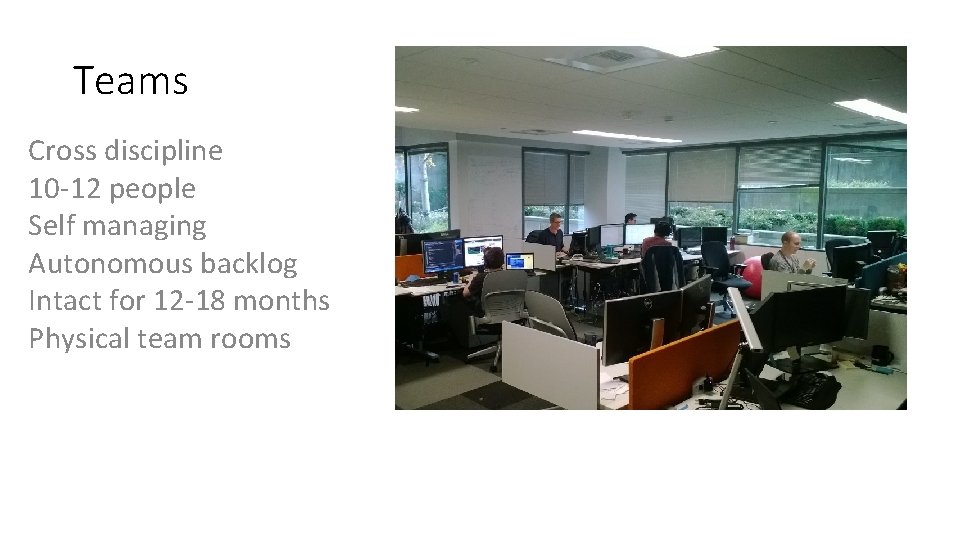
Teams Cross discipline 10 -12 people Self managing Autonomous backlog Intact for 12 -18 months Physical team rooms
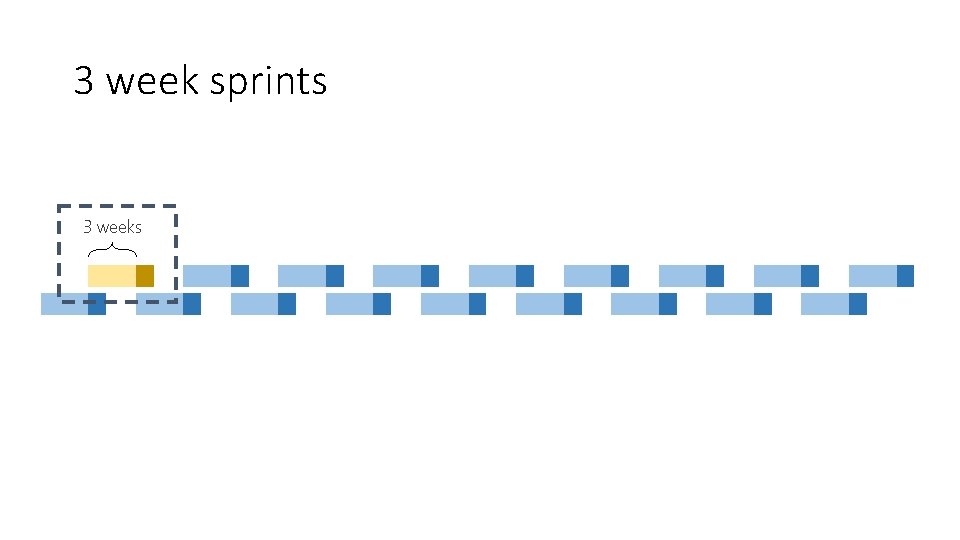
3 week sprints 3 weeks
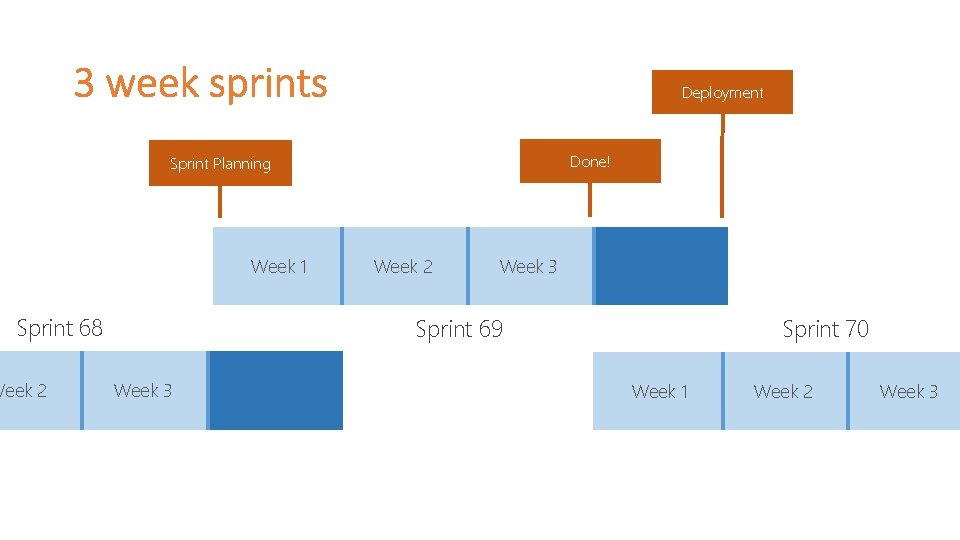
Deployment Done! Sprint Planning Week 1 Sprint 68 Week 2 Week 3 Sprint 70 Sprint 69 Week 3 Week 1 Week 2 Week 3
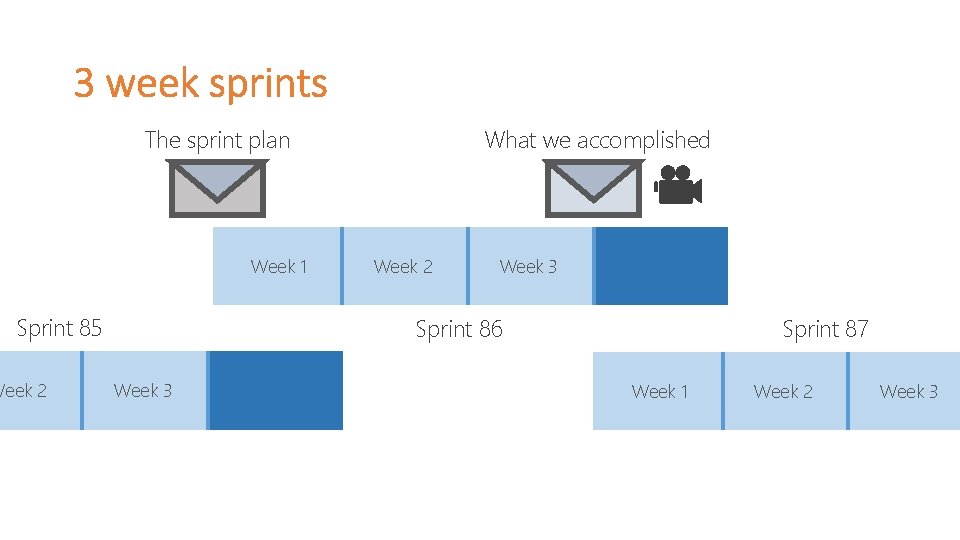
What we accomplished The sprint plan Week 1 Sprint 85 Week 2 Week 3 Sprint 87 Sprint 86 Week 3 Week 1 Week 2 Week 3

Plan Accomplished
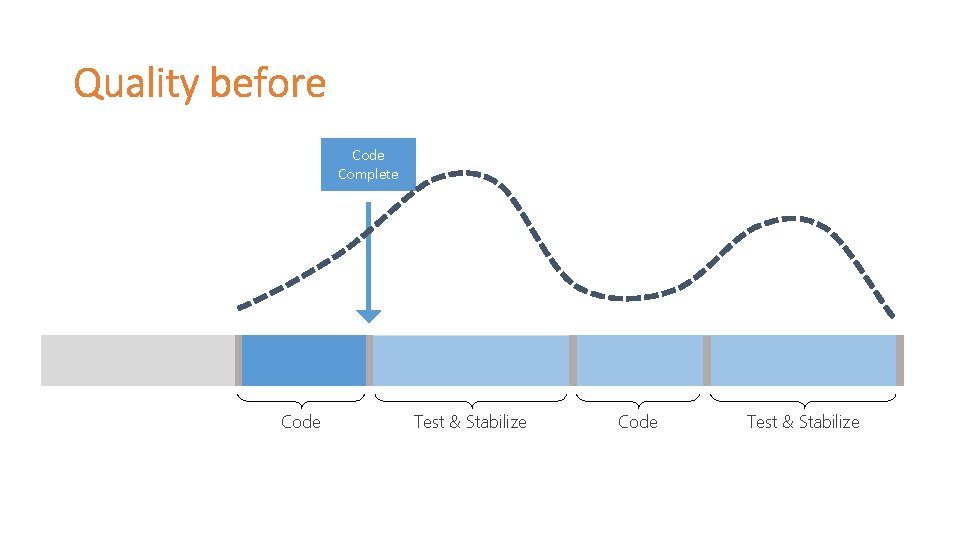
Code Complete Code Test & Stabilize
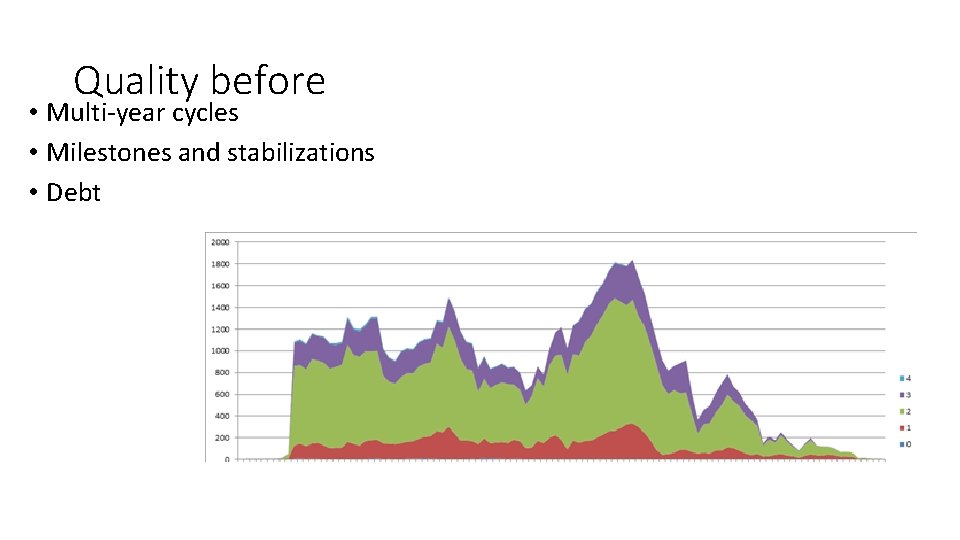
Quality before • Multi-year cycles • Milestones and stabilizations • Debt

Quality after

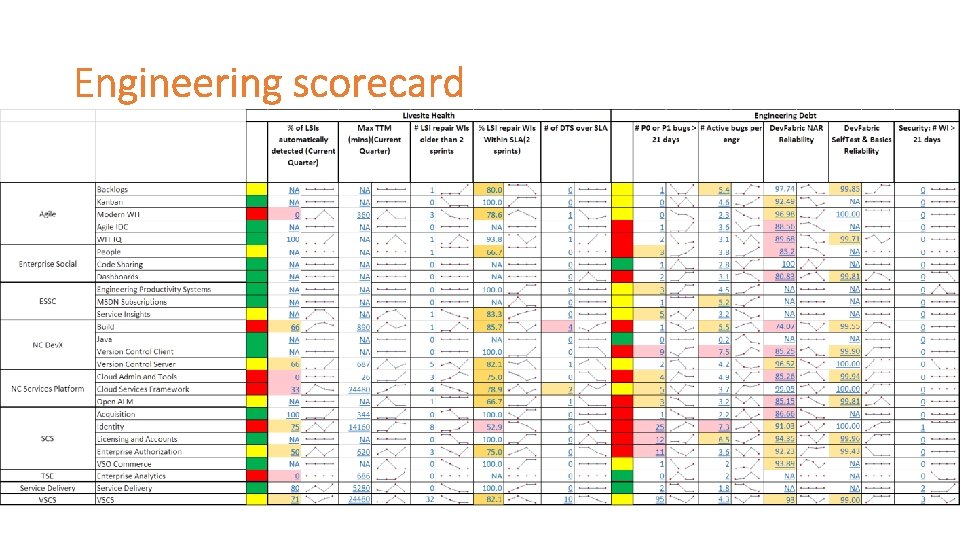
Bugs
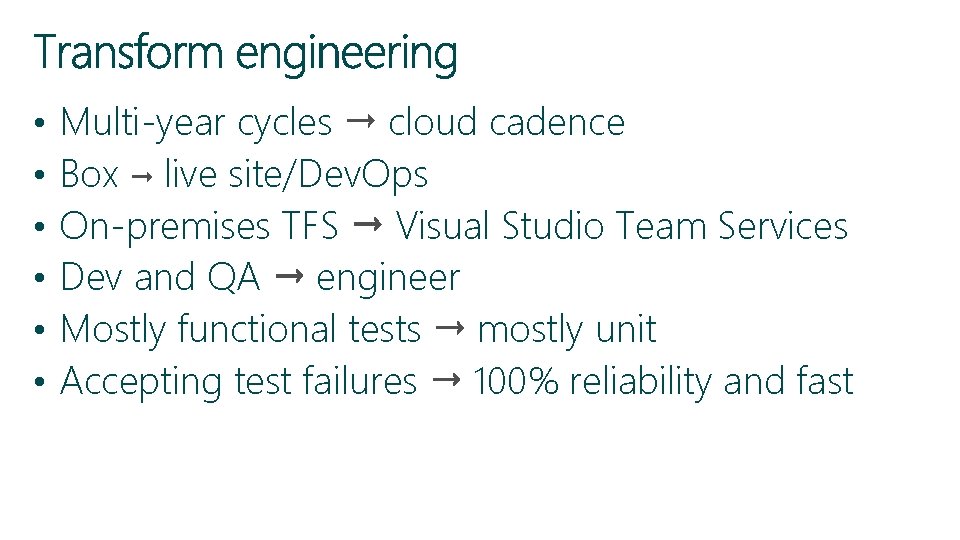
• • • Multi-year cycles cloud cadence Box live site/Dev. Ops On-premises TFS Visual Studio Team Services Dev and QA engineer Mostly functional tests mostly unit Accepting test failures 100% reliability and fast
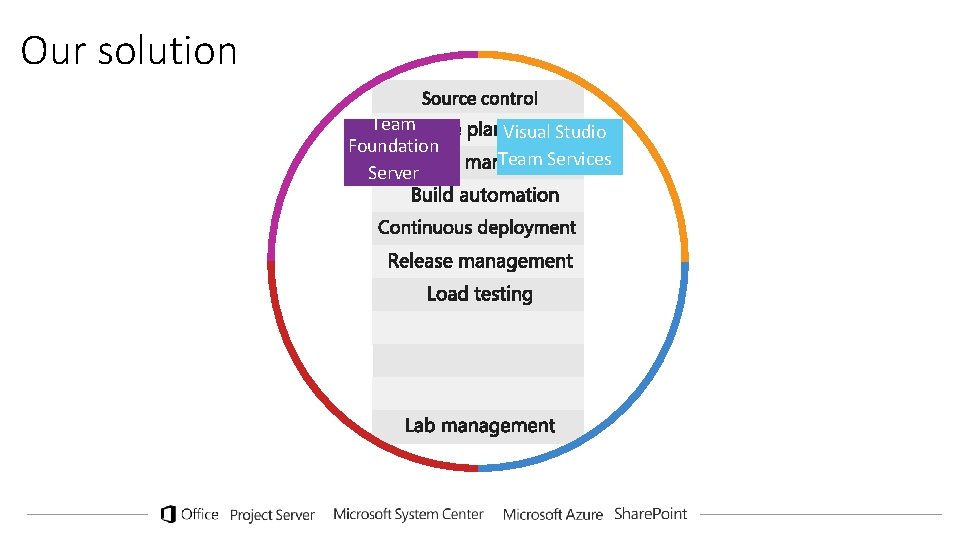
Our solution Team Foundation Server Visual Studio Team Services
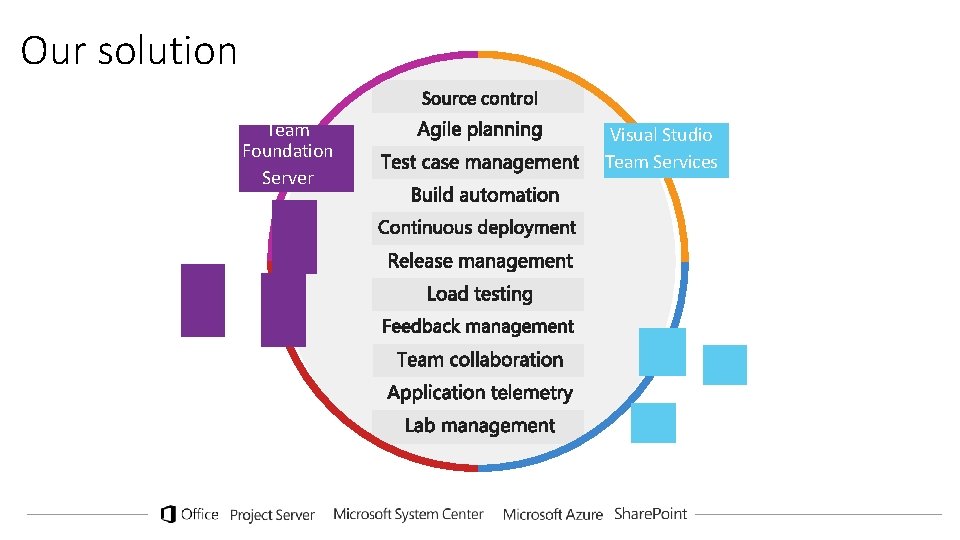
Our solution Team Foundation Server Visual Studio Team Services
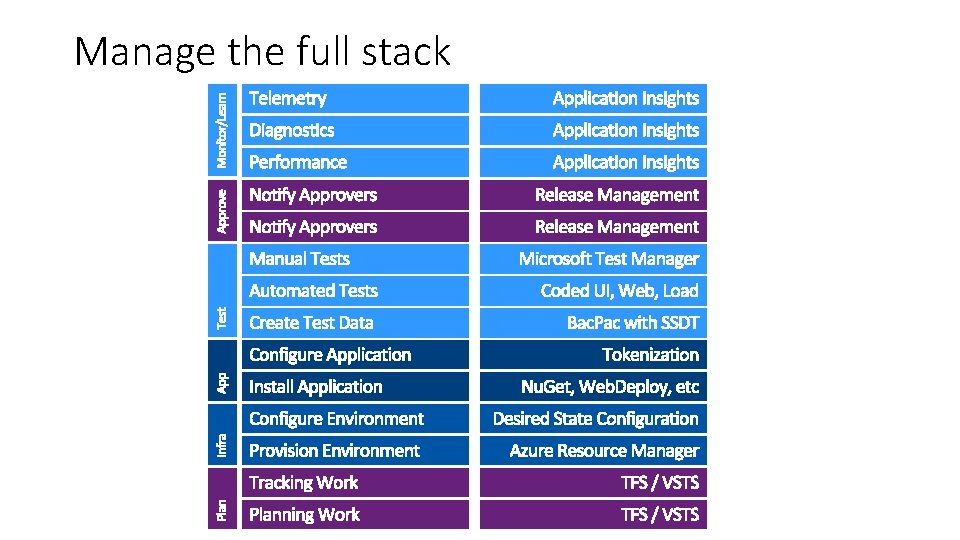
Manage the full stack
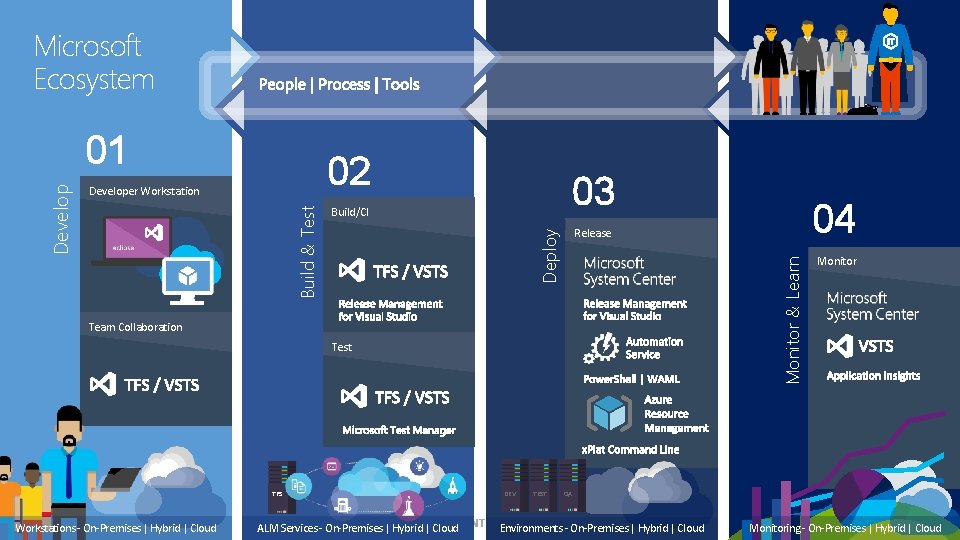
Microsoft Ecosystem 02 03 Build/CI Monitor & Learn Team Collaboration Test TFS Workstations - On-Premises | Hybrid | Cloud ALM Services - On-Premises | Hybrid | Cloud DEV TEST 04 Release Deploy Developer Workstation Build & Test Develop 01 Monitor QA Environments - On-Premises | Hybrid | Cloud Monitoring - On-Premises | Hybrid | Cloud
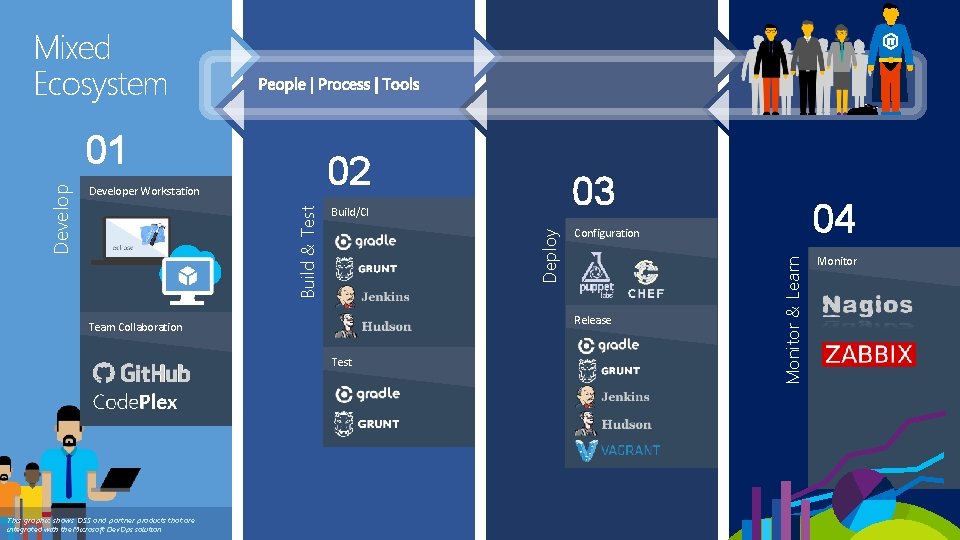
Mixed Ecosystem 02 Monitor & Learn Test 04 Configuration Release Team Collaboration This graphic shows OSS and partner products that are integrated with the Microsoft Dev. Ops solution 03 Build/CI Deploy Developer Workstation Build & Test Develop 01 Monitor
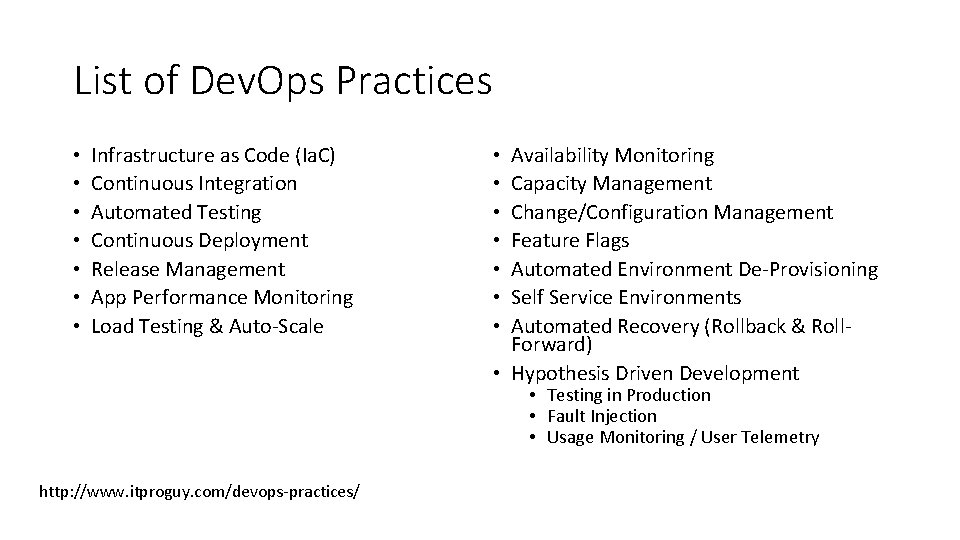
List of Dev. Ops Practices • • Infrastructure as Code (Ia. C) Continuous Integration Automated Testing Continuous Deployment Release Management App Performance Monitoring Load Testing & Auto-Scale Availability Monitoring Capacity Management Change/Configuration Management Feature Flags Automated Environment De-Provisioning Self Service Environments Automated Recovery (Rollback & Roll. Forward) • Hypothesis Driven Development • • Testing in Production • Fault Injection • Usage Monitoring / User Telemetry http: //www. itproguy. com/devops-practices/
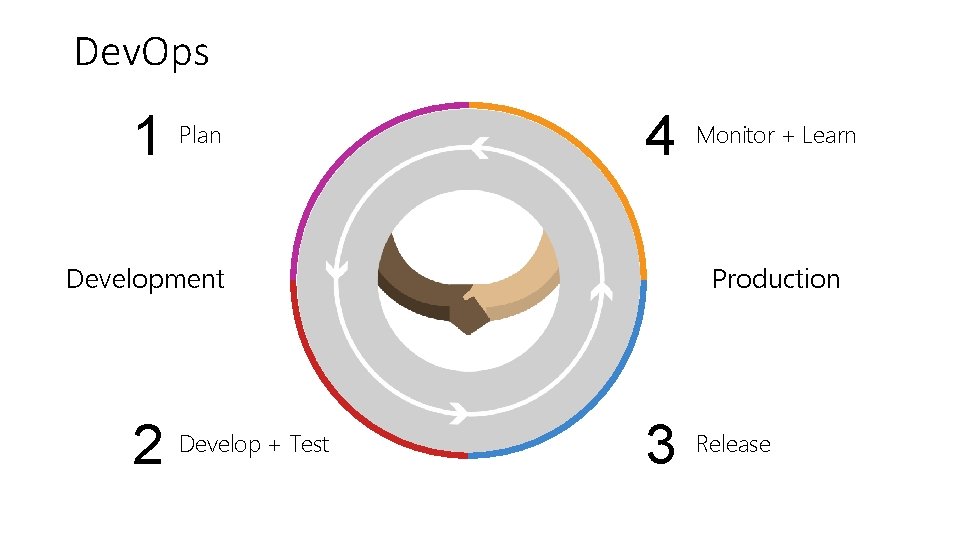
Dev. Ops 1 Plan 4 Development 2 Develop + Test Monitor + Learn Production 3 Release
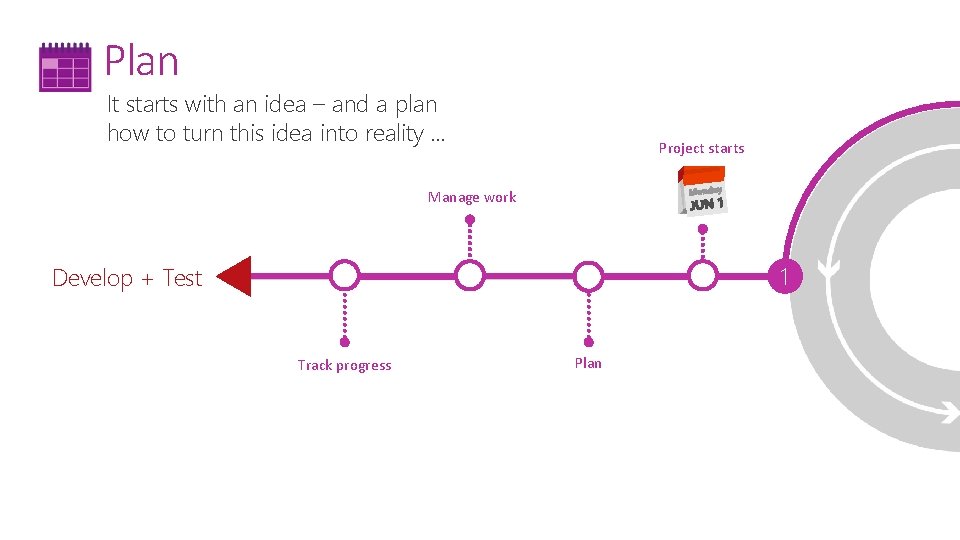
Plan It starts with an idea – and a plan how to turn this idea into reality … Project starts Manage work 1 Develop + Test Track progress Plan
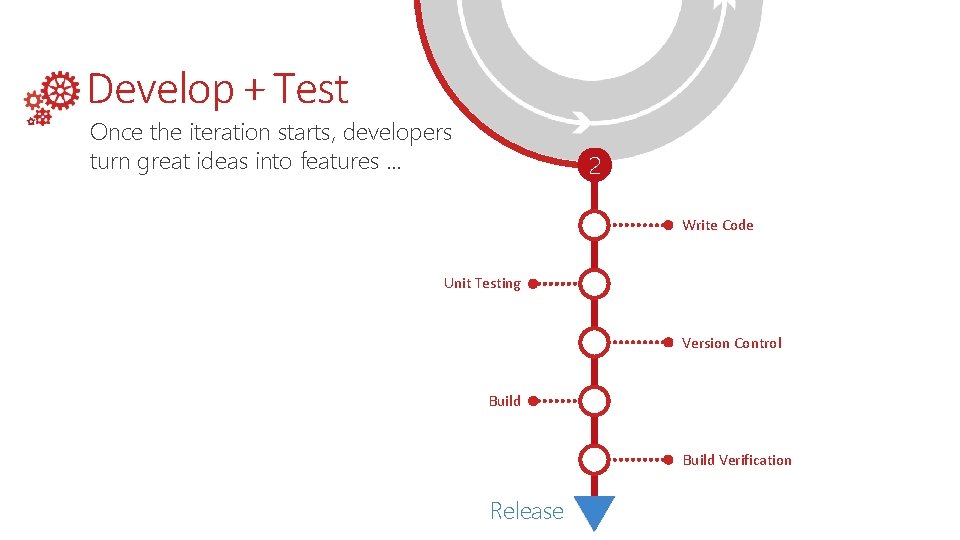
Develop + Test Once the iteration starts, developers turn great ideas into features … 2 Write Code Unit Testing Version Control Build Verification Release

Continuous Integration
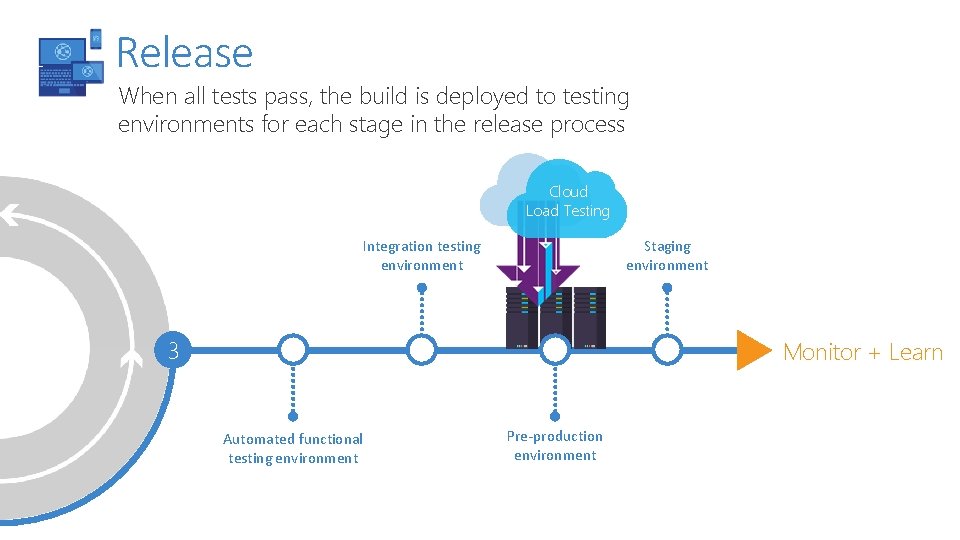
Release When all tests pass, the build is deployed to testing environments for each stage in the release process Cloud Load Testing Integration testing environment Staging environment 3 Monitor + Learn Automated functional testing environment Pre-production environment
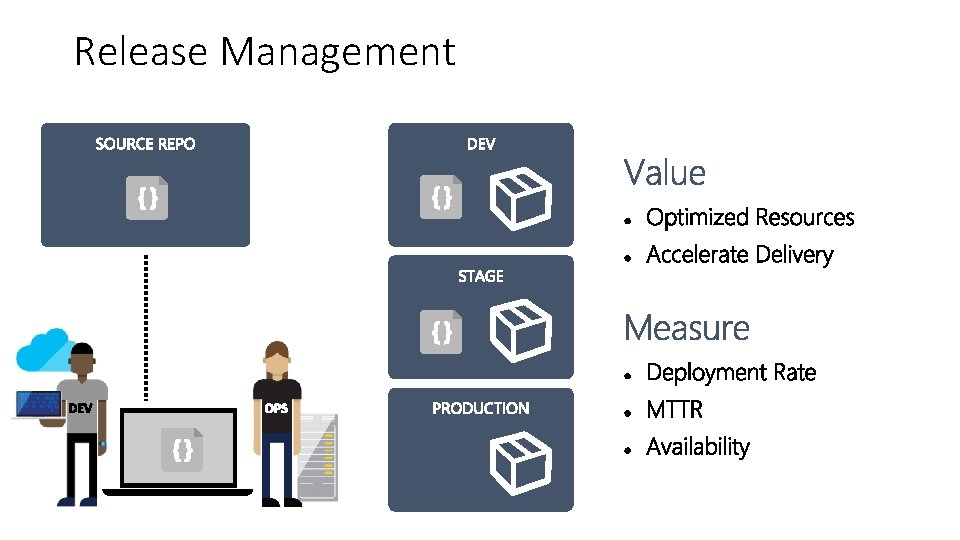
Release Management
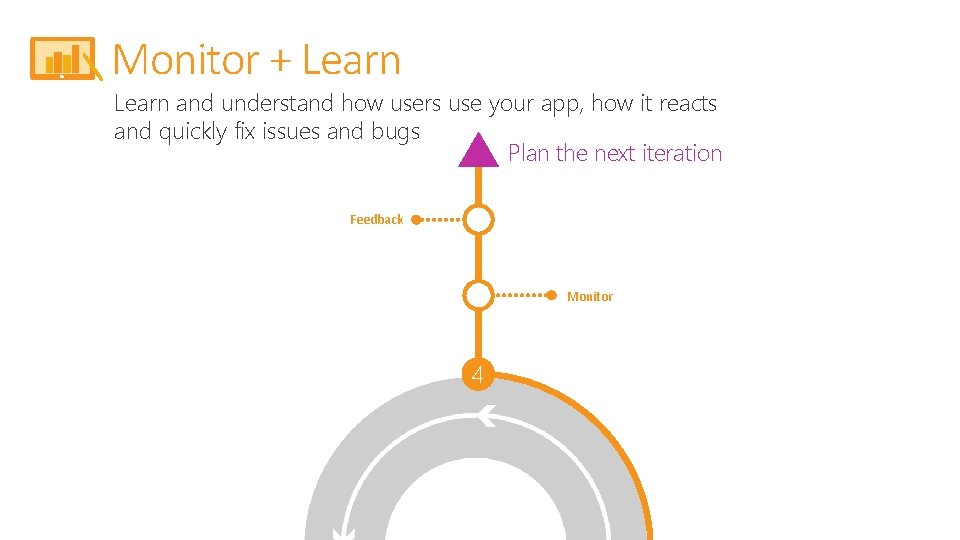
Monitor + Learn and understand how users use your app, how it reacts and quickly fix issues and bugs Plan the next iteration Feedback Monitor 4

Monitor and Learn
- Slides: 38