
The Linux Scheduler 2 4 vs 2 6
![Priority Array struct prio_array { unsigned int nr_active; unsigned long bitmap[BITMAP_SIZE]; struct list_head queue[MAX_PRIO];](https://slidetodoc.com/presentation_image_h/cfb0eff7cd132caf35b1b00d065d5144/image-12.jpg "Priority Array struct prio_array { unsigned int nr_active; unsigned long bitmap[BITMAP_SIZE]; struct list_head queue[MAX_PRIO];")
- Slides: 17
The Linux Scheduler 2. 4 vs 2. 6 Michael Mc. Cabe mccabemt@clarkson. edu
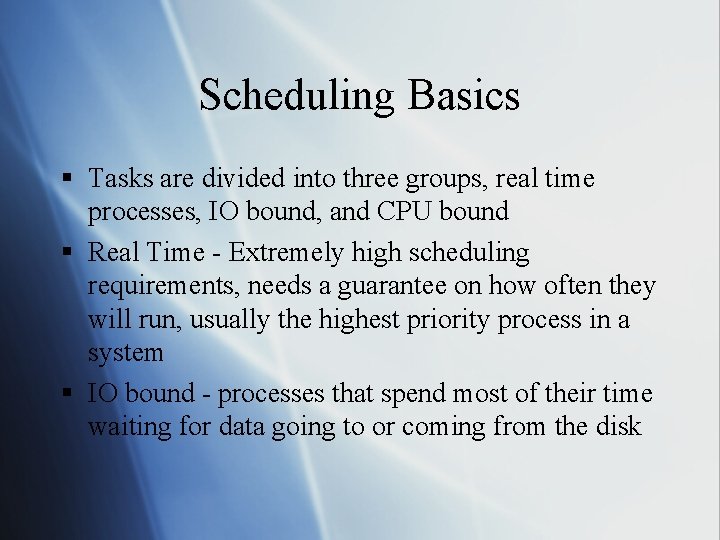
Scheduling Basics § Tasks are divided into three groups, real time processes, IO bound, and CPU bound § Real Time - Extremely high scheduling requirements, needs a guarantee on how often they will run, usually the highest priority process in a system § IO bound - processes that spend most of their time waiting for data going to or coming from the disk
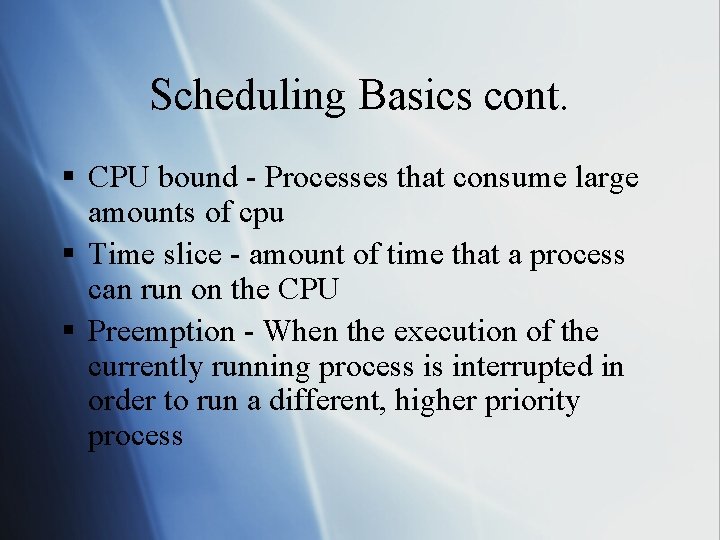
Scheduling Basics cont. § CPU bound - Processes that consume large amounts of cpu § Time slice - amount of time that a process can run on the CPU § Preemption - When the execution of the currently running process is interrupted in order to run a different, higher priority process
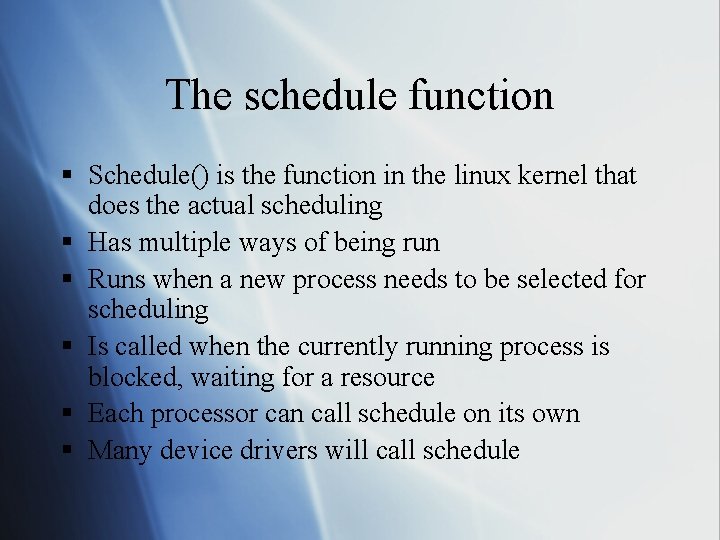
The schedule function § Schedule() is the function in the linux kernel that does the actual scheduling § Has multiple ways of being run § Runs when a new process needs to be selected for scheduling § Is called when the currently running process is blocked, waiting for a resource § Each processor can call schedule on its own § Many device drivers will call schedule
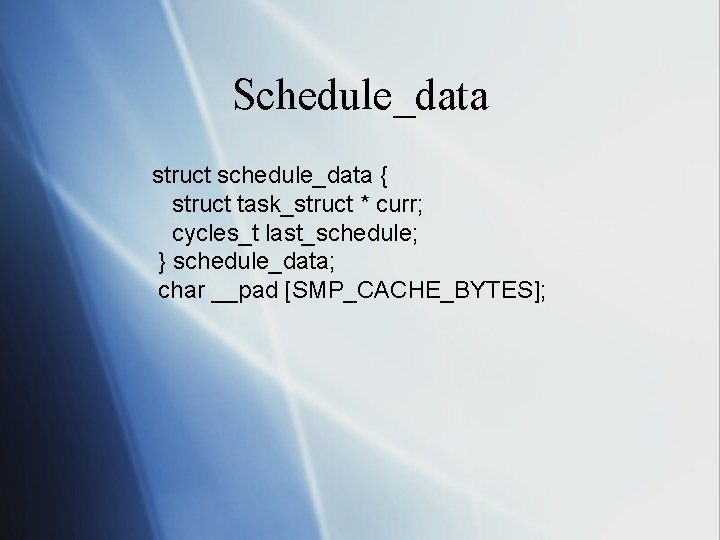
2. 4 Basics § 1400 Lines of code § Three basic data structures § Basic data structure is schedule_data. This data structure contains a pointer to the currently running process and the timestamp of the last time the schedule function ran § There is one run queue, and it’s a linked list
Schedule_data struct schedule_data { struct task_struct * curr; cycles_t last_schedule; } schedule_data; char __pad [SMP_CACHE_BYTES];
Schedule_data explained § Remarkably simple data structure § Defined in sched. c § Contains a time stamp of the last process switch § Also contains a pointer to the process that is currently running
2. 4 SMP § Reschedule_idle checks to see if the process that just moved out of the running state should be moved to a different cpu § It doesn’t use the counter and nice values directly, it uses the goodness function to check priorities § Goodness takes into account the cost of moving a process across cpus
2. 6 Basics § 5700 Lines of code § Run queue and priority arrays are the basic data structures § One run queue per processor § Two priority arrays per run queue
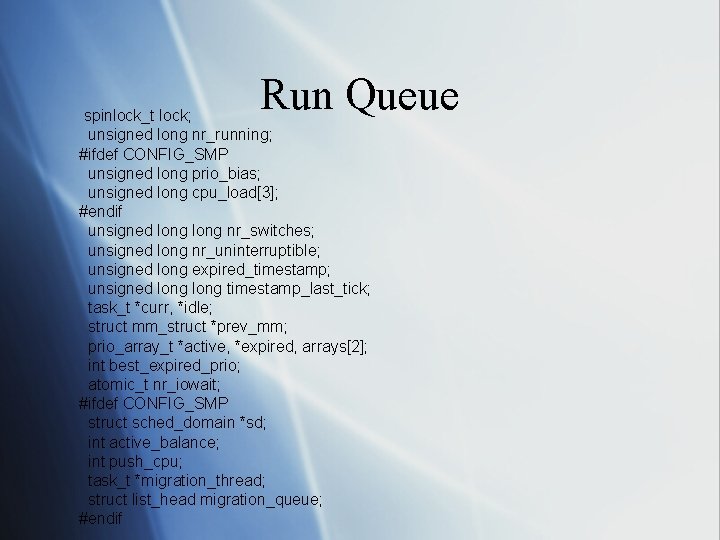
Run Queue spinlock_t lock; unsigned long nr_running; #ifdef CONFIG_SMP unsigned long prio_bias; unsigned long cpu_load[3]; #endif unsigned long nr_switches; unsigned long nr_uninterruptible; unsigned long expired_timestamp; unsigned long timestamp_last_tick; task_t *curr, *idle; struct mm_struct *prev_mm; prio_array_t *active, *expired, arrays[2]; int best_expired_prio; atomic_t nr_iowait; #ifdef CONFIG_SMP struct sched_domain *sd; int active_balance; int push_cpu; task_t *migration_thread; struct list_head migration_queue; #endif
Run queue explained § § Primary scheduling data structure Defined in sched. c Needs to be locked before its modified Locks are obtained on multiple run queues in ascending order
Priority Array struct prio_array { unsigned int nr_active; unsigned long bitmap[BITMAP_SIZE]; struct list_head queue[MAX_PRIO]; };
Priority Arrays explained § Defined in sched. c § Provides constant running time for the scheduling algorithm § Contains lists of runnable processes at each priority level § A bitmap is used to efficiently discover the highest priority process § When a task with priority 10 becomes runnable bit 10 in the bitmap gets set to 1
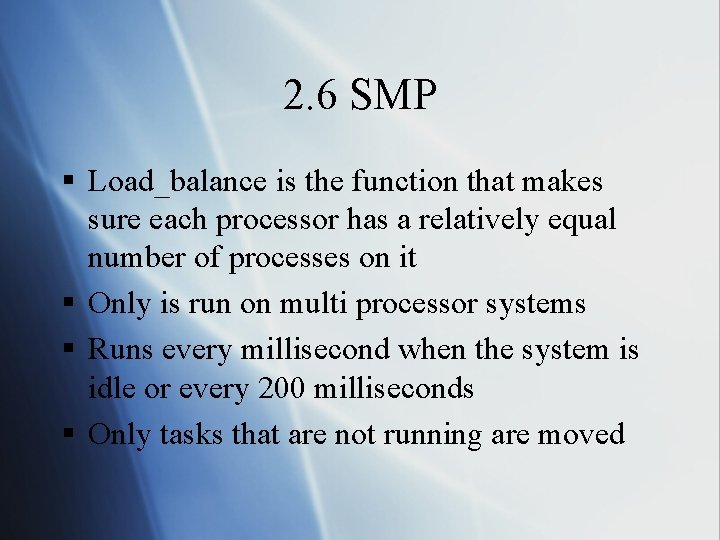
2. 6 SMP § Load_balance is the function that makes sure each processor has a relatively equal number of processes on it § Only is run on multi processor systems § Runs every millisecond when the system is idle or every 200 milliseconds § Only tasks that are not running are moved
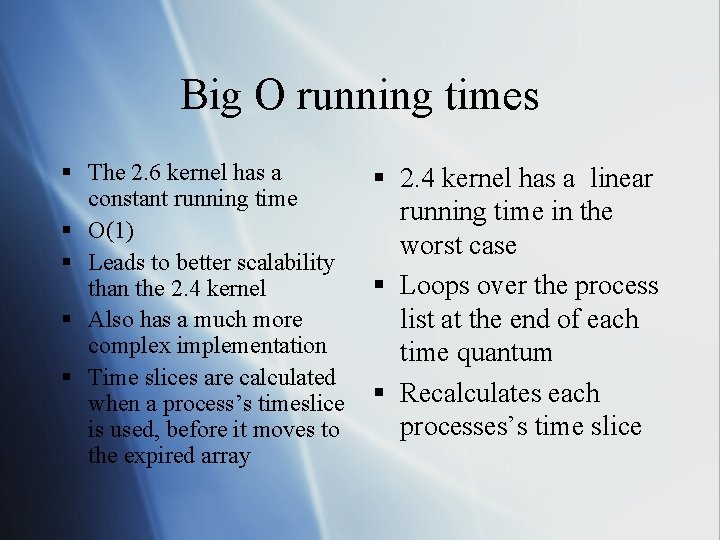
Big O running times § The 2. 6 kernel has a constant running time § O(1) § Leads to better scalability than the 2. 4 kernel § Also has a much more complex implementation § Time slices are calculated when a process’s timeslice is used, before it moves to the expired array § 2. 4 kernel has a linear running time in the worst case § Loops over the process list at the end of each time quantum § Recalculates each processes’s time slice
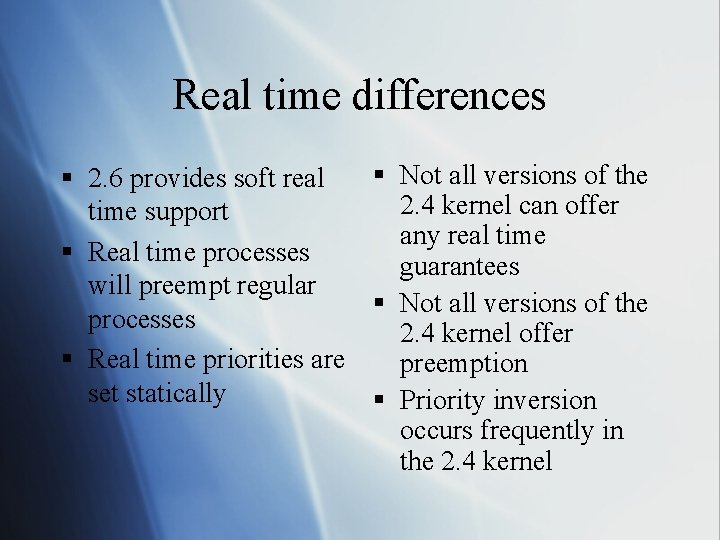
Real time differences § Not all versions of the § 2. 6 provides soft real 2. 4 kernel can offer time support any real time § Real time processes guarantees will preempt regular § Not all versions of the processes 2. 4 kernel offer § Real time priorities are preemption set statically § Priority inversion occurs frequently in the 2. 4 kernel
References § § § Understanding the Linux Kernel 2 nd Edition Kernel newbies Linux Kernel Cross Reference Linux Kernel Development Linux Device Drivers 3 rd Edition