
The IPPBX The AnalogLegacy PBX is dying Advantages
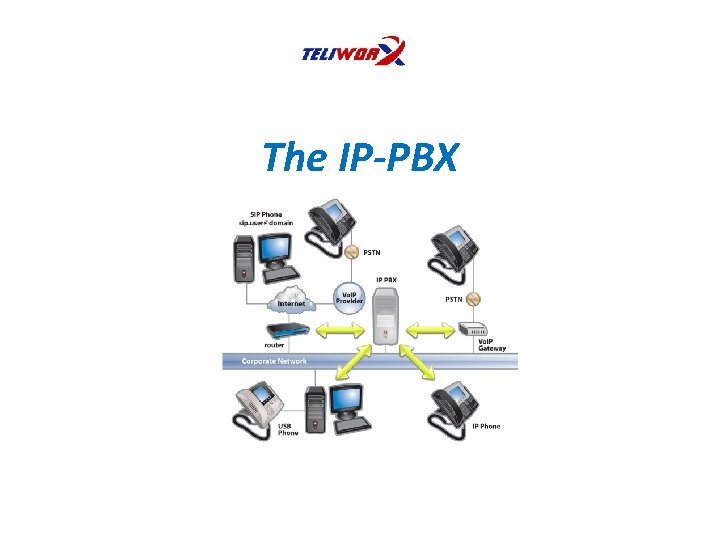
The IP-PBX
The Analog/Legacy PBX is dying… Advantages of IP PBXs. . . 1. Single Network Easy installation an setup Traditional PBXs require their own network and it is quite expensive/time consuming to build a separate telephone network spanning the entire business location(s). With IP Telephony, the Computer Network can be used to carry voice, video, data, and mobility features • • 2. Multiple Office Peering • IP PBXs transmit voice calls over the WAN IP Network 3. GIGANTIC Cost Savings • • No Long distance with Vo. IP (North America) Sip Trunking 4. Much easier System Management • • Web User Interface Hosted IP PBX (managed by provider)
The Analog/Legacy PBX is dying… 5. Softswitches • Advantages of IP PBXs. . . Some IP PBXs are software that can be run on premise or in the cloud 6. Integration of multiple technologies • • Unified Communications (voice, video, data, and mobility Mobile – softphone use Fax CRM software 7. State-of-the-art Security • Encryption (TLS and SRTP) 8. Scalable • • Add more users/extensions as you need them Choose and customize the features you need 9. SIP Endpoints rock! • Power of the internet and mobile devices in one
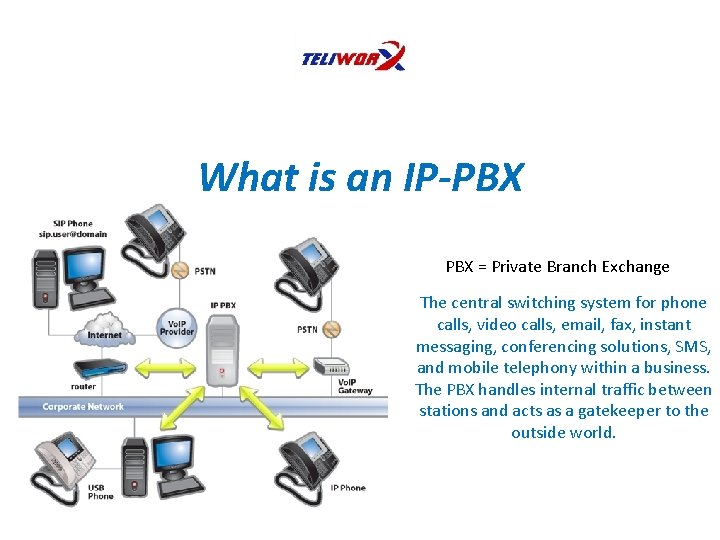
What is an IP-PBX = Private Branch Exchange The central switching system for phone calls, video calls, email, fax, instant messaging, conferencing solutions, SMS, and mobile telephony within a business. The PBX handles internal traffic between stations and acts as a gatekeeper to the outside world.
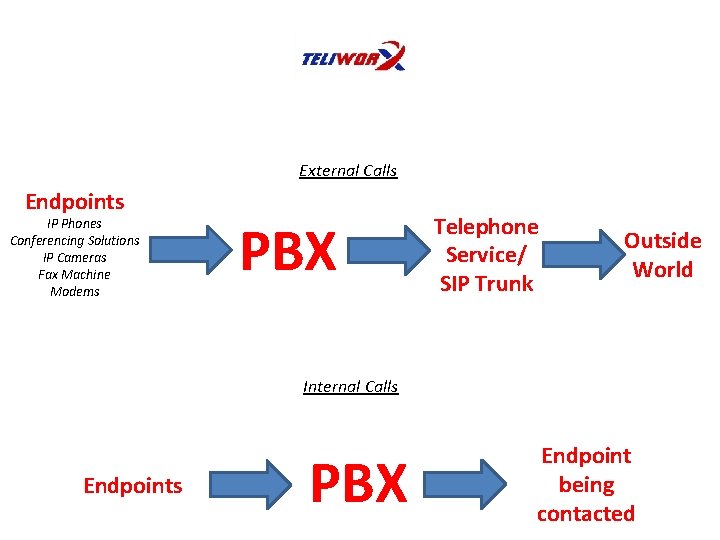
External Calls Endpoints IP Phones Conferencing Solutions IP Cameras Fax Machine Modems PBX Telephone Service/ SIP Trunk Outside World Internal Calls Endpoints PBX Endpoint being contacted
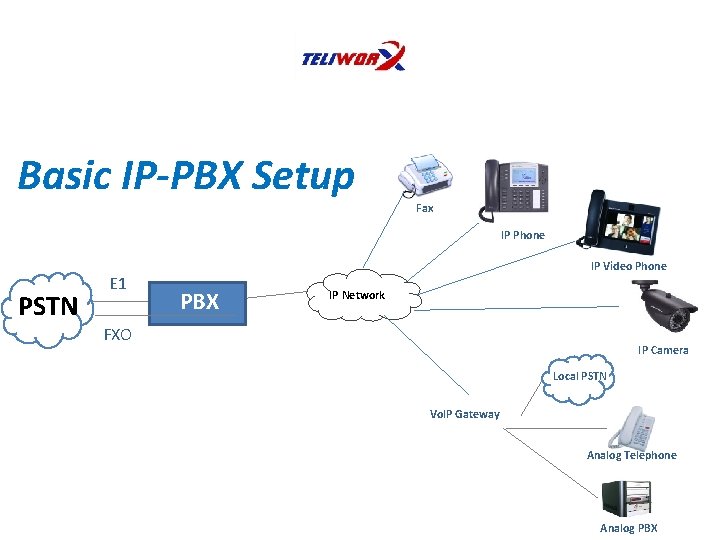
Basic IP-PBX Setup Fax IP Phone PSTN E 1 IP Video Phone PBX IP Network FXO IP Camera Local PSTN Vo. IP Gateway Analog Telephone Analog PBX
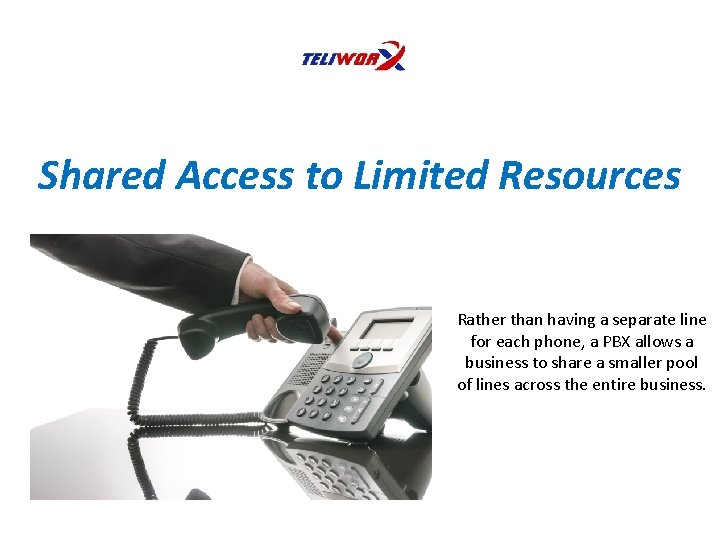
Shared Access to Limited Resources Rather than having a separate line for each phone, a PBX allows a business to share a smaller pool of lines across the entire business.
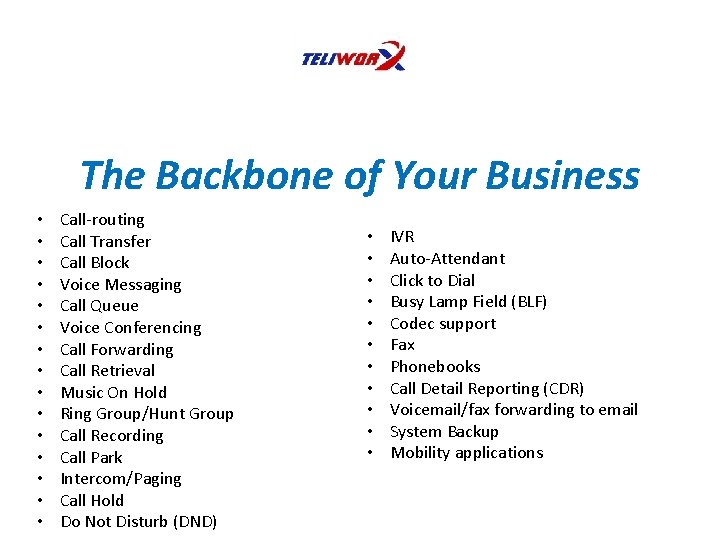
The Backbone of Your Business • • • • Call-routing Call Transfer Call Block Voice Messaging Call Queue Voice Conferencing Call Forwarding Call Retrieval Music On Hold Ring Group/Hunt Group Call Recording Call Park Intercom/Paging Call Hold Do Not Disturb (DND) • • • IVR Auto-Attendant Click to Dial Busy Lamp Field (BLF) Codec support Fax Phonebooks Call Detail Reporting (CDR) Voicemail/fax forwarding to email System Backup Mobility applications
IP-PBX Must Have Features 1. Voice Messaging (voicemail to email) 2. Mobility Applications (remote IP extensions, find me/follow me, softphone applications, etc) 3. Conferencing (voice and video) 4. Reporting (CDR, Call-Recording)
Basic Advantages of IP-PBX 1. One-time deployment cost 2. Enormous savings on Service costs 3. Built-In Features (IVR, auto-attendant, etc. ) 4. Data capability – CDR, Call Recording, etc. 5. Multiple-office peering
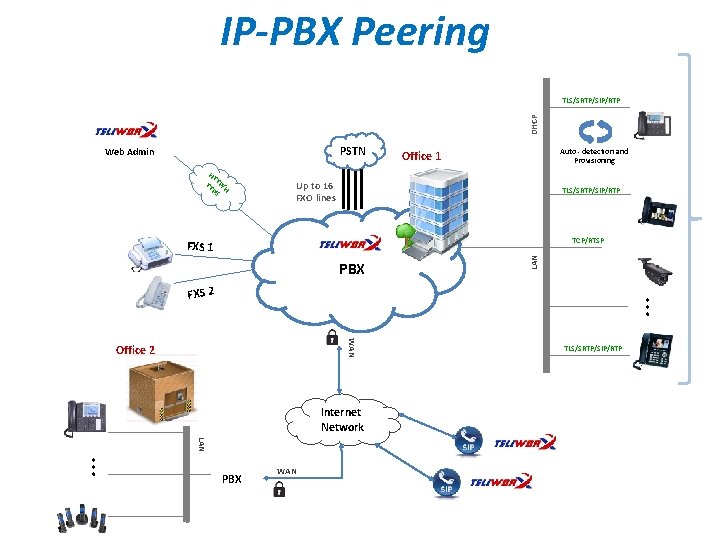
IP-PBX Peering DHCP TLS/SRTP/SIP/RTP Web Admin GUI PSTN HT T TT P/H PS Auto - detection and Provisioning Office 1 Up to 16 FXO lines TLS/SRTP/SIP/RTP TCP/RTSP PBX LAN FXS 1 … FXS 2 WAN Office 2 Internet Network LAN … PBX WAN TLS/SRTP/SIP/RTP
Advantages of IP-PBX for Employees 1. Mobility – access to extension, voicemail, fax, call-routing, video conferencing, SMS, Presence, etc. 2. More Communication Options = More Productivity – fax, voice, video conferencing, video surveillance, data, and more 3. More Voice Options – Built-in call-routing, call transfer/park/queue/hold, Ring/Hunt Group, IVR, autoattendance, etc. 4. Interconnected Business – one platform for all communications, making it easier then ever to access any phonebook, call, fax, and keep in touch with fellow employees 5. Keep Closer contact with Clients – video calls, video conferencing, voice conferencing, etc.

Advantages of IP-PBX for Businesses 1. 2. 3. 4. 5. 6. 7. Enormous Cost Savings More Communication Options = More Productivity Future proof – easily add users/features Connect Multiple Offices/Locations Unified Communications functionality Web User Interface Management Features built-in
Hosted IP-PBX vs. On-Premise IP-PBX Hosted IP PBX • • PBX hardware is Off-site Support/Maintenance controlled by Service Provider • Add new users online • Package deals On-Premise IP PBX hardware is on-site • Support controlled on-site • Full on-site control of setup, management, additions, etc • Web User Interface •
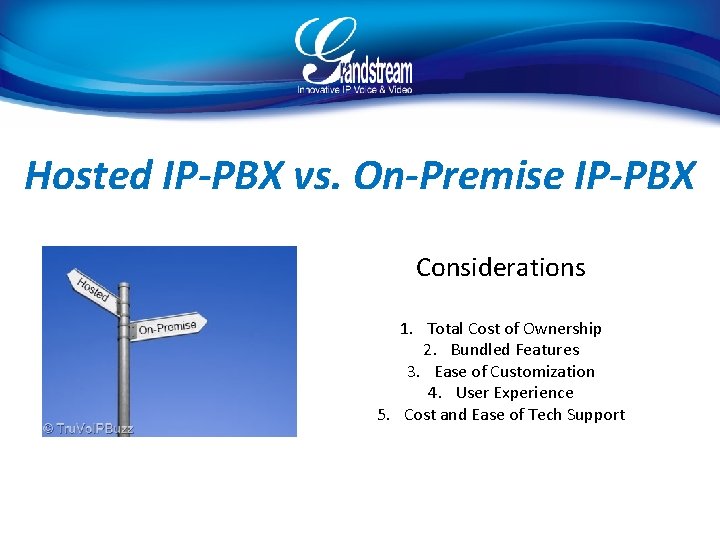
Hosted IP-PBX vs. On-Premise IP-PBX Considerations 1. Total Cost of Ownership 2. Bundled Features 3. Ease of Customization 4. User Experience 5. Cost and Ease of Tech Support
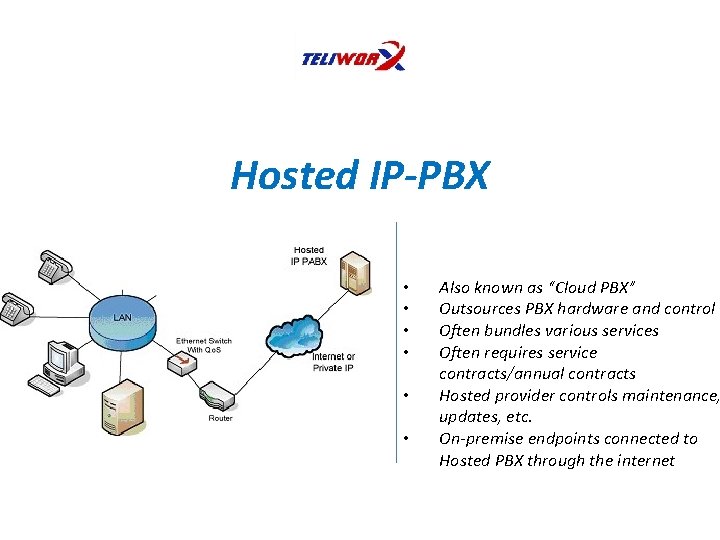
Hosted IP-PBX • • • Also known as “Cloud PBX” Outsources PBX hardware and control Often bundles various services Often requires service contracts/annual contracts Hosted provider controls maintenance, updates, etc. On-premise endpoints connected to Hosted PBX through the internet

On-Premise IP-PBX • • • PBX is at your business location You choose service provider Maintenance and additions are done by business (IT Manager, Installer, Reseller, etc. Ability to pick all features freely Business has full control of PBX
Cost Considerations Hosted IP-PBX vs. On-Premise IP-PBX 1. 2. 3. 4. 5. 6. Setup costs Maintenance Costs Ongoing Costs Service Costs Fees Contracts/Leases
Control Considerations Hosted IP-PBX vs. On-Premise IP-PBX 1. Internal control or out-sourced control 2. Cost of internal control vs. out-sourced control
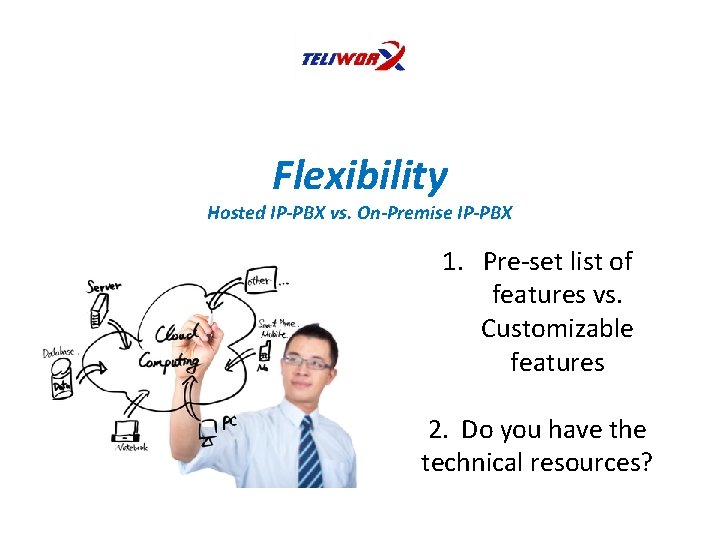
Flexibility Hosted IP-PBX vs. On-Premise IP-PBX 1. Pre-set list of features vs. Customizable features 2. Do you have the technical resources?
- Slides: 20