
The Ins and Outs of Performance Profiling and
- Slides: 28
The Ins and Outs of Performance Profiling and Debugging Srinivas Kantipudi, Sanjeva Reddy
Software maintenance typically consumes 40 to 80% (60% average) of software costs Source: "Frequently Forgotten Fundamental Facts about Software Engineering" by Robert L. Glass, (an article in IEEE Software May/June 2001)
Agenda Part 1: Profiling tools • To improve the performance Part 2: Debugging tools • To correct faults 3 © 2016 Progress Software Corporation and/or its subsidiaries or affiliates. All rights reserved.
Part 1: Profiling The real problem is that programmers have spent far too much time worrying about efficiency in the wrong places and at the wrong times; premature optimization is the root of all evil (or at least most of it) in programming. - Donald Knuth © 2017 Progress Software Corporation and/or 4 its subsidiaries © 2016 or affiliates. Progress All. Software rights reserved. Corporation and/or its subsidiaries or affiliates. All rights reserved.
Looking for needle in haystack! © 2017 Progress Software Corporation and/or 5 its subsidiaries © 2016 or affiliates. Progress All. Software rights reserved. Corporation and/or its subsidiaries or affiliates. All rights reserved.
Profiling Agenda Types of profiling ABL Profiler PDS Profiler Other tools Demo 6 © 2016 Progress Software Corporation and/or its subsidiaries or affiliates. All rights reserved.
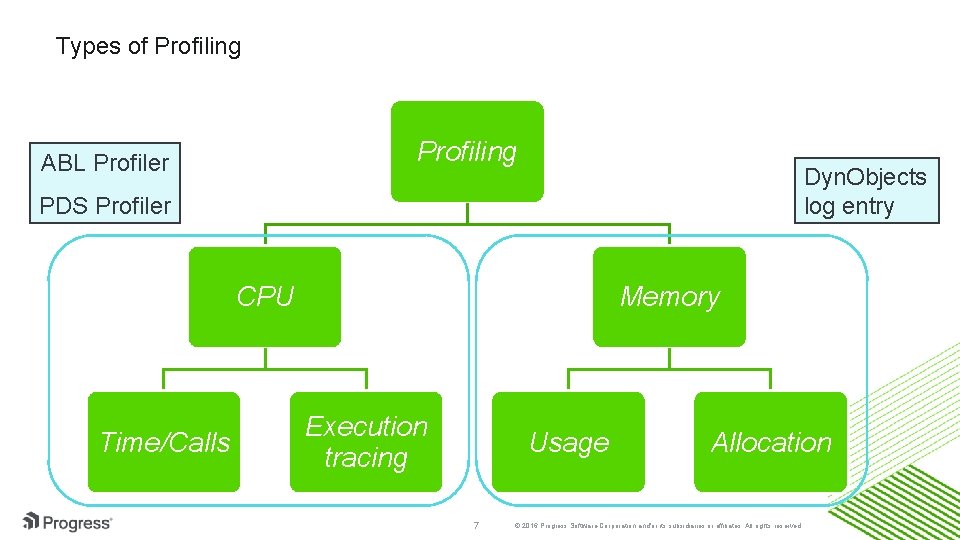
Types of Profiling ABL Profiler Dyn. Objects log entry PDS Profiler CPU Time/Calls Memory Execution tracing Usage 7 Allocation © 2016 Progress Software Corporation and/or its subsidiaries or affiliates. All rights reserved.
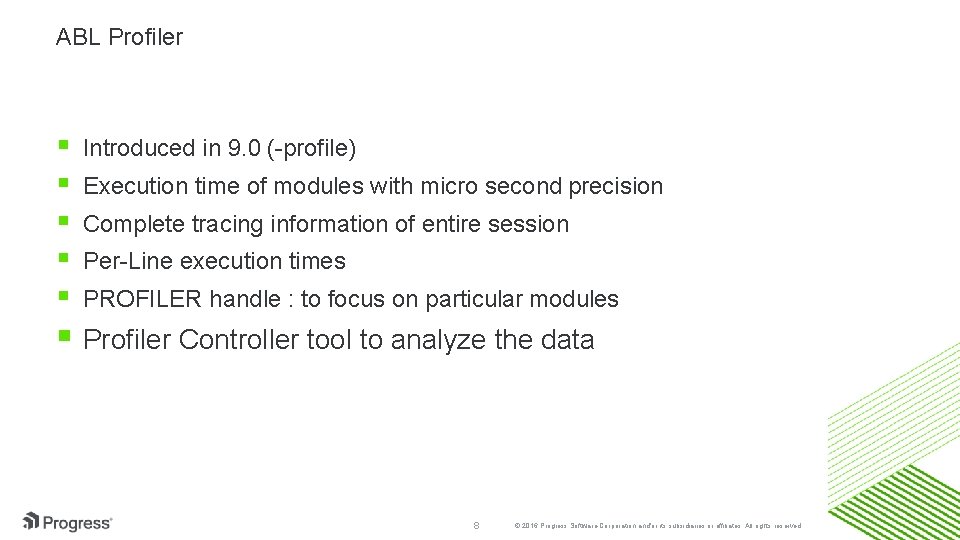
ABL Profiler Introduced in 9. 0 (-profile) Execution time of modules with micro second precision Complete tracing information of entire session Per-Line execution times PROFILER handle : to focus on particular modules Profiler Controller tool to analyze the data 8 © 2016 Progress Software Corporation and/or its subsidiaries or affiliates. All rights reserved.
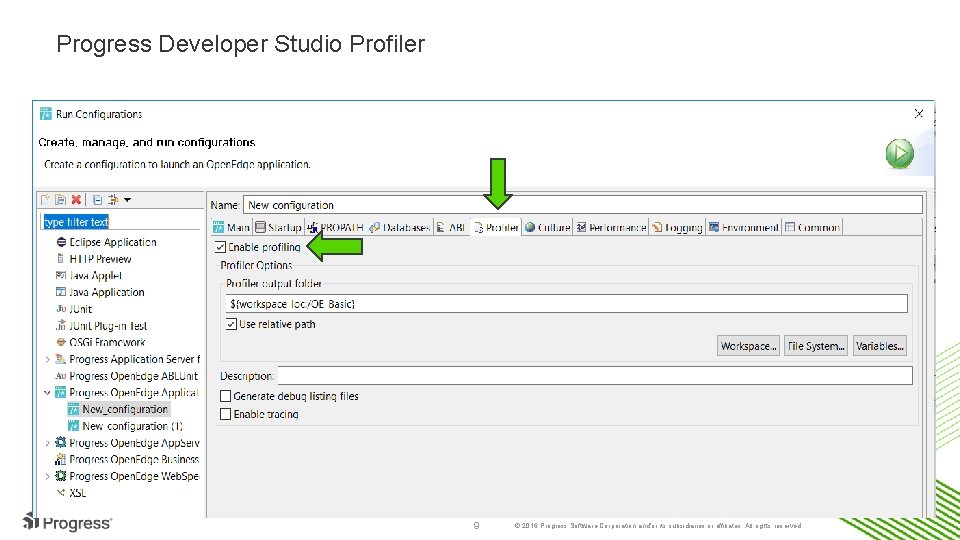
Progress Developer Studio Profiler 9 © 2016 Progress Software Corporation and/or its subsidiaries or affiliates. All rights reserved.
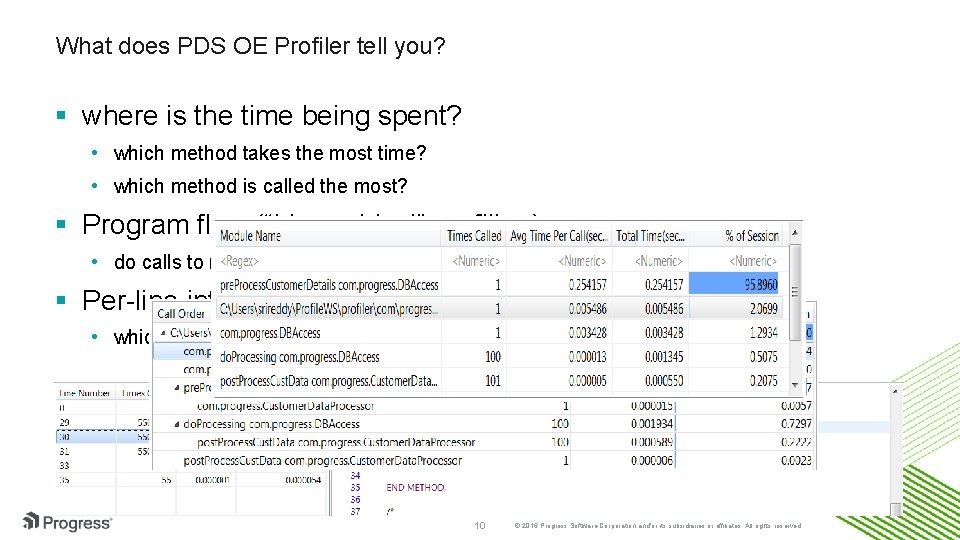
What does PDS OE Profiler tell you? where is the time being spent? • which method takes the most time? • which method is called the most? Program flow (“hierarchical” profiling) • do calls to method A cause method B to take too much time? Per-line information • which line(s) in a given method are the most expensive? 10 © 2016 Progress Software Corporation and/or its subsidiaries or affiliates. All rights reserved.
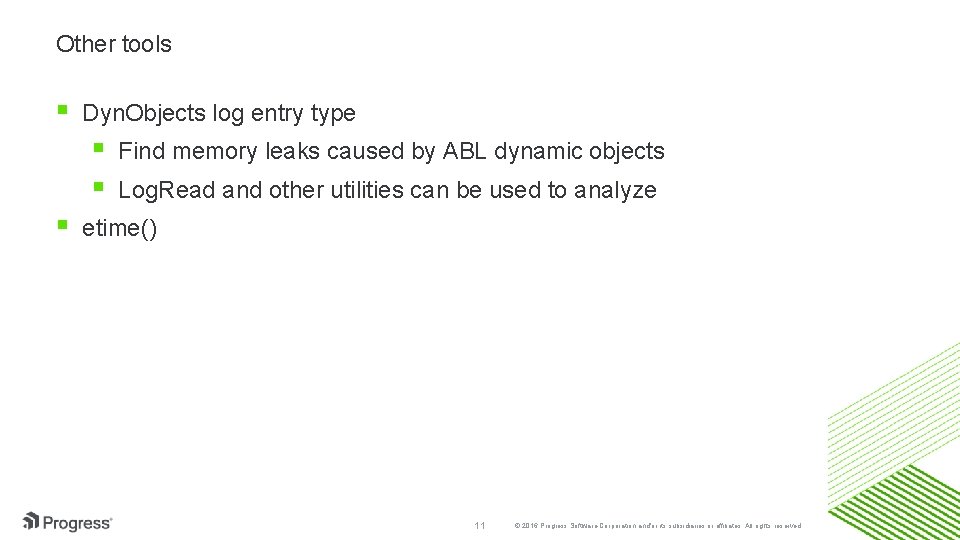
Other tools Dyn. Objects log entry type Find memory leaks caused by ABL dynamic objects Log. Read and other utilities can be used to analyze etime() 11 © 2016 Progress Software Corporation and/or its subsidiaries or affiliates. All rights reserved.
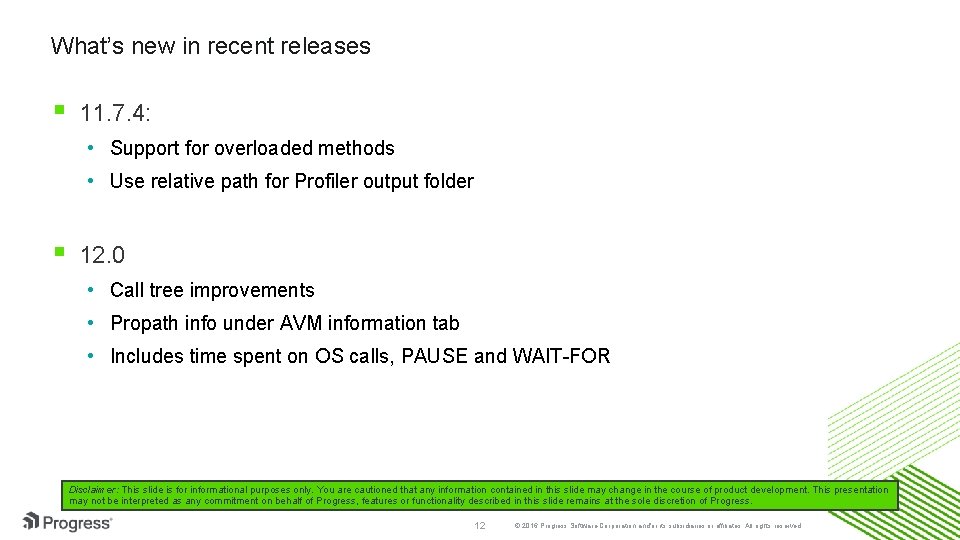
What’s new in recent releases 11. 7. 4: • Support for overloaded methods • Use relative path for Profiler output folder 12. 0 • Call tree improvements • Propath info under AVM information tab • Includes time spent on OS calls, PAUSE and WAIT-FOR Disclaimer: This slide is for informational purposes only. You are cautioned that any information contained in this slide may change in the course of product development. This presentation may not be interpreted as any commitment on behalf of Progress, features or functionality described in this slide remains at the sole discretion of Progress. 12 © 2016 Progress Software Corporation and/or its subsidiaries or affiliates. All rights reserved.
Lets see a short demo
Part 2: Debugging tools Tools available Why PDS Debugger Basics of PDS Debugger Debugging Servers Demo 14 © 2016 Progress Software Corporation and/or its subsidiaries or affiliates. All rights reserved.
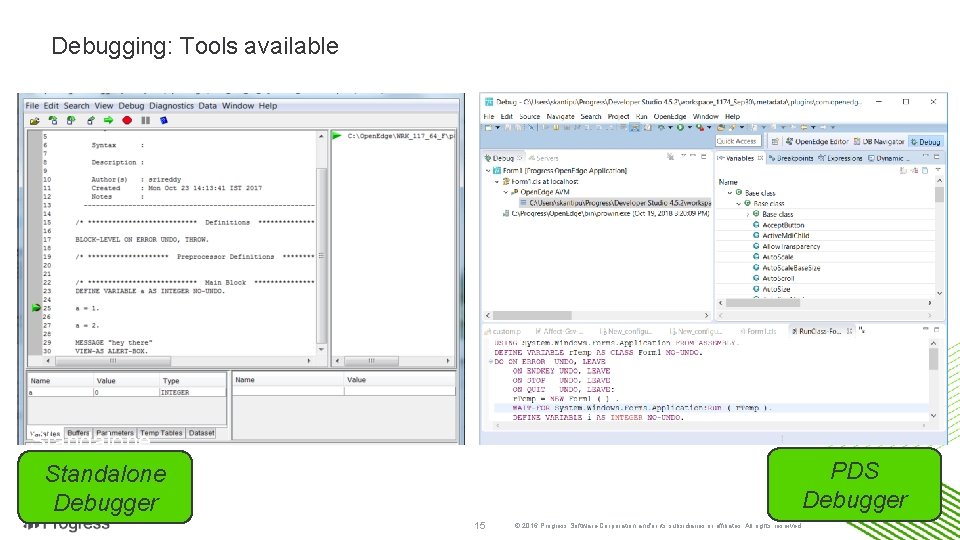
Debugging: Tools available PDS Debugger Standalone Debugger PDS Debugger 15 © 2016 Progress Software Corporation and/or its subsidiaries or affiliates. All rights reserved.
Why PDS Debugger Battle tested Eclipse tooling Supports debugging client, servers, unit testcases Concurrent debugging sessions Persists breakpoints & configurations Inspecting complex objects SSL debugging 16 © 2016 Progress Software Corporation and/or its subsidiaries or affiliates. All rights reserved.
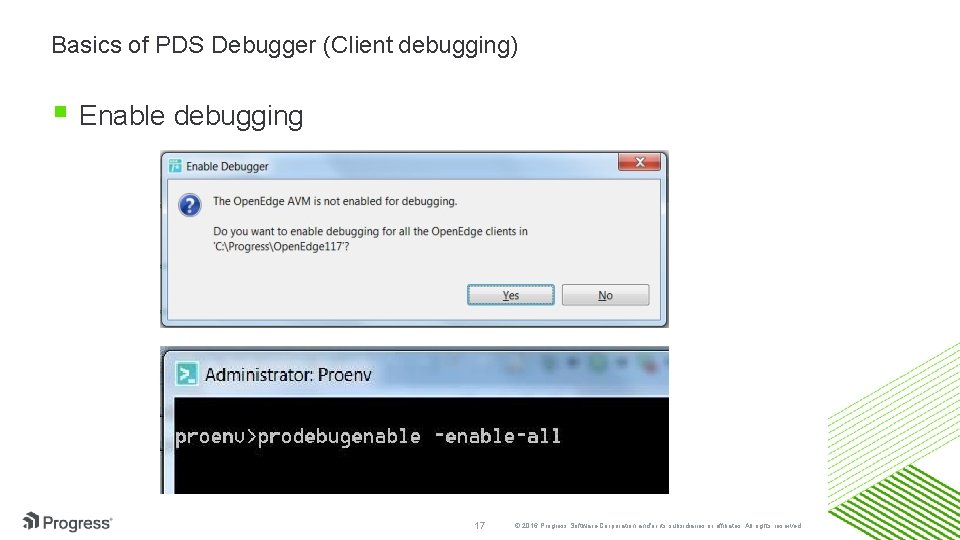
Basics of PDS Debugger (Client debugging) Enable debugging 17 © 2016 Progress Software Corporation and/or its subsidiaries or affiliates. All rights reserved.
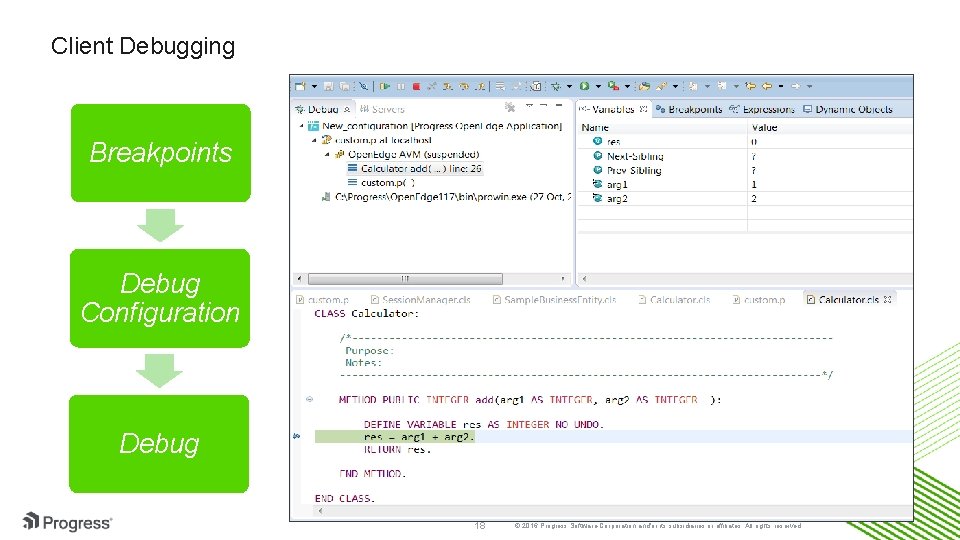
Client Debugging Breakpoints Debug Configuration Debug 18 © 2016 Progress Software Corporation and/or its subsidiaries or affiliates. All rights reserved.
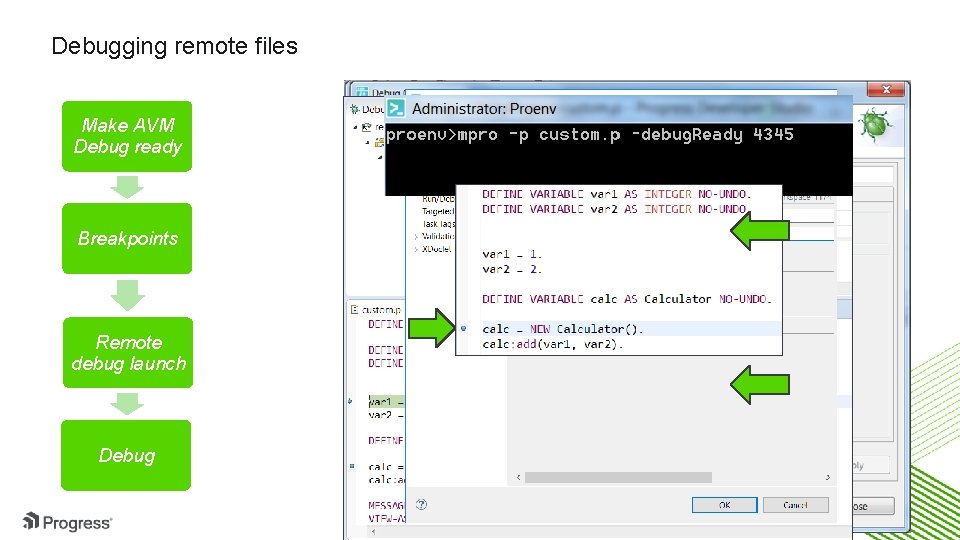
Debugging remote files Make AVM Debug ready Breakpoints Remote debug launch Debug 19 © 2016 Progress Software Corporation and/or its subsidiaries or affiliates. All rights reserved.
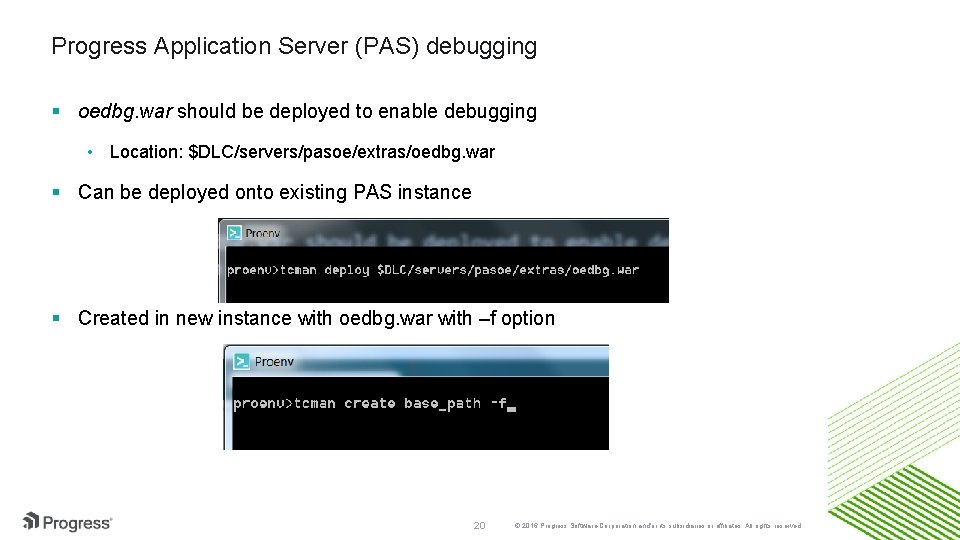
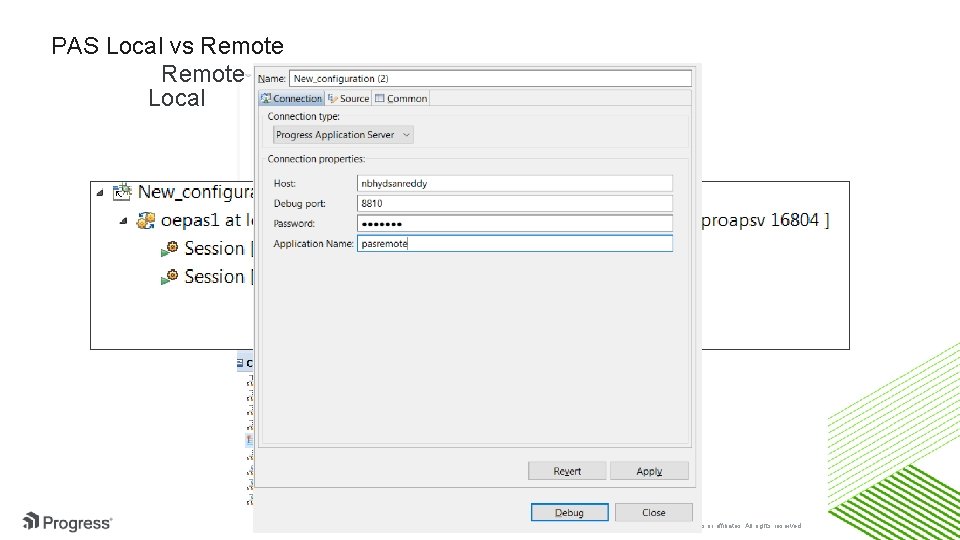
Progress Application Server (PAS) debugging oedbg. war should be deployed to enable debugging • Location: $DLC/servers/pasoe/extras/oedbg. war Can be deployed onto existing PAS instance Created in new instance with oedbg. war with –f option 20 © 2016 Progress Software Corporation and/or its subsidiaries or affiliates. All rights reserved.
PAS Local vs Remote Local 21 © 2016 Progress Software Corporation and/or its subsidiaries or affiliates. All rights reserved.
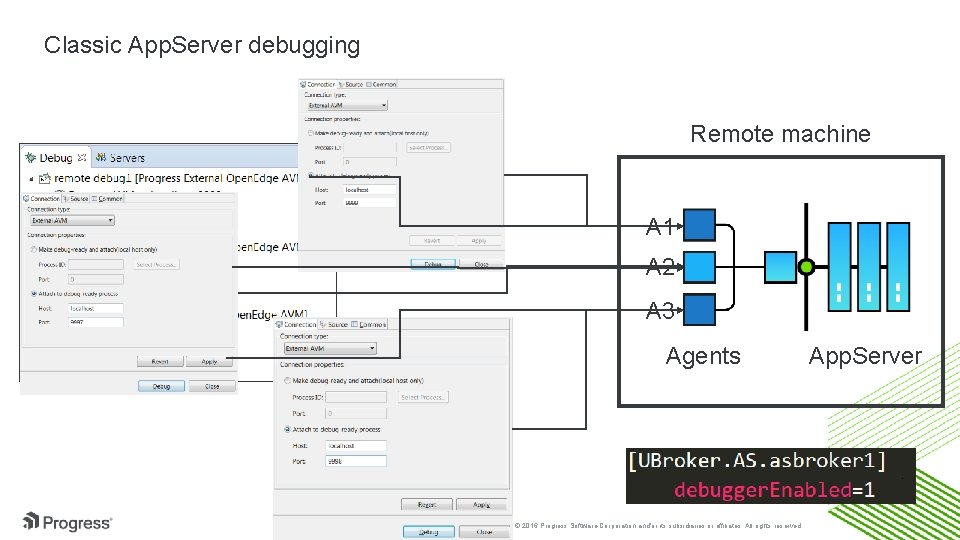
Classic App. Server debugging Remote machine A 1 A 2 A 3 Agents 22 © 2016 Progress Software Corporation and/or its subsidiaries or affiliates. All rights reserved. App. Server
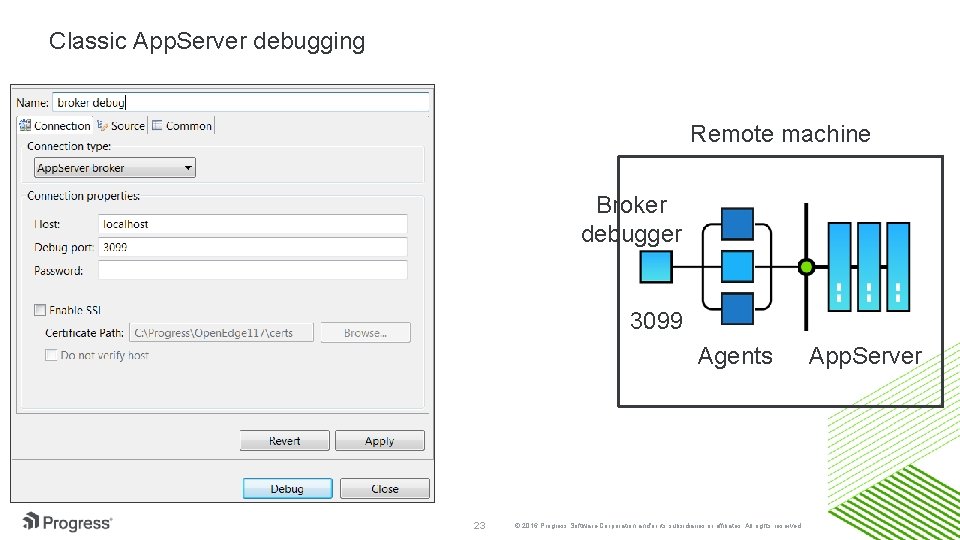
Classic App. Server debugging Remote machine Broker debugger ubroker. properties 3099 Agents 23 © 2016 Progress Software Corporation and/or its subsidiaries or affiliates. All rights reserved. App. Server
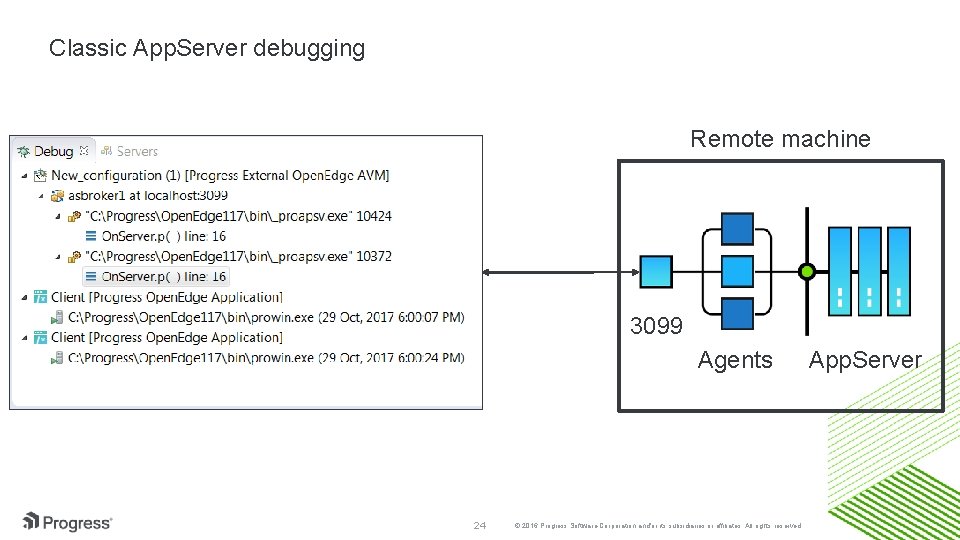
Classic App. Server debugging Remote machine 3099 Agents 24 © 2016 Progress Software Corporation and/or its subsidiaries or affiliates. All rights reserved. App. Server
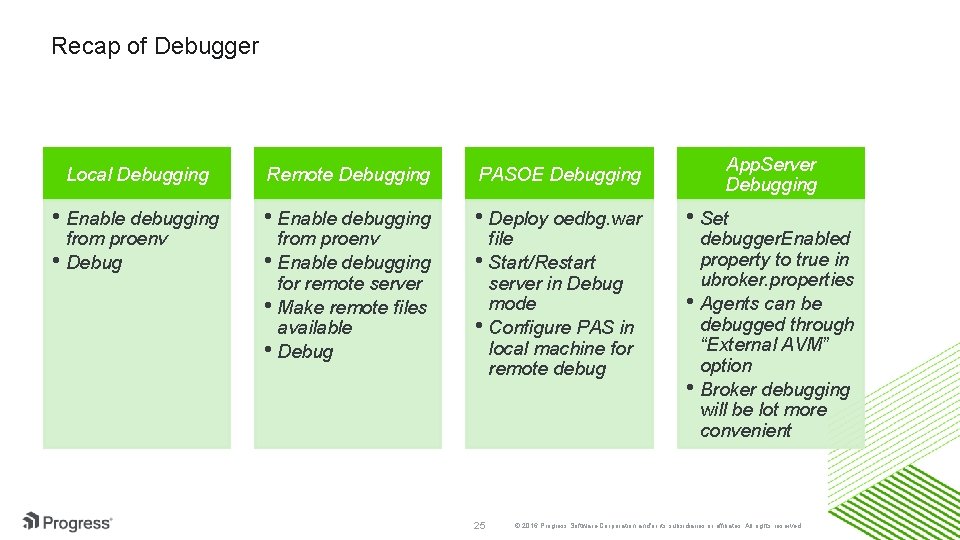
Recap of Debugger Local Debugging Remote Debugging PASOE Debugging • Enable debugging • Deploy oedbg. war from proenv • Debug from proenv • Enable debugging for remote server • Make remote files available • Debug file • Start/Restart server in Debug mode • Configure PAS in local machine for remote debug 25 App. Server Debugging • Set debugger. Enabled property to true in ubroker. properties • Agents can be debugged through “External AVM” option • Broker debugging will be lot more convenient © 2016 Progress Software Corporation and/or its subsidiaries or affiliates. All rights reserved.
Lets see a short demo
Questions?