
The Fundamentals of C OOP CE413 Basic programming
The Fundamentals of C++ OOP CE-413 Basic programming elements and concepts Masud Ahmed
Program Organization z Program statement y. Definition y. Declaration y. Action z Executable unit y. Named set of program statements y. Different languages refer to executable units by different names x. Subroutine: Fortran and Basic x. Procedure: Pascal x. Function : C++
Program Organization z. C++ program y. Collection of definitions, declarations and functions y. Collection can span multiple files z. Advantages y. Structured into small understandable units y. Complexity is reduced y. Overall program size decreases
Object z Object is a representation of some information y. Name y. Values or properties x. Data members y. Ability to react to requests (messages)!! x. Member functions z When an object receives a message, one of two actions are performed y. Object is directed to perform an action y. Object changes one of its properties
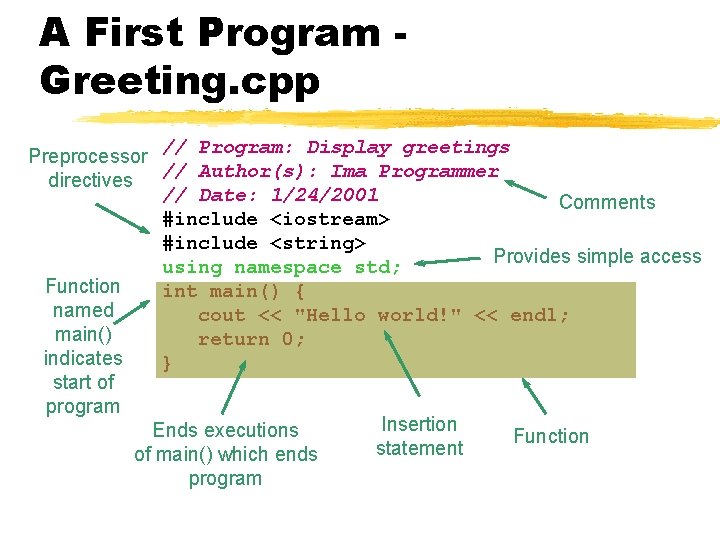
A First Program Greeting. cpp // Program: Display greetings Preprocessor // Author(s): Ima Programmer directives // Date: 1/24/2001 Comments #include <iostream> #include <string> Provides simple access using namespace std; Function int main() { named cout << "Hello world!" << endl; main() return 0; indicates } start of program Insertion Ends executions Function statement of main() which ends program
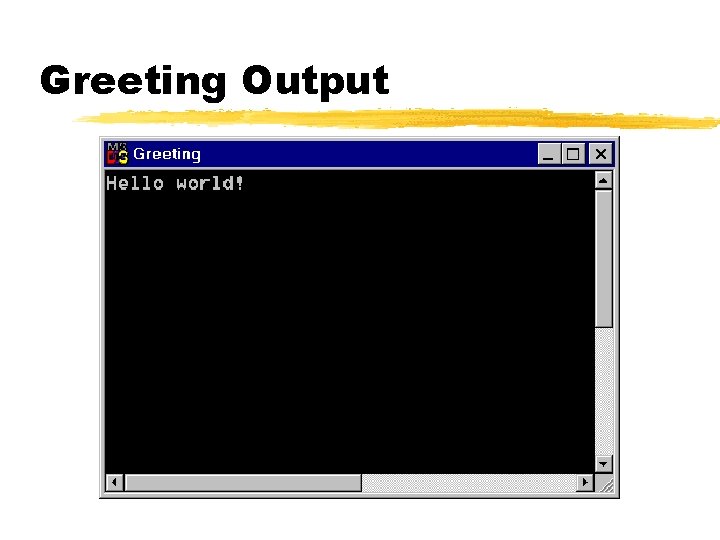
Greeting Output
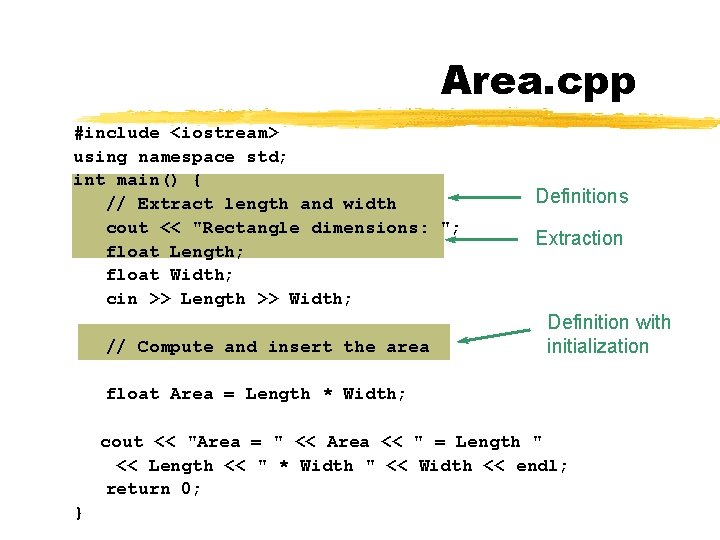
Area. cpp #include <iostream> using namespace std; int main() { // Extract length and width cout << "Rectangle dimensions: "; float Length; float Width; cin >> Length >> Width; // Compute and insert the area Definitions Extraction Definition with initialization float Area = Length * Width; cout << "Area = " << Area << " = Length " << Length << " * Width " << Width << endl; return 0; }
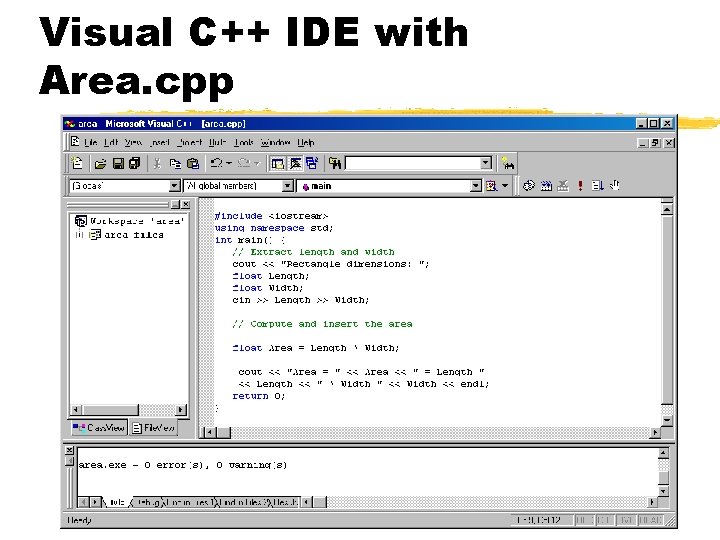
Visual C++ IDE with Area. cpp

Area. cpp Output
Comments z Always include comments to the program z Importance y Programs are read far more often than they are written y Programs need to be understood so that they can be maintained z C++ has two conventions for comments y // single line comment (preferred) y /* long comment */ (save for debugging) z Typical uses y Identify program and who wrote it y Record when program was written y Add descriptions of modifications
Fundamental C++ Objects z. C++ has a large number of fundamental or built-in object types z. The fundamental object types fall into one of three categories y. Integer objects y. Floating-point objects y. Character objects
Integer Object Types z The basic integer object type is int y. The size of an int depends on the machine and the compiler x. On PCs it is normally 16 or 32 bits z Other integers object types yshort: typically uses less bits ylong: typically uses more bits z Different types allow programmers to use resources more efficiently z Standard arithmetic and relational operations are available for these types
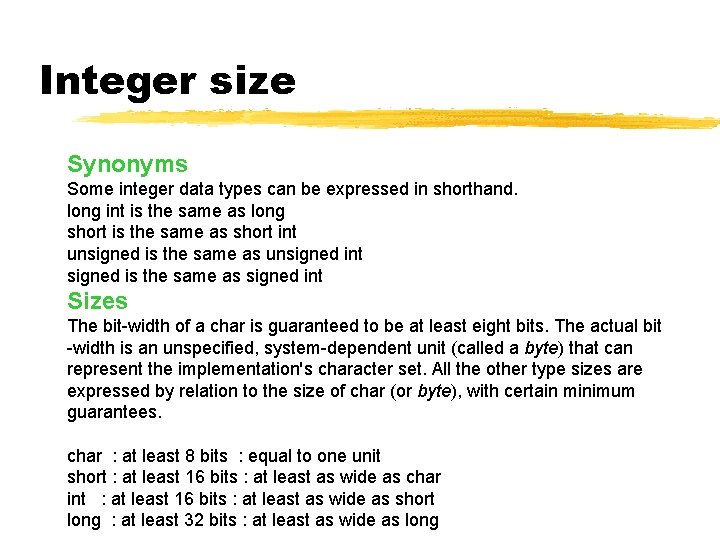
Integer size Synonyms Some integer data types can be expressed in shorthand. long int is the same as long short is the same as short int unsigned is the same as unsigned int signed is the same as signed int Sizes The bit-width of a char is guaranteed to be at least eight bits. The actual bit -width is an unspecified, system-dependent unit (called a byte) that can represent the implementation's character set. All the other type sizes are expressed by relation to the size of char (or byte), with certain minimum guarantees. char : at least 8 bits : equal to one unit short : at least 16 bits : at least as wide as char int : at least 16 bits : at least as wide as short long : at least 32 bits : at least as wide as long
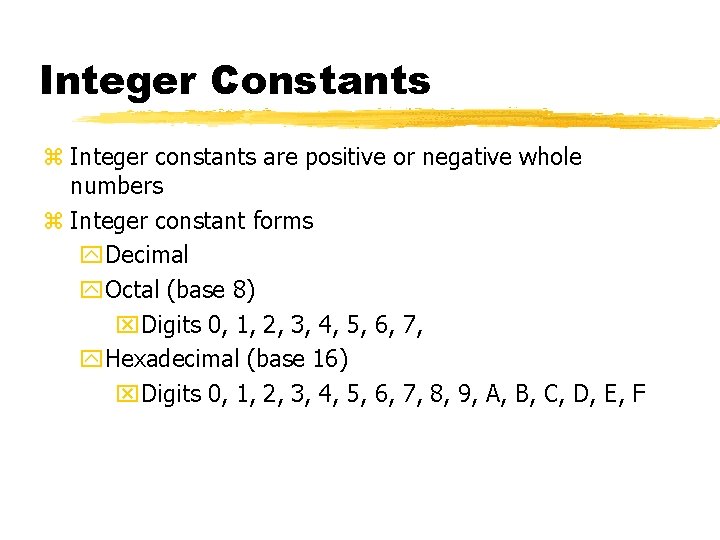
Integer Constants z Integer constants are positive or negative whole numbers z Integer constant forms y. Decimal y. Octal (base 8) x. Digits 0, 1, 2, 3, 4, 5, 6, 7, y. Hexadecimal (base 16) x. Digits 0, 1, 2, 3, 4, 5, 6, 7, 8, 9, A, B, C, D, E, F
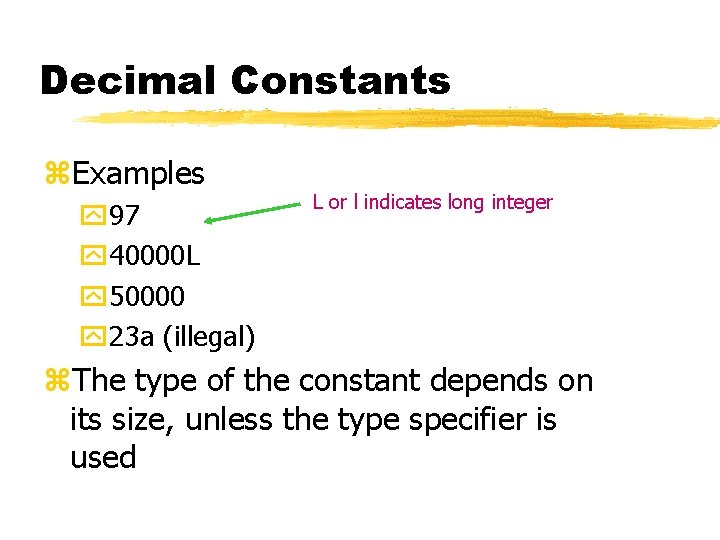
Decimal Constants z. Examples y 97 y 40000 L y 50000 y 23 a (illegal) L or l indicates long integer z. The type of the constant depends on its size, unless the type specifier is used
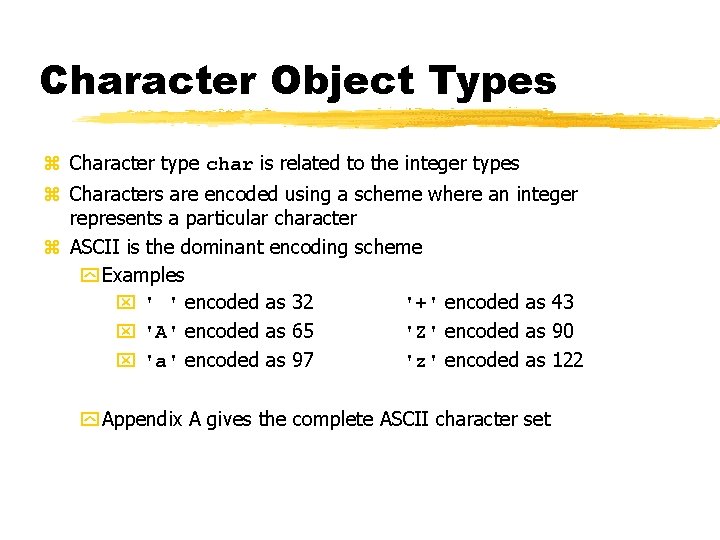
Character Object Types z Character type char is related to the integer types z Characters are encoded using a scheme where an integer represents a particular character z ASCII is the dominant encoding scheme y Examples x ' ' encoded as 32 '+' encoded as 43 x 'A' encoded as 65 'Z' encoded as 90 x 'a' encoded as 97 'z' encoded as 122 y Appendix A gives the complete ASCII character set
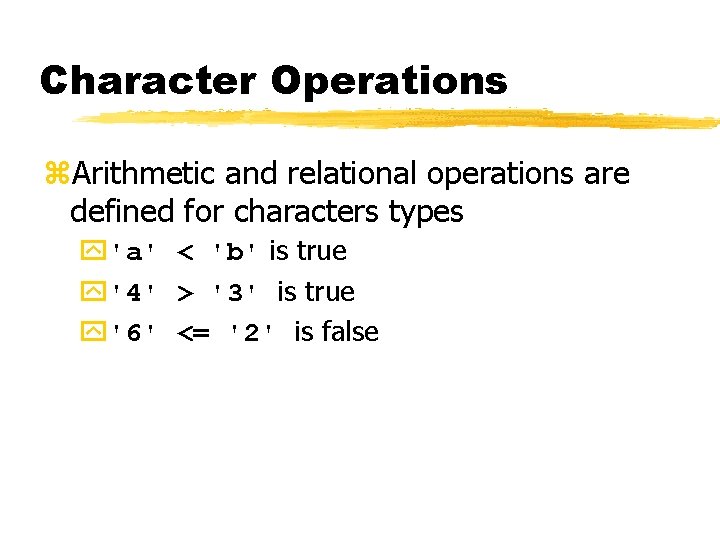
Character Operations z. Arithmetic and relational operations are defined for characters types y'a' < 'b' is true y'4' > '3' is true y'6' <= '2' is false
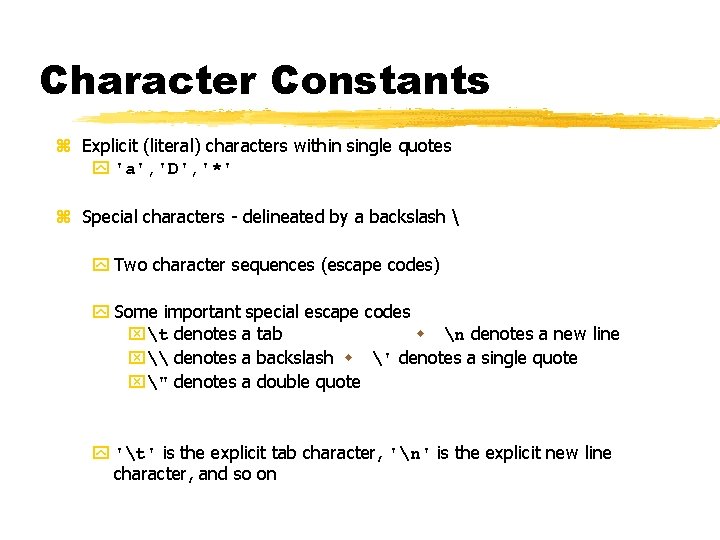
Character Constants z Explicit (literal) characters within single quotes y 'a', 'D', '*' z Special characters - delineated by a backslash y Two character sequences (escape codes) y Some important special escape codes xt denotes a tab w n denotes a new line x\ denotes a backslash w ' denotes a single quote x" denotes a double quote y 't' is the explicit tab character, 'n' is the explicit new line character, and so on
Literal String Constants z A literal string constant is a sequence of zero or more characters enclosed in double quotes y "We are a happy class of OPP" y "Rust never sleepsn"
Floating-Point Object Types z Floating-point object types represent real numbers y Integer part y Fractional part z The number 108. 1517 breaks down into the following parts y 108 - integer part y 1517 - fractional part z C++ provides three floating-point object types y float y double y long double
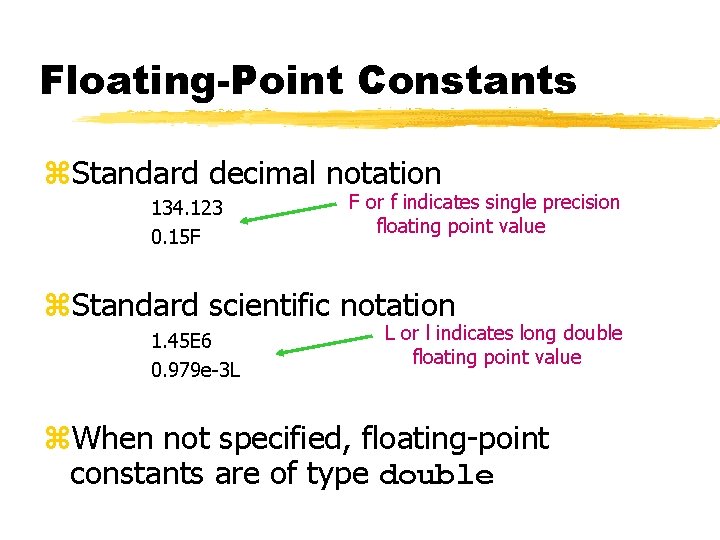
Floating-Point Constants z. Standard decimal notation 134. 123 0. 15 F F or f indicates single precision floating point value z. Standard scientific notation 1. 45 E 6 0. 979 e-3 L L or l indicates long double floating point value z. When not specified, floating-point constants are of type double
Names z Used to denote program values or components z A valid name is a sequence of y Letters (upper and lowercase) y Digits x. A name cannot start with a digit y Underscores x. A name should not normally start with an underscore z Names are case sensitive y My. Object is a different name than MYOBJECT z There are two kinds of names y Keywords y Identifiers
Keywords z Keywords are words reserved as part of the language yint, return, float, double z They cannot be used by the programmer to name things z They consist of lowercase letters only z They have special meaning to the compiler
Identifiers z Identifiers should be y Short enough to be reasonable to type (single word is norm) x. Standard abbreviations are fine (but only standard abbreviations) y Long enough to be understandable x. When using multiple word identifiers capitalize the first letter of each word z Examples y Min y Temperature y Camera. Angle y Current. Nbr. Points
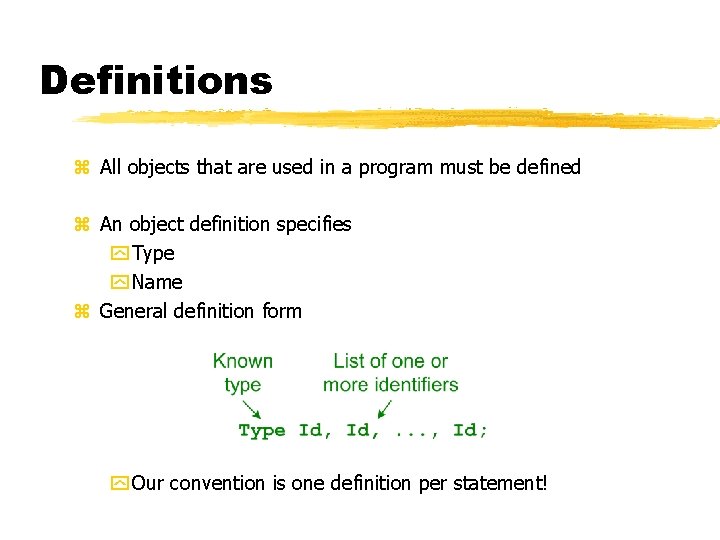
Definitions z All objects that are used in a program must be defined z An object definition specifies y Type y Name z General definition form y Our convention is one definition per statement!
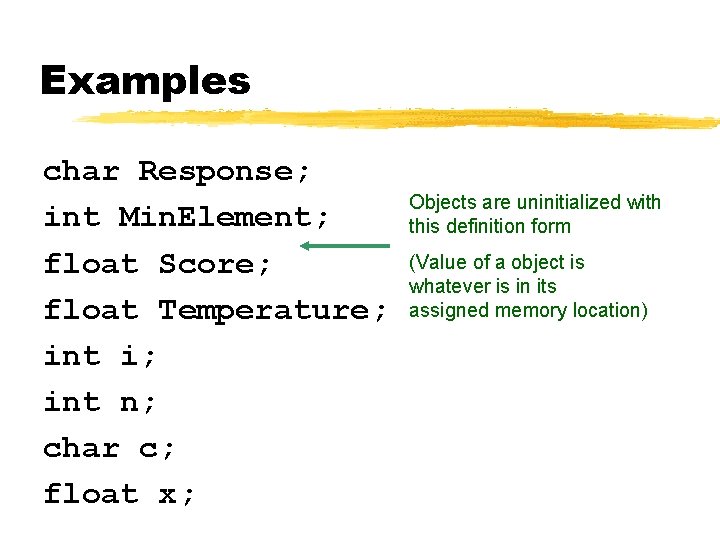
Examples char Response; int Min. Element; float Score; float Temperature; int i; int n; char c; float x; Objects are uninitialized with this definition form (Value of a object is whatever is in its assigned memory location)
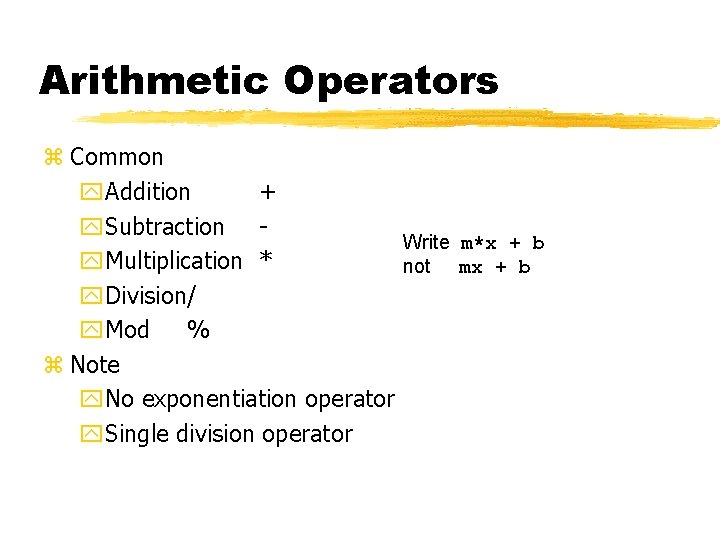
Arithmetic Operators z Common y. Addition + y. Subtraction Write m*x + b y. Multiplication * not mx + b y. Division/ y. Mod % z Note y. No exponentiation operator y. Single division operator
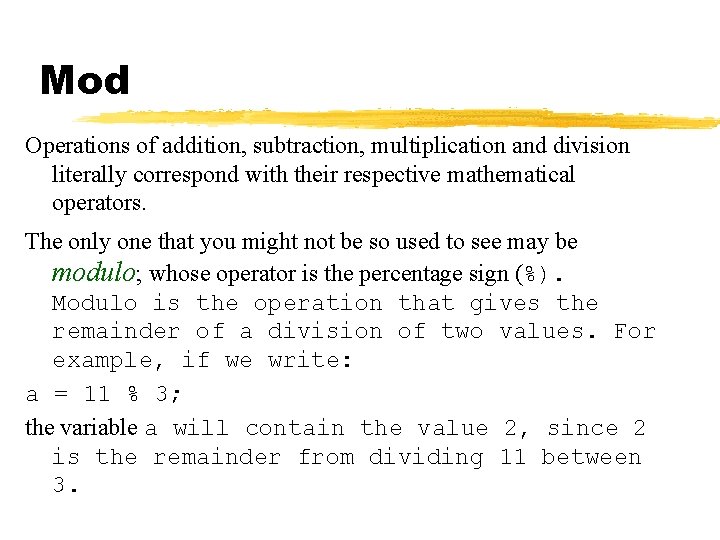
Mod Operations of addition, subtraction, multiplication and division literally correspond with their respective mathematical operators. The only one that you might not be so used to see may be modulo; whose operator is the percentage sign (%). Modulo is the operation that gives the remainder of a division of two values. For example, if we write: a = 11 % 3; the variable a will contain the value 2, since 2 is the remainder from dividing 11 between 3.
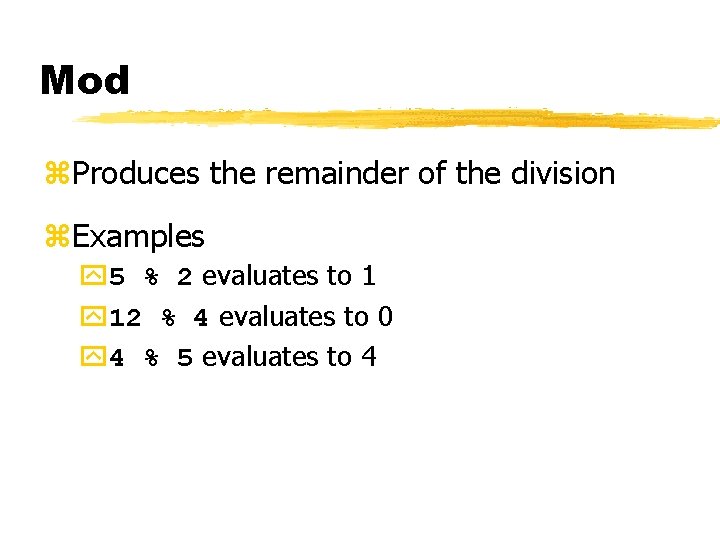
Mod z. Produces the remainder of the division z. Examples y 5 % 2 evaluates to 1 y 12 % 4 evaluates to 0 y 4 % 5 evaluates to 4
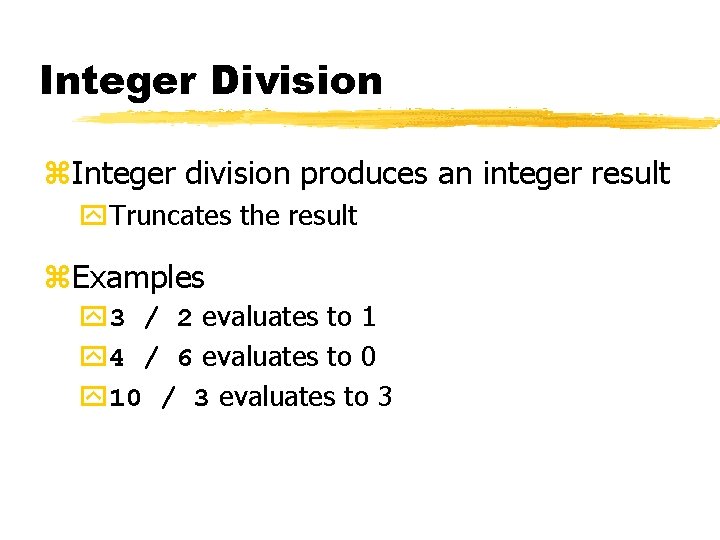
Integer Division z. Integer division produces an integer result y. Truncates the result z. Examples y 3 / 2 evaluates to 1 y 4 / 6 evaluates to 0 y 10 / 3 evaluates to 3
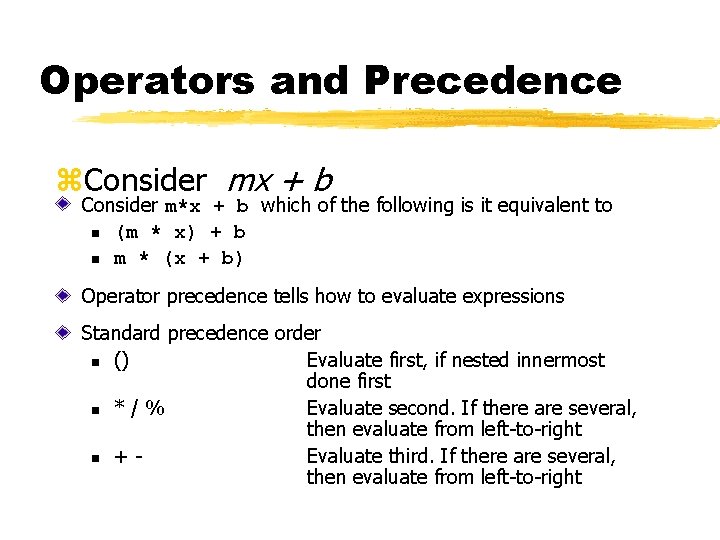
Operators and Precedence z. Consider mx + b Consider m*x + b which of the following is it equivalent to n (m * x) + b n m * (x + b) Operator precedence tells how to evaluate expressions Standard precedence order n () Evaluate first, if nested innermost done first n * / % Evaluate second. If there are several, then evaluate from left-to-right n + Evaluate third. If there are several, then evaluate from left-to-right
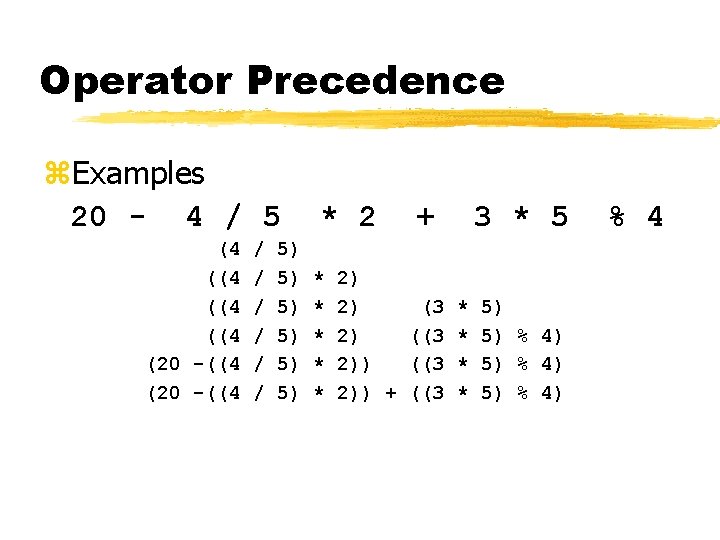
Operator Precedence z. Examples 20 - 4 / 5 (4 ((4 (20 -((4 / / / 5) 5) 5) * 2 * * * + 3 * 5 2) 2) (3 * 5) 2) ((3 * 5) % 4) 2)) + ((3 * 5) % 4
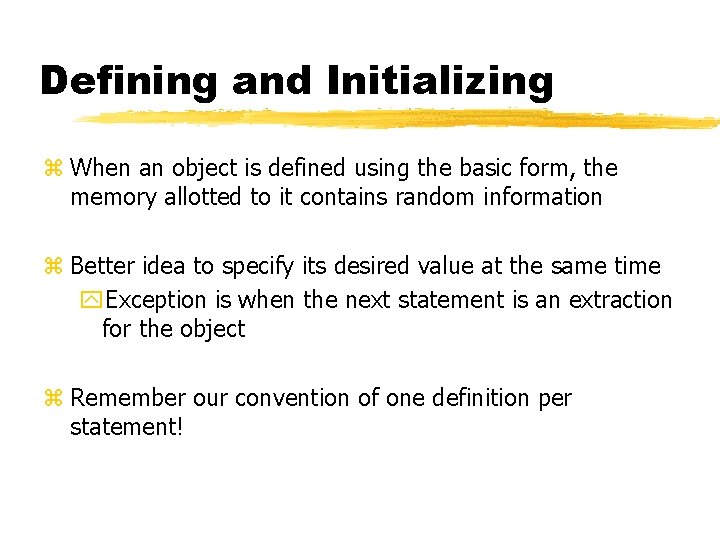
Defining and Initializing z When an object is defined using the basic form, the memory allotted to it contains random information z Better idea to specify its desired value at the same time y. Exception is when the next statement is an extraction for the object z Remember our convention of one definition per statement!
- Slides: 33