
The Flex Training Total ELearning Solution Advancing eLearning






- Slides: 31
The Flex. Training Total E-Learning Solution Advancing e-Learning Technology
The Flex. Training Management Center § Secure online menus § Online tutorials § Custom roles and defined access levels § Separate developers-only menu § Automatic management e-notification
The Perfect Fit § Built-in business intelligence § Reliable § Easy setup and management § Over one million users worldwide
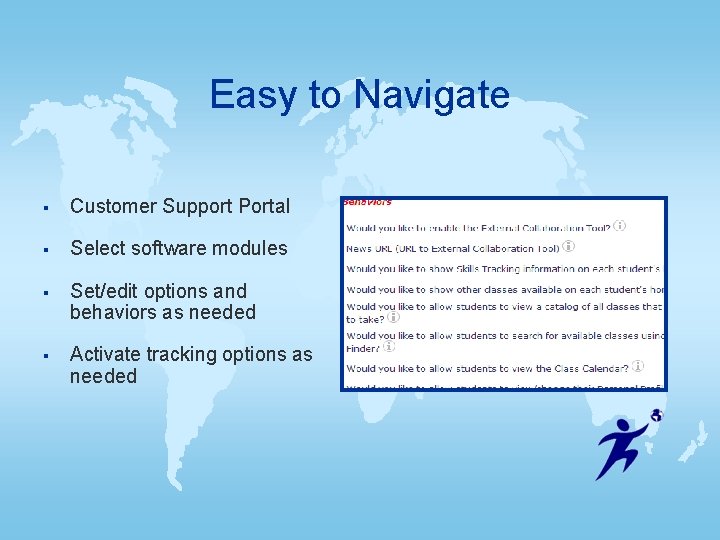
Easy to Navigate § Customer Support Portal § Select software modules § Set/edit options and behaviors as needed § Activate tracking options as needed
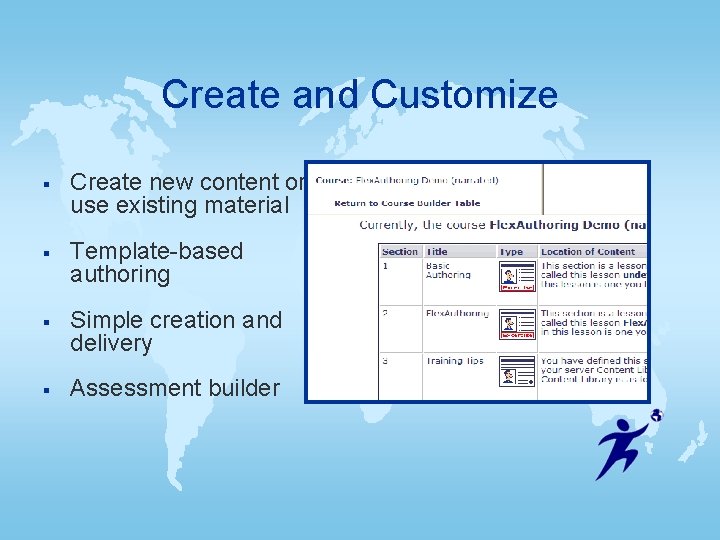
Create and Customize § Create new content or use existing material § Template-based authoring § Simple creation and delivery § Assessment builder
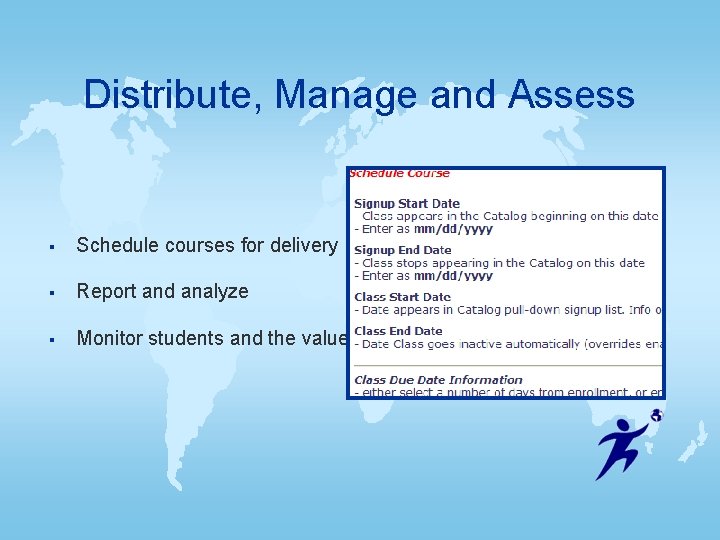
Distribute, Manage and Assess § Schedule courses for delivery § Report and analyze § Monitor students and the value of assessments
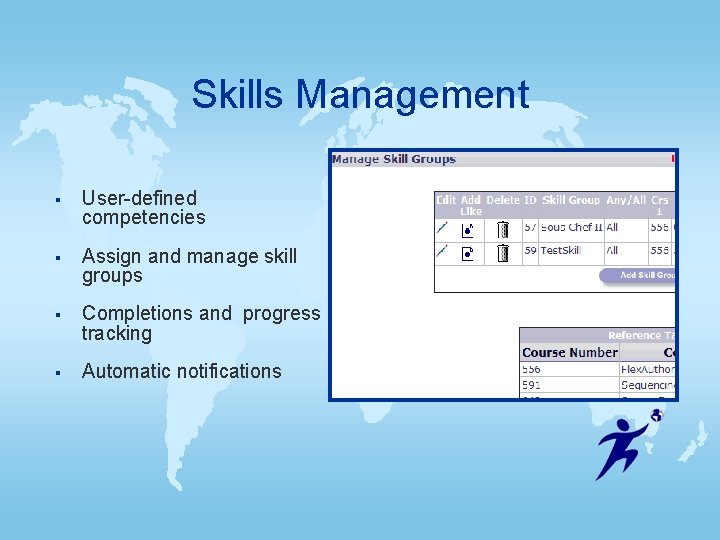
Skills Management § User-defined competencies § Assign and manage skill groups § Completions and progress tracking § Automatic notifications
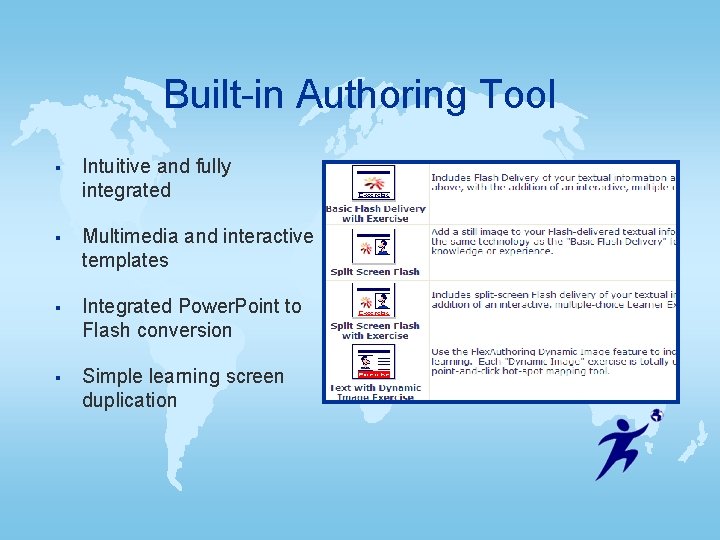
Built-in Authoring Tool § Intuitive and fully integrated § Multimedia and interactive templates § Integrated Power. Point to Flash conversion § Simple learning screen duplication
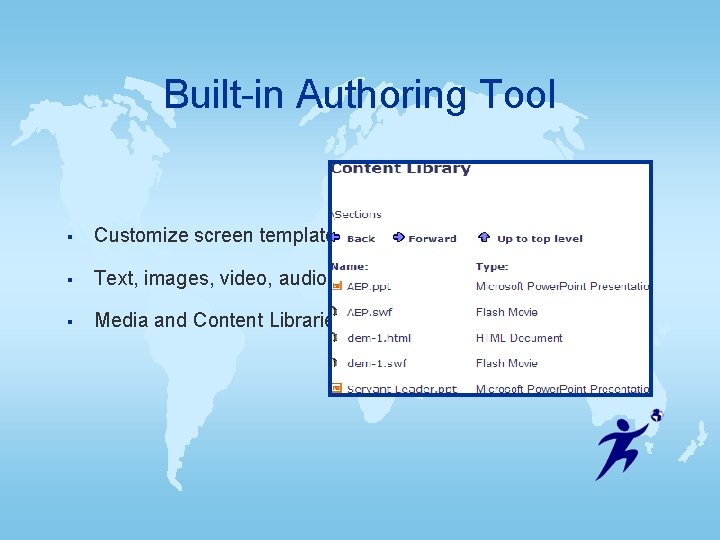
Built-in Authoring Tool § Customize screen templates § Text, images, video, audio, flash § Media and Content Libraries
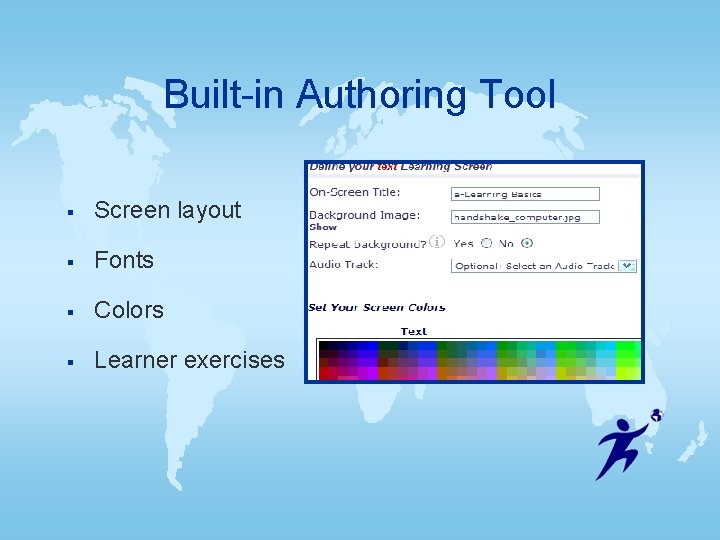
Built-in Authoring Tool § Screen layout § Fonts § Colors § Learner exercises
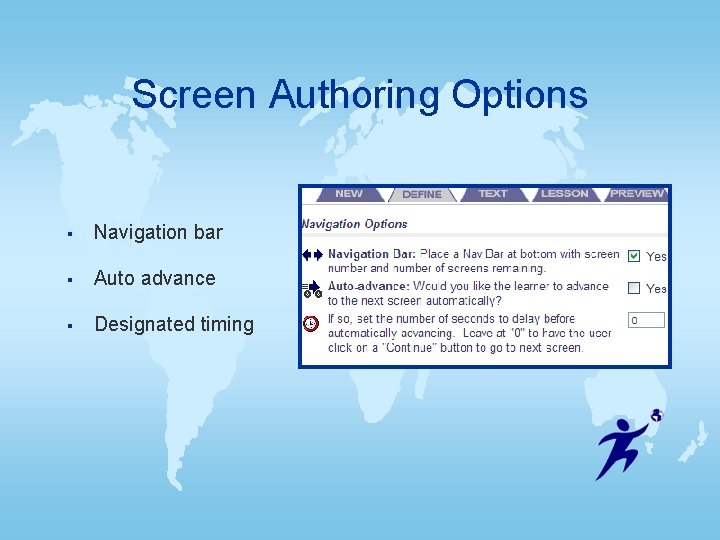
Screen Authoring Options § Navigation bar § Auto advance § Designated timing
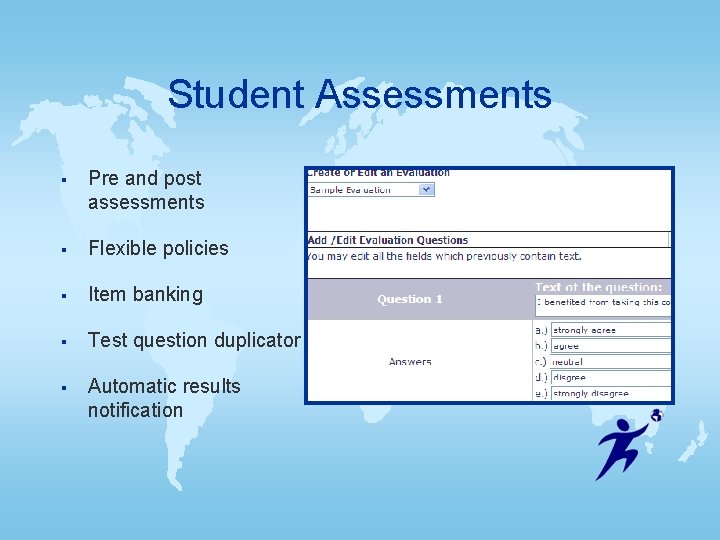
Student Assessments § Pre and post assessments § Flexible policies § Item banking § Test question duplicator § Automatic results notification
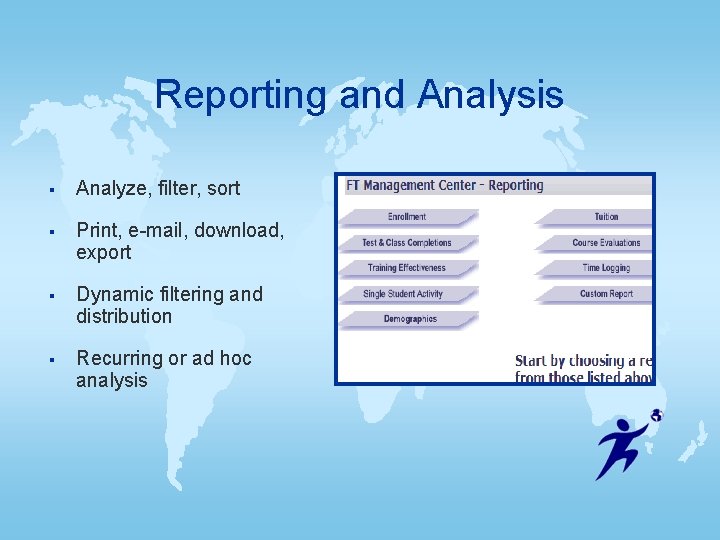
Reporting and Analysis § Analyze, filter, sort § Print, e-mail, download, export § Dynamic filtering and distribution § Recurring or ad hoc analysis
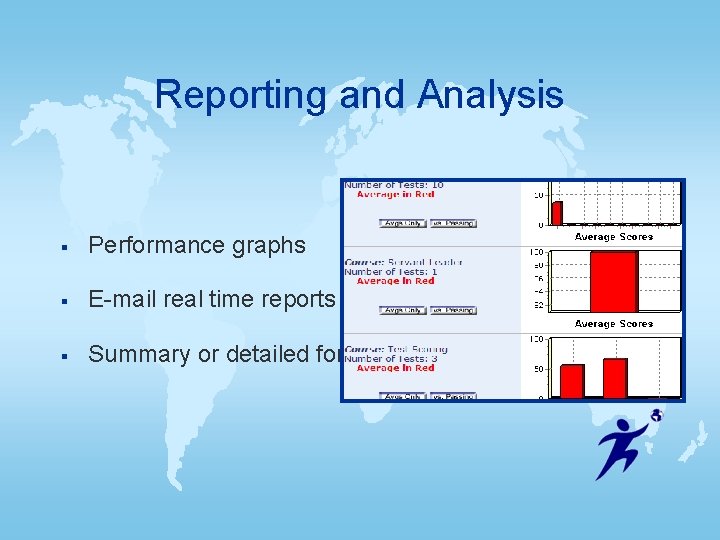
Reporting and Analysis § Performance graphs § E-mail real time reports § Summary or detailed formatting
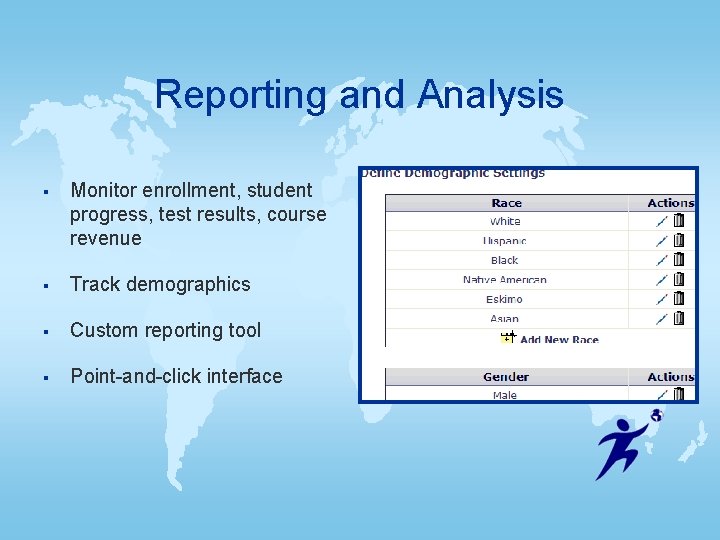
Reporting and Analysis § Monitor enrollment, student progress, test results, course revenue § Track demographics § Custom reporting tool § Point-and-click interface
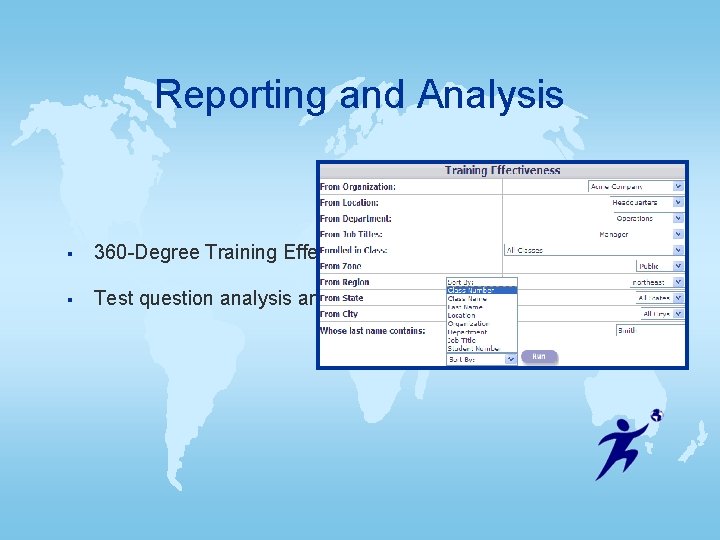
Reporting and Analysis § 360 -Degree Training Effectiveness § Test question analysis and detailed history
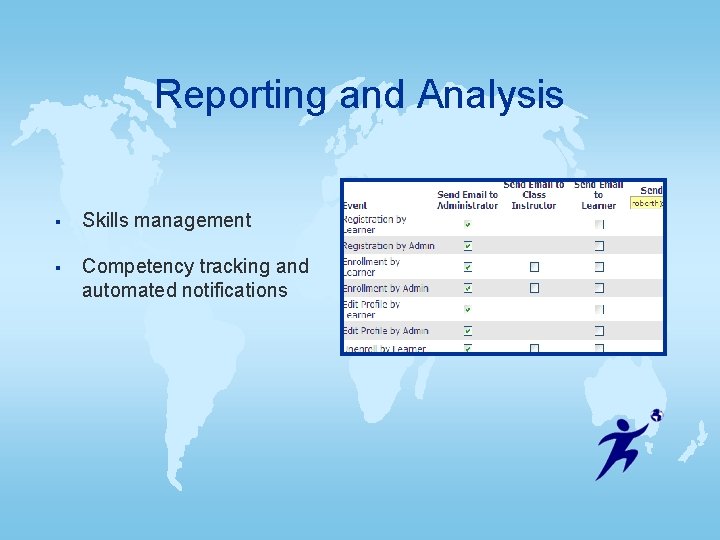
Reporting and Analysis § Skills management § Competency tracking and automated notifications
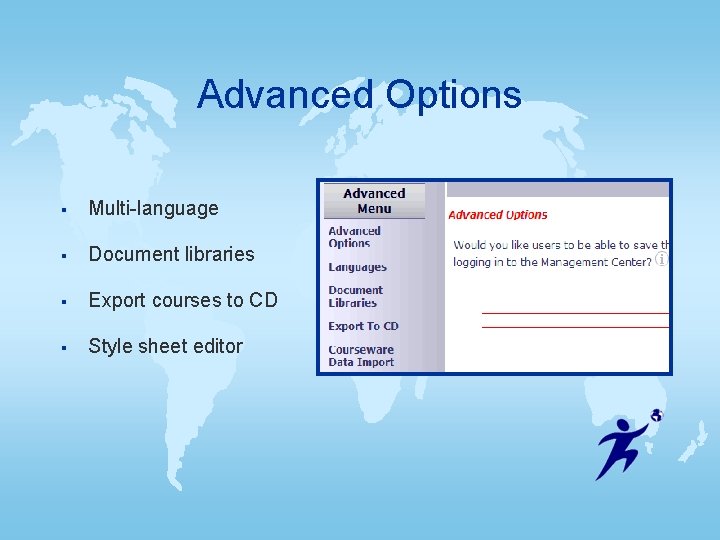
Advanced Options § Multi-language § Document libraries § Export courses to CD § Style sheet editor
Customer Support § Phone and e-mail support § Experienced on-site product developers
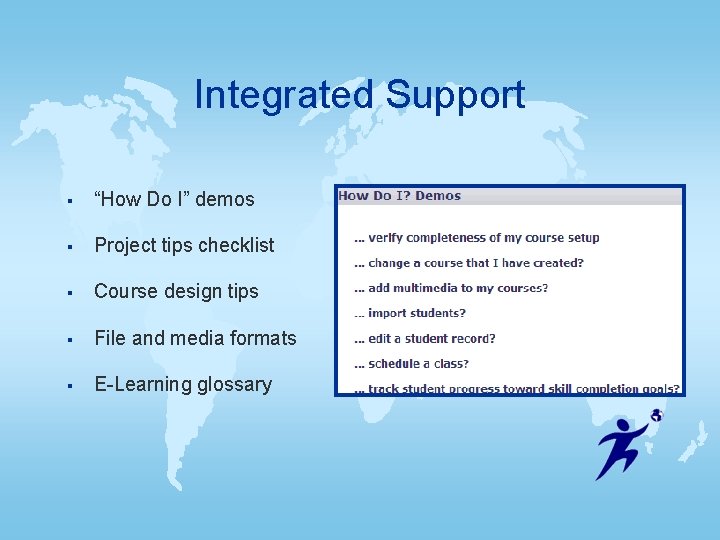
Integrated Support § “How Do I” demos § Project tips checklist § Course design tips § File and media formats § E-Learning glossary
Integrity § Quality software § Solid reliability § Professional service § Lasting relationships § Since 1996
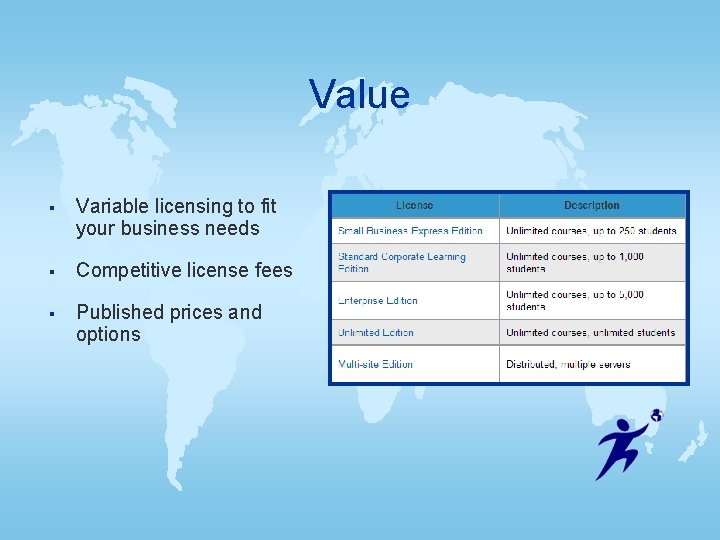
Value § Variable licensing to fit your business needs § Competitive license fees § Published prices and options
Flexibility § Rapid setup § Open source code § Available as a product or online service § Host on your server or ours
The All-in-One Solution § Unlimited courses § No annual fee § Chat and Message Boards § Multi-Language § Built-in Authoring Tool
Flex. Training Customers § Fortune 1000 companies § Healthcare, insurance and nonprofit § Manufacturing, distribution and retail § Government and military § International corporations
Why Choose Flex. Training? § Reduce training costs § Reuse existing training material § Reduce development time § No programming or experience required § Choices …
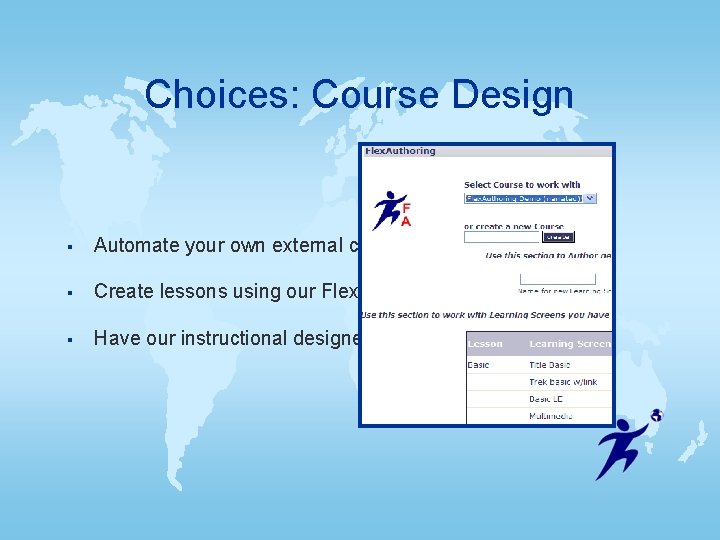
Choices: Course Design § Automate your own external content § Create lessons using our Flex. Authoring tool § Have our instructional designers create courses for you
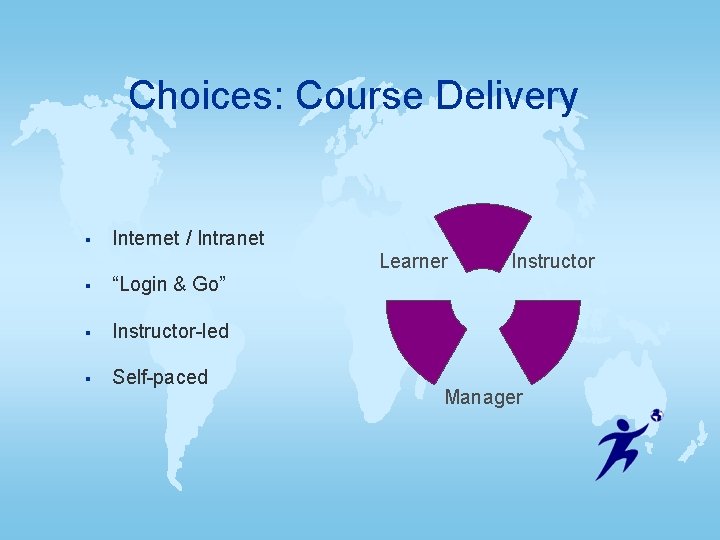
Choices: Course Delivery § Internet / Intranet § “Login & Go” § Instructor-led § Self-paced Learner Instructor Manager
Choices: Class Size § Offer private and secure online training § Use chat and message boards for interaction § Present instructor-led or computer-based training § Offer unlimited courses without extra fees
The Clear Choice § Server-based software § “Login & Go” subscription § Hosting services § Standards-based § Streamlined architecture § Point-and-Click setup
Contact Us www. flextraining. com 888. 957. 7771 or 813. 264. 2046 info@flextraining. com Flex. Training 3418 Handy Road Suite 201 Tampa, FL 33618