
THE FINCH ROBOT AND THE WHILE LOOP Pepper
THE FINCH ROBOT AND THE WHILE LOOP Pepper
THE ROBOT Developed by Carnegie Mellon students to teach CS Supports many compilers, including Java Web site: http: //www. finchrobot. com/ Why: See how hardware and physical actions can be controlled with code so you can imagine the game you will design for the group project Half are the marketing team Half are the development team Lab group practice
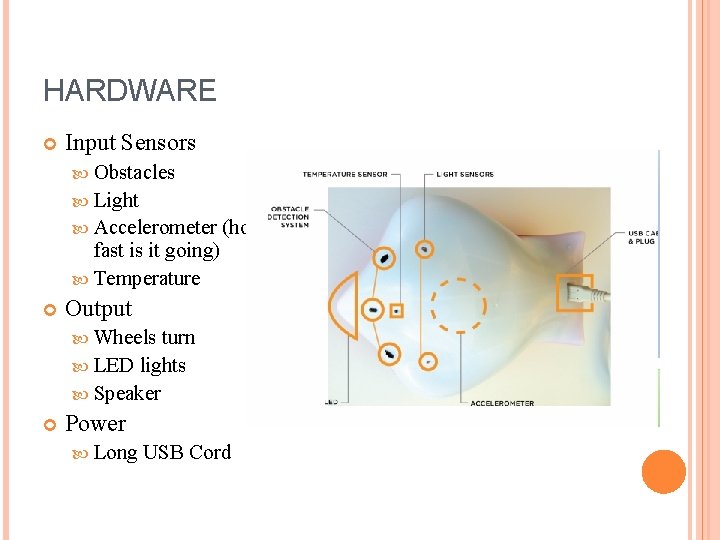
HARDWARE Input Sensors Obstacles Light Accelerometer fast is it going) Temperature (how Output Wheels turn LED lights Speaker Power Long USB Cord
INSTALLING Download Java package from http: //www. finchrobot. com/Creating, %20 Compiling, %2 0 and%20 Running%20 Programs%20 for%20 Finch/bluej Unzip it Open sample project Create your own package inside sample project (or add jar file to bluej via preferences)

MAKE A FINCH CONTROLLER Bring in the knowledge: import Create a finch object that knows finch commands: edu. cmu. ri. createlab. terk. robot. finch. Finch; Finch my. Finch = new Finch(); Always end with quit and exit: my. Finch. quit(); System. exit(0);
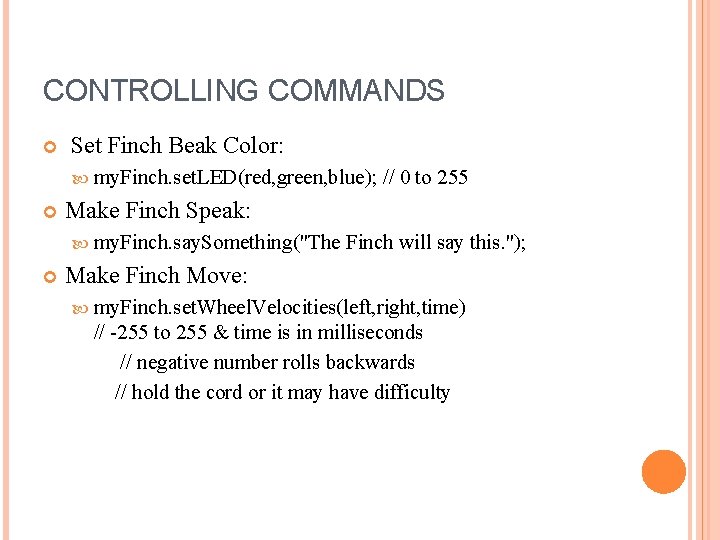
CONTROLLING COMMANDS Set Finch Beak Color: my. Finch. set. LED(red, green, blue); Make Finch Speak: my. Finch. say. Something("The // 0 to 255 Finch will say this. "); Make Finch Move: my. Finch. set. Wheel. Velocities(left, right, time) // -255 to 255 & time is in milliseconds // negative number rolls backwards // hold the cord or it may have difficulty
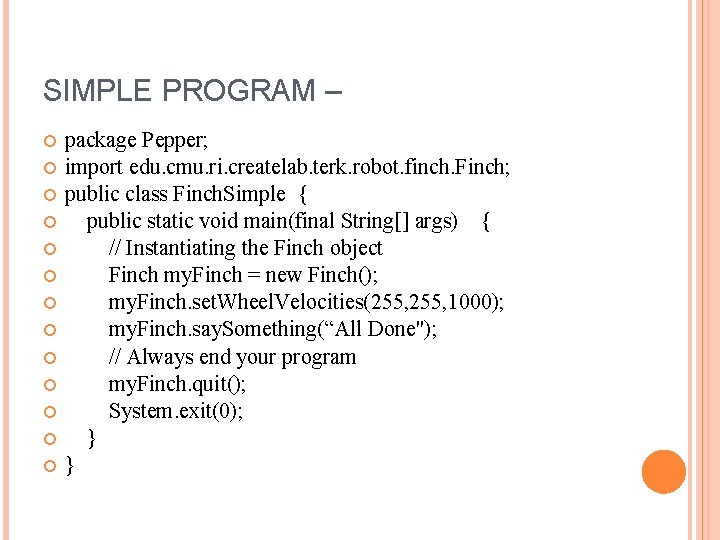
SIMPLE PROGRAM – package Pepper; import edu. cmu. ri. createlab. terk. robot. finch. Finch; public class Finch. Simple { public static void main(final String[] args) { // Instantiating the Finch object Finch my. Finch = new Finch(); my. Finch. set. Wheel. Velocities(255, 1000); my. Finch. say. Something(“All Done"); // Always end your program my. Finch. quit(); System. exit(0); } }
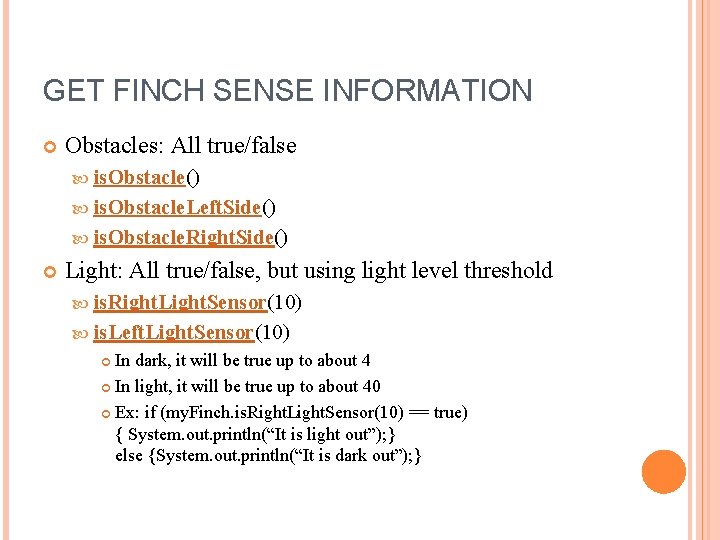
GET FINCH SENSE INFORMATION Obstacles: All true/false is. Obstacle() is. Obstacle. Left. Side() is. Obstacle. Right. Side() Light: All true/false, but using light level threshold is. Right. Light. Sensor(10) is. Left. Light. Sensor(10) In dark, it will be true up to about 4 In light, it will be true up to about 40 Ex: if (my. Finch. is. Right. Light. Sensor(10) == true) { System. out. println(“It is light out”); } else {System. out. println(“It is dark out”); }
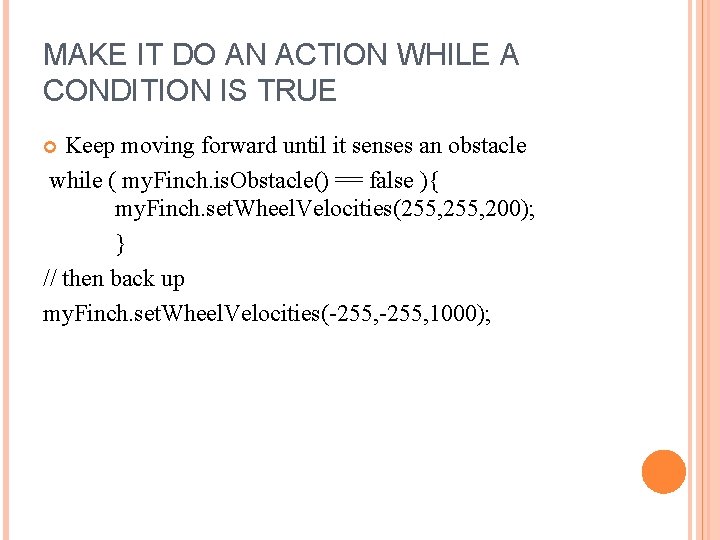
MAKE IT DO AN ACTION WHILE A CONDITION IS TRUE Keep moving forward until it senses an obstacle while ( my. Finch. is. Obstacle() == false ){ my. Finch. set. Wheel. Velocities(255, 200); } // then back up my. Finch. set. Wheel. Velocities(-255, 1000);
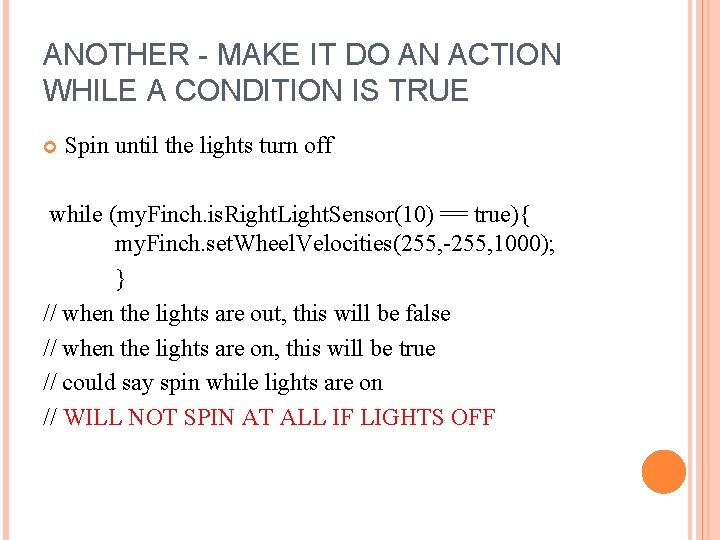
ANOTHER - MAKE IT DO AN ACTION WHILE A CONDITION IS TRUE Spin until the lights turn off while (my. Finch. is. Right. Light. Sensor(10) == true){ my. Finch. set. Wheel. Velocities(255, -255, 1000); } // when the lights are out, this will be false // when the lights are on, this will be true // could say spin while lights are on // WILL NOT SPIN AT ALL IF LIGHTS OFF
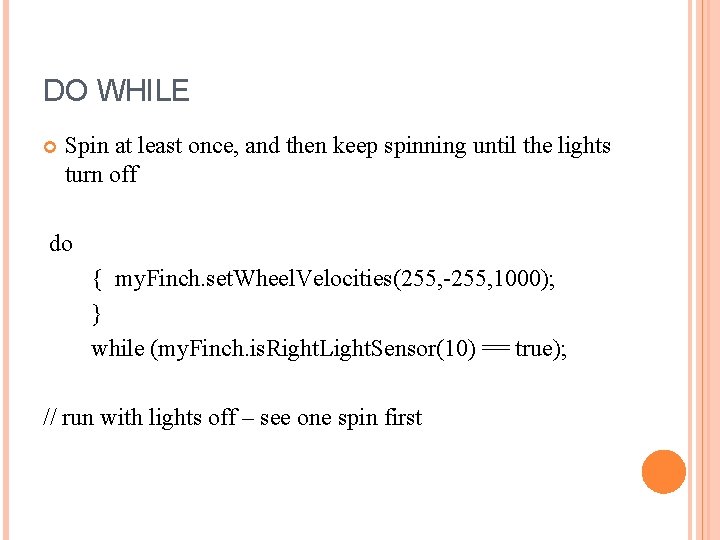
DO WHILE Spin at least once, and then keep spinning until the lights turn off do { my. Finch. set. Wheel. Velocities(255, -255, 1000); } while (my. Finch. is. Right. Light. Sensor(10) == true); // run with lights off – see one spin first
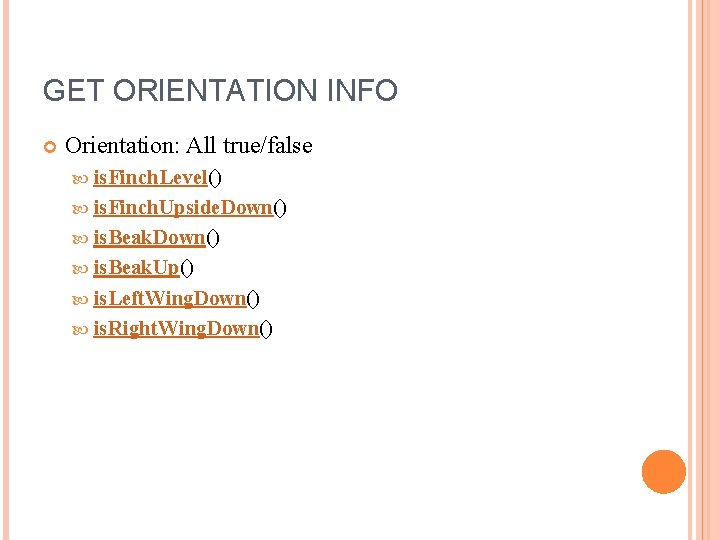
GET ORIENTATION INFO Orientation: All true/false is. Finch. Level() is. Finch. Upside. Down() is. Beak. Up() is. Left. Wing. Down() is. Right. Wing. Down()
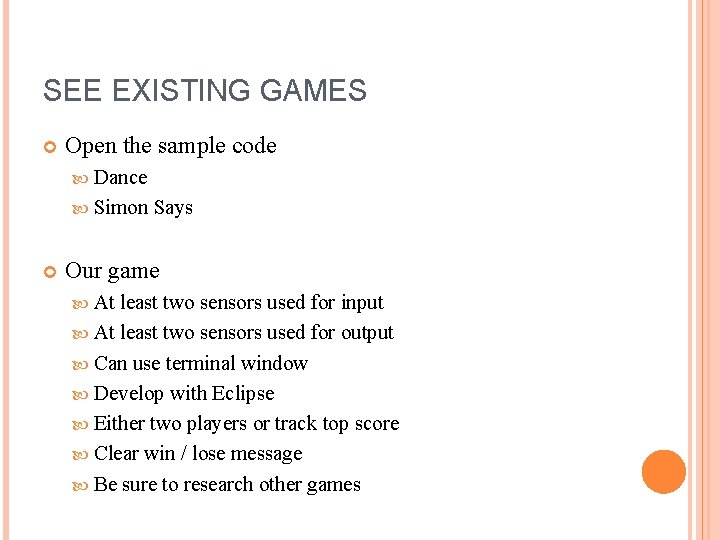
SEE EXISTING GAMES Open the sample code Dance Simon Says Our game At least two sensors used for input At least two sensors used for output Can use terminal window Develop with Eclipse Either two players or track top score Clear win / lose message Be sure to research other games
YOUR TAKEAWAY A sense of how the finch can be controlled by code How you get information from the finch's sensors How you send information to the finch to control its movement
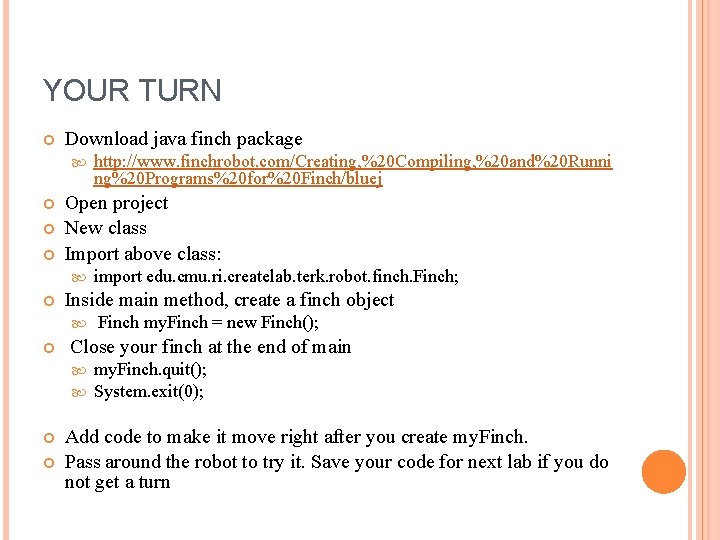
YOUR TURN Download java finch package Open project New class Import above class: Finch my. Finch = new Finch(); Close your finch at the end of main import edu. cmu. ri. createlab. terk. robot. finch. Finch; Inside main method, create a finch object http: //www. finchrobot. com/Creating, %20 Compiling, %20 and%20 Runni ng%20 Programs%20 for%20 Finch/bluej my. Finch. quit(); System. exit(0); Add code to make it move right after you create my. Finch. Pass around the robot to try it. Save your code for next lab if you do not get a turn
- Slides: 15