
The File Class Text File IO 1 An

- Slides: 21
The File Class Text File I/O 1 An abstract representation of file and directory pathnames. Construction: File(String pathname) Some useful methods: boolean exists() boolean create. New. File() boolean delete() long length() These are useful for manipulating files, not the content of files. CS@VT Data Structures & Algorithms © 2009 -2020 WD Mc. Quain
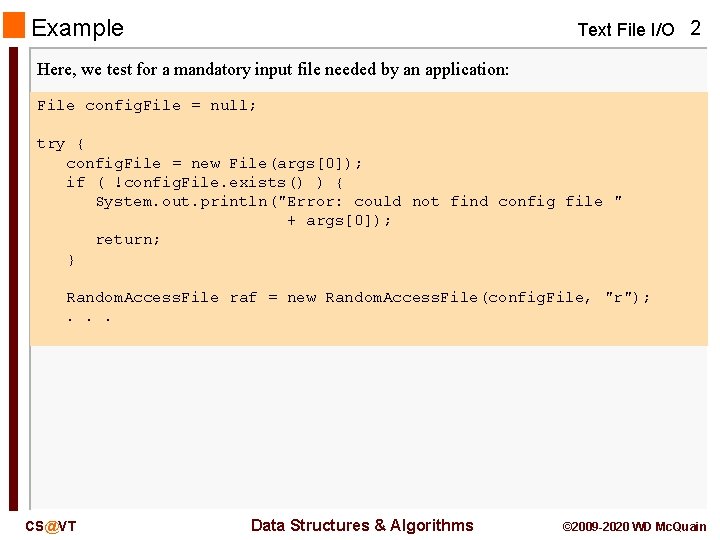
Example Text File I/O 2 Here, we test for a mandatory input file needed by an application: File config. File = null; try { config. File = new File(args[0]); if ( !config. File. exists() ) { System. out. println("Error: could not find config file " + args[0]); return; } Random. Access. File raf = new Random. Access. File(config. File, "r"); . . . CS@VT Data Structures & Algorithms © 2009 -2020 WD Mc. Quain
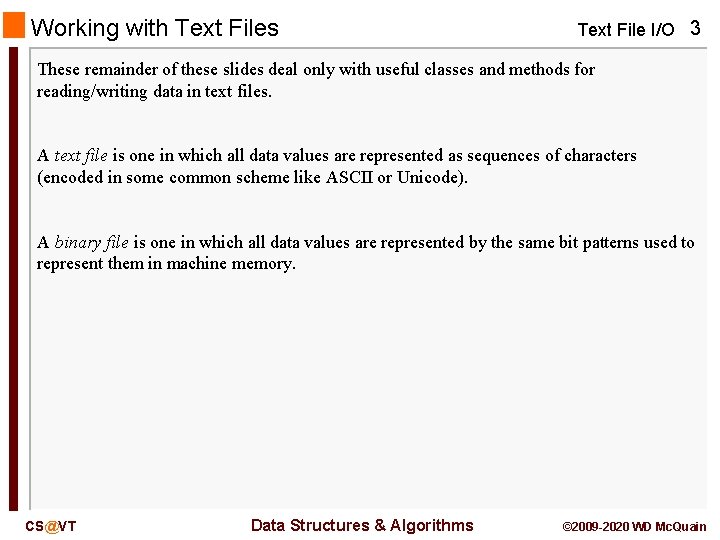
Working with Text Files Text File I/O 3 These remainder of these slides deal only with useful classes and methods for reading/writing data in text files. A text file is one in which all data values are represented as sequences of characters (encoded in some common scheme like ASCII or Unicode). A binary file is one in which all data values are represented by the same bit patterns used to represent them in machine memory. CS@VT Data Structures & Algorithms © 2009 -2020 WD Mc. Quain
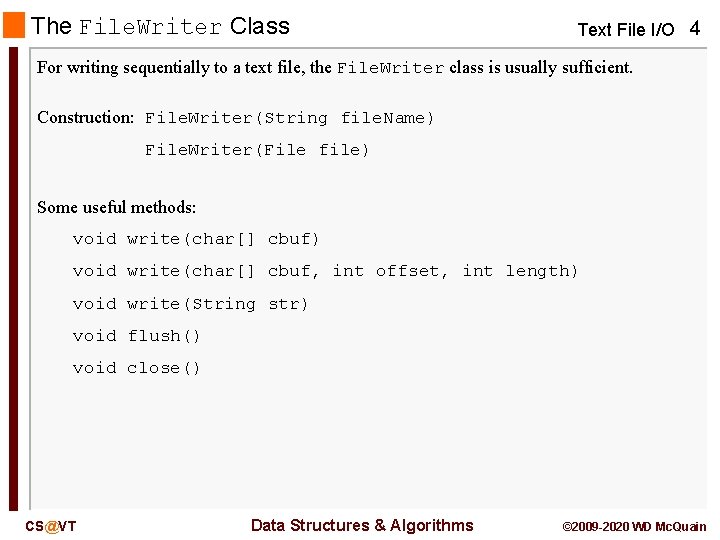
The File. Writer Class Text File I/O 4 For writing sequentially to a text file, the File. Writer class is usually sufficient. Construction: File. Writer(String file. Name) File. Writer(File file) Some useful methods: void write(char[] cbuf) void write(char[] cbuf, int offset, int length) void write(String str) void flush() void close() CS@VT Data Structures & Algorithms © 2009 -2020 WD Mc. Quain
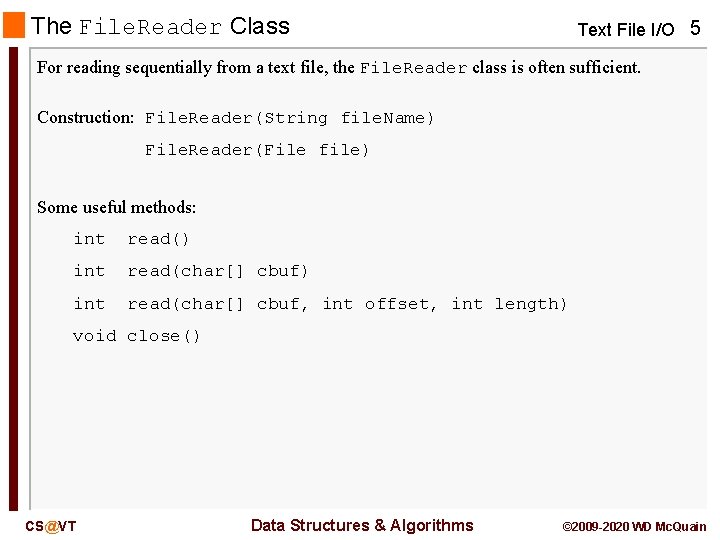
The File. Reader Class Text File I/O 5 For reading sequentially from a text file, the File. Reader class is often sufficient. Construction: File. Reader(String file. Name) File. Reader(File file) Some useful methods: int read() int read(char[] cbuf, int offset, int length) void close() CS@VT Data Structures & Algorithms © 2009 -2020 WD Mc. Quain
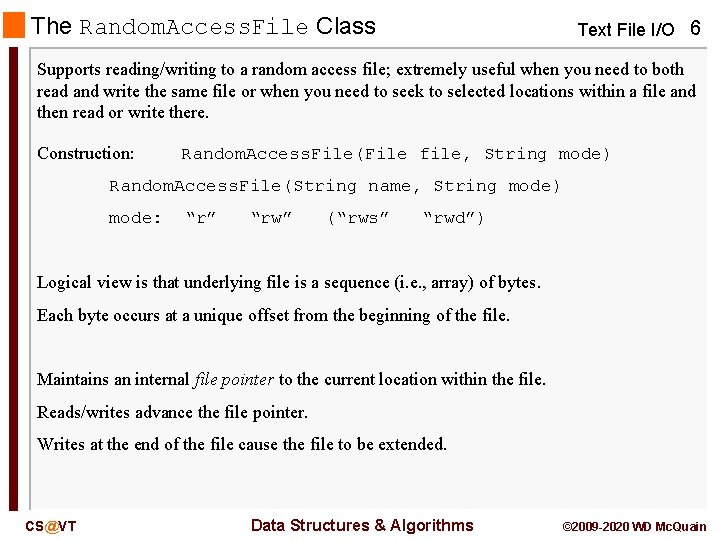
The Random. Access. File Class Text File I/O 6 Supports reading/writing to a random access file; extremely useful when you need to both read and write the same file or when you need to seek to selected locations within a file and then read or write there. Construction: Random. Access. File(File file, String mode) Random. Access. File(String name, String mode) mode: “r” “rw” (“rws” “rwd”) Logical view is that underlying file is a sequence (i. e. , array) of bytes. Each byte occurs at a unique offset from the beginning of the file. Maintains an internal file pointer to the current location within the file. Reads/writes advance the file pointer. Writes at the end of the file cause the file to be extended. CS@VT Data Structures & Algorithms © 2009 -2020 WD Mc. Quain
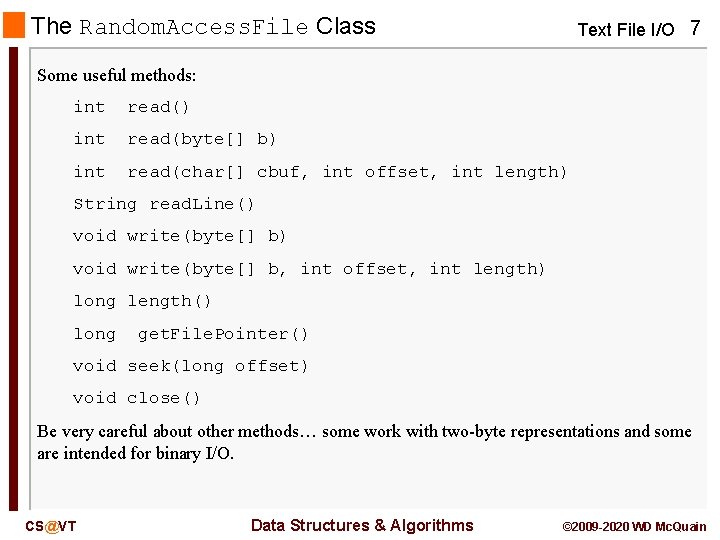
The Random. Access. File Class Text File I/O 7 Some useful methods: int read() int read(byte[] b) int read(char[] cbuf, int offset, int length) String read. Line() void write(byte[] b, int offset, int length) long length() long get. File. Pointer() void seek(long offset) void close() Be very careful about other methods… some work with two-byte representations and some are intended for binary I/O. CS@VT Data Structures & Algorithms © 2009 -2020 WD Mc. Quain
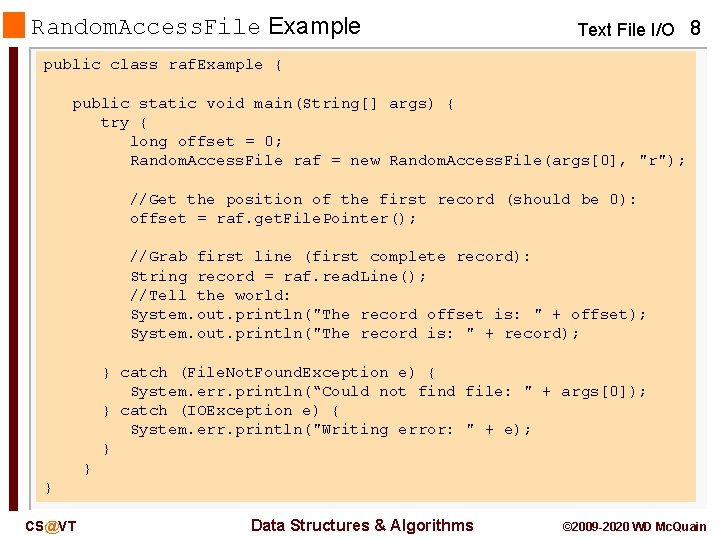
Random. Access. File Example Text File I/O 8 public class raf. Example { public static void main(String[] args) { try { long offset = 0; Random. Access. File raf = new Random. Access. File(args[0], "r"); //Get the position of the first record (should be 0): offset = raf. get. File. Pointer(); //Grab first line (first complete record): String record = raf. read. Line(); //Tell the world: System. out. println("The record offset is: " + offset); System. out. println("The record is: " + record); } catch (File. Not. Found. Exception e) { System. err. println(“Could not find file: " + args[0]); } catch (IOException e) { System. err. println("Writing error: " + e); } } } CS@VT Data Structures & Algorithms © 2009 -2020 WD Mc. Quain
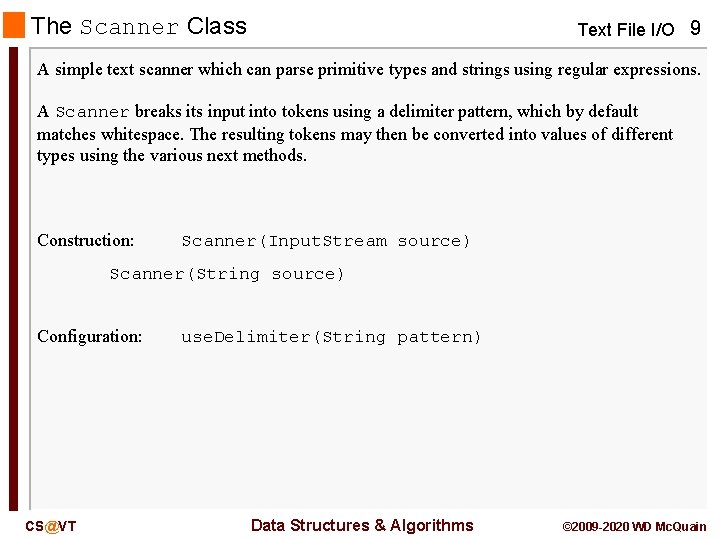
The Scanner Class Text File I/O 9 A simple text scanner which can parse primitive types and strings using regular expressions. A Scanner breaks its input into tokens using a delimiter pattern, which by default matches whitespace. The resulting tokens may then be converted into values of different types using the various next methods. Construction: Scanner(Input. Stream source) Scanner(String source) Configuration: CS@VT use. Delimiter(String pattern) Data Structures & Algorithms © 2009 -2020 WD Mc. Quain
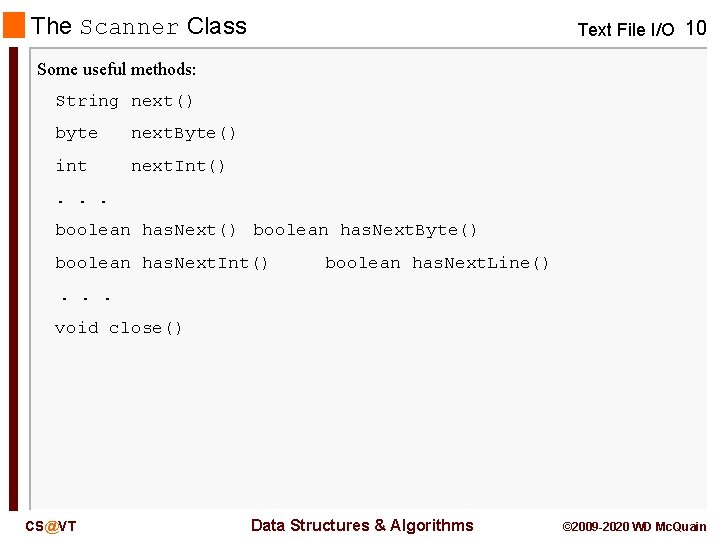
The Scanner Class Text File I/O 10 Some useful methods: String next() byte next. Byte() int next. Int() . . . boolean has. Next() boolean has. Next. Byte() boolean has. Next. Int() boolean has. Next. Line() . . . void close() CS@VT Data Structures & Algorithms © 2009 -2020 WD Mc. Quain
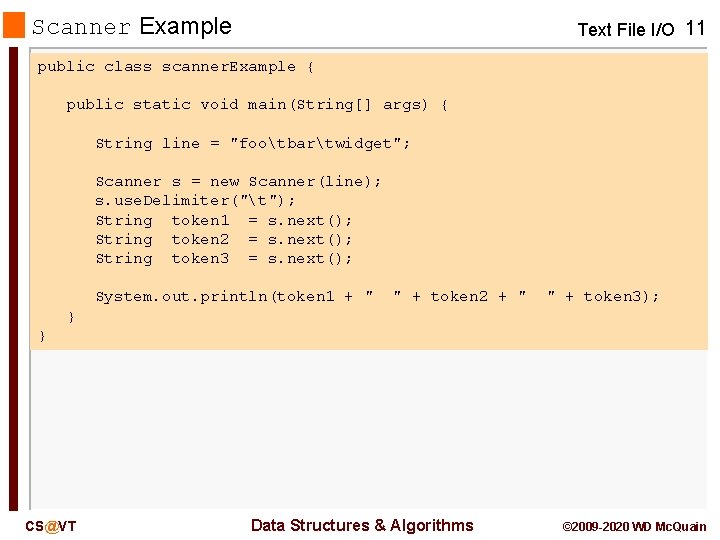
Scanner Example Text File I/O 11 public class scanner. Example { public static void main(String[] args) { String line = "footbartwidget"; Scanner s = new Scanner(line); s. use. Delimiter("t"); String token 1 = s. next(); String token 2 = s. next(); String token 3 = s. next(); System. out. println(token 1 + " " + token 2 + " " + token 3); } } CS@VT Data Structures & Algorithms © 2009 -2020 WD Mc. Quain
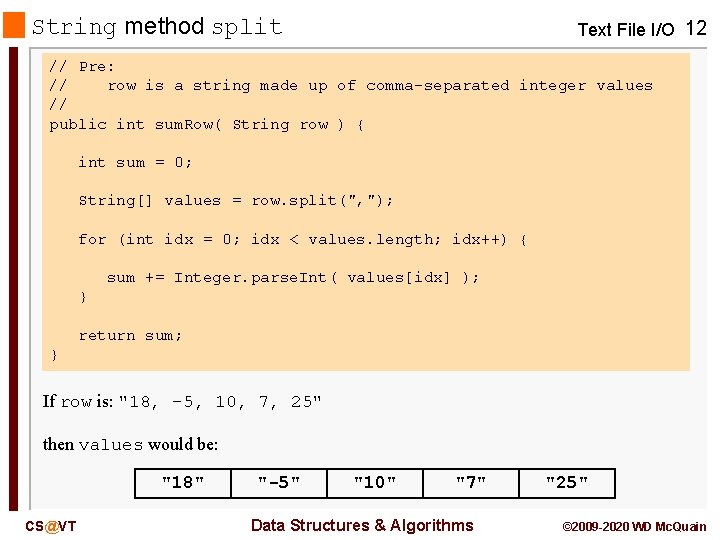
String method split Text File I/O 12 // Pre: // row is a string made up of comma-separated integer values // public int sum. Row( String row ) { int sum = 0; String[] values = row. split(", "); for (int idx = 0; idx < values. length; idx++) { sum += Integer. parse. Int( values[idx] ); } return sum; } If row is: "18, -5, 10, 7, 25" then values would be: "18" CS@VT "-5" "10" "7" Data Structures & Algorithms "25" © 2009 -2020 WD Mc. Quain
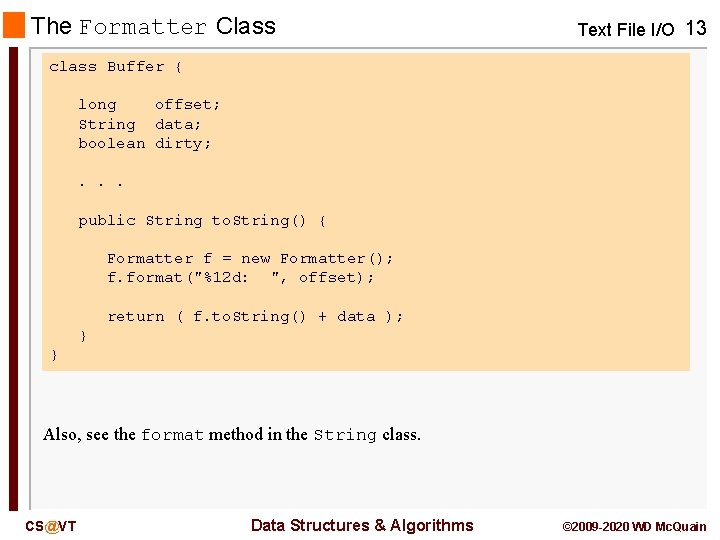
The Formatter Class Text File I/O 13 class Buffer { long offset; String data; boolean dirty; . . . public String to. String() { Formatter f = new Formatter(); f. format("%12 d: ", offset); return ( f. to. String() + data ); } } Also, see the format method in the String class. CS@VT Data Structures & Algorithms © 2009 -2020 WD Mc. Quain
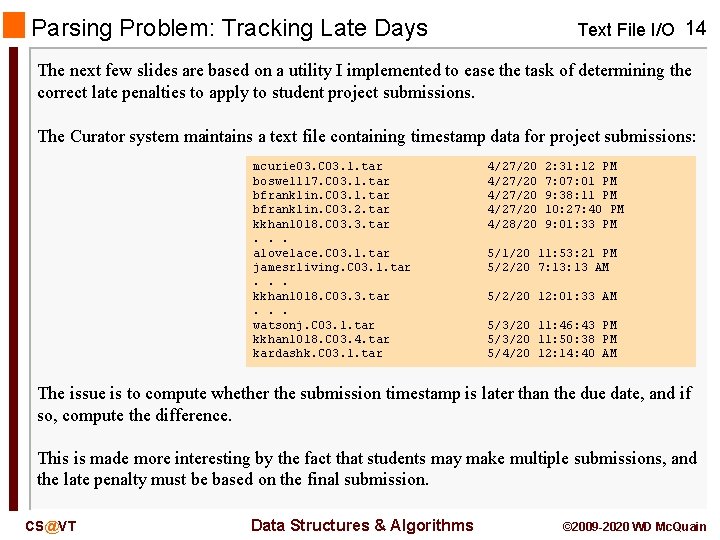
Parsing Problem: Tracking Late Days Text File I/O 14 The next few slides are based on a utility I implemented to ease the task of determining the correct late penalties to apply to student project submissions. The Curator system maintains a text file containing timestamp data for project submissions: mcurie 03. C 03. 1. tar boswell 17. C 03. 1. tar bfranklin. C 03. 2. tar kkhan 1018. C 03. 3. tar. . . alovelace. C 03. 1. tar jamesrliving. C 03. 1. tar. . . kkhan 1018. C 03. 3. tar. . . watsonj. C 03. 1. tar kkhan 1018. C 03. 4. tar kardashk. C 03. 1. tar 4/27/20 4/28/20 2: 31: 12 PM 7: 01 PM 9: 38: 11 PM 10: 27: 40 PM 9: 01: 33 PM 5/1/20 11: 53: 21 PM 5/2/20 7: 13 AM 5/2/20 12: 01: 33 AM 5/3/20 11: 46: 43 PM 5/3/20 11: 50: 38 PM 5/4/20 12: 14: 40 AM The issue is to compute whether the submission timestamp is later than the due date, and if so, compute the difference. This is made more interesting by the fact that students may make multiple submissions, and the late penalty must be based on the final submission. CS@VT Data Structures & Algorithms © 2009 -2020 WD Mc. Quain
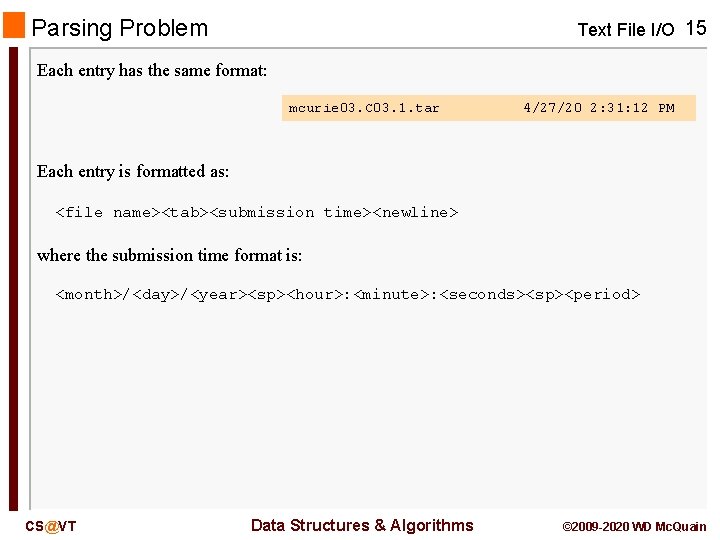
Parsing Problem Text File I/O 15 Each entry has the same format: mcurie 03. C 03. 1. tar 4/27/20 2: 31: 12 PM Each entry is formatted as: <file name><tab><submission time><newline> where the submission time format is: <month>/<day>/<year><sp><hour>: <minute>: <seconds><sp><period> CS@VT Data Structures & Algorithms © 2009 -2020 WD Mc. Quain
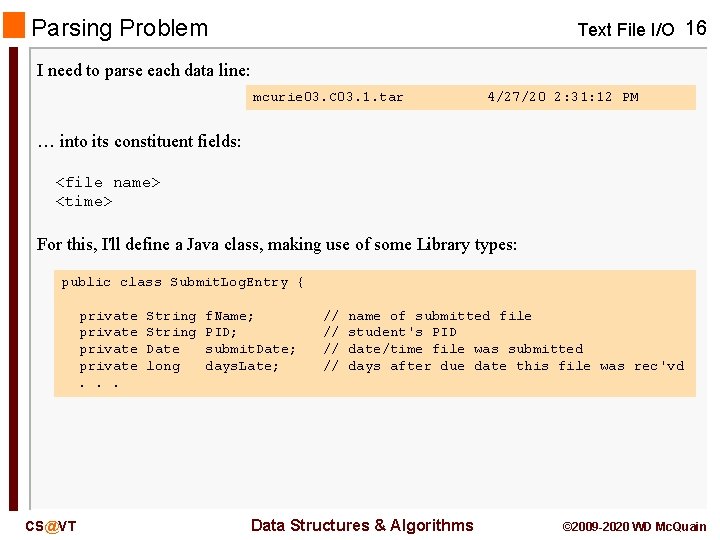
Parsing Problem Text File I/O 16 I need to parse each data line: mcurie 03. C 03. 1. tar 4/27/20 2: 31: 12 PM … into its constituent fields: <file name> <time> For this, I'll define a Java class, making use of some Library types: public class Submit. Log. Entry { private. . . CS@VT String Date long f. Name; PID; submit. Date; days. Late; // // name of submitted file student's PID date/time file was submitted days after due date this file was rec'vd Data Structures & Algorithms © 2009 -2020 WD Mc. Quain
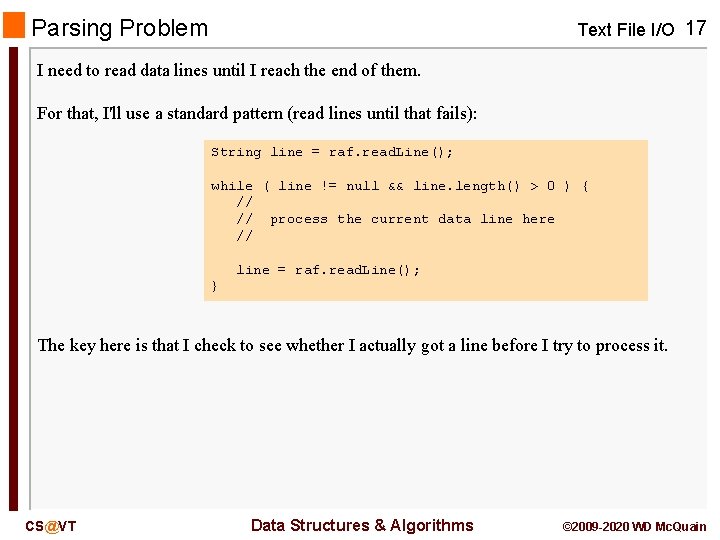
Parsing Problem Text File I/O 17 I need to read data lines until I reach the end of them. For that, I'll use a standard pattern (read lines until that fails): String line = raf. read. Line(); while ( line != null && line. length() > 0 ) { // // process the current data line here // line = raf. read. Line(); } The key here is that I check to see whether I actually got a line before I try to process it. CS@VT Data Structures & Algorithms © 2009 -2020 WD Mc. Quain
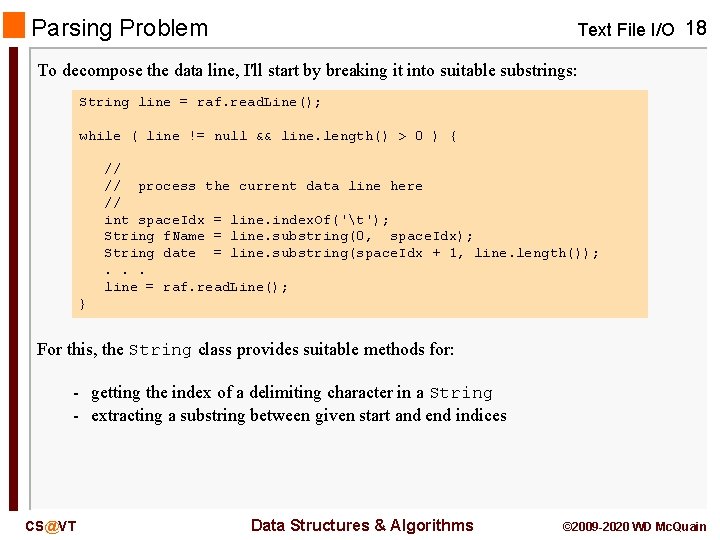
Parsing Problem Text File I/O 18 To decompose the data line, I'll start by breaking it into suitable substrings: String line = raf. read. Line(); while ( line != null && line. length() > 0 ) { // // process the current data line here // int space. Idx = line. index. Of('t'); String f. Name = line. substring(0, space. Idx); String date = line. substring(space. Idx + 1, line. length()); . . . line = raf. read. Line(); } For this, the String class provides suitable methods for: - getting the index of a delimiting character in a String - extracting a substring between given start and end indices CS@VT Data Structures & Algorithms © 2009 -2020 WD Mc. Quain
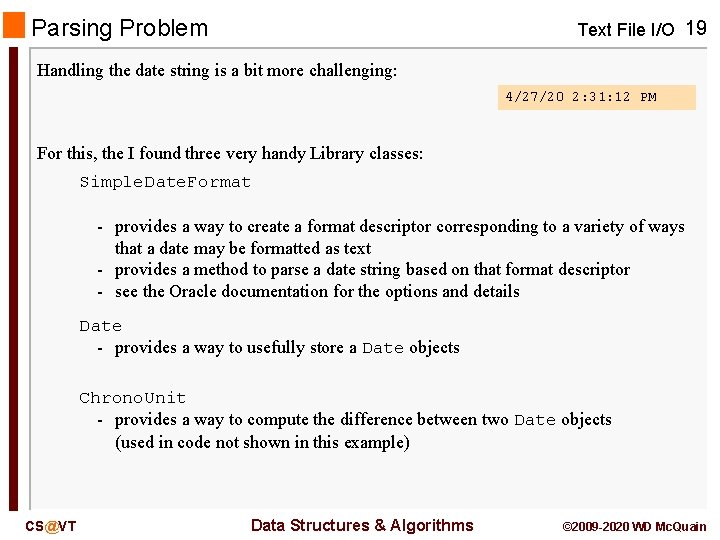
Parsing Problem Text File I/O 19 Handling the date string is a bit more challenging: 4/27/20 2: 31: 12 PM For this, the I found three very handy Library classes: Simple. Date. Format - provides a way to create a format descriptor corresponding to a variety of ways that a date may be formatted as text - provides a method to parse a date string based on that format descriptor - see the Oracle documentation for the options and details Date - provides a way to usefully store a Date objects Chrono. Unit - provides a way to compute the difference between two Date objects (used in code not shown in this example) CS@VT Data Structures & Algorithms © 2009 -2020 WD Mc. Quain
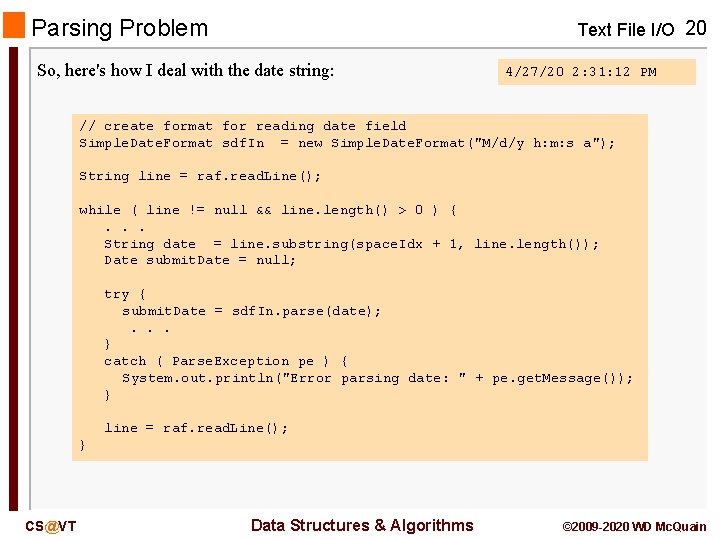
Parsing Problem Text File I/O 20 So, here's how I deal with the date string: 4/27/20 2: 31: 12 PM // create format for reading date field Simple. Date. Format sdf. In = new Simple. Date. Format("M/d/y h: m: s a"); String line = raf. read. Line(); while ( line != null && line. length() > 0 ) {. . . String date = line. substring(space. Idx + 1, line. length()); Date submit. Date = null; try { submit. Date = sdf. In. parse(date); . . . } catch ( Parse. Exception pe ) { System. out. println("Error parsing date: " + pe. get. Message()); } line = raf. read. Line(); } CS@VT Data Structures & Algorithms © 2009 -2020 WD Mc. Quain
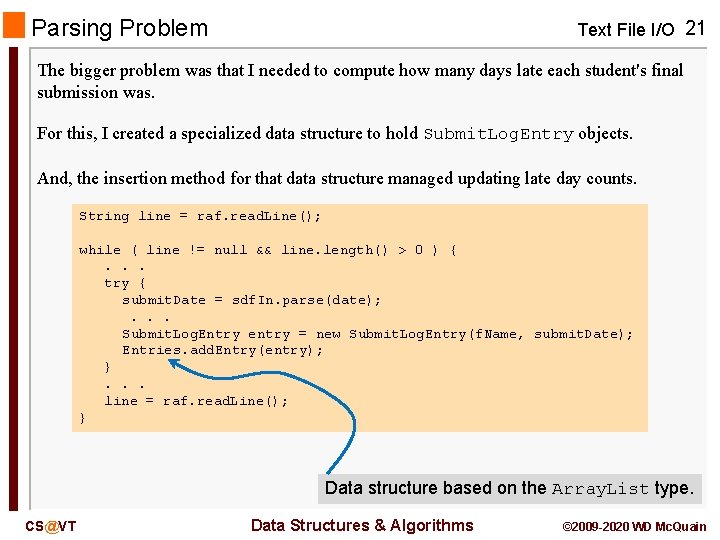
Parsing Problem Text File I/O 21 The bigger problem was that I needed to compute how many days late each student's final submission was. For this, I created a specialized data structure to hold Submit. Log. Entry objects. And, the insertion method for that data structure managed updating late day counts. String line = raf. read. Line(); while ( line != null && line. length() > 0 ) {. . . try { submit. Date = sdf. In. parse(date); . . . Submit. Log. Entry entry = new Submit. Log. Entry(f. Name, submit. Date); Entries. add. Entry(entry); }. . . line = raf. read. Line(); } Data structure based on the Array. List type. CS@VT Data Structures & Algorithms © 2009 -2020 WD Mc. Quain