
THE EVOLUTION OF HIPAA SECURITY Be Careful What
THE EVOLUTION OF HIPAA SECURITY – Be Careful What You Ask For Kirsten Ruzic Wild, RN, BSN, MBA, CHC September 11, 2009 1
Objectives l Gain insight into government’s enforcement efforts l Highlight current level of health care entities’ compliance – HIPAA COW Benchmarking Survey l Understand the recent ARRA changes and impact 2
A little background…. . HIPAA Security l Establish national standards for the security of electronic health care information – Administrative safeguards – Physical safeguards – Technical safeguards l Enforcement Authority was CMS 3
A little background…. . HIPAA Security Rule Requirements l Establish national minimum standards for the security of electronic health care information l Published February 2003, deadline April 2005 l Administrative, technical, and physical security procedures (18 standards) l Implementation specifications are either Required (14) or Addressable (22) 4
HIPAA Security Rule Goals l Comprehensive, scaleable and technologically neutral (flexible) l Protect the confidentiality, availability and integrity of electronic PHI (“e. PHI”) l Assess YOUR risks and vulnerabilities l Improve Medicare/Medicaid through increased effectiveness and efficiency 5
HIPAA Security Rule Goals l “Improve efficiency and effectiveness of the health care system by encouraging the development of a health information system through the establishment of standards and requirements to enable the electronic exchange of certain health information” 45 CFR Parts 160, 162, 164 – Final Rule 6
HIPAA Security Rule Interpretation l Good Thing: Scaleable and flexible l Bad Thing: Scaleable and flexible l How do you know if you meet the standard? l Are you certain you are compliant? 7
HIPAA Security Rule Interpretation l l l Lack of standard Constantly changing technologies Complexity and variety of clinical applications Limited IT budgets No CMS enforcement or oversight (years) Interpretation? Why bother? 8
OIG Audits and Guidance March 2007 l Audit of Piedmont Hospital – Atlanta l Non-specific findings: significant vulnerabilities l Leaked checklist of 42 questions/documents 9

OIG Audits and Guidance August 2007 l Audit of CMS (Results of audit released in October 2008) l Findings – No compliance reviews had been conducted in 2 years – CMS had “not provided effective oversight or encouraged enforcement of the HIPAA Security Rule” – CMS agreed to implement a formal audit process – Defense: voluntary compliance and complaint-driven 10
OIG Audits and Guidance l No findings released l OIG committed to ongoing audits of covered entities nationwide for next few months l Develop understanding of CE interpretation of flexible and scalable ? ? ? 11
CMS l Late 2007 l Office of e. Health Standards and Services (OESS) l CMS website – HIPAA Security Standard l Sample document request list for audit - 42 l First insight into federal interpretation l Conducting on-site reviews since January 2008 12
OCR/CMS Auditing/Enforcement CMS l l l l Mid 2008 Audited Providence Health and Services In cooperation with OCR Failure to implement P&P to protect PHI Portable media First Resolution Agreement/CAP On OCR website Only CMS audit results released 13
OCR/CMS Auditing/Enforcement Providence Audit l No civil monetary penalty for cooperating l Audited by OCR and CMS jointly l Complaint-triggered audit 14
CMS Enforcement Statistics – 3 largest number of complaints l Information Access Management (Administrative Standard 164. 308(a)(4)(i)) l Access Control (Technical Standard 164. 312(a)(1)) l Security Awareness and Training (Administrative Standard 164. 308(a)(5)(i)) 15
Conclusions l Uncoordinated guidance, interpretation and enforcement l Info on a variety of government websites OIG, CMS, OESS, OCR, Dept of Commerce - NIST l Not easy to find l Where do you go from here? 16
New Enforcement l As of August 3 rd, OCR is responsible for enforcement of HIPAA Security – not CMS l “eliminate duplication and increase efficiencies” 17
HIPAA COW Security Networking Group l Benchmarking Survey – March 2009 – Goals: » to provide benchmarking data to help organizations across the State determine their level of compliance with the regulations in preparation for a federal audit » Not to justify or support non-compliance » Determine if benchmarks (local? ) exist 18
HIPAA COW Security Networking Group Benchmarking Survey l l l 56 questions 10 categories Average of 76 responses to each question Respondents include: acute care hospitals, clinics/physician groups, long-term care facilities, payers, and integrated health care delivery networks From <200 to >2000 employees – Size of an organization had little effect on level of compliance 19
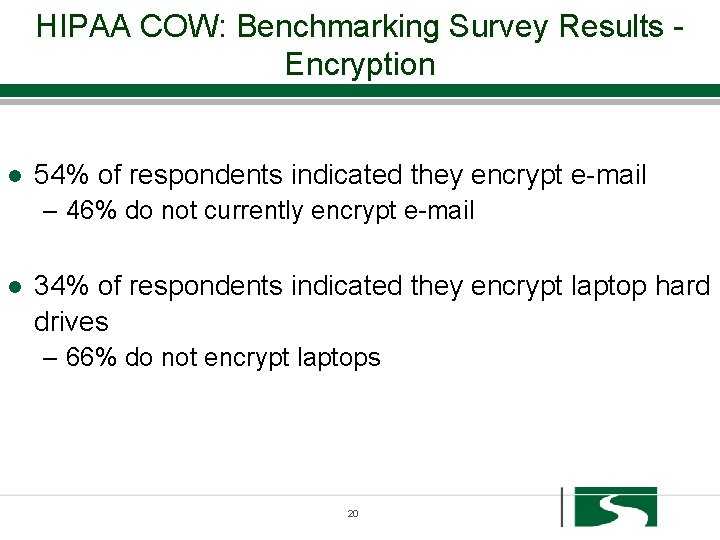
HIPAA COW: Benchmarking Survey Results Encryption l 54% of respondents indicated they encrypt e-mail – 46% do not currently encrypt e-mail l 34% of respondents indicated they encrypt laptop hard drives – 66% do not encrypt laptops 20
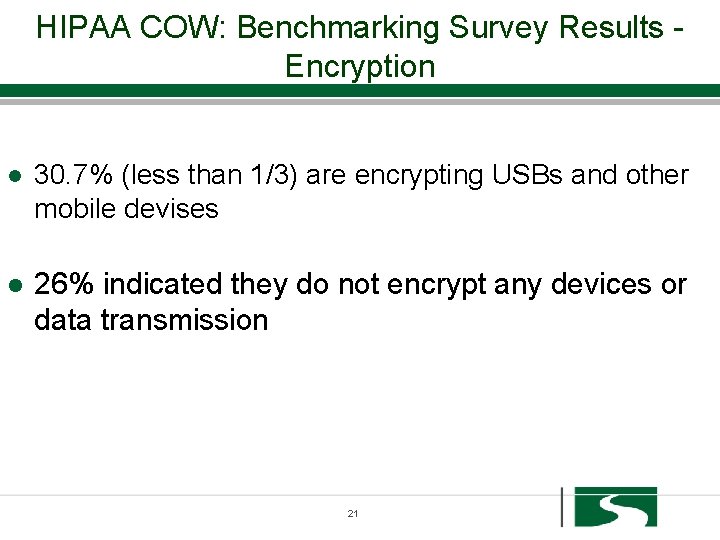
HIPAA COW: Benchmarking Survey Results Encryption l 30. 7% (less than 1/3) are encrypting USBs and other mobile devises l 26% indicated they do not encrypt any devices or data transmission 21
Committee Interpretation l Expected that organizations had implemented encryption techniques/solutions on more types of devises l Why not encrypting? – – Budget limitations Too difficult IT not ready to administer Organizational policies prohibit transmission of PHI in e-mail or on portable devises – Organizations may be currently implementing or testing to find solutions – Believe it is impossible to enforce 22
Conclusions/Recommendations l All organizations should be capable of encryption – Well-established technology – Inexpensive – Easy to implement l l l “Addressable” standard? Per OIG Auditors presentation in April – lack of encryption will fail an audit Provide proactive solutions to your users 23
HIPAA COW: Benchmarking Survey Results – Disaster Recovery l 88. 8% have a Disaster Recovery Plan – Those who didn’t tended to be smaller organizations l 45. 6% state their Plan covers every application l 31. 6% indicated their Disaster Recovery Plan covers only those applications that support basic business functions l 89. 4% state their Plan is documented 24
HIPAA COW: Benchmarking Survey Results – Disaster Recovery l 50. 6% test their Disaster Recovery Plan l 39. 5% did not answer the question l Of those that answered the question (open-ended) as to how often they test their Disaster Recovery Plan, majority stated annually 25
Committee Interpretation l Why not meeting the Standard? – – – Challenging as not a static condition Very complicated Cost/benefit analysis Lack of consequences Productivity pressures 26
Committee Interpretation l l Are these really disaster recovery plans or just disaster response plans? How does this compare or relate to plans for business continuity? Infrastructure recovery? Critical patient care systems? Possibly handled by other departments? Is the Plan being used? 27
Conclusions/Recommendations l Required specification l Prioritize applications l Test in order of priority l Consider the time it takes for the entire system to recover 28
Conclusions/Recommendations l Recovery should be intrinsic to implementation of new applications l Get started, start small l Resolve with external resources – consultant l Consider the potential consequences 29
HIPAA COW: Benchmarking Survey Results – E-Mail Retention l 48. 2% have an E-mail Retention Policy l 54. 3% store all e-mail – 45. 7% do not store all e-mail l 73. 1% store e-mail back-ups off-site l The length of retention is extremely variable – 2 weeks - forever – Dependent on application, retention policy, type of data, user preference 30
Committee Interpretation l Without a policy, in response to a legal discovery request, what would you produce? l If is discovered must now be kept l Implications of e-discovery law 31
Conclusions/Recommendations l Must have a Record Retention Policy – Classify by data type or classification, not medium – Decision for retention is “what” data is retained and for how long, regardless of what format the data is in – Create a Records Retention Schedule – Educate and enforce the policy 32
HIPAA COW: Benchmarking Survey Results – Automatic Log-out/Log-off Network Level l 54. 3% employ automatic log-out at the network level Of those who employ automatic log-out at the network level: – 58. 1% implemented log-out times of 10 -30 minutes – 34. 9% implemented log-outs of less than 10 minutes Which means: – 93% require log-out times to be less than 30 minutes – Only 7% have implemented log-out times at the network level of greater than 30 minutes 33
HIPAA COW: Benchmarking Survey Results – Automatic Log-out/Log-off Application Level l 66. 3% employ log-outs at the application level l Of those who employ automatic log-outs a the application level: – 52. 8% have implemented log-out times of 10 -30 minutes – 20% have implemented log-out times of less than 10 minutes l Which means: – 73. 6% require lot-out times to be less than 30 minutes – 26. 4% have implemented log-out times at the application level of greater than 30 minutes 34
HIPAA COW: Benchmarking Survey Results – Automatic Log-out/Log-off Physically secured l If work stations are in a physically secured area: – 65. 4% still require an automatic log-out – 34. 6% do not use automatic log-outs 35
Committee Interpretation l Log-out times at the network or application level should be less than 30 minutes l Is this really a standard and is there really an increased risk? l Longer log-out times might be acceptable in physically secured workstations or controlled environments (Surgery) – some risk is mitigated 36
Conclusions/Recommendations l l l Log-out times at the network or application level should be less than 30 minutes Even if you have work stations in areas considered to be physically secured, most organizations still require automatic log-out Per OIG Auditors – use of generic accounts will fail an audit, unless proof this level of access is not to any PHI Clinical applications must authenticate to the user Consider generic accounts to log on to network 37
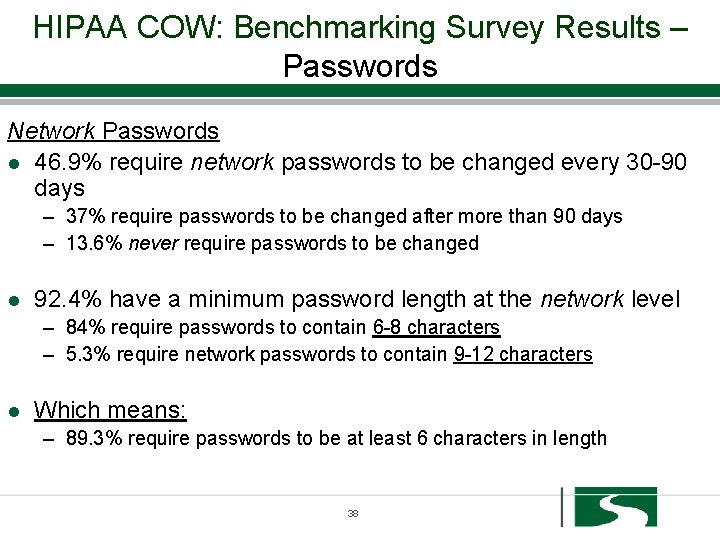
HIPAA COW: Benchmarking Survey Results – Passwords Network Passwords l 46. 9% require network passwords to be changed every 30 -90 days – 37% require passwords to be changed after more than 90 days – 13. 6% never require passwords to be changed l 92. 4% have a minimum password length at the network level – 84% require passwords to contain 6 -8 characters – 5. 3% require network passwords to contain 9 -12 characters l Which means: – 89. 3% require passwords to be at least 6 characters in length 38
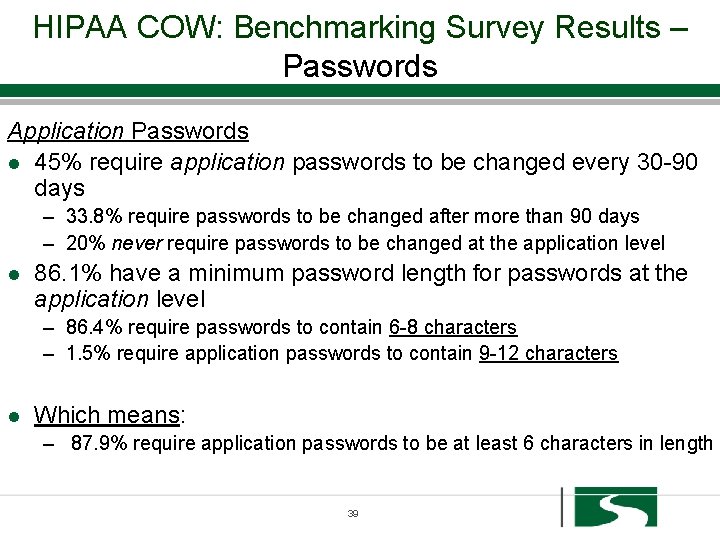
HIPAA COW: Benchmarking Survey Results – Passwords Application Passwords l 45% require application passwords to be changed every 30 -90 days – 33. 8% require passwords to be changed after more than 90 days – 20% never require passwords to be changed at the application level l 86. 1% have a minimum password length for passwords at the application level – 86. 4% require passwords to contain 6 -8 characters – 1. 5% require application passwords to contain 9 -12 characters l Which means: – 87. 9% require application passwords to be at least 6 characters in length 39
Committee Interpretation l There appear to be a clear agreement regarding password length l Are the users allowed to determine how frequently their password is changed? l Are password requirements for applications, dependent upon the application? 40
Conclusions/Recommendations l Consider the NIST recommendations l If you are an organization who does not ever require network passwords to be changed, it is highly recommended that you change your policy l If you are an organization that allows passwords to be less than 6 characters in length, it is highly recommended that you change your policy 41
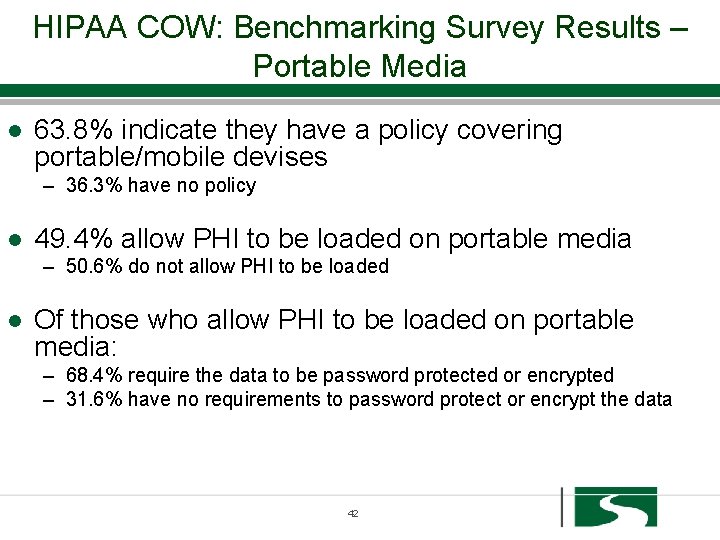
HIPAA COW: Benchmarking Survey Results – Portable Media l 63. 8% indicate they have a policy covering portable/mobile devises – 36. 3% have no policy l 49. 4% allow PHI to be loaded on portable media – 50. 6% do not allow PHI to be loaded l Of those who allow PHI to be loaded on portable media: – 68. 4% require the data to be password protected or encrypted – 31. 6% have no requirements to password protect or encrypt the data 42
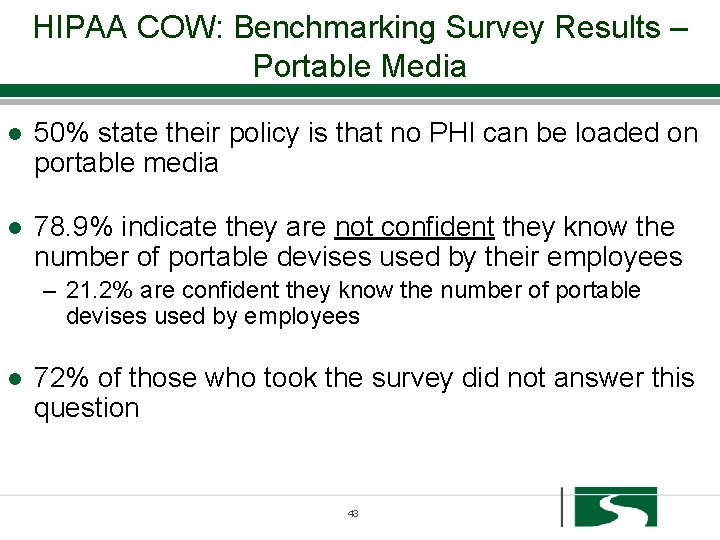
HIPAA COW: Benchmarking Survey Results – Portable Media l 50% state their policy is that no PHI can be loaded on portable media l 78. 9% indicate they are not confident they know the number of portable devises used by their employees – 21. 2% are confident they know the number of portable devises used by employees l 72% of those who took the survey did not answer this question 43
Committee Interpretation l The Committee finds this scary! l Portable media containing PHI has triggered many of the initial complaints to federal agencies resulting in investigations l We want to meet the 21. 2% are confident they know the number of portable devises used by employees 44
Committee Interpretation l If your policy states that PHI cannot be loaded on portable media, how do you audit or enforce? l Without a policy, in response to a legal discovery request, what would you produce? l Does encrypting a laptop solve this? 45
Conclusions/Recommendations l We still recommend having a written policy in place to hold employees responsible and accountable and to help protect the organization from individual’s wrongdoing l Even if you are not sure how to enforce a policy or feel employees can still violate confidentiality rules l Don’t forget about your vendors 46
HIPAA COW: Benchmarking Survey Results – Remote Access l 81. 3% confirm they have a Remote Access Policy l 86. 1% also state they allow employees with remote access to access applications containing PHI l 72. 3% state they audit the remote access of employees 47
Committee Interpretation l If you allow remote access, how do you monitor or prevent printing of PHI? l How do you protect internal networks from nonenterprise owned PCs? l Is limiting file transfers an option? l Results not dependent on the size of an organization 48
Conclusions/Recommendations l Really only 2 options: – Restrict the use of PCs not owned/controlled by organization – Run the risk and manage through policies, education and enforcement - attestation l l If you remove the driver on the terminal printer, users cannot print at home Utilize a VPN Create good policies and enforce them Consider your business objectives/alternative technologies 49
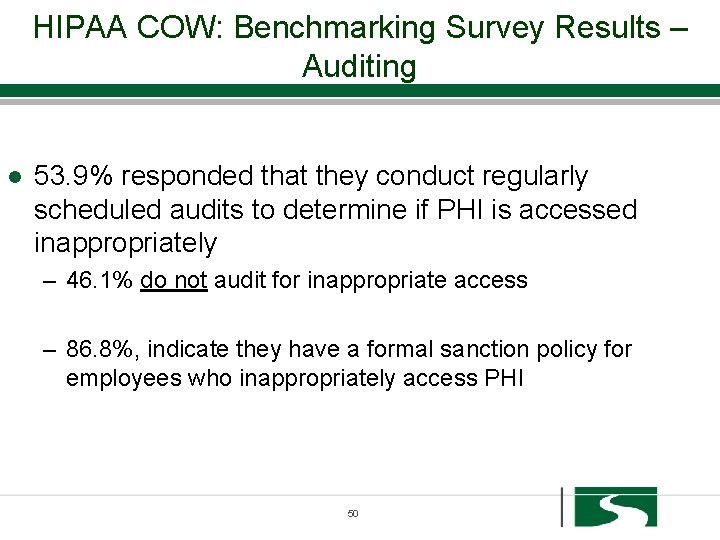
HIPAA COW: Benchmarking Survey Results – Auditing l 53. 9% responded that they conduct regularly scheduled audits to determine if PHI is accessed inappropriately – 46. 1% do not audit for inappropriate access – 86. 8%, indicate they have a formal sanction policy for employees who inappropriately access PHI 50
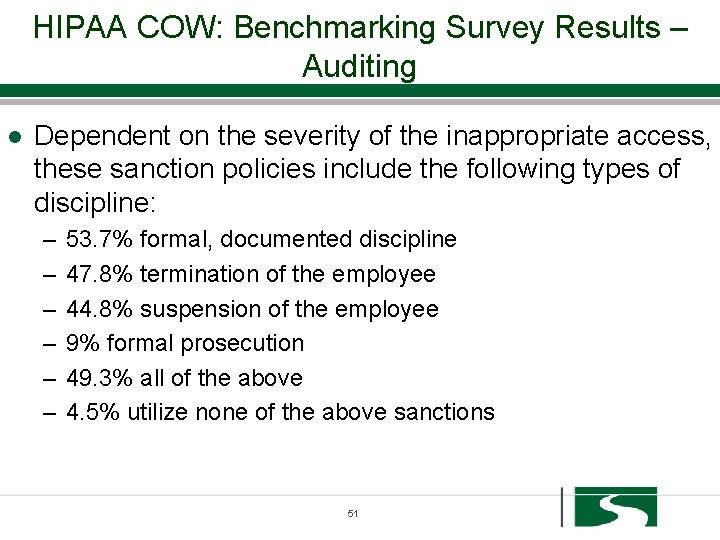
HIPAA COW: Benchmarking Survey Results – Auditing l Dependent on the severity of the inappropriate access, these sanction policies include the following types of discipline: – – – 53. 7% formal, documented discipline 47. 8% termination of the employee 44. 8% suspension of the employee 9% formal prosecution 49. 3% all of the above 4. 5% utilize none of the above sanctions 51
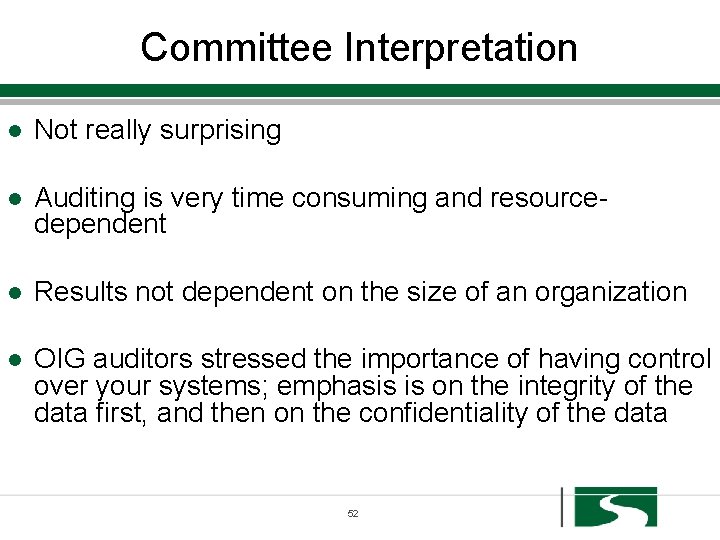
Committee Interpretation l Not really surprising l Auditing is very time consuming and resourcedependent l Results not dependent on the size of an organization l OIG auditors stressed the importance of having control over your systems; emphasis is on the integrity of the data first, and then on the confidentiality of the data 52
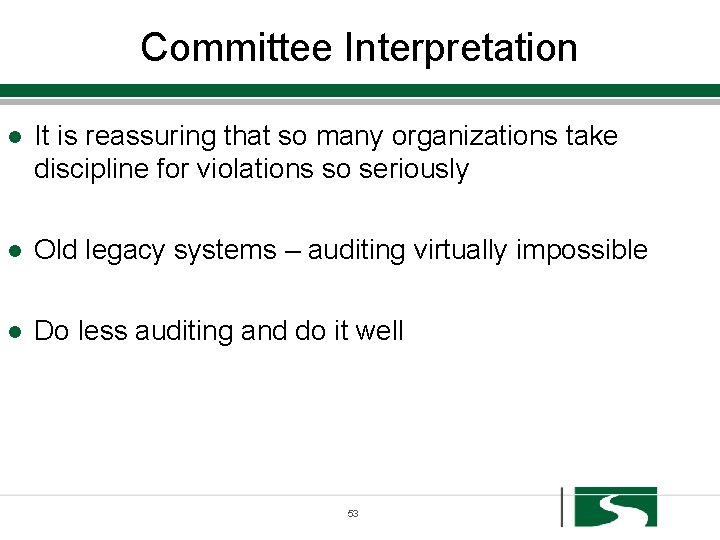
Committee Interpretation l It is reassuring that so many organizations take discipline for violations so seriously l Old legacy systems – auditing virtually impossible l Do less auditing and do it well 53
Conclusions/Recommendations l l l You must have a formal sanction policy that addresses HIPAA violations Must have audit log reports that capture any inappropriate activity Given the amount of emphasis the OIG places on audit logs, we need to do a better job with regular auditing – only ½ audit Establish thresholds for security – role-based access Document your restrictions 54
Conclusions/Recommendations l Old Technology – – Must make a good faith effort with old technology Prove and document limited capability Standard of Reasonableness Establish and policy, train and enforce l Determine real risks, audit based on risk l Don’t collect data unless going to do something with it 55
HIPAA COW: Benchmarking Survey Results – Training l How often/when is HIPAA training conducted: – – – 72. 5% hold training annually 61. 3% conduct this training at new employee orientation 30% indicate they only conduct training as needed 3. 8% hold training semi-annually 1. 3% indicate they do not conduct training 6. 3% answered other 56
HIPAA COW: Benchmarking Survey Results – Training l 88. 6% responded that they train 100% of their workforce – 11. 4% indicate they do not train 100% of their workforce – The vast majority of those who do not, are very large l 35. 9% train vendors, contractors, or other nonemployed members of their workforce – 64. 1% do not train these members of their workforce 57
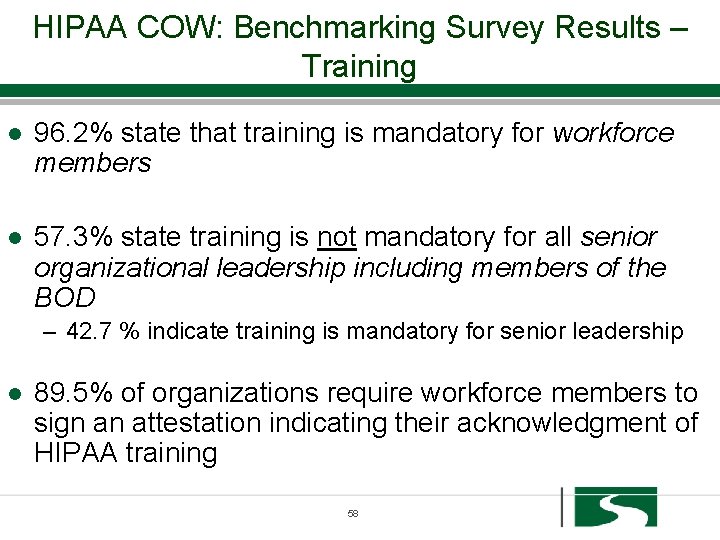
HIPAA COW: Benchmarking Survey Results – Training l 96. 2% state that training is mandatory for workforce members l 57. 3% state training is not mandatory for all senior organizational leadership including members of the BOD – 42. 7 % indicate training is mandatory for senior leadership l 89. 5% of organizations require workforce members to sign an attestation indicating their acknowledgment of HIPAA training 58
Committee Interpretation l Disturbing to see that the majority of respondents do not train their senior leadership - “tone at the top” l BOD does not usually have access to PHI but they do need to understand the standards in the organization; requires a different level of training than the majority of the workforce. 59
Conclusions/Recommendations l l l ALL employees, vendors and members of BOD must be trained Education must occur prior to a new employee accessing the system Training must be truly mandatory, i. e. , a condition of employment Signed attestations or Confidentiality Agreements are highly recommended “ 5 minutes of Security” Personal liability!! 60
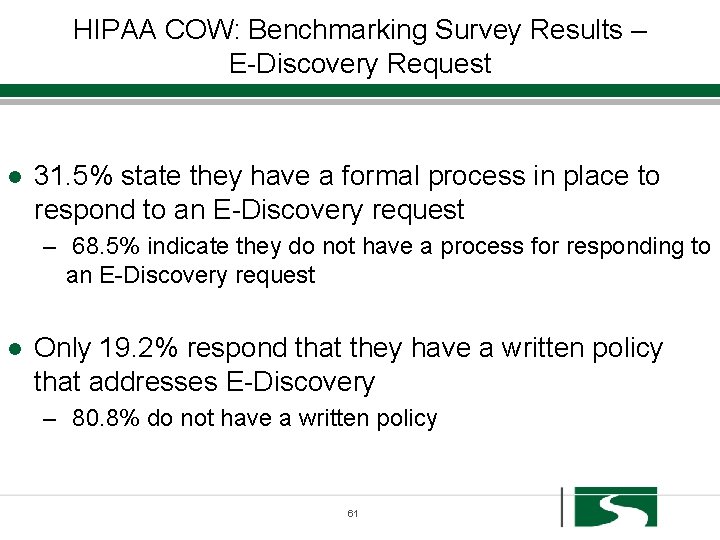
HIPAA COW: Benchmarking Survey Results – E-Discovery Request l 31. 5% state they have a formal process in place to respond to an E-Discovery request – 68. 5% indicate they do not have a process for responding to an E-Discovery request l Only 19. 2% respond that they have a written policy that addresses E-Discovery – 80. 8% do not have a written policy 61
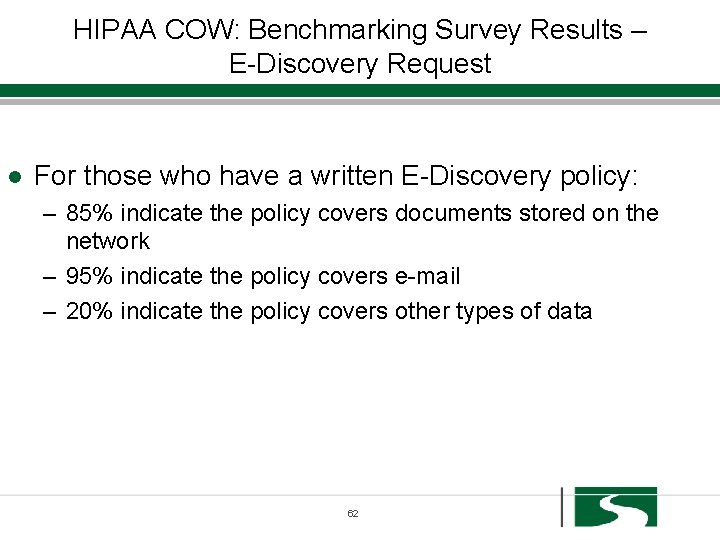
HIPAA COW: Benchmarking Survey Results – E-Discovery Request l For those who have a written E-Discovery policy: – 85% indicate the policy covers documents stored on the network – 95% indicate the policy covers e-mail – 20% indicate the policy covers other types of data 62
Committee Interpretation l Emerging issue l Huge! l Whitepaper 63
Conclusions/Recommendations l Know who leads this effort in your organization l Address with your retention policy to determine how you are classifying your data 64
Conclusions l Most significant risk: passive loss of data due to own inaction; failure to properly implement all the regulations resulting in non-compliant activity by authorized user l Increased government scrutiny l Target for audits still complaint-driven 65
American Recovery and Reinvestment Act (ARRA) Goals l Stimulus Package l February 17, 2009 l “Making supplemental appropriations for job preservation and creation, infrastructure investment, energy efficiency and science, assistance to the unemployed, and State and local fiscal stabilization” ~One Hundred Eleventh Congress of the United States of America 66
HITECH l l l Health Information Technology for Economic and Clinical Health Act (“HITECH”) Stimulus expenditures for development and adoption of Health Information Technology (“HIT”) Through Medicare and Medicaid reimbursement systems Utilization of an electronic health record (“EHR”) for each person in the United States by 2014 Adoption of EHR is critical to improvements in quality of care and ultimate cost savings “Meaningful Use” 67
ARRA l Widespread adoption of EHR will not occur unless the public is assured that the privacy of their health information is secured l Strengthen privacy and security protections for health information l ARRA mandates increased enforcement 68

“A Computer lets you make more mistakes faster than any invention in human history – with the possible exceptions of handguns and tequila. ” Mitch Ratcliffe 69
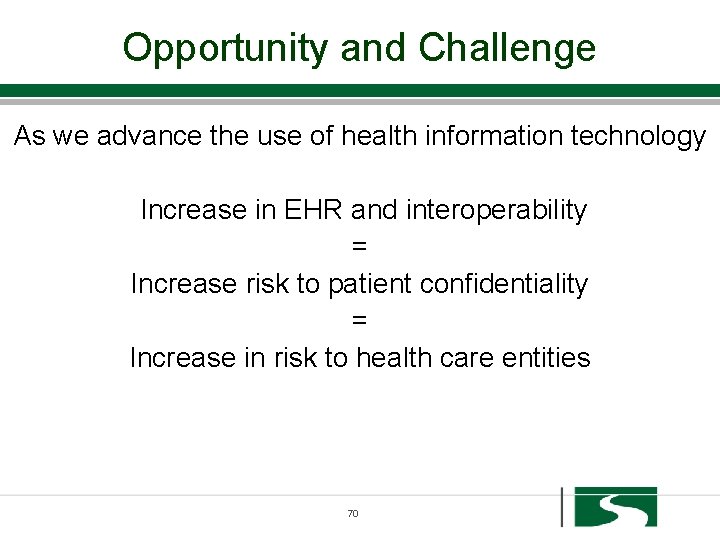
Opportunity and Challenge As we advance the use of health information technology Increase in EHR and interoperability = Increase risk to patient confidentiality = Increase in risk to health care entities 70
ARRA Expansion of HIPAA Rules Depends on who you are l Covered Entity l Business Associate l Vendor 71
ARRA Changes – Covered Entities l Data Breach Notification – when a CE discovers (defined) that a breach (defined) of unsecured (defined) PHI has occurred – notify each individual (state law) » this includes timeliness and content provisions specifically spelled out in the law » burden of proof in demonstrating notification, including any delay » how to notify each individual is specified – Notification to the media if breach involves more than 500 individuals – Notification to DHHS » <500 individuals - a log annually » >500 individuals - immediately notify DHHS who will post the name of the CE on their website 72
ARRA Changes – Covered Entities If an organization has an EHR l Right to Access and obtain a copy of their electronic PHI and to have this information additionally transmitted to another party; limitation on fees l Right to request an Accounting of Disclosures of PHI, the CE must supply all disclosures, including those made by a BA or must provide a list of all BA and their contact information; compliance with this regulation is dependent upon date of implementation of an EHR 73
ARRA Changes – Covered Entities BA are now obligated to comply per regulation l Revision of Business Associate Agreement – Ensure that BA has implemented the administrative, physical and technical safeguards of HIPAA Security – Specify that BA must comply with use and disclosure rules in HIPAA Privacy Rule – Negotiate security breach coordination – Agreement on reporting and dispute resolution 74
ARRA Changes – Covered Entities l Minimum necessary or Limited Data Set l Right to Request Restrictions l Marketing communications and remuneration 75
ARRA Changes – Covered Entities l Are your BA aware of their new regulatory obligations? l What if they are not compliant? l Can you contract with them? 76
ARRA Changes – Business Associates l BA are now obligated to comply per regulation – February 18, 2010 l HIPAA Security Rules – As if a CE – Administrative, Physical and Technical Safeguards l Some provisions of the HIPAA Privacy Rules 77
ARRA Changes – Business Associates l Data Breach Notification - when a BA discovers (defined) that a breach (defined) of unsecured (defined) PHI has occurred, notify the Covered Entity with specific information – this includes timeliness provisions specifically spelled out in the law – burden of proof in demonstrating notification, including any delay – BA are now obligated to comply per regulation by February 18, 2010 78
ARRA Changes – Business Associates l New privacy and security requirements of ARRA – – – Minimum Necessary (defined) standards Accounting of disclosures Restrictions on disclosures Access – if maintain patient information on behalf of CE Marketing and remuneration 79
ARRA Changes – Business Associates l Subject to criminal and civil penalties l Also subject to penalties if fail to take action if aware that CE not in compliance with HIPAA l Subject to federal audits – If you are a CE, why do you care? – Are you willing to risk contracting with a BA if they are not in compliance with HIPAA rules? 80
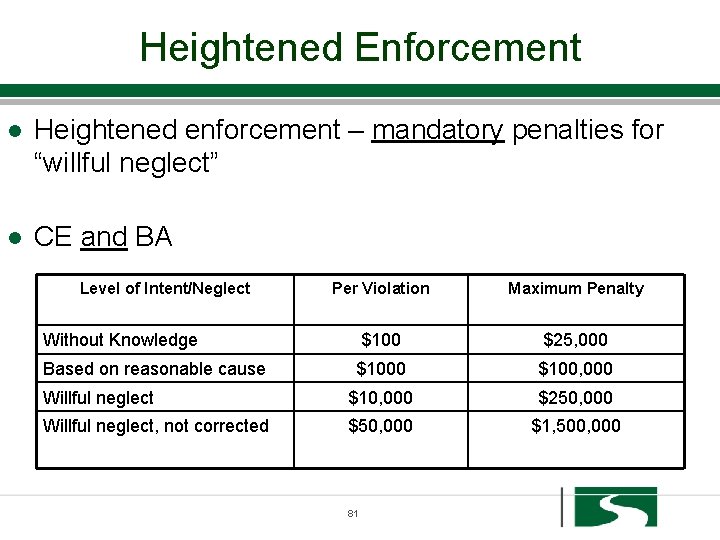
Heightened Enforcement l Heightened enforcement – mandatory penalties for “willful neglect” l CE and BA Level of Intent/Neglect Per Violation Maximum Penalty Without Knowledge $100 $25, 000 Based on reasonable cause $1000 $100, 000 Willful neglect $10, 000 $250, 000 Willful neglect, not corrected $50, 000 $1, 500, 000 81
Heightened Enforcement l Private right of action l State attorney general enforcement authority to file suit on behalf of their residents l Courts can award damages, costs, and attorney’s fees related to HIPAA violations l Employees/individuals are subject to civil and criminal penalties 82
New Enforcement Report by HIT Standards Committee l Recommend that if under investigation for violation of HIPAA Privacy or Security, CMS withhold meaningful use payment until the violation has been resolved l Intent to disallow IT incentive payments if confirmed HIPAA violation goes unresolved l Could any complaint trigger an investigation? l Missed payments for the length of the investigation? 83
What is your greatest risk? l Complaints from patients lead to investigations l Data breach notification l Most significant risk: passive loss of data due to own inaction; failure to properly implement all the regulations resulting in non-compliant activity by authorized user 84
ARRA Changes – Vendors l Non-CE or BA l Vendors of services related to Personal Health Records (“PHR”) – offer PHR – offer products or services through website – accesses info or sends info to a PHR 85
ARRA Changes –Vendors l Wisconsin Health Information Exchange (“WHIE”) l Regional Health Information Organizations (“RHIO”) l Maine Health. Info. Net - country's largest statewide health information exchange l Google Health/Health Vault – electronic health profile l E-prescribing gateways 86
ARRA Changes –Vendors l Breach notification requirements – Individuals – Federal Trade Commission (“FTC”) – FTC notifies HHS l “Unfair and deceptive act or practice” l Regulated by FTC – promulgate rule by February 2010 87
Much more to come…… l Creation of governmental bodies – – – l Office of National Coordinator for HIT (“ONCHIT”) HIT Policy Committee HIT Standards Committee Privacy Advisors in regional offices of HHS National education initiative More than 20 guidances, regulations, reports and studies - coordinated through ONCHIT 88
Short “To Do” List l CE – Make sure you have a handle on your BAA – revisions needed – Begin dialogue with BA – Make sure someone in your organization is staying informed – Educate, re-educate your staff – Educate your BA and vendors – HIPAA Hotline for patients – Check insurance coverage 89
Short “To Do” List l BA – IMPLEMENT the REGS! – Make sure you have a handle on your BAA – revisions needed – Begin dialogue with CE – business advantage – Make sure someone in your organization is staying informed – Educate, re-educate your staff – Implement a hotline – Check insurance coverage 90
Short “To Do” List l Vendors – Implement Data Breach Requirements – Make sure someone in your organization is staying informed – Educate your staff l CE, BA, Vendors – Resources, resources – Don’t wait any longer 91
Sinaiko Healthcare Consulting l Conduct comprehensive Risk Assessments l Assist in implementation of regulations l Interpretation of regulations l Development and implementation of Training Programs l Creation of or revisions to Policies and Procedures l Perform audits l Assist/support of governmental investigations 92
- Slides: 92