
The Drupal Content Management System TM at CSU
- Slides: 36
The Drupal Content Management System TM at CSU Libraries Greg Vogl ACNS Middleware Wednesday, January 5, 2011
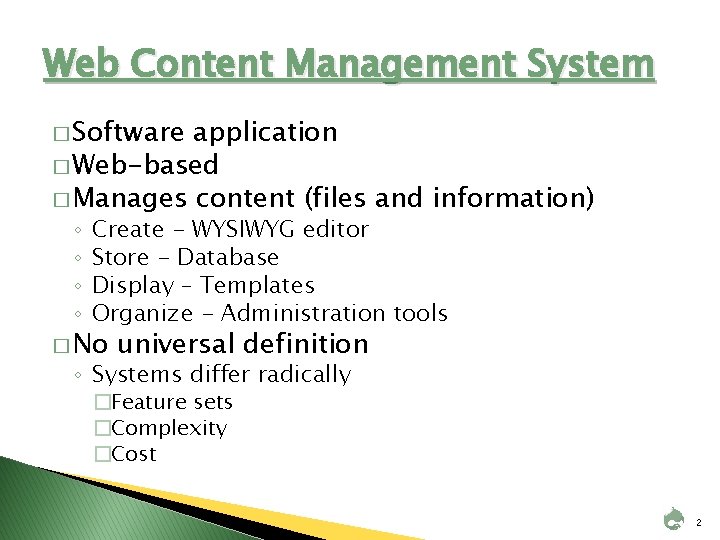
Web Content Management System � Software application � Web-based � Manages content (files and information) ◦ ◦ Create - WYSIWYG editor Store - Database Display – Templates Organize - Administration tools � No universal definition ◦ Systems differ radically �Feature sets �Complexity �Cost 2
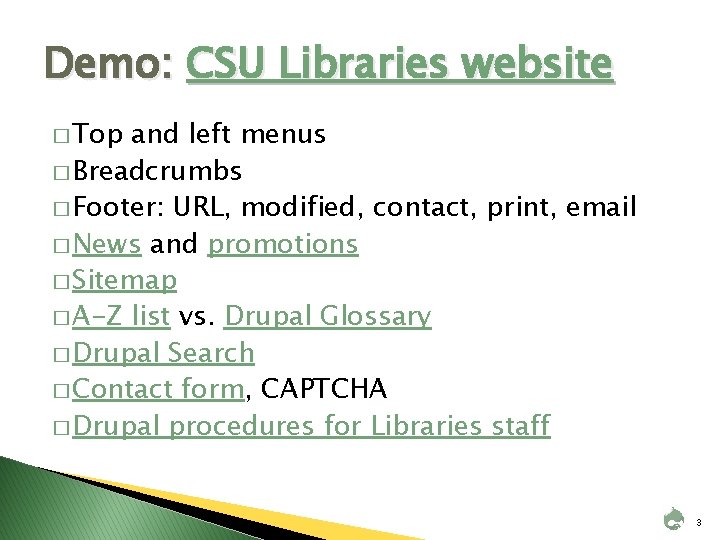
Demo: CSU Libraries website � Top and left menus � Breadcrumbs � Footer: URL, modified, contact, print, email � News and promotions � Sitemap � A-Z list vs. Drupal Glossary � Drupal Search � Contact form, CAPTCHA � Drupal procedures for Libraries staff 3
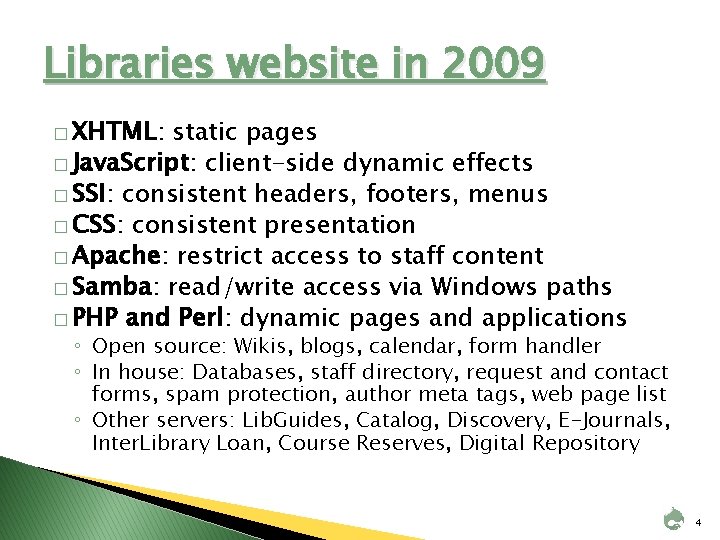
Libraries website in 2009 � XHTML: static pages � Java. Script: client-side dynamic effects � SSI: consistent headers, footers, menus � CSS: consistent presentation � Apache: restrict access to staff content � Samba: read/write access via Windows paths � PHP and Perl: dynamic pages and applications ◦ Open source: Wikis, blogs, calendar, form handler ◦ In house: Databases, staff directory, request and contact forms, spam protection, author meta tags, web page list ◦ Other servers: Lib. Guides, Catalog, Discovery, E-Journals, Inter. Library Loan, Course Reserves, Digital Repository 4
Problems with old website � Too many web pages, files and folders � Presentation is not fully separated from content � Web authors need extensive technical skills � Existing admin tools are home-grown and limited � Maintenance is time-consuming and error-prone � Consequences ◦ ◦ ◦ Few staff members add or edit content Content is not organized, consistent, up to date Quality and consistency of presentation is weak Site seems static, neglected, complex, unappealing 10% decline in Libraries site visits in 2009 vs. 2008 5
Our prior experience with CMS � Existing CMS-like systems ◦ Wikis, Blogs, Lib. Guides � Observations ◦ More dynamic pages are being created and viewed ◦ More authors are active � Conclusions ◦ ◦ Dynamic Web pages are replacing static ones Most staff prefer creating them Processes and tools affect product quality Automated content management saves staff time 6
Easier Web authoring � WYSIWYG ◦ ◦ editor No need for advanced HTML or CSS skills No need for Dreamweaver or Front. Page No wiki syntax to learn Can paste content from a word processor � Web-based ◦ ◦ access Edit content from any networked PC Staff can change content immediately No waiting for Web staff to upload content Upload many types of documents and files 7
Efficiency and quality assurance � Specialization of roles ◦ Content, edit/publish, design, code, admin � Better content management tools � Better admin tools � Remix content ◦ Workflows – assure key pages are reviewed ◦ Version history – view and roll back changes ◦ User and permissions management ◦ Global search and replace - URLs, Web authors ◦ No redundant copies of information ◦ Form data, RSS feeds, A-Z, sitemap, breadcrumbs 8
Appearance � Separation of concerns ◦ Content/presentation, data/business logic � Visual consistency ◦ Page layout, formatting, navigation ◦ Each page must choose a template � More findable, usable, accessible ◦ Easier compliance with Web standards ◦ Easier Search Engine Optimization 9
Communication features (Web 2. 0) � What ◦ Participation, information sharing, collaboration ◦ Form a learning community (social constructivism) � Who ◦ Libraries staff, CSU, community, world � How ◦ ◦ Forms, comments & suggestions, surveys, polls Wikis, blogs, news feeds, events calendars Discussion forums, chat rooms, mailings, photos Personalization, tags, ratings, reviews 10
Costs and Risks � Staff time: design, admin, migration, support � Degraded performance and security � Overly uniform appearance � Inflexibility � Increased complexity (site, code, workflows) � More information silos � More content and authors to manage � Lower overall content quality? 11
Selection criteria � Free or relatively low cost � Maturity, stability, performance � Flexible open-source development framework � Ease of use ◦ ◦ ◦ Good match for expertise of technical staff Installation, configuration, customization Integration with existing systems/apps Edit and manage many content types Manage users, roles and workflows Documentation and support 12
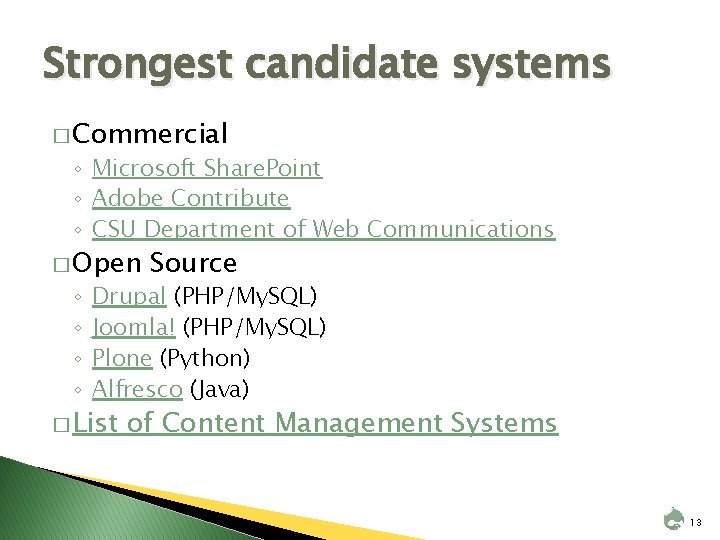
Strongest candidate systems � Commercial ◦ Microsoft Share. Point ◦ Adobe Contribute ◦ CSU Department of Web Communications � Open ◦ ◦ Source Drupal (PHP/My. SQL) Joomla! (PHP/My. SQL) Plone (Python) Alfresco (Java) � List of Content Management Systems 13
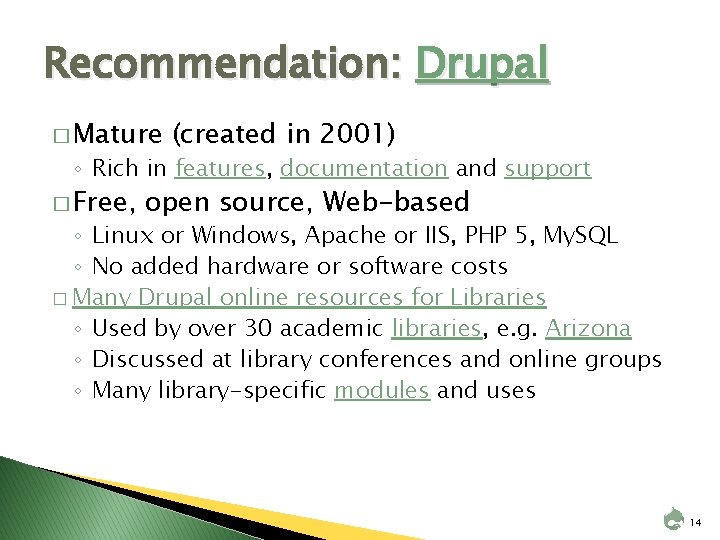
Recommendation: Drupal � Mature (created in 2001) ◦ Rich in features, documentation and support � Free, open source, Web-based ◦ Linux or Windows, Apache or IIS, PHP 5, My. SQL ◦ No added hardware or software costs � Many Drupal online resources for Libraries ◦ Used by over 30 academic libraries, e. g. Arizona ◦ Discussed at library conferences and online groups ◦ Many library-specific modules and uses 14
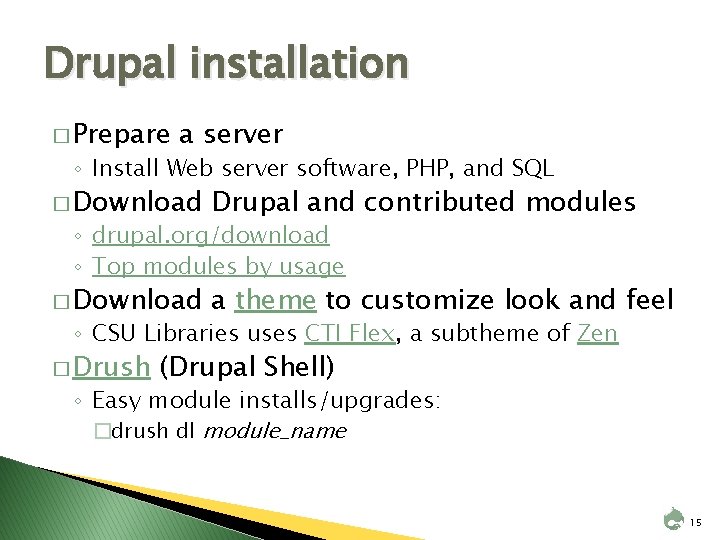
Drupal installation � Prepare a server ◦ Install Web server software, PHP, and SQL � Download Drupal and contributed modules � Download a theme to customize look and feel ◦ drupal. org/download ◦ Top modules by usage ◦ CSU Libraries uses CTI Flex, a subtheme of Zen � Drush (Drupal Shell) ◦ Easy module installs/upgrades: �drush dl module_name 15
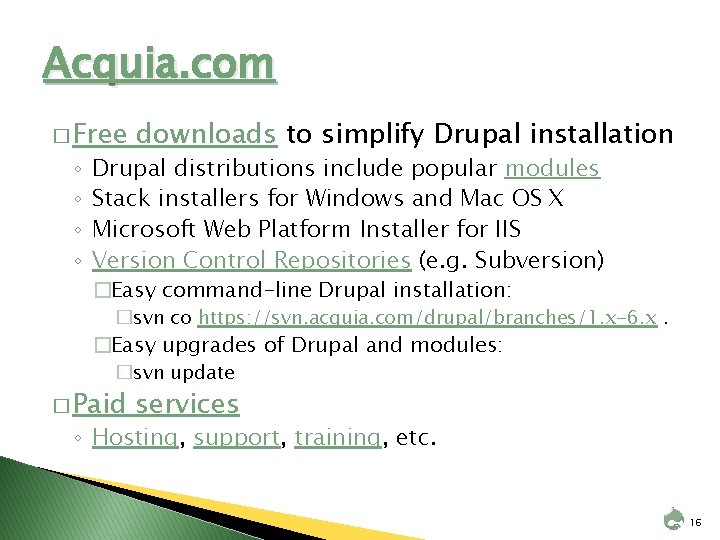
Acquia. com � Free ◦ ◦ downloads to simplify Drupal installation Drupal distributions include popular modules Stack installers for Windows and Mac OS X Microsoft Web Platform Installer for IIS Version Control Repositories (e. g. Subversion) �Easy command-line Drupal installation: �svn co https: //svn. acquia. com/drupal/branches/1. x-6. x. �Easy upgrades of Drupal and modules: �svn update � Paid services ◦ Hosting, support, training, etc. 16
Demo: My Account � Login � Personal � Blog Information � Edit � Track � Contact 17
Demo: Content management � Content lists: Content, Accessible content � Create content: Page, CKEditor, Revisions � Books � Events and Calendar � Web Forms � Comments � Taxonomy � Search and Replace Scanner � Backup and Migrate 18
Demo: Site building � Blocks � Contact � Menus Form � Modules � Themes: CSU_CTI_Flex, Zen, etc. � URL Aliases � URL Redirects � Views � Workflows 19
Demo: Site configuration � Google Analytics ◦ track outgoing and download links, user info � Input Formats ◦ full/filtered HTML, WYSIWYG, PHP � Performance ◦ cache pages; optimize CSS and Java. Script � Site information � Site maintenance ◦ name, notification email, slogan, footer, home page ◦ temporarily put the site offline 20
Demo: User management � Roles ◦ list and edit types of users � Users ◦ list and edit user accounts � Permissions ◦ allow or deny actions for each role � Access Rules ◦ allow or deny certain usernames or email addresses � Profiles ◦ fields to display about each logged in user 21
Demo: Reports � Status Report ◦ software versions, problems � Available Updates ◦ module and theme versions and updates � Security Review ◦ list potential security problems 22
Modules: Layout and Navigation � Themes - provide basic layout; subthemes � Views - display data in a block or node, in table or list format � Panels - display templates for the main content area, e. g. 3 -column layout � Path - user-friendly URLs vs. node numbers � Pathauto - automatically create node paths, e. g. based on title and node type � Path Redirect - create external page redirects � Search - search all Drupal pages � Menu Breadcrumb; other breadcrumb modules � Taxonomy – organize by hierarchy or keywords 23
Modules: Editing and publishing � WYSIWYG - required for installing Drupal WYSIWYG editor modules ◦ including FCKeditor, YUI Editor and Tiny. MCE � CKEditor - improved version of FCKeditor � Workflow - moderation of content, requiring approval before posting (save as draft, ready for review, approved for display) � Diff - see differences in revisions � Print - Print, email and PDF versions of every page 24
Modules: Forms � CCK - content construction kit for custom content types, especially forms � Webform - contacts, questionnaires, surveys, polls, requests, registrations, bug tracking � Date - date/time field type for CCK � Calendar - select dates, schedule events � Email - field for email addresses � CAPTCHA and Mollom- prevent automated spam submissions 25
Modules: Media � Upload - uploading and attaching files to a content node � File. Field - field for uploading a file � Image - uploading images � Image. Field - uploading images with preview, title and alt text � IMCE, Image Assist - for incorporating images into pages � Gallery - photo gallery � Comparison of image-handling modules 26
Modules: User participation � � � � Blog - title and body, home blog page, API interactions Poll - multiple-choice questions; display answers Comment - allow users to add comments to nodes Calendar – events calendar Profile - basic user profiles Biography – secure, public profiles Subscription - e-mails page changes to subscribers Signup - allow users to sign up for an event Simplenews - publish and e-mail newsletters to subscribers FAQ - allows user-submitted, staff-answered questions Quiz - author and administer quizzes Bookmarks, Favorite Nodes - user lists of favorite nodes Feed. API, Feeds - RSS feeds Guestbook - online guest book 27
Modules: User collaboration � Book - group page nodes into a larger hierarchical node like chapters (similar to a wiki) � Organic Groups - for wiki-like collaborative groups � Forum - basic user forum � Advanced Forum - more display features, e. g. user icons and number of posts per user � Chat Room - multi-user chat feature 28
Modules: Administration Menu - dropdown menu for admin tasks � Search and Replace Scanner - replace text in all nodes � Backup and Migrate - export Drupal database to a file � Poor Man's Cron - schedule tasks without crontab � Import HTML - import static HTML pages, create menus � Google Analytics - add tracking codes for Web statistics � XML Sitemap - create and submit sitemap for Googlebot � Admin Role - allow multiple users to be the admin � LDAP integration - authenticate, groups, read/write � Security Review - basic security checks � 29
Modules: Library-Specific � Next-gen library catalogs ◦ SOPAC - supports Millennium ◦ e. Xtensible Catalog - has Drupal toolkit for interface � Millennium Integration ◦ Creates bib records as Drupal nodes � Other Library Modules ◦ Marc, OAI-PMH, Z 39. 50 search, link resolver, EZproxy, III authentication ◦ Bibliography, book review, cite 30
Implementation timeline � 2009 -08: Formed Web Redesign Team � 2009 -10: Created prototype using godaddy. com � 2009 -11: Installed Drupal 6 on Libraries server � 2010 -05: Launched public beta site � 2010 -07: Trained Libraries staff � 2010 -07 -19: Launched production site � Ongoing: Migrate remaining content � Ongoing: Upgrades ◦ Drupal 7 released January 5, 2011 (today!) � Future: Add Web 2. 0 features, library modules 31
Problems: Existing content � Thousands of legacy pages to convert � No easy automated process to convert pages � No mandate to convert pages � Many pages have custom formatting � Many subsites have custom templates � Many applications are hard to customize � Content spread on multiple servers (silos) ◦ Can't use Drupal’s site index (A-Z), search, statistics � Changing URLs ◦ requires fixing broken links in multiple places � Multiple logins for library systems 32
Success of existing applications � Apache, Samba, SSIs, CSS, Java. Script, PHP � Media. Wiki and Lib. Guides ◦ Web 2. 0/social features, online editing, version history and email notification of changes � Movable Type ◦ vs. Drupal's limited blogs � Indexing and search engines ◦ Library catalog records, digital collections, web pages ◦ Discovery (Vu. Find, Solr, Nutch), Google Mini � Diagnostics ◦ Google Analytics, Google Webmaster Tools, Link. Scan 33
Staff resistance � Drupal's steep learning curve and usability issues ◦ Unintuitive terminology and authoring procedures � Web authoring � Web 2. 0/social features ◦ Most Web authors already have a workable procedure for creating pages and are familiar with a web editor ◦ Number of active Drupal authors is small ◦ Administration gives low priority to using Drupal for interactivity, collaboration, communication with patrons � Development Platform ◦ CSU Web Communications and ACNS favor. NET websites � Communication: Too little, too late ◦ E-mail, documentation, open forums, feedback, training 34
Other specific problems � Complex Drupal templates ◦ Difficult to add to legacy vendor applications, especially Library Catalog (Sage) and Lib. Guides � Segmentation faults ◦ bad contributed modules, redirects or rewrite rules? solved by upgrading to PHP 5. 2? � CKEditor problem ◦ in non-IE browsers only saves changes in source view; conflict with CTI Flex theme � Caching ◦ Sometimes old pages, CSS, and Java. Script are displayed � Staff accidentally created Drupal accounts ◦ Wanted to log in elsewhere (staff wiki or web mail) 35
Related resources � All Library PDI sessions ◦ http: //lib. colostate. edu/pdi � Drupal in Libraries � Drupal Assessment for CSU Libraries ◦ http: //libguides. colostate. edu/drupal ◦ http: //www. gregvogl. net/webtips/drupalassessment. html � Content Management Systems (2008 PDI) ◦ http: //www. gregvogl. net/webtips/cms. html � About the CSU Libraries Website ◦ http: //lib. colostate. edu/rds/webtips/about. html 36