
The difference between Digital Literacy and Information Literacy

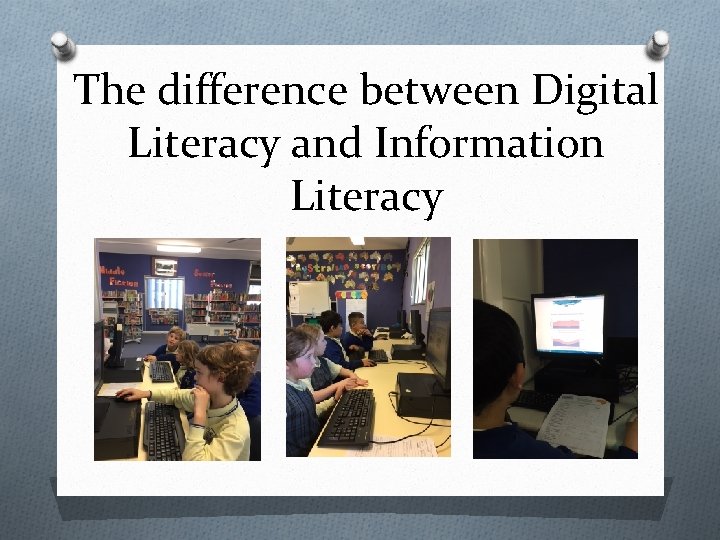
The difference between Digital Literacy and Information Literacy
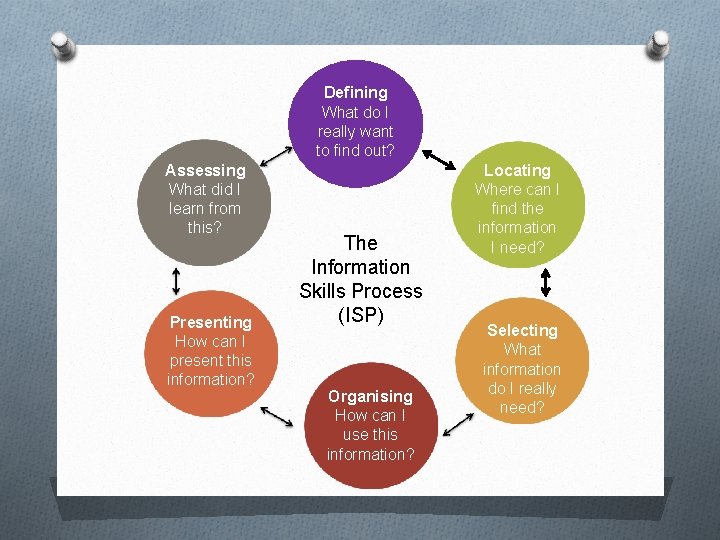
Defining What do I really want to find out? Assessing What did I learn from this? Presenting How can I present this information? The Information Skills Process (ISP) Organising How can I use this information? Locating Where can I find the information I need? Selecting What information do I really need?
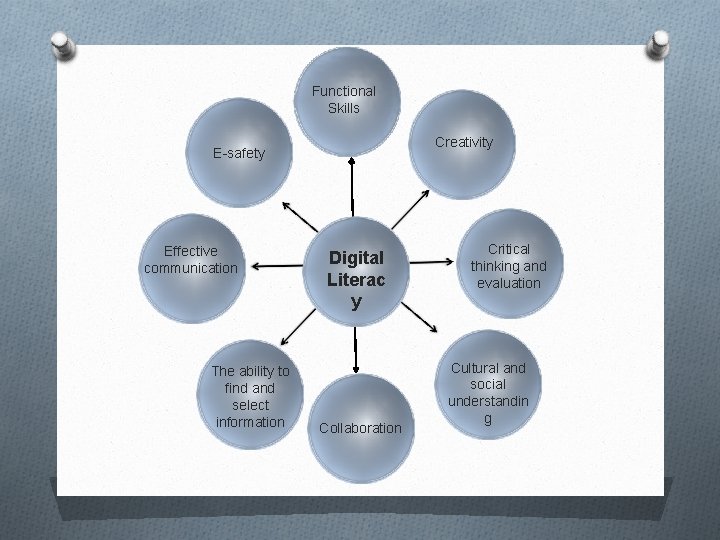
Functional Skills Creativity E-safety Effective communication The ability to find and select information Digital Literac y Collaboration Critical thinking and evaluation Cultural and social understandin g
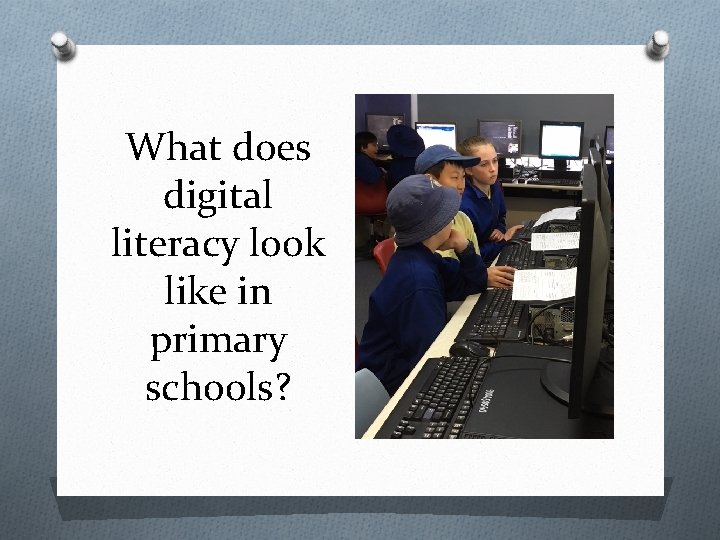
What does digital literacy look like in primary schools?
Information literacy is always taught inline with the school scope and sequence to reflect and complement learning being done in the classroom.
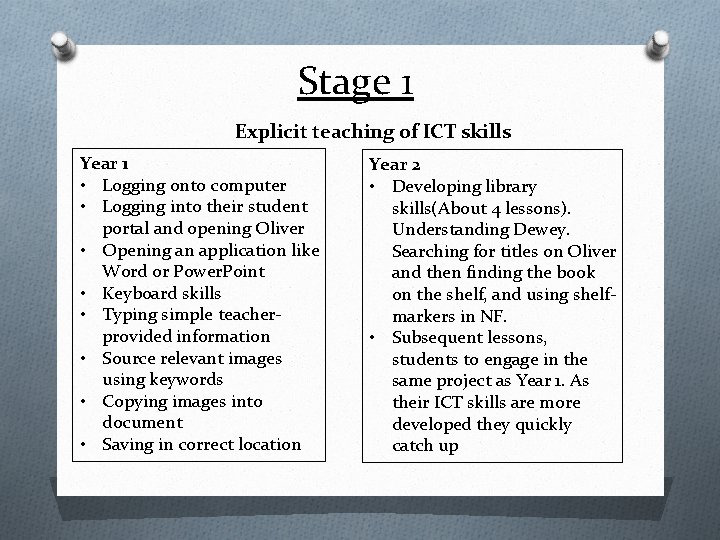
Stage 1 Explicit teaching of ICT skills Year 1 • Logging onto computer • Logging into their student portal and opening Oliver • Opening an application like Word or Power. Point • Keyboard skills • Typing simple teacherprovided information • Source relevant images using keywords • Copying images into document • Saving in correct location Year 2 • Developing library skills(About 4 lessons). Understanding Dewey. Searching for titles on Oliver and then finding the book on the shelf, and using shelfmarkers in NF. • Subsequent lessons, students to engage in the same project as Year 1. As their ICT skills are more developed they quickly catch up
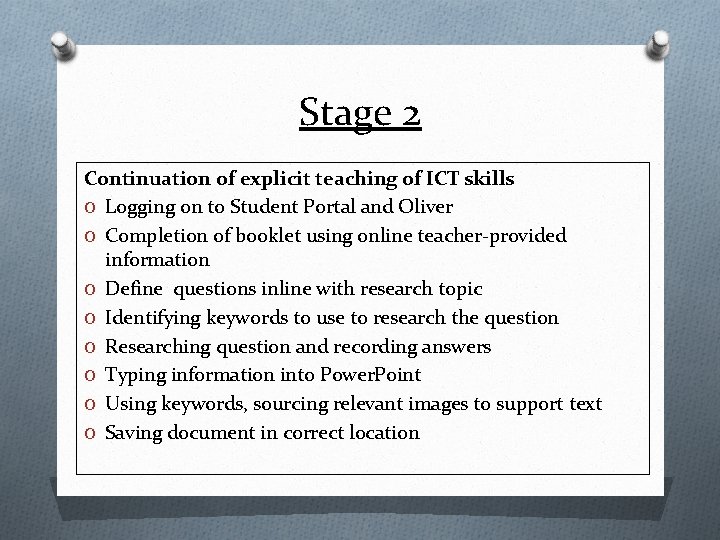
Stage 2 Continuation of explicit teaching of ICT skills O Logging on to Student Portal and Oliver O Completion of booklet using online teacher-provided information O Define questions inline with research topic O Identifying keywords to use to research the question O Researching question and recording answers O Typing information into Power. Point O Using keywords, sourcing relevant images to support text O Saving document in correct location
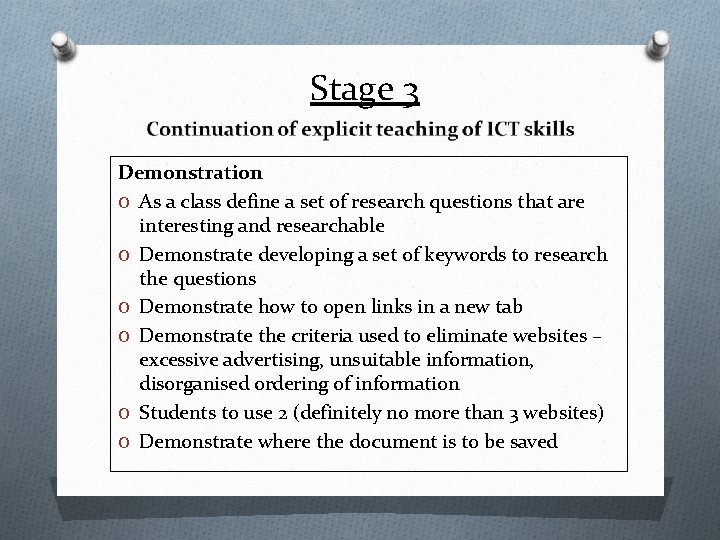
Stage 3 Demonstration O As a class define a set of research questions that are interesting and researchable O Demonstrate developing a set of keywords to research the questions O Demonstrate how to open links in a new tab O Demonstrate the criteria used to eliminate websites – excessive advertising, unsuitable information, disorganised ordering of information O Students to use 2 (definitely no more than 3 websites) O Demonstrate where the document is to be saved
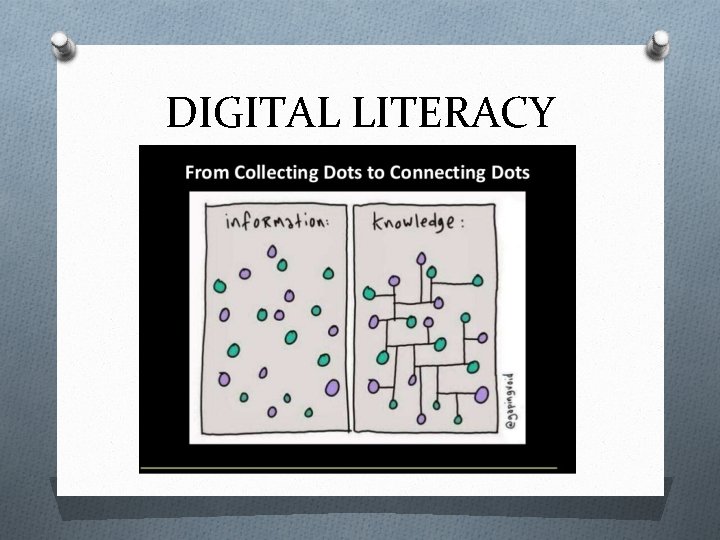
DIGITAL LITERACY
Website Evaluation: Critical thinking Evaluating the credibility of the writer Confirming validity of information by cross referencing Critical evaluation of everything they hear and see. Avoiding websites with excessive advertising
Critical thinking What are we giving up to get something for nothing?
E-Safety: Staying safe online Being protective of your online profile – your digital footprint lasts forever How do companies target you online? Understanding cookies and the power of apps such as Siri. Never give out your details – full name, school name, address or anything that will Understanding that you don’t know who you are communicating with online
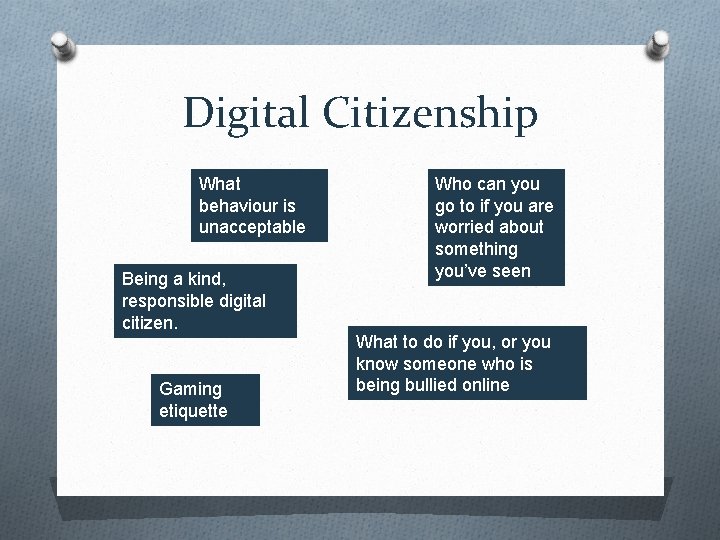
Digital Citizenship What behaviour is unacceptable online Being a kind, responsible digital citizen. Gaming etiquette Who can you go to if you are worried about something you’ve seen What to do if you, or you know someone who is being bullied online
- Slides: 14