
The Denver Post Electronic Replica Newspaper Identical to

- Slides: 28
The Denver Post Electronic Replica Newspaper
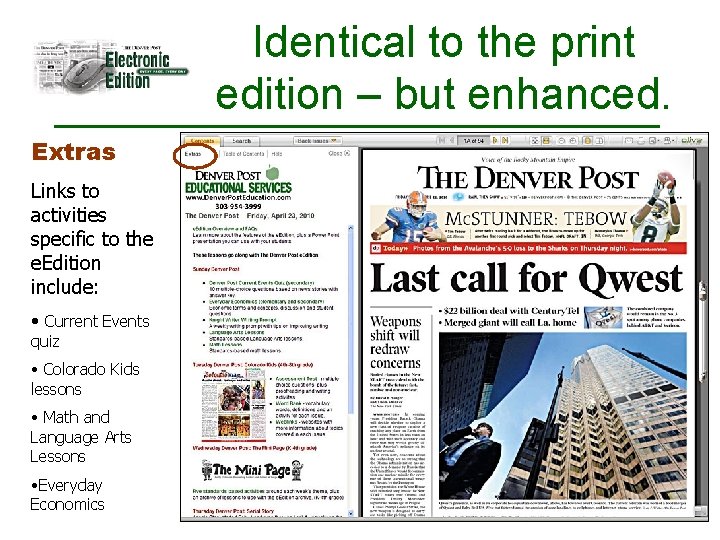
Identical to the print edition – but enhanced. Extras Links to activities specific to the e. Edition include: • Current Events quiz • Colorado Kids lessons • Math and Language Arts Lessons • Everyday Economics
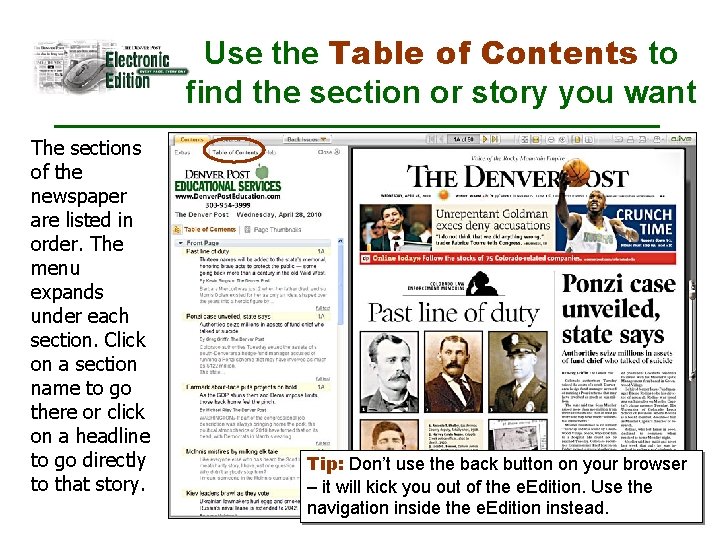
Use the Table of Contents to find the section or story you want The sections of the newspaper are listed in order. The menu expands under each section. Click on a section name to go there or click on a headline to go directly to that story. Tip: Don’t use the back button on your browser – it will kick you out of the e. Edition. Use the navigation inside the e. Edition instead.
Choose Page Thumbnails to see a small image of each page Click on a thumbnail to go that page
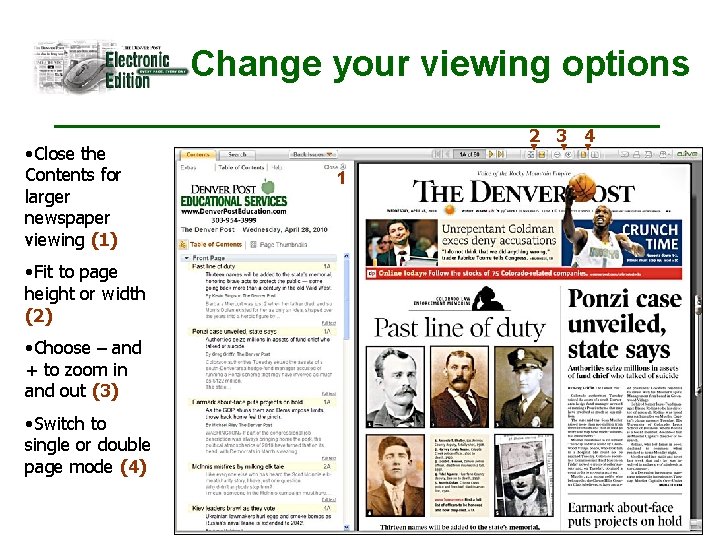
Change your viewing options • Close the Contents for larger newspaper viewing (1) • Fit to page height or width (2) • Choose – and + to zoom in and out (3) • Switch to single or double page mode (4) 2 3 4 1
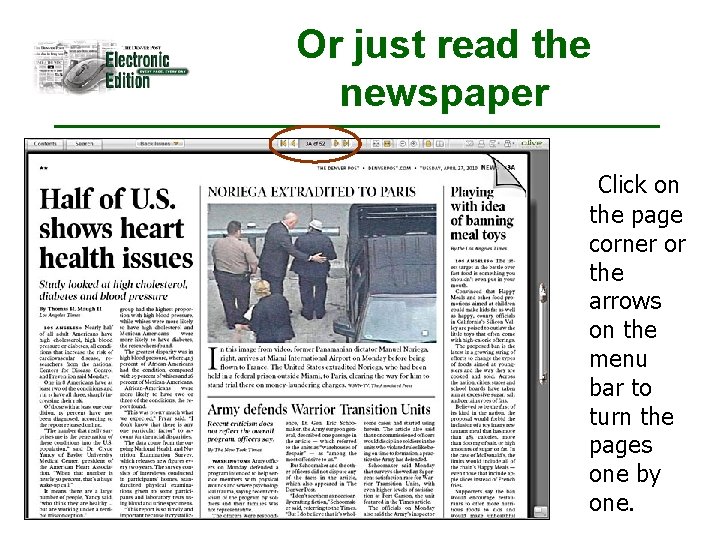
Or just read the newspaper Click on the page corner or the arrows on the menu bar to turn the pages one by one.
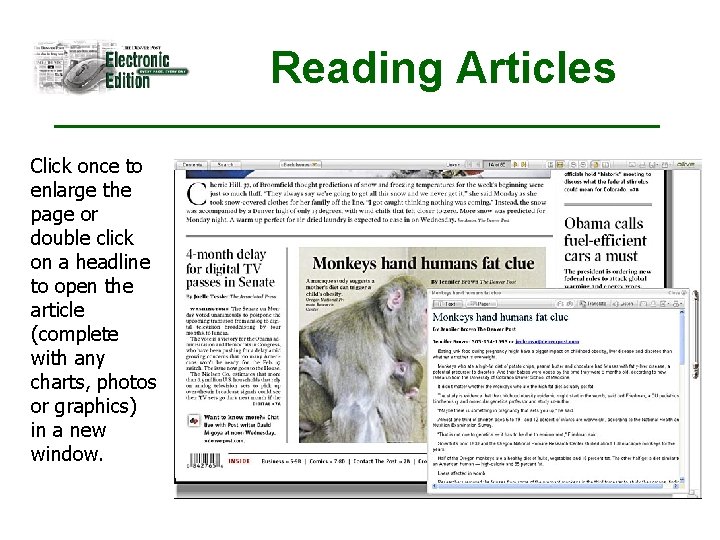
Reading Articles Click once to enlarge the page or double click on a headline to open the article (complete with any charts, photos or graphics) in a new window.
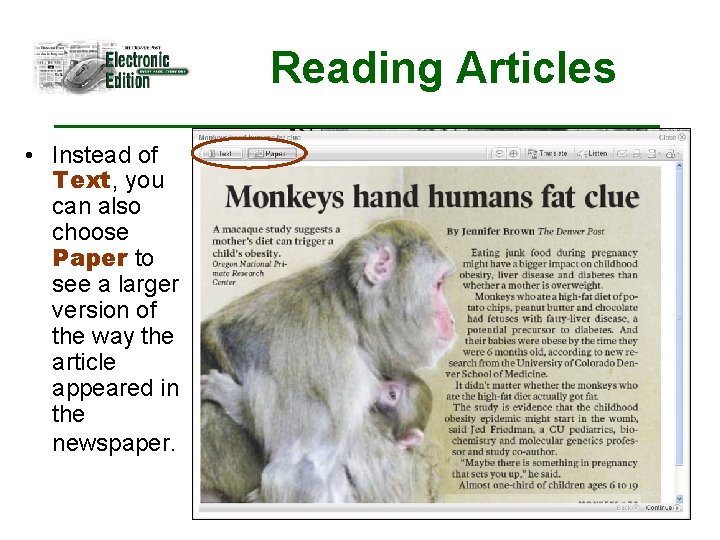
Reading Articles • Instead of Text, you can also choose Paper to see a larger version of the way the article appeared in the newspaper.
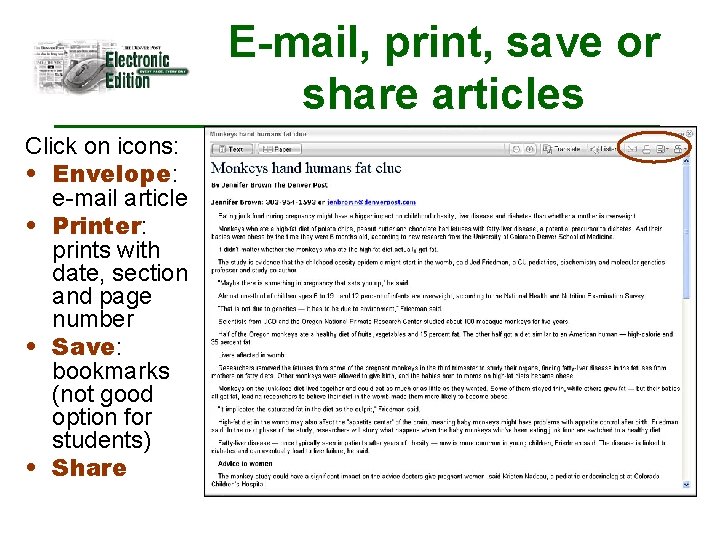
E-mail, print, save or share articles Click on icons: • Envelope: e-mail article • Printer: prints with date, section and page number • Save: bookmarks (not good option for students) • Share
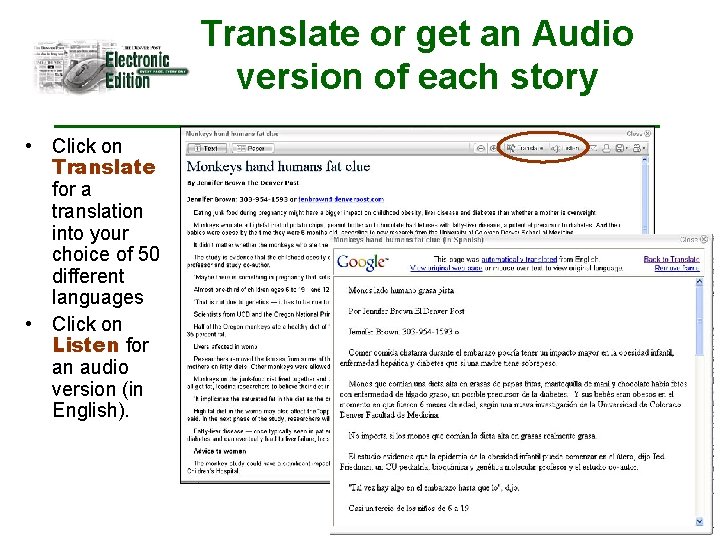
Translate or get an Audio version of each story • Click on Translate for a translation into your choice of 50 different languages • Click on Listen for an audio version (in English).
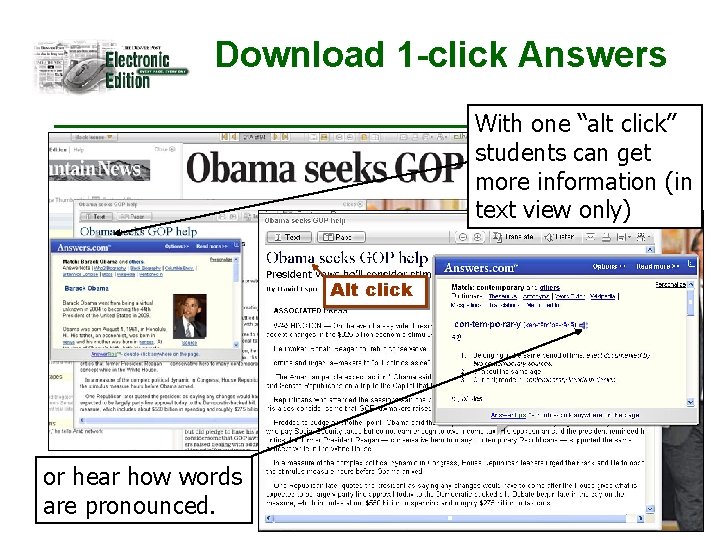
Download 1 -click Answers With one “alt click” students can get more information (in text view only) Alt click or hear how words are pronounced.
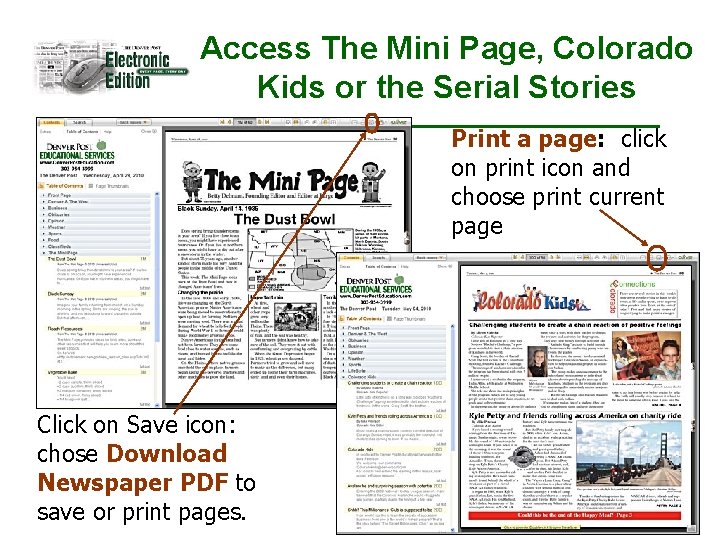
Access The Mini Page, Colorado Kids or the Serial Stories Print a page: click on print icon and choose print current page Click on Save icon: chose Download Newspaper PDF to save or print pages.
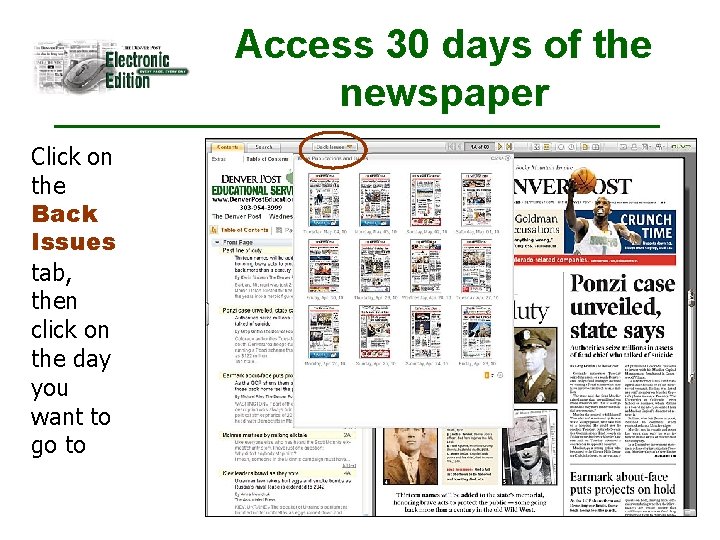
Access 30 days of the newspaper Click on the Back Issues tab, then click on the day you want to go to
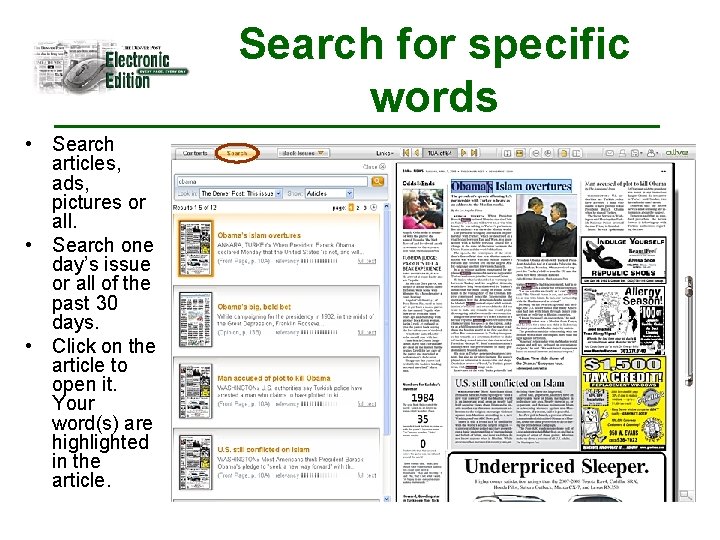
Search for specific words • Search articles, ads, pictures or all. • Search one day’s issue or all of the past 30 days. • Click on the article to open it. Your word(s) are highlighted in the article.
Ordering Information • All copies provided free of charge • Specify the number of students that you have • One login & one password per order • You’ll receive access to all curricula • Call 303 -954 -3999 or 1 -800 -336 -7678 for more information
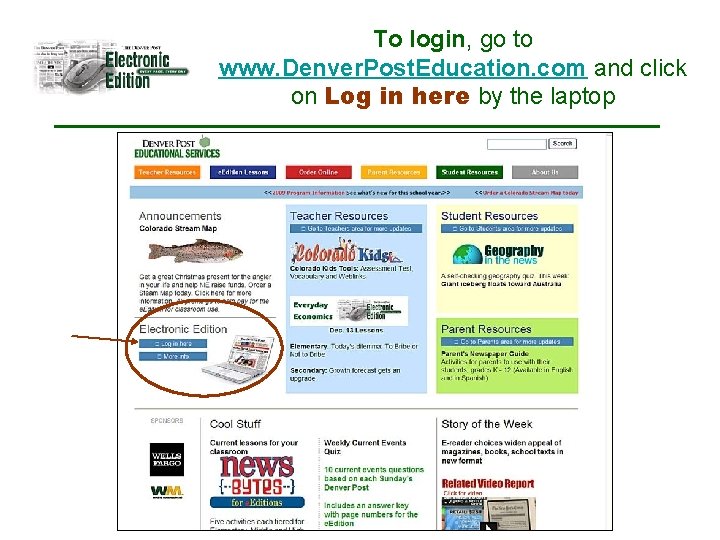
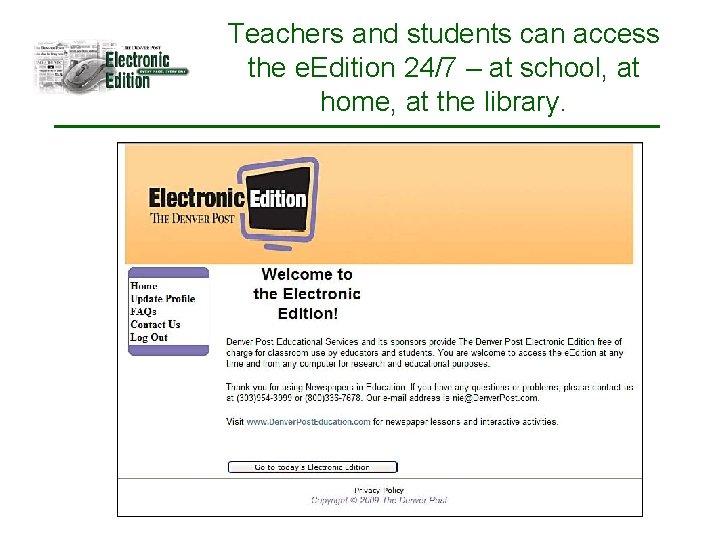
To login, go to www. Denver. Post. Education. com and click on Log in here by the laptop
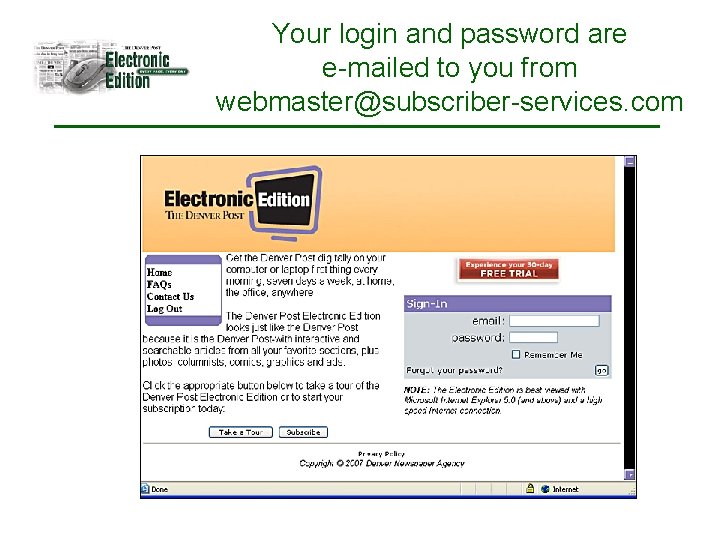
Your login and password are e-mailed to you from webmaster@subscriber-services. com
Teachers and students can access the e. Edition 24/7 – at school, at home, at the library.
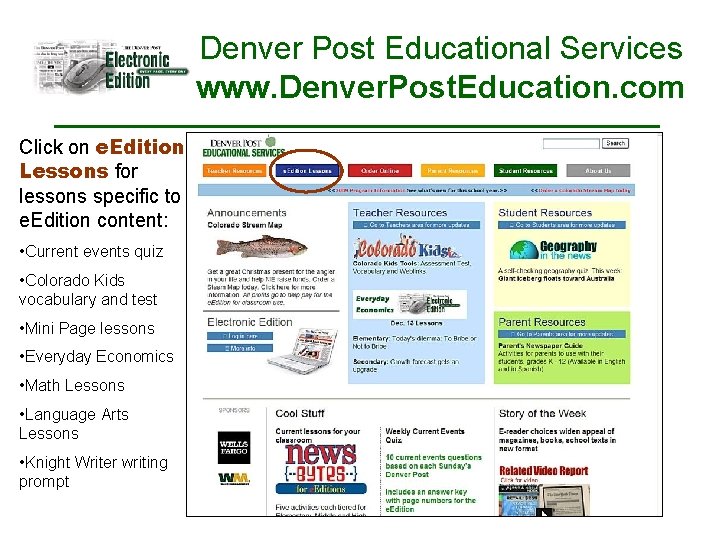
Denver Post Educational Services www. Denver. Post. Education. com Click on e. Edition Lessons for lessons specific to e. Edition content: • Current events quiz • Colorado Kids vocabulary and test • Mini Page lessons • Everyday Economics • Math Lessons • Language Arts Lessons • Knight Writer writing prompt
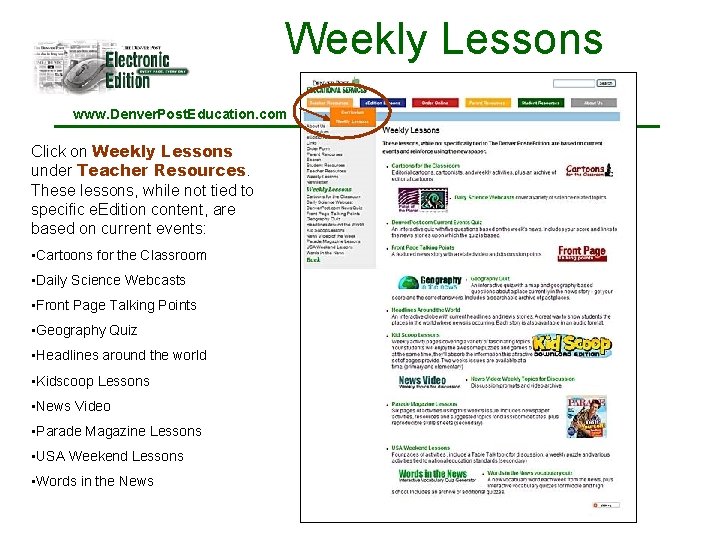
Weekly Lessons www. Denver. Post. Education. com Click on Weekly Lessons under Teacher Resources. These lessons, while not tied to specific e. Edition content, are based on current events: • Cartoons for the Classroom • Daily Science Webcasts • Front Page Talking Points • Geography Quiz • Headlines around the world • Kidscoop Lessons • News Video • Parade Magazine Lessons • USA Weekend Lessons • Words in the News
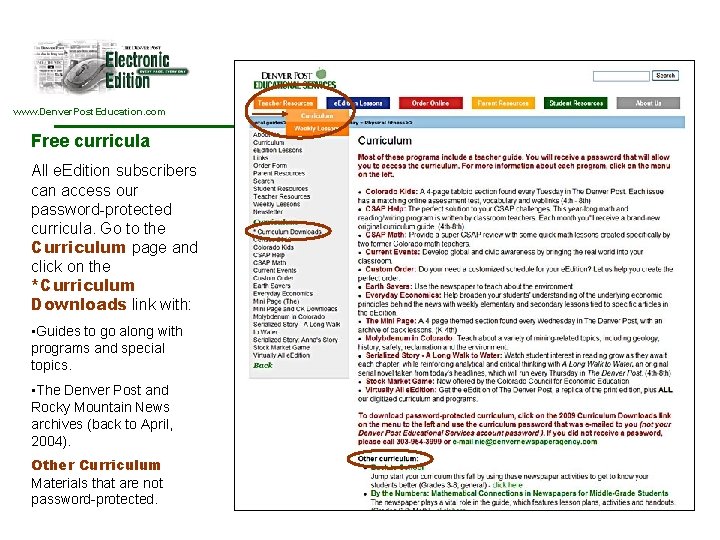
www. Denver. Post. Education. com Free curricula All e. Edition subscribers can access our password-protected curricula. Go to the Curriculum page and click on the *Curriculum Downloads link with: • Guides to go along with programs and special topics. • The Denver Post and Rocky Mountain News archives (back to April, 2004). Other Curriculum Materials that are not password-protected.
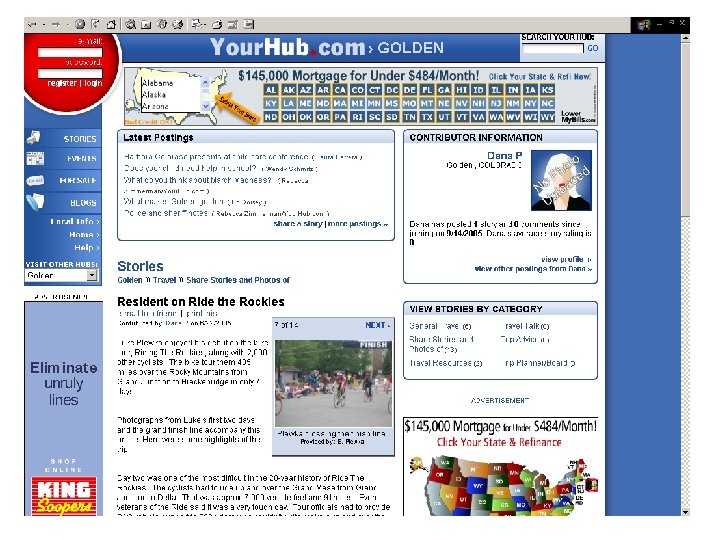
www. Your. Hub. com • Available in limited areas in home delivery copies • Community Journalism • Readers post stories to web • Best of the best chosen for print • Print delivered into neighborhood communities weekly • Prep Sports • School events
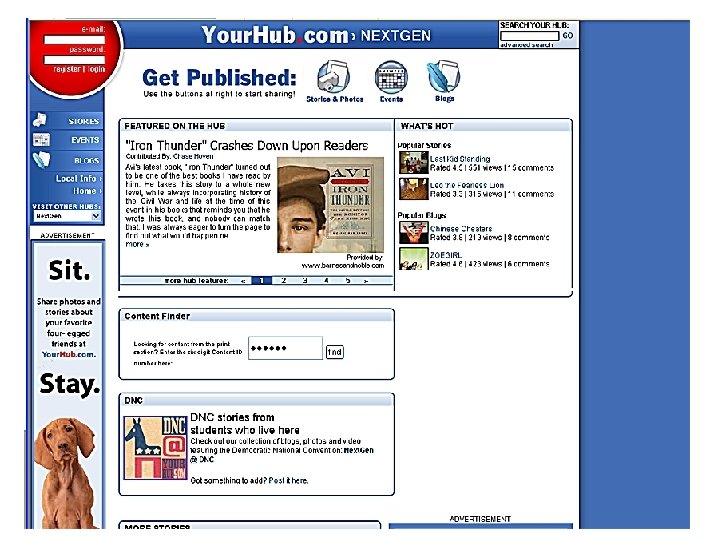
www. Your. Hub. com/Next. Gen • A site for 4 th – 8 th grade students in Colorado • Registered users post stories to web • All stories posted appear online • The best stories are chosen for print in Colorado Kids or the Next. Gen column in the Your. Hub. com print product
Workshops • To request a workshop at your school on using the electronic edition, email nie@denverpost. com • Teleconferences also available
Additional Online Resources • Answers. com • Colorado Historic Newspaper Collection – www. Colorado. Historic. Newspapers. org • Colorado State Library – www. Colorado. Virtual. Libary. org
Contact Us • Jill Armstrong, Youth Content/Web jarmstrong@denverpost. com • Dana Plewka, Manager dplewka@denverpost. com 303 -954 -3999 www. Denver. Post. Education. com