
The CT HMIS Project 2017 DATA STANDARDS UPDATES

- Slides: 49
The CT HMIS Project 2017 DATA STANDARDS UPDATES & CASEWORTHY 7. 2 Provided by: P Help@Nutmeg. IT. com W Nutmegit. com
During the Webinar • All attendees will be muted. • Please take a moment to familiarize yourself with the features in Zoom • You will use the Q & A feature to ask questions • This session will be recorded and posted on cthmis. com
Summary The October 10 th Updates brings • New Data Standards (2017) – New Data Dictionary (1. 2 most current) https: //www. hudexchange. info/resource/3824/hmis-data-dictionary/ – New Data Standards Manual (July, 2017 most current) https: //www. hudexchange. info/resources/documents/HMIS-Data. Standards-Manual-2017. pdf • An Upgrade to Caseworthy (7. 2) – – Updated codebase User Interface changes New Features Compliance with the new standards – URL CHANGE - https: //home. cthmis. com/cceh. ecm
July 2017 (v 1. 2) HMIS DATA STANDARDS
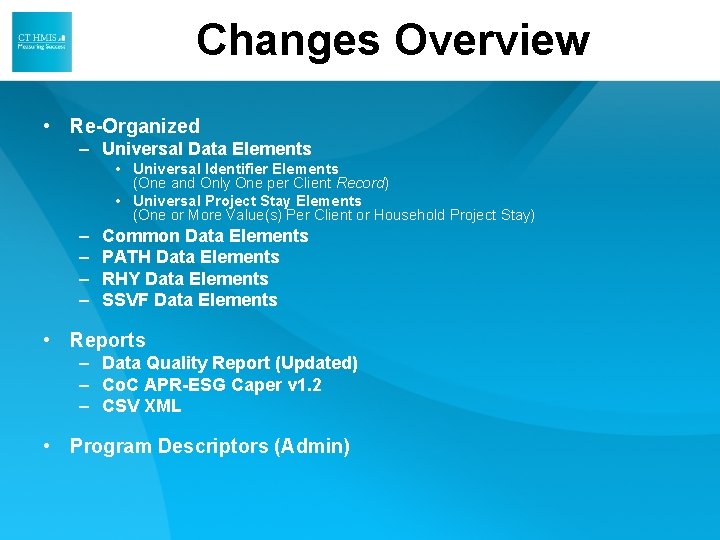
Changes Overview • Re-Organized – Universal Data Elements • Universal Identifier Elements (One and Only One per Client Record) • Universal Project Stay Elements (One or More Value(s) Per Client or Household Project Stay) – – Common Data Elements PATH Data Elements RHY Data Elements SSVF Data Elements • Reports – Data Quality Report (Updated) – Co. C APR-ESG Caper v 1. 2 – CSV XML • Program Descriptors (Admin)
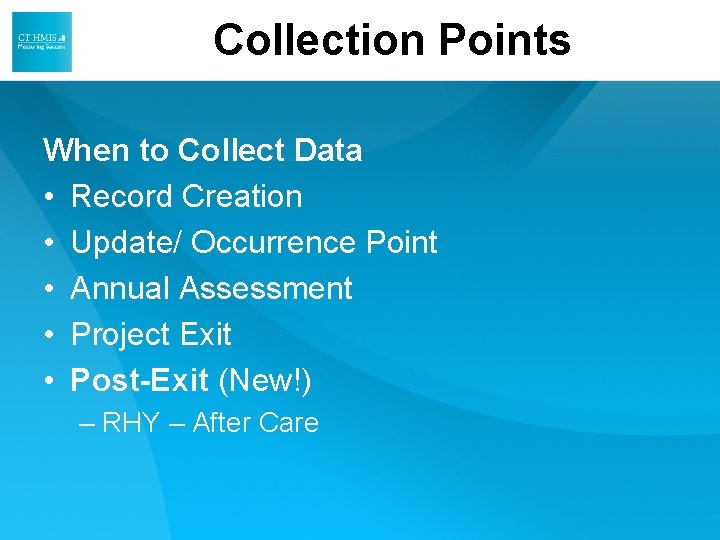
Collection Points When to Collect Data • Record Creation • Update/ Occurrence Point • Annual Assessment • Project Exit • Post-Exit (New!) – RHY – After Care
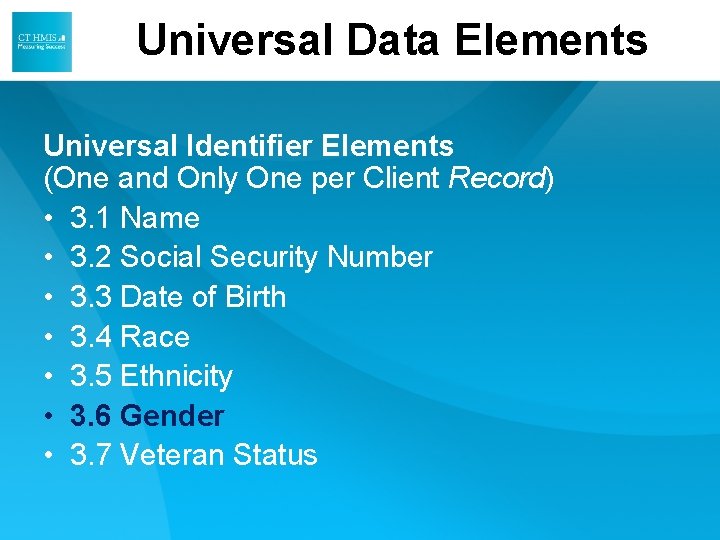
Universal Data Elements Universal Identifier Elements (One and Only One per Client Record) • 3. 1 Name • 3. 2 Social Security Number • 3. 3 Date of Birth • 3. 4 Race • 3. 5 Ethnicity • 3. 6 Gender • 3. 7 Veteran Status
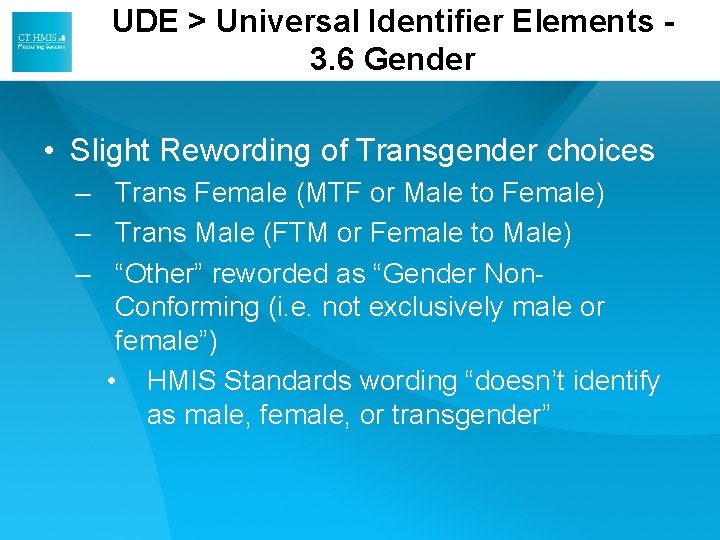
UDE > Universal Identifier Elements 3. 6 Gender • Slight Rewording of Transgender choices – Trans Female (MTF or Male to Female) – Trans Male (FTM or Female to Male) – “Other” reworded as “Gender Non. Conforming (i. e. not exclusively male or female”) • HMIS Standards wording “doesn’t identify as male, female, or transgender”
UDE > Universal Identifier Elements – Veteran Information • VAMC Station Codes – (689) VA Connecticut HCS, CT – We will auto-populate the new picklist. Set at the Program Level • NEW “Static” Veteran Information table – RETIRED Veteran Assessment – (Multiple Data Points ) Moved to Veteran Information (Single Data Point) – Similar to how the Basic Demographics form functions (only one per client)
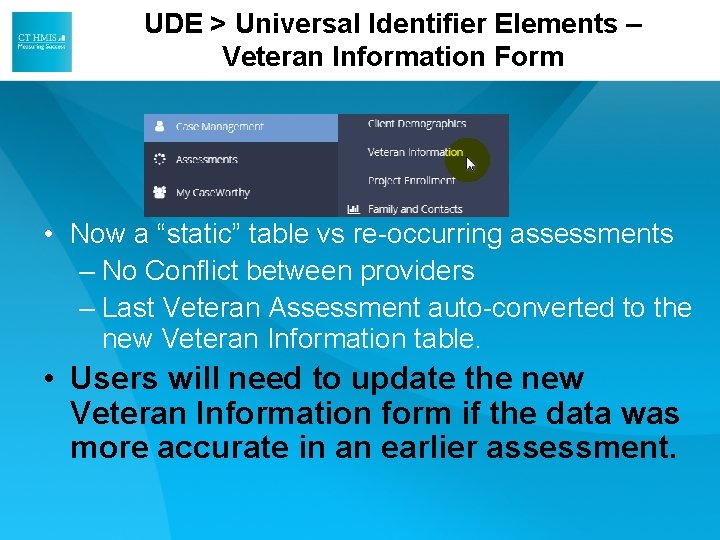
UDE > Universal Identifier Elements – Veteran Information Form • Now a “static” table vs re-occurring assessments – No Conflict between providers – Last Veteran Assessment auto-converted to the new Veteran Information table. • Users will need to update the new Veteran Information form if the data was more accurate in an earlier assessment.
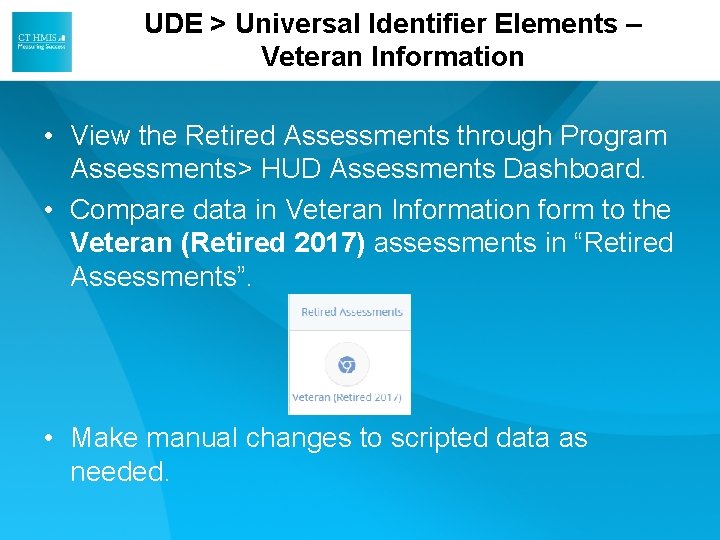
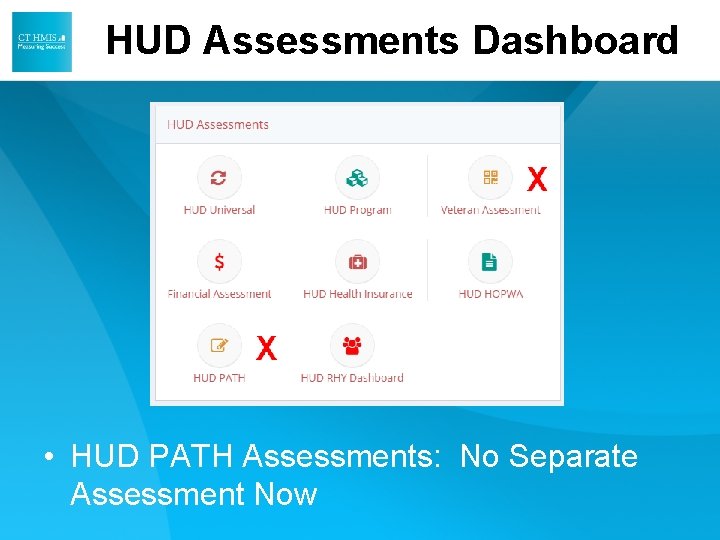
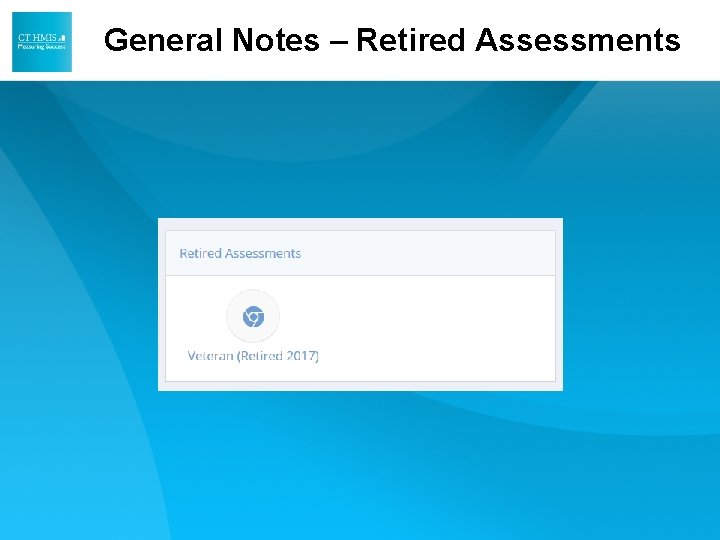
UDE > Universal Identifier Elements – Veteran Information • View the Retired Assessments through Program Assessments> HUD Assessments Dashboard. • Compare data in Veteran Information form to the Veteran (Retired 2017) assessments in “Retired Assessments”. • Make manual changes to scripted data as needed.
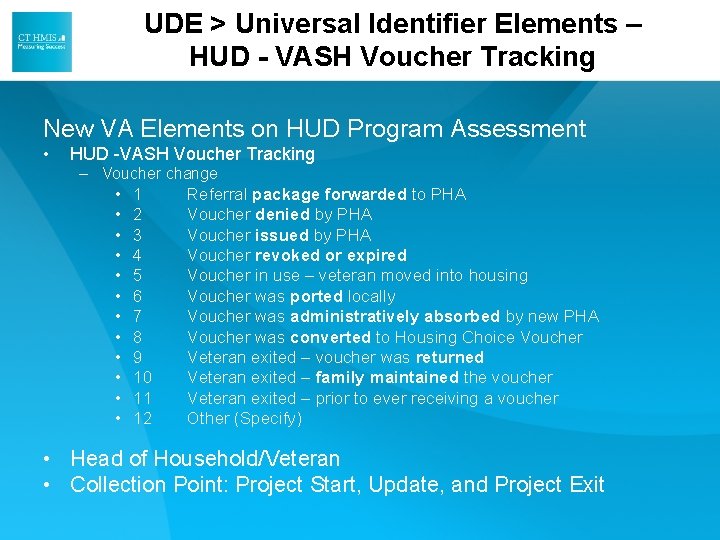
UDE > Universal Identifier Elements – HUD - VASH Voucher Tracking New VA Elements on HUD Program Assessment • HUD -VASH Voucher Tracking – Voucher change • 1 Referral package forwarded to PHA • 2 Voucher denied by PHA • 3 Voucher issued by PHA • 4 Voucher revoked or expired • 5 Voucher in use – veteran moved into housing • 6 Voucher was ported locally • 7 Voucher was administratively absorbed by new PHA • 8 Voucher was converted to Housing Choice Voucher • 9 Veteran exited – voucher was returned • 10 Veteran exited – family maintained the voucher • 11 Veteran exited – prior to ever receiving a voucher • 12 Other (Specify) • Head of Household/Veteran • Collection Point: Project Start, Update, and Project Exit
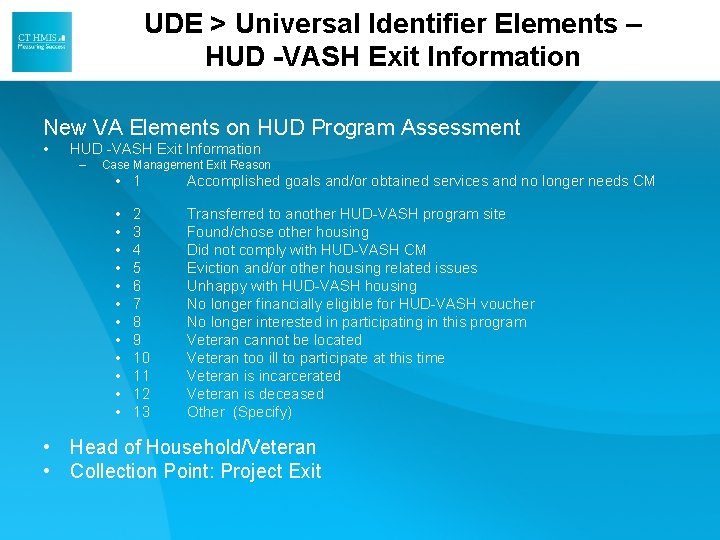
UDE > Universal Identifier Elements – HUD -VASH Exit Information New VA Elements on HUD Program Assessment • HUD -VASH Exit Information – Case Management Exit Reason • 1 Accomplished goals and/or obtained services and no longer needs CM • • • Transferred to another HUD-VASH program site Found/chose other housing Did not comply with HUD-VASH CM Eviction and/or other housing related issues Unhappy with HUD-VASH housing No longer financially eligible for HUD-VASH voucher No longer interested in participating in this program Veteran cannot be located Veteran too ill to participate at this time Veteran is incarcerated Veteran is deceased Other (Specify) 2 3 4 5 6 7 8 9 10 11 12 13 • Head of Household/Veteran • Collection Point: Project Exit
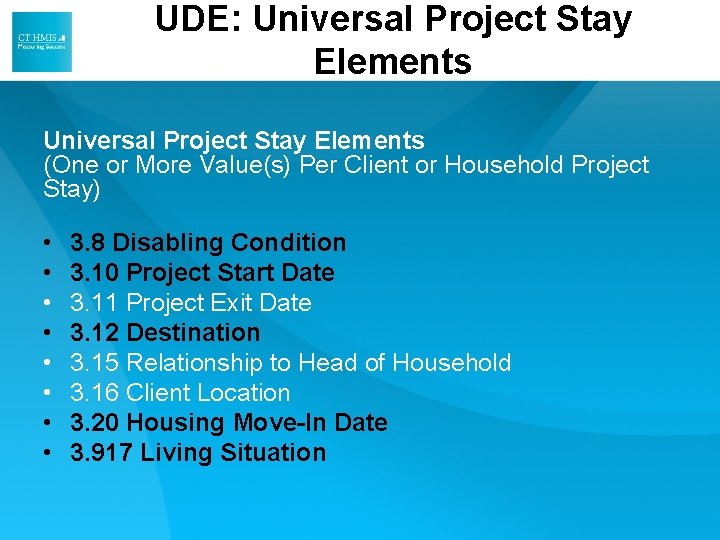
UDE: Universal Project Stay Elements (One or More Value(s) Per Client or Household Project Stay) • • 3. 8 Disabling Condition 3. 10 Project Start Date 3. 11 Project Exit Date 3. 12 Destination 3. 15 Relationship to Head of Household 3. 16 Client Location 3. 20 Housing Move-In Date 3. 917 Living Situation
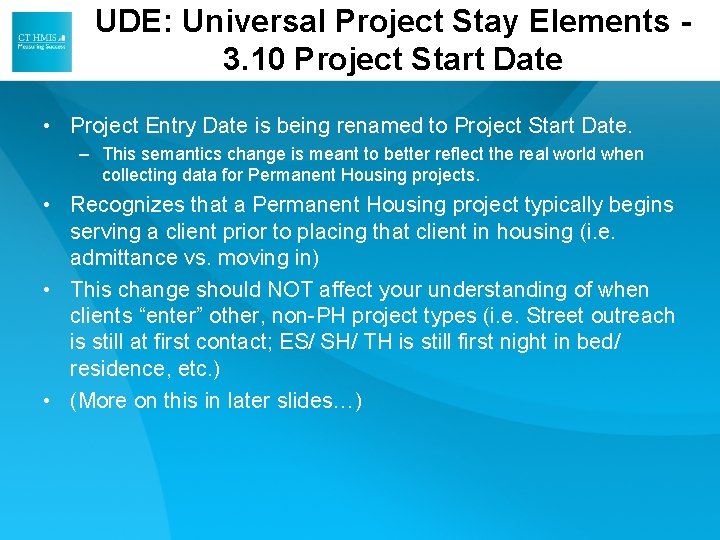
UDE: Universal Project Stay Elements 3. 10 Project Start Date • Project Entry Date is being renamed to Project Start Date. – This semantics change is meant to better reflect the real world when collecting data for Permanent Housing projects. • Recognizes that a Permanent Housing project typically begins serving a client prior to placing that client in housing (i. e. admittance vs. moving in) • This change should NOT affect your understanding of when clients “enter” other, non-PH project types (i. e. Street outreach is still at first contact; ES/ SH/ TH is still first night in bed/ residence, etc. ) • (More on this in later slides…)
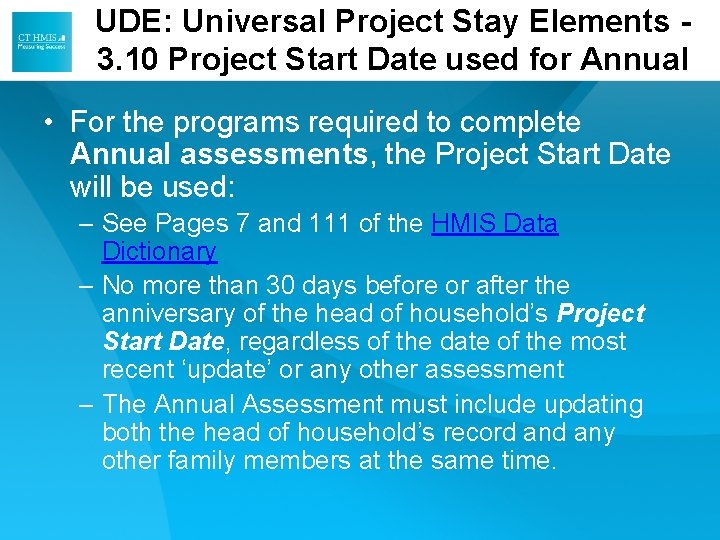
UDE: Universal Project Stay Elements 3. 10 Project Start Date used for Annual • For the programs required to complete Annual assessments, the Project Start Date will be used: – See Pages 7 and 111 of the HMIS Data Dictionary – No more than 30 days before or after the anniversary of the head of household’s Project Start Date, regardless of the date of the most recent ‘update’ or any other assessment – The Annual Assessment must include updating both the head of household’s record any other family members at the same time.
UDE: Universal Project Stay Elements – 3. 12 Destination > Destination Type • Two changes for the options: – Permanent housing formerly homeless persons (such as: Co. C project; or HUD legacy programs; or HOPWA PH) was reworded • Now: Permanent housing (other than RRH) formerly homeless persons – Addition of a response option 31: • Rental by client, with RRH or equivalent subsidy
UDE: Universal Project Stay Elements – 3. 20 Housing Move-In Date (formerly 4. 17) • Data element 4. 17 Residential Move-In Date has been replaced in the 2017 HMIS Data Standards, with data element 3. 20 Housing Move-In Date. – This data element used to be for RRH only • Moved from Project Specific to Universal element expanded to include ALL Permanent Housing Project Types • All data has been kept and moved to the new location in DB
UDE: Universal Project Stay Elements – 3. 20 Housing Move-In Date (formerly 4. 17) • With the exception of RRH projects, vendors (ie. Case. Worthy) have been instructed to replicate all of the former project “entry” dates for PH projects to this element (to go live 10/1/17). – Current Project Start Dates will populate the new Housing Move-In Date • Moving forward, this element is intended to collect the date that a client occupies housing (all PH, including RRH, will be collecting this element the same way).
UDE: Universal Project Stay Elements – 3. 20 Housing – Collection Instructions • Data Collection Instruction For clients with a Project Start Date in a permanent housing project of any kind, record the date a client or household moves into a permanent housing unit. • For RRH projects only, a Housing Move-in Date must be entered regardless of whether or not the RRH project is providing the rental assistance for the unit. For example, if an RRH project provides supportive services, but is not providing the rental assistance for the unit, a Housing Move-in Date must still be entered to differentiate RRH clients in housing from those still experiencing homelessness. • For any other project types that are typed as ‘Permanent Housing’ in the HMIS, clients who are receiving pre-housing placement services but are ultimately housed by another project or subsidy source should be exited from the PH project to the appropriate permanent Destination. If the client exits the permanent housing project for a different housing opportunity without physically moving into a housing unit associated with the project, do not enter a housing move-in date, simply exit the client and record the exit destination. • For purposes of the Housing Inventory Count and other point-in-time reporting, households with a Project Start Date which do not have a Housing Move-In Date at the point in time of the report must be excluded from counts of persons in permanent housing.
UDE: Universal Project Stay Elements – 3. 917 A and B: Living Situation > Type of Residence Wording changes: • Option 3 – Was: Permanent housing formerly homeless persons (such as: a Co. C project) – Now: Permanent housing (other than RRH) formerly homeless persons • Option 20 – Was: Rental by client, with other ongoing housing subsidy – Now: Rental by client, with other housing subsidy (including RRH)
Common Data Elements • 4. 1 Housing Status – RETIRED – 4. 17 Residential Move-In Date was significantly modified and became universal data element 3. 20 • • • • 4. 2 Income and Sources 4. 3 Non-Cash Benefits 4. 4 Health Insurance 4. 5 Physical Disability 4. 6 Developmental Disability 4. 7 Chronic Health Condition 4. 8 HIV/AIDS 4. 9 Mental Health Problem 4. 10 Substance Abuse 4. 11 Domestic Violence 4. 12 Contact 4. 13 Date of Engagement 4. 14 Bed-Night Date 4. 18 Housing Assessment Disposition
Common Data Elements • 4. 1 Housing Status – RETIRED • 4. 2 Income and Sources – Wording change: Corrected the name of Social Security Disability Insurance (SSDI) • 4. 3 Non-Cash Benefits – Removed 2 fields and their respective no/yes response options: • #8 “Section 8, public housing, or rental assistance”, and • # 10 “Temporary rental assistance”
Common Data Elements • • • 4. 4 Health Insurance 4. 5 Physical Disability 4. 6 Developmental Disability 4. 7 Chronic Health Condition 4. 8 HIV/AIDS 4. 9 Mental Health Problem Removed dependent elements from 4. 54. 10: Documentation of disability and severity on file, and Currently receiving services/treatment for this disability. – Additionally, removed PATH ONLY dependent D and E “if yes” responses that PATH no longer requires. • 4. 10 Substance Abuse – Additionally, removed PATH ONLY dependent D and E “if yes” responses that PATH no longer requires. • 4. 12 Contact – Field 2 and responses changed from “Location of Contact” to “Staying on Streets, ES or SH”
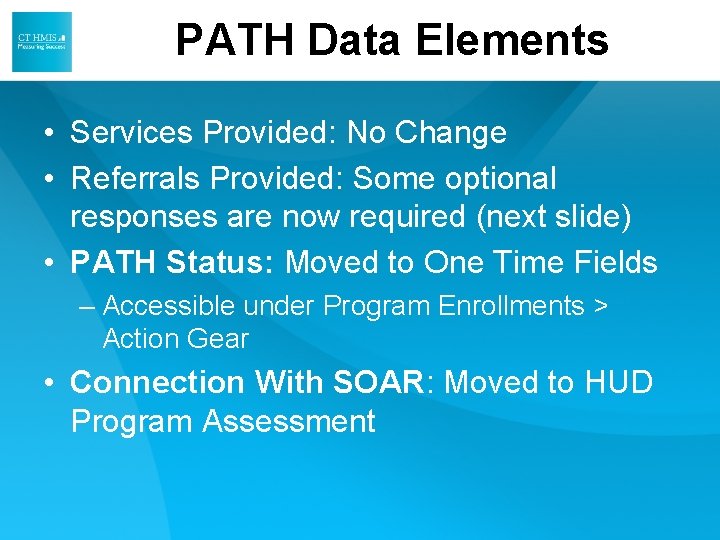
PATH Data Elements • Services Provided: No Change • Referrals Provided: Some optional responses are now required (next slide) • PATH Status: Moved to One Time Fields – Accessible under Program Enrollments > Action Gear • Connection With SOAR: Moved to HUD Program Assessment
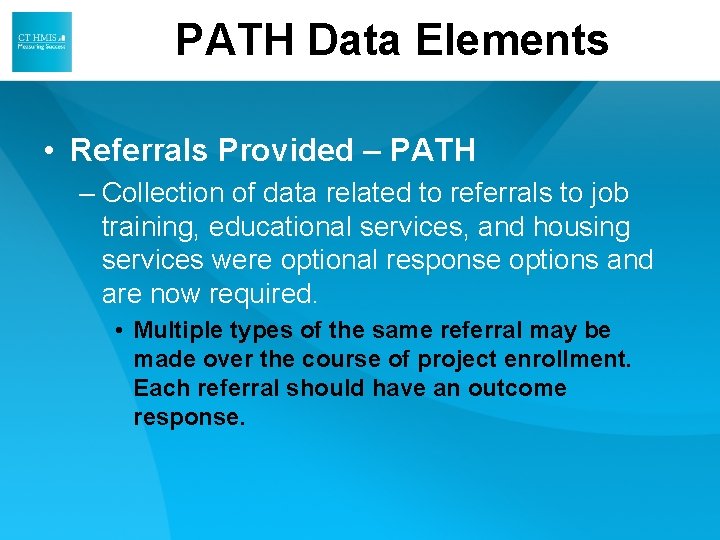
PATH Data Elements • Referrals Provided – PATH – Collection of data related to referrals to job training, educational services, and housing services were optional response options and are now required. • Multiple types of the same referral may be made over the course of project enrollment. Each referral should have an outcome response.
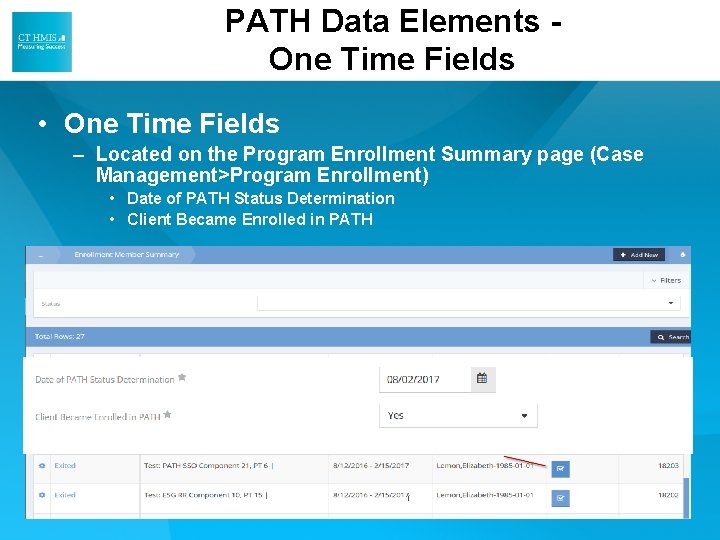
PATH Data Elements One Time Fields • One Time Fields – Located on the Program Enrollment Summary page (Case Management>Program Enrollment) • Date of PATH Status Determination • Client Became Enrolled in PATH
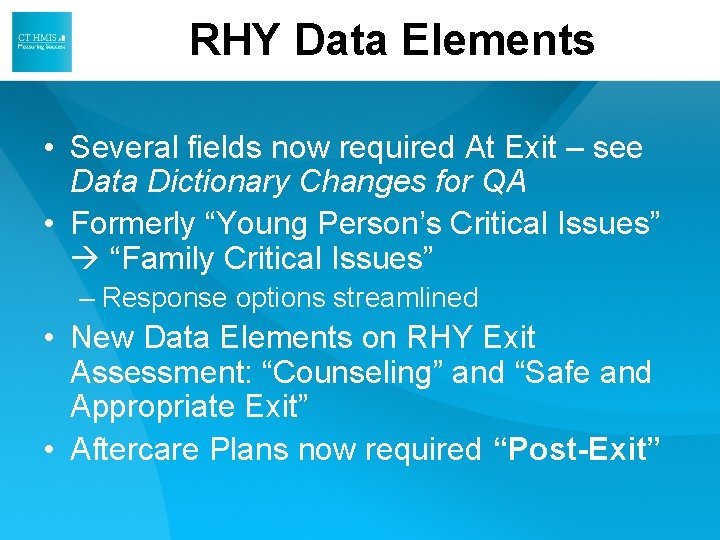
RHY Data Elements • Several fields now required At Exit – see Data Dictionary Changes for QA • Formerly “Young Person’s Critical Issues” “Family Critical Issues” – Response options streamlined • New Data Elements on RHY Exit Assessment: “Counseling” and “Safe and Appropriate Exit” • Aftercare Plans now required “Post-Exit”
RHY Data Elements • Referral Source – Response options were streamlined and decreased to reduce data collection burden. Previous responses are mapped to these new more streamlined responses – Mapping Document available for details
RHY Data Elements • RHY – BCP Status – Reworded Field 2 from “FYSB Youth” to “Youth Eligible for RHY Services” – Data collection stage changed from Update to Project Start. – Dependent Question Added • If Yes for “Youth Eligible for RHY Services” Runaway youth (y/n/dn/r/dnc)
RHY Data Elements • R 4: Last Grade Completed – Project exit added to collection point • R 5 School Status – Project exit added to collection point. • R 6 Employment Status – Project exit added to collection point.
RHY Data Elements • R 4: Last Grade Completed – Project exit added to collection point • R 5 School Status – Project exit added to collection point. • R 6 Employment Status – Project exit added to collection point. • R 13 Family Critical Issues – Renamed formerly Young Persons Critical Issues – Response options were streamlined and decreased to reduce data collection burden.
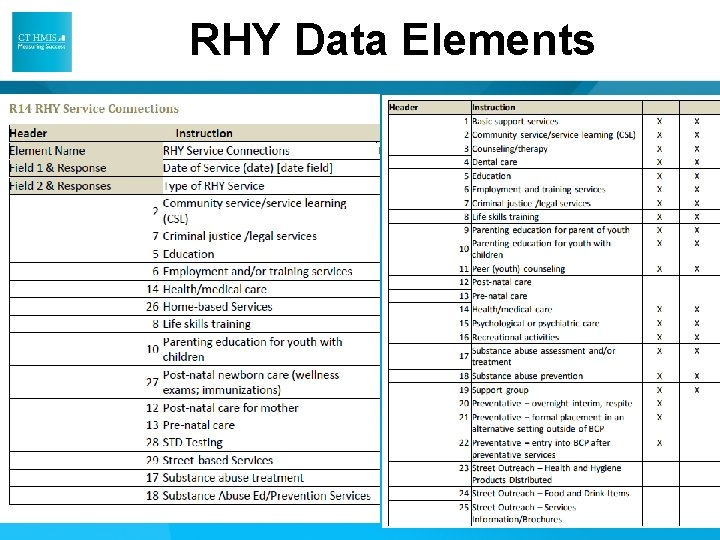
RHY Data Elements • R 14 RHY Service Connections – Renamed – formerly Services Provided-RHY – Data collection has been reduced and wording updated
RHY Data Elements
RHY Data Elements • R 15 Commercial Sexual Exploitation/Sex Trafficking – Name updated: Added Sex Trafficking – Collection point changed from Project Start to Project Exit. • R 16 Labor Exploitation/Trafficking – Name updated: Added Trafficking – Collection point changed from Project Start to Project Exit.
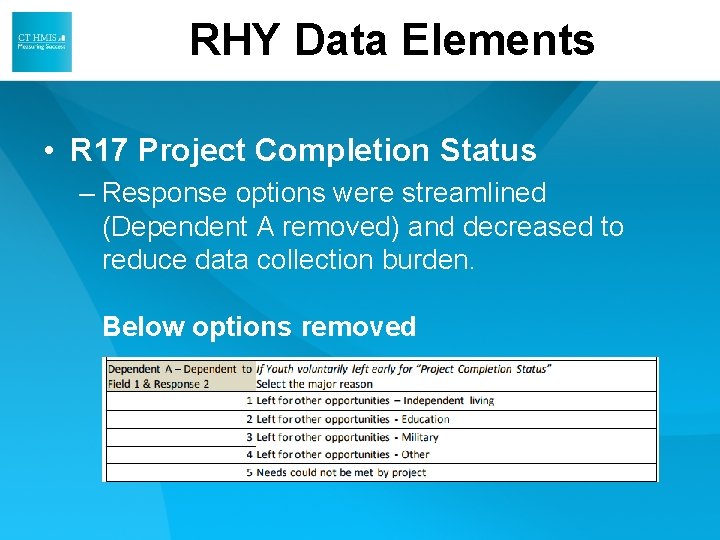
RHY Data Elements • R 17 Project Completion Status – Response options were streamlined (Dependent A removed) and decreased to reduce data collection burden. Below options removed
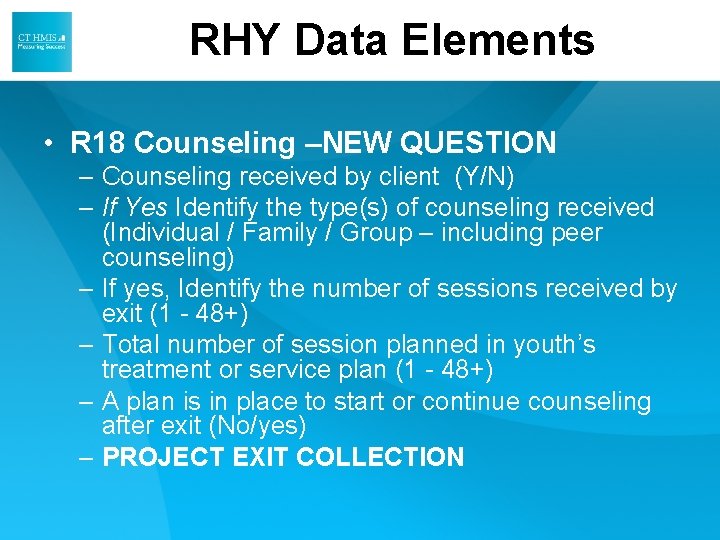
RHY Data Elements • R 18 Counseling –NEW QUESTION – Counseling received by client (Y/N) – If Yes Identify the type(s) of counseling received (Individual / Family / Group – including peer counseling) – If yes, Identify the number of sessions received by exit (1 - 48+) – Total number of session planned in youth’s treatment or service plan (1 - 48+) – A plan is in place to start or continue counseling after exit (No/yes) – PROJECT EXIT COLLECTION
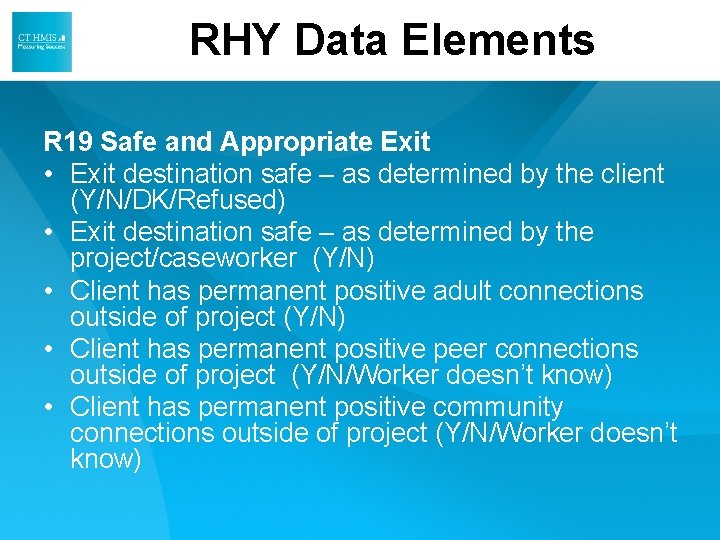
RHY Data Elements R 19 Safe and Appropriate Exit • Exit destination safe – as determined by the client (Y/N/DK/Refused) • Exit destination safe – as determined by the project/caseworker (Y/N) • Client has permanent positive adult connections outside of project (Y/N) • Client has permanent positive peer connections outside of project (Y/N/Worker doesn’t know) • Client has permanent positive community connections outside of project (Y/N/Worker doesn’t know)
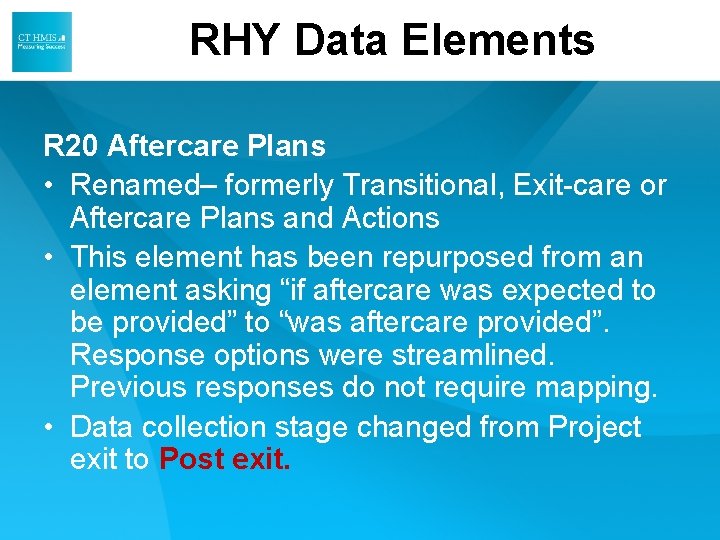
RHY Data Elements R 20 Aftercare Plans • Renamed– formerly Transitional, Exit-care or Aftercare Plans and Actions • This element has been repurposed from an element asking “if aftercare was expected to be provided” to “was aftercare provided”. Response options were streamlined. Previous responses do not require mapping. • Data collection stage changed from Project exit to Post exit.
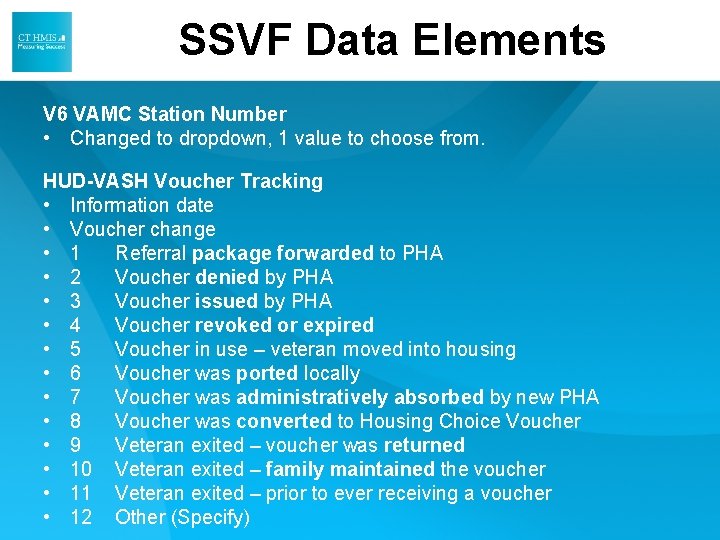
SSVF Data Elements V 6 VAMC Station Number • Changed to dropdown, 1 value to choose from. HUD-VASH Voucher Tracking • Information date • Voucher change • 1 Referral package forwarded to PHA • 2 Voucher denied by PHA • 3 Voucher issued by PHA • 4 Voucher revoked or expired • 5 Voucher in use – veteran moved into housing • 6 Voucher was ported locally • 7 Voucher was administratively absorbed by new PHA • 8 Voucher was converted to Housing Choice Voucher • 9 Veteran exited – voucher was returned • 10 Veteran exited – family maintained the voucher • 11 Veteran exited – prior to ever receiving a voucher • 12 Other (Specify)
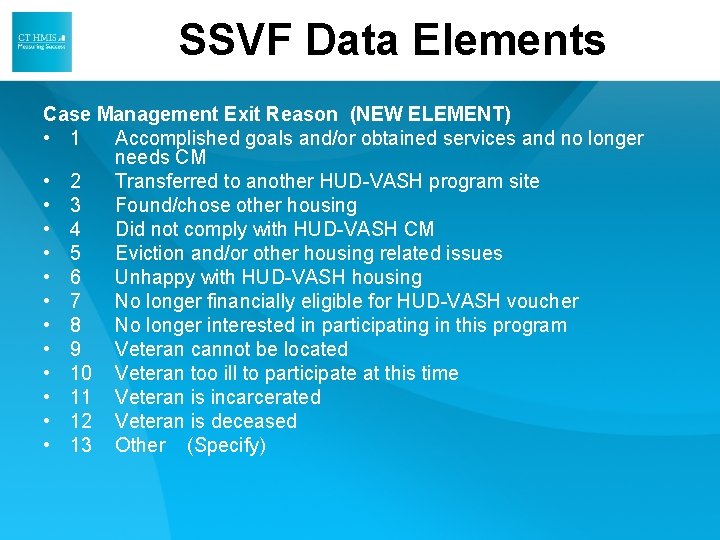
SSVF Data Elements Case Management Exit Reason (NEW ELEMENT) • 1 Accomplished goals and/or obtained services and no longer needs CM • 2 Transferred to another HUD-VASH program site • 3 Found/chose other housing • 4 Did not comply with HUD-VASH CM • 5 Eviction and/or other housing related issues • 6 Unhappy with HUD-VASH housing • 7 No longer financially eligible for HUD-VASH voucher • 8 No longer interested in participating in this program • 9 Veteran cannot be located • 10 Veteran too ill to participate at this time • 11 Veteran is incarcerated • 12 Veteran is deceased • 13 Other (Specify)
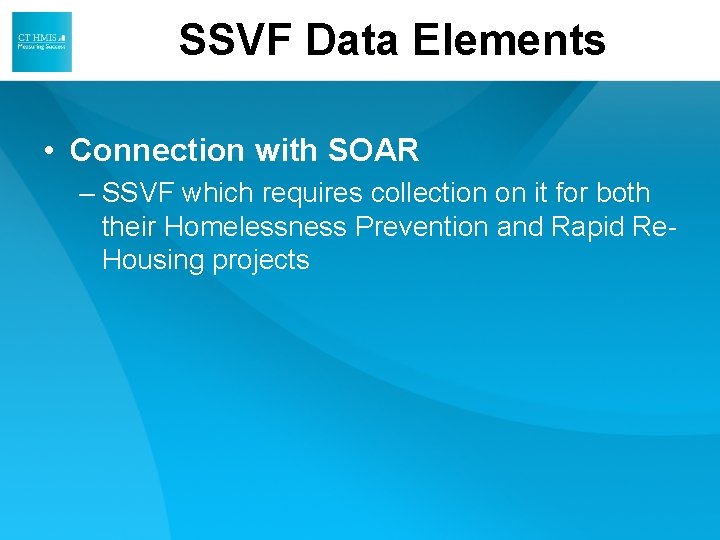
SSVF Data Elements • Connection with SOAR – SSVF which requires collection on it for both their Homelessness Prevention and Rapid Re. Housing projects
Version 7. 2 CASEWORTHY CHANGES
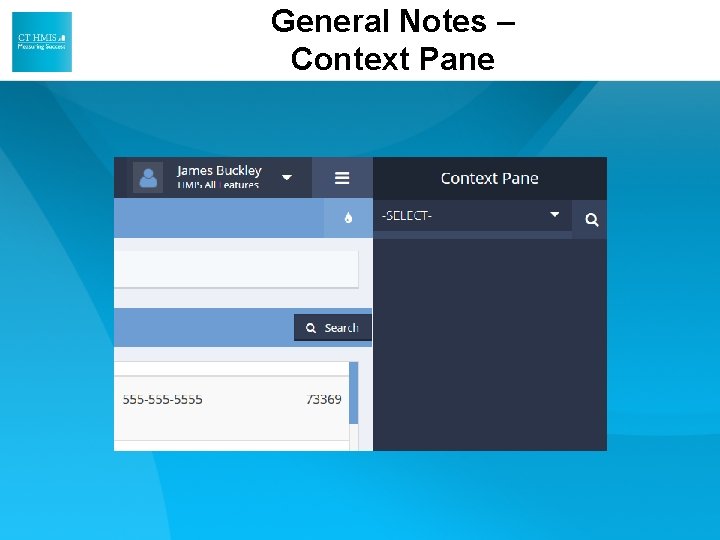
General Notes – Context Pane
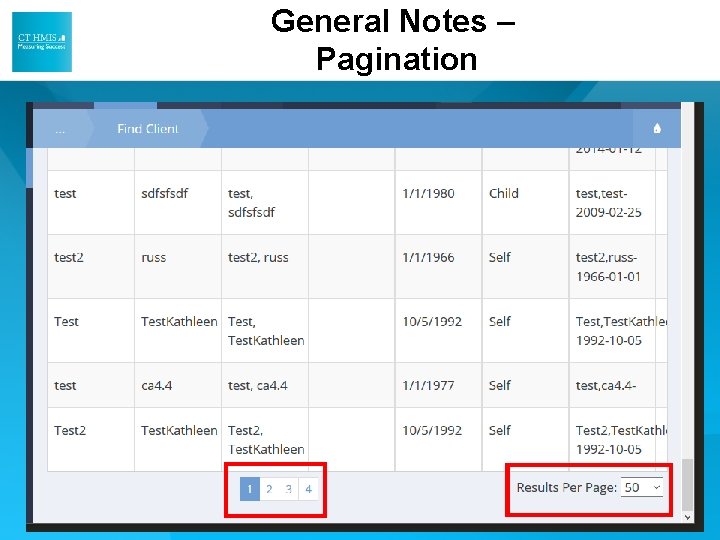
General Notes – Pagination
HUD Assessments Dashboard • HUD PATH Assessments: No Separate Assessment Now
General Notes – Retired Assessments
General Notes – Updated Disabling Condition Feature • The update Disabling Condition feature ONLY appears when the conflicting values are "NO" to the Disabling Condition question on the HUD Universal assessment and then you say "YES" to the "Expected to be of long duration" question on the HUD Program assessment. • It doesn't appear if you say "YES" to the Disabling Condition question on the HUD Universal assessment and then say "NO" to the "Expected to be of long duration" question on the HUD Program assessment.
W CTHMIS. com E HMIS@Nutmeg. IT. com