
The CRAY1 Computer System Richard Russell Communications of





- Slides: 16
The CRAY-1 Computer System Richard Russell Communications of the ACM January 1978
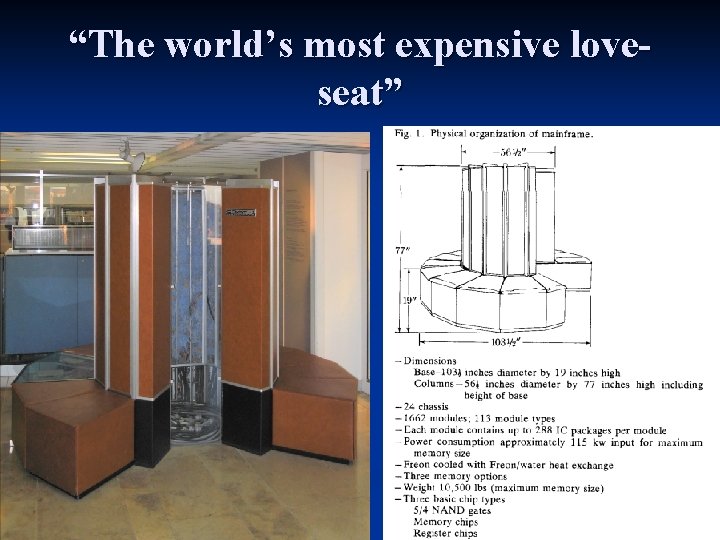
“The world’s most expensive loveseat”
A “reasonably trim individual” can gain access to the interior of the machine. 12. 5 ns clock n 8 MB internal semiconductor memory n 4 KB of register storage n Uses ECL throughout n 115 k. W input power n Simple gates n
Memory 16 bank = 16 way interleaved access n No bank conflicts except on stride lengths of 8 or 16 n 4 clock cycles per access n Can pull down 16 instructions per cycle n 1 data word if being placed in registers n
Cooling Big power + many modules = heat n Aluminum/steel cooling rods with Freon flow n Copper connectors pipe heat from chip out to cooling rods n Freon/oil leak problem on rod construction n Designed to keep module temperatures under 54 degrees Celsius n
Floating Point n IEEE? n n No. Why? Not written yet! n Wouldn’t arrive until 7 years later. n 49 bit signed magnitude “mantissa” n 15 bit biased exponent n
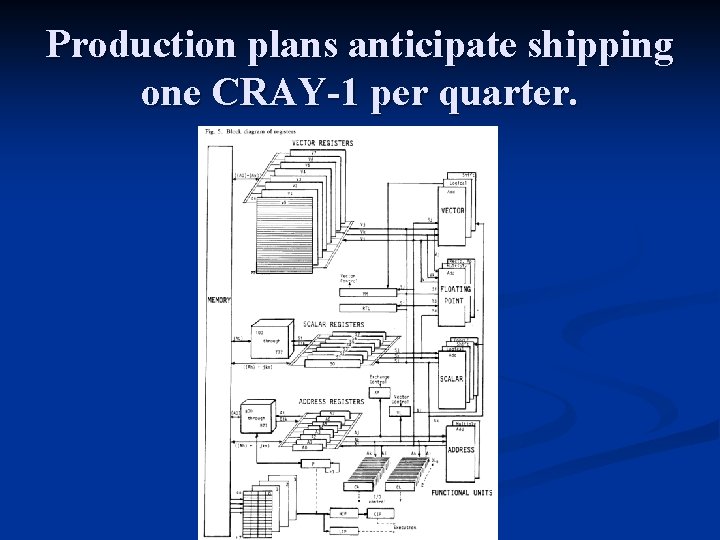
Production plans anticipate shipping one CRAY-1 per quarter.
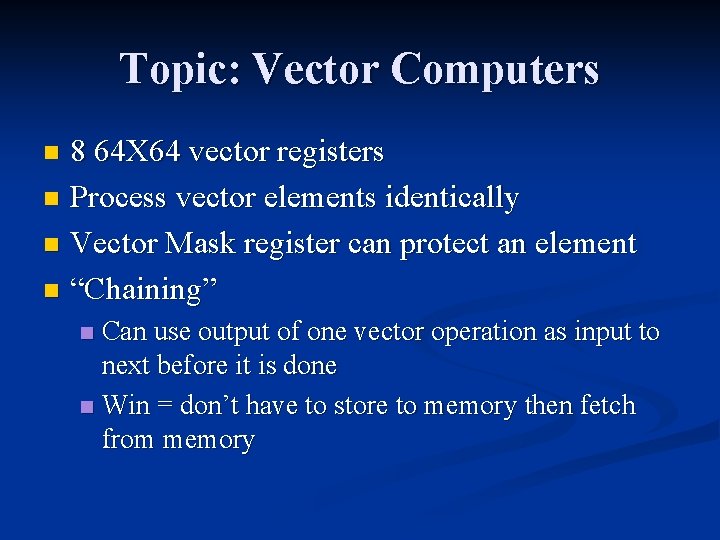
Topic: Vector Computers 8 64 X 64 vector registers n Process vector elements identically n Vector Mask register can protect an element n “Chaining” n Can use output of one vector operation as input to next before it is done n Win = don’t have to store to memory then fetch from memory n
Benefits of Vector Computing n Previously needed 100+ elements for vector to be useful over scalar n CRAY-1 cuts that to 2 -4 Don’t need to store vector elements next to each other in memory n Max wait time is previous vector length + 4 n Common wait time is functional unit time + 2 n
Vector Benefits Continued
Compiler n CFT n Automatically vectorizes inner loop if possible n No need to rewrite code! Can’t vectorize loops with control statements. n Often slower than hand coded assembly. n Improve instruction scheduling “in the future” n
Questions n n The CRAY-1 automatically vectorizes code loops. Current microprocessors usually use smaller vector registers with extensions such as SSE to support SIMD operations. Do modern compilers do these vector optimizations automatically as the CRAY did or is it the explicit use of vector instructions that has dominated and why? Trade offs? They say they can eventually make loops with control flow in them vectorizable. Can you come up with a simple method to do so and/or some reasons that make this case difficult?
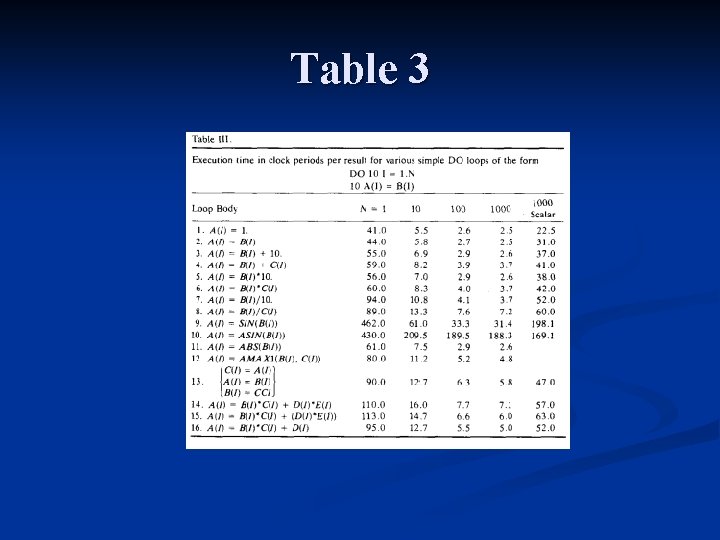
Table 3
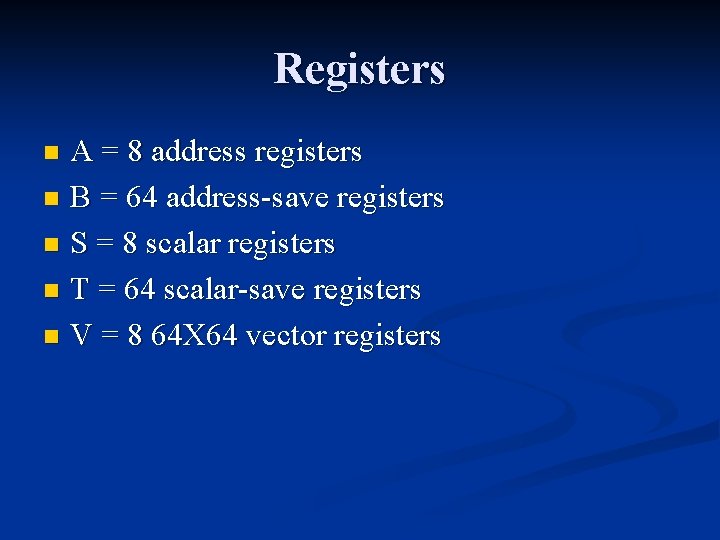
Registers A = 8 address registers n B = 64 address-save registers n S = 8 scalar registers n T = 64 scalar-save registers n V = 8 64 X 64 vector registers n
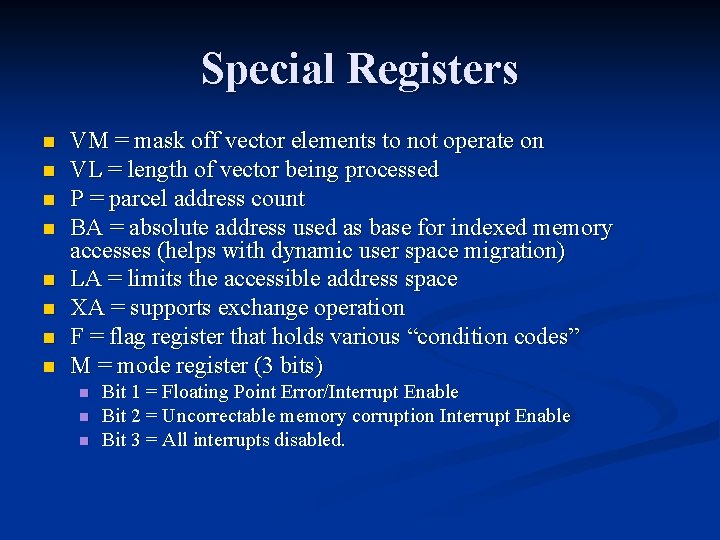
Special Registers n n n n VM = mask off vector elements to not operate on VL = length of vector being processed P = parcel address count BA = absolute address used as base for indexed memory accesses (helps with dynamic user space migration) LA = limits the accessible address space XA = supports exchange operation F = flag register that holds various “condition codes” M = mode register (3 bits) n n n Bit 1 = Floating Point Error/Interrupt Enable Bit 2 = Uncorrectable memory corruption Interrupt Enable Bit 3 = All interrupts disabled.
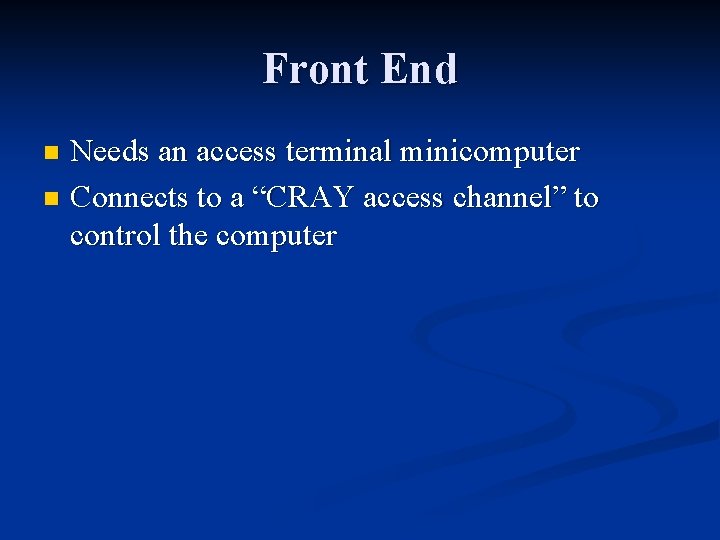
Front End Needs an access terminal minicomputer n Connects to a “CRAY access channel” to control the computer n