
The Correct way to install a Radio Transmitter
- Slides: 1
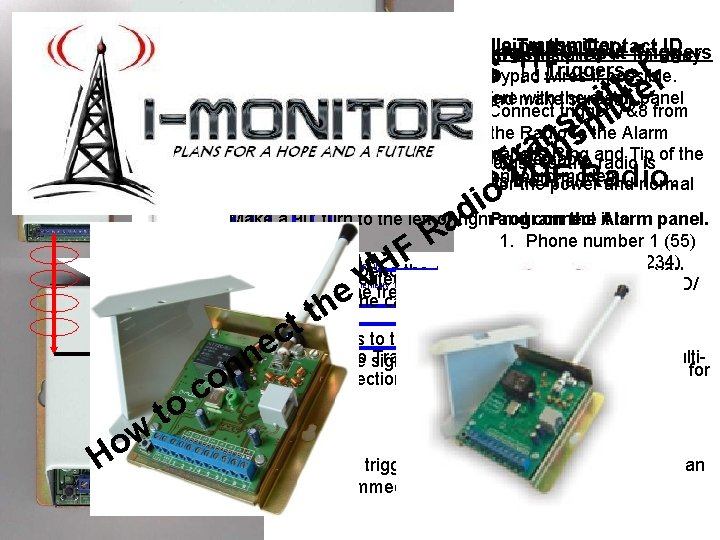
The Correct way to install a Radio Transmitter Using the Contact ID 9 Input Triggers • The Radio Transmitter Using must bethe installed +- 1 m away from the alarm panel and keypad Triggers wires if possible. Otherwise theof RFthe will. Arial, interfere with the alarm Measure the length and make sure not panel Connect trigger 7&8 from to bend it. the Radio to the Alarm panel’s Ring Connect therecommended cable correctlycable and run thefor cable • The to use the and radio. Tip is of the onboard modem. down, 0. 5 mm for the Cap-tire exact same length as or Ripcord forthe the. Arial. power and normal multi-cord for the triggers. Make a 90’ turn to the left or right. Program and connect to the it. Alarm panel. the panel. 1. Phone number 1 (55) 2. the Account No: for (1234) Mains Fail • DO NOT bend the Arial to fit cupboard, Connecting to a you You have just with the Arial Ring created Telemetry 1 -5 a Dipole antenna 3. Comm. Format: (CID/ will alter the frequency and battle with range. positive trip Lock/Open running up and the cable running down Contact ID)from Congratulations !!! r e r t e t i t t i mm s nns a r ra T You can now connect the VHF Radio. T o i o d i aad R R F HHF V V e hhe t tt t the Alarm panel, c eeyour Test signals to the Control room, and fens, Water c Electric The rest of the Radio n • The Radio Transmitter has 9 Input triggers or a multimake sure all the signals go though. n n triggers can be used for levels etc. still o n data connection (Contact ID) to be used for alarm c o (-) Battery Electric Fencing, Water c panes. o t(+)to. Battery levels etc. ww o HHo • The Input triggers is by default a positive trip, but can Alarm Tip Emergency Triggers be programmed for negative trigger.