
THE CONCEPTUAL COMPUTER EBC 121 Introduction to ICT
THE CONCEPTUAL COMPUTER EBC 121: Introduction to ICT
Learning Outcomes: 1. demonstrate knowledge and understanding of the basic concepts of ICT and their impact on society, education and other developmental priorities. 2. demonstrate basic ICT operations using ICT productivity tools. 3. demonstrate their own professional ICT needs in terms of professional knowledge, practice, values and attitudes – so as to meet the national teachers Standard (nt. S). 2
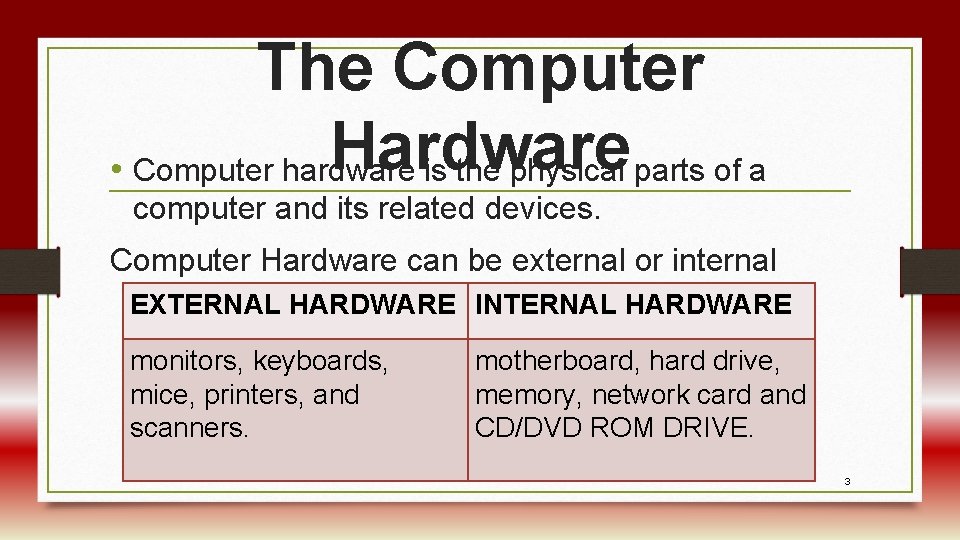
The Computer Hardware • Computer hardware is the physical parts of a computer and its related devices. Computer Hardware can be external or internal EXTERNAL HARDWARE INTERNAL HARDWARE monitors, keyboards, mice, printers, and scanners. motherboard, hard drive, memory, network card and CD/DVD ROM DRIVE. 3
3. 1. 1 Input Units • Input units are computer hardware that enable us to input data into the computer. Examples of input units are; keyboards, mouse, barcodes joystick, light pen, sensor, remote control, touch sensitive screen etc. 4
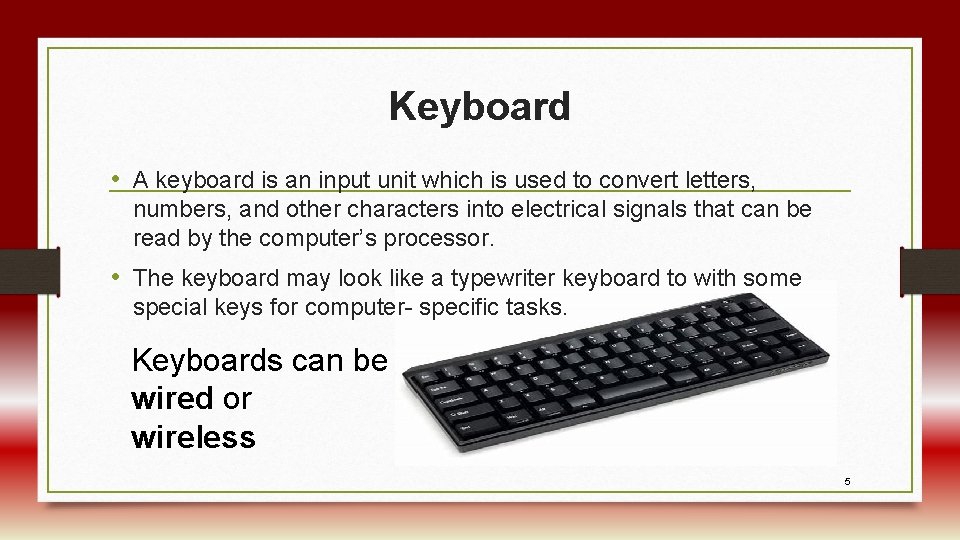
Keyboard • A keyboard is an input unit which is used to convert letters, numbers, and other characters into electrical signals that can be read by the computer’s processor. • The keyboard may look like a typewriter keyboard to with some special keys for computer- specific tasks. Keyboards can be wired or wireless 5
Pointing Devices • Pointing devices are used to control the position of the cursor or pointer on the screen. Pointing devices include: • The Mouse • The Touch Screen • Joystick • Stylus • puck and • light pen. 6
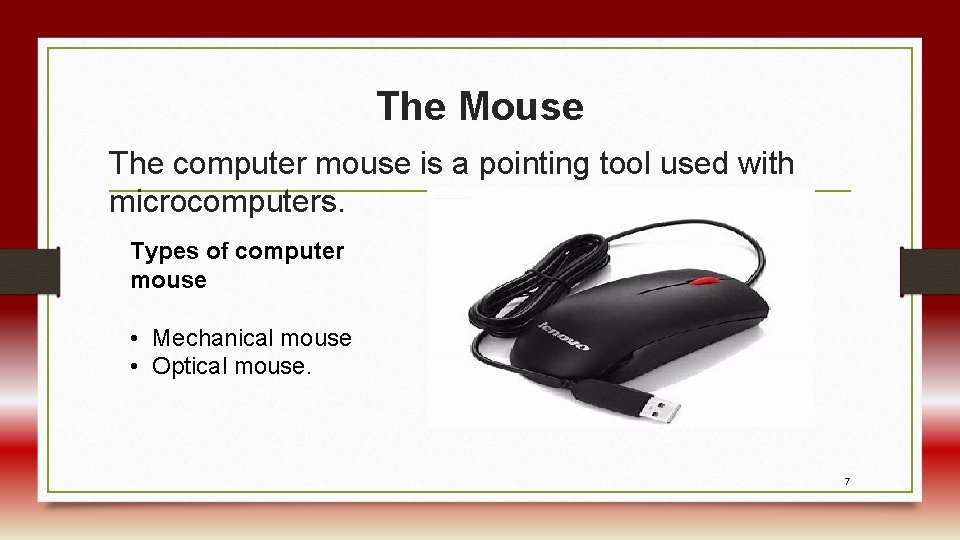
The Mouse The computer mouse is a pointing tool used with microcomputers. Types of computer mouse • Mechanical mouse • Optical mouse. 7
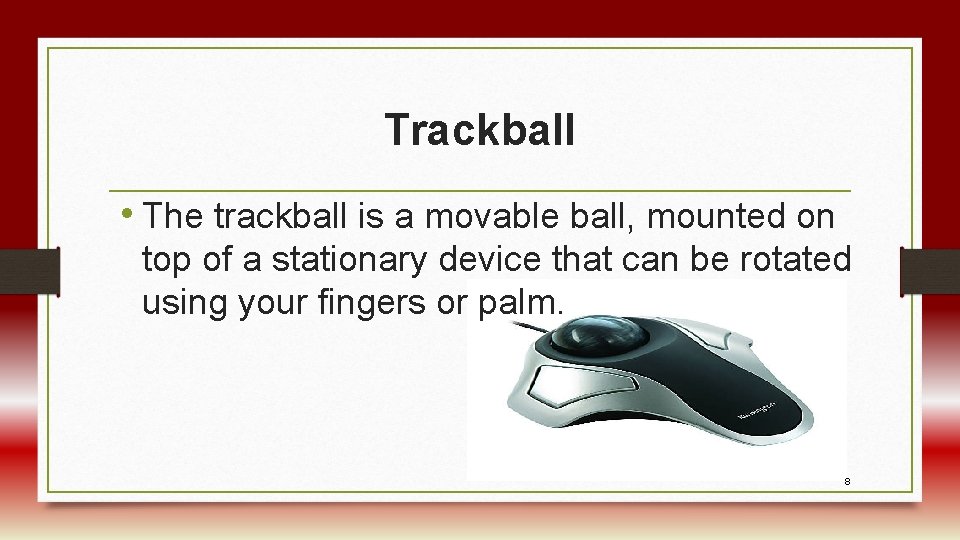
Trackball • The trackball is a movable ball, mounted on top of a stationary device that can be rotated using your fingers or palm. 8
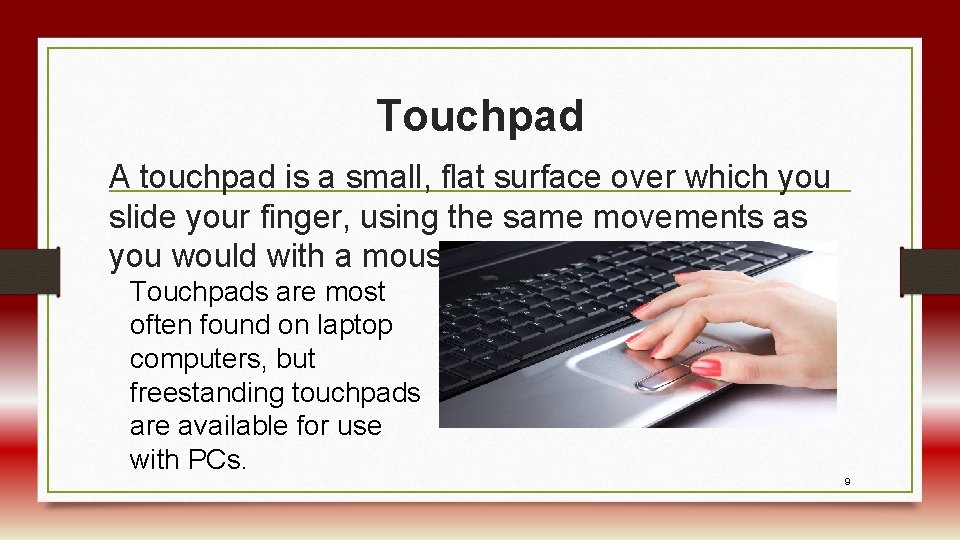
Touchpad A touchpad is a small, flat surface over which you slide your finger, using the same movements as you would with a mouse. Touchpads are most often found on laptop computers, but freestanding touchpads are available for use with PCs. 9
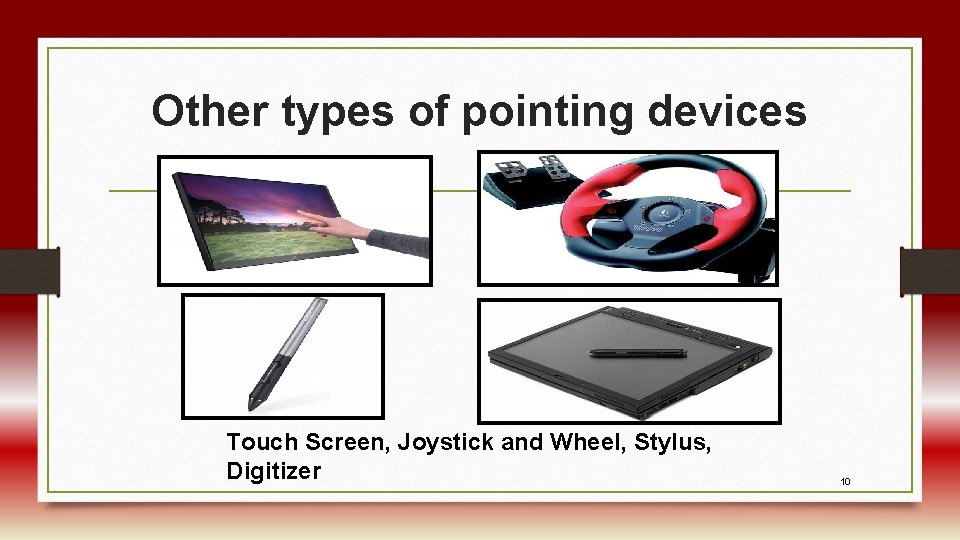
Other types of pointing devices Touch Screen, Joystick and Wheel, Stylus, Digitizer 10
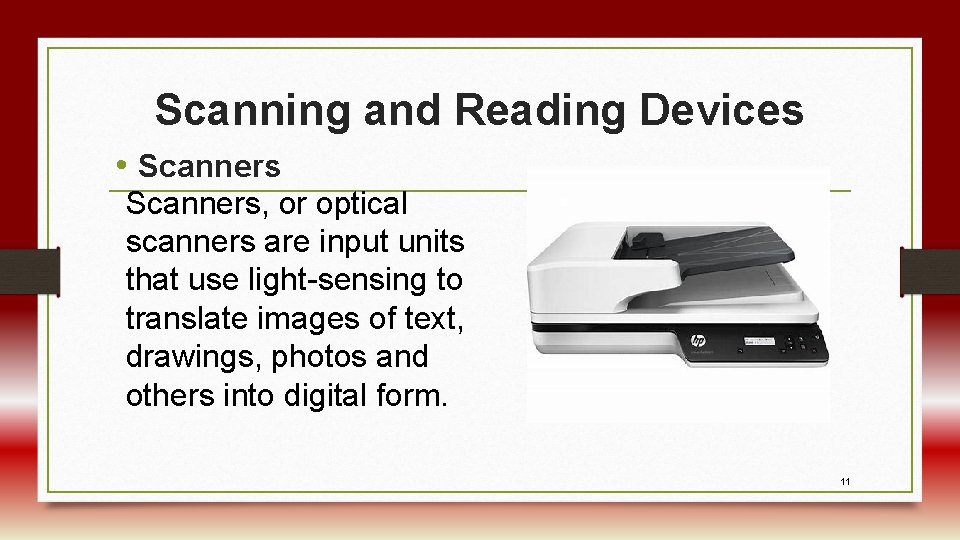
Scanning and Reading Devices • Scanners, or optical scanners are input units that use light-sensing to translate images of text, drawings, photos and others into digital form. 11
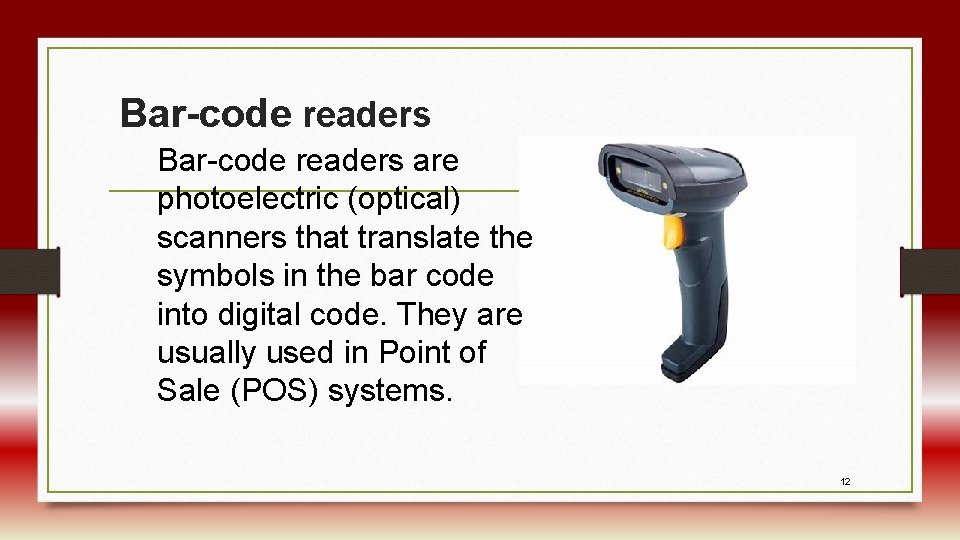
Bar-code readers are photoelectric (optical) scanners that translate the symbols in the bar code into digital code. They are usually used in Point of Sale (POS) systems. 12
Audio and Video Input Devices • Microphones are audio input devices that take varying air pressure waves created by voice or other sound sources and convert them into varying electric signals. • Speech-Recognition These programs let you accomplish two tasks: turn spoken dictation into typed text and issue oral commands (such as “Print file” or “Change font”) to control your computer 13
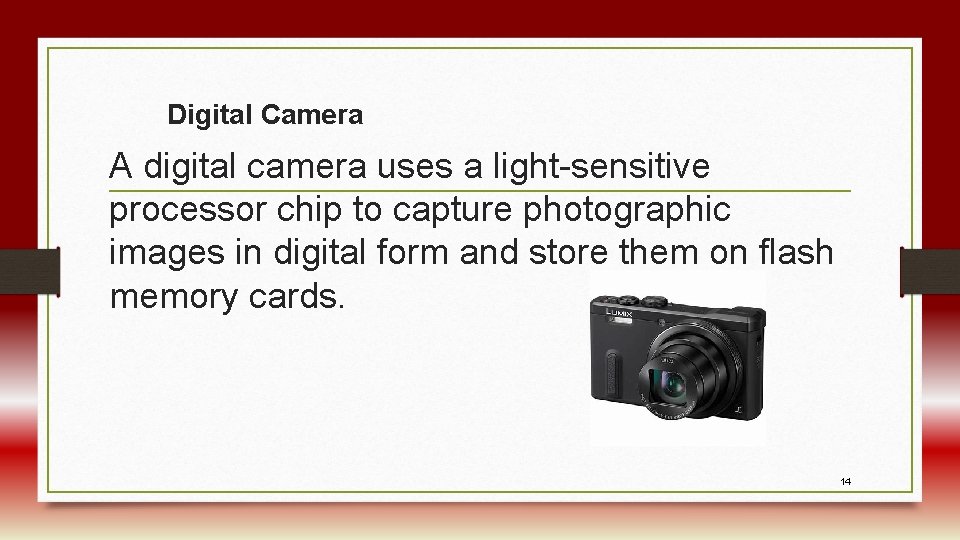
Digital Camera A digital camera uses a light-sensitive processor chip to capture photographic images in digital form and store them on flash memory cards. 14
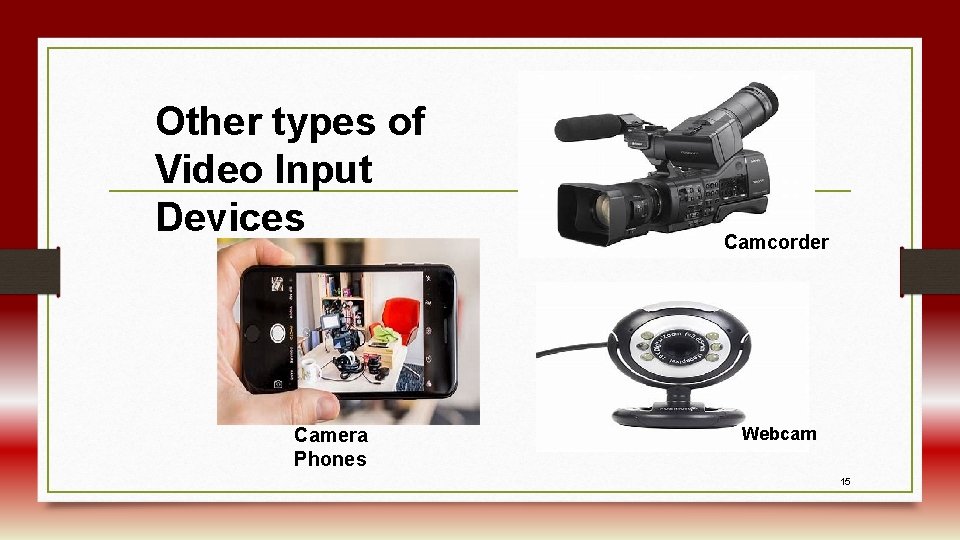
Other types of Video Input Devices Camera Phones Camcorder Webcam 15
3. 1. 2 Output Units • Output units are computer hardware equipment used to display information from the computer. • Computers process input into output. • Four common types of output are 1. Text 2. Graphics 3. Audio and 4. Video. 16
Types of Output There are two types of computer output. They are hardcopy and softcopy. Hardcopy: This refers to the printed output. Softcopy: It is the output which is displayed in an electronic format as text, video and audio. 17
Examples of Output Units Display Screens/ Monitors The monitor is the component (output unit) that displays the visual output from your computer as generated by the video card. Types of monitors Monitors come in two forms. They are • Cathode-Ray Tube (CRT) Monitors and Flat Panel Monitors 18
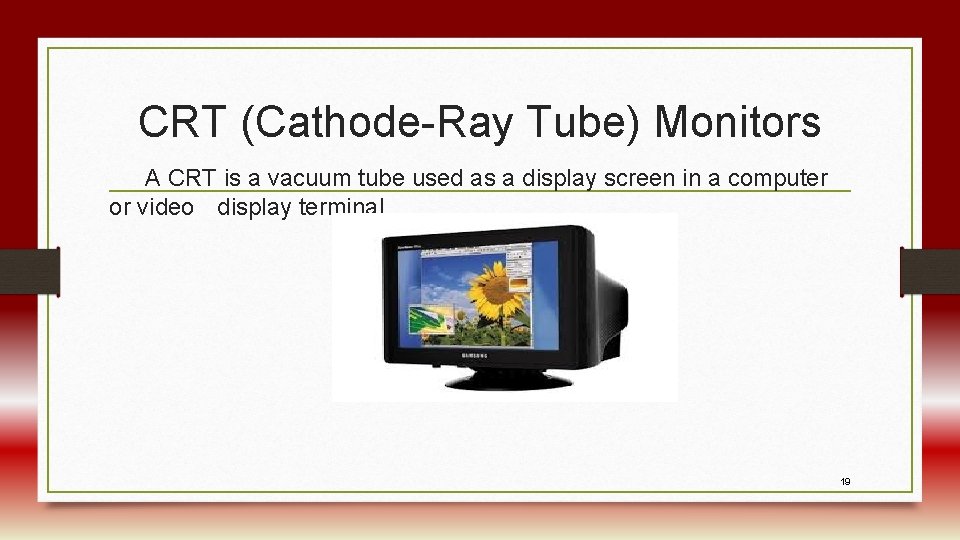
CRT (Cathode-Ray Tube) Monitors A CRT is a vacuum tube used as a display screen in a computer or video display terminal. 19
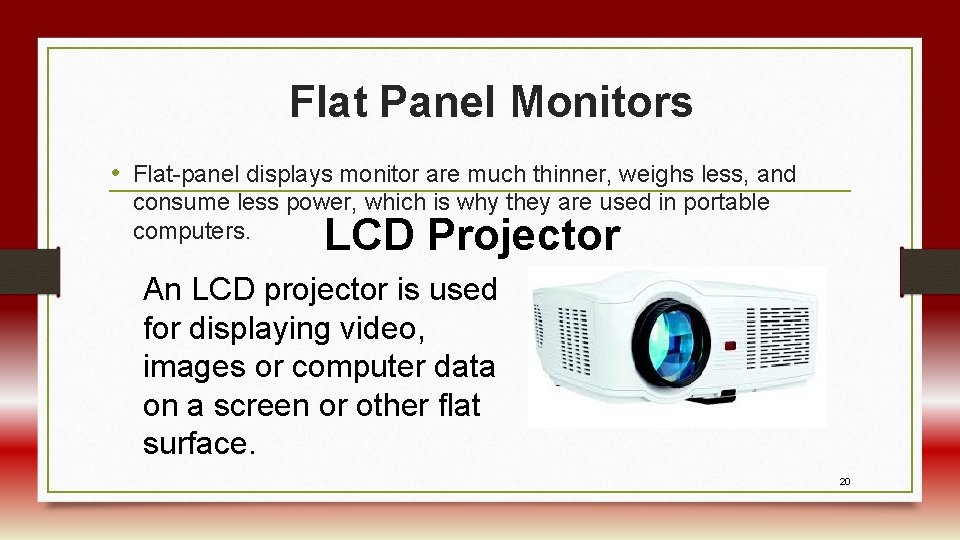
Flat Panel Monitors • Flat-panel displays monitor are much thinner, weighs less, and consume less power, which is why they are used in portable computers. LCD Projector An LCD projector is used for displaying video, images or computer data on a screen or other flat surface. 20
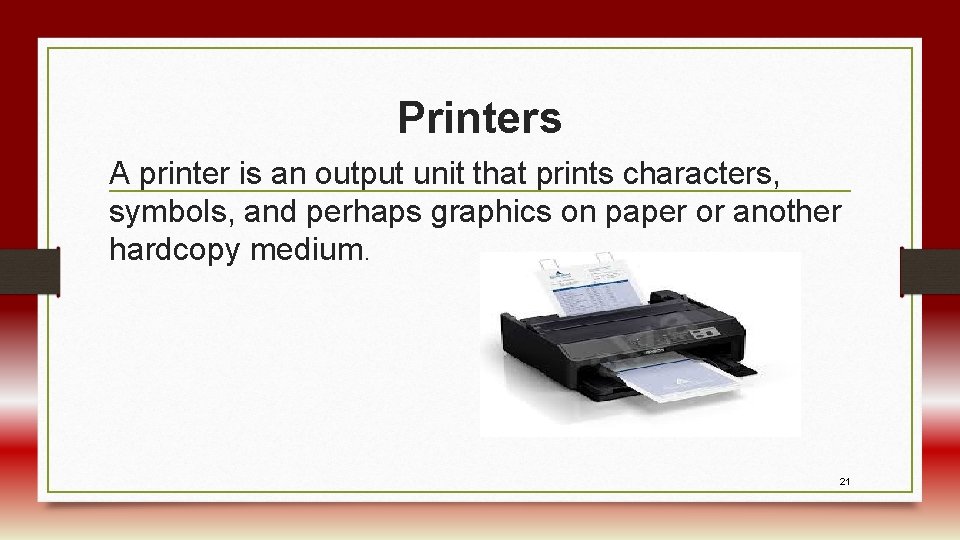
Printers A printer is an output unit that prints characters, symbols, and perhaps graphics on paper or another hardcopy medium. 21
Classification of printers Impact Printers The most common forms of impact printers are Dot-matrix printers, Line printers, Daisy-wheel printers, Drum printers, Band printers, Chain printers Non Impact Printers Two types of nonimpact printers often used with microcomputers are laser printers and inkjet printers. Other examples include: Solid Ink, Thermal Wax Transfer and Dye Sublimation printers. 22
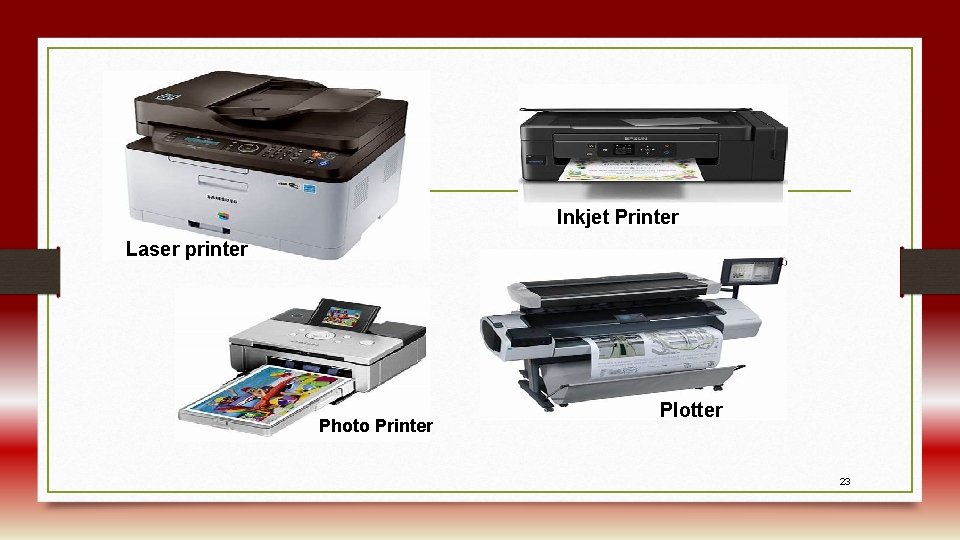
Inkjet Printer Laser printer Photo Printer Plotter 23
Sound Output • Sound-output devices produce digitized sounds, ranging from beeps and chirps to music. To use sound output, you need appropriate software and a sound card. 24
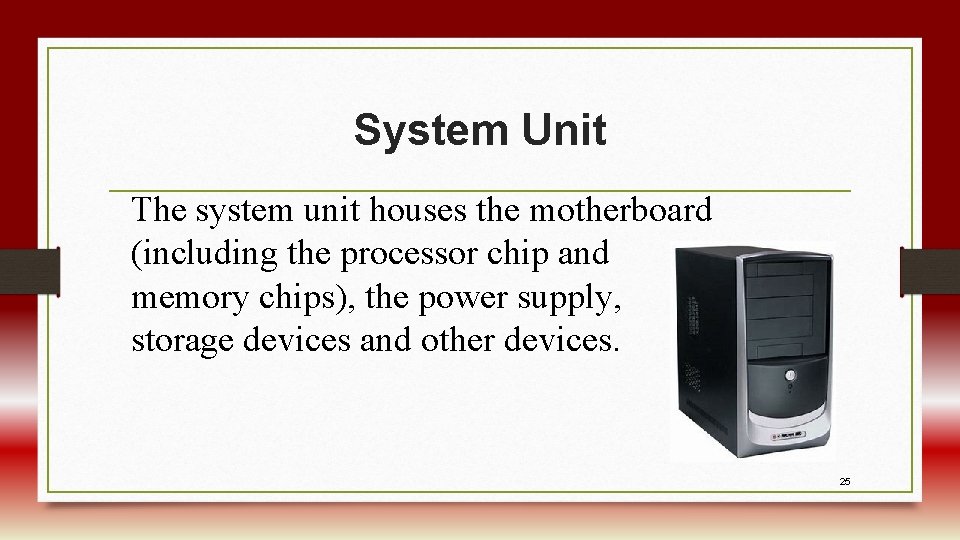
System Unit The system unit houses the motherboard (including the processor chip and memory chips), the power supply, storage devices and other devices. 25
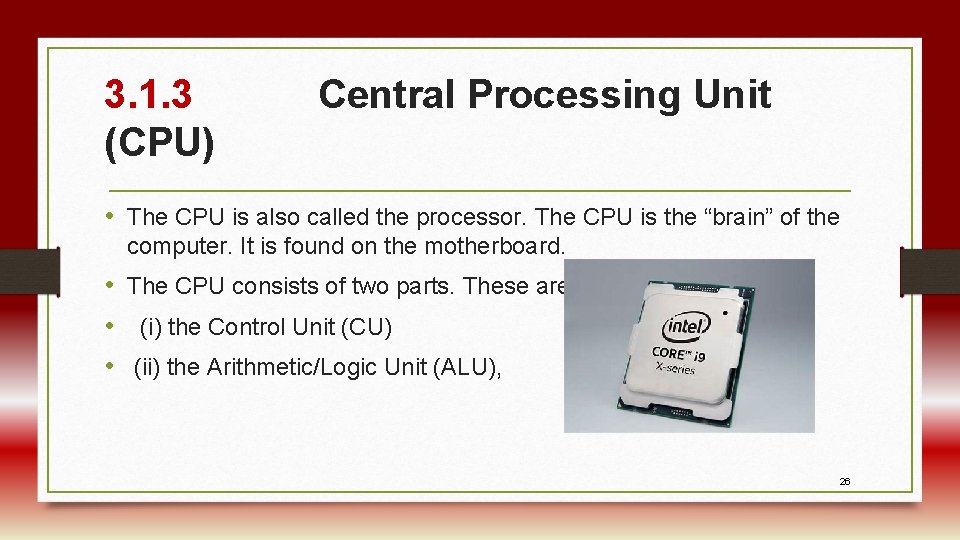
3. 1. 3 (CPU) Central Processing Unit • The CPU is also called the processor. The CPU is the “brain” of the computer. It is found on the motherboard. • The CPU consists of two parts. These are: • (i) the Control Unit (CU) • (ii) the Arithmetic/Logic Unit (ALU), 26
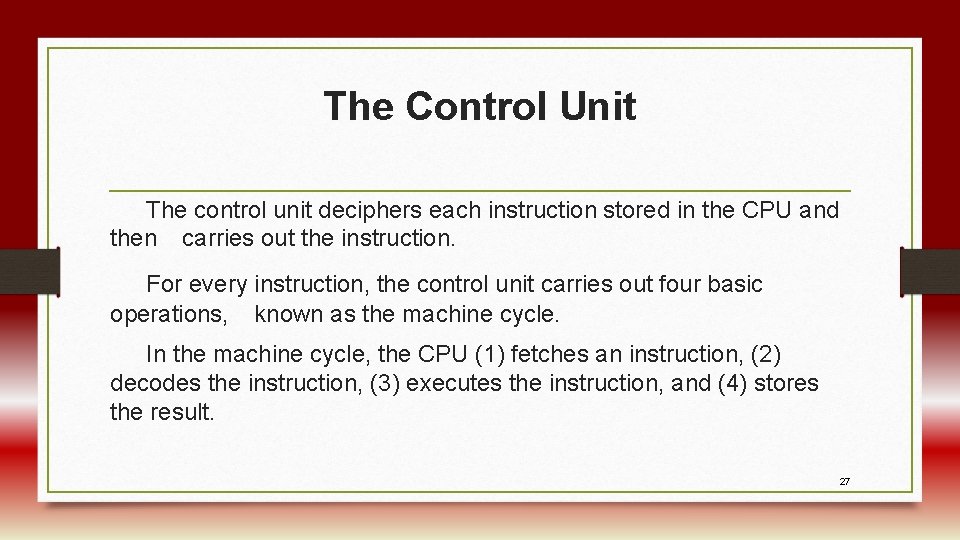
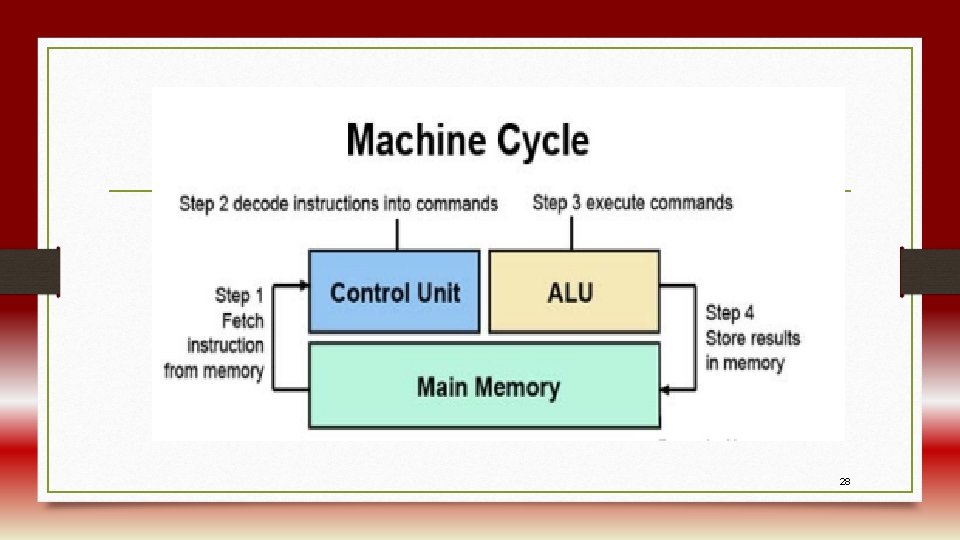
The Control Unit The control unit deciphers each instruction stored in the CPU and then carries out the instruction. For every instruction, the control unit carries out four basic operations, known as the machine cycle. In the machine cycle, the CPU (1) fetches an instruction, (2) decodes the instruction, (3) executes the instruction, and (4) stores the result. 27
28
The Arithmetic/Logic Unit (ALU) • The ALU performs arithmetic operations and logical operations and controls the speed of those operations. Registers The control unit and the ALU also use registers, special CPU areas that enhance the computer’s performance. Registers are high-speed storage areas that temporarily store data during processing. 29
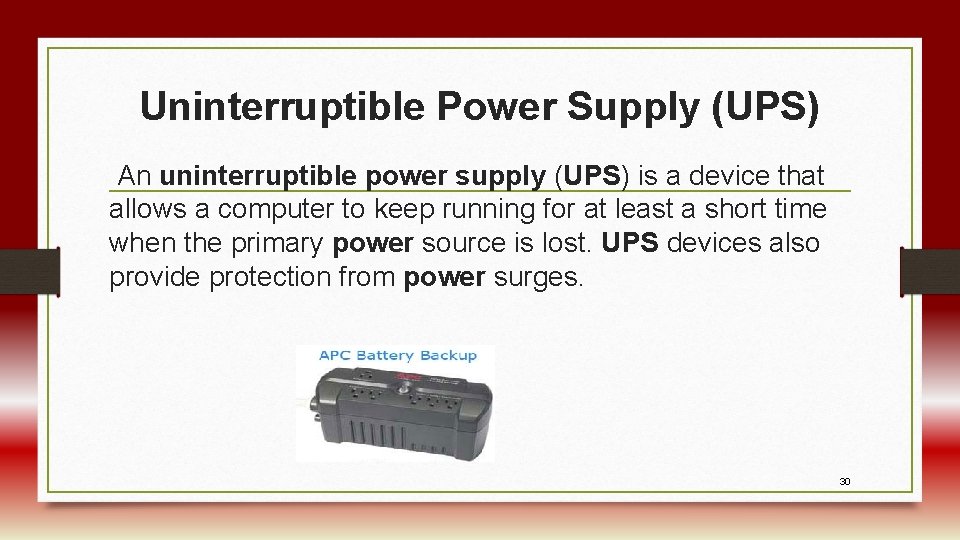
Uninterruptible Power Supply (UPS) An uninterruptible power supply (UPS) is a device that allows a computer to keep running for at least a short time when the primary power source is lost. UPS devices also provide protection from power surges. 30
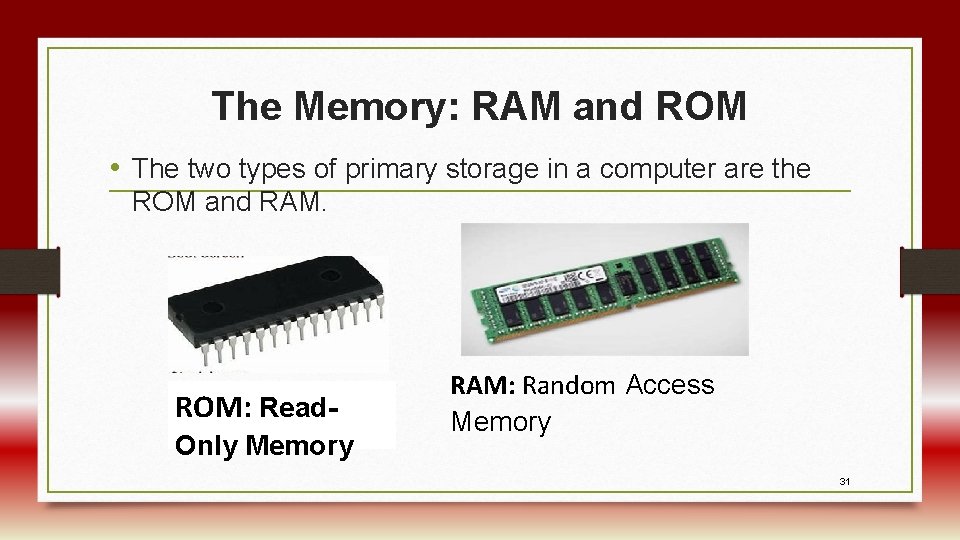
The Memory: RAM and ROM • The two types of primary storage in a computer are the ROM and RAM. ROM: Read. Only Memory RAM: Random Access Memory 31
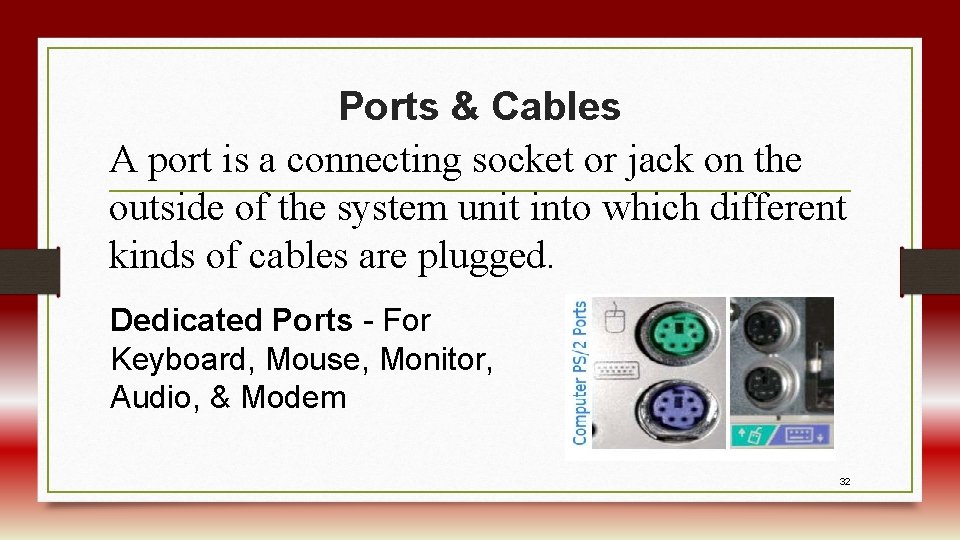
Ports & Cables A port is a connecting socket or jack on the outside of the system unit into which different kinds of cables are plugged. Dedicated Ports - For Keyboard, Mouse, Monitor, Audio, & Modem 32
3. 1. 4 Secondary Storage Devices • Secondary storage (also known as external memory or auxiliary storage), differs from primary storage in that it is not directly accessible by the CPU. The most common type of secondary storage device, which nearly all computers have, is a hard drive. The computer's primary hard drive stores the operating system, applications, files and folders for users of the computer. 33
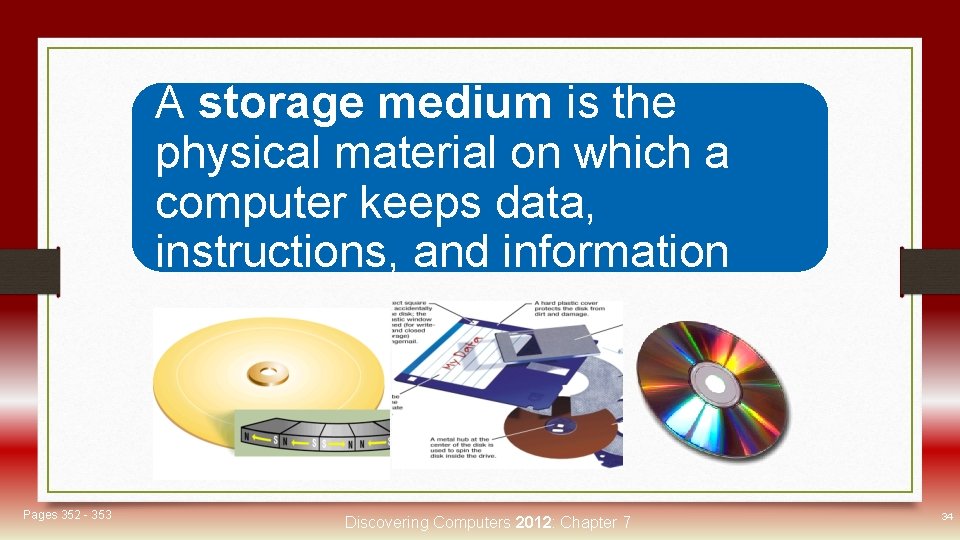
A storage medium is the Storage physical material on which a computer keeps data, instructions, and information Pages 352 - 353 Discovering Computers 2012: Chapter 7 34
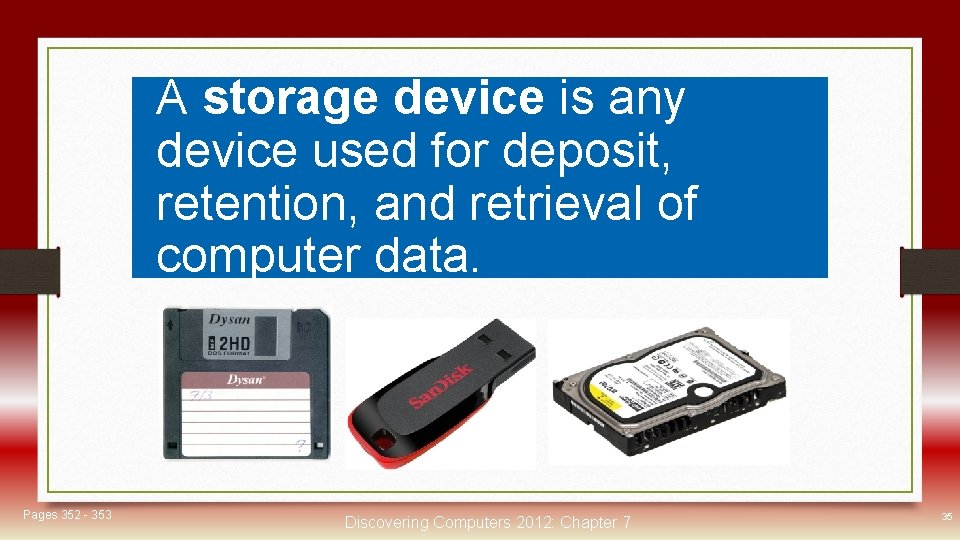
A storage device is any Storage device used for deposit, retention, and retrieval of computer data. Pages 352 - 353 Discovering Computers 2012: Chapter 7 35
Types of Secondary Storage • Floppy disks • Flash memory • Hard disks • Flash disk • Optical discs • Magnetic tape 36
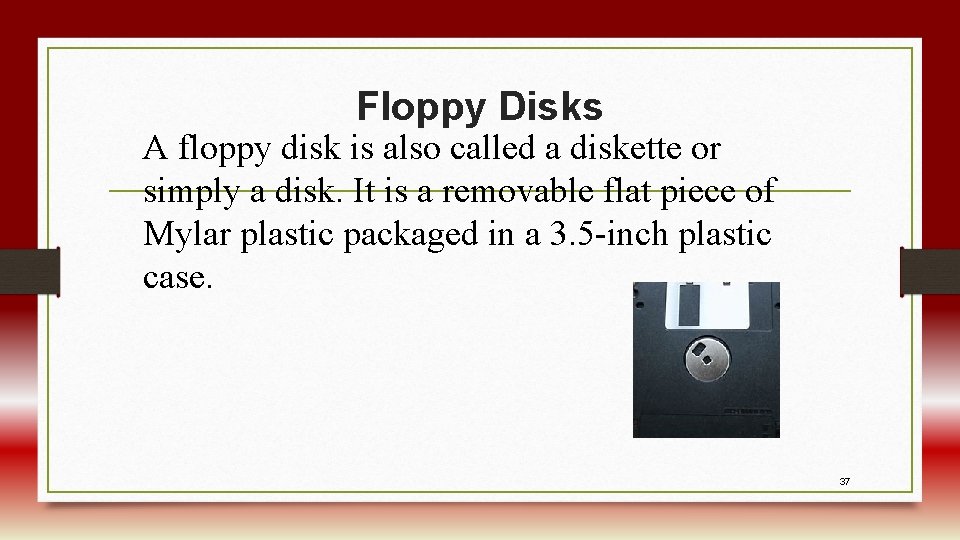
Floppy Disks A floppy disk is also called a diskette or simply a disk. It is a removable flat piece of Mylar plastic packaged in a 3. 5 -inch plastic case. 37
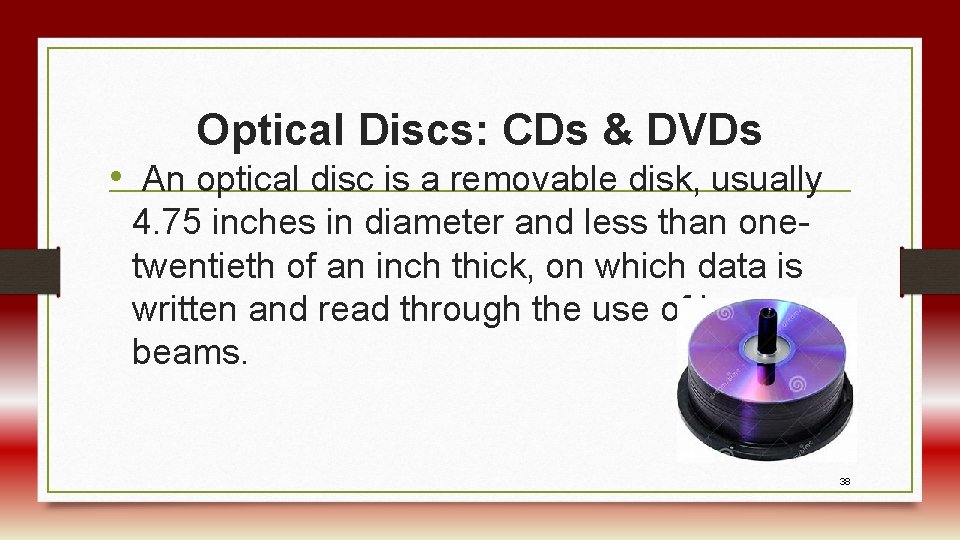
Optical Discs: CDs & DVDs • An optical disc is a removable disk, usually 4. 75 inches in diameter and less than onetwentieth of an inch thick, on which data is written and read through the use of laser beams. 38
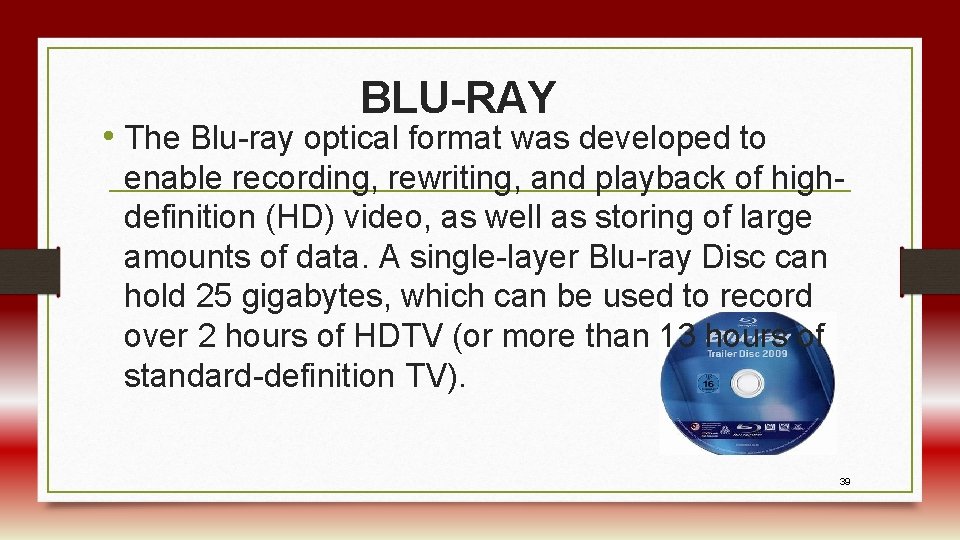
BLU-RAY • The Blu-ray optical format was developed to enable recording, rewriting, and playback of highdefinition (HD) video, as well as storing of large amounts of data. A single-layer Blu-ray Disc can hold 25 gigabytes, which can be used to record over 2 hours of HDTV (or more than 13 hours of standard-definition TV). 39
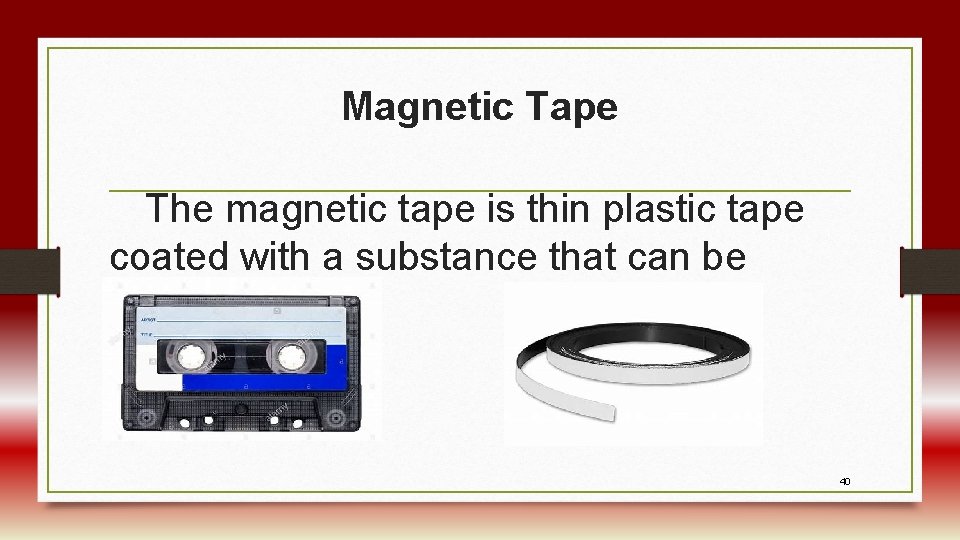
Magnetic Tape The magnetic tape is thin plastic tape coated with a substance that can be magnetized. 40
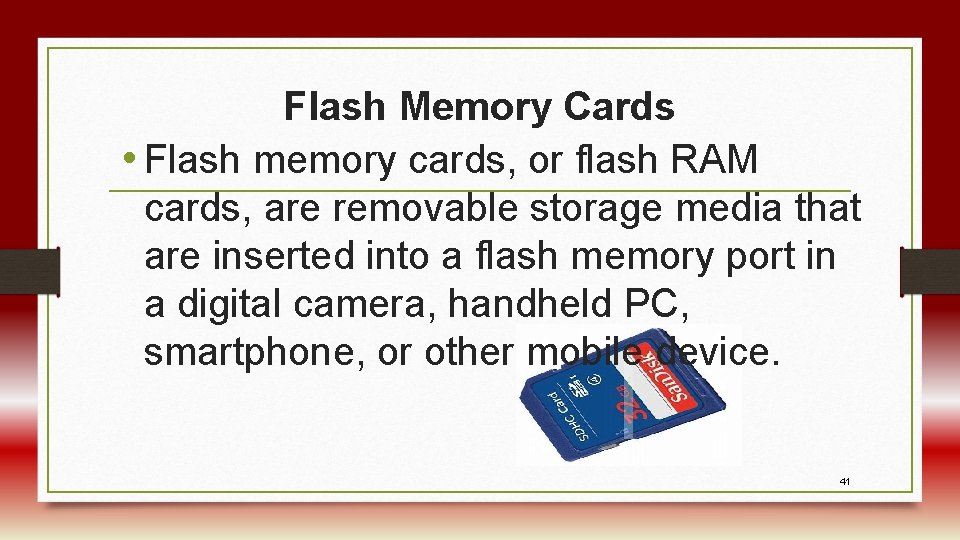
Flash Memory Cards • Flash memory cards, or flash RAM cards, are removable storage media that are inserted into a flash memory port in a digital camera, handheld PC, smartphone, or other mobile device. 41
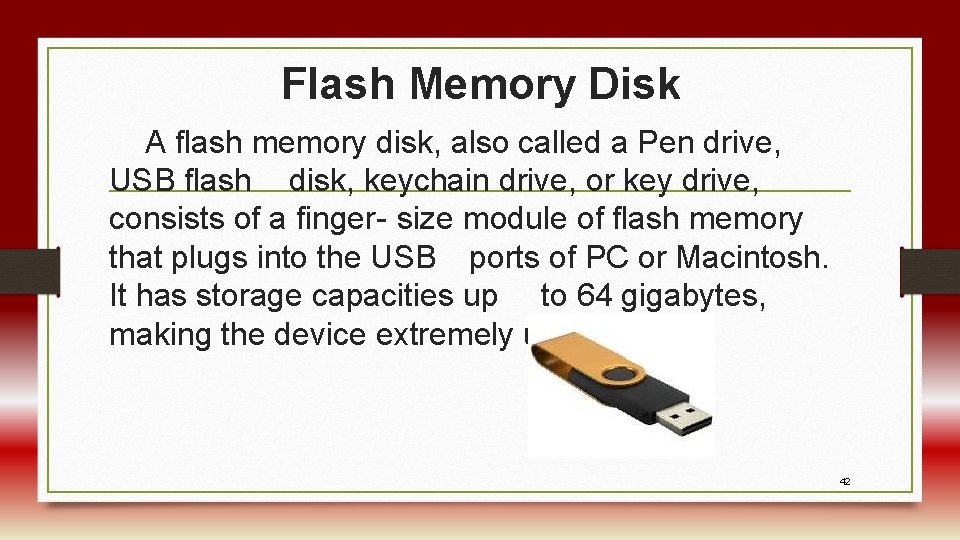
Flash Memory Disk A flash memory disk, also called a Pen drive, USB flash disk, keychain drive, or key drive, consists of a finger- size module of flash memory that plugs into the USB ports of PC or Macintosh. It has storage capacities up to 64 gigabytes, making the device extremely useful. 42
Computer Software What is Computer Software? Software, or programs, consists of all the electronic instructions that tell the computer how to perform a task. Types of Software • System software • Application software. 43
System software enables the application software to interact with the computer and helps the computer manage its internal and external resources. System software includes the following: 1. 2. 3. 4. 5. Operating system Device drivers Utility software Software Development Environment Language Translators 44
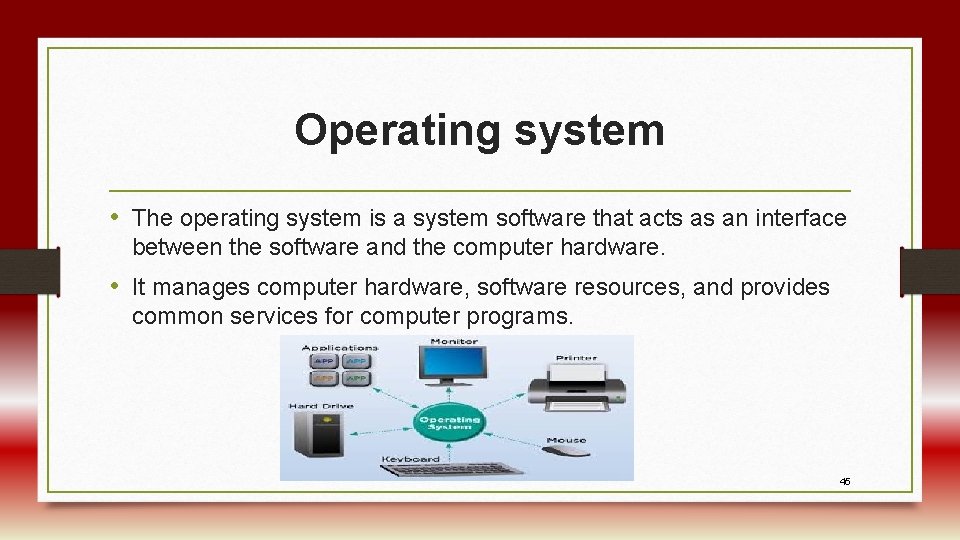
Operating system • The operating system is a system software that acts as an interface between the software and the computer hardware. • It manages computer hardware, software resources, and provides common services for computer programs. 45
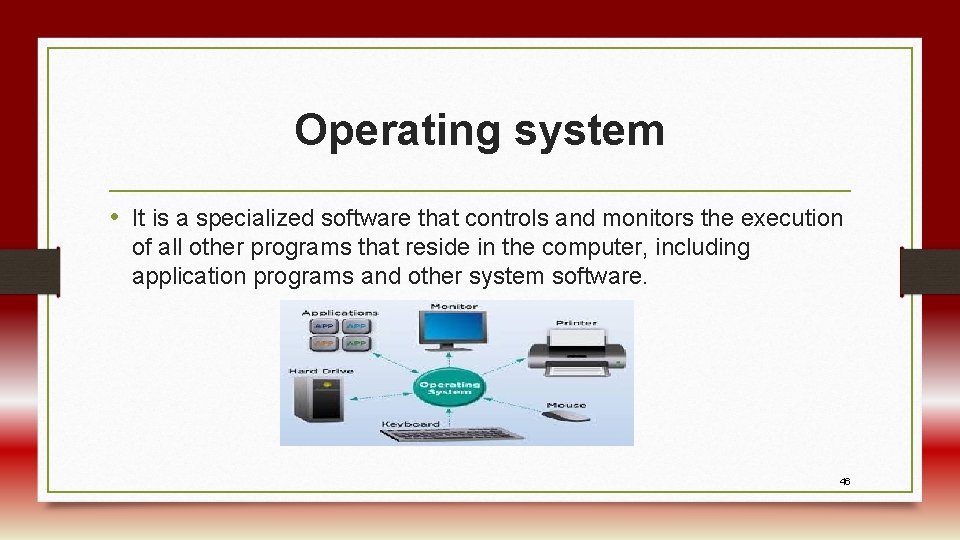
Operating system • It is a specialized software that controls and monitors the execution of all other programs that reside in the computer, including application programs and other system software. 46
Objectives of Operating System • The objectives of the operating system are − • To make the computer system convenient to use in an efficient manner. • To hide the details of the hardware resources from the users. • To provide users a convenient interface to use the computer system. • and programs. 47
Objectives of Operating System • To act as an intermediary between the hardware and its users, making it easier for the users to access and use other resources. • To manage the resources of a computer system. • To keep track of who is using which resource, granting resource requests, and mediating conflicting requests from different programs and users. • To provide efficient and fair sharing of resources among users 48
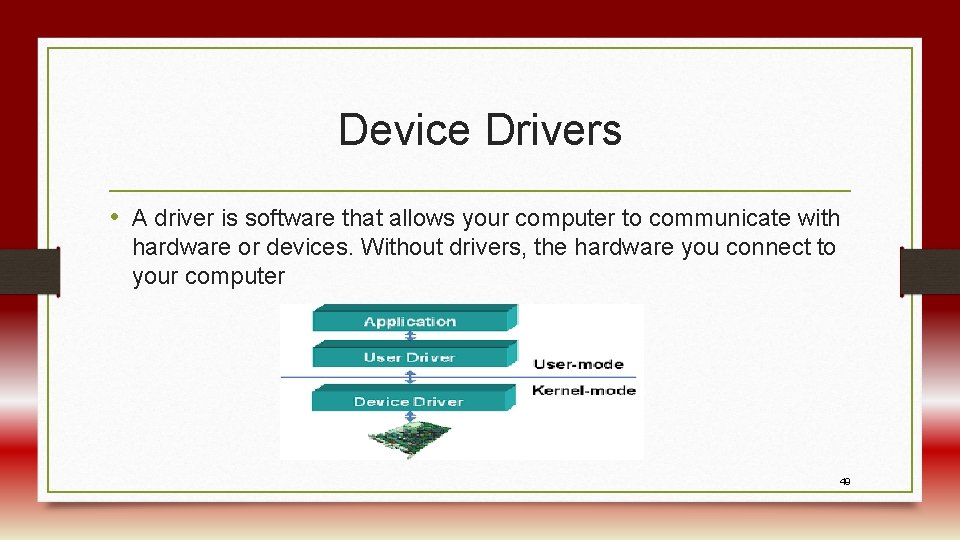
Device Drivers • A driver is software that allows your computer to communicate with hardware or devices. Without drivers, the hardware you connect to your computer 49
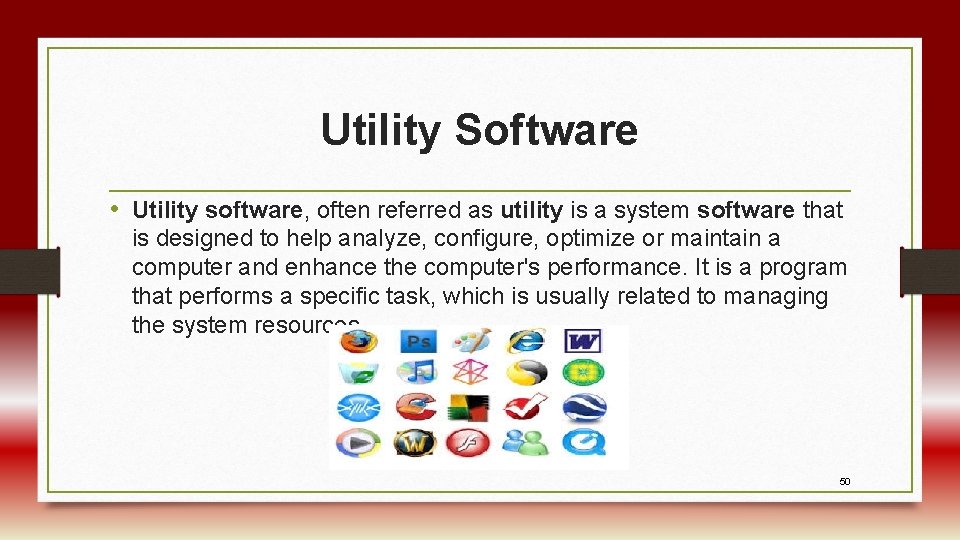
Utility Software • Utility software, often referred as utility is a system software that is designed to help analyze, configure, optimize or maintain a computer and enhance the computer's performance. It is a program that performs a specific task, which is usually related to managing the system resources. 50
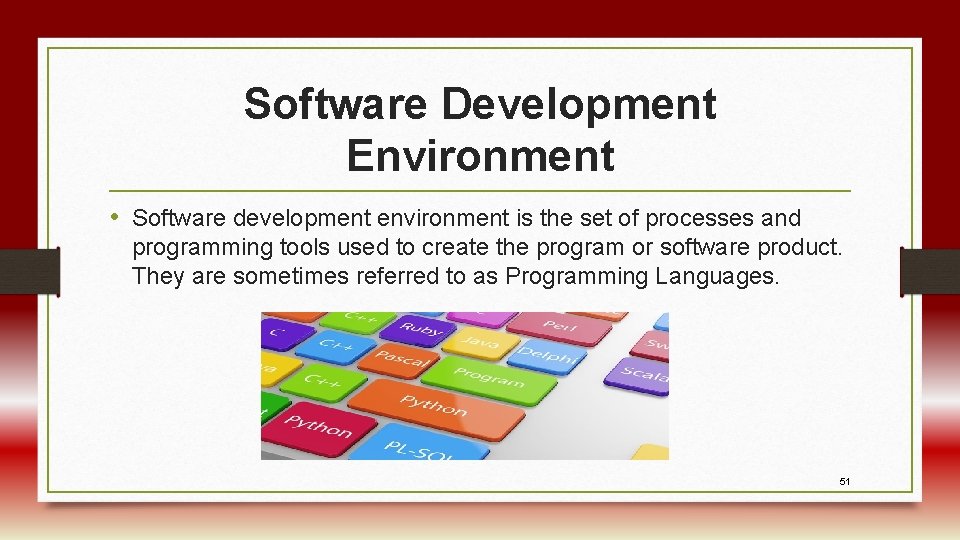
Software Development Environment • Software development environment is the set of processes and programming tools used to create the program or software product. They are sometimes referred to as Programming Languages. 51
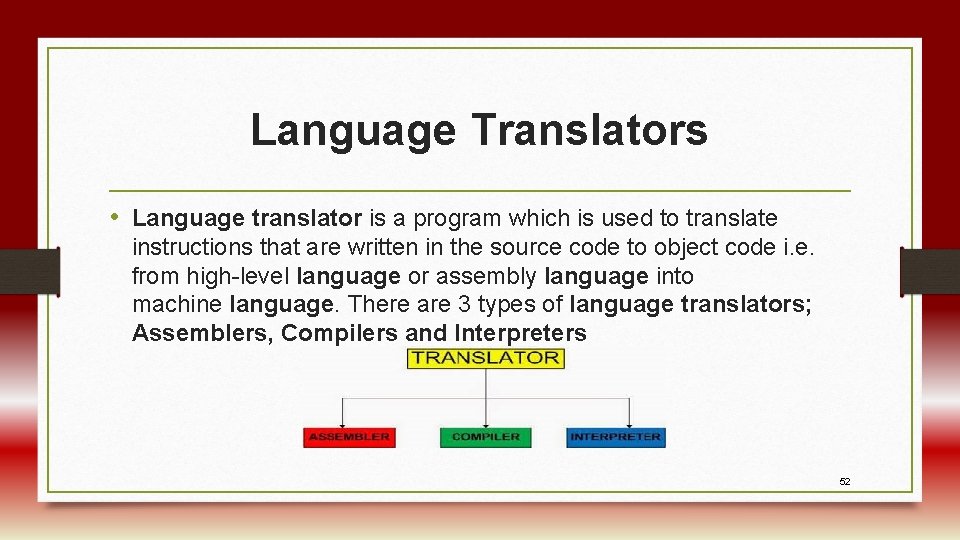
Language Translators • Language translator is a program which is used to translate instructions that are written in the source code to object code i. e. from high-level language or assembly language into machine language. There are 3 types of language translators; Assemblers, Compilers and Interpreters 52
Application Software Application software consists of programs designed to perform specific tasks for users. They can be used for the following purposes: • As a productivity/business tool • Assisting with graphics and multimedia projects 53
• Supporting school and professional activities • Helping with home and personal activities • Facilitating communications popular types of application software by their general use. 54
Categories of Application Software • Productivity/Business • Graphic Design/Multimedia • School/Educational • Home/Personal • Communication 55
• Word processing • Desktop Publishing • School/student Management • Personal finance • E-Mail • Spreadsheet 56
• Paint/Image editing • Grade Books • Tax preparation • Web Browser • Presentation Graphics • Multimedia Authoring 57
• Educational/Reference • Legal • Chat Rooms • Database • Web Page Authoring • Special Needs • Entertainment 58
• Instant Massaging • Personal Information Management • Note Taking • Blogs • Software Suite • Wikis 59
Adaptive Technologies and Assistive Technologies • Adaptive technology and assistive technology are different. Assistive technology is something that is used to help individuals with disabilities, while adaptive technology covers items that are specifically designed for people with disabilities and would seldom be used by a non-disabled person. 60
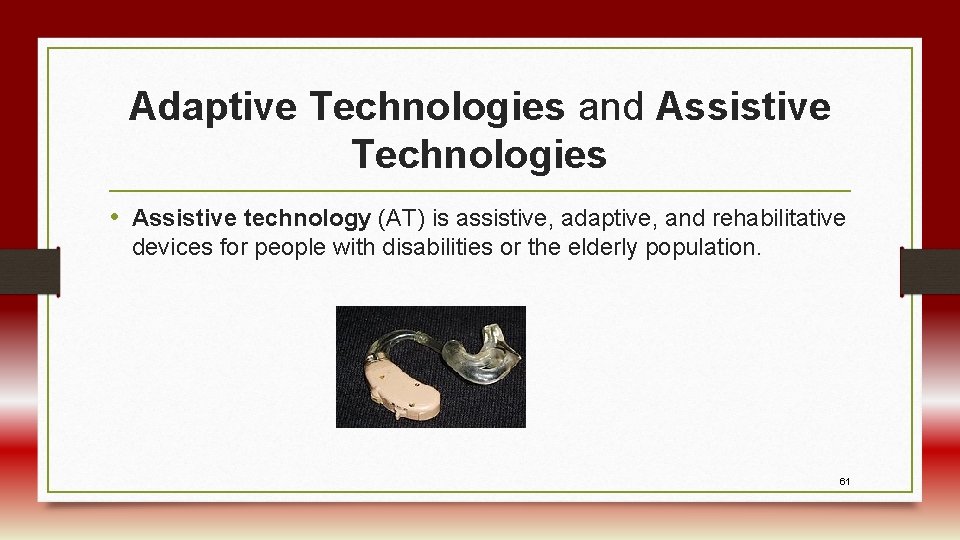
Adaptive Technologies and Assistive Technologies • Assistive technology (AT) is assistive, adaptive, and rehabilitative devices for people with disabilities or the elderly population. 61
Examples of Assistive Technologies • • Screen Readers Magnification Applications Text-to-Speech Synthesizers Alternative Keyboards On-screen Keyboards Keyboard Filters Electronic Pointing Devices etc. 62
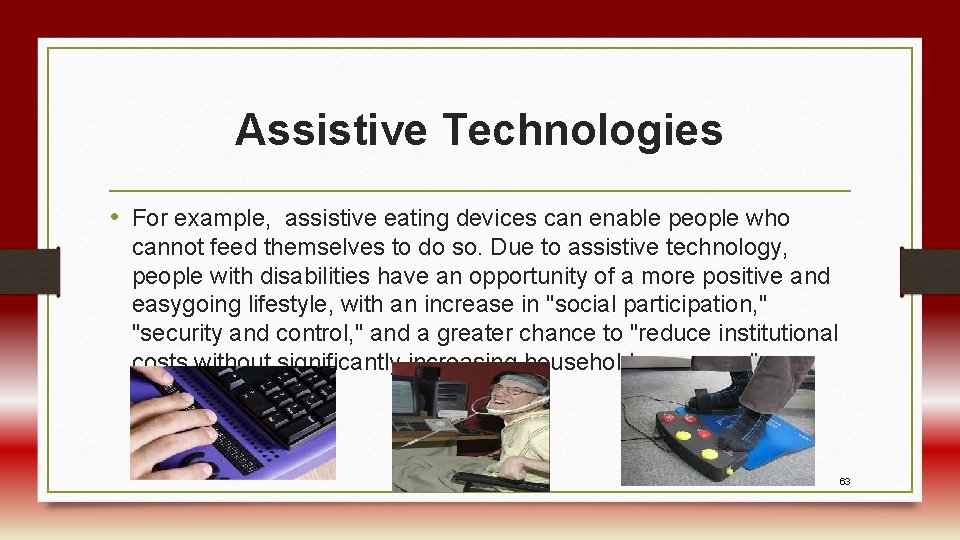
Assistive Technologies • For example, assistive eating devices can enable people who cannot feed themselves to do so. Due to assistive technology, people with disabilities have an opportunity of a more positive and easygoing lifestyle, with an increase in "social participation, " "security and control, " and a greater chance to "reduce institutional costs without significantly increasing household expenses. " 63
Adaptive Technologies • Adaptive technology refers to special versions of already existing technologies or tools that provide enhancements or different ways of interacting with the technology. The adaptation helps individuals with a disability or impairment accomplish a specific task. Examples include: Large monitors, Software to adjust screen colors, Accessibility tools built into popular OS, browsers, and software etc. 64

65
- Slides: 65