
The Computer and Its Parts Technology Applications Keyboarding
The Computer and Its Parts Technology Applications (Keyboarding)
Keyboarding Terminology 4 Ergonomics - The scientific study of equipment design, as in office furniture or transportation seating, for the purpose of improving efficiency, comfort, or safety. 4 Qwerty Keyboard –named after the five letter keys located at the top left side of the keyboard; 4 home row – a s d f j k l ; - where finger positions start from. 4 ESCAPE KEY - a key that lets the user cancel the last operation and go back to the previous screen

What is a Computer? 4 Ergonomics 4 Computer – Electronic device that processes info. quickly and accurately. THE BOX. 4 CPU – (Central Processing Unit) - The brains of the computer.
Parts of the Computer 4 Peripheral – hardware connected to computer that makes it easier to use. 4 Monitor - used to display info. 4 Keyboard - An arrangement of keys either attached to or apart from the computer. 4 Printer – inkjet, laser, color laser.

Computer Parts continued 4 Types of Saving Devices – Hard drive – inside your computer (C) – Floppy disk drive – 3 ½ inch (A) • No longer useful technology • New computers do not have the floppy disk drive

Computer Parts continued – Flash drive – USB storage device • Faster, more durable, and holds more data than the floppy disk – CD-ROM drive – (D) – DVD-ROM drive (D) – Network – server located in the library.
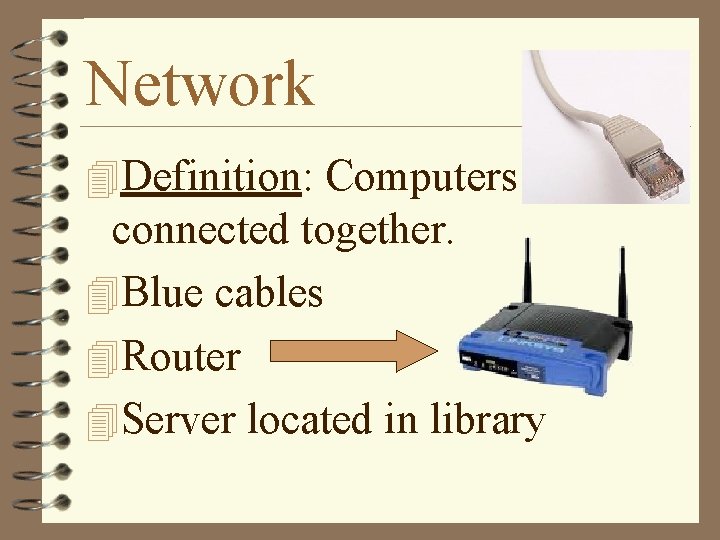
Network 4 Definition: Computers connected together. 4 Blue cables 4 Router 4 Server located in library
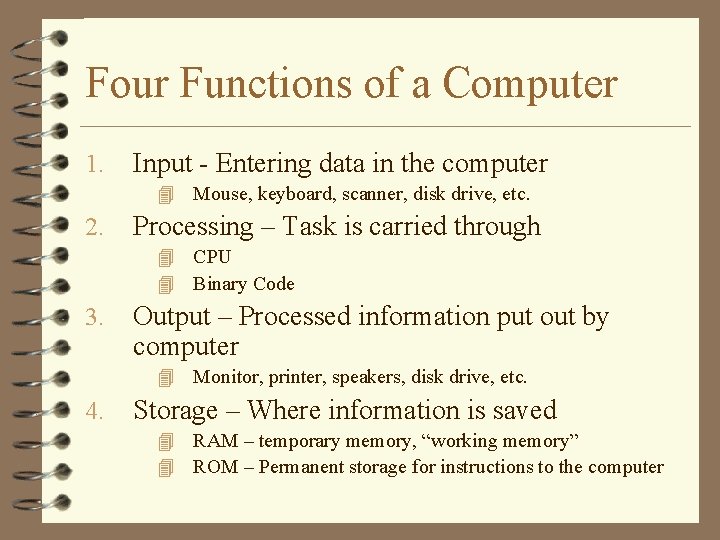
Four Functions of a Computer 1. Input - Entering data in the computer 4 Mouse, keyboard, scanner, disk drive, etc. 2. Processing – Task is carried through 4 CPU 4 Binary Code 3. Output – Processed information put out by computer 4 Monitor, printer, speakers, disk drive, etc. 4. Storage – Where information is saved 4 RAM – temporary memory, “working memory” 4 ROM – Permanent storage for instructions to the computer
Input/Output 4 Input – Information entered into the computer. – Input Devices: Keyboard, mouse, microphone, scanner, webcam, remote control, DVD drive 4 Output – Processed information put out by the computer. – Output Devices: Monitor, printer, speakers, copy machine, DVD burner
- Slides: 9