
The CoCreation Lab An Over view Time Line
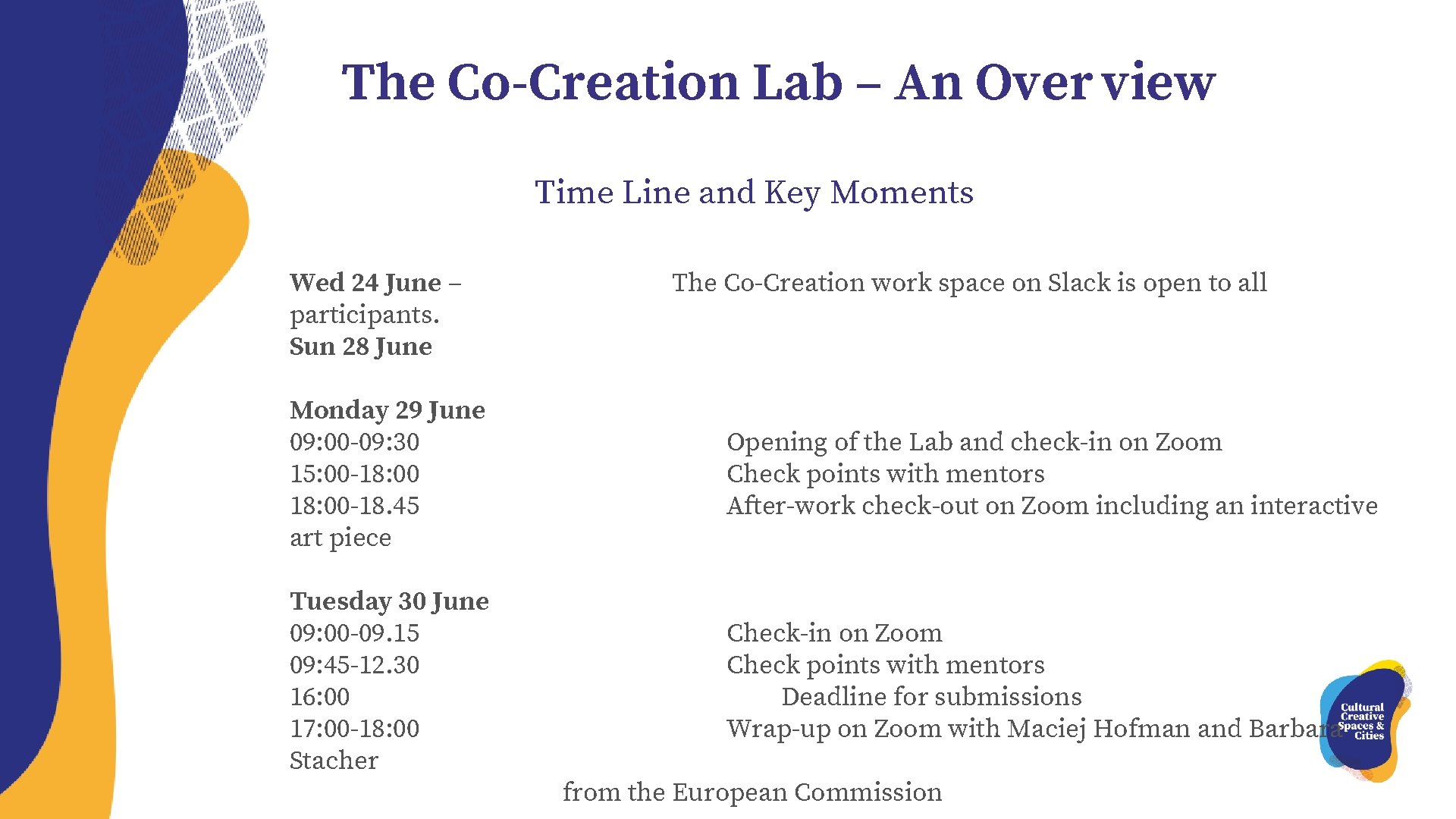
The Co-Creation Lab – An Over view Time Line and Key Moments Wed 24 June – participants. Sun 28 June The Co-Creation work space on Slack is open to all Monday 29 June 09: 00 -09: 30 15: 00 -18: 00 -18. 45 art piece Opening of the Lab and check-in on Zoom Check points with mentors After-work check-out on Zoom including an interactive Tuesday 30 June 09: 00 -09. 15 09: 45 -12. 30 16: 00 17: 00 -18: 00 Stacher Check-in on Zoom Check points with mentors Deadline for submissions Wrap-up on Zoom with Maciej Hofman and Barbara from the European Commission
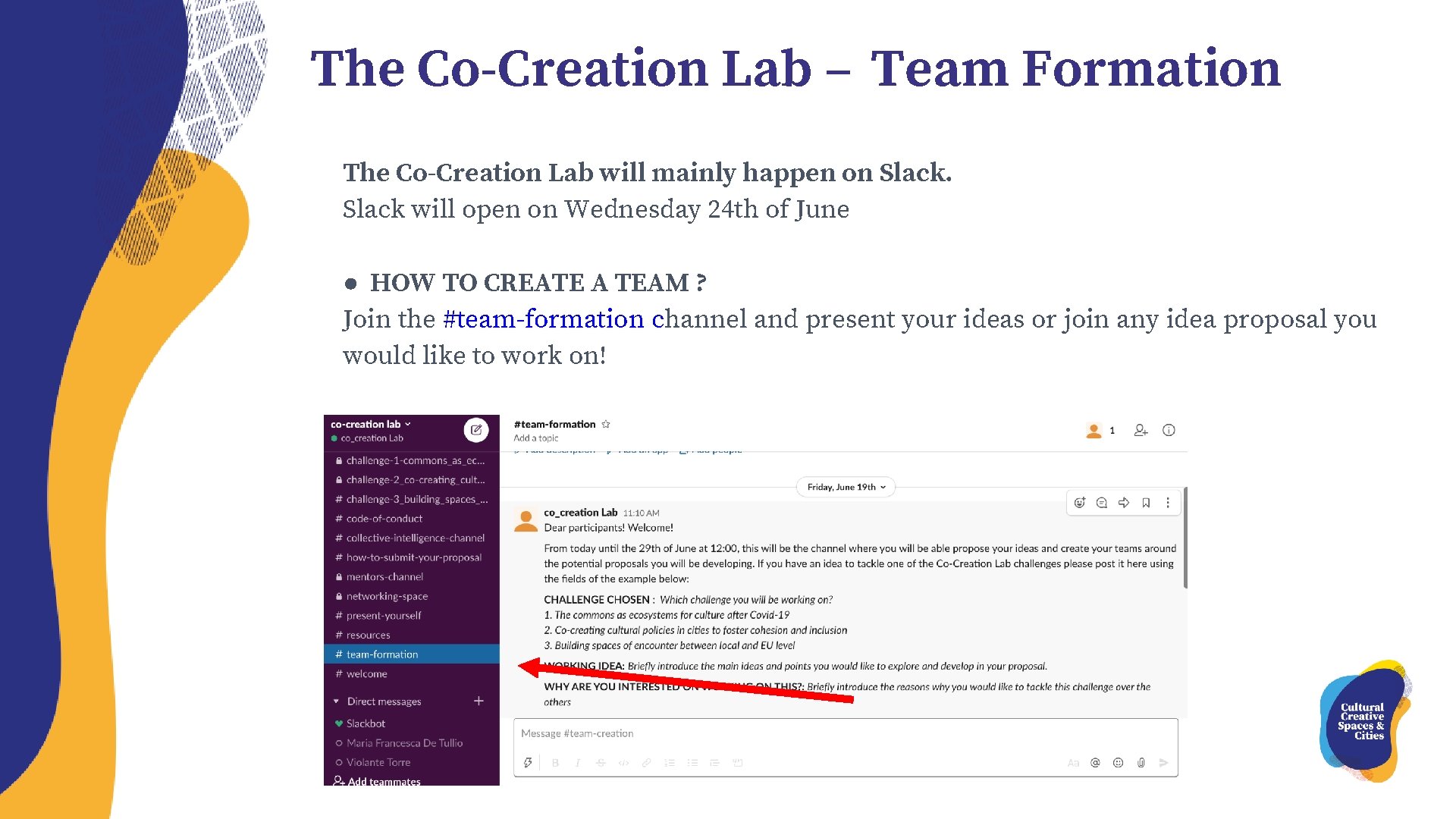
The Co-Creation Lab – Team Formation The Co-Creation Lab will mainly happen on Slack will open on Wednesday 24 th of June ● HOW TO CREATE A TEAM ? Join the #team-formation channel and present your ideas or join any idea proposal you would like to work on!

The Co-Creation Lab – Team Formation Propose your idea: in order to propose your idea go to the SLACK #team-formation channel and post your idea following the proposed format: ● CHALLENGE CHOSEN ● WORKING IDEA TO TACKLE THIS CHALLENGE ● WHY ARE YOU INTERESTED ON WORKING ON THIS?
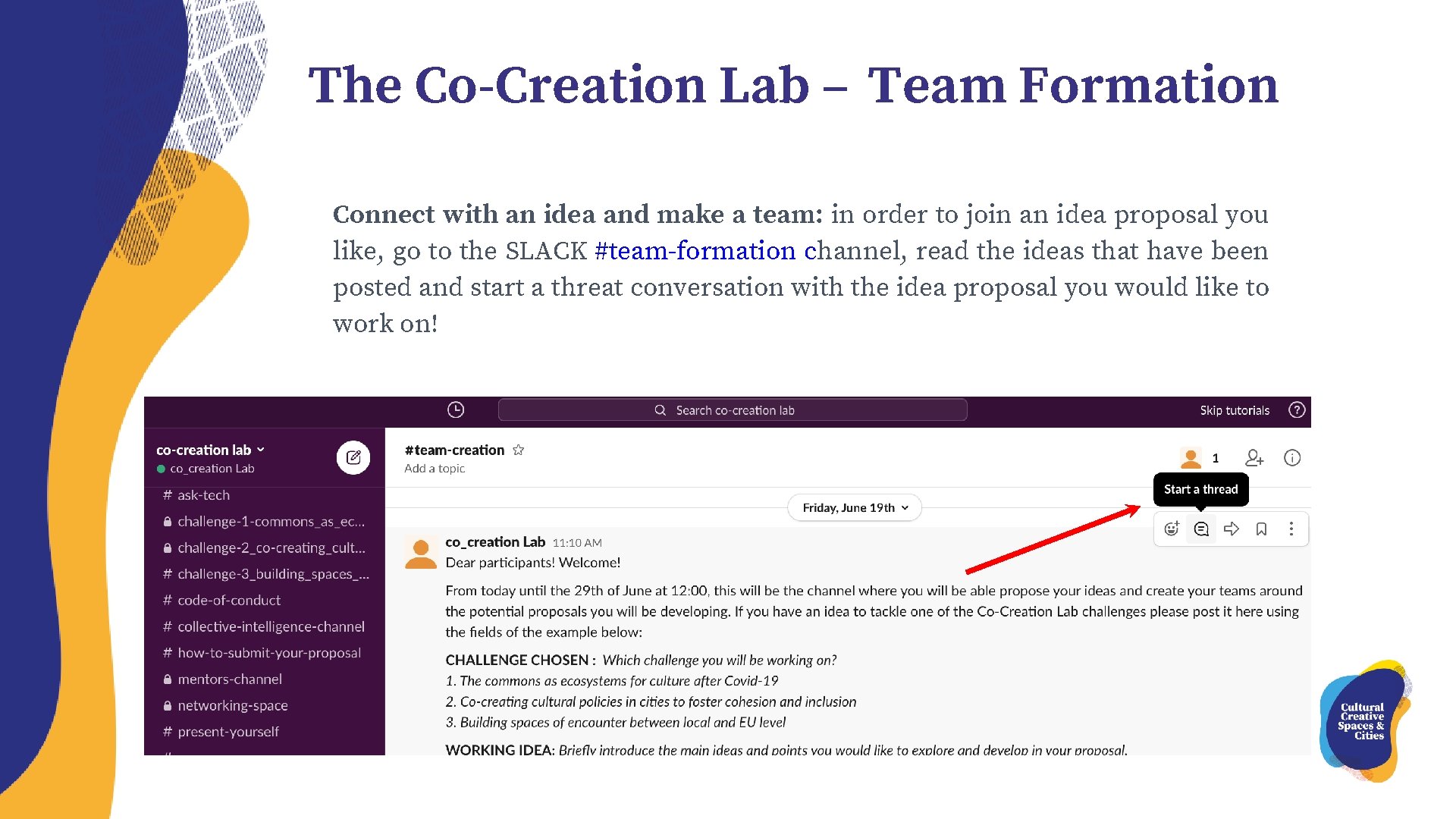
The Co-Creation Lab – Team Formation Connect with an idea and make a team: in order to join an idea proposal you like, go to the SLACK #team-formation channel, read the ideas that have been posted and start a threat conversation with the idea proposal you would like to work on!
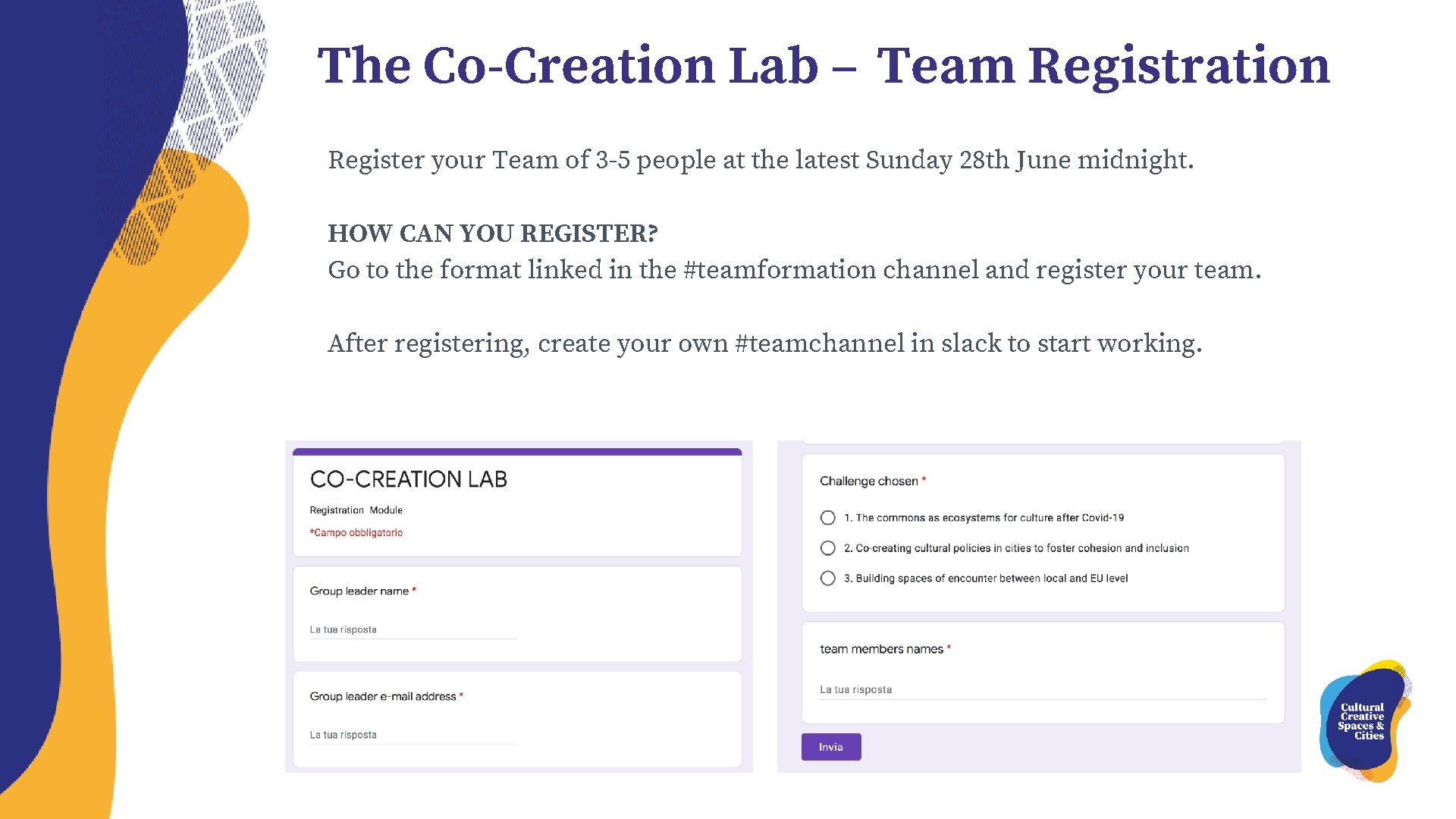
The Co-Creation Lab – Team Registration Register your Team of 3 -5 people at the latest Sunday 28 th June midnight. HOW CAN YOU REGISTER? Go to the format linked in the #teamformation channel and register your team. After registering, create your own #teamchannel in slack to start working.
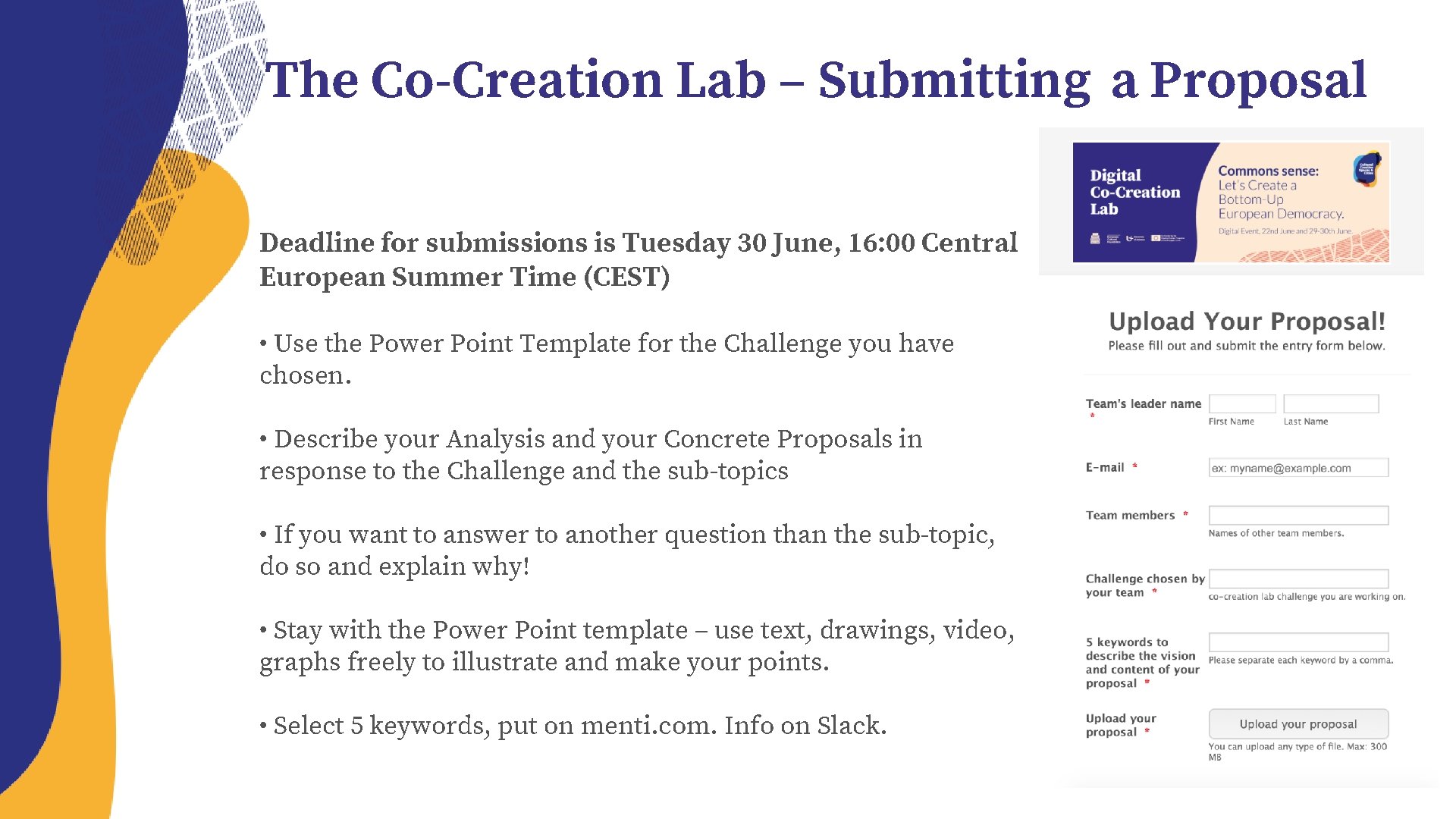
The Co-Creation Lab – Submitting a Proposal Deadline for submissions is Tuesday 30 June, 16: 00 Central European Summer Time (CEST) • Use the Power Point Template for the Challenge you have chosen. • Describe your Analysis and your Concrete Proposals in response to the Challenge and the sub-topics • If you want to answer to another question than the sub-topic, do so and explain why! • Stay with the Power Point template – use text, drawings, video, graphs freely to illustrate and make your points. • Select 5 keywords, put on menti. com. Info on Slack.
- Slides: 6