
The Class String String Constants and Variables o

The Class String
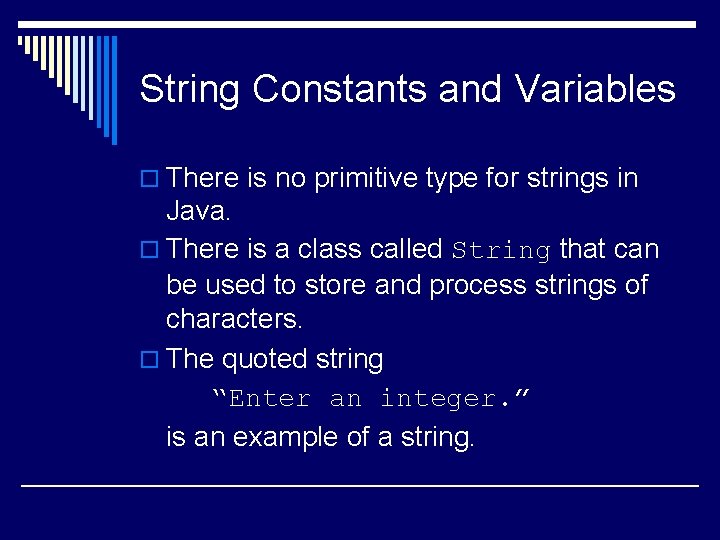
String Constants and Variables o There is no primitive type for strings in Java. o There is a class called String that can be used to store and process strings of characters. o The quoted string “Enter an integer. ” is an example of a string.

String Constants and Variables (cont’d) o Variables can be declared to be of type String. E. g. , String greeting; o Variables of type String can be assigned values using an assignment statement. E. g. , greeting = “Hello!”; o Declarations and assignments can be combined. E. g. , String greeting = “Hello!”;
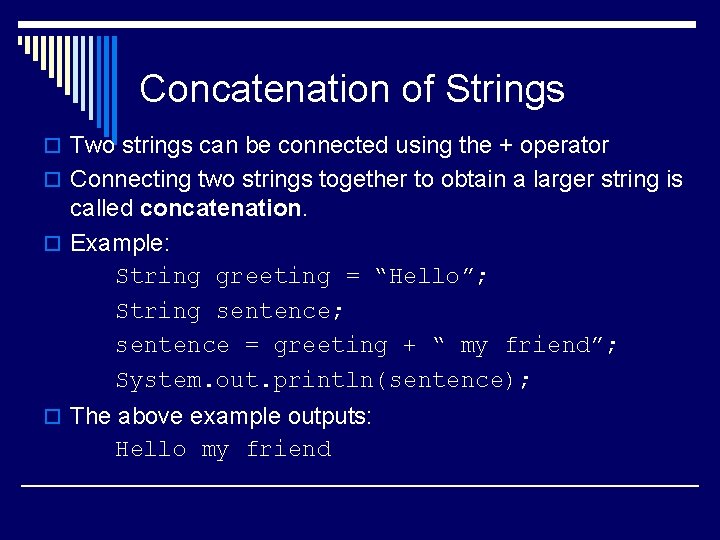
Concatenation of Strings o Two strings can be connected using the + operator o Connecting two strings together to obtain a larger string is called concatenation. o Example: String greeting = “Hello”; String sentence; sentence = greeting + “ my friend”; System. out. println(sentence); o The above example outputs: Hello my friend
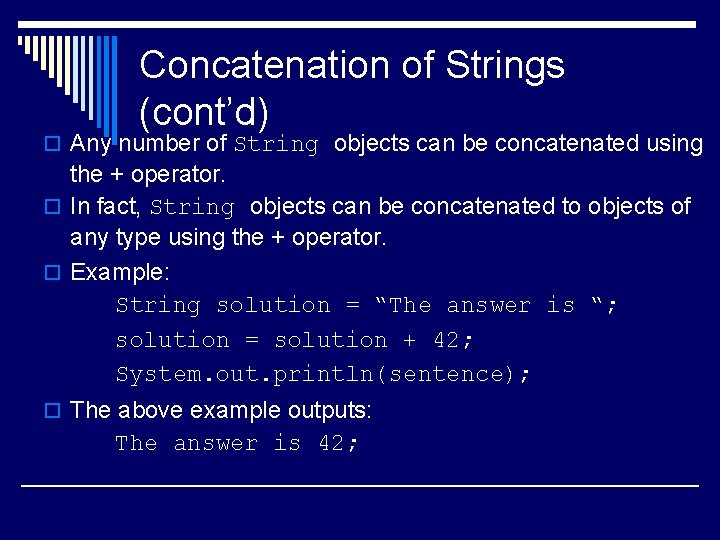
Concatenation of Strings (cont’d) o Any number of String objects can be concatenated using the + operator. o In fact, String objects can be concatenated to objects of any type using the + operator. o Example: String solution = “The answer is “; solution = solution + 42; System. out. println(sentence); o The above example outputs: The answer is 42;
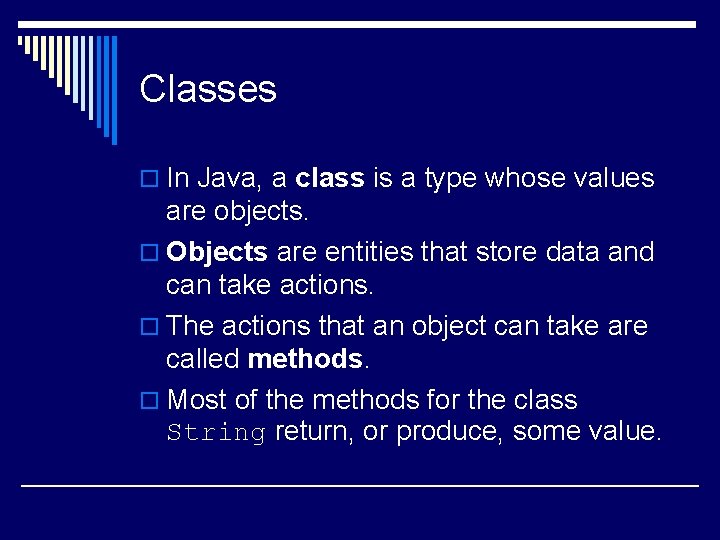
Classes o In Java, a class is a type whose values are objects. o Objects are entities that store data and can take actions. o The actions that an object can take are called methods. o Most of the methods for the class String return, or produce, some value.
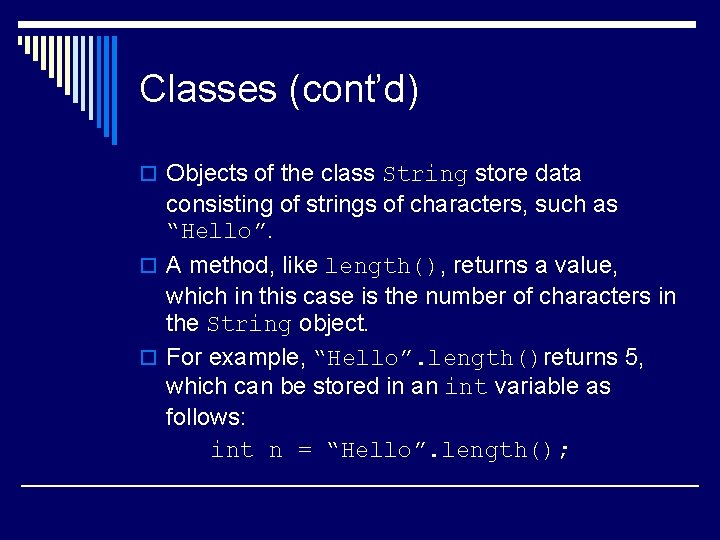
Classes (cont’d) o Objects of the class String store data consisting of strings of characters, such as “Hello”. o A method, like length(), returns a value, which in this case is the number of characters in the String object. o For example, “Hello”. length()returns 5, which can be stored in an int variable as follows: int n = “Hello”. length();
Classes (cont’d) o A method is called into action by writing a name for the object, followed by a dot, followed by the method name and ending with parentheses. o The act of calling a method into action is said to be invoking or calling the method o The object before the dot is known as the calling object.
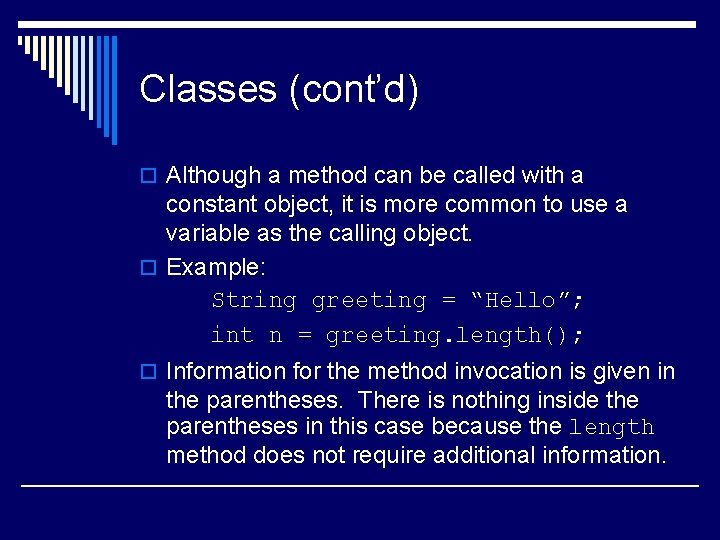
Classes (cont’d) o Although a method can be called with a constant object, it is more common to use a variable as the calling object. o Example: String greeting = “Hello”; int n = greeting. length(); o Information for the method invocation is given in the parentheses. There is nothing inside the parentheses in this case because the length method does not require additional information.
Classes (cont’d) o The information inside the parentheses following the method’s name is called the argument (or arguments). o Class types in Java are different from primitive types in that they have methods. o Primitive types are spelled using only lower case letters, but, by convention, class types are spelled with their first letter capitalized, as in String.
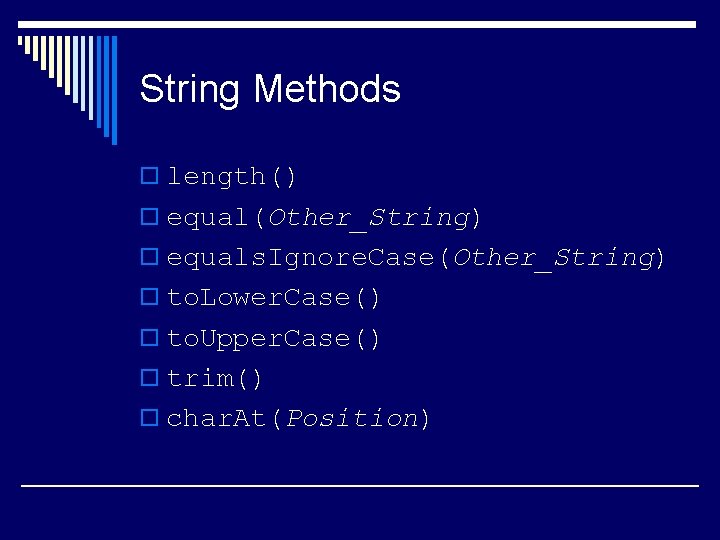
String Methods o length() o equal(Other_String) o equals. Ignore. Case(Other_String) o to. Lower. Case() o to. Upper. Case() o trim() o char. At(Position)
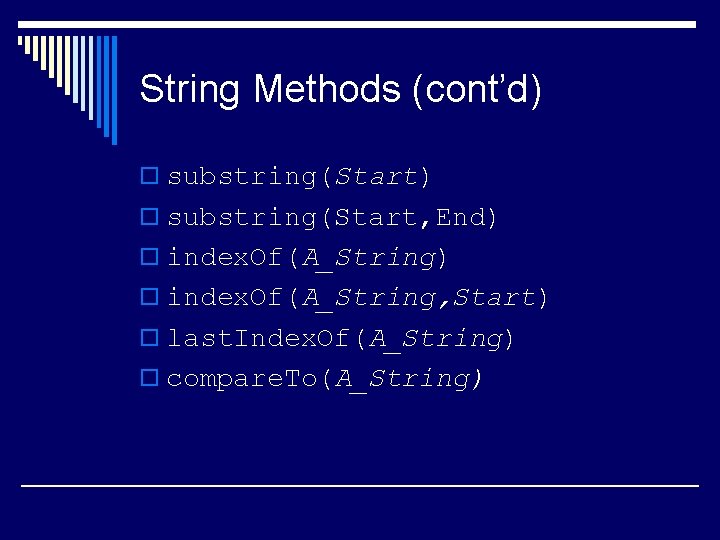
String Methods (cont’d) o substring(Start, End) o index. Of(A_String, Start) o last. Index. Of(A_String) o compare. To(A_String)
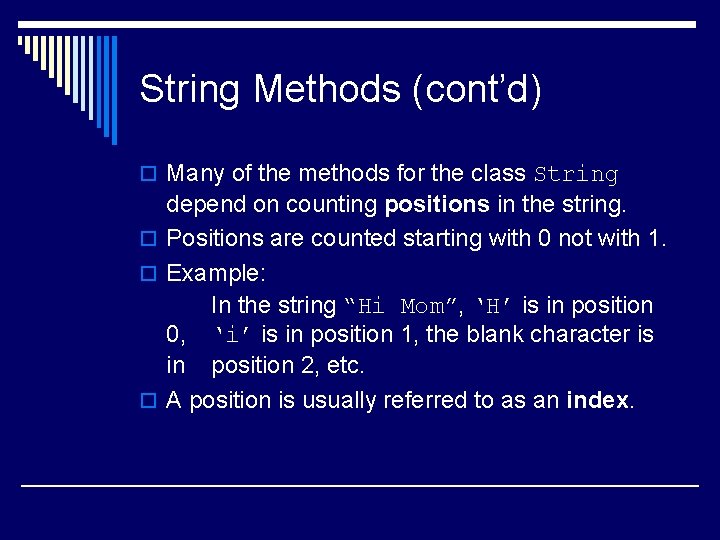
String Methods (cont’d) o Many of the methods for the class String depend on counting positions in the string. o Positions are counted starting with 0 not with 1. o Example: In the string “Hi Mom”, ‘H’ is in position 0, ‘i’ is in position 1, the blank character is in position 2, etc. o A position is usually referred to as an index.
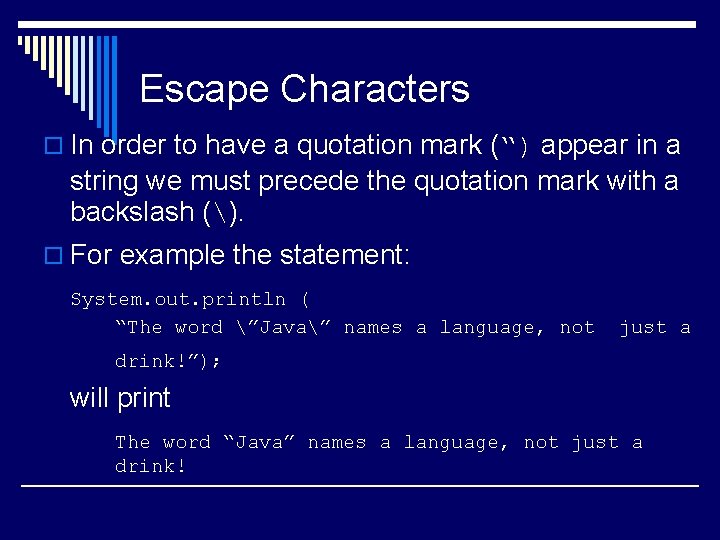
Escape Characters o In order to have a quotation mark (“) appear in a string we must precede the quotation mark with a backslash (). o For example the statement: System. out. println ( “The word ”Java” names a language, not just a drink!”); will print The word “Java” names a language, not just a drink!
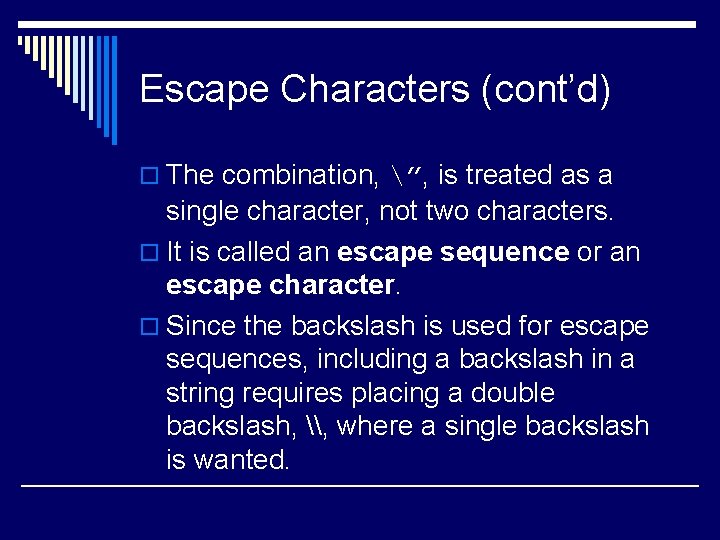
Escape Characters (cont’d) o The combination, ”, is treated as a single character, not two characters. o It is called an escape sequence or an escape character. o Since the backslash is used for escape sequences, including a backslash in a string requires placing a double backslash, \, where a single backslash is wanted.
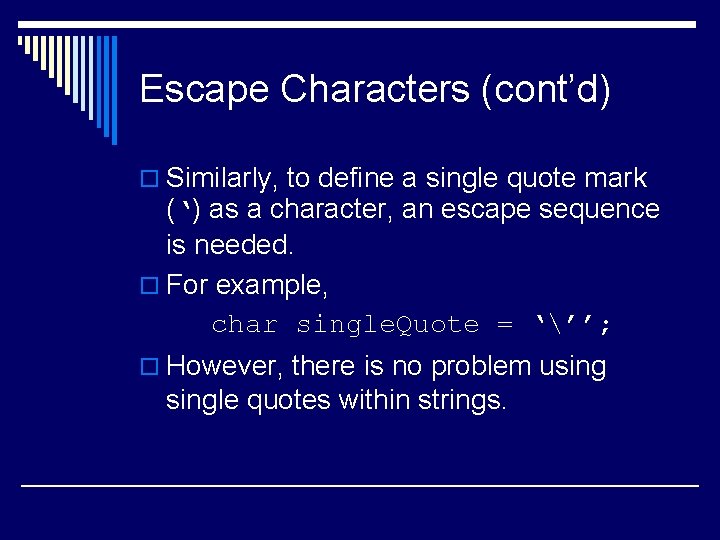
Escape Characters (cont’d) o Similarly, to define a single quote mark (‘) as a character, an escape sequence is needed. o For example, char single. Quote = ‘’’; o However, there is no problem usingle quotes within strings.
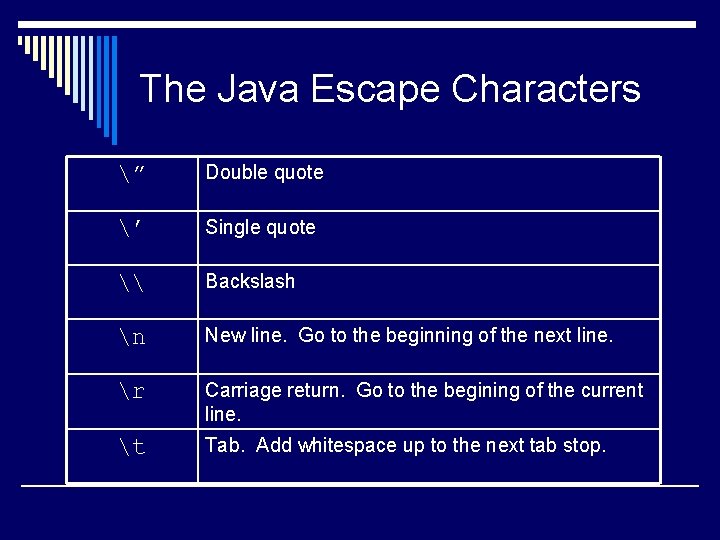
The Java Escape Characters ” Double quote ’ Single quote \ Backslash n New line. Go to the beginning of the next line. r Carriage return. Go to the begining of the current line. t Tab. Add whitespace up to the next tab stop.
- Slides: 17