
THE BUILD PROCESS MISC LECTURE 3 COMPILING LINKING

THE BUILD PROCESS + MISC LECTURE 3
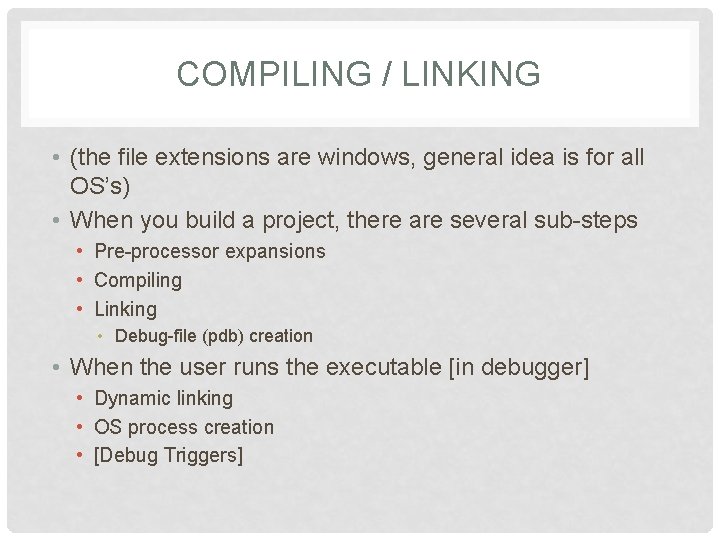
COMPILING / LINKING • (the file extensions are windows, general idea is for all OS’s) • When you build a project, there are several sub-steps • Pre-processor expansions • Compiling • Linking • Debug-file (pdb) creation • When the user runs the executable [in debugger] • Dynamic linking • OS process creation • [Debug Triggers]
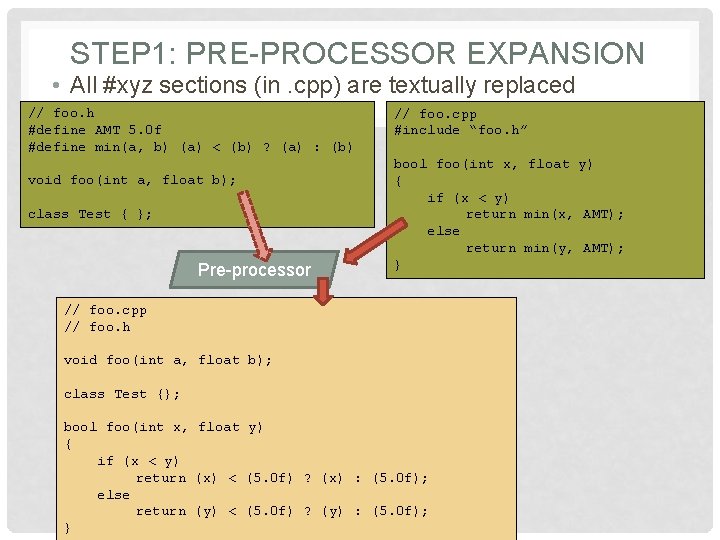
STEP 1: PRE-PROCESSOR EXPANSION • All #xyz sections (in. cpp) are textually replaced // foo. h #define AMT 5. 0 f #define min(a, b) (a) < (b) ? (a) : (b) void foo(int a, float b); class Test { }; Pre-processor // foo. cpp #include “foo. h” bool foo(int x, float y) { if (x < y) return min(x, AMT); else return min(y, AMT); } // foo. cpp // foo. h void foo(int a, float b); class Test {}; bool foo(int x, float y) { if (x < y) return (x) < (5. 0 f) ? (x) : (5. 0 f); else return (y) < (5. 0 f) ? (y) : (5. 0 f); }
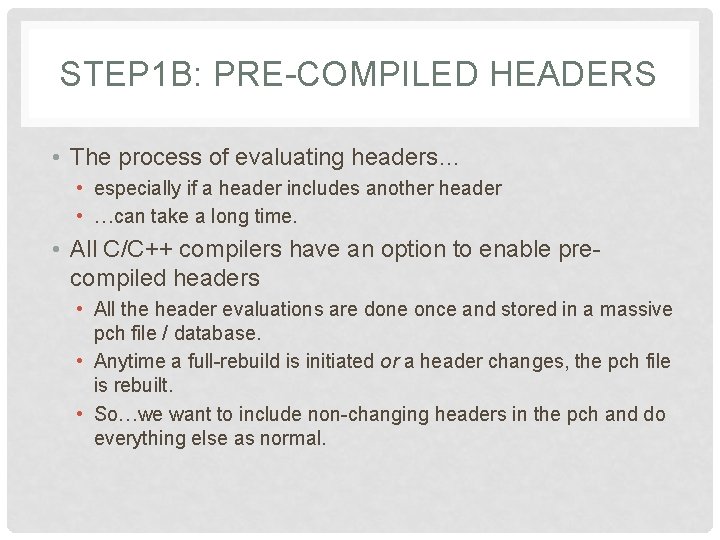
STEP 1 B: PRE-COMPILED HEADERS • The process of evaluating headers… • especially if a header includes another header • …can take a long time. • All C/C++ compilers have an option to enable precompiled headers • All the header evaluations are done once and stored in a massive pch file / database. • Anytime a full-rebuild is initiated or a header changes, the pch file is rebuilt. • So…we want to include non-changing headers in the pch and do everything else as normal.
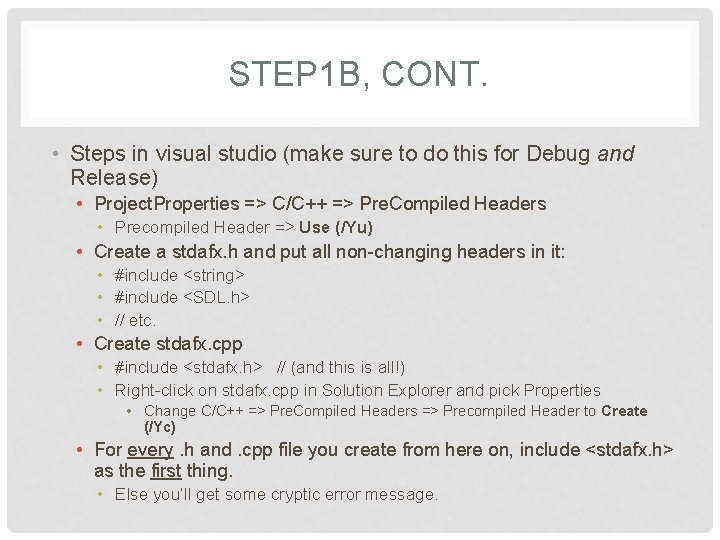
STEP 1 B, CONT. • Steps in visual studio (make sure to do this for Debug and Release) • Project. Properties => C/C++ => Pre. Compiled Headers • Precompiled Header => Use (/Yu) • Create a stdafx. h and put all non-changing headers in it: • #include <string> • #include <SDL. h> • // etc. • Create stdafx. cpp • #include <stdafx. h> // (and this is all!) • Right-click on stdafx. cpp in Solution Explorer and pick Properties • Change C/C++ => Pre. Compiled Headers => Precompiled Header to Create (/Yc) • For every. h and. cpp file you create from here on, include <stdafx. h> as the first thing. • Else you’ll get some cryptic error message.
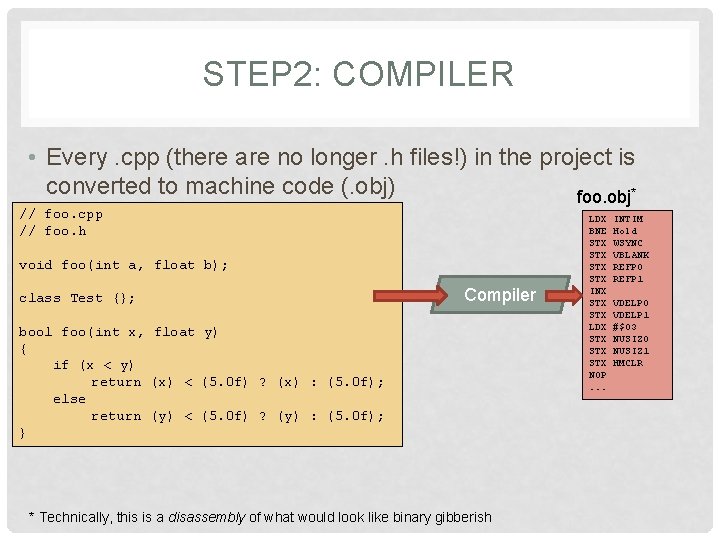
STEP 2: COMPILER • Every. cpp (there are no longer. h files!) in the project is converted to machine code (. obj) foo. obj* // foo. cpp // foo. h void foo(int a, float b); class Test {}; Compiler bool foo(int x, float y) { if (x < y) return (x) < (5. 0 f) ? (x) : (5. 0 f); else return (y) < (5. 0 f) ? (y) : (5. 0 f); } * Technically, this is a disassembly of what would look like binary gibberish LDX BNE STX STX INX STX LDX STX STX NOP. . . INTIM Hold WSYNC VBLANK REFP 0 REFP 1 VDELP 0 VDELP 1 #$03 NUSIZ 0 NUSIZ 1 HMCLR
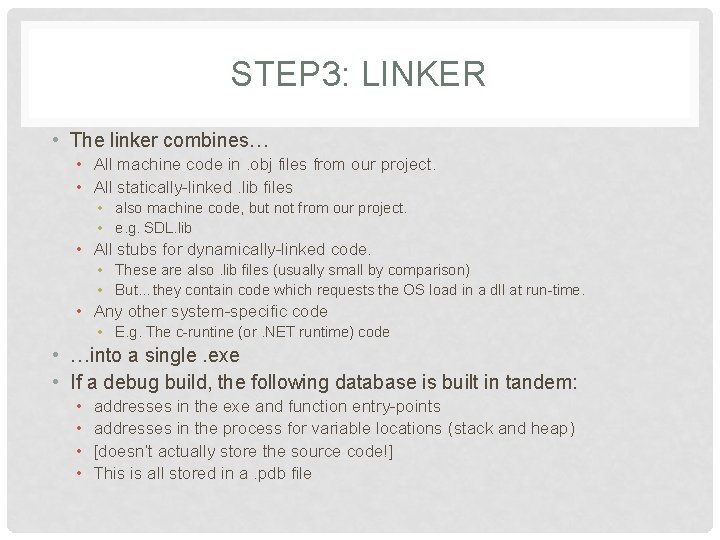
STEP 3: LINKER • The linker combines… • All machine code in. obj files from our project. • All statically-linked. lib files • also machine code, but not from our project. • e. g. SDL. lib • All stubs for dynamically-linked code. • These are also. lib files (usually small by comparison) • But…they contain code which requests the OS load in a dll at run-time. • Any other system-specific code • E. g. The c-runtine (or. NET runtime) code • …into a single. exe • If a debug build, the following database is built in tandem: • • addresses in the exe and function entry-points addresses in the process for variable locations (stack and heap) [doesn’t actually store the source code!] This is all stored in a. pdb file
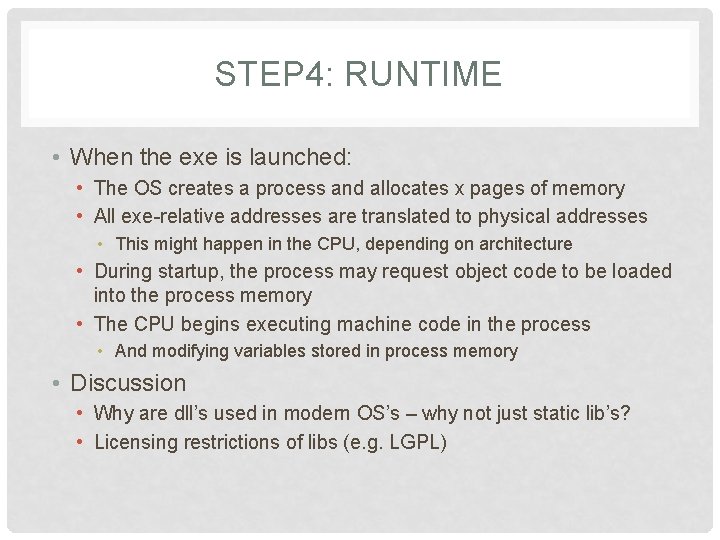
STEP 4: RUNTIME • When the exe is launched: • The OS creates a process and allocates x pages of memory • All exe-relative addresses are translated to physical addresses • This might happen in the CPU, depending on architecture • During startup, the process may request object code to be loaded into the process memory • The CPU begins executing machine code in the process • And modifying variables stored in process memory • Discussion • Why are dll’s used in modern OS’s – why not just static lib’s? • Licensing restrictions of libs (e. g. LGPL)
![POINTER CRASH-COURSE • Several important aspects [examples on board] • • Pointers to primitives](http://slidetodoc.com/presentation_image_h2/f072b821f862d79a55947734445406d2/image-9.jpg "POINTER CRASH-COURSE • Several important aspects [examples on board] • • Pointers to primitives")
POINTER CRASH-COURSE • Several important aspects [examples on board] • • Pointers to primitives (and addressing) Pointer – array connection (pointer arithmetic) Pointers to structures / objects Pointer and dynamic allocation (arrays and objects)
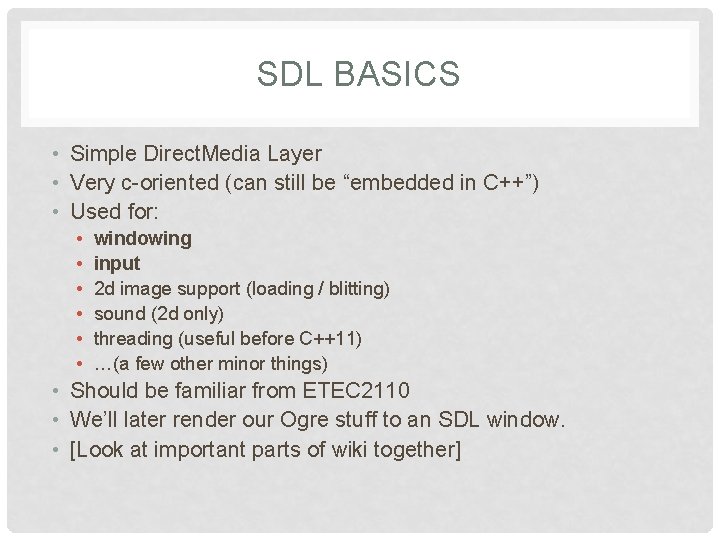
SDL BASICS • Simple Direct. Media Layer • Very c-oriented (can still be “embedded in C++”) • Used for: • • • windowing input 2 d image support (loading / blitting) sound (2 d only) threading (useful before C++11) …(a few other minor things) • Should be familiar from ETEC 2110 • We’ll later render our Ogre stuff to an SDL window. • [Look at important parts of wiki together]
![DOXYGEN • [Have Jason give a demo here…]](http://slidetodoc.com/presentation_image_h2/f072b821f862d79a55947734445406d2/image-11.jpg "DOXYGEN • [Have Jason give a demo here…]")
DOXYGEN • [Have Jason give a demo here…]
![THE DREADED “STYLE TALK” • [Show them the thing]](http://slidetodoc.com/presentation_image_h2/f072b821f862d79a55947734445406d2/image-12.jpg "THE DREADED “STYLE TALK” • [Show them the thing]")
THE DREADED “STYLE TALK” • [Show them the thing]
- Slides: 12