
The AWT versus Swing Components CS 21 b
The AWT (versus Swing Components) CS 21 b 12/03/01
The AWT n n n AWT: Abstract Windowing Toolkit Alternative way of designing GUIs in Java The toolkit patterns its look and feel with the operating system you are using n CS 21 b 11/11/02 In contrast, swing components (javax. swing. *) results in the same look and feel regardless of operating system © Luis F. G. Sarmenta and John Paul Vergara, Ateneo de Manila University Overview Slide 12/03/01

AWT Components n n The same components (present in swing) are available Just drop the starting “J” n n n CS 21 b 11/11/02 Button instead of JButton Panel instead of JPanel Applet instead of JApplet Frame instead of JFrame … No need to import javax. swing. *; © Luis F. G. Sarmenta and John Paul Vergara, Ateneo de Manila University Overview Slide 12/03/01
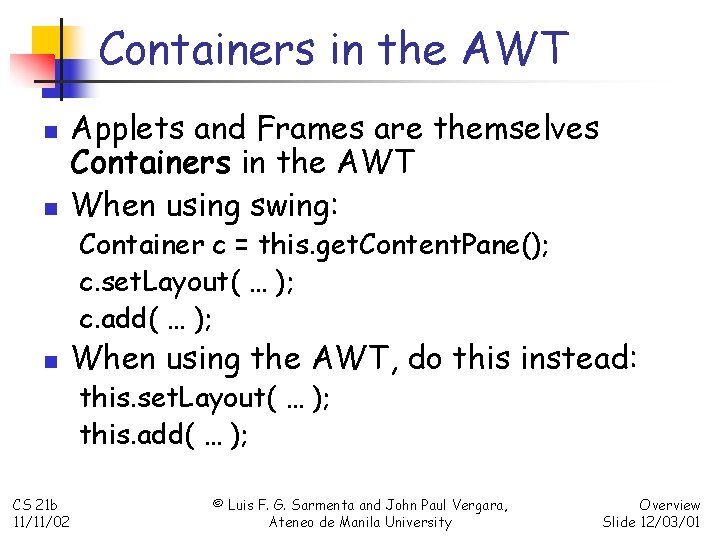
Containers in the AWT n n Applets and Frames are themselves Containers in the AWT When using swing: Container c = this. get. Content. Pane(); c. set. Layout( … ); c. add( … ); n When using the AWT, do this instead: this. set. Layout( … ); this. add( … ); CS 21 b 11/11/02 © Luis F. G. Sarmenta and John Paul Vergara, Ateneo de Manila University Overview Slide 12/03/01

Why study the AWT? n n Sometimes you want your Applets and Frames to follow the same GUI conventions as other Windows applications Swing has problems particularly when you combine components with Graphics (paint) n CS 21 b 11/11/02 Probably because Graphics is part of the AWT © Luis F. G. Sarmenta and John Paul Vergara, Ateneo de Manila University Overview Slide 12/03/01
- Slides: 5