
The Art of Logging An exploration with Apache







![Pattern Layout %m%n %d %-5 level [%t][%logger]%not. Empty{[%marker. Simple. Name]} %msg%n%throwable](https://slidetodoc.com/presentation_image_h/9258cd2eca338dc7cead644d7db66ae4/image-56.jpg "Pattern Layout %m%n %d %-5 level [%t][%logger]%not. Empty{[%marker. Simple. Name]} %msg%n%throwable")




- Slides: 72
The Art of Logging An exploration with Apache Log 4 j 2 Gary Gregory garydgregory@gmail. com
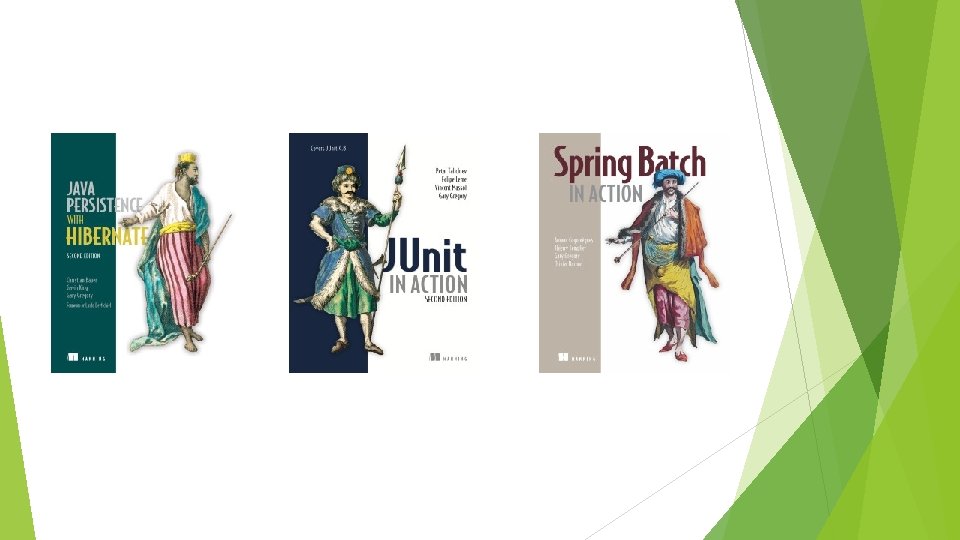
Gary Gregory Principal Software Engineer, Rocket Software C Smalltalk Java Apache: Commons, Log 4 j, Http. Components, Xalan Books
Thank you Dealer. com for sponsoring this meeting and the Pumpkin Race!
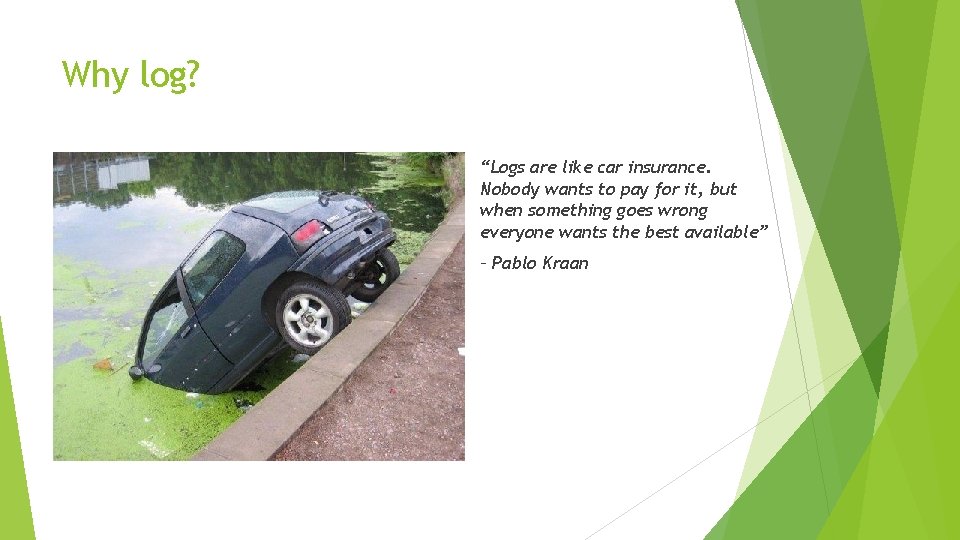
Why log? “Logs are like car insurance. Nobody wants to pay for it, but when something goes wrong everyone wants the best available” – Pablo Kraan
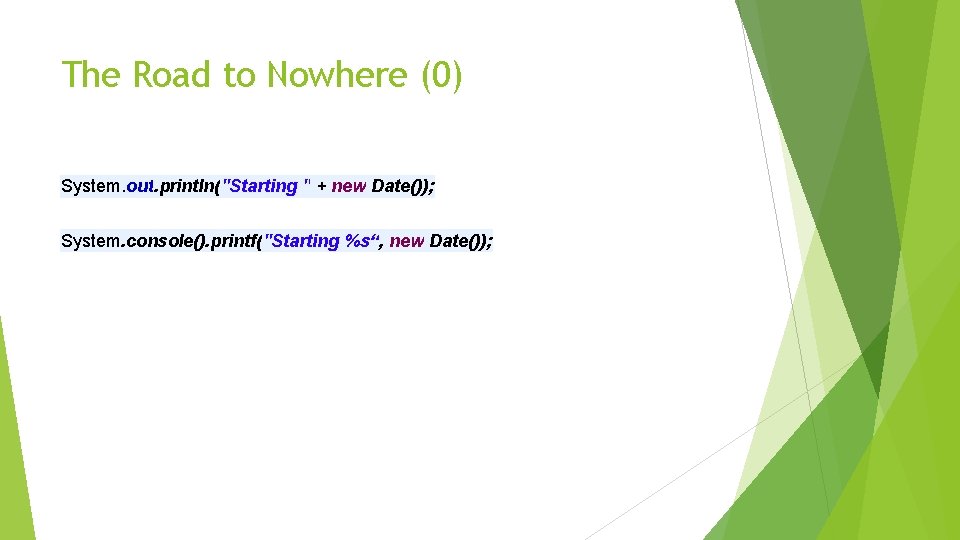
The Road to Nowhere (0) System. out. println("Starting " + new Date()); System. console(). printf("Starting %s“, new Date());
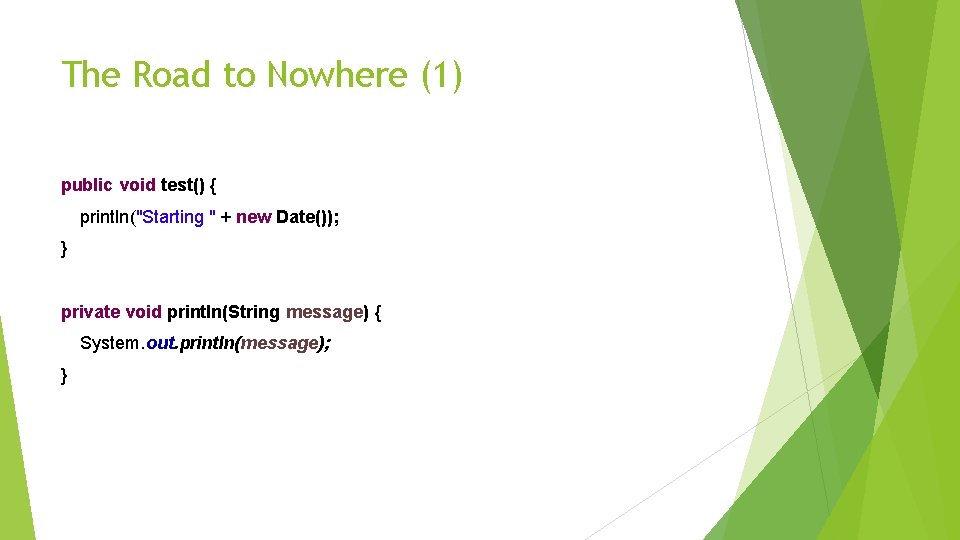
The Road to Nowhere (1) public void test() { println("Starting " + new Date()); } private void println(String message) { System. out. println(message); }
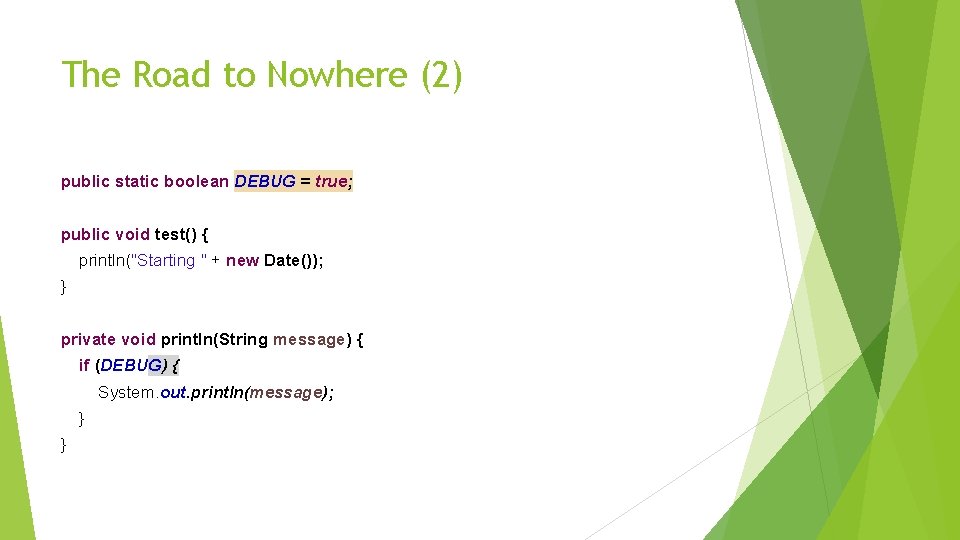
The Road to Nowhere (2) public static boolean DEBUG = true; public void test() { println("Starting " + new Date()); } private void println(String message) { if (DEBUG) { System. out. println(message); } }
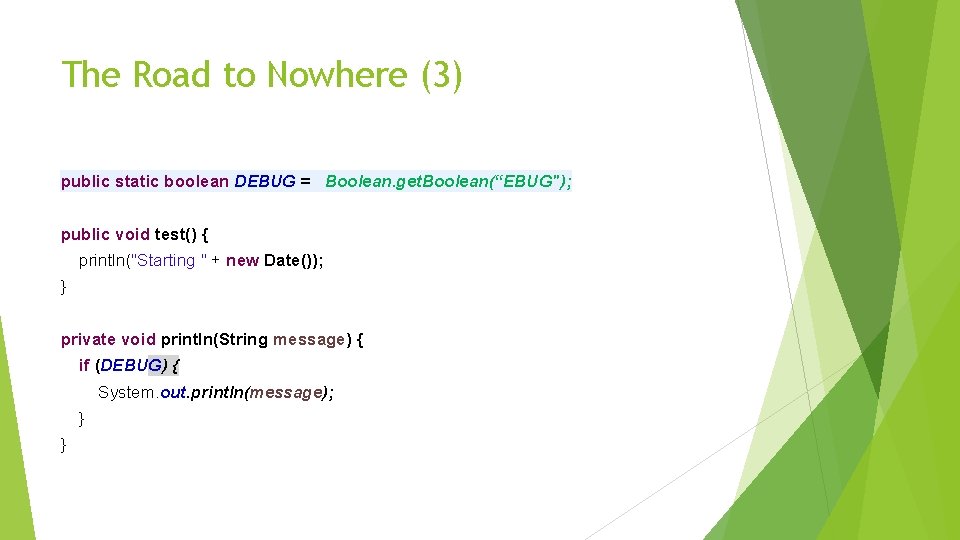
The Road to Nowhere (3) public static boolean DEBUG = Boolean. get. Boolean(“EBUG"); public void test() { println("Starting " + new Date()); } private void println(String message) { if (DEBUG) { System. out. println(message); } }
The Road to Nowhere (4) Destinations Console out, err. Files, what format(s)? And so on… Event levels Source location? Timestamp formats Thread info? Configuration On and on…
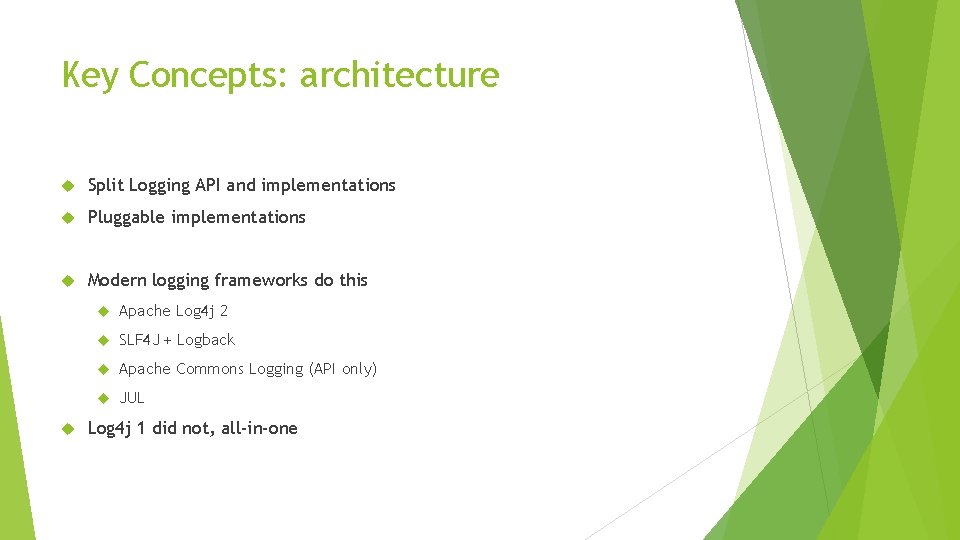
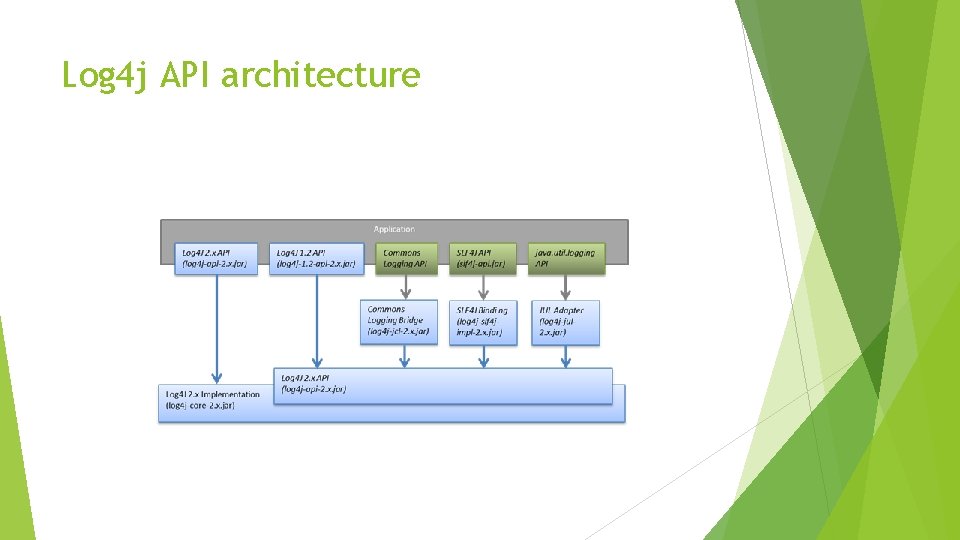
Key Concepts: architecture Split Logging API and implementations Pluggable implementations Modern logging frameworks do this Apache Log 4 j 2 SLF 4 J + Logback Apache Commons Logging (API only) JUL Log 4 j 1 did not, all-in-one
Log 4 j API architecture
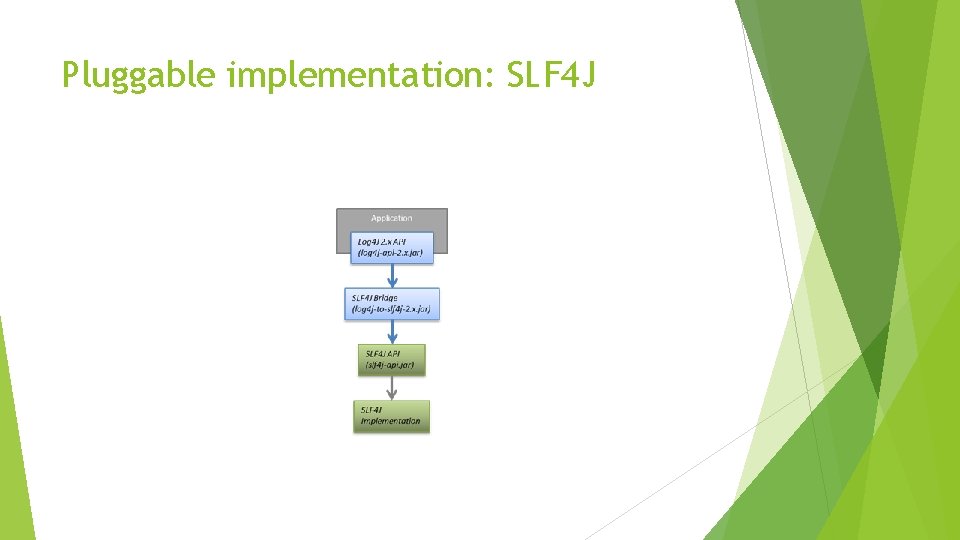
Pluggable implementation: SLF 4 J
Key concepts API Configuration Customization/Pluggability
Key concepts APIs Log. Manager Level Logger Marker More: Flow tracing with fish tagging Context stack and context map
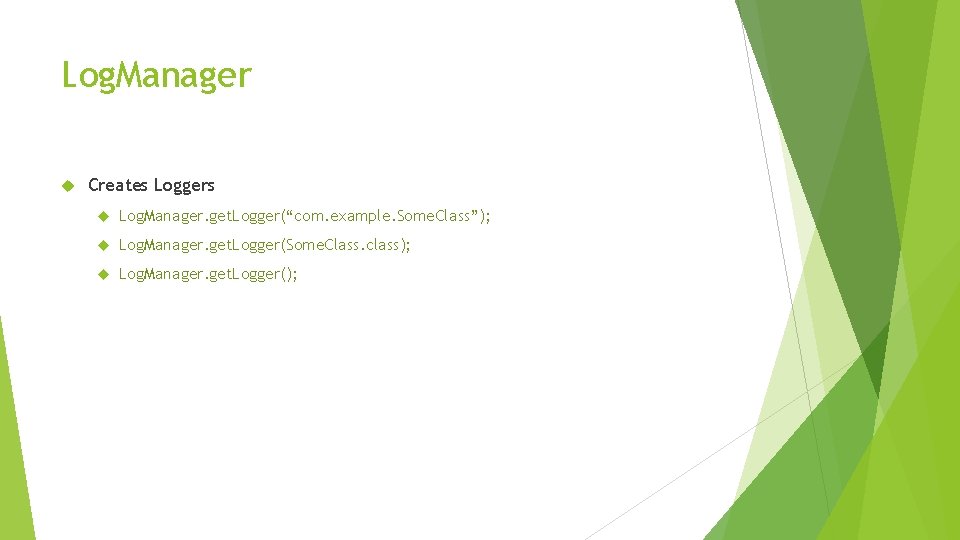
Log. Manager Creates Loggers Log. Manager. get. Logger(“com. example. Some. Class”); Log. Manager. get. Logger(Some. Class. class); Log. Manager. get. Logger();
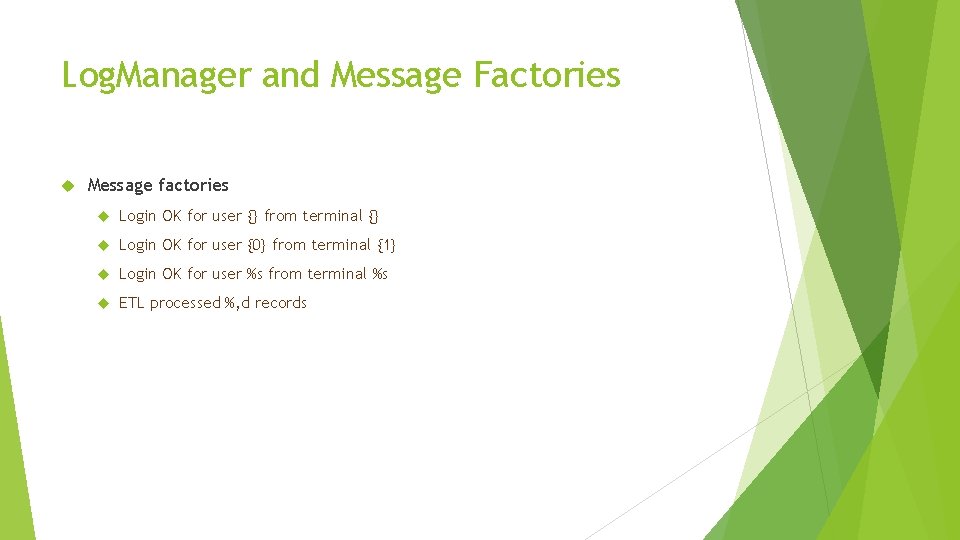
Log. Manager and Message Factories Message factories Login OK for user {} from terminal {} Login OK for user {0} from terminal {1} Login OK for user %s from terminal %s ETL processed %, d records
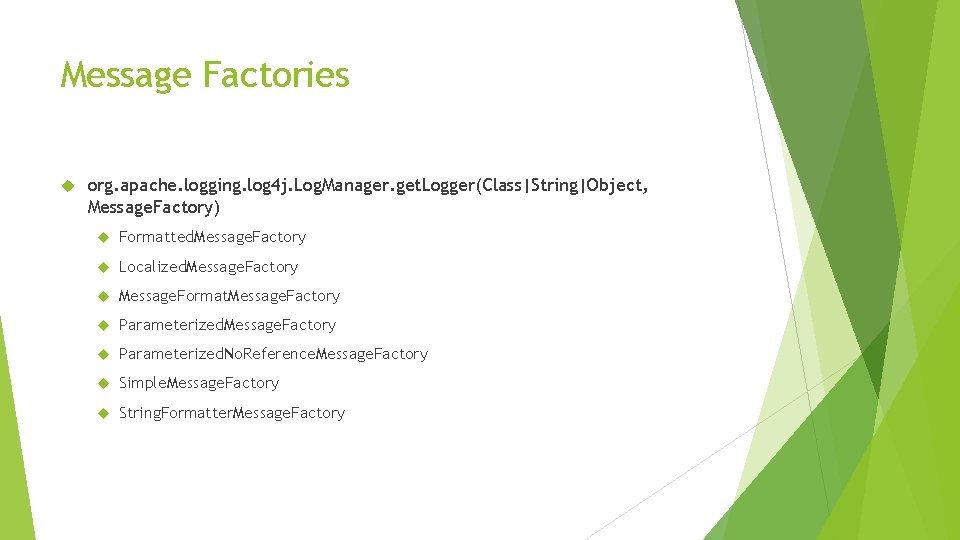
Message Factories org. apache. logging. log 4 j. Log. Manager. get. Logger(Class|String|Object, Message. Factory) Formatted. Message. Factory Localized. Message. Factory Message. Format. Message. Factory Parameterized. No. Reference. Message. Factory Simple. Message. Factory String. Formatter. Message. Factory
Levels How important is this event? Who needs to know about this event? Custom levels
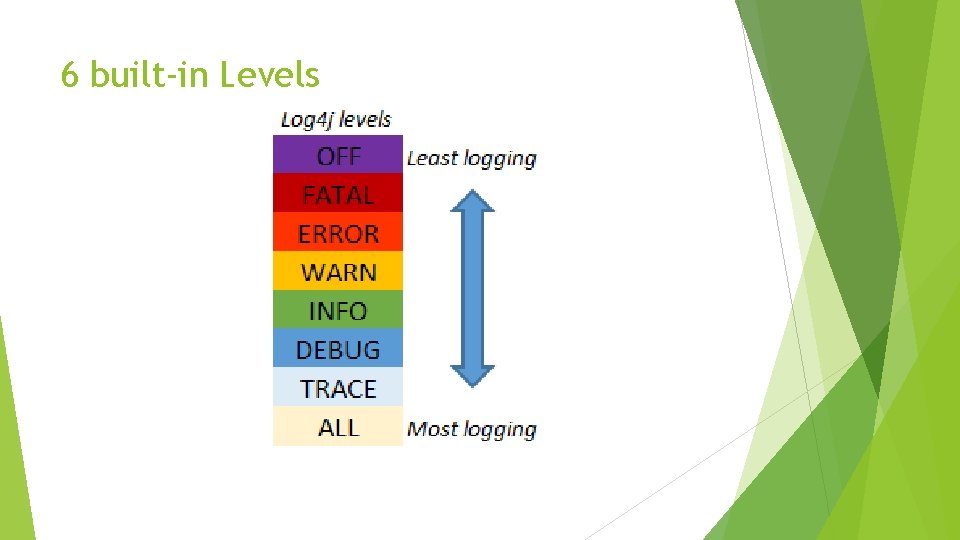
6 built-in Levels
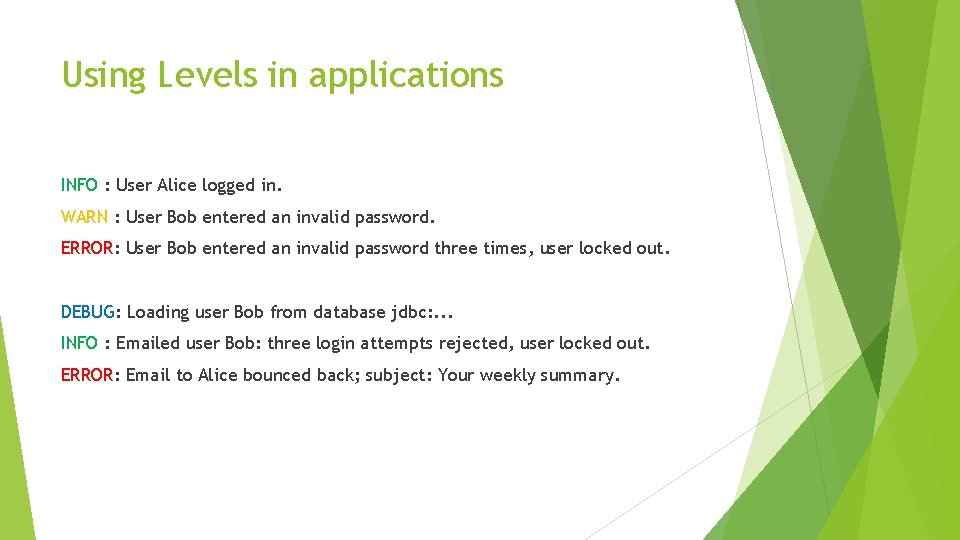
Using Levels in applications INFO : User Alice logged in. WARN : User Bob entered an invalid password. ERROR: User Bob entered an invalid password three times, user locked out. DEBUG: Loading user Bob from database jdbc: . . . INFO : Emailed user Bob: three login attempts rejected, user locked out. ERROR: Email to Alice bounced back; subject: Your weekly summary.
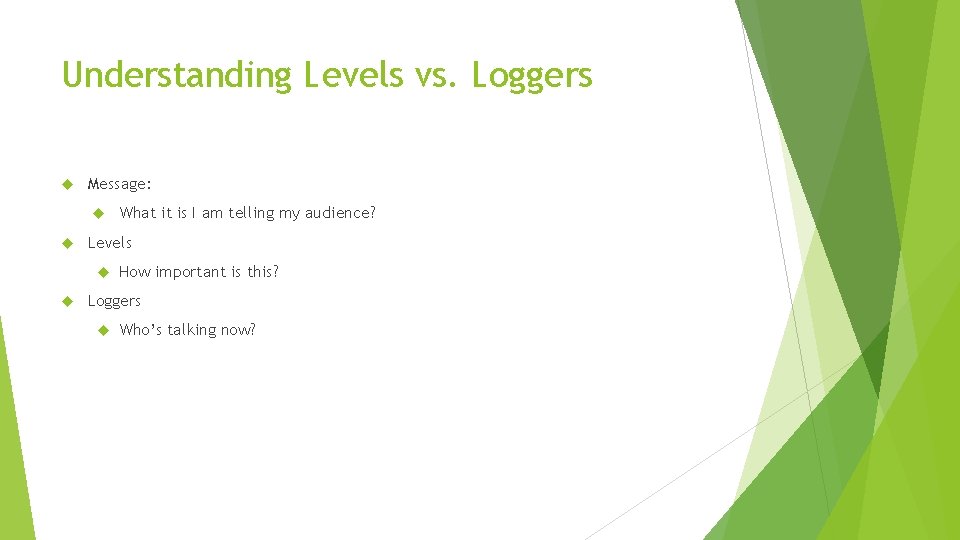
Understanding Levels vs. Loggers Message: Levels What it is I am telling my audience? How important is this? Loggers Who’s talking now?
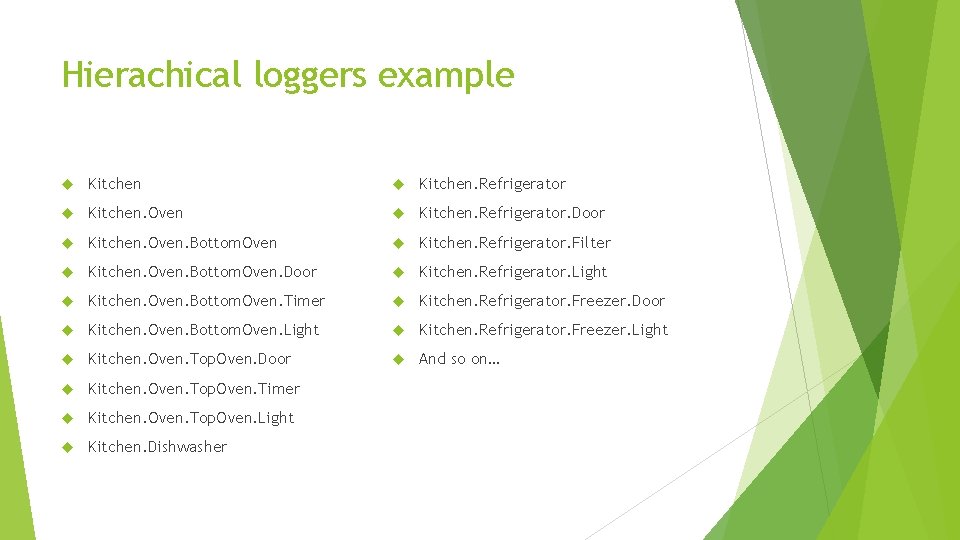
Hierachical Loggers are named Names are hierarchical: a. b. c, a, b, a, …
Hierachical loggers example Kitchen. Refrigerator Kitchen. Oven Kitchen. Refrigerator. Door Kitchen. Oven. Bottom. Oven Kitchen. Refrigerator. Filter Kitchen. Oven. Bottom. Oven. Door Kitchen. Refrigerator. Light Kitchen. Oven. Bottom. Oven. Timer Kitchen. Refrigerator. Freezer. Door Kitchen. Oven. Bottom. Oven. Light Kitchen. Refrigerator. Freezer. Light Kitchen. Oven. Top. Oven. Door And so on… Kitchen. Oven. Top. Oven. Timer Kitchen. Oven. Top. Oven. Light Kitchen. Dishwasher
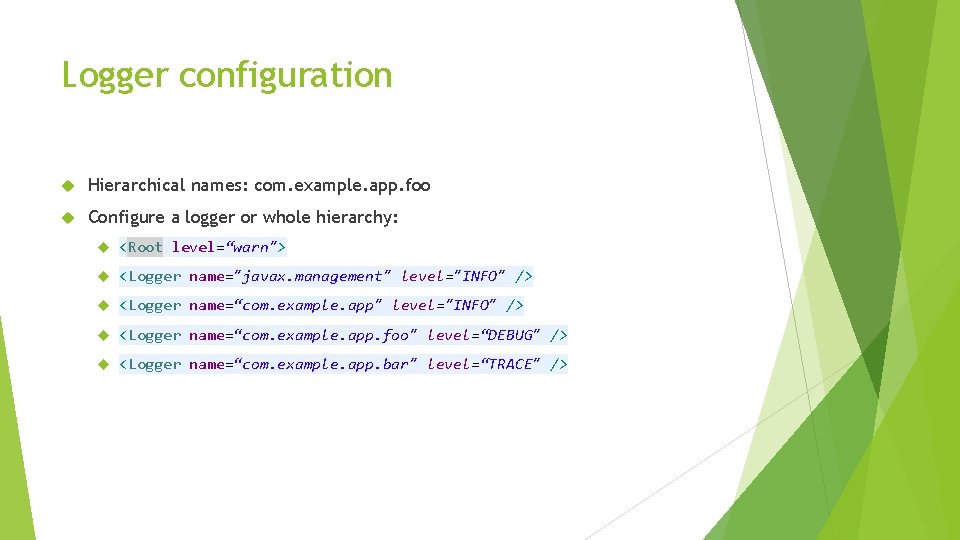
Logger configuration Hierarchical names: com. example. app. foo Configure a logger or whole hierarchy: <Root level=“warn"> <Logger name="javax. management" level="INFO" /> <Logger name=“com. example. app. foo" level=“DEBUG" /> <Logger name=“com. example. app. bar" level=“TRACE" />
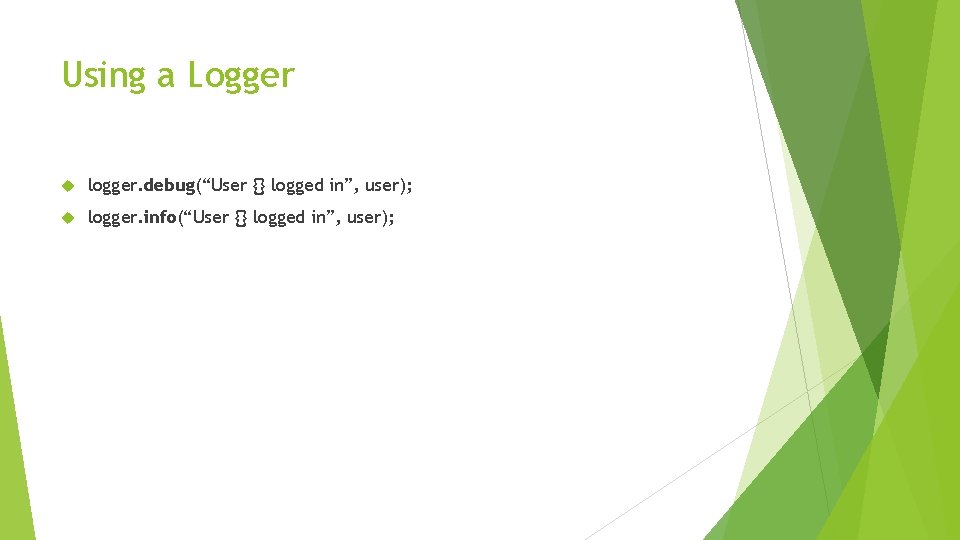
Using a Logger logger. debug(“User {} logged in”, user); logger. info(“User {} logged in”, user);
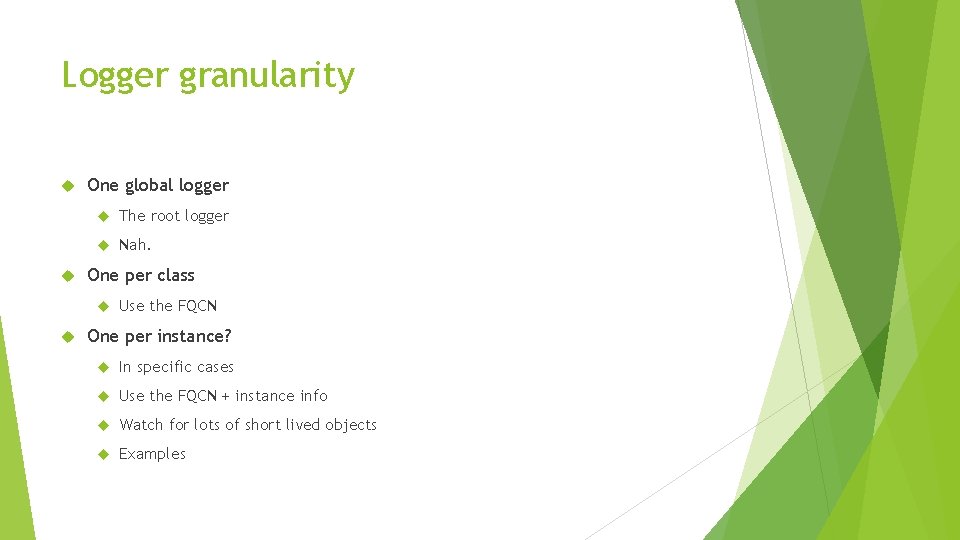
Logger granularity One global logger The root logger Nah. One per class Use the FQCN One per instance? In specific cases Use the FQCN + instance info Watch for lots of short lived objects Examples
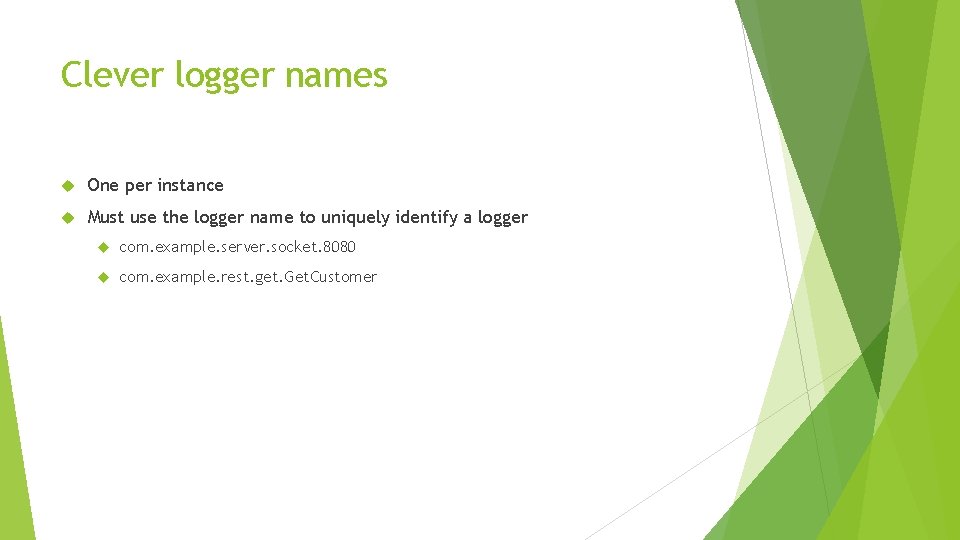
Clever logger names One per instance Must use the logger name to uniquely identify a logger com. example. server. socket. 8080 com. example. rest. get. Get. Customer
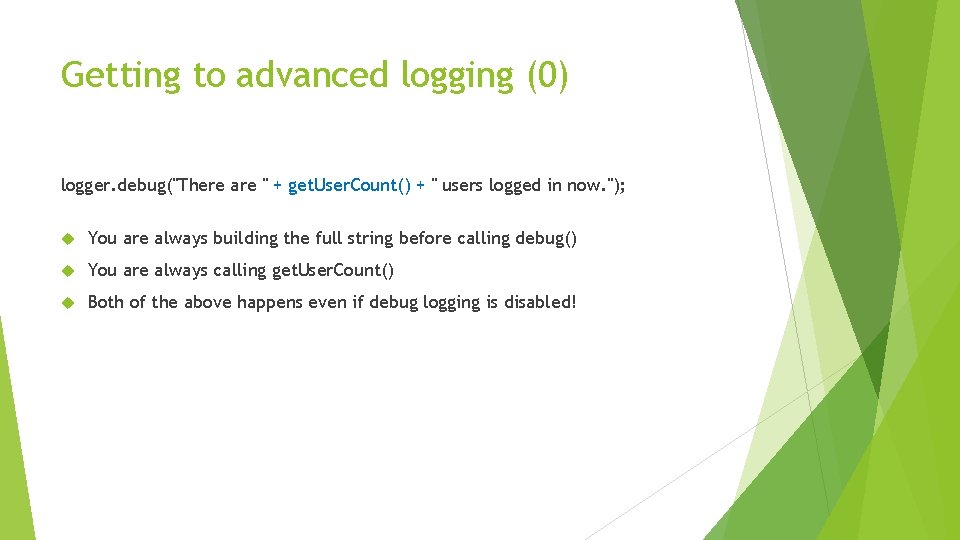
Getting to advanced logging (0) logger. debug("There are " + get. User. Count() + " users logged in now. "); You are always building the full string before calling debug() You are always calling get. User. Count() Both of the above happens even if debug logging is disabled!
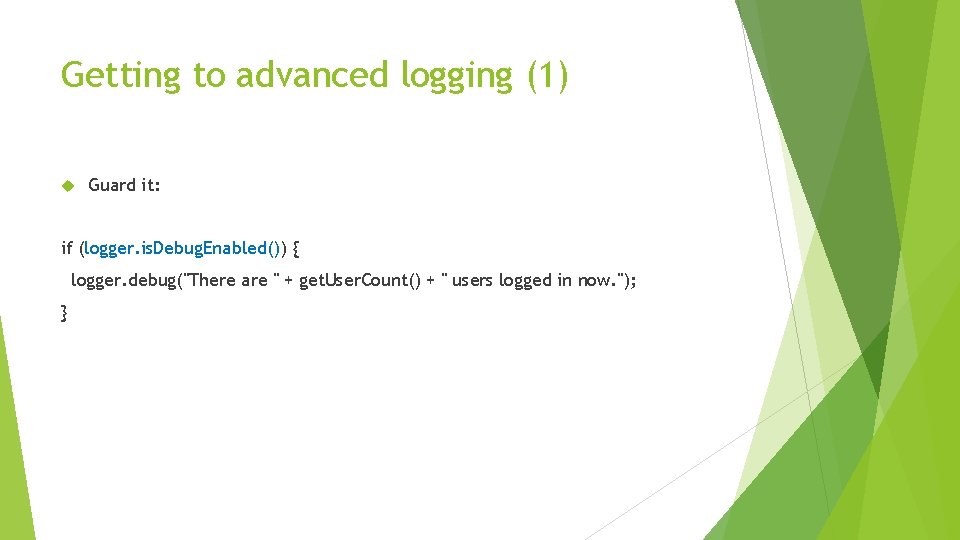
Getting to advanced logging (1) Guard it: if (logger. is. Debug. Enabled()) { logger. debug("There are " + get. User. Count() + " users logged in now. "); }
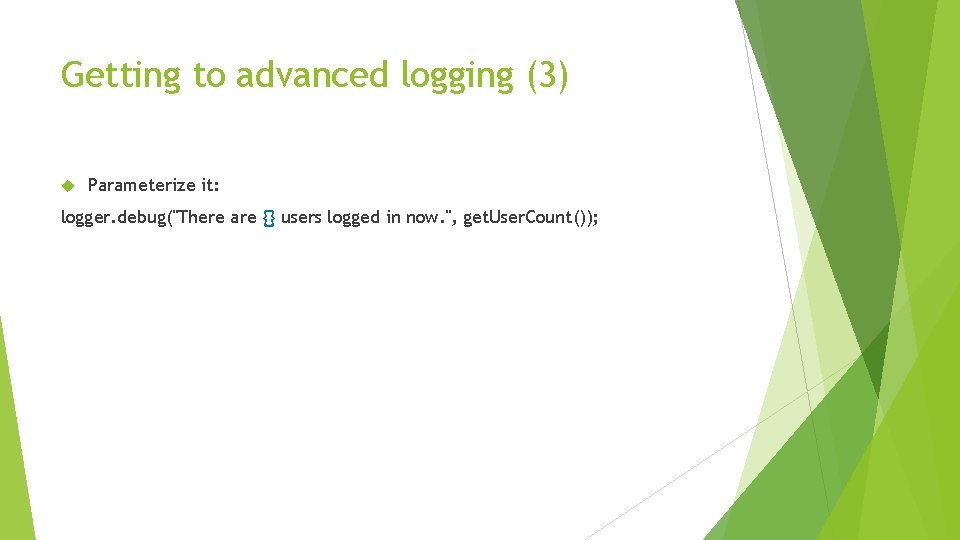
Getting to advanced logging (3) Parameterize it: logger. debug("There are {} users logged in now. ", get. User. Count());
Getting to advanced logging (4) Use lambdas! logger. debug("There are {} users logged in now. ", () -> get. User. Count());
Getting to advanced message formatting (0) From There are 2147483647 users logged in now. To There are 2, 147, 483, 647 users logged in now.
Getting to advanced message formatting (1) Use a formatter logger: Logger logger = Log. Manager. get. Formatter. Logger(); logger. debug("There are %, d users logged in now. ", () -> get. User. Count());
Getting to advanced message formatting (2) You can format numbers like this as well: logger. debug("Gain or loss: $ %(, . 2 f", delta); Gives you: Gain or loss: $ (12, 582. 19)
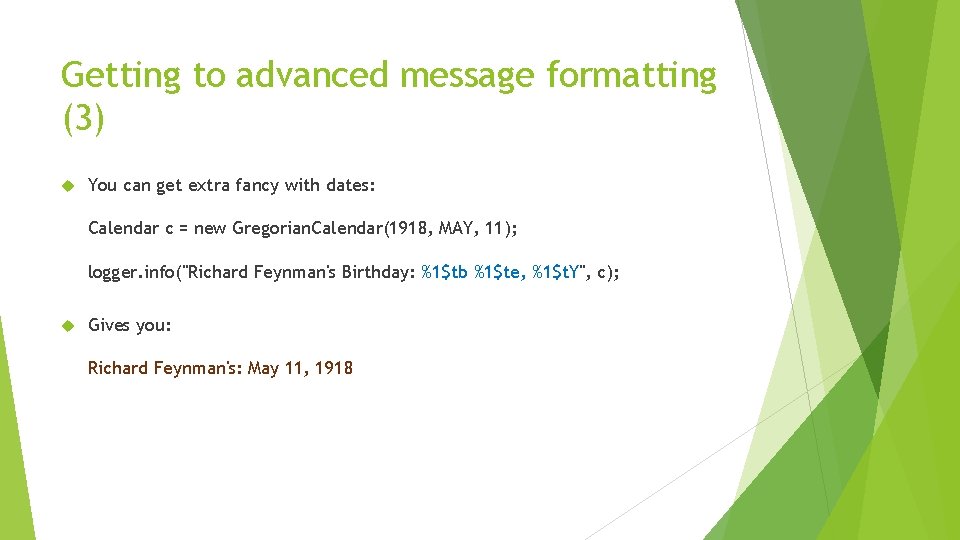
Getting to advanced message formatting (3) You can get extra fancy with dates: Calendar c = new Gregorian. Calendar(1918, MAY, 11); logger. info("Richard Feynman's Birthday: %1$tb %1$te, %1$t. Y", c); Gives you: Richard Feynman's: May 11, 1918
Noodle on that one for a minute… How would you only log open and close door events using loggers and levels? You can assume that door events are logged at… what? Maybe some appliances log door events at the INFO level and others at the DEBUG level. What if doors from a third party library log this kind of event at TRACE, another twist!
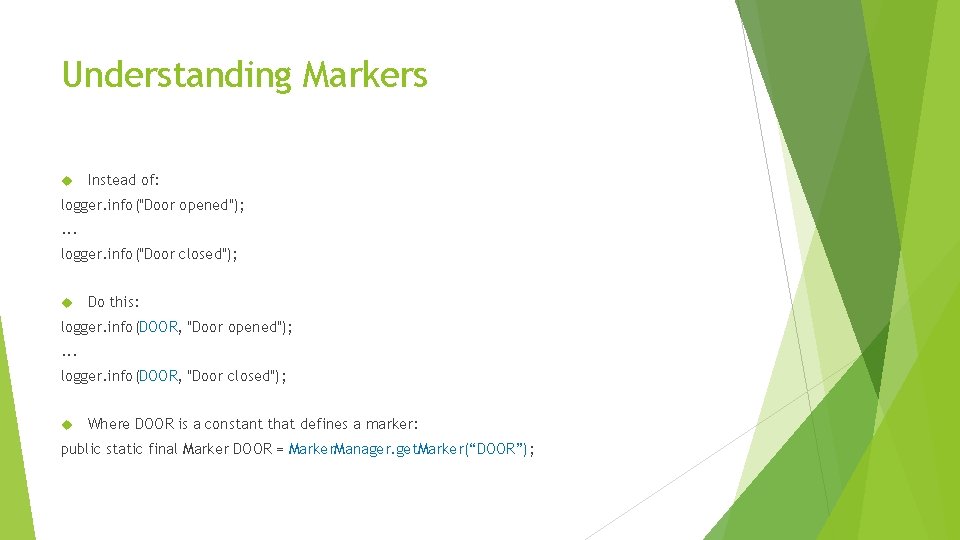
Understanding Markers Instead of: logger. info("Door opened"); . . . logger. info("Door closed"); Do this: logger. info(DOOR, "Door opened"); . . . logger. info(DOOR, "Door closed"); Where DOOR is a constant that defines a marker: public static final Marker DOOR = Marker. Manager. get. Marker(“DOOR”);
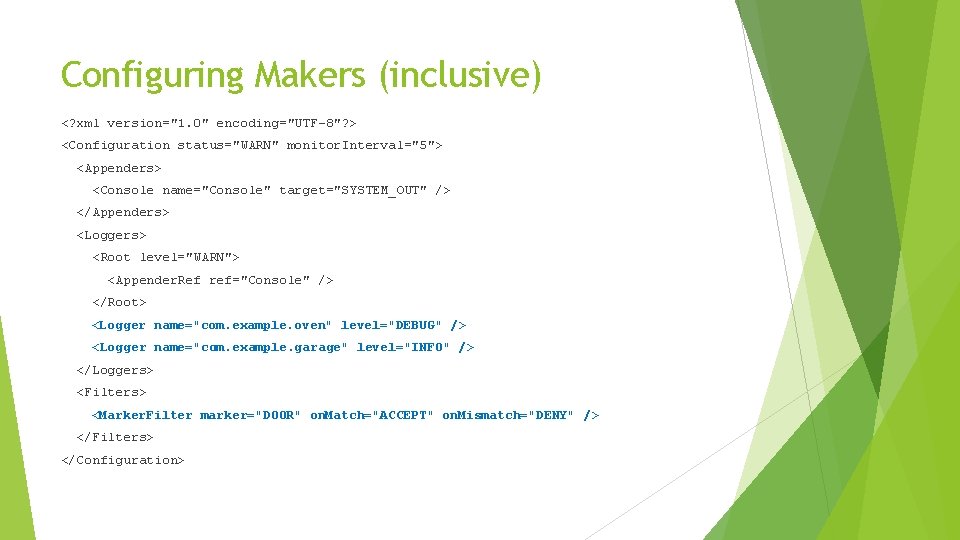
Configuring Makers (inclusive) <? xml version="1. 0" encoding="UTF-8"? > <Configuration status="WARN" monitor. Interval="5"> <Appenders> <Console name="Console" target="SYSTEM_OUT" /> </Appenders> <Loggers> <Root level="WARN"> <Appender. Ref ref="Console" /> </Root> <Logger name="com. example. oven" level="DEBUG" /> <Logger name="com. example. garage" level="INFO" /> </Loggers> <Filters> <Marker. Filter marker="DOOR" on. Match="ACCEPT" on. Mismatch="DENY" /> </Filters> </Configuration>
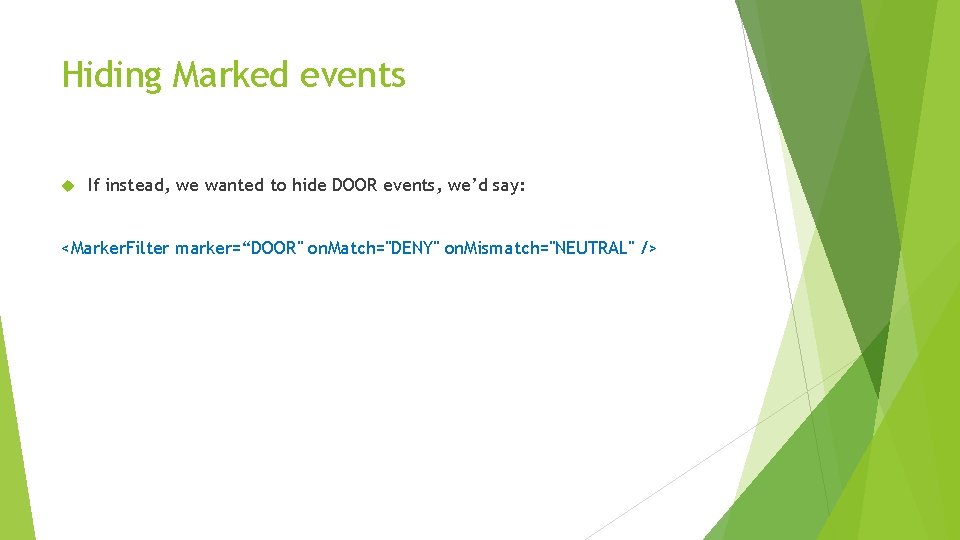
Hiding Marked events If instead, we wanted to hide DOOR events, we’d say: <Marker. Filter marker=“DOOR" on. Match="DENY" on. Mismatch="NEUTRAL" />
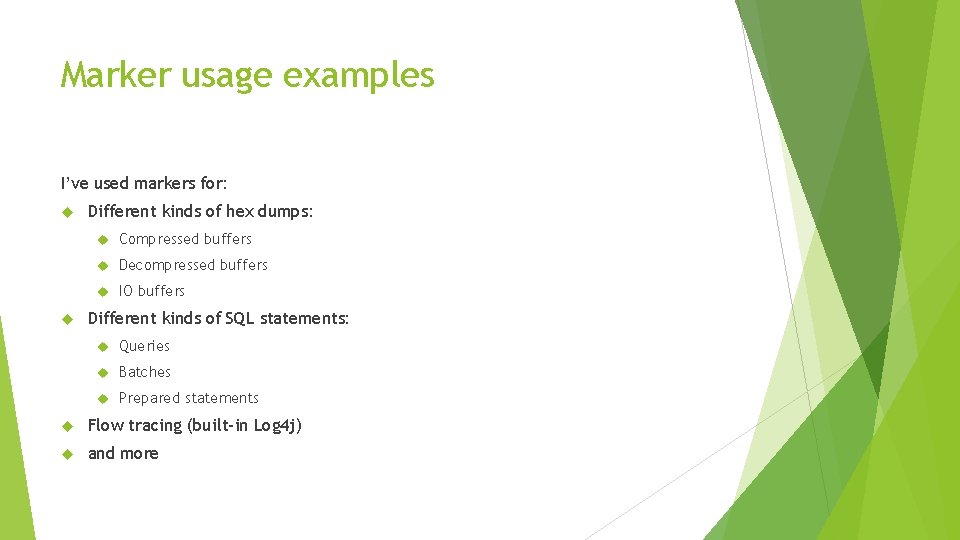
Marker usage examples I’ve used markers for: Different kinds of hex dumps: Compressed buffers Decompressed buffers IO buffers Different kinds of SQL statements: Queries Batches Prepared statements Flow tracing (built-in Log 4 j) and more
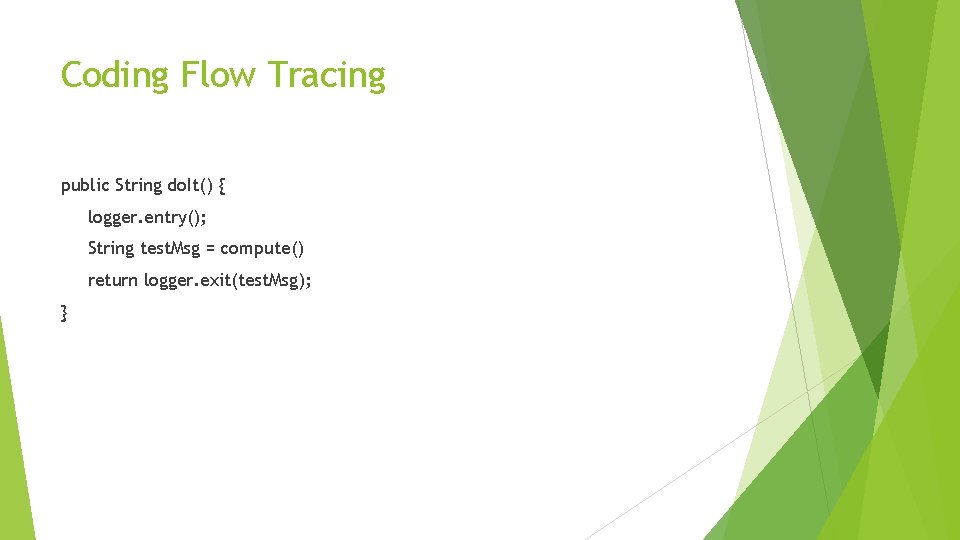
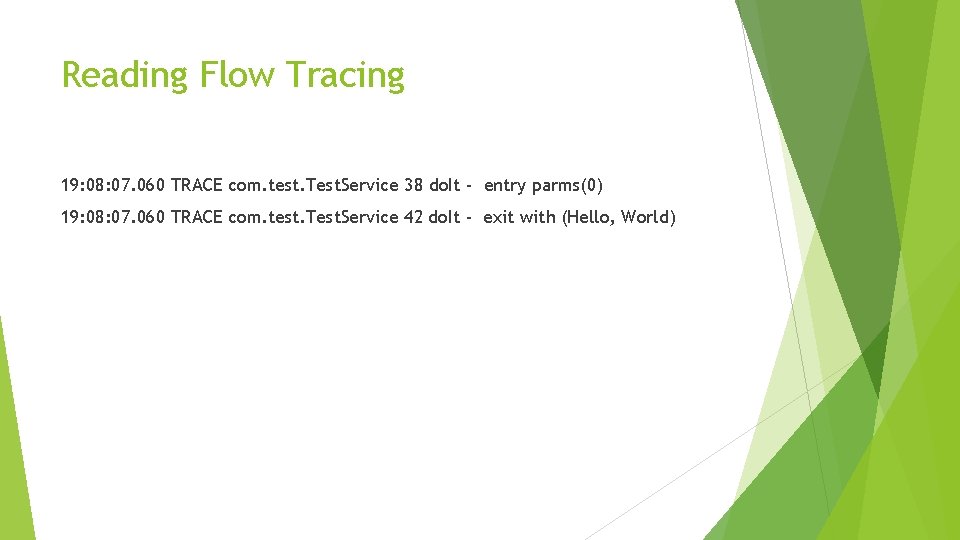
Coding Flow Tracing public String do. It() { logger. entry(); String test. Msg = compute() return logger. exit(test. Msg); }
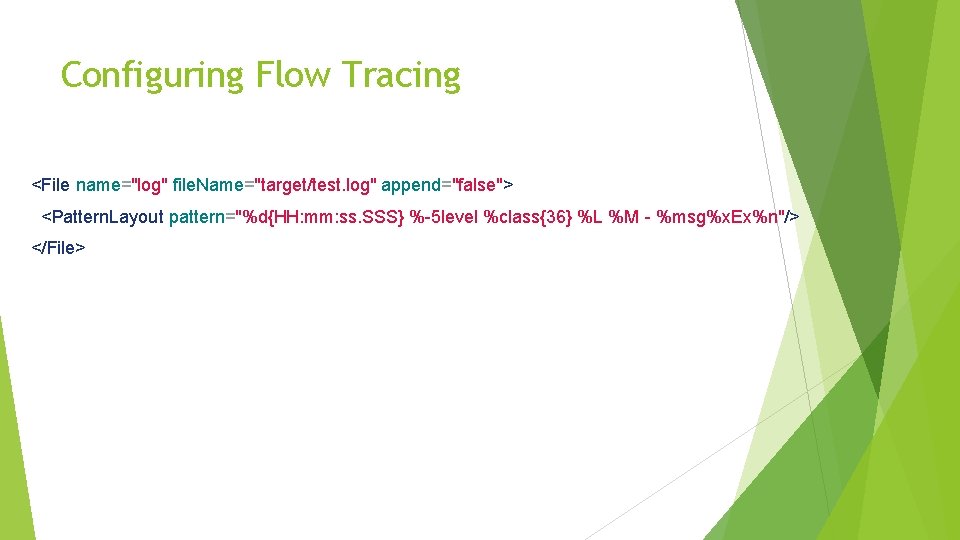
Configuring Flow Tracing <File name="log" file. Name="target/test. log" append="false"> <Pattern. Layout pattern="%d{HH: mm: ss. SSS} %-5 level %class{36} %L %M - %msg%x. Ex%n"/> </File>
Reading Flow Tracing 19: 08: 07. 060 TRACE com. test. Test. Service 38 do. It - entry parms(0) 19: 08: 07. 060 TRACE com. test. Test. Service 42 do. It - exit with (Hello, World)
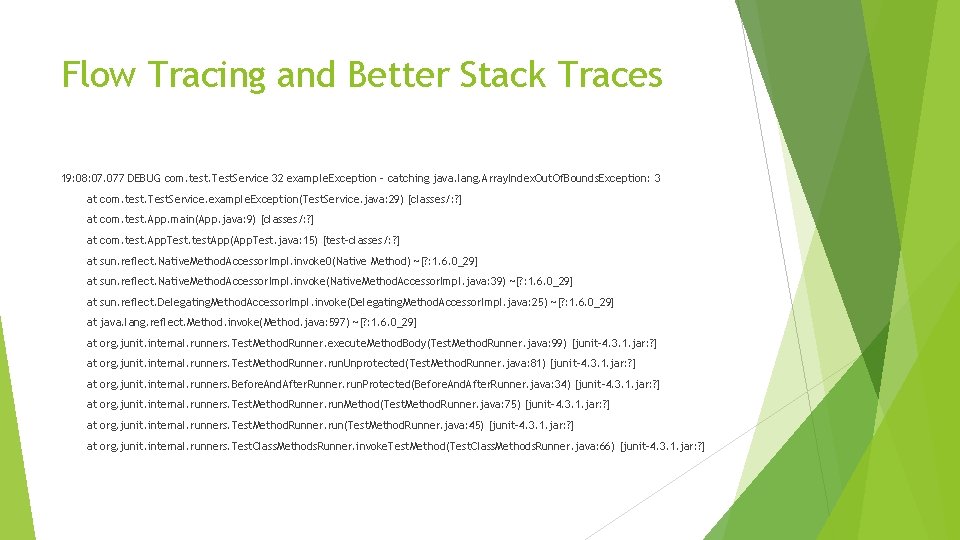
Flow Tracing and Better Stack Traces 19: 08: 07. 077 DEBUG com. test. Test. Service 32 example. Exception - catching java. lang. Array. Index. Out. Of. Bounds. Exception: 3 at com. test. Test. Service. example. Exception(Test. Service. java: 29) [classes/: ? ] at com. test. App. main(App. java: 9) [classes/: ? ] at com. test. App. Test. test. App(App. Test. java: 15) [test-classes/: ? ] at sun. reflect. Native. Method. Accessor. Impl. invoke 0(Native Method) ~[? : 1. 6. 0_29] at sun. reflect. Native. Method. Accessor. Impl. invoke(Native. Method. Accessor. Impl. java: 39) ~[? : 1. 6. 0_29] at sun. reflect. Delegating. Method. Accessor. Impl. invoke(Delegating. Method. Accessor. Impl. java: 25) ~[? : 1. 6. 0_29] at java. lang. reflect. Method. invoke(Method. java: 597) ~[? : 1. 6. 0_29] at org. junit. internal. runners. Test. Method. Runner. execute. Method. Body(Test. Method. Runner. java: 99) [junit-4. 3. 1. jar: ? ] at org. junit. internal. runners. Test. Method. Runner. run. Unprotected(Test. Method. Runner. java: 81) [junit-4. 3. 1. jar: ? ] at org. junit. internal. runners. Before. And. After. Runner. run. Protected(Before. And. After. Runner. java: 34) [junit-4. 3. 1. jar: ? ] at org. junit. internal. runners. Test. Method. Runner. run. Method(Test. Method. Runner. java: 75) [junit-4. 3. 1. jar: ? ] at org. junit. internal. runners. Test. Method. Runner. run(Test. Method. Runner. java: 45) [junit-4. 3. 1. jar: ? ] at org. junit. internal. runners. Test. Class. Methods. Runner. invoke. Test. Method(Test. Class. Methods. Runner. java: 66) [junit-4. 3. 1. jar: ? ]
Flow Tracing Gotcha Class Method Line All comes from a stack snapshot
Fish Tagging Many clients Many threads One logger per unique client
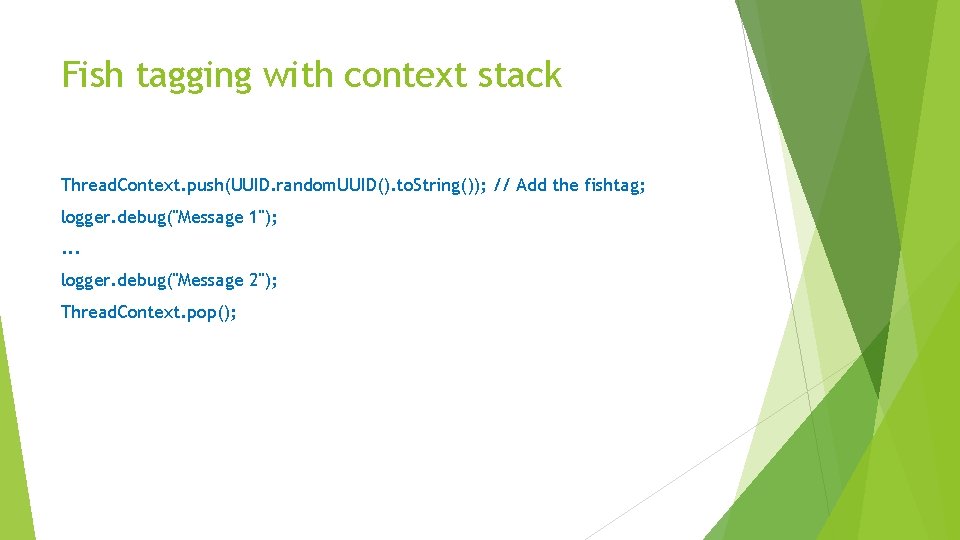
Fish tagging with context stack Thread. Context. push(UUID. random. UUID(). to. String()); // Add the fishtag; logger. debug("Message 1"); . . . logger. debug("Message 2"); Thread. Context. pop();
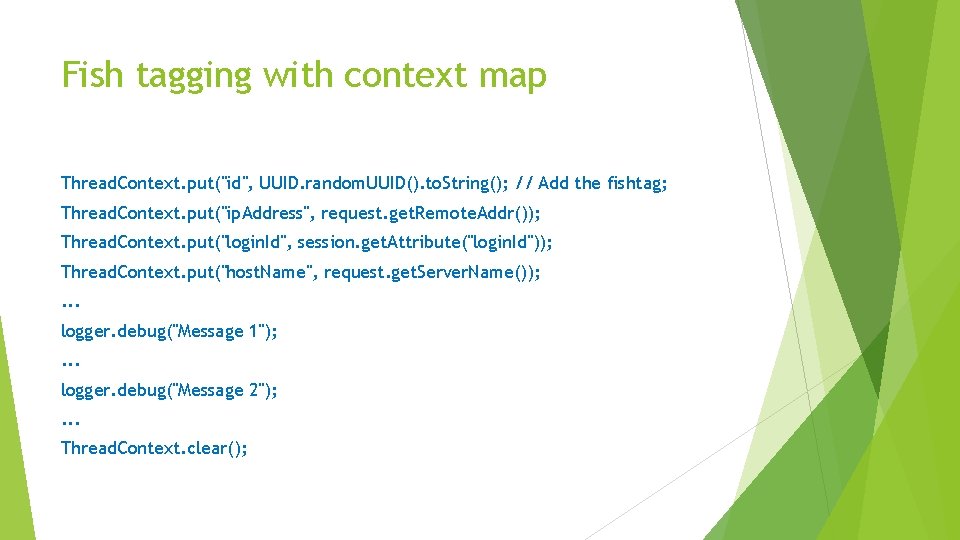
Fish tagging with context map Thread. Context. put("id", UUID. random. UUID(). to. String(); // Add the fishtag; Thread. Context. put("ip. Address", request. get. Remote. Addr()); Thread. Context. put("login. Id", session. get. Attribute("login. Id")); Thread. Context. put("host. Name", request. get. Server. Name()); . . . logger. debug("Message 1"); . . . logger. debug("Message 2"); . . . Thread. Context. clear();
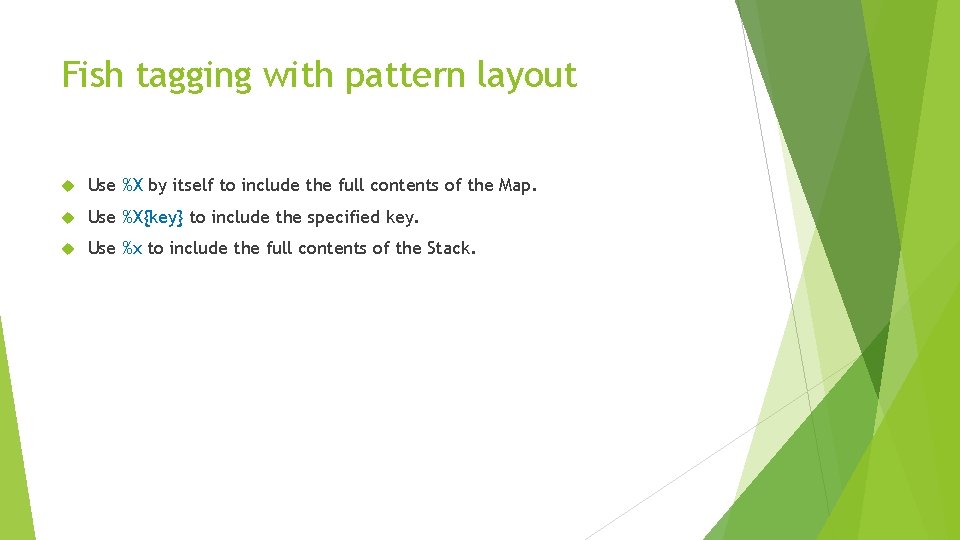
Fish tagging with pattern layout Use %X by itself to include the full contents of the Map. Use %X{key} to include the specified key. Use %x to include the full contents of the Stack.
Key Concepts: Configuration Appenders Layouts Filters
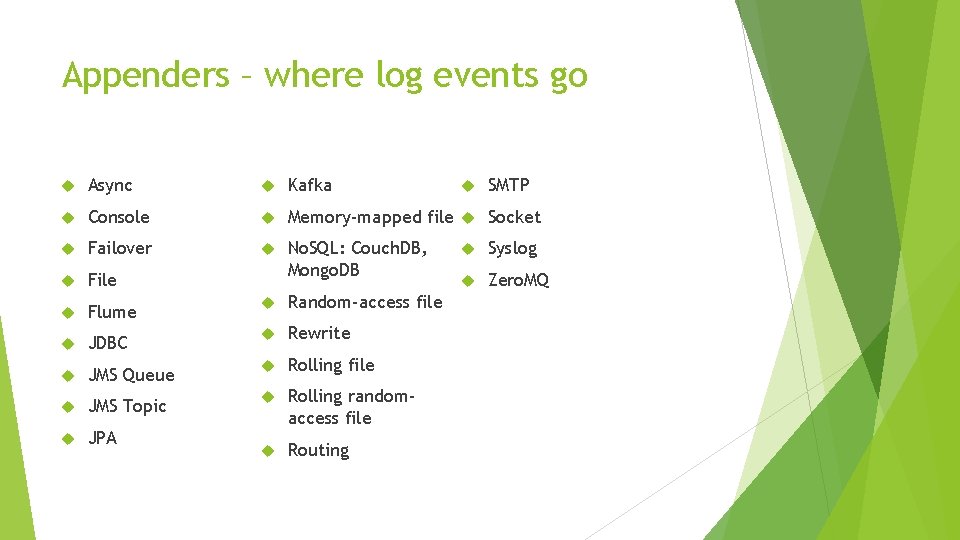
Appenders – where log events go Async Kafka Console Memory-mapped file Socket Failover File No. SQL: Couch. DB, Mongo. DB Flume Random-access file JDBC Rewrite JMS Queue Rolling file JMS Topic JPA Rolling randomaccess file Routing SMTP Syslog Zero. MQ
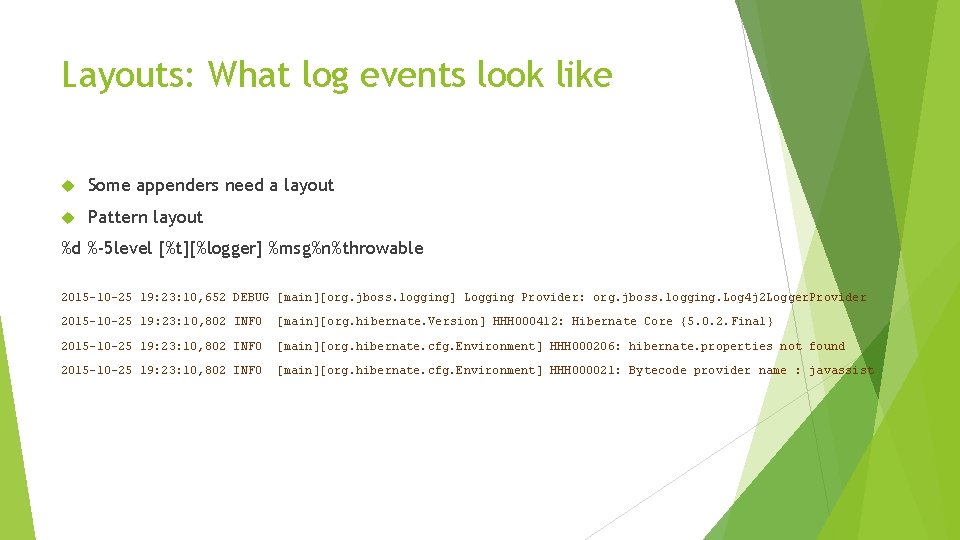
Layouts: What log events look like Some appenders need a layout Pattern layout %d %-5 level [%t][%logger] %msg%n%throwable 2015 -10 -25 19: 23: 10, 652 DEBUG [main][org. jboss. logging] Logging Provider: org. jboss. logging. Log 4 j 2 Logger. Provider 2015 -10 -25 19: 23: 10, 802 INFO [main][org. hibernate. Version] HHH 000412: Hibernate Core {5. 0. 2. Final} 2015 -10 -25 19: 23: 10, 802 INFO [main][org. hibernate. cfg. Environment] HHH 000206: hibernate. properties not found 2015 -10 -25 19: 23: 10, 802 INFO [main][org. hibernate. cfg. Environment] HHH 000021: Bytecode provider name : javassist
When to use %logger Development, show who does the logging Advanced configuration, for carefully control amount of logging
Layouts CSV Syslog GELF XML HTML JSON Pattern RFC 5424 (enhanced Syslog) Serialized
Pattern Layout %m%n %d %-5 level [%t][%logger]%not. Empty{[%marker. Simple. Name]} %msg%n%throwable
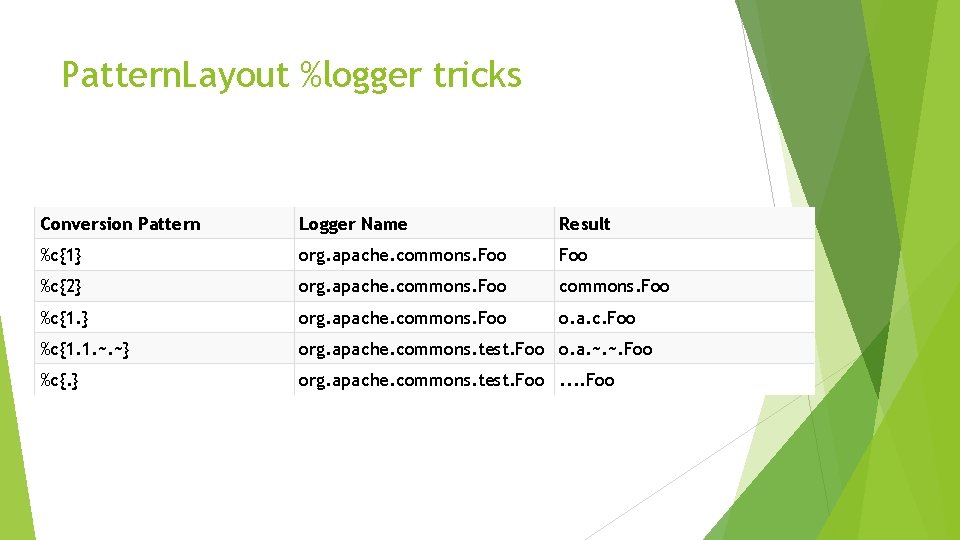
Pattern. Layout %logger tricks Conversion Pattern Logger Name Result %c{1} org. apache. commons. Foo %c{2} org. apache. commons. Foo %c{1. } org. apache. commons. Foo o. a. c. Foo %c{1. 1. ~. ~} org. apache. commons. test. Foo o. a. ~. ~. Foo %c{. } org. apache. commons. test. Foo
Pattern. Layout timestamp formats Pattern Example %d{DEFAULT} 2012 -11 -02 14: 34: 02, 781 %d{ISO 8601} 2012 -11 -02 T 14: 34: 02, 781 %d{ISO 8601_BASIC} 20121102 T 143402, 781 %d{ABSOLUTE} 14: 34: 02, 781 %d{DATE} 02 Nov 2012 14: 34: 02, 781 %d{COMPACT} 20121102143402781 %d{HH: mm: ss, SSS} 14: 34: 02, 781 %d{dd MMM yyyy HH: mm: ss, SSS} 02 Nov 2012 14: 34: 02, 781 %d{HH: mm: ss}{GMT+0} 18: 34: 02 %d{UNIX} 1351866842 %d{UNIX_MILLIS} 1351866842781
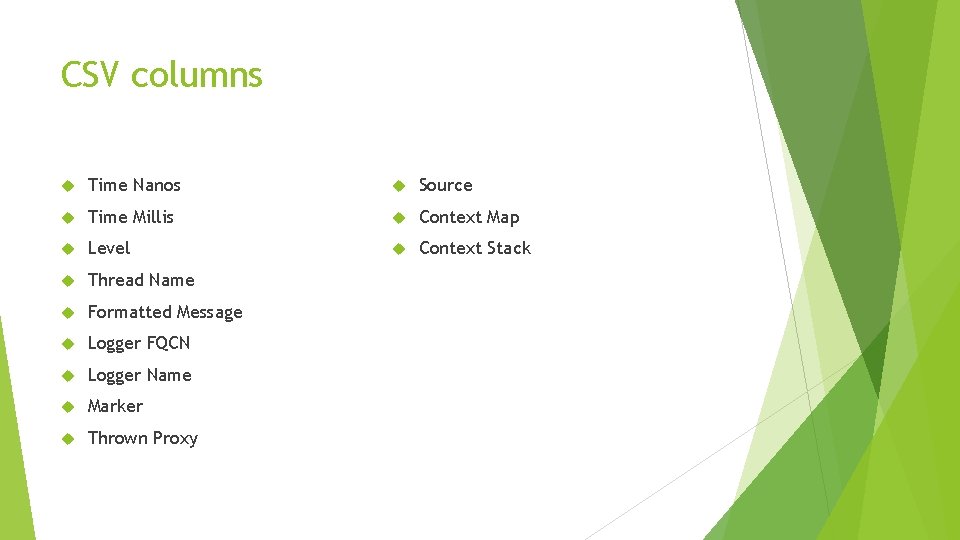
CSV columns Time Nanos Source Time Millis Context Map Level Context Stack Thread Name Formatted Message Logger FQCN Logger Name Marker Thrown Proxy
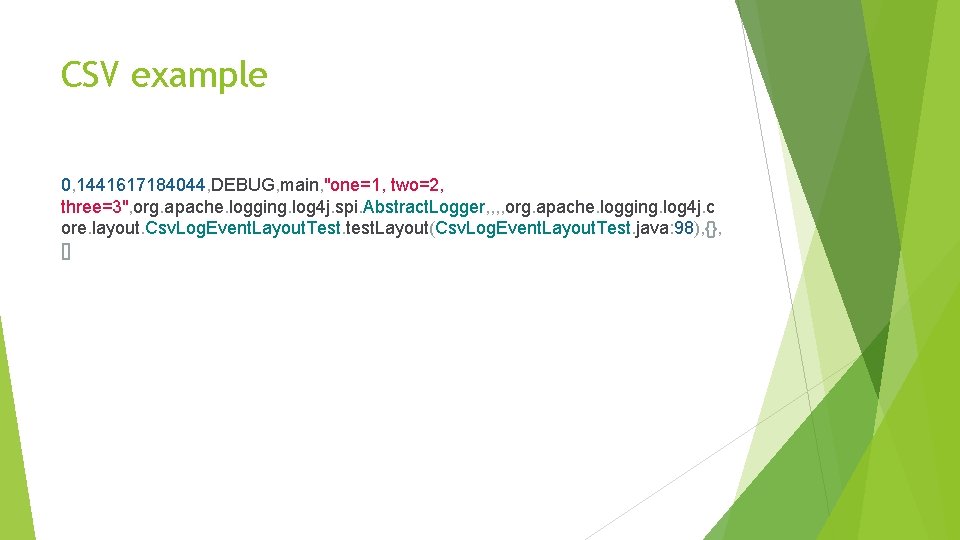
CSV example 0, 1441617184044, DEBUG, main, "one=1, two=2, three=3", org. apache. logging. log 4 j. spi. Abstract. Logger, , org. apache. logging. log 4 j. c ore. layout. Csv. Log. Event. Layout. Test. test. Layout(Csv. Log. Event. Layout. Test. java: 98), {}, []
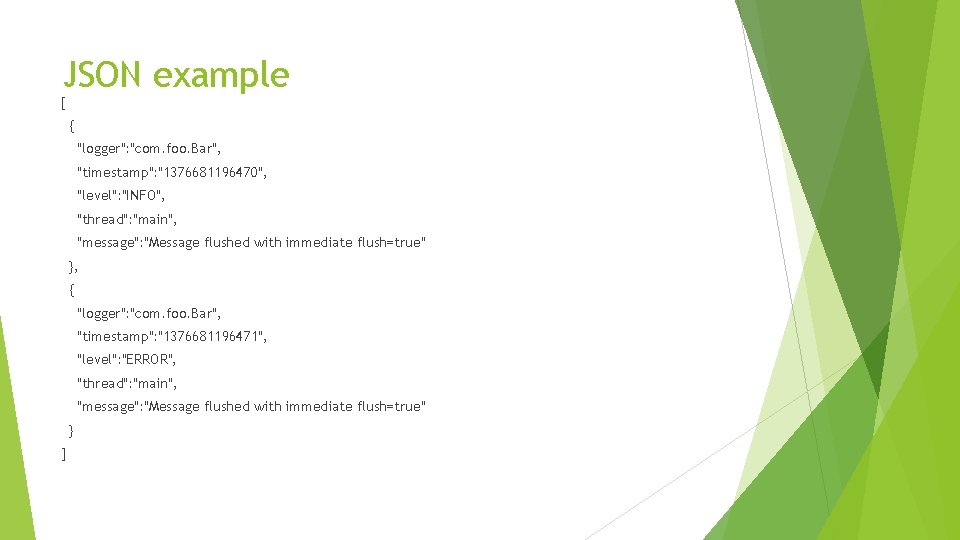
JSON example [ { "logger": "com. foo. Bar", "timestamp": "1376681196470", "level": "INFO", "thread": "main", "message": "Message flushed with immediate flush=true" }, { "logger": "com. foo. Bar", "timestamp": "1376681196471", "level": "ERROR", "thread": "main", "message": "Message flushed with immediate flush=true" } ]
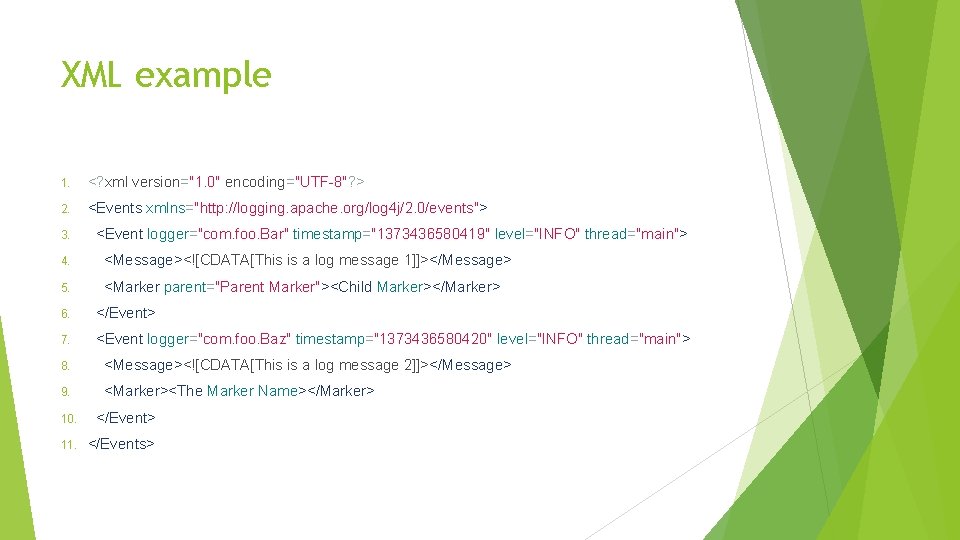
XML example 1. <? xml version="1. 0" encoding="UTF-8"? > 2. <Events xmlns="http: //logging. apache. org/log 4 j/2. 0/events"> 3. <Event logger="com. foo. Bar" timestamp="1373436580419" level="INFO" thread="main"> 4. <Message><![CDATA[This is a log message 1]]></Message> 5. <Marker parent="Parent Marker"><Child Marker></Marker> 6. </Event> 7. <Event logger="com. foo. Baz" timestamp="1373436580420" level="INFO" thread="main"> 8. <Message><![CDATA[This is a log message 2]]></Message> 9. <Marker><The Marker Name></Marker> 10. </Event> 11. </Events>
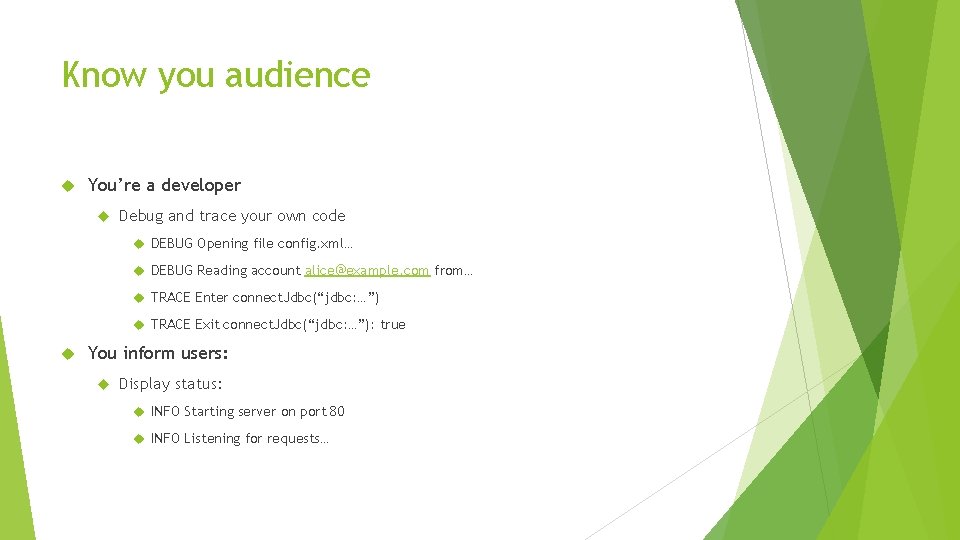
Know you audience You’re a developer Debug and trace your own code DEBUG Opening file config. xml… DEBUG Reading account alice@example. com from… TRACE Enter connect. Jdbc(“jdbc: …”) TRACE Exit connect. Jdbc(“jdbc: …”): true You inform users: Display status: INFO Starting server on port 80 INFO Listening for requests…
Know you audience No clear cut rules A warning to a developer may not be appropriate for a user WARN Failed to connect to database DB 1, failing over to DB 2. WARN Failed logon attempt #2, one more try before account lock out.
Asynchronous logging Asynchronous Logging Asynchronous Loggers
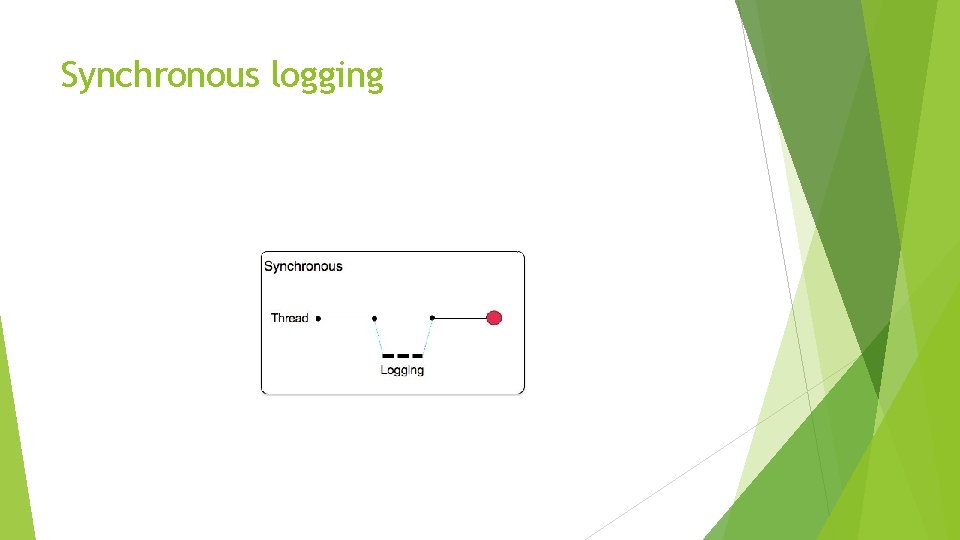
Synchronous logging
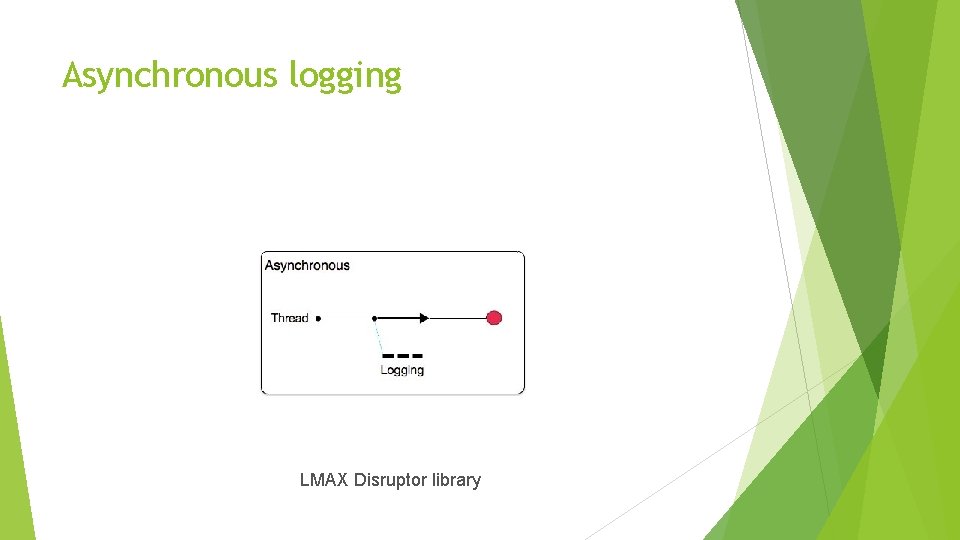
Asynchronous logging LMAX Disruptor library
Mule ESB latency vs. concurrency “how much latency was added as we added more concurrent messages. The blue line are the results of using Mule 3. 5. The green line represent the latency of doing no logging at all. The read line are the results using the new logging infrastructure. Hey wait? Where’s the red line? ! Look closely, it’s almost on top of the green line, which means that now logging doesn’t add any significant latency. “ http: //blogs. mulesoft. com/dev/mule-3 -6 -asynchronous-logging/
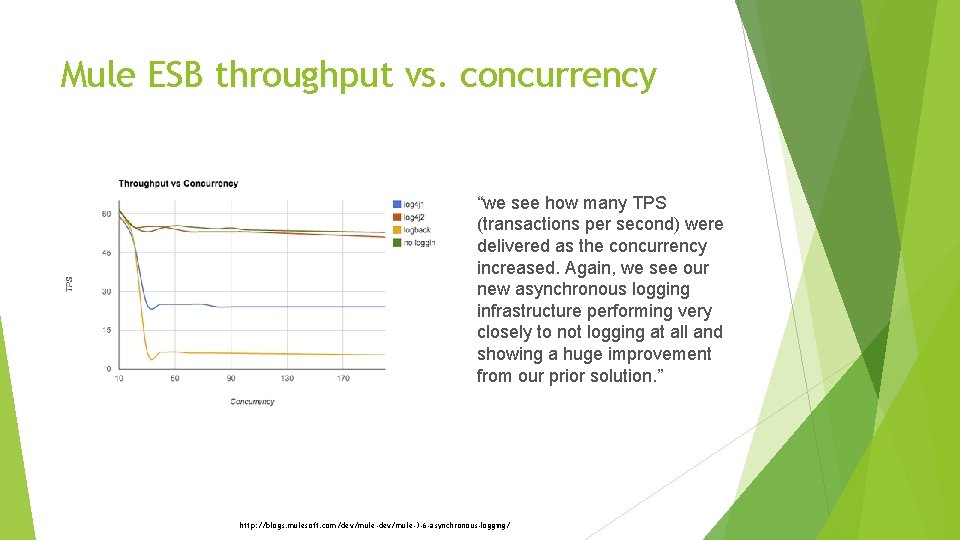
Mule ESB throughput vs. concurrency “we see how many TPS (transactions per second) were delivered as the concurrency increased. Again, we see our new asynchronous logging infrastructure performing very closely to not logging at all and showing a huge improvement from our prior solution. ” http: //blogs. mulesoft. com/dev/mule-3 -6 -asynchronous-logging/
What we did not talk about Custom loggers Custom levels Custom appenders Custom layouts Custom message factories Using multiple-inheritance with Markers The plugin system Logger contexts Web app configuration
Learning more Gary Gregory garydgregory@gmail. com https: //garygregory. wordpress. com/ Log 4 j https: //logging. apache. org/log 4 j/2. x/articles. html
Q&A