
The Anatomy of a Java Applet Emrys Smith
- Slides: 6
The Anatomy of a Java Applet Emrys Smith Joshua Light Michael Mansell
Table of Contents ● Header Files. . . Page 3 ● Class Declatation. . . Page 4 ● The Init Function. . . Page 5 ● Function Declarations. . . Page 6
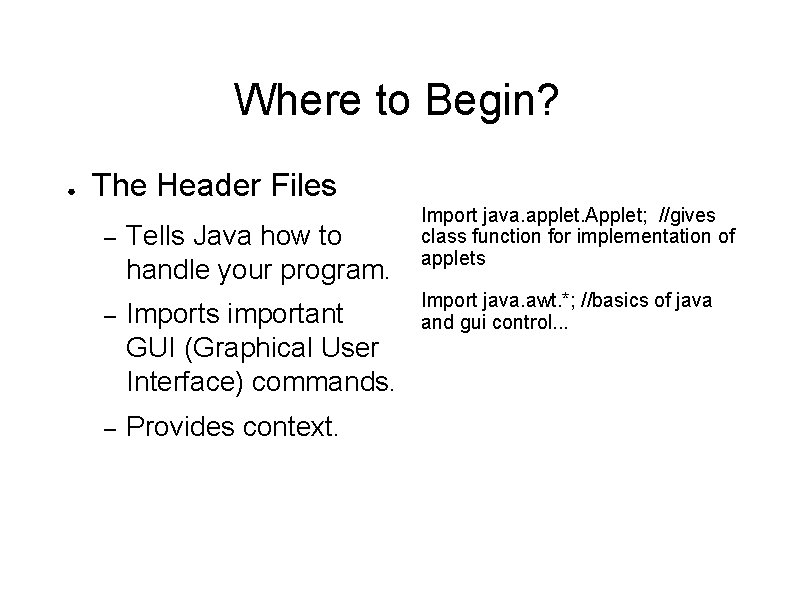
Where to Begin? ● The Header Files – Tells Java how to handle your program. – Imports important GUI (Graphical User Interface) commands. – Provides context. Import java. applet. Applet; //gives class function for implementation of applets Import java. awt. *; //basics of java and gui control. . .
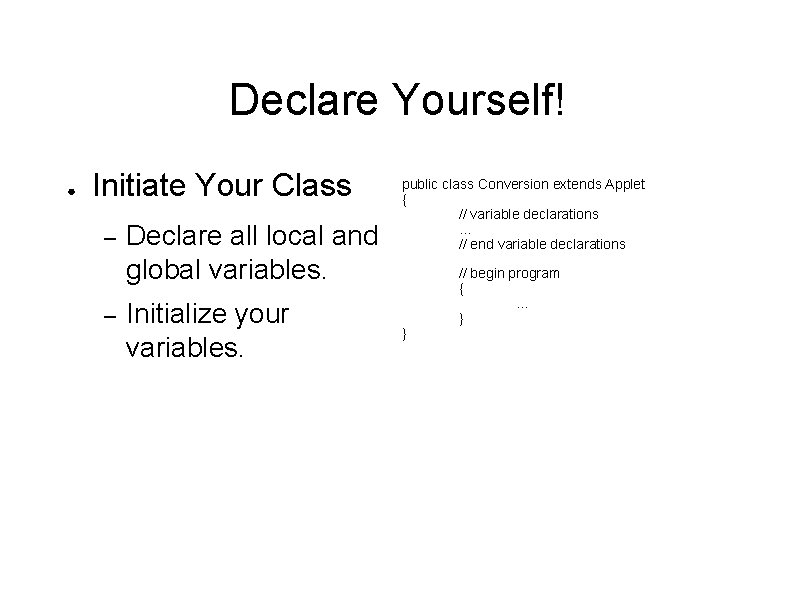
Declare Yourself! ● Initiate Your Class – – Declare all local and global variables. Initialize your variables. public class Conversion extends Applet { // variable declarations. . . // end variable declarations } // begin program {. . . }
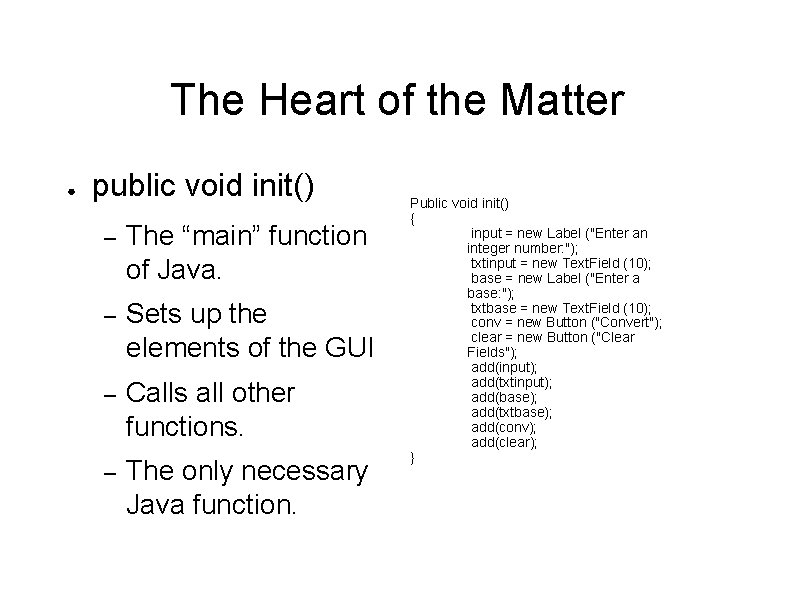
The Heart of the Matter ● public void init() – The “main” function of Java. – Sets up the elements of the GUI – Calls all other functions. – The only necessary Java function. Public void init() { input = new Label ("Enter an integer number: "); txtinput = new Text. Field (10); base = new Label ("Enter a base: "); txtbase = new Text. Field (10); conv = new Button ("Convert"); clear = new Button ("Clear Fields"); add(input); add(txtinput); add(base); add(txtbase); add(conv); add(clear); }
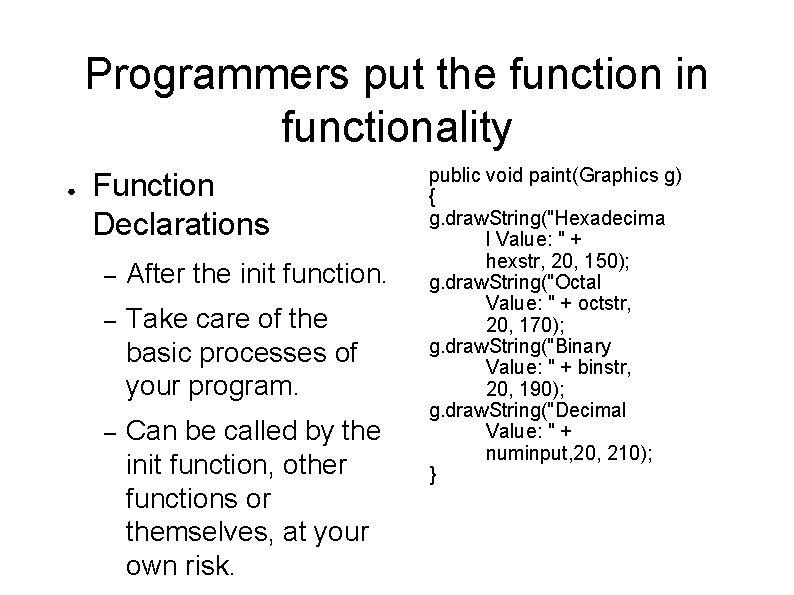
Programmers put the function in functionality ● Function Declarations – After the init function. – Take care of the basic processes of your program. – Can be called by the init function, other functions or themselves, at your own risk. public void paint(Graphics g) { g. draw. String("Hexadecima l Value: " + hexstr, 20, 150); g. draw. String("Octal Value: " + octstr, 20, 170); g. draw. String("Binary Value: " + binstr, 20, 190); g. draw. String("Decimal Value: " + numinput, 20, 210); }