
The Analysis Engine A New Tool for Model
- Slides: 16
The Analysis Engine – A New Tool for Model Evaluation, Sensitivity and Uncertainty Analysis, and more… Alison M. Eyth, Prashant P. Pai Carolina Environmental Program University of North Carolina at Chapel Hill October 19, 2004 Carolina Environmental Program UNC Chapel Hill
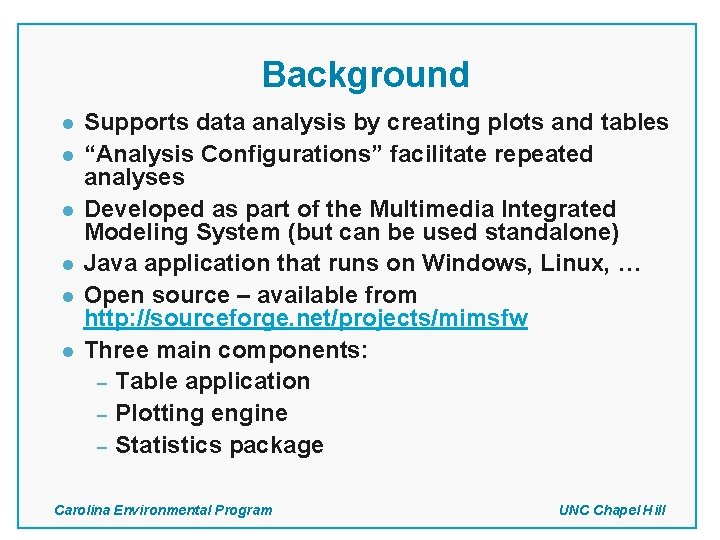
Background l l l Supports data analysis by creating plots and tables “Analysis Configurations” facilitate repeated analyses Developed as part of the Multimedia Integrated Modeling System (but can be used standalone) Java application that runs on Windows, Linux, … Open source – available from http: //sourceforge. net/projects/mimsfw Three main components: – Table application – Plotting engine – Statistics package Carolina Environmental Program UNC Chapel Hill
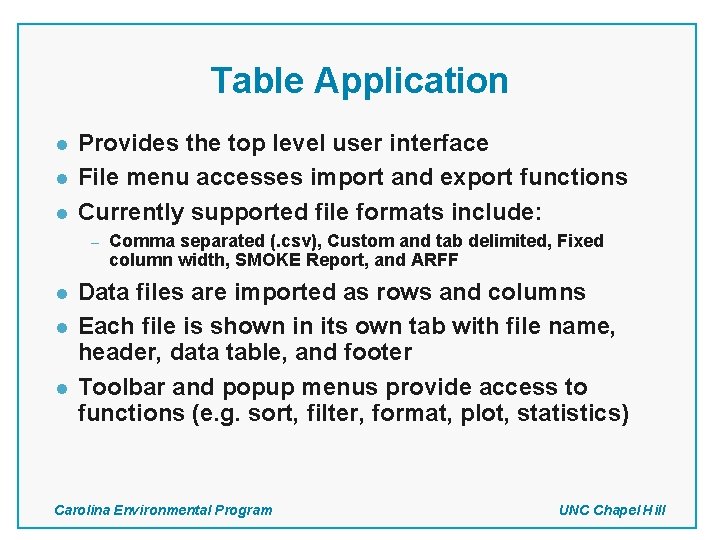
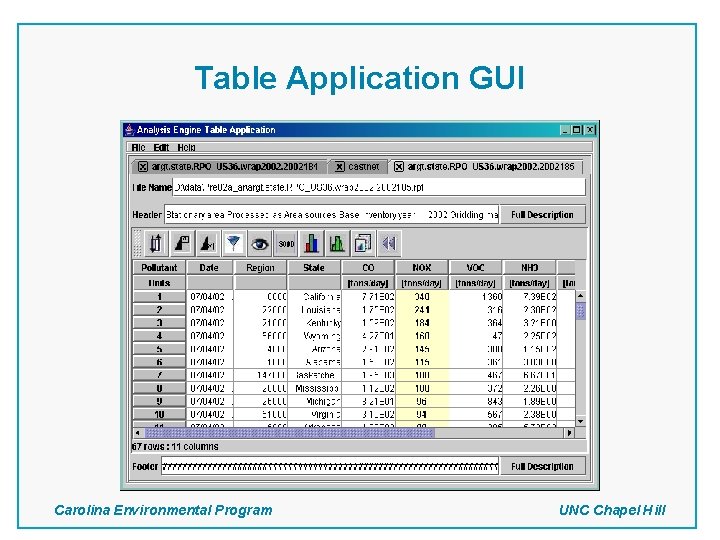
Table Application l l l Provides the top level user interface File menu accesses import and export functions Currently supported file formats include: – l l l Comma separated (. csv), Custom and tab delimited, Fixed column width, SMOKE Report, and ARFF Data files are imported as rows and columns Each file is shown in its own tab with file name, header, data table, and footer Toolbar and popup menus provide access to functions (e. g. sort, filter, format, plot, statistics) Carolina Environmental Program UNC Chapel Hill
Table Application GUI Carolina Environmental Program UNC Chapel Hill
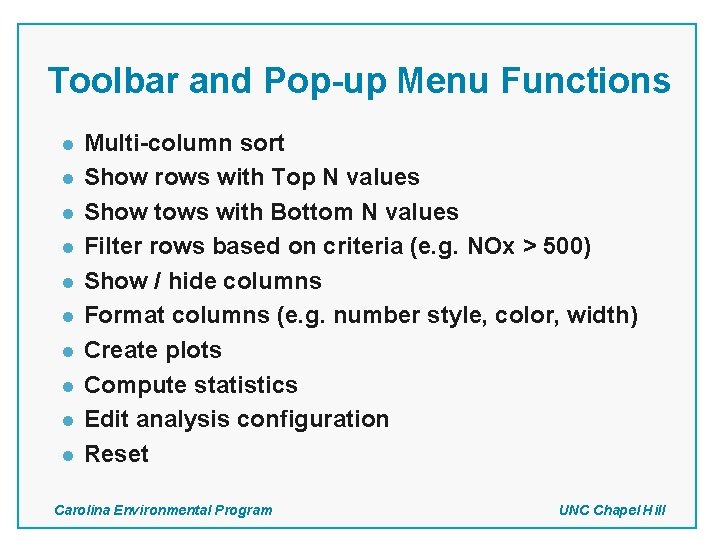
Toolbar and Pop-up Menu Functions l l l l l Multi-column sort Show rows with Top N values Show tows with Bottom N values Filter rows based on criteria (e. g. NOx > 500) Show / hide columns Format columns (e. g. number style, color, width) Create plots Compute statistics Edit analysis configuration Reset Carolina Environmental Program UNC Chapel Hill
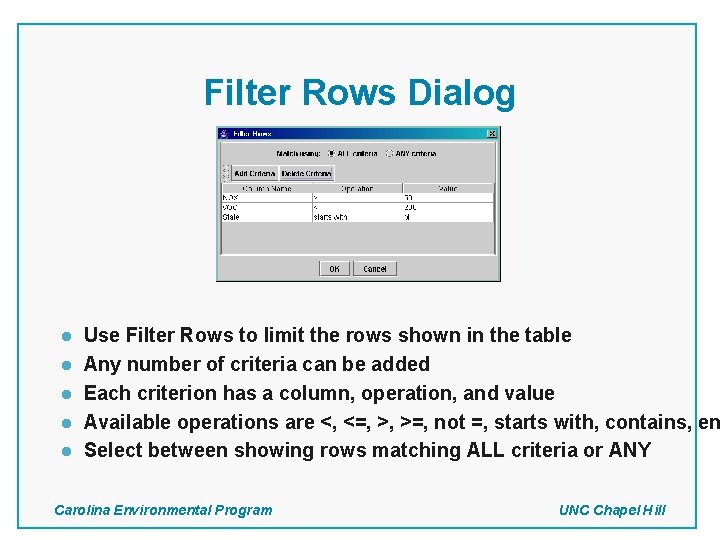
Filter Rows Dialog l l l Use Filter Rows to limit the rows shown in the table Any number of criteria can be added Each criterion has a column, operation, and value Available operations are <, <=, >, >=, not =, starts with, contains, en Select between showing rows matching ALL criteria or ANY Carolina Environmental Program UNC Chapel Hill
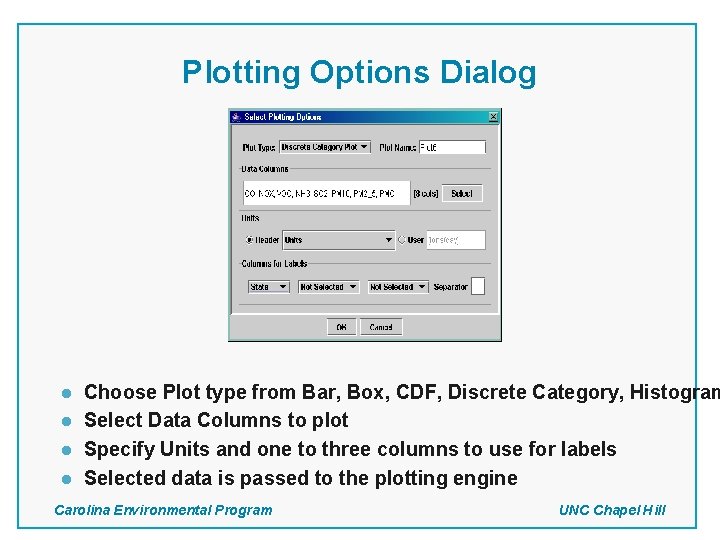
Plotting Options Dialog l l Choose Plot type from Bar, Box, CDF, Discrete Category, Histogram Select Data Columns to plot Specify Units and one to three columns to use for labels Selected data is passed to the plotting engine Carolina Environmental Program UNC Chapel Hill
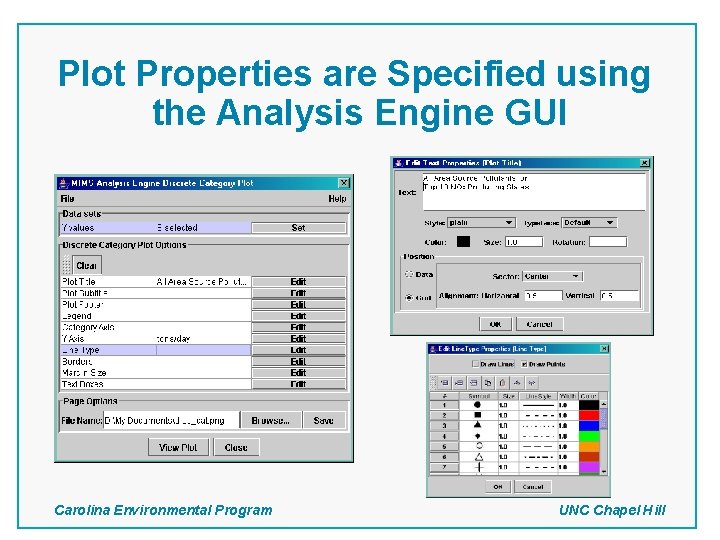
Plot Properties are Specified using the Analysis Engine GUI Carolina Environmental Program UNC Chapel Hill
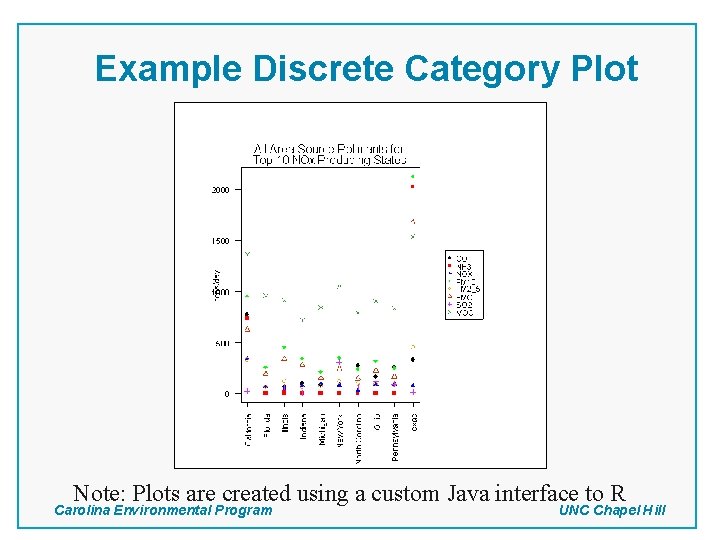
Example Discrete Category Plot Note: Plots are created using a custom Java interface to R Carolina Environmental Program UNC Chapel Hill
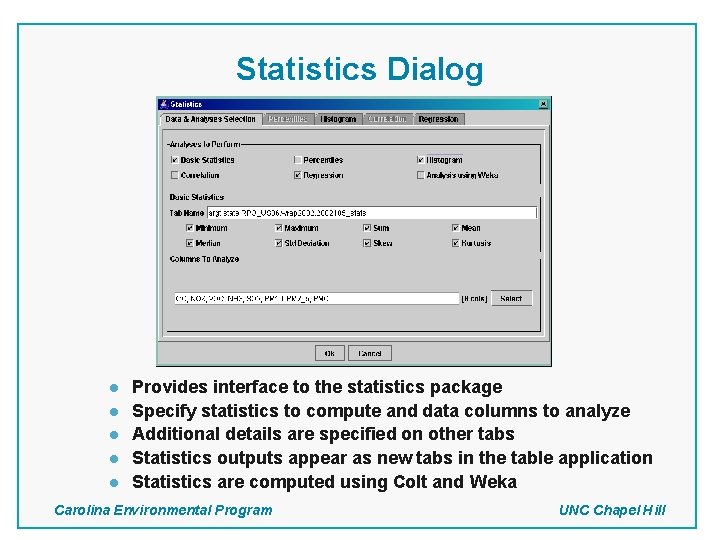
Statistics Dialog l l l Provides interface to the statistics package Specify statistics to compute and data columns to analyze Additional details are specified on other tabs Statistics outputs appear as new tabs in the table application Statistics are computed using Colt and Weka Carolina Environmental Program UNC Chapel Hill
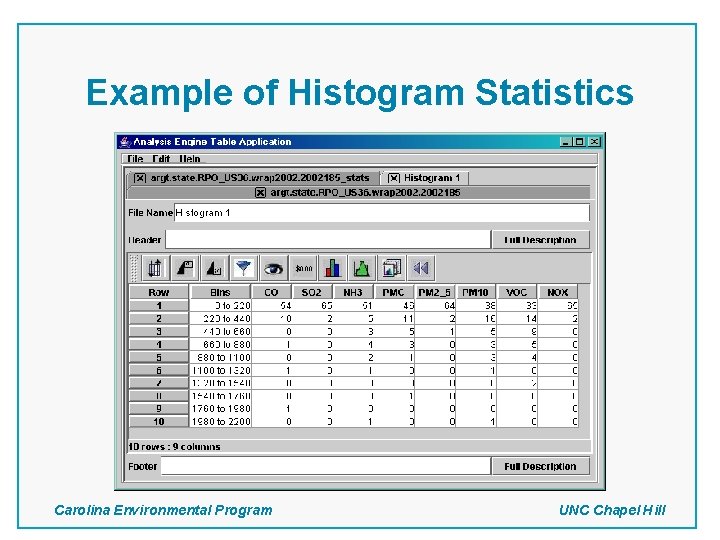
Example of Histogram Statistics Carolina Environmental Program UNC Chapel Hill
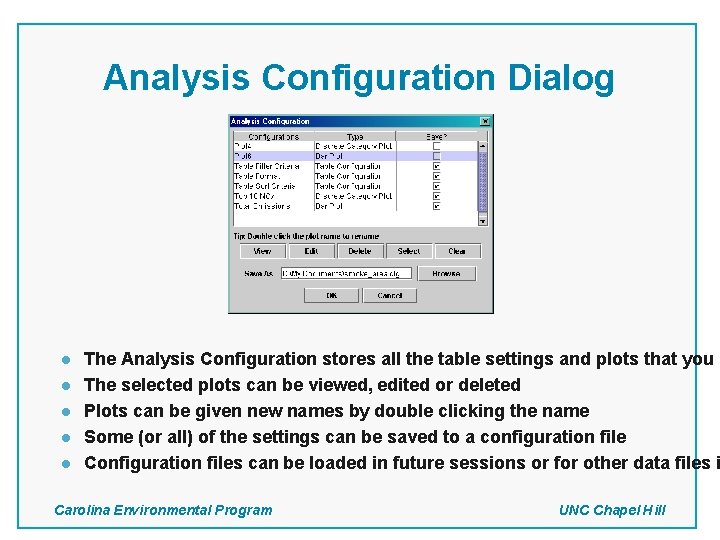
Analysis Configuration Dialog l l l The Analysis Configuration stores all the table settings and plots that you h The selected plots can be viewed, edited or deleted Plots can be given new names by double clicking the name Some (or all) of the settings can be saved to a configuration file Configuration files can be loaded in future sessions or for other data files i Carolina Environmental Program UNC Chapel Hill
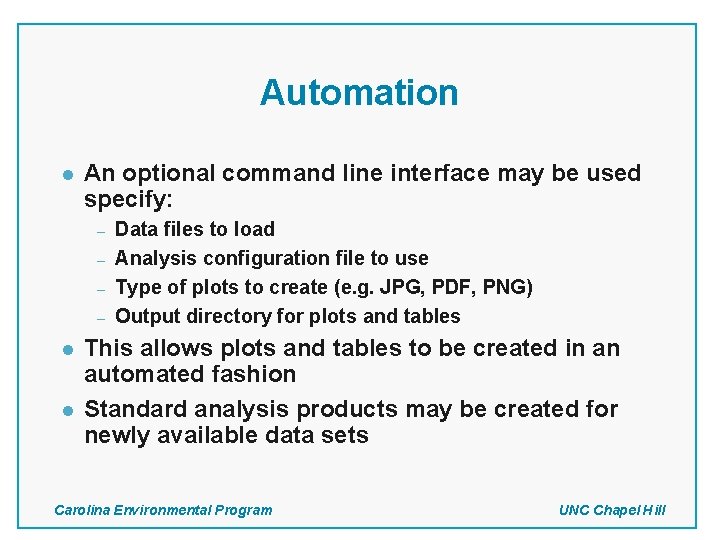
Automation l An optional command line interface may be used specify: – – l l Data files to load Analysis configuration file to use Type of plots to create (e. g. JPG, PDF, PNG) Output directory for plots and tables This allows plots and tables to be created in an automated fashion Standard analysis products may be created for newly available data sets Carolina Environmental Program UNC Chapel Hill
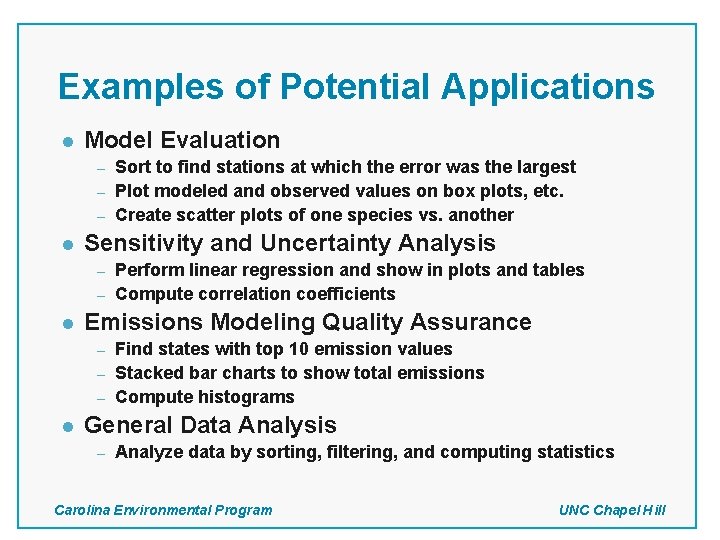
Examples of Potential Applications l Model Evaluation – – – l Sensitivity and Uncertainty Analysis – – l Perform linear regression and show in plots and tables Compute correlation coefficients Emissions Modeling Quality Assurance – – – l Sort to find stations at which the error was the largest Plot modeled and observed values on box plots, etc. Create scatter plots of one species vs. another Find states with top 10 emission values Stacked bar charts to show total emissions Compute histograms General Data Analysis – Analyze data by sorting, filtering, and computing statistics Carolina Environmental Program UNC Chapel Hill
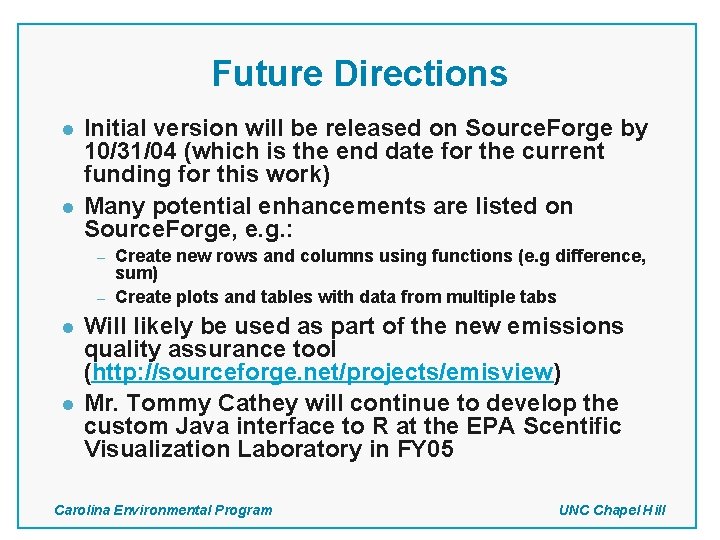
Future Directions l l Initial version will be released on Source. Forge by 10/31/04 (which is the end date for the current funding for this work) Many potential enhancements are listed on Source. Forge, e. g. : – – l l Create new rows and columns using functions (e. g difference, sum) Create plots and tables with data from multiple tabs Will likely be used as part of the new emissions quality assurance tool (http: //sourceforge. net/projects/emisview) Mr. Tommy Cathey will continue to develop the custom Java interface to R at the EPA Scentific Visualization Laboratory in FY 05 Carolina Environmental Program UNC Chapel Hill
References l l l MIMS Sourceforge page (for downloads): http: //sourceforge. net/projects/mimsfw R (for plots): http: //www. r-project. org Colt (for basic statistics): http: //www-itg. lbl. gov/~hoschek/colt Weka (for regression and correlation analysis): http: //www. cs. waikato. ac. nz/~ml/weka/ Carolina Environmental Program (for more information): http: //www. cep. unc. edu Primary Author: eyth@unc. edu Carolina Environmental Program UNC Chapel Hill