
The Adobe PDF What is a PDF PDF
The Adobe PDF
What is a PDF? • “PDF” stands for Portable Document Format • Created by Adobe Systems in 1993 • Was designed for “document exchange”
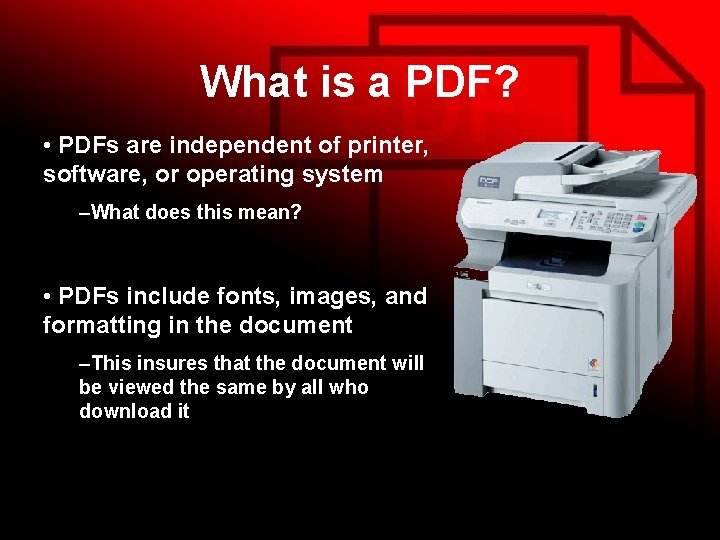
What is a PDF? • PDFs are independent of printer, software, or operating system –What does this mean? • PDFs include fonts, images, and formatting in the document –This insures that the document will be viewed the same by all who download it
Who uses PDF? A wide variety of organizations and institutions who need to distribute standardized forms via the Internet Anybody who wants to make a form or document that is consistently viewed in the same way by all who download it
Who uses PDF? Businesses: – applications – rebate forms – warranty forms – policy information
Who uses PDF? Government – Internal Revenue Service distributes their tax forms via the Internet Education – Colleges use PDF’s for distribution of applications regarding entry into undergrad and graduate studies.
What are PDF’s made of? • PDFs are a combination of Vector and Raster graphics – Vector: lines made of mathematical formula – Raster: bitmap images made of pixels • PDFs are made of Fonts – Ariel, Times, Myriad, Century Gothic • PDFs are made of formatting information – Layout – Font size – Margins
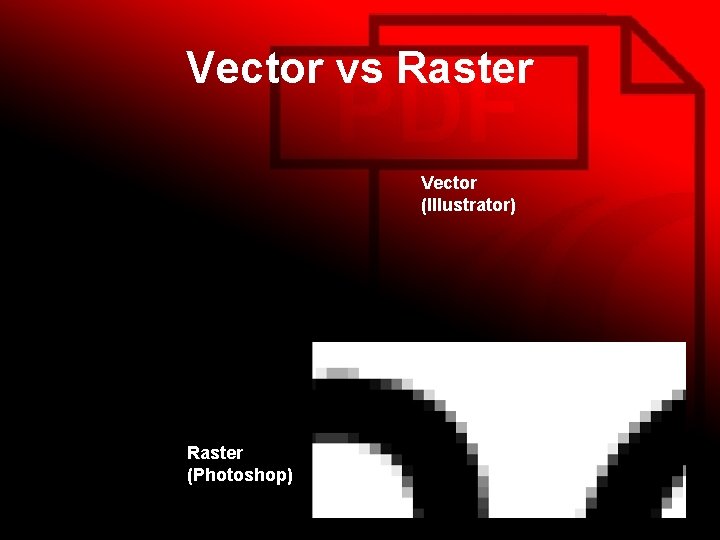
Vector vs Raster Vector (Illustrator) Raster (Photoshop)
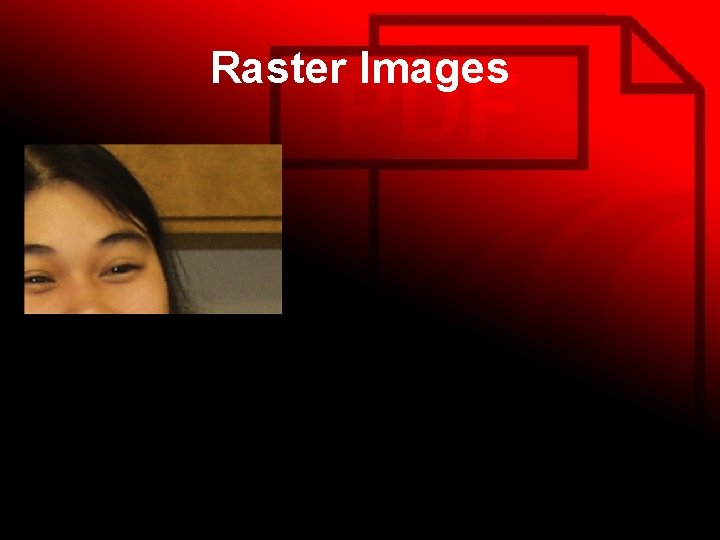
Raster Images
Making the PDF • PDFs are usually designed with: – Adobe Illustrator / Photoshop • Used to design and create artistic expression • Can only make one-page PDF documents – Adobe In. Design and Adobe Acrobat • Used primarily for page layout • Can combine individual PDF files into a multi-page PDF document • Acrobat is the native PDF application
How do they print? • Consistently • Accurately
Make It Happen! • Open Photoshop and create a new document that is “US Letter” size. • Copy and paste the Smiley Face image, from Damage. Kontrol. com, into the document • Transform (scale) the image so that the image spans the entire width of the document • Print • Now, save the file as an Adobe PDF file. (Name it Smiley. Face. PDF) in your student directory. • Close Photoshop • Open the “Smiley. Face. PDF” file that is in your directory. • Print • Compare the differences between the printing of the images. – Did you encounter an error when printing from Photoshop the first time? – Did the document print the entire image? • Sign your name on both documents and hand them in for points! (10 pts)
Review • • What does PDF stand for? Who uses PDF documents? What are PDFs made of? Which Adobe programs allow you to create multi-page PDF documents? • How do they print?
- Slides: 13