
The 7 basic concepts of computer programming Dr
The 7 basic concepts of computer programming Dr. Emily Hill

RECAP HW 1 Survey
What is Computer Science? • Automated problem solving using information

How many more jobs in CS than projected graduates?
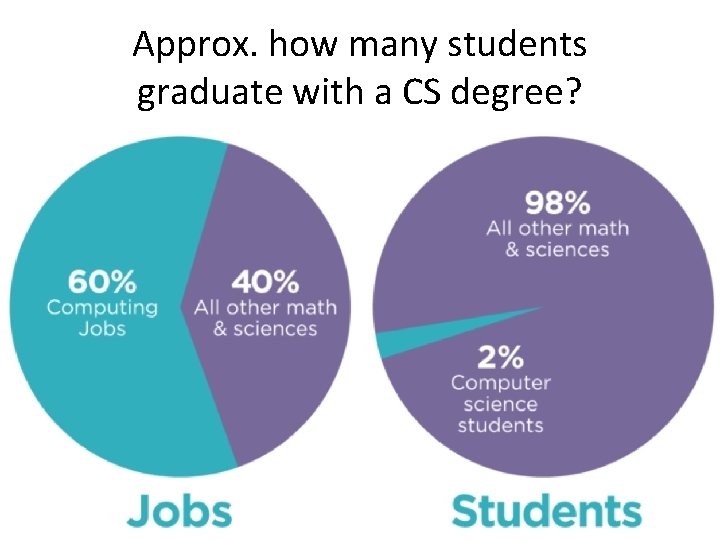
Approx. how many students graduate with a CS degree?
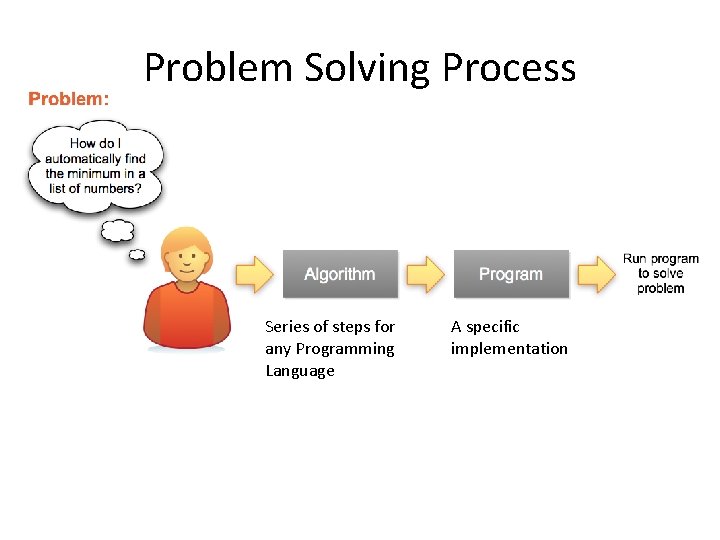
Problem Solving Process Series of steps for any Programming Language A specific implementation

WOD Recap • WOD = Workout of the Day • Rx: prescribed time the exercise should take
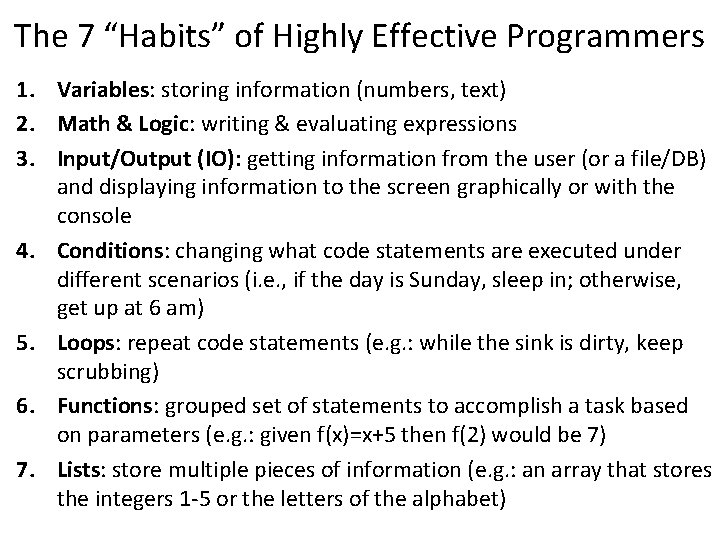
The 7 “Habits” of Highly Effective Programmers 1. Variables: storing information (numbers, text) 2. Math & Logic: writing & evaluating expressions 3. Input/Output (IO): getting information from the user (or a file/DB) and displaying information to the screen graphically or with the console 4. Conditions: changing what code statements are executed under different scenarios (i. e. , if the day is Sunday, sleep in; otherwise, get up at 6 am) 5. Loops: repeat code statements (e. g. : while the sink is dirty, keep scrubbing) 6. Functions: grouped set of statements to accomplish a task based on parameters (e. g. : given f(x)=x+5 then f(2) would be 7) 7. Lists: store multiple pieces of information (e. g. : an array that stores the integers 1 -5 or the letters of the alphabet)
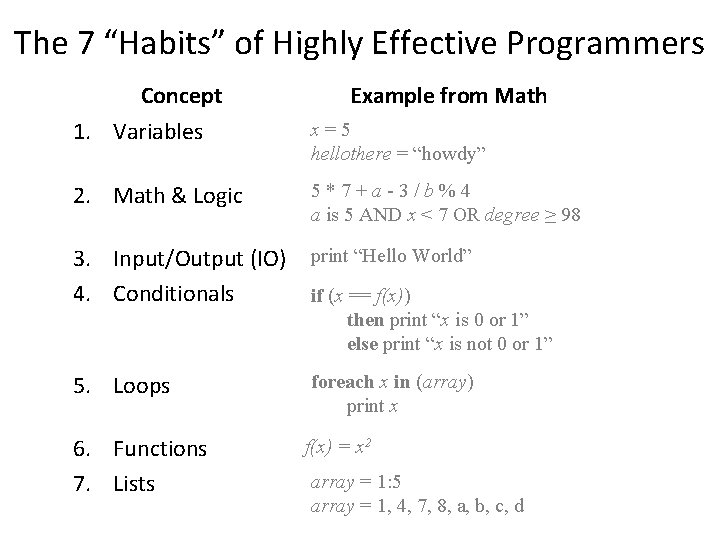
The 7 “Habits” of Highly Effective Programmers Concept 1. Variables Example from Math x=5 hellothere = “howdy” 2. Math & Logic 5*7+a-3/b%4 a is 5 AND x < 7 OR degree ≥ 98 3. Input/Output (IO) 4. Conditionals print “Hello World” 5. Loops foreach x in (array) print x 6. Functions 7. Lists if (x == f(x)) then print “x is 0 or 1” else print “x is not 0 or 1” f(x) = x 2 array = 1: 5 array = 1, 4, 7, 8, a, b, c, d
Give it a try code. org HW Stage 2

Intro to UNIX
What is UNIX? • A well-known operating system that is one of the oldest and still widely used • Developed at AT&T Bell Labs during the 1970 s right here in Murray Hill, NJ • Major functionality re-implemented as open source Linux • Today there are many “flavors”
Why UNIX? • Most expert computer scientists know how to use the UNIX command line • Why? Because it comes with a powerful set of programs to quickly automate tasks with little programming • Why doesn’t everyone use it? Because command line interfaces (CLIs) are not as intuitive as graphical user interfaces (GUIs). However, UNIX is widely used & there is plenty of online help.
My UNIX Experience • Motivation: All the best programmers & hackers I’ve known are proficient in UNIX – To feel like a “real” computer scientist I wanted to learn how to harness this power for myself • In grad school worked on a Linux machine daily in a lab with more experienced students – I asked how they did some cool things – They patiently answered my noob questions • Research projects all relied on UNIX
In this class, we’ll use UNIX to develop our python programs.

DEMO TIME
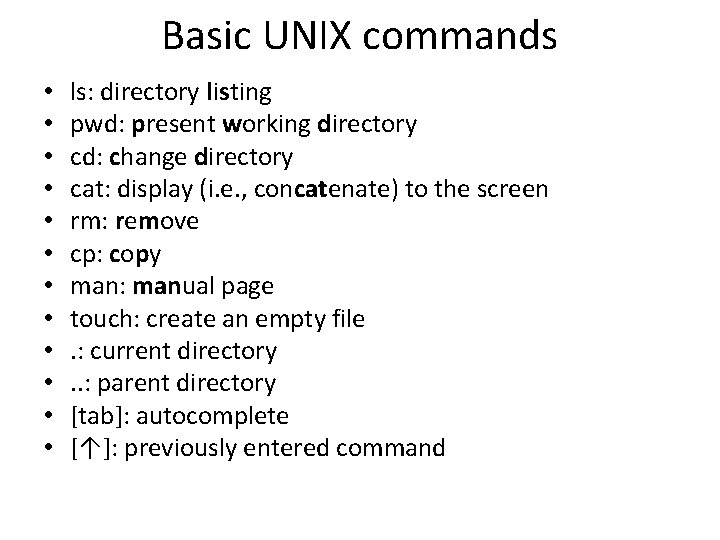
Basic UNIX commands • • • ls: directory listing pwd: present working directory cd: change directory cat: display (i. e. , concatenate) to the screen rm: remove cp: copy man: manual page touch: create an empty file. : current directory. . : parent directory [tab]: autocomplete [↑]: previously entered command
- Slides: 17