
Textures Magnification and Minification Lecture 30 Mon Nov

- Slides: 27
Textures – Magnification and Minification Lecture 30 Mon, Nov 17, 2003
Magnification and Minification Ideally, the mapping of texels to pixels would be one-to-one. Here we run into two problems. n n A small region of texels may be mapped to a large region of pixels (magnification). A large region of texels may be mapped to a small region of pixels (minification).
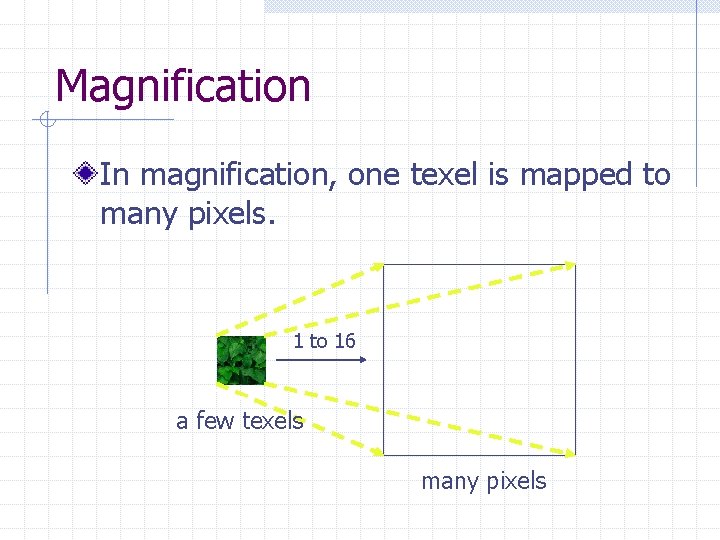
Magnification In magnification, one texel is mapped to many pixels. 1 to 16 a few texels many pixels
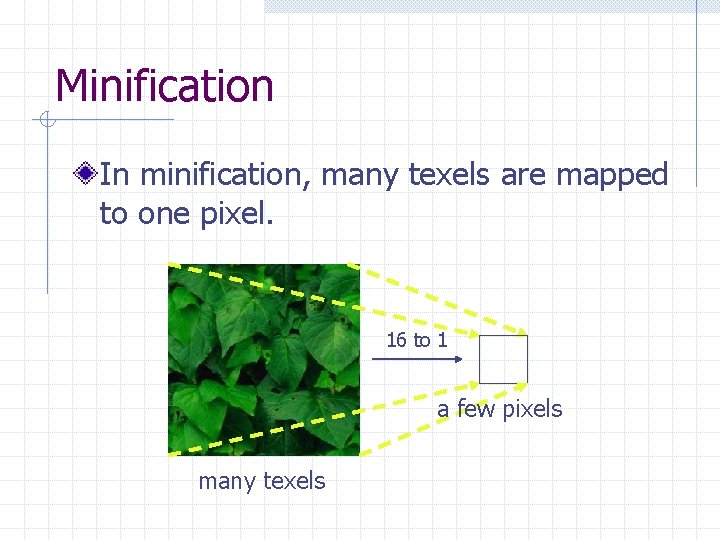
Minification In minification, many texels are mapped to one pixel. 16 to 1 a few pixels many texels
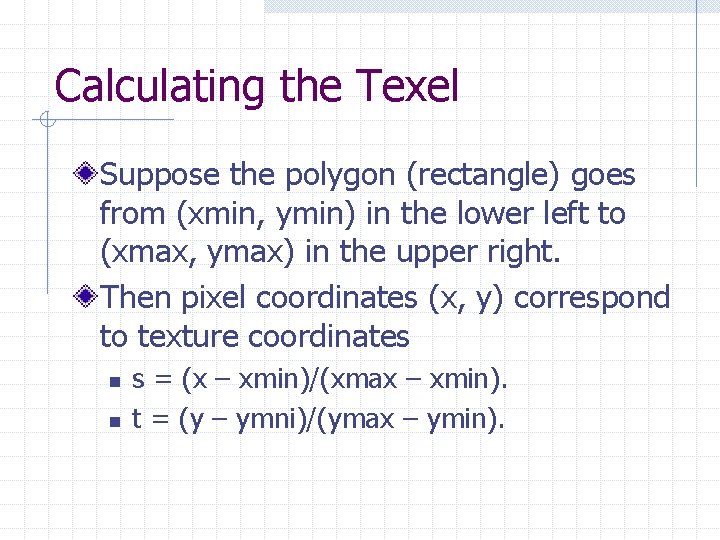
Calculating the Texel Suppose the polygon (rectangle) goes from (xmin, ymin) in the lower left to (xmax, ymax) in the upper right. Then pixel coordinates (x, y) correspond to texture coordinates n n s = (x – xmin)/(xmax – xmin). t = (y – ymni)/(ymax – ymin).
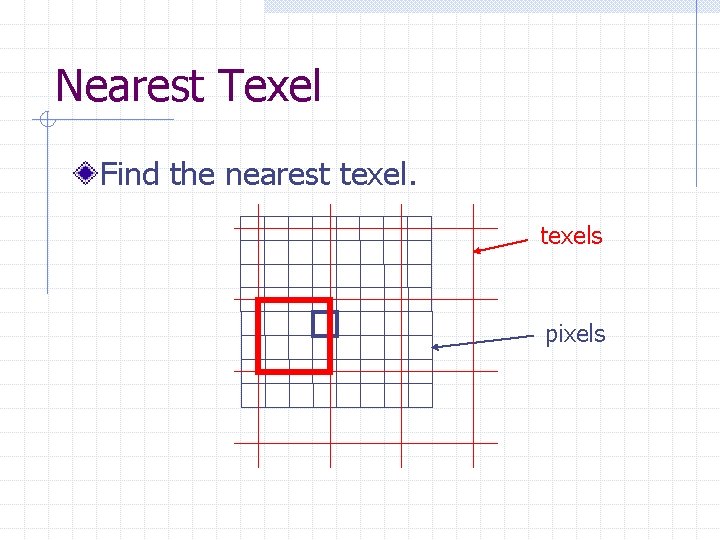
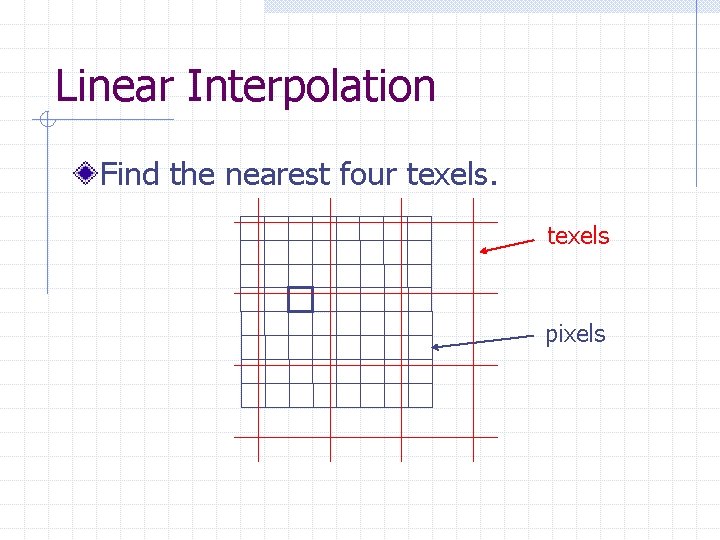
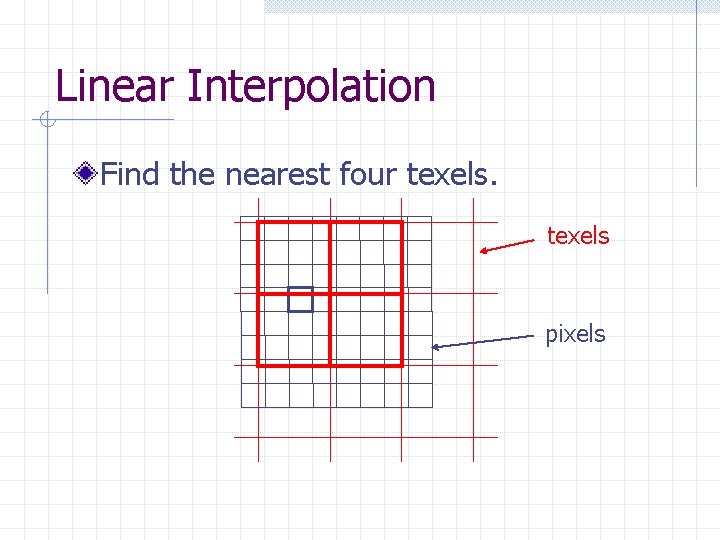
Calculating the Texel Then multiply s and t by the dimensions of the texture, e. g. , 64 64. Typically, the results are not integers. So we have a choice. n n Round them to the nearest integers and use that single texel. Use the fractional values to interpolate among the nearest 2 2 array of texels.
Magnification and Minification Run Nate Robin’s tutorial by shrinking the texture region down to a small rectangle. Then expand the texture region and shrink the pixel region down to a small rectangle. Tutors
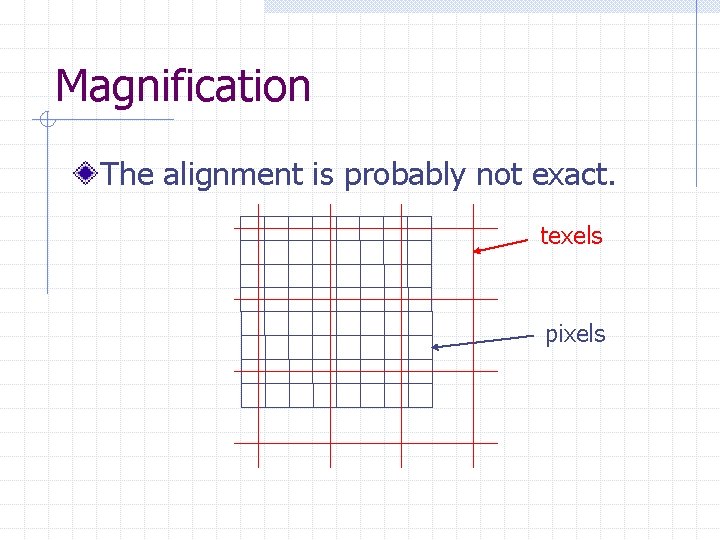
Magnification The alignment is probably not exact. texels pixels
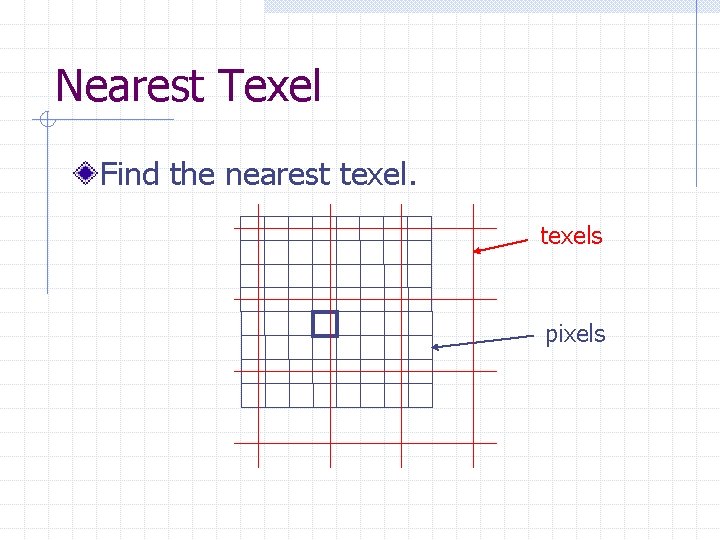
Nearest Texel Find the nearest texels pixels
Nearest Texel Find the nearest texels pixels
Linear Interpolation Open. GL may also interpolate the colors of the nearest four texels.
Linear Interpolation Find the nearest four texels pixels
Linear Interpolation Find the nearest four texels pixels
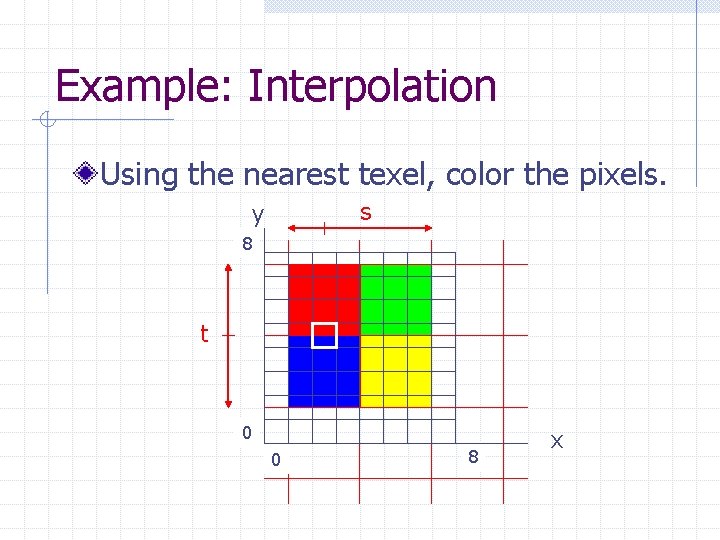
Example: Interpolation Using the nearest texel, color the pixels. s y 8 t 0 0 8 x
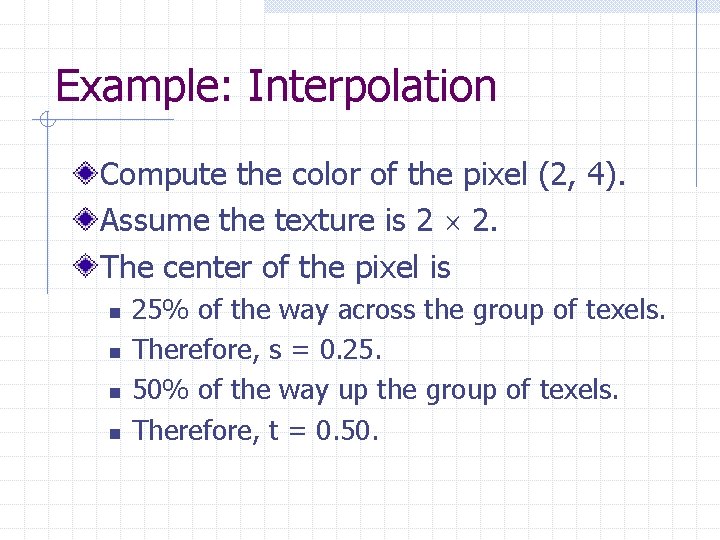
Example: Interpolation Compute the color of the pixel (2, 4). Assume the texture is 2 2. The center of the pixel is n n 25% of the way across the group of texels. Therefore, s = 0. 25. 50% of the way up the group of texels. Therefore, t = 0. 50.
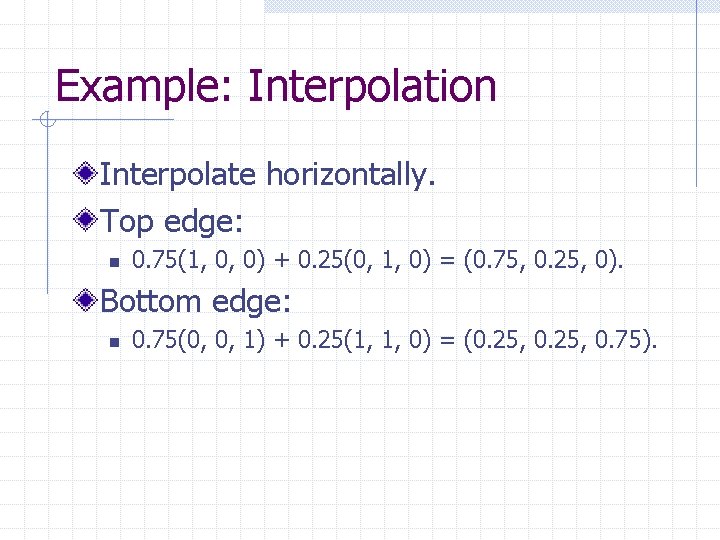
Example: Interpolation Interpolate horizontally. Top edge: n 0. 75(1, 0, 0) + 0. 25(0, 1, 0) = (0. 75, 0. 25, 0). Bottom edge: n 0. 75(0, 0, 1) + 0. 25(1, 1, 0) = (0. 25, 0. 75).
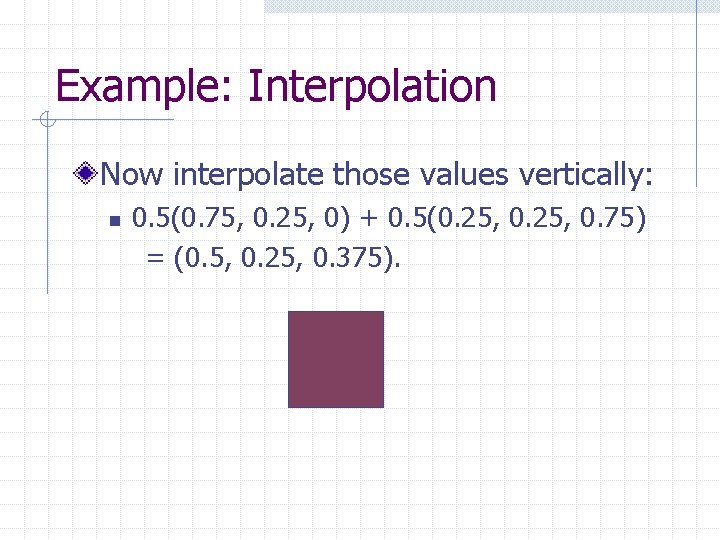
Example: Interpolation Now interpolate those values vertically: n 0. 5(0. 75, 0. 25, 0) + 0. 5(0. 25, 0. 75) = (0. 5, 0. 25, 0. 375).
Interpolation This is very similar to the interpolation used to shade a triangle except that n n The triangle used barycentric coordinates. The texture uses bilinear interpolation in rectangular coordinates.
Example Texture. Demo. cpp. Rgb. Image. cpp. Press ‘N’ to toggle between GL_NEAREST and GL_LINEAR.
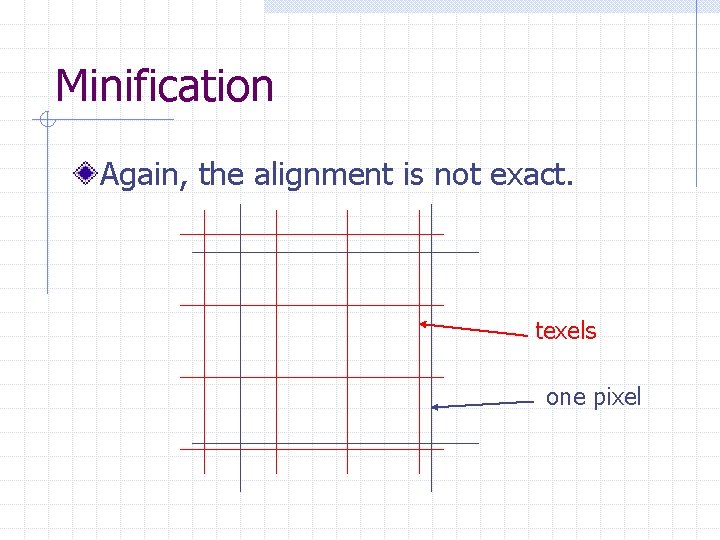
Minification Again, the alignment is not exact. texels one pixel
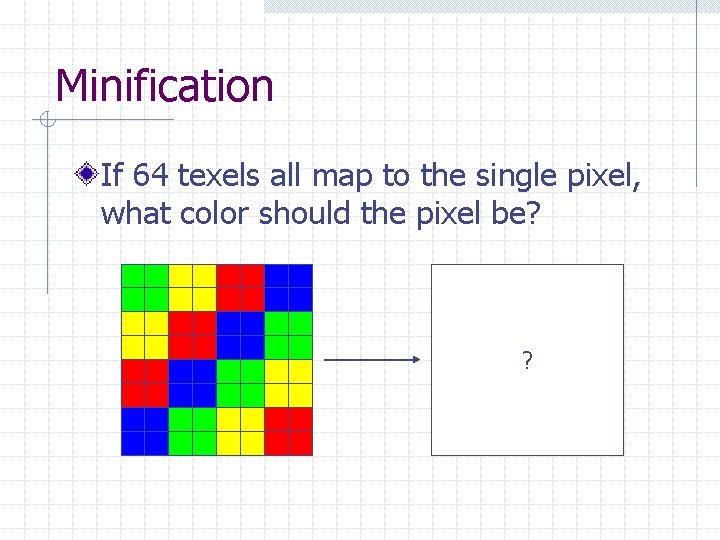
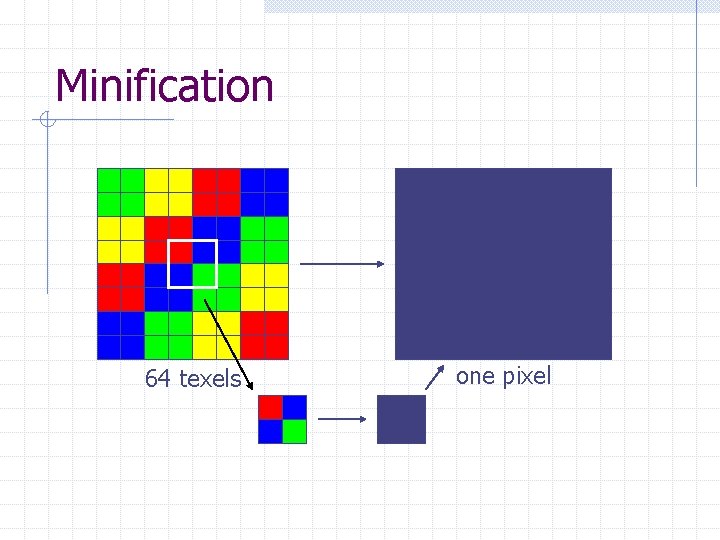
Minification If 64 texels all map to the single pixel, what color should the pixel be? ?
Minification Again, we may choose between the nearest texel and interpolating among the nearest four texels.
Nearest Texel If we choose to use the nearest texel, then Open. GL uses the color of the texel whose center is nearest to the center of the pixel. This can lead to “shimmering” and other effects if adjacent pixels have very different colors, as in the checkerboard example.
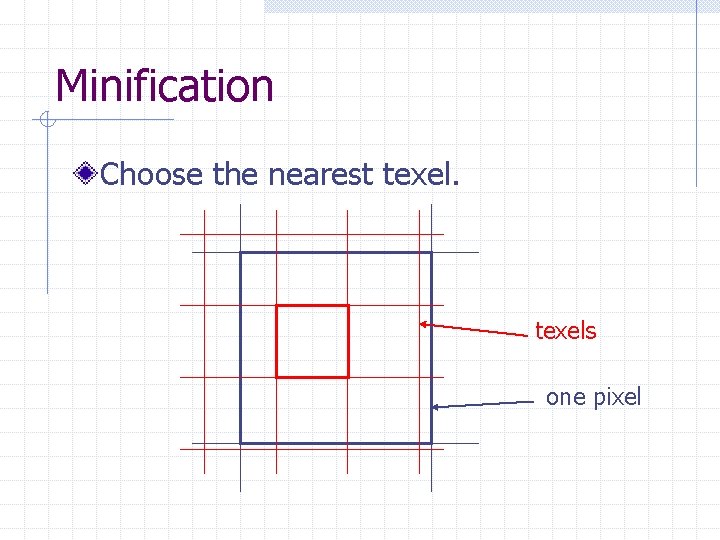
Minification Choose the nearest texels one pixel
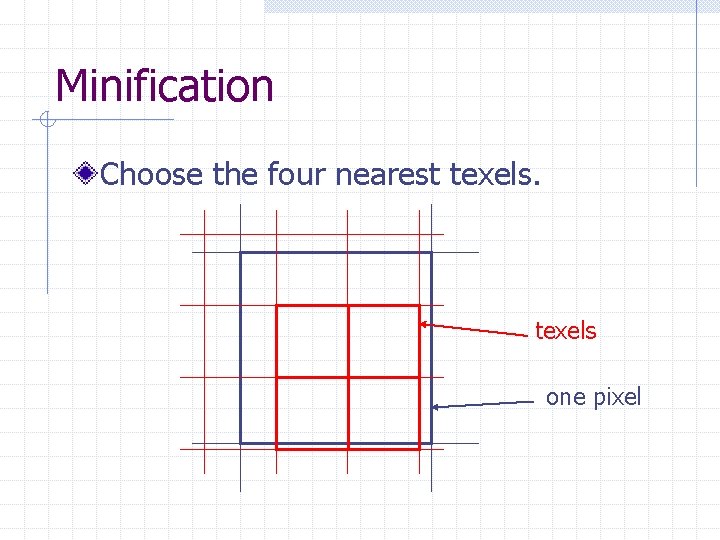
Minification If we choose to interpolate, then Open. GL will compute the average of the four texels that whose centers are nearest to the center of the pixel. This will reduce, but not eliminate, the shimmering and other effects.
Minification Choose the four nearest texels one pixel
Minification 64 texels one pixel