
Texture Mapping Until now colors and shades determined
![Typical Code – (cont’d) gl. Bind. Texture(GL_TEXTURE_2 D, tex. Name[1]); gl. Tex. Parameteri(GL_TEXTURE_2 D,](https://slidetodoc.com/presentation_image_h/084427485c58f6e764e59c9a8bd30761/image-22.jpg "Typical Code – (cont’d) gl. Bind. Texture(GL_TEXTURE_2 D, tex. Name[1]); gl. Tex. Parameteri(GL_TEXTURE_2 D,")
- Slides: 25
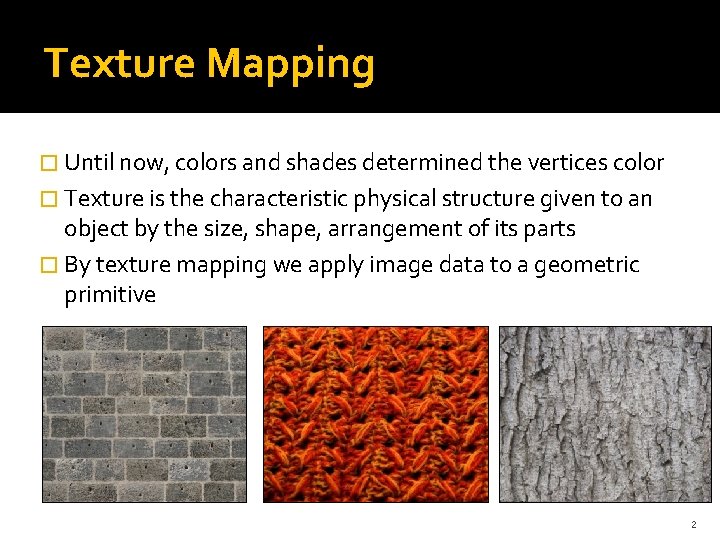
Texture Mapping � Until now, colors and shades determined the vertices color � Texture is the characteristic physical structure given to an object by the size, shape, arrangement of its parts � By texture mapping we apply image data to a geometric primitive 2
Basic strategy Three steps to apply a texture 1. Specify the texture � read or generate image � assign to texture � enable texturing 2. Specify texture parameters � wrapping, filtering 3. Assign texture coordinates to vertices � Proper mapping function is left to application 3
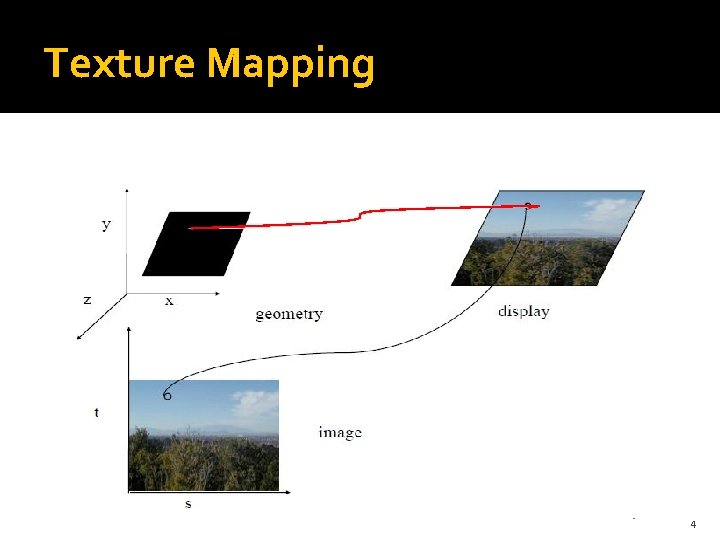
Texture Mapping 4
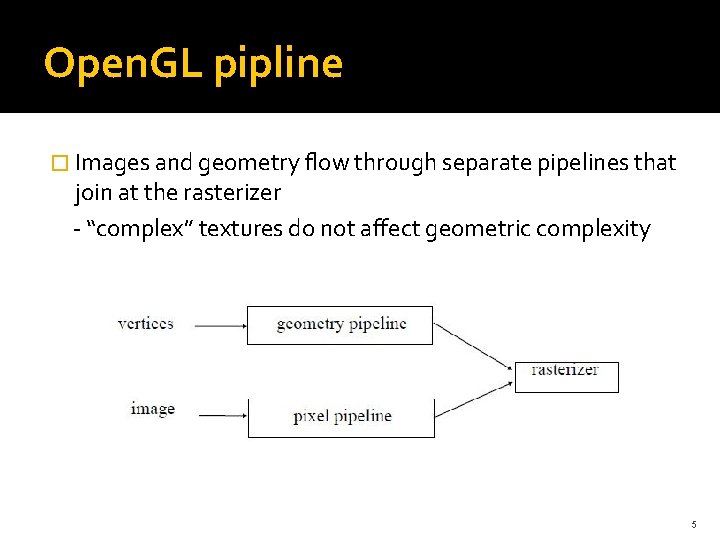
Open. GL pipline � Images and geometry flow through separate pipelines that join at the rasterizer - “complex” textures do not affect geometric complexity 5
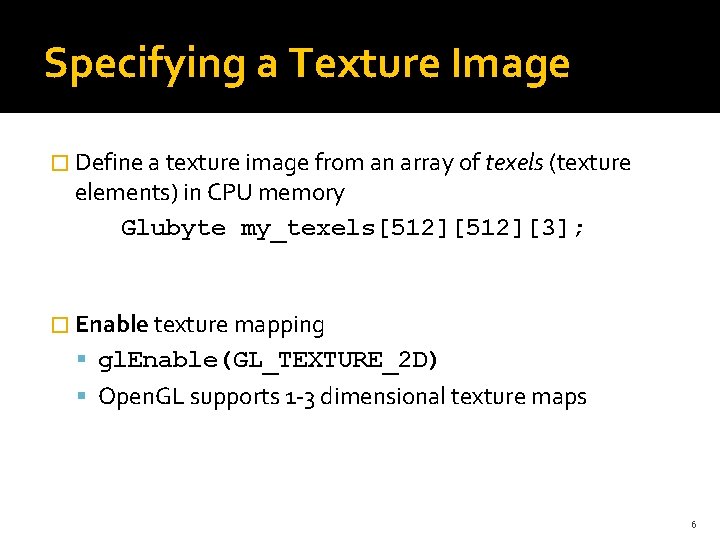
Specifying a Texture Image � Define a texture image from an array of texels (texture elements) in CPU memory Glubyte my_texels[512][3]; � Enable texture mapping gl. Enable(GL_TEXTURE_2 D) Open. GL supports 1 -3 dimensional texture maps 6
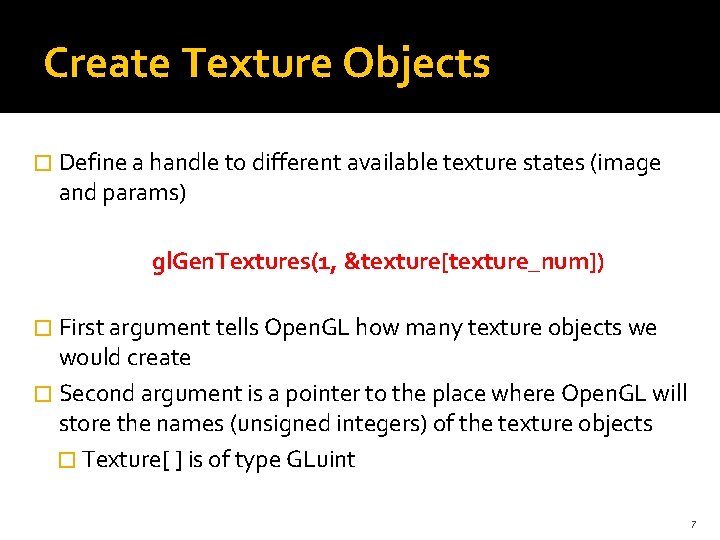
Create Texture Objects � Define a handle to different available texture states (image and params) gl. Gen. Textures(1, &texture[texture_num]) � First argument tells Open. GL how many texture objects we would create � Second argument is a pointer to the place where Open. GL will store the names (unsigned integers) of the texture objects � Texture[ ] is of type GLuint 7
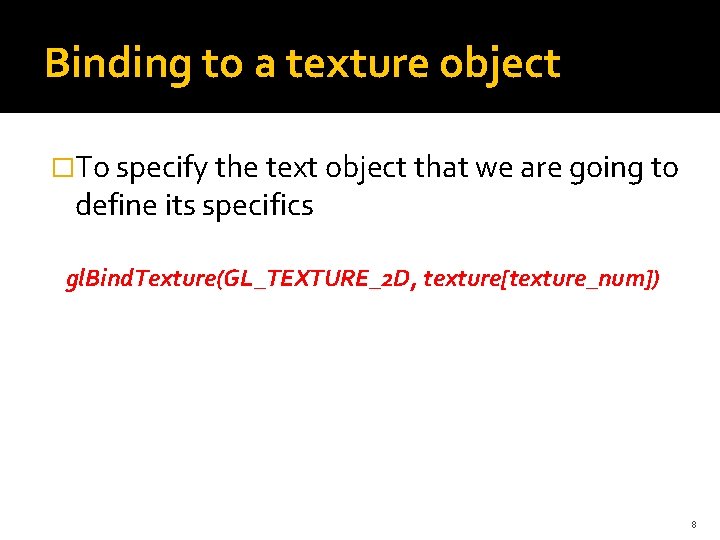
Binding to a texture object �To specify the text object that we are going to define its specifics gl. Bind. Texture(GL_TEXTURE_2 D, texture[texture_num]) 8
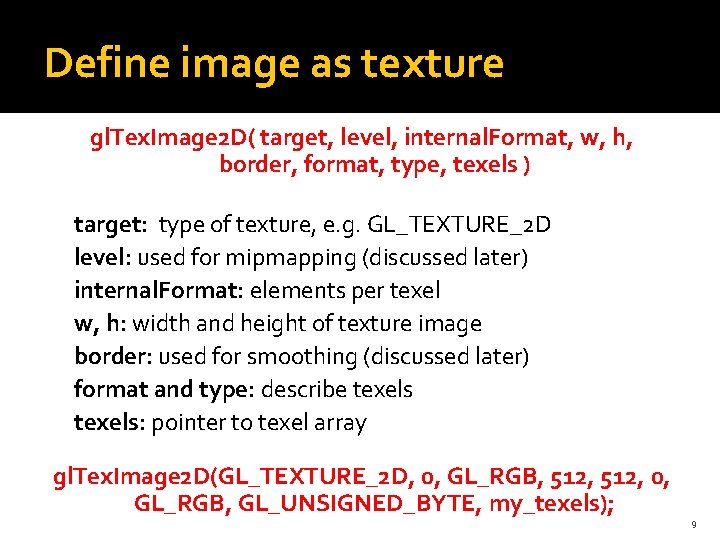
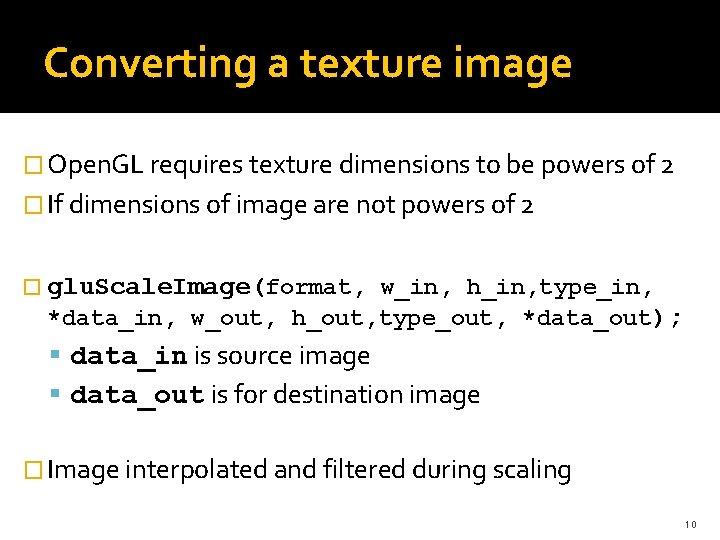
Define image as texture gl. Tex. Image 2 D( target, level, internal. Format, w, h, border, format, type, texels ) target: type of texture, e. g. GL_TEXTURE_2 D level: used for mipmapping (discussed later) internal. Format: elements per texel w, h: width and height of texture image border: used for smoothing (discussed later) format and type: describe texels: pointer to texel array gl. Tex. Image 2 D(GL_TEXTURE_2 D, 0, GL_RGB, 512, 0, GL_RGB, GL_UNSIGNED_BYTE, my_texels); 9
Converting a texture image � Open. GL requires texture dimensions to be powers of 2 � If dimensions of image are not powers of 2 � glu. Scale. Image(format, w_in, h_in, type_in, *data_in, w_out, h_out, type_out, *data_out); data_in is source image data_out is for destination image � Image interpolated and filtered during scaling 10
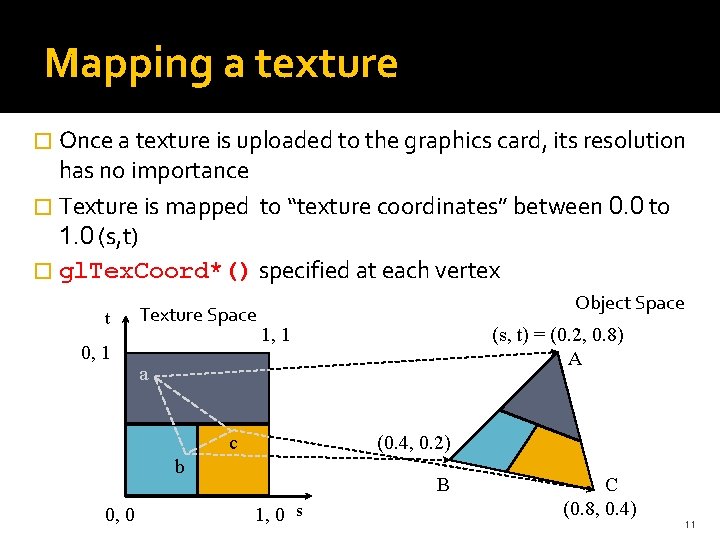
Mapping a texture � Once a texture is uploaded to the graphics card, its resolution has no importance � Texture is mapped to “texture coordinates” between 0. 0 to 1. 0 (s, t) � gl. Tex. Coord*() specified at each vertex t 0, 1 Texture Space Object Space 1, 1 a c (0. 4, 0. 2) b 0, 0 (s, t) = (0. 2, 0. 8) A B 1, 0 s C (0. 8, 0. 4) 11
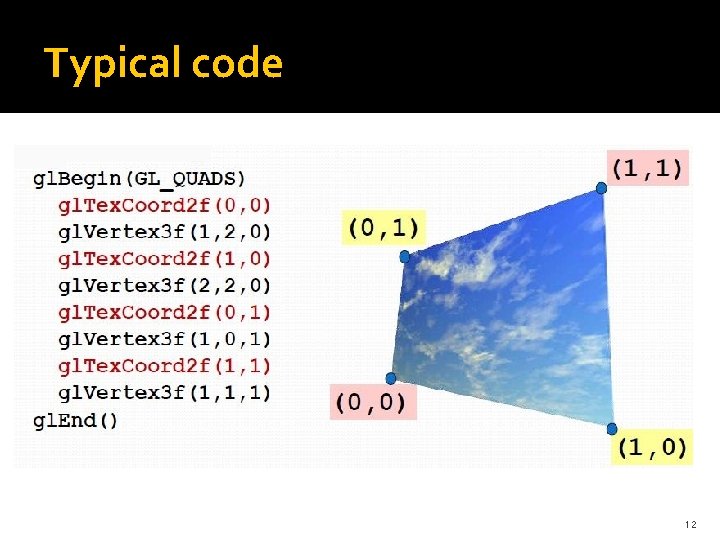
Typical code 12
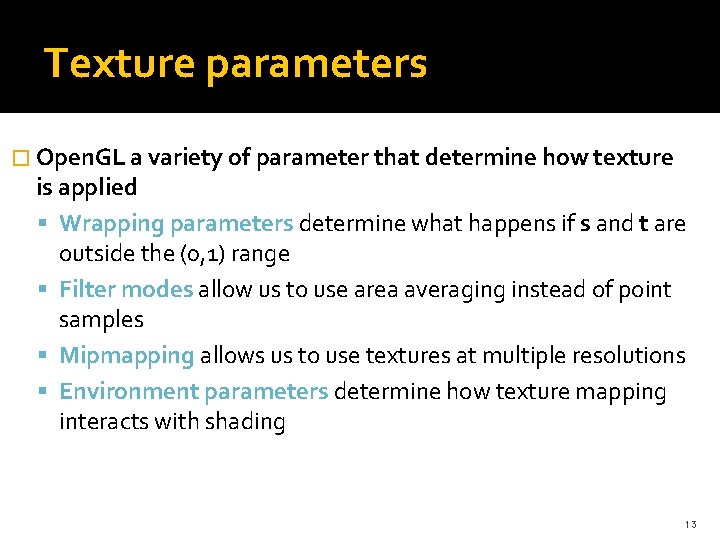
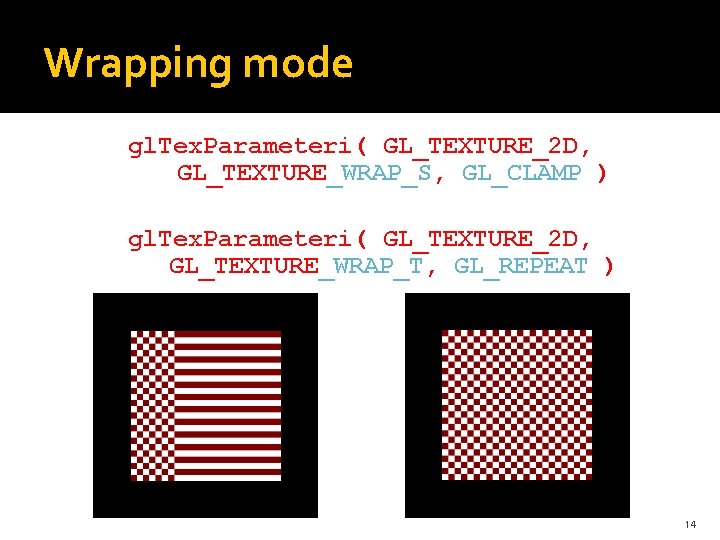
Texture parameters � Open. GL a variety of parameter that determine how texture is applied Wrapping parameters determine what happens if s and t are outside the (0, 1) range Filter modes allow us to use area averaging instead of point samples Mipmapping allows us to use textures at multiple resolutions Environment parameters determine how texture mapping interacts with shading 13
Wrapping mode gl. Tex. Parameteri( GL_TEXTURE_2 D, GL_TEXTURE_WRAP_S, GL_CLAMP ) gl. Tex. Parameteri( GL_TEXTURE_2 D, GL_TEXTURE_WRAP_T, GL_REPEAT ) 14
Filter Modes determined by gl. Tex. Parameteri( target, type, mode ) gl. Tex. Parameteri(GL_TEXTURE_2 D, GL_TEXURE_MAG_FILTER, GL_NEAREST); gl. Tex. Parameteri(GL_TEXTURE_2 D, GL_TEXURE_MIN_FILTER, GL_LINEAR); 15
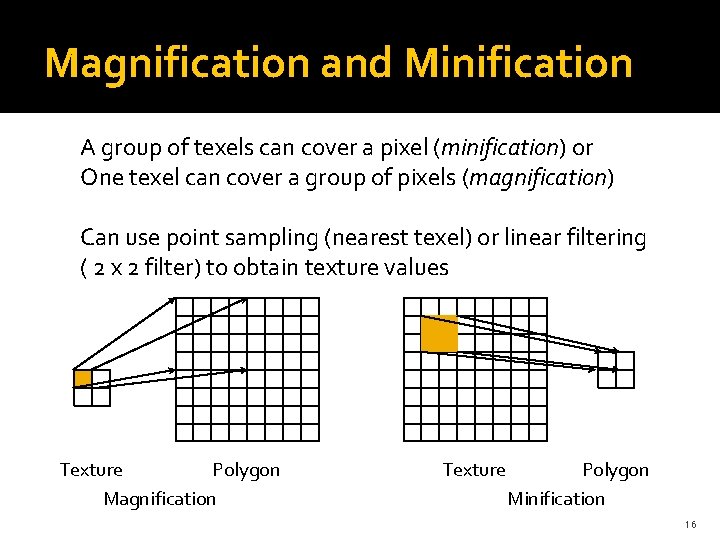
Magnification and Minification A group of texels can cover a pixel (minification) or One texel can cover a group of pixels (magnification) Can use point sampling (nearest texel) or linear filtering ( 2 x 2 filter) to obtain texture values Texture Polygon Magnification Texture Polygon Minification 16
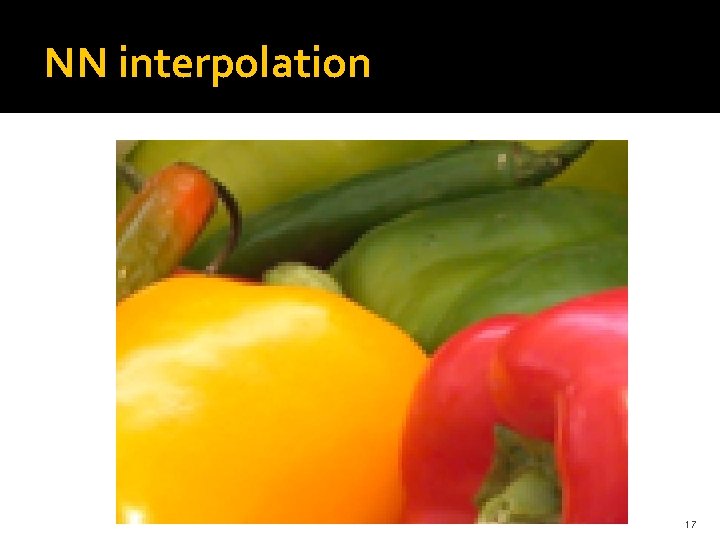
NN interpolation 17
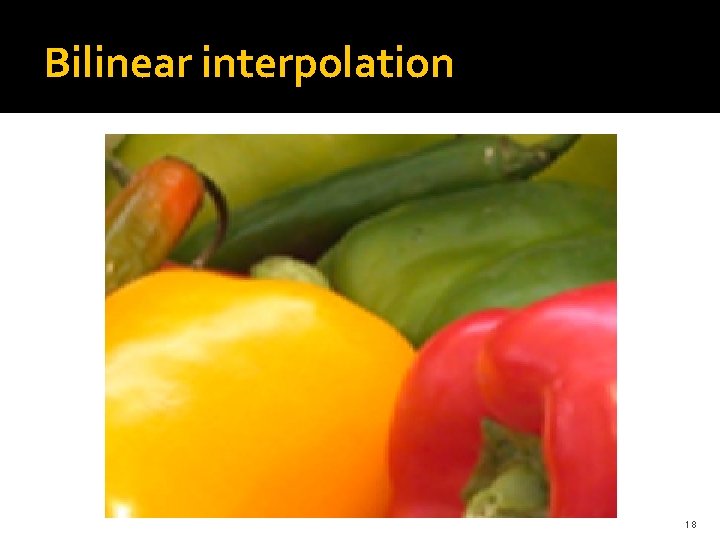
Bilinear interpolation 18
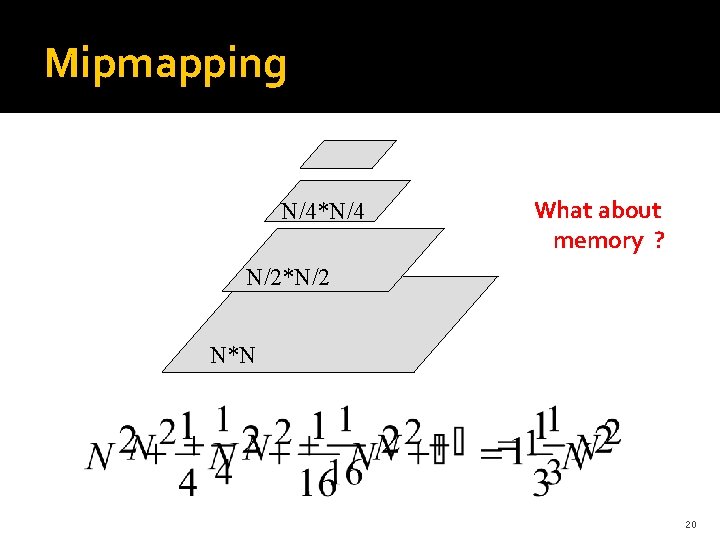
Mipmapped textures Texturing far/close objects � Mipmapping allows for pre-filtered texture maps of decreasing resolutions � Lessens interpolation errors for smaller textured objects � Declare mipmap level during texture definition gl. Tex. Image 2 D( GL_TEXTURE_*D, level, … ) � GLU mipmap builder routines will build all the textures from a given image glu. Build*DMipmaps( … ) � 19
Mipmapping N/4*N/4 What about memory ? N/2*N/2 N*N 20
Texture functions � Controls how texture is applied gl. Tex. Env{fi}( GL_TEXTURE_ENV, GL_TEXTURE_ENV_MODE, param) � GL_TEXTURE_ENV_MODE modes GL_MODULATE: modulates with computed shade GL_BLEND: blends with an environmental color GL_REPLACE: use only texture color GL_DECAL: alpha value is considered 21
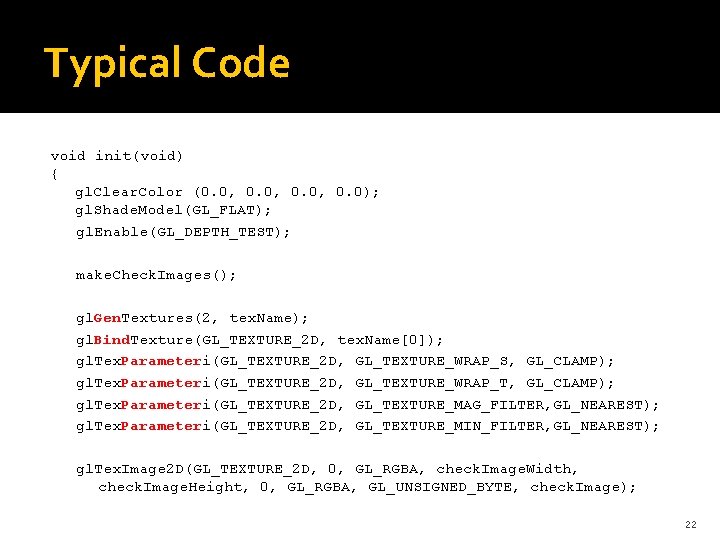
Typical Code void init(void) { gl. Clear. Color (0. 0, 0. 0); gl. Shade. Model(GL_FLAT); gl. Enable(GL_DEPTH_TEST); make. Check. Images(); gl. Gen. Textures(2, tex. Name); gl. Bind. Texture(GL_TEXTURE_2 D, tex. Name[0]); gl. Tex. Parameteri(GL_TEXTURE_2 D, GL_TEXTURE_WRAP_S, GL_CLAMP); gl. Tex. Parameteri(GL_TEXTURE_2 D, GL_TEXTURE_WRAP_T, GL_CLAMP); gl. Tex. Parameteri(GL_TEXTURE_2 D, GL_TEXTURE_MAG_FILTER, GL_NEAREST); gl. Tex. Parameteri(GL_TEXTURE_2 D, GL_TEXTURE_MIN_FILTER, GL_NEAREST); gl. Tex. Image 2 D(GL_TEXTURE_2 D, 0, GL_RGBA, check. Image. Width, check. Image. Height, 0, GL_RGBA, GL_UNSIGNED_BYTE, check. Image); 22
Typical Code – (cont’d) gl. Bind. Texture(GL_TEXTURE_2 D, tex. Name[1]); gl. Tex. Parameteri(GL_TEXTURE_2 D, GL_TEXTURE_WRAP_S, GL_CLAMP); GL_TEXTURE_WRAP_T, GL_CLAMP); GL_TEXTURE_MAG_FILTER, GL_NEAREST); GL_TEXTURE_MIN_FILTER, GL_NEAREST); gl. Tex. Envf(GL_TEXTURE_ENV, GL_TEXTURE_ENV_MODE, GL_DECAL); gl. Tex. Image 2 D(GL_TEXTURE_2 D, 0, GL_RGBA, check. Image. Width, check. Image. Height, 0, GL_RGBA, GL_UNSIGNED_BYTE, other. Image); gl. Enable(GL_TEXTURE_2 D); } 23
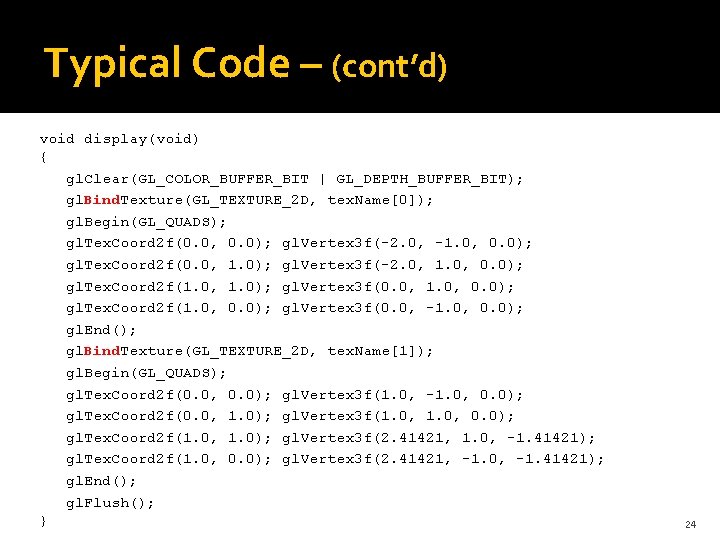
Typical Code – (cont’d) void display(void) { gl. Clear(GL_COLOR_BUFFER_BIT | GL_DEPTH_BUFFER_BIT); gl. Bind. Texture(GL_TEXTURE_2 D, tex. Name[0]); gl. Begin(GL_QUADS); gl. Tex. Coord 2 f(0. 0, 0. 0); gl. Vertex 3 f(-2. 0, -1. 0, 0. 0); gl. Tex. Coord 2 f(0. 0, 1. 0); gl. Vertex 3 f(-2. 0, 1. 0, 0. 0); gl. Tex. Coord 2 f(1. 0, 1. 0); gl. Vertex 3 f(0. 0, 1. 0, 0. 0); gl. Tex. Coord 2 f(1. 0, 0. 0); gl. Vertex 3 f(0. 0, -1. 0, 0. 0); gl. End(); gl. Bind. Texture(GL_TEXTURE_2 D, tex. Name[1]); gl. Begin(GL_QUADS); gl. Tex. Coord 2 f(0. 0, 0. 0); gl. Vertex 3 f(1. 0, -1. 0, 0. 0); gl. Tex. Coord 2 f(0. 0, 1. 0); gl. Vertex 3 f(1. 0, 0. 0); gl. Tex. Coord 2 f(1. 0, 1. 0); gl. Vertex 3 f(2. 41421, 1. 0, -1. 41421); gl. Tex. Coord 2 f(1. 0, 0. 0); gl. Vertex 3 f(2. 41421, -1. 0, -1. 41421); gl. End(); gl. Flush(); } 24
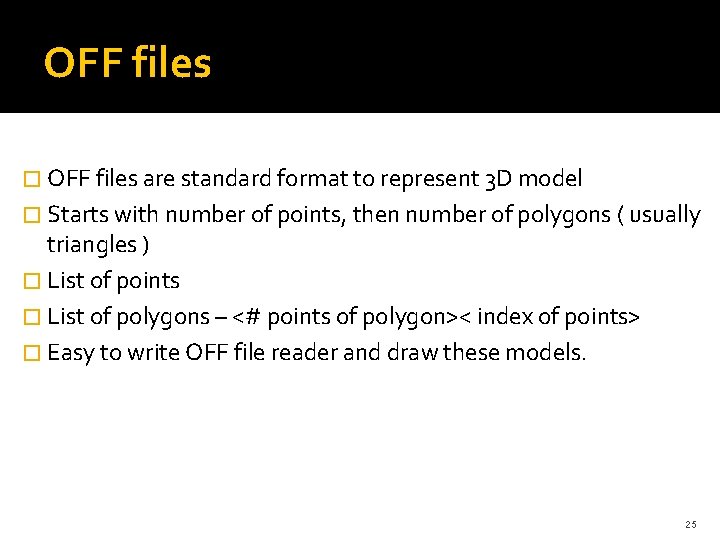
OFF files � OFF files are standard format to represent 3 D model � Starts with number of points, then number of polygons ( usually triangles ) � List of points � List of polygons – <# points of polygon>< index of points> � Easy to write OFF file reader and draw these models. 25
Assignment 2 26