
Texture Mapping The Limits of Geometric Modeling n

![Generating Texture Coordinates n. Open. GL can generate texture coordinates automatically gl. Tex. Gen{ifd}[v]()](https://slidetodoc.com/presentation_image_h2/aefd5b5a4b75c3b9659a029abb971269/image-38.jpg "Generating Texture Coordinates n. Open. GL can generate texture coordinates automatically gl. Tex. Gen{ifd}[v]()")
- Slides: 47
Texture Mapping
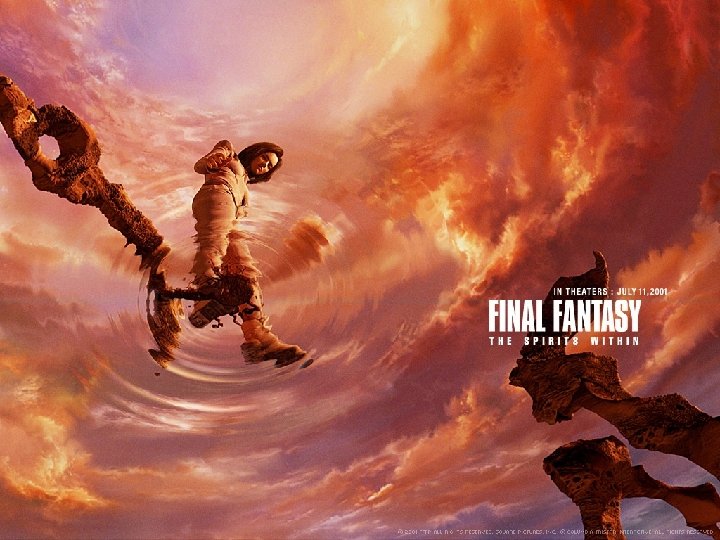
The Limits of Geometric Modeling n. Although graphics cards can render over 10 million polygons per second, that number is insufficient for many phenomena ¡Clouds ¡Grass ¡Terrain ¡Skin
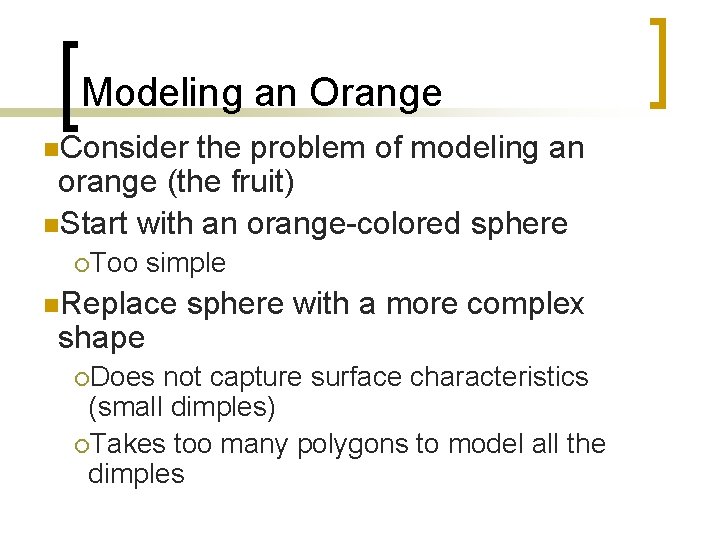
Modeling an Orange n. Consider the problem of modeling an orange (the fruit) n. Start with an orange-colored sphere ¡Too simple n. Replace shape ¡Does sphere with a more complex not capture surface characteristics (small dimples) ¡Takes too many polygons to model all the dimples
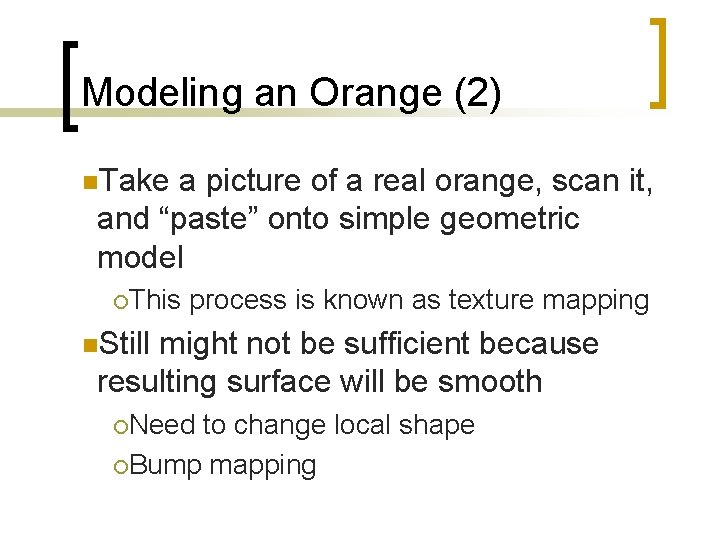
Modeling an Orange (2) n. Take a picture of a real orange, scan it, and “paste” onto simple geometric model ¡This process is known as texture mapping n. Still might not be sufficient because resulting surface will be smooth ¡Need to change local shape ¡Bump mapping
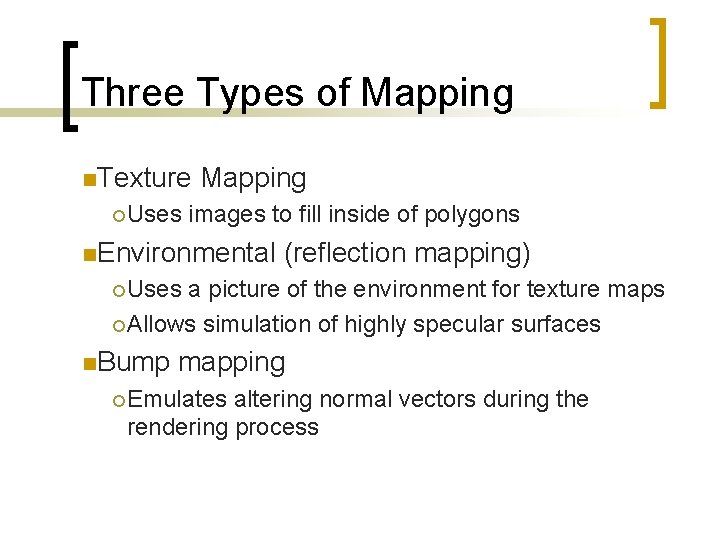
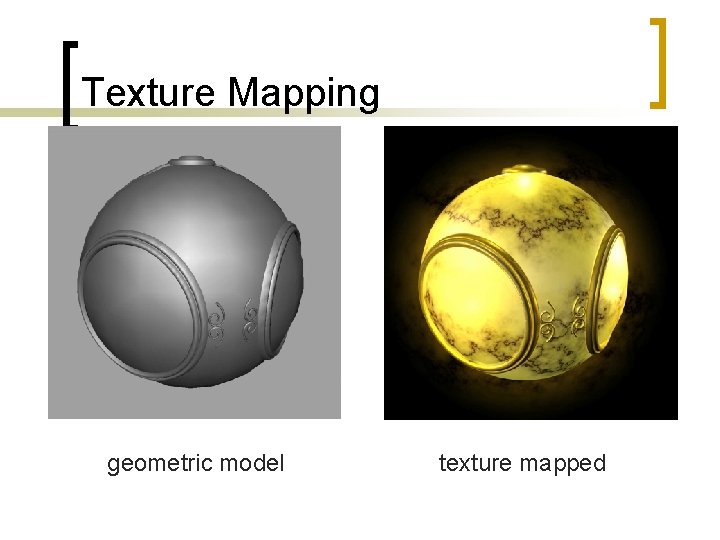
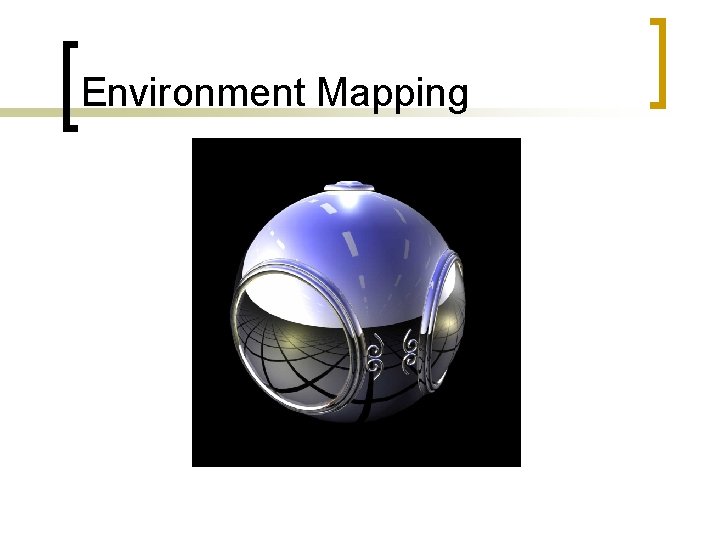
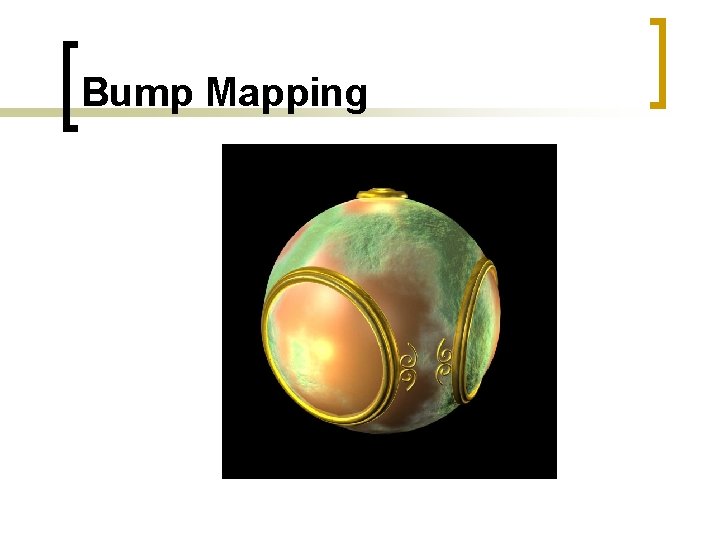
Three Types of Mapping n. Texture ¡ Uses Mapping images to fill inside of polygons n. Environmental (reflection mapping) ¡ Uses a picture of the environment for texture maps ¡ Allows simulation of highly specular surfaces n. Bump mapping ¡ Emulates altering normal vectors during the rendering process
Texture Mapping geometric model texture mapped
Environment Mapping
Bump Mapping
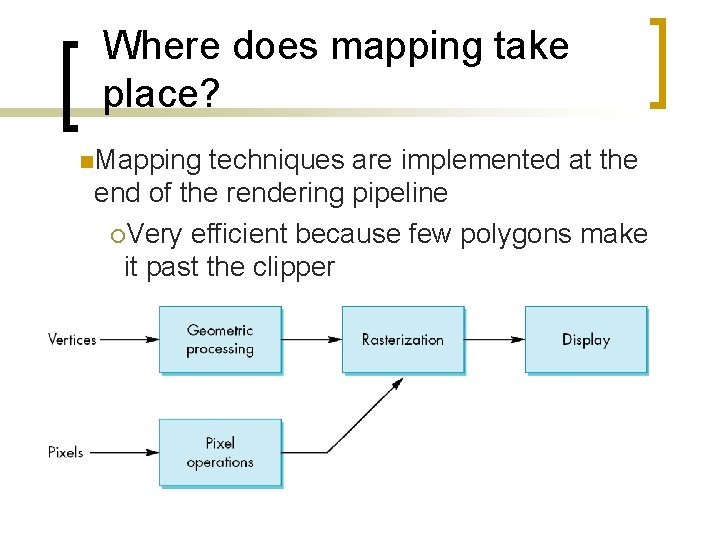
Where does mapping take place? n. Mapping techniques are implemented at the end of the rendering pipeline ¡Very efficient because few polygons make it past the clipper
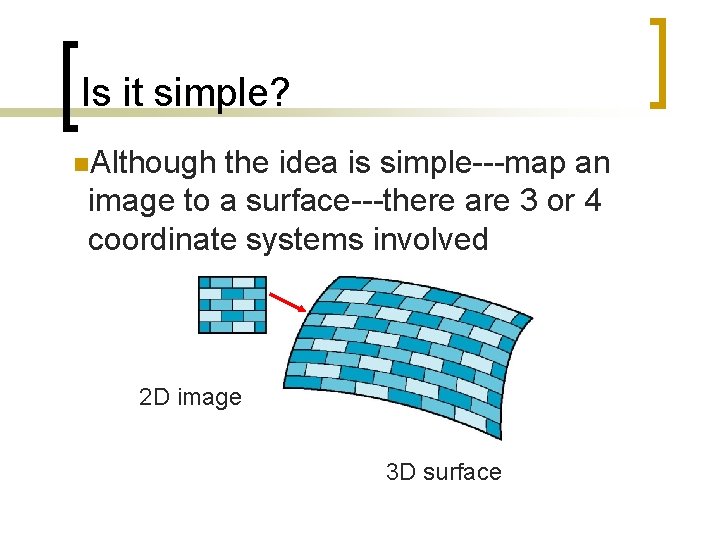
Is it simple? n. Although the idea is simple---map an image to a surface---there are 3 or 4 coordinate systems involved 2 D image 3 D surface
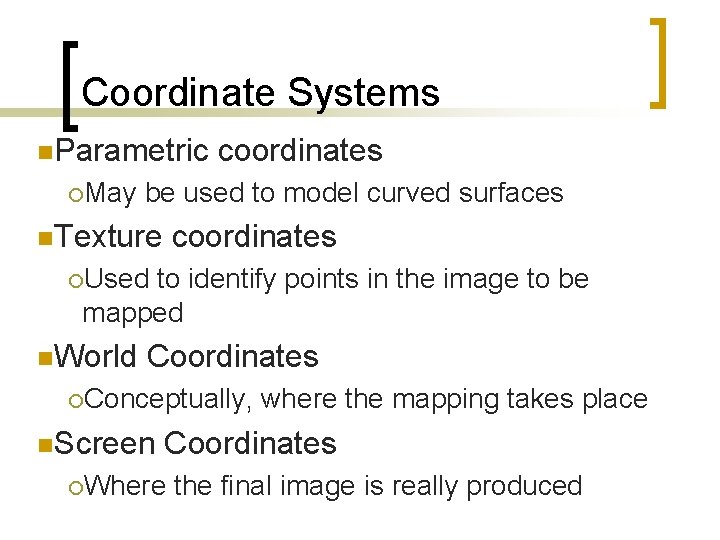
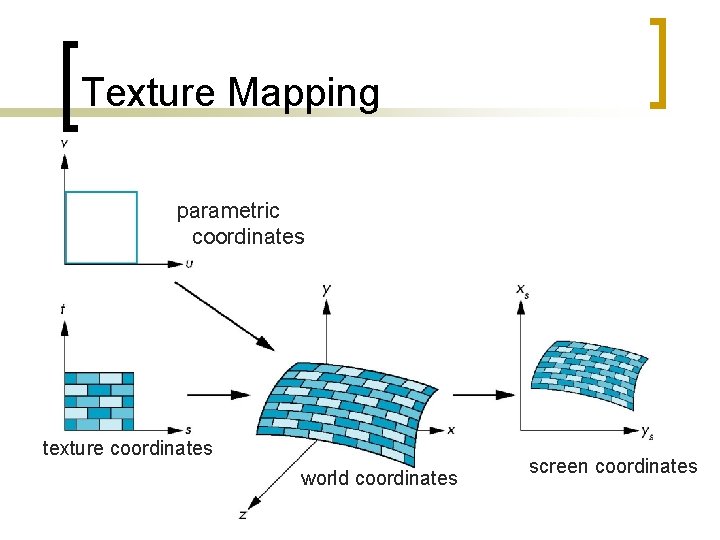
Coordinate Systems n. Parametric ¡May coordinates be used to model curved surfaces n. Texture coordinates ¡Used to identify points in the image to be mapped n. World Coordinates ¡Conceptually, n. Screen where the mapping takes place Coordinates ¡Where the final image is really produced
Texture Mapping parametric coordinates texture coordinates world coordinates screen coordinates
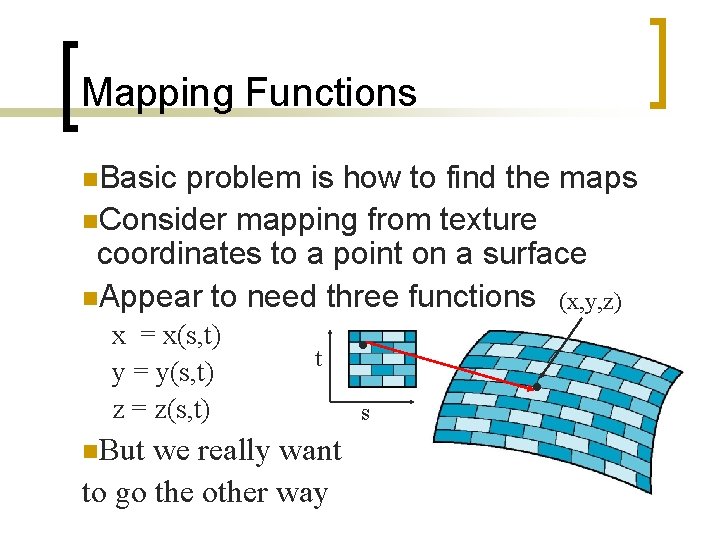
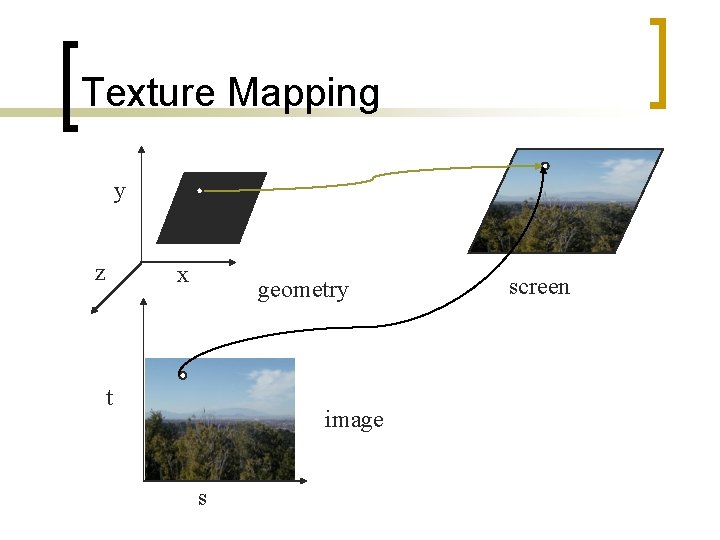
Mapping Functions n. Basic problem is how to find the maps n. Consider mapping from texture coordinates to a point on a surface n. Appear to need three functions (x, y, z) x = x(s, t) y = y(s, t) z = z(s, t) n. But t we really want to go the other way s
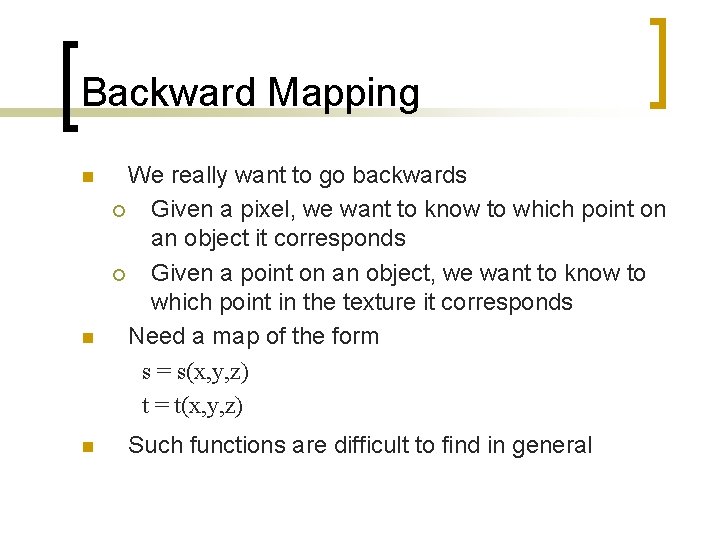
Backward Mapping n n n We really want to go backwards ¡ Given a pixel, we want to know to which point on an object it corresponds ¡ Given a point on an object, we want to know to which point in the texture it corresponds Need a map of the form s = s(x, y, z) t = t(x, y, z) Such functions are difficult to find in general
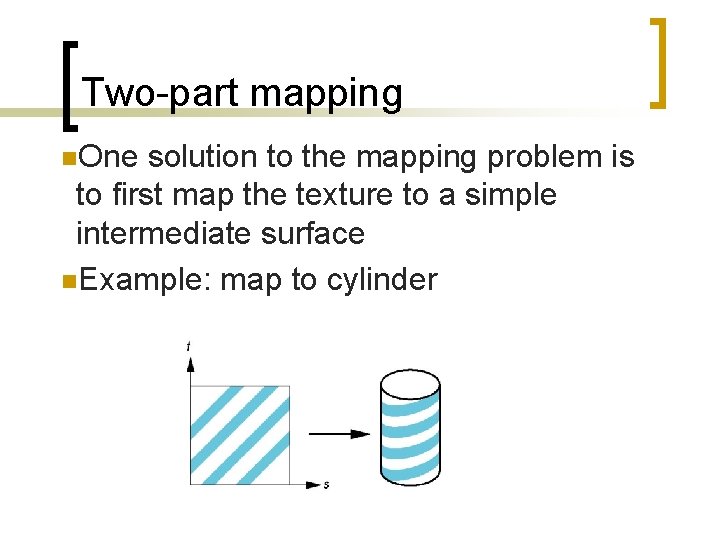
Two-part mapping n. One solution to the mapping problem is to first map the texture to a simple intermediate surface n. Example: map to cylinder
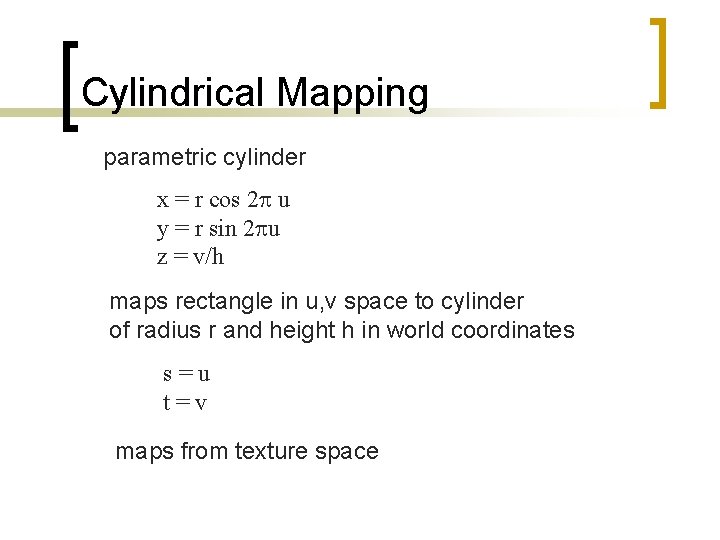
Cylindrical Mapping parametric cylinder x = r cos 2 p u y = r sin 2 pu z = v/h maps rectangle in u, v space to cylinder of radius r and height h in world coordinates s=u t=v maps from texture space
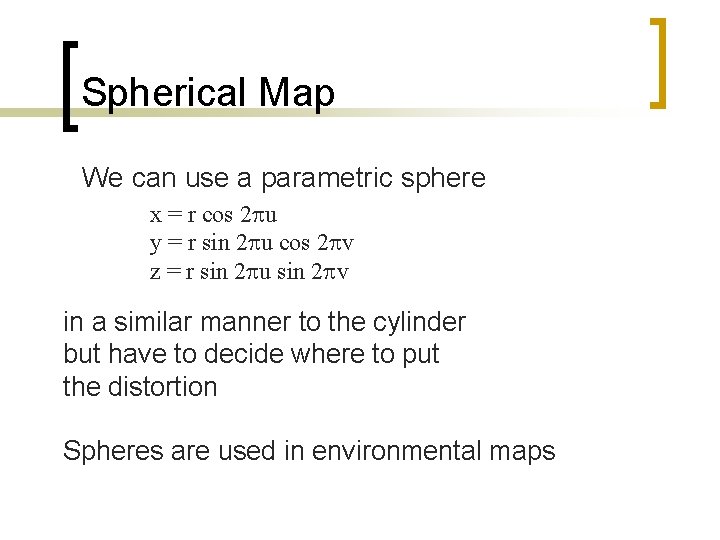
Spherical Map We can use a parametric sphere x = r cos 2 pu y = r sin 2 pu cos 2 pv z = r sin 2 pu sin 2 pv in a similar manner to the cylinder but have to decide where to put the distortion Spheres are used in environmental maps
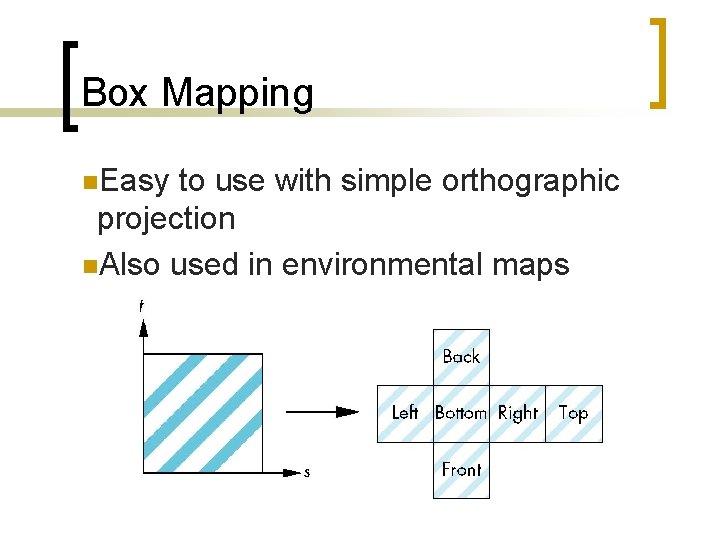
Box Mapping n. Easy to use with simple orthographic projection n. Also used in environmental maps
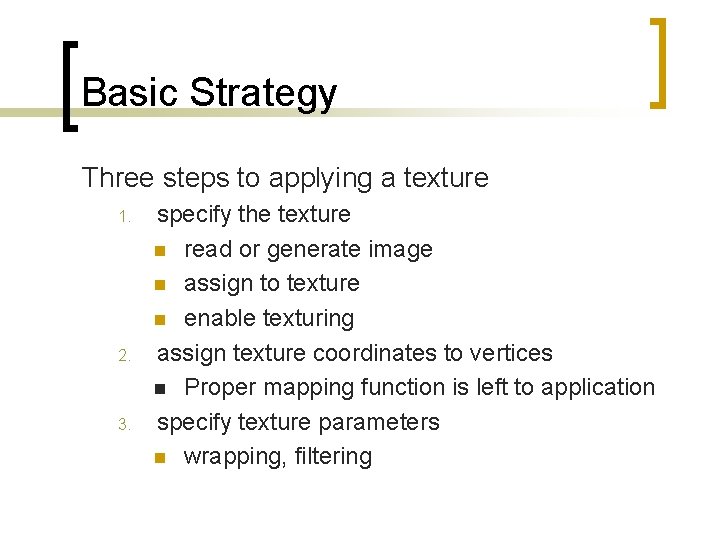
Basic Strategy Three steps to applying a texture 1. 2. 3. specify the texture n read or generate image n assign to texture n enable texturing assign texture coordinates to vertices n Proper mapping function is left to application specify texture parameters n wrapping, filtering
Texture Mapping y z x geometry t image s screen
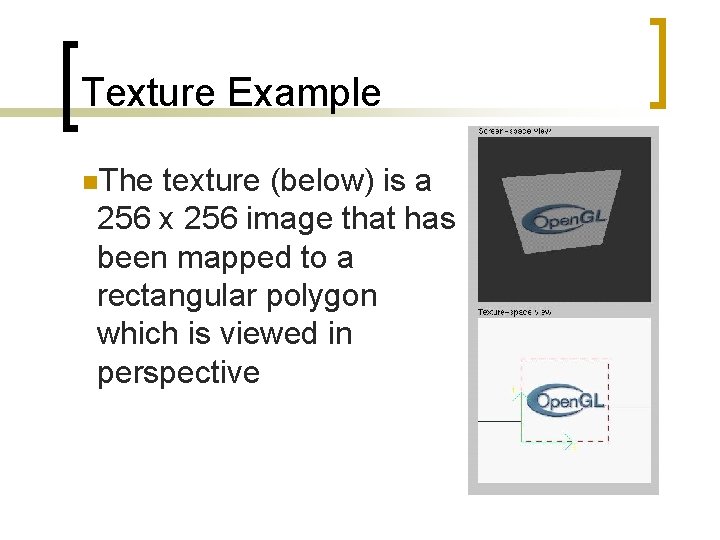
Texture Example n. The texture (below) is a 256 x 256 image that has been mapped to a rectangular polygon which is viewed in perspective
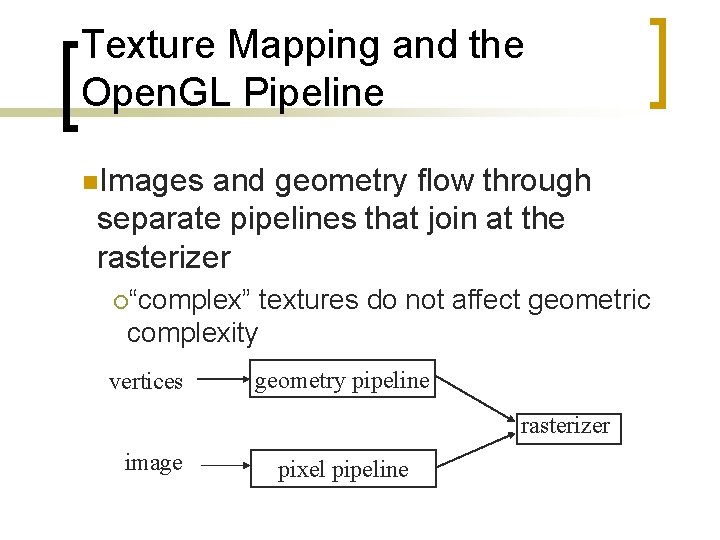
Texture Mapping and the Open. GL Pipeline n. Images and geometry flow through separate pipelines that join at the rasterizer ¡“complex” textures do not affect geometric complexity vertices geometry pipeline rasterizer image pixel pipeline
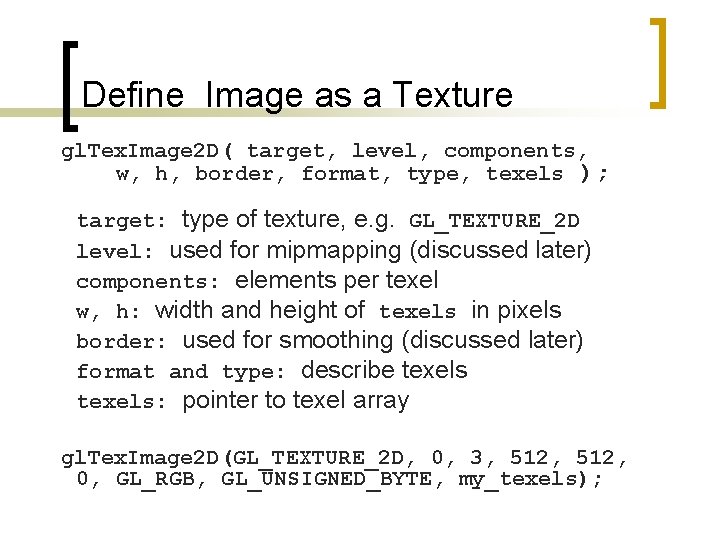
Specify Texture Image n. Define a texture image from an array of texels (texture elements) in CPU memory Glubyte my_texels[512]; n. Define as any other pixel map ¡ Scanned image ¡ Generate by application code n. Enable texture mapping ¡ gl. Enable(GL_TEXTURE_2 D) ¡ Open. GL supports 1 -4 dimensional texture maps
Define Image as a Texture gl. Tex. Image 2 D( target, level, components, w, h, border, format, type, texels ); target: type of texture, e. g. GL_TEXTURE_2 D level: used for mipmapping (discussed later) components: elements per texel w, h: width and height of texels in pixels border: used for smoothing (discussed later) format and type: describe texels: pointer to texel array gl. Tex. Image 2 D(GL_TEXTURE_2 D, 0, 3, 512, 0, GL_RGB, GL_UNSIGNED_BYTE, my_texels);
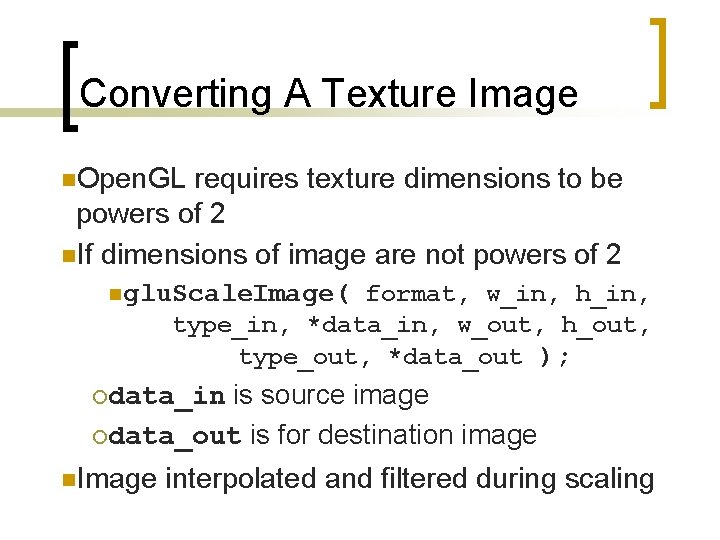
Converting A Texture Image n. Open. GL requires texture dimensions to be powers of 2 n. If dimensions of image are not powers of 2 nglu. Scale. Image( format, w_in, h_in, type_in, *data_in, w_out, h_out, type_out, *data_out ); is source image ¡data_out is for destination image ¡data_in n. Image interpolated and filtered during scaling
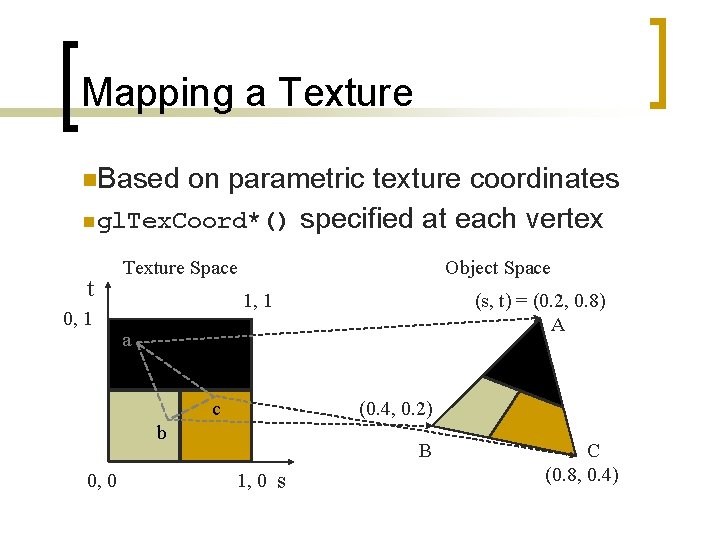
Mapping a Texture n. Based on parametric texture coordinates n gl. Tex. Coord*() specified at each vertex t 0, 1 Texture Space Object Space 1, 1 (s, t) = (0. 2, 0. 8) A a c (0. 4, 0. 2) b 0, 0 B 1, 0 s C (0. 8, 0. 4)
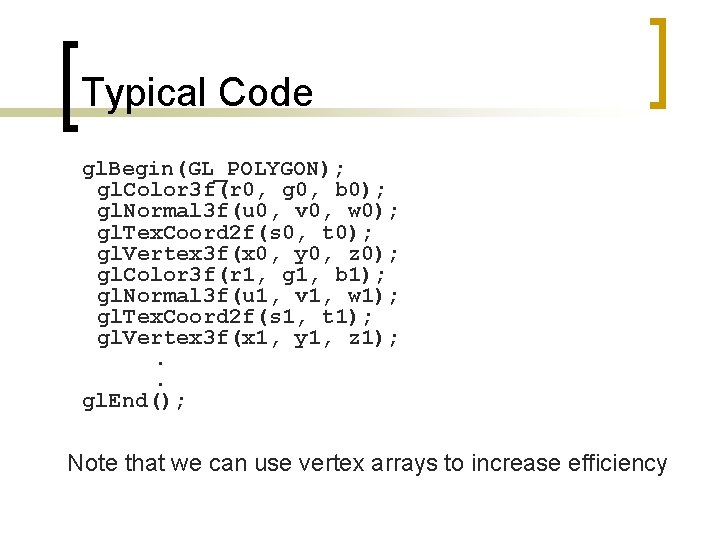
Typical Code gl. Begin(GL_POLYGON); gl. Color 3 f(r 0, g 0, b 0); gl. Normal 3 f(u 0, v 0, w 0); gl. Tex. Coord 2 f(s 0, t 0); gl. Vertex 3 f(x 0, y 0, z 0); gl. Color 3 f(r 1, g 1, b 1); gl. Normal 3 f(u 1, v 1, w 1); gl. Tex. Coord 2 f(s 1, t 1); gl. Vertex 3 f(x 1, y 1, z 1); . . gl. End(); Note that we can use vertex arrays to increase efficiency
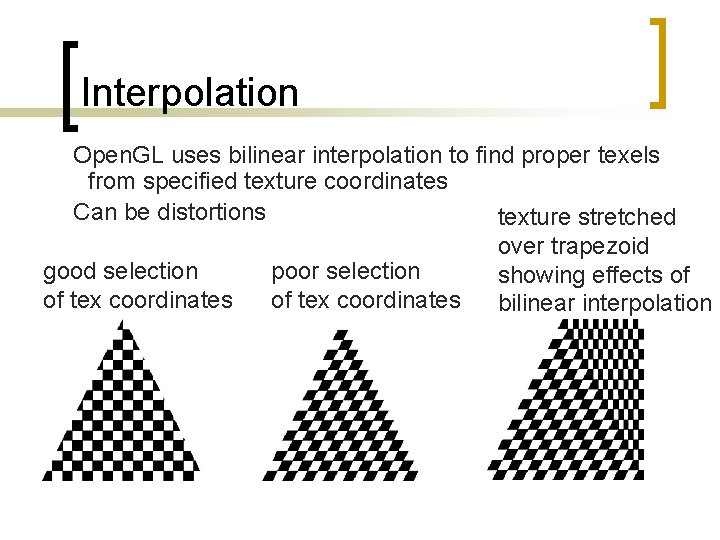
Interpolation Open. GL uses bilinear interpolation to find proper texels from specified texture coordinates Can be distortions texture stretched over trapezoid good selection poor selection showing effects of of tex coordinates bilinear interpolation
Texture Parameters n. Open. GL has a variety of parameters that determine how texture is applied ¡ Wrapping parameters determine what happens of s and t are outside the (0, 1) range ¡ Filter modes allow us to use area averaging instead of point samples ¡ Mipmapping allows us to use textures at multiple resolutions ¡ Environment parameters determine how texture mapping interacts with shading
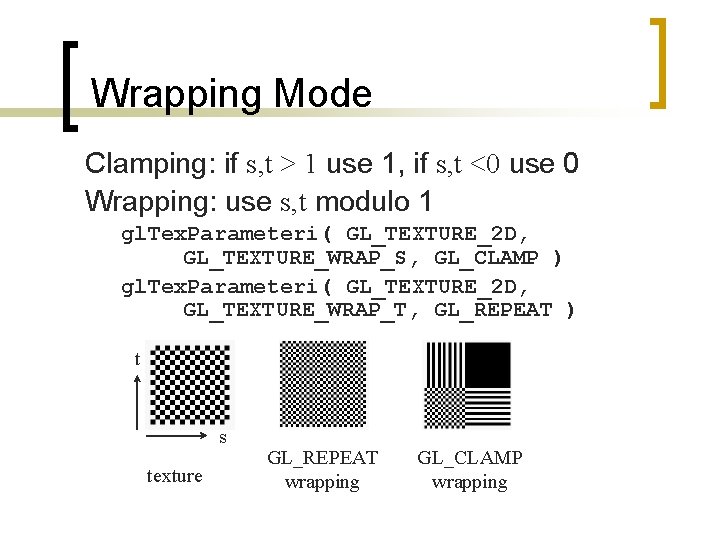
Wrapping Mode Clamping: if s, t > 1 use 1, if s, t <0 use 0 Wrapping: use s, t modulo 1 gl. Tex. Parameteri( GL_TEXTURE_2 D, GL_TEXTURE_WRAP_S, GL_CLAMP ) gl. Tex. Parameteri( GL_TEXTURE_2 D, GL_TEXTURE_WRAP_T, GL_REPEAT ) t s texture GL_REPEAT wrapping GL_CLAMP wrapping
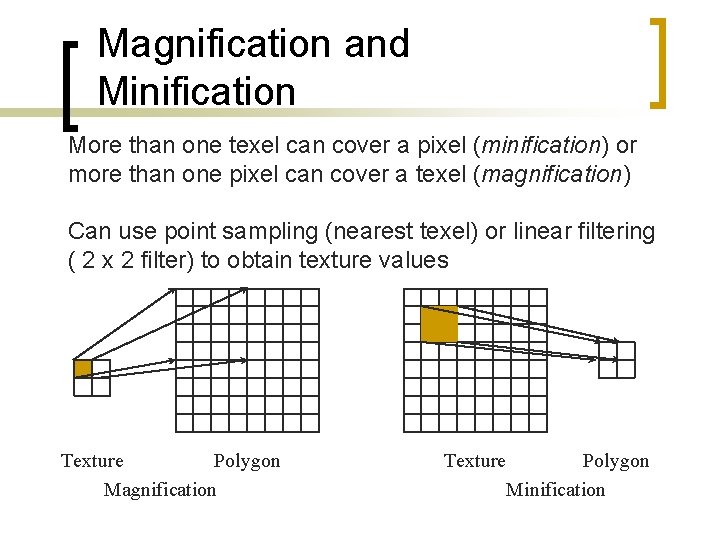
Magnification and Minification More than one texel can cover a pixel (minification) or more than one pixel can cover a texel (magnification) Can use point sampling (nearest texel) or linear filtering ( 2 x 2 filter) to obtain texture values Texture Polygon Magnification Texture Polygon Minification
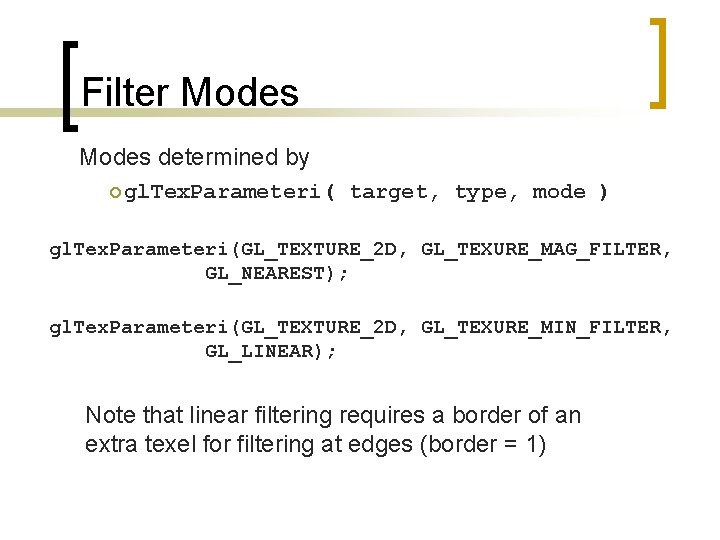
Filter Modes determined by ¡ gl. Tex. Parameteri( target, type, mode ) gl. Tex. Parameteri(GL_TEXTURE_2 D, GL_TEXURE_MAG_FILTER, GL_NEAREST); gl. Tex. Parameteri(GL_TEXTURE_2 D, GL_TEXURE_MIN_FILTER, GL_LINEAR); Note that linear filtering requires a border of an extra texel for filtering at edges (border = 1)
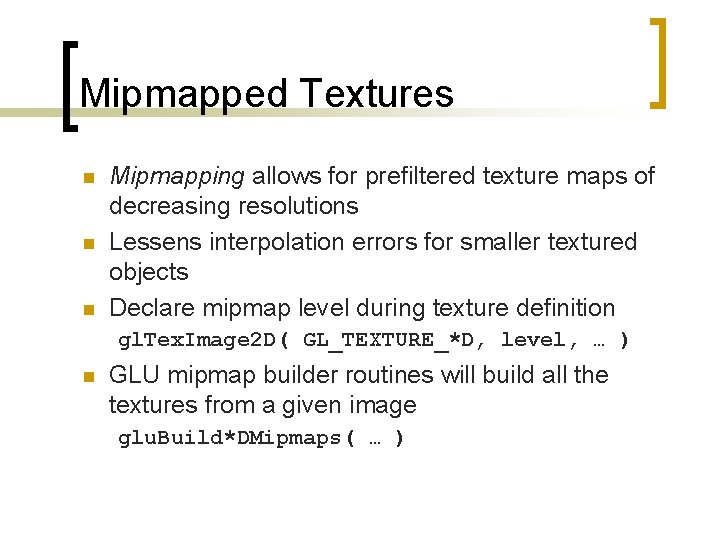
Mipmapped Textures n n n Mipmapping allows for prefiltered texture maps of decreasing resolutions Lessens interpolation errors for smaller textured objects Declare mipmap level during texture definition gl. Tex. Image 2 D( GL_TEXTURE_*D, level, … ) n GLU mipmap builder routines will build all the textures from a given image glu. Build*DMipmaps( … )
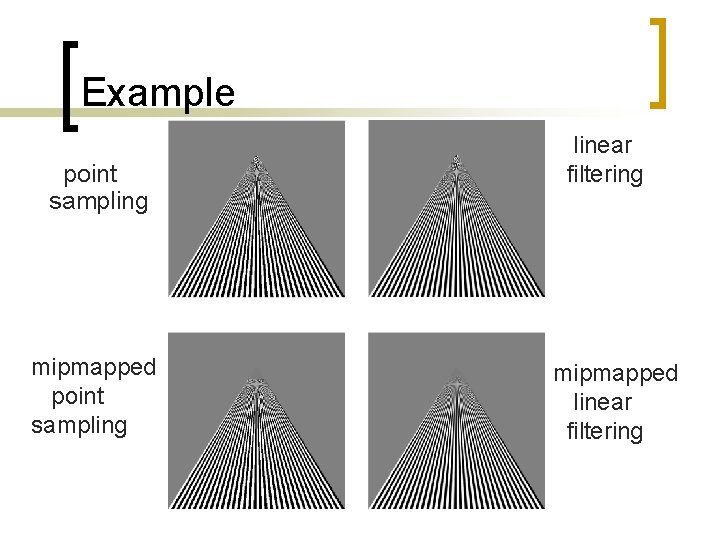
Example point sampling mipmapped point sampling linear filtering mipmapped linear filtering
Texture Functions n Controls how texture is applied n gl. Tex. Env{fi}[v]( GL_TEXTURE_ENV, prop, param ) n GL_TEXTURE_ENV_MODE modes ¡ GL_MODULATE: modulates with computed shade ¡ ¡ ¡ n GL_BLEND: blends with an environmental color GL_REPLACE: use only texture color GL(GL_TEXTURE_ENV, GL_TEXTURE_ENV_MODE, GL_MODULATE); Set blend color with GL_TEXTURE_ENV_COLOR
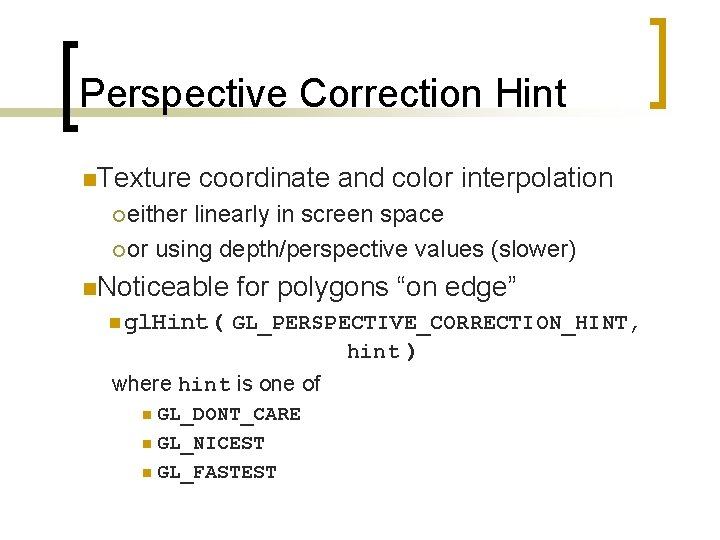
Perspective Correction Hint n. Texture coordinate and color interpolation ¡ either linearly in screen space ¡ or using depth/perspective values (slower) n. Noticeable for polygons “on edge” n gl. Hint( GL_PERSPECTIVE_CORRECTION_HINT, hint ) where hint is one of n GL_DONT_CARE n GL_NICEST n GL_FASTEST
Generating Texture Coordinates n. Open. GL can generate texture coordinates automatically gl. Tex. Gen{ifd}[v]() nspecify a plane ¡ generate texture coordinates based upon distance from the plane ngeneration modes ¡ GL_OBJECT_LINEAR ¡ GL_EYE_LINEAR ¡ GL_SPHERE_MAP (used for environmental maps)
Texture Objects n. Texture is part of the Open. GL state ¡If we have different textures for different objects, Open. GL will be moving large amounts data from processor memory to texture memory n. Recent versions of Open. GL have texture objects ¡one image per texture object ¡Texture objects memory can hold multiple texture
Applying Textures II specify textures in texture objects set texture filter set texture function set texture wrap mode set optional perspective correction hint bind texture object enable texturing supply texture coordinates for vertex 1. 2. 3. 4. 5. 6. 7. 8. ¡ coordinates can also be generated
Other Texture Features n. Environmental Maps ¡ Start with image of environment through a wide angle lens n Can be either a real scanned image or an image created in Open. GL ¡ Use this texture to generate a spherical map ¡ Use automatic texture coordinate generation n. Multitexturing ¡ Apply a sequence of textures through cascaded texture units
Texturing in Java 3 D n Steps 1. 2. 3. 4. Prepare texture images Load the texture Set the texture in Appearance bundle Specify Texture. Coordinates of Geometry
Preparing the Texture n n n Generally done outside of Java 3 D Requires the size of the texture image to be a mathematical power of two (1, 2, 4, 8, 16, …) in each dimension Can be any format that is readable by Java 3 D
Loading the Texture n Read the texture file into an Image. Component 2 D object Texture. Loader loader = new Texture. Loader("stripe. gif", this); Image. Component 2 D image = loader. get. Image();
Create the Appearance Bundle Texture. Loader loader = new Texture. Loader("stripe. jpg", this); Image. Component 2 D image = loader. get. Image(); Texture 2 D texture = new Texture 2 D(); texture. set. Image(0, image); Appearance appear = new Appearance(); appear. set. Texture(texture);
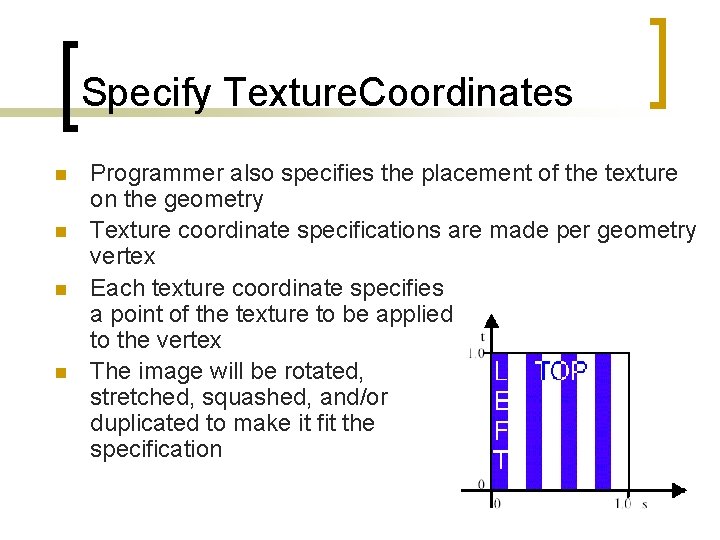
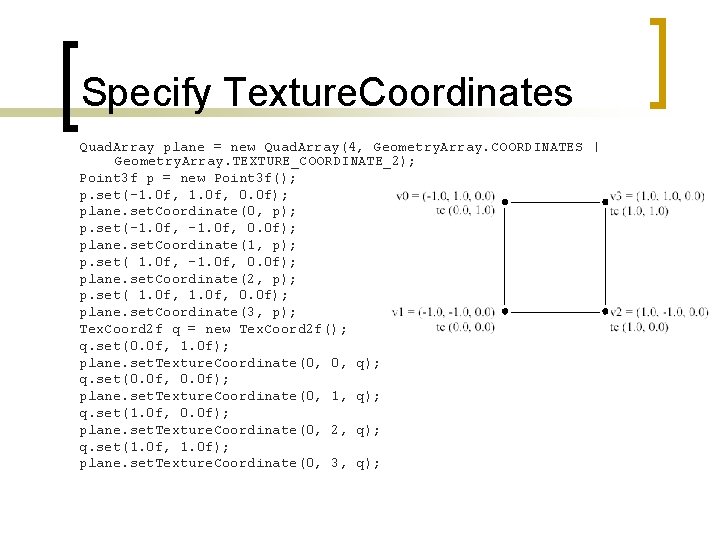
Specify Texture. Coordinates n n Programmer also specifies the placement of the texture on the geometry Texture coordinate specifications are made per geometry vertex Each texture coordinate specifies a point of the texture to be applied to the vertex The image will be rotated, stretched, squashed, and/or duplicated to make it fit the specification
Specify Texture. Coordinates Quad. Array plane = new Quad. Array(4, Geometry. Array. COORDINATES | Geometry. Array. TEXTURE_COORDINATE_2); Point 3 f p = new Point 3 f(); p. set(-1. 0 f, 0. 0 f); plane. set. Coordinate(0, p); p. set(-1. 0 f, 0. 0 f); plane. set. Coordinate(1, p); p. set( 1. 0 f, -1. 0 f, 0. 0 f); plane. set. Coordinate(2, p); p. set( 1. 0 f, 0. 0 f); plane. set. Coordinate(3, p); Tex. Coord 2 f q = new Tex. Coord 2 f(); q. set(0. 0 f, 1. 0 f); plane. set. Texture. Coordinate(0, 0, q); q. set(0. 0 f, 0. 0 f); plane. set. Texture. Coordinate(0, 1, q); q. set(1. 0 f, 0. 0 f); plane. set. Texture. Coordinate(0, 2, q); q. set(1. 0 f, 1. 0 f); plane. set. Texture. Coordinate(0, 3, q);