
Textbooks Content Chapter 1 Introduction Chapter 2 OperatingSystem

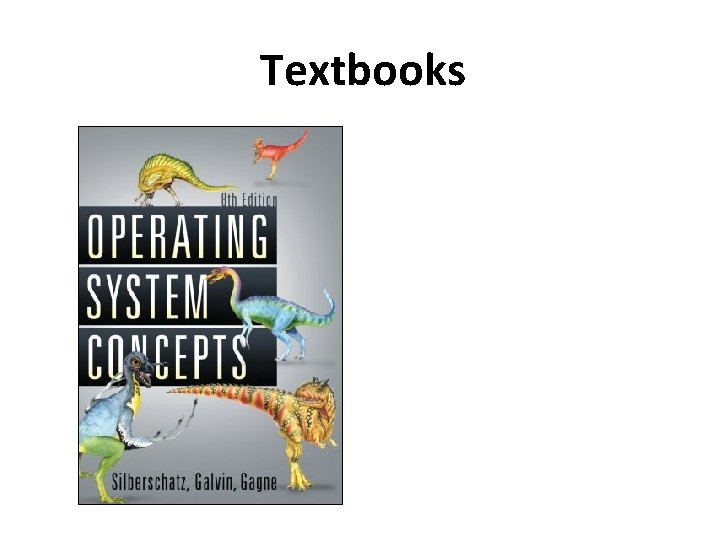
Textbooks
Content Chapter 1: Introduction Chapter 2: Operating-System Structures Chapter 3: Processes Chapter 4: Threads Chapter 5: Process Synchronization Chapter 6: CPU Scheduling Chapter 7: Deadlocks Chapter 8: Main Memory Chapter 9: Virtual Memory Chapter 10: Mass Storage Structure Chapter 11: File-System Interface Chapter 12: File-System Implementation Chapter 13: I/O Systems Chapter 14: Protection Chapter 15: Security
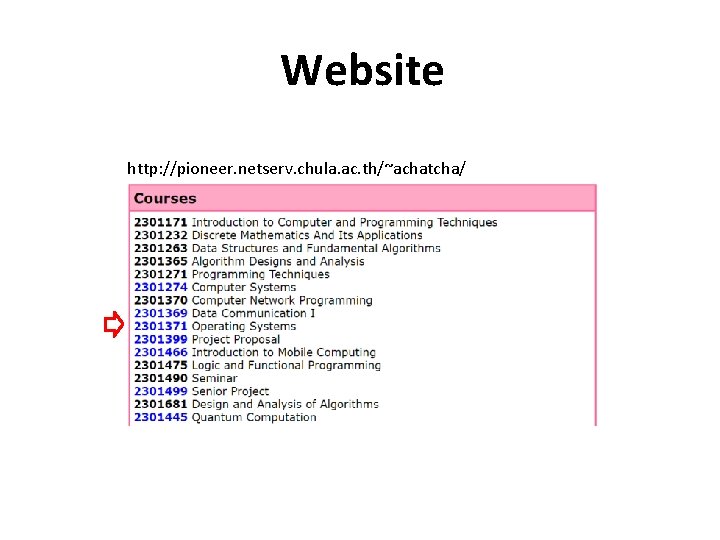
Website http: //pioneer. netserv. chula. ac. th/~achatcha/
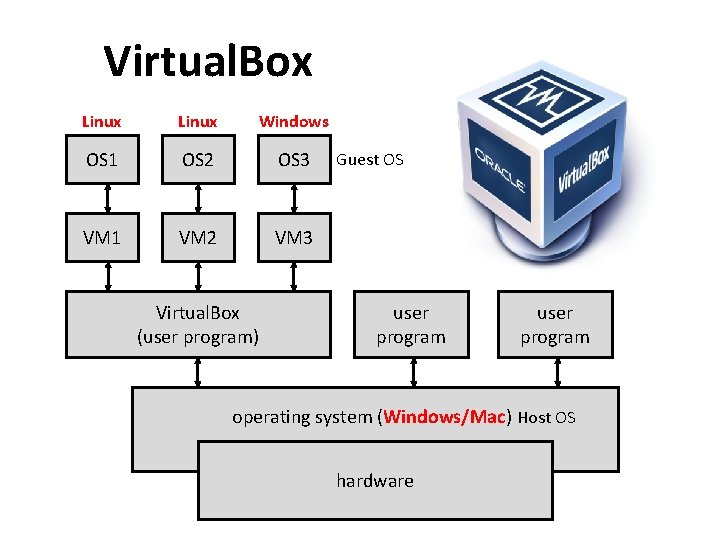
Virtual. Box Linux Windows OS 1 OS 2 OS 3 VM 1 VM 2 VM 3 Virtual. Box (user program) Guest OS user program operating system (Windows/Mac) Host OS hardware
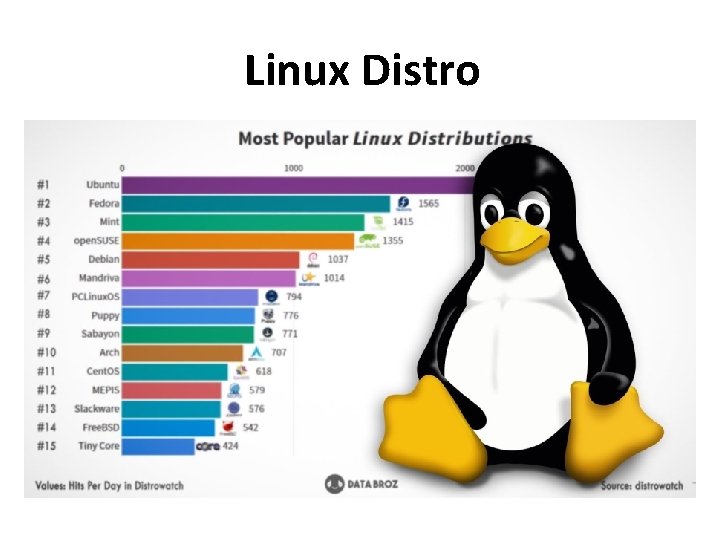
Linux Distro
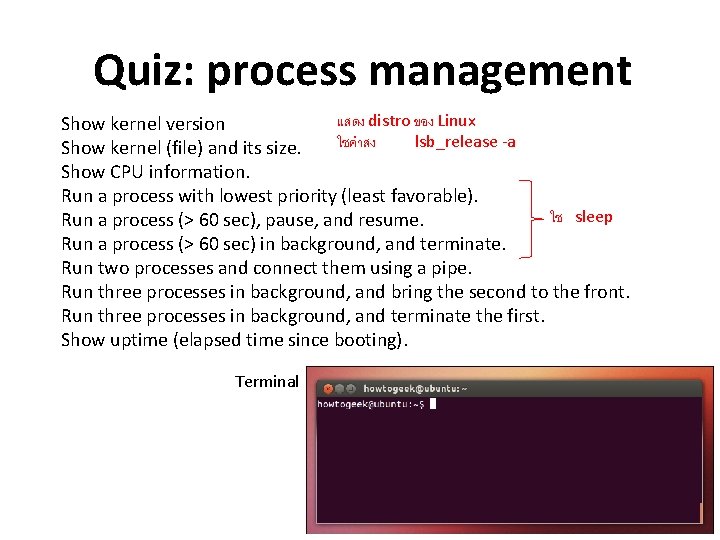
Quiz: process management แสดง distro ของ Linux Show kernel version ใชคำสง lsb_release -a Show kernel (file) and its size. Show CPU information. Run a process with lowest priority (least favorable). ใช sleep Run a process (> 60 sec), pause, and resume. Run a process (> 60 sec) in background, and terminate. Run two processes and connect them using a pipe. Run three processes in background, and bring the second to the front. Run three processes in background, and terminate the first. Show uptime (elapsed time since booting). Terminal
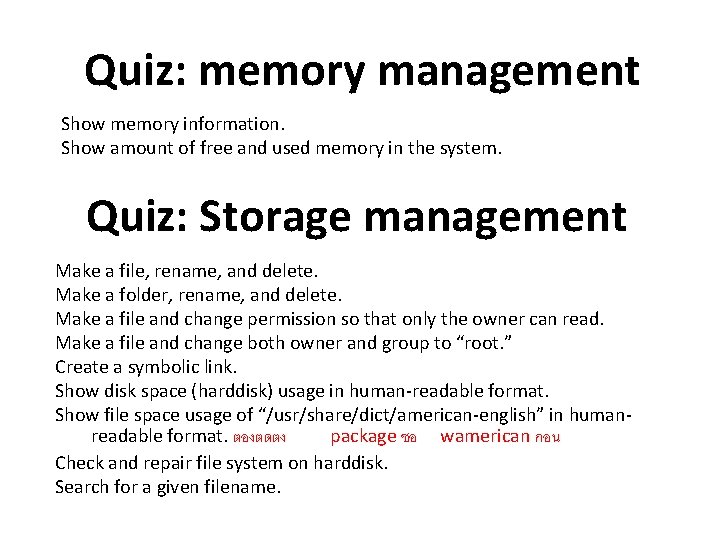
Quiz: memory management Show memory information. Show amount of free and used memory in the system. Quiz: Storage management Make a file, rename, and delete. Make a folder, rename, and delete. Make a file and change permission so that only the owner can read. Make a file and change both owner and group to “root. ” Create a symbolic link. Show disk space (harddisk) usage in human-readable format. Show file space usage of “/usr/share/dict/american-english” in humanreadable format. ตองตดตง package ชอ wamerican กอน Check and repair file system on harddisk. Search for a given filename.
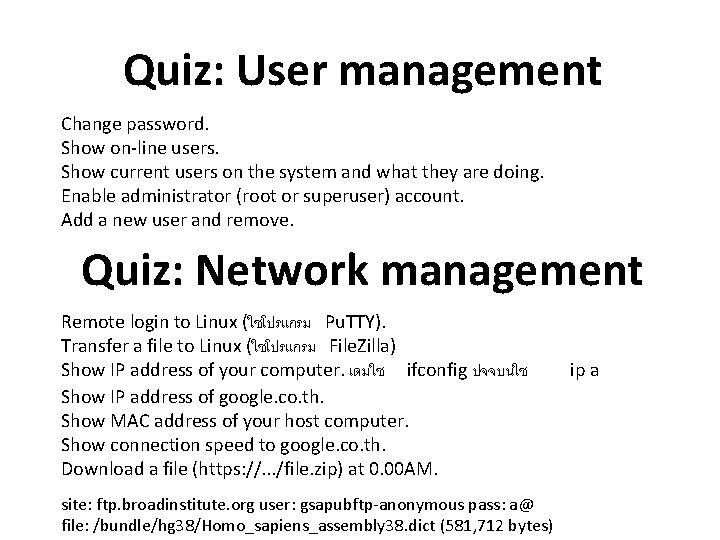
Quiz: User management Change password. Show on-line users. Show current users on the system and what they are doing. Enable administrator (root or superuser) account. Add a new user and remove. Quiz: Network management Remote login to Linux (ใชโปรแกรม Pu. TTY). Transfer a file to Linux (ใชโปรแกรม File. Zilla) Show IP address of your computer. เดมใช ifconfig ปจจบนใช Show IP address of google. co. th. Show MAC address of your host computer. Show connection speed to google. co. th. Download a file (https: //. . . /file. zip) at 0. 00 AM. site: ftp. broadinstitute. org user: gsapubftp-anonymous pass: a@ file: /bundle/hg 38/Homo_sapiens_assembly 38. dict (581, 712 bytes) ip a
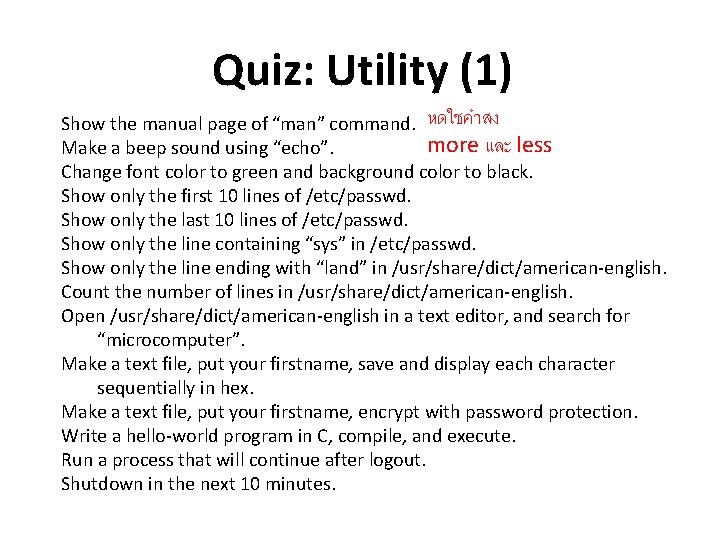
Quiz: Utility (1) Show the manual page of “man” command. หดใชคำสง more และ less Make a beep sound using “echo”. Change font color to green and background color to black. Show only the first 10 lines of /etc/passwd. Show only the last 10 lines of /etc/passwd. Show only the line containing “sys” in /etc/passwd. Show only the line ending with “land” in /usr/share/dict/american-english. Count the number of lines in /usr/share/dict/american-english. Open /usr/share/dict/american-english in a text editor, and search for “microcomputer”. Make a text file, put your firstname, save and display each character sequentially in hex. Make a text file, put your firstname, encrypt with password protection. Write a hello-world program in C, compile, and execute. Run a process that will continue after logout. Shutdown in the next 10 minutes.
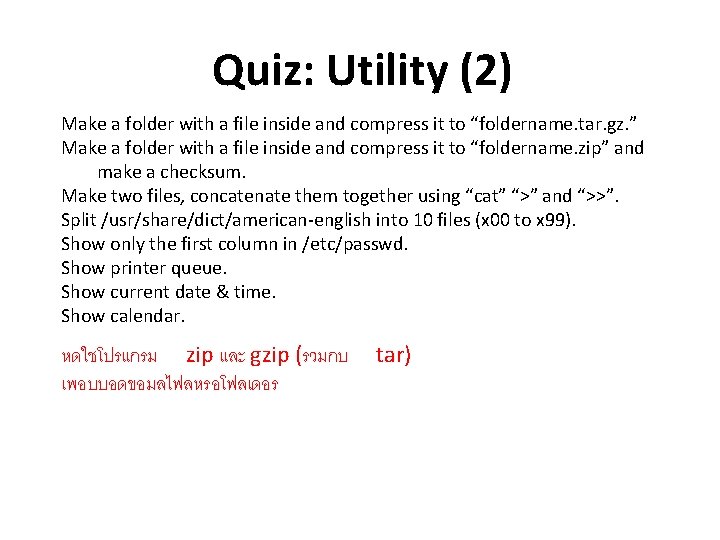
Quiz: Utility (2) Make a folder with a file inside and compress it to “foldername. tar. gz. ” Make a folder with a file inside and compress it to “foldername. zip” and make a checksum. Make two files, concatenate them together using “cat” “>” and “>>”. Split /usr/share/dict/american-english into 10 files (x 00 to x 99). Show only the first column in /etc/passwd. Show printer queue. Show current date & time. Show calendar. หดใชโปรแกรม zip และ gzip (รวมกบ เพอบบอดขอมลไฟลหรอโฟลเดอร tar)
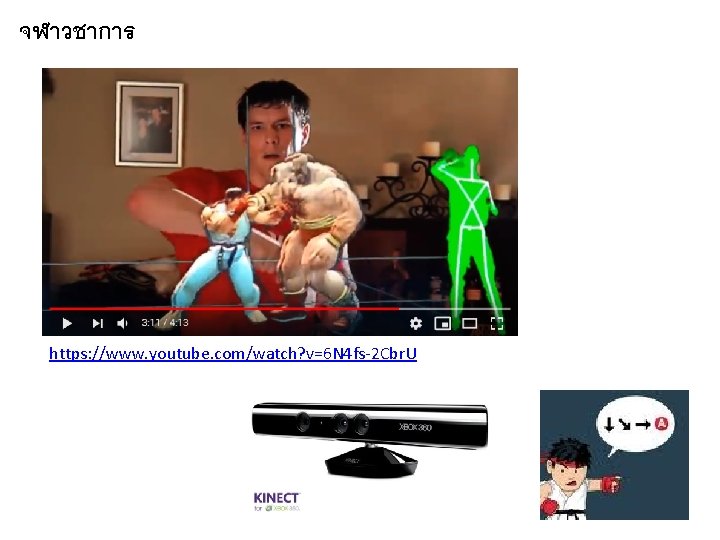
จฬาวชาการ https: //www. youtube. com/watch? v=6 N 4 fs-2 Cbr. U
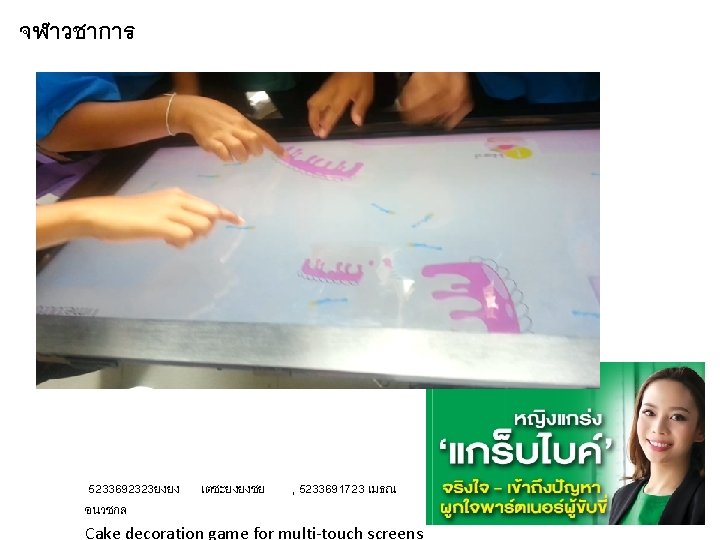
จฬาวชาการ 5233692323ยงยง เตชะยงยงชย , 5233691723 เมธณ อนวชกล Cake decoration game for multi-touch screens
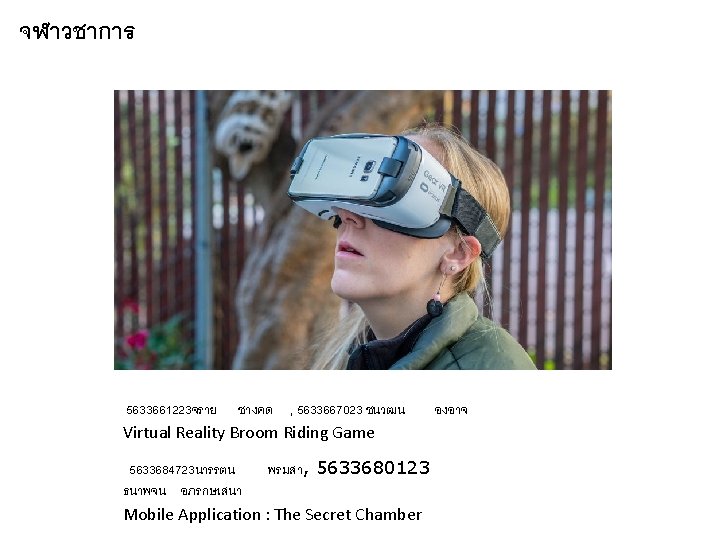
จฬาวชาการ 5633661223จราย ชางคด , 5633667023 ชนวฒน Virtual Reality Broom Riding Game 5633684723นารรตน พรมสา, 5633680123 ธนาพจน อภรกษเสนา Mobile Application : The Secret Chamber องอาจ
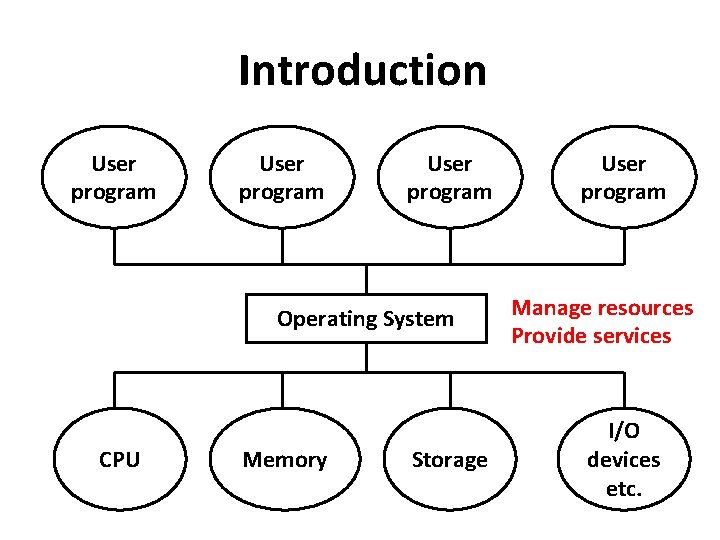
Introduction User program Operating System CPU Memory Storage User program Manage resources Provide services I/O devices etc.
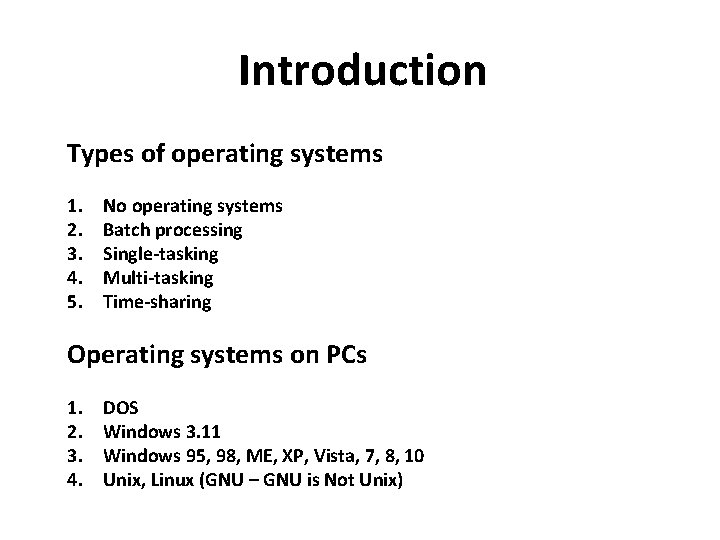
Introduction Types of operating systems 1. 2. 3. 4. 5. No operating systems Batch processing Single-tasking Multi-tasking Time-sharing Operating systems on PCs 1. 2. 3. 4. DOS Windows 3. 11 Windows 95, 98, ME, XP, Vista, 7, 8, 10 Unix, Linux (GNU – GNU is Not Unix)
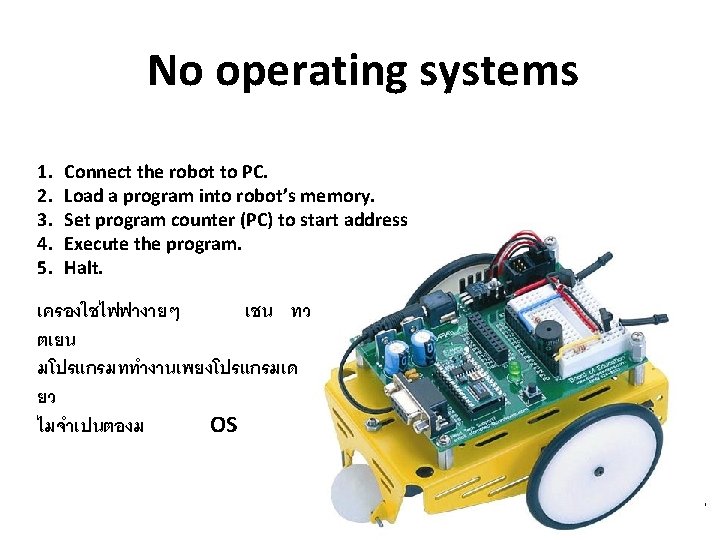
No operating systems 1. 2. 3. 4. 5. Connect the robot to PC. Load a program into robot’s memory. Set program counter (PC) to start address Execute the program. Halt. เครองใชไฟฟางายๆ เชน ทว ตเยน มโปรแกรมททำงานเพยงโปรแกรมเด ยว ไมจำเปนตองม OS
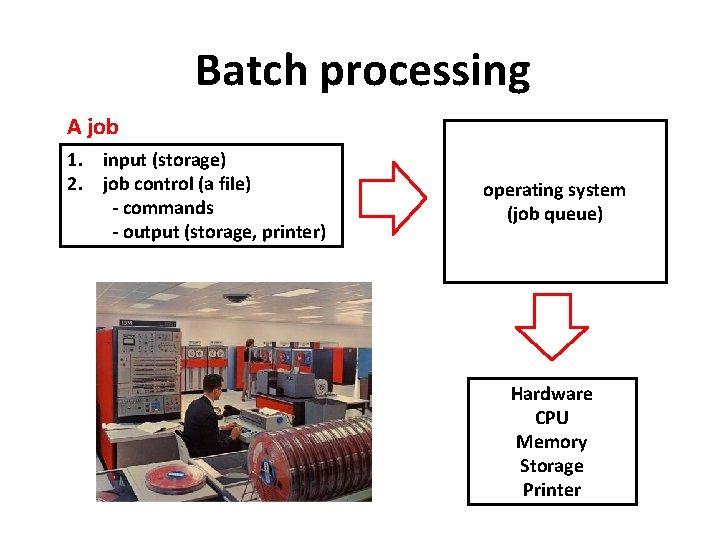
Batch processing A job 1. input (storage) 2. job control (a file) - commands - output (storage, printer) operating system (job queue) Hardware CPU Memory Storage Printer
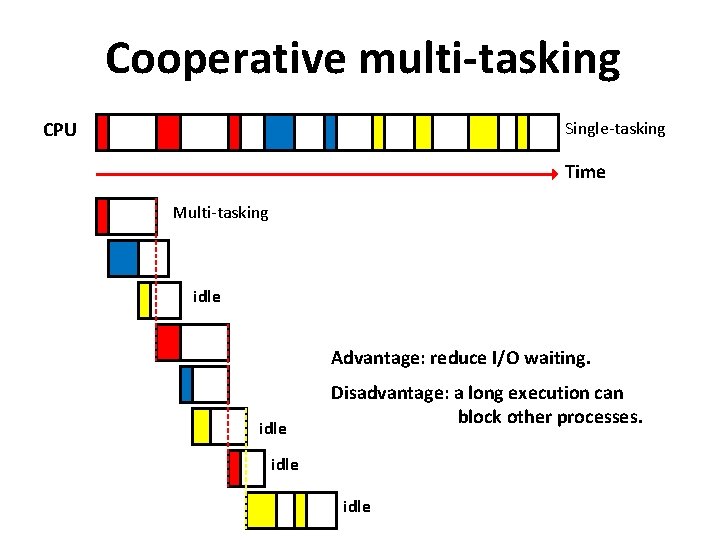
Cooperative multi-tasking CPU Single-tasking Time Multi-tasking idle Advantage: reduce I/O waiting. idle Disadvantage: a long execution can block other processes. idle
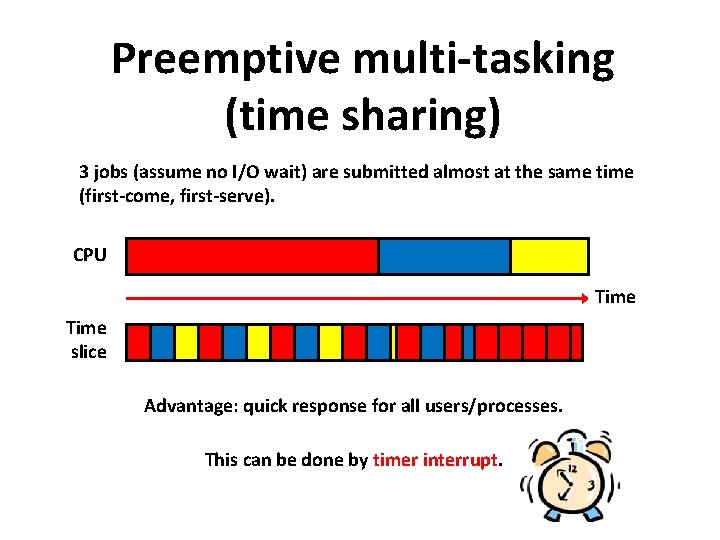
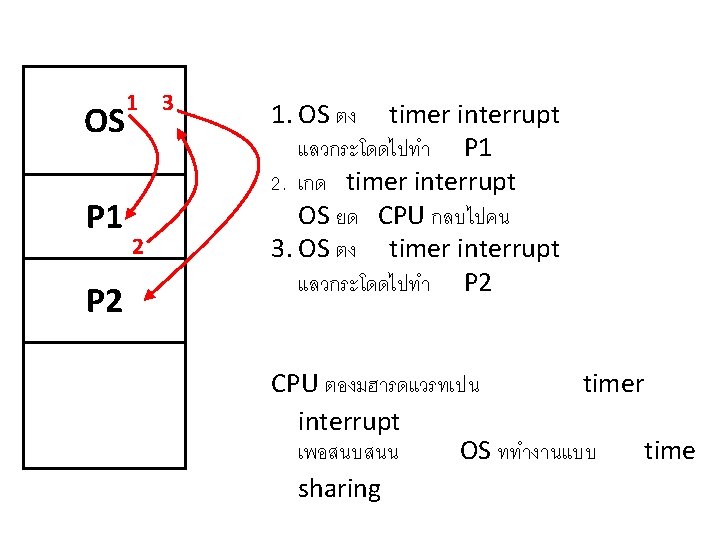
Preemptive multi-tasking (time sharing) 3 jobs (assume no I/O wait) are submitted almost at the same time (first-come, first-serve). CPU Time slice Advantage: quick response for all users/processes. This can be done by timer interrupt.
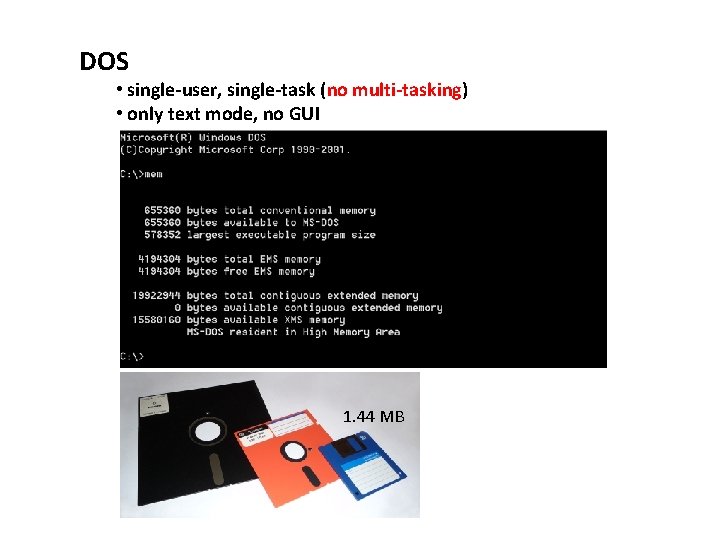
DOS • single-user, single-task (no multi-tasking) • only text mode, no GUI 1. 44 MB
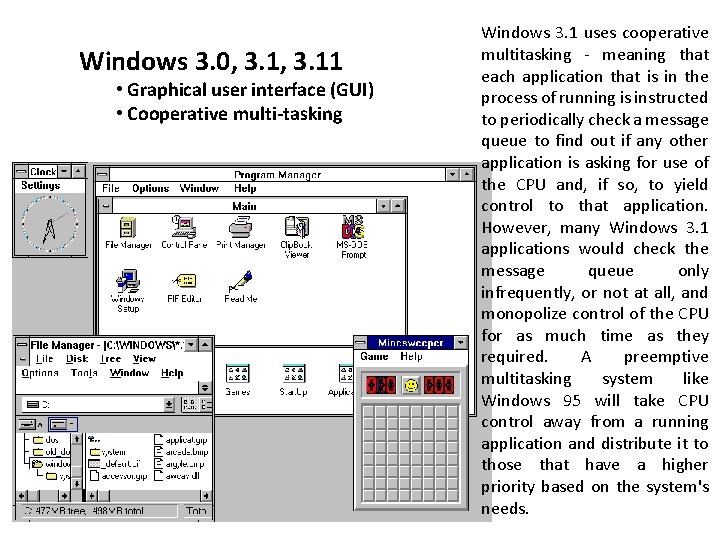
Windows 3. 0, 3. 11 • Graphical user interface (GUI) • Cooperative multi-tasking Windows 3. 1 uses cooperative multitasking - meaning that each application that is in the process of running is instructed to periodically check a message queue to find out if any other application is asking for use of the CPU and, if so, to yield control to that application. However, many Windows 3. 1 applications would check the message queue only infrequently, or not at all, and monopolize control of the CPU for as much time as they required. A preemptive multitasking system like Windows 95 will take CPU control away from a running application and distribute it to those that have a higher priority based on the system's needs.
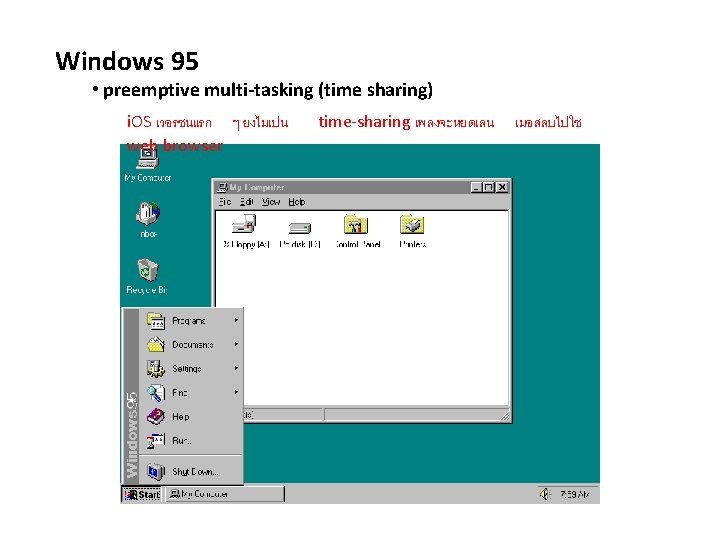
Windows 95 • preemptive multi-tasking (time sharing) i. OS เวอรชนแรก ๆ ยงไมเปน web browser time-sharing เพลงจะหยดเลน เมอสลบไปใช
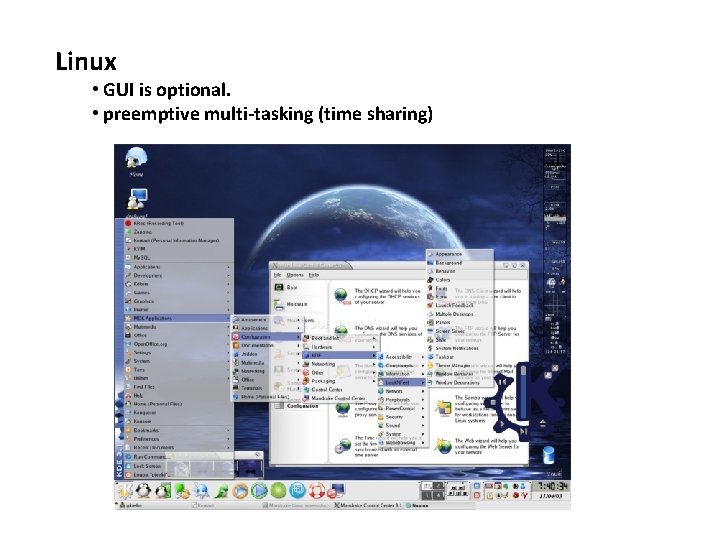
Linux • GUI is optional. • preemptive multi-tasking (time sharing)
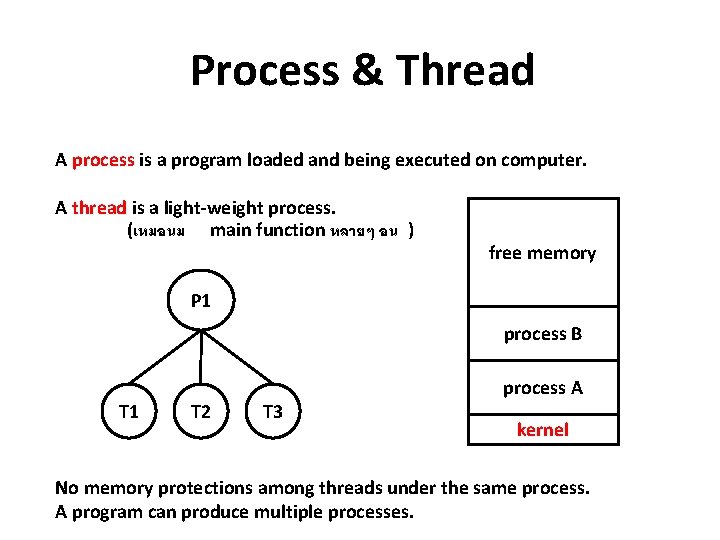
Process & Thread A process is a program loaded and being executed on computer. A thread is a light-weight process. (เหมอนม main function หลายๆ อน ) free memory P 1 process B T 1 T 2 T 3 process A kernel No memory protections among threads under the same process. A program can produce multiple processes.
- Slides: 29